Audio Information The presenter started speaking Still hearing music? Close and restart the session Change your audio setting by Choosing Audio Video Select Switch Audio Call in The phone information is in the chat Email for technical
"Audio Information The presenter started speaking" is the property of its rightful owner. Permission is granted to
download and print the materials on this website for personal, non-commercial use only, and to display it
on your personal computer provided you do not modify the materials and that you retain all copyright
notices contained in the materials. By downloading content from our website, you accept the terms of this
agreement.
Presentation Transcript
01
Audio Information The presenter started speaking
Still hearing music?
Close and restart the session
Change your audio setting by
Choosing “Audio & Video”
Select “Switch Audio”
Call in
The phone information is in the chat
Email for technical difficulties
wps.gha.education@wpsic.com<br>
02
Botox: Prior Authorization, LCD and Common Denials April 2025<br>
03
Housekeeping Training Center web page
Training Material
Upcoming Events
Encore Presentations
60 to 90 days
Send questions and comments in Chat
After this, tell CMS how we did on the survey<br>
04
CPT Copyright Notice CPT codes, descriptions, and other data only are copyright 2024 American Medical Association. All Rights Reserved. Applicable FARS/HHSARS apply. Fee schedules, relative value units, conversion factors and/or related components are not assigned by the AMA, are not part of CPT, and the AMA is not recommending their use. The AMA does not directly or indirectly practice medicine or dispense medical services. The AMA assumes no liability for data contained or not contained herein.<br>
05
Disclaimer This material is a tool to assist the provider community. Medicare rules change often.
The basis for answers given today rely on facts given in the question. Medicare rules determine final coverage.
Access CMS’ website for current coverage, regulations and rulings.<br>
06
Acronyms CPT – Current Procedural Terminology
HCPCS – Healthcare Common Procedure Coding System
HOPD – Hospital Outpatient Department
LCD – Local Coverage Determination OPPS – Outpatient Perspective Payment System
PA – Prior Authorization
PAR – Prior Authorization Request
PPS – Prospective Payment System
TOB – Type of Bill<br>
07
Objective & Agenda To learn about the prior authorization process and how the local coverage determination is used to make review determinations:
When a prior authorization is required
LCD requirements
Common rejections and non-affirmations<br>
08
Prior Authorization Process<br>
09
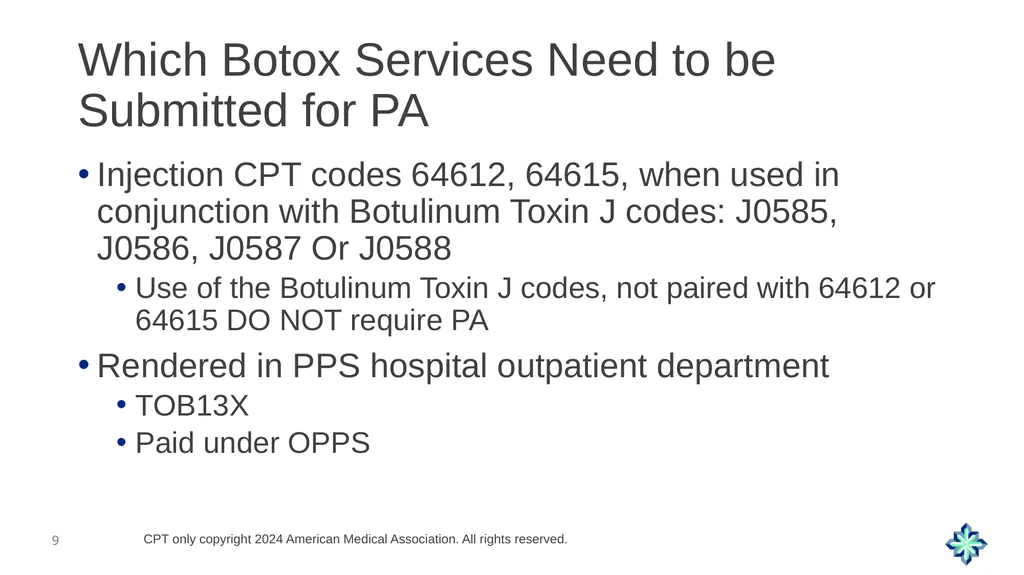
Which Botox Services Need to be Submitted for PA Injection CPT codes 64612, 64615, when used in conjunction with Botulinum Toxin J codes: J0585, J0586, J0587 Or J0588
Use of the Botulinum Toxin J codes, not paired with 64612 or 64615 DO NOT require PA
Rendered in PPS hospital outpatient department
TOB13X
Paid under OPPS CPT only copyright 2024 American Medical Association. All rights reserved.<br>
10
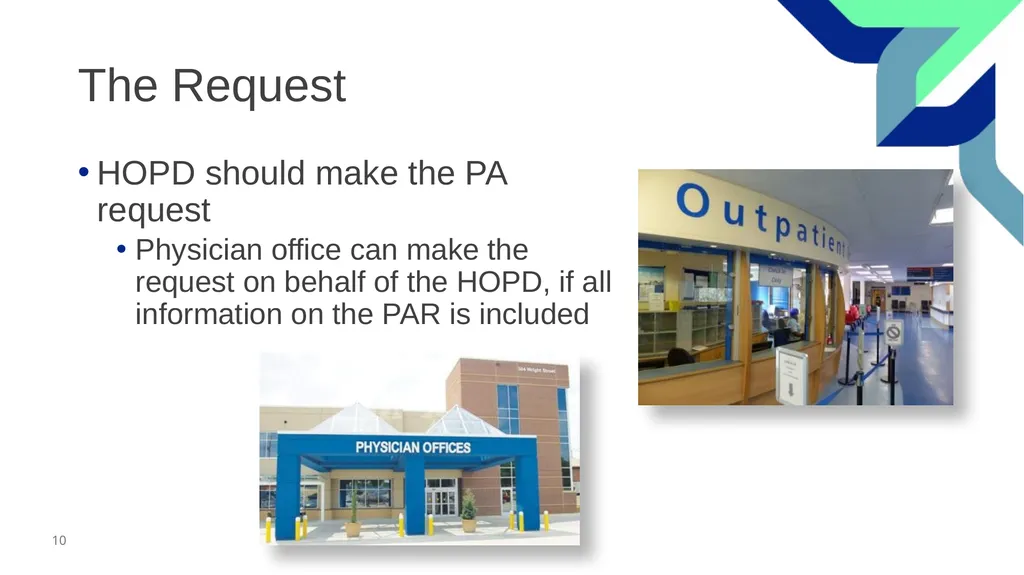
The Request HOPD should make the PA request
Physician office can make the request on behalf of the HOPD, if all information on the PAR is included<br>
11
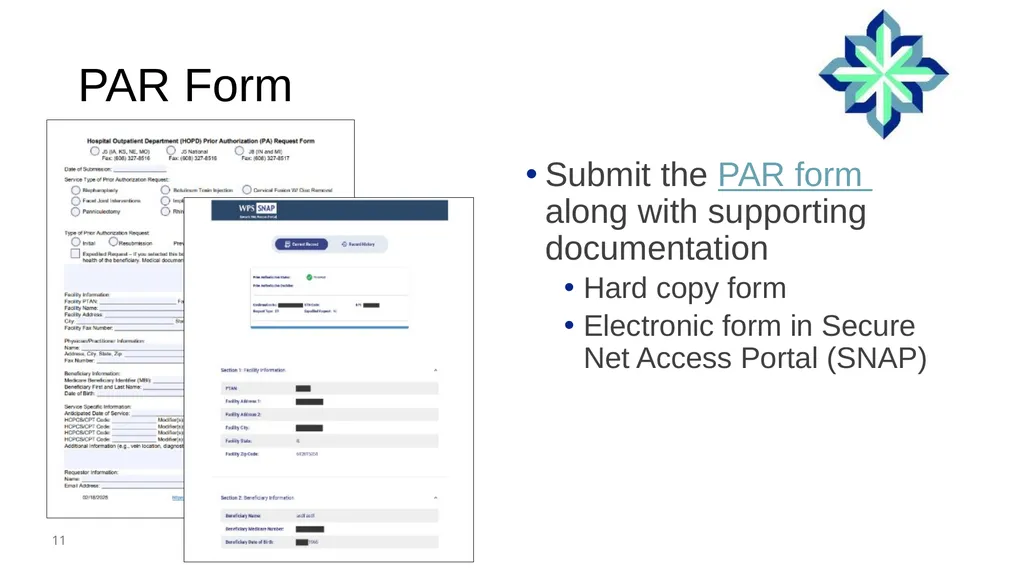
PAR Form Submit the PAR form along with supporting documentation
Hard copy form
Electronic form in Secure Net Access Portal (SNAP)<br>
12
Indications of Medical Necessity As per LCD L34635 – Botulinum Toxin Type A & Type B
For prior authorization of chronic migraine
Headache occurring on 15 or more days a month
More than three months
Which on at least eight days has features of migraine
Given every 12 weeks as multiple injections around head and neck<br>
13
Documentation<br>
14
Documentation for PA Review Completed PAR form
Documentation of covered diagnosis
History and physical
Planned dosage and frequency
Administration site(s) and drug CPT codes
Units of service/units of waste
If electromyography procedures performed in conjunction with botulinum toxin type A injection<br>
15
Documentation Continued Physician progress notes
Supporting the results of the last 2 prior injections
Includes clinical effectiveness
Prior procedure reports supporting 12 weeks between injections
Documentation to support unresponsive to conventional treatment
History of migraines with occurrence most days of the month<br>
16
Submitting PAR<br>
17
Submitting PAR Request After you have verified:
CPT/HCPCS code combination
Coverage indications
Submit in sufficient amount of time
Decisions are valid for 120 days from date issued
Don’t submit next request until after last scheduled injection
Each PAR is only valid for one date of service<br>
18
Remember Coverage of treatment may be continued unless any 2 treatments in a row, utilizing appropriate or maximum dosing failed to produce satisfactory clinical response<br>
19
First Line Treatment Blepharospasm
Idiopathic orofacial dystonia
Clonic hemifacial spasm
Facial myokymia
Clearly document these indications to support why no prior conservative therapy<br>
20
Review Findings<br>
21
Issues Causing Non-Affirmed Decisions Physician office submission doesn’t contain hospital information
Requests submitted for POS other than hospital outpatient
Request do not have correct CPT and Botox J code
No prior conservative therapy
Requests before last injection<br>
22
Resources Prior Authorization for Hospital Outpatient Department Services (HOPD) Overview
Botulinum Toxin Type A & Type B LCD L34635
Billing and Coding: Botulinum Toxin Type A & Type B A57474<br>
23
Let’s Recap Learned about the prior authorization process and how the local coverage determination is used to make review determinations:
When a prior authorization is required
LCD requirements
Common rejections and non-affirmations<br>
24
Questions and Answers<br>
25
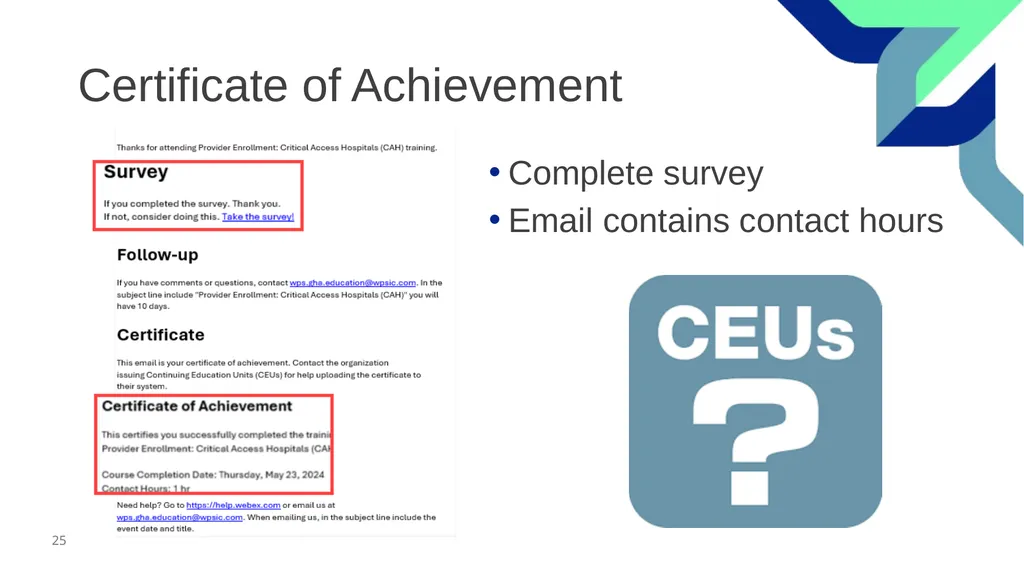
Certificate of Achievement Complete survey
Email contains contact hours<br>
26
Follow-up Questions Send your questions by 12:00 PM CT for seven days following the training
Email wps.gha.education@wpsic.com
Subject Line: Botox Medical Review
Send claim specific questions to Customer Service<br>
27
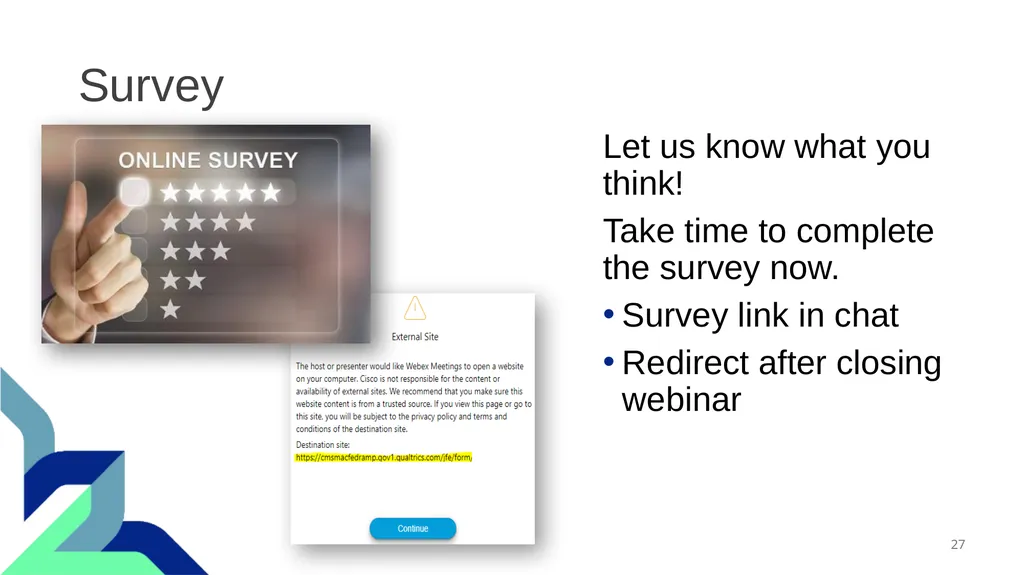
Survey Let us know what you think!
Take time to complete the survey now.
Survey link in chat
Redirect after closing webinar<br>