
Curriculum links - Photography, Creative Arts,


Description: Curriculum links - Photography, Creative Arts, Literacy Photography Words Explained Ages 6 - 10 Aperture The part of the camera that controls how much light gets in. It helps decide what parts of the photo are in focus. This photo shows the
Related Topics
Download Presentation
"Curriculum links - Photography, Creative Arts," is the property of its rightful owner. Permission is granted to download and print the materials on this website for personal, non-commercial use only, and to display it on your personal computer provided you do not modify the materials and that you retain all copyright notices contained in the materials. By downloading content from our website, you accept the terms of this agreement.
Presentation Transcript
slide1. Curriculum links - Photography, Creative Arts, Literacy Photography Words Explained Ages 6 - 10<br>
slide2. Aperture
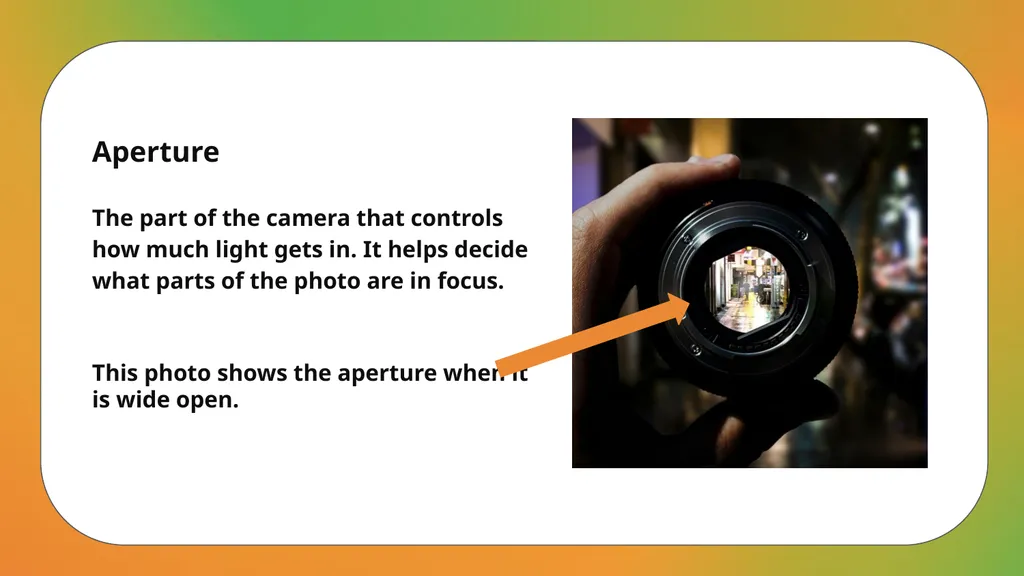
The part of the camera that controls how much light gets in. It helps decide what parts of the photo are in focus. This photo shows the aperture when it is wide open.<br>
slide3. Archive
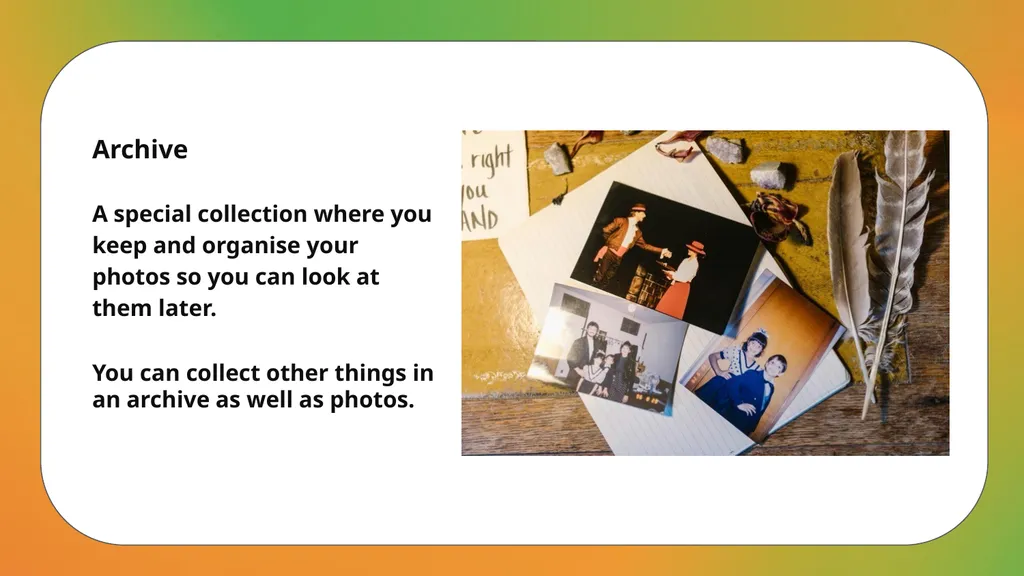
A special collection where you keep and organise your photos so you can look at them later. You can collect other things in an archive as well as photos.<br>
slide4. Artist
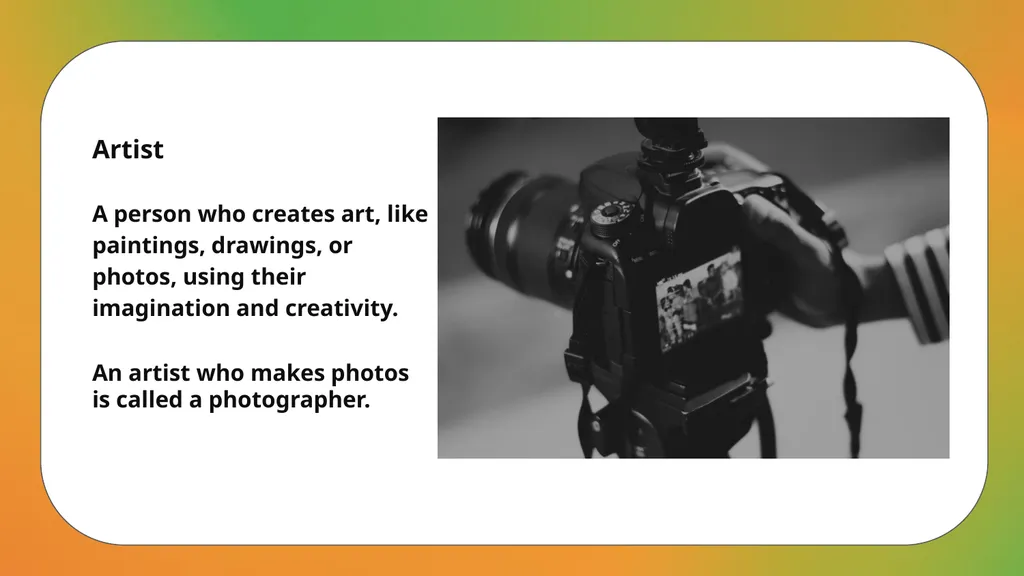
A person who creates art, like paintings, drawings, or photos, using their imagination and creativity. An artist who makes photos is called a photographer.<br>
slide5. Background
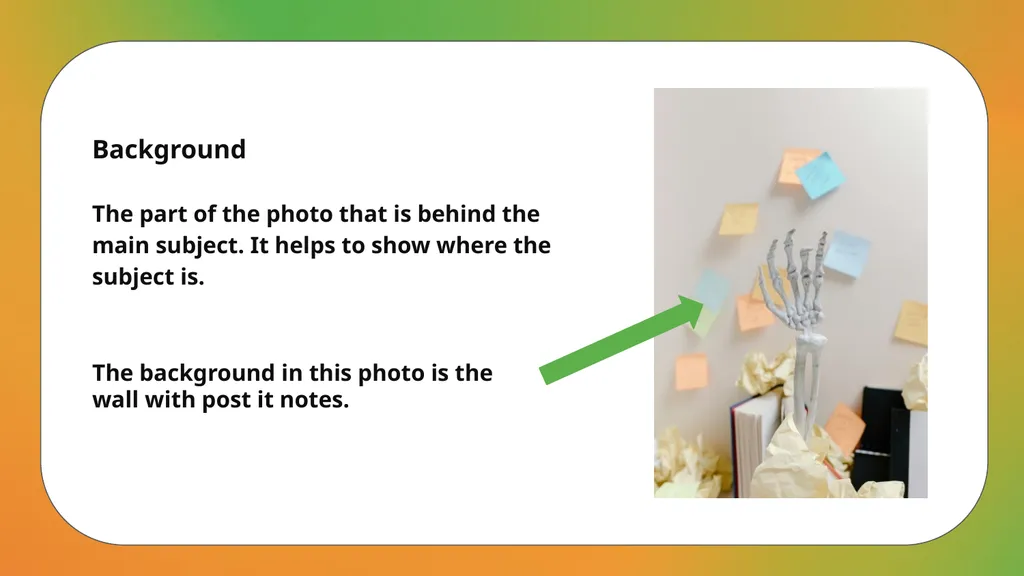
The part of the photo that is behind the main subject. It helps to show where the subject is. The background in this photo is the wall with post it notes.<br>
slide6. Composition
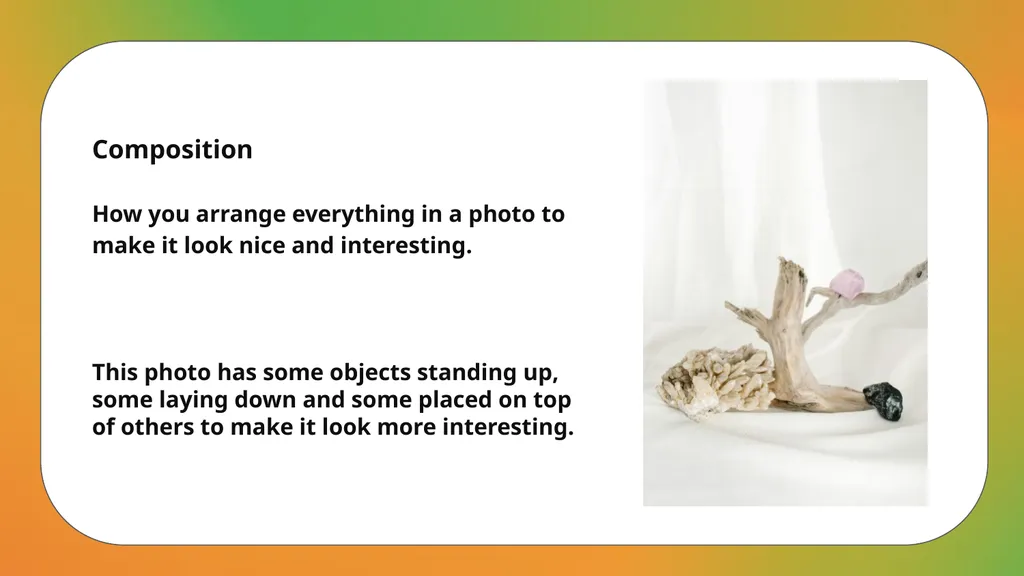
How you arrange everything in a photo to make it look nice and interesting. This photo has some objects standing up, some laying down and some placed on top of others to make it look more interesting.<br>
slide7. Contrast
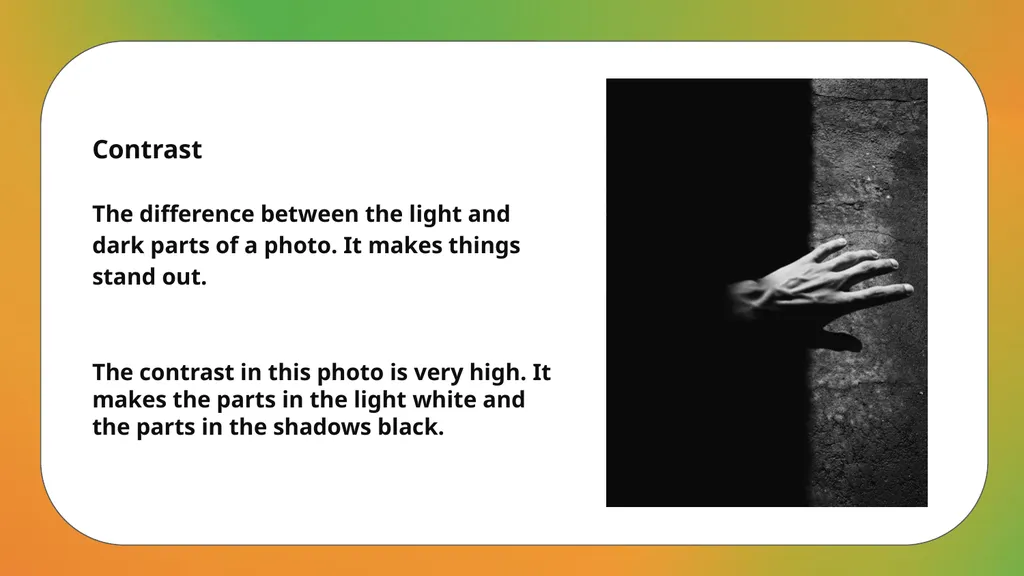
The difference between the light and dark parts of a photo. It makes things stand out. The contrast in this photo is very high. It makes the parts in the light white and the parts in the shadows black.<br>
slide8. Crop
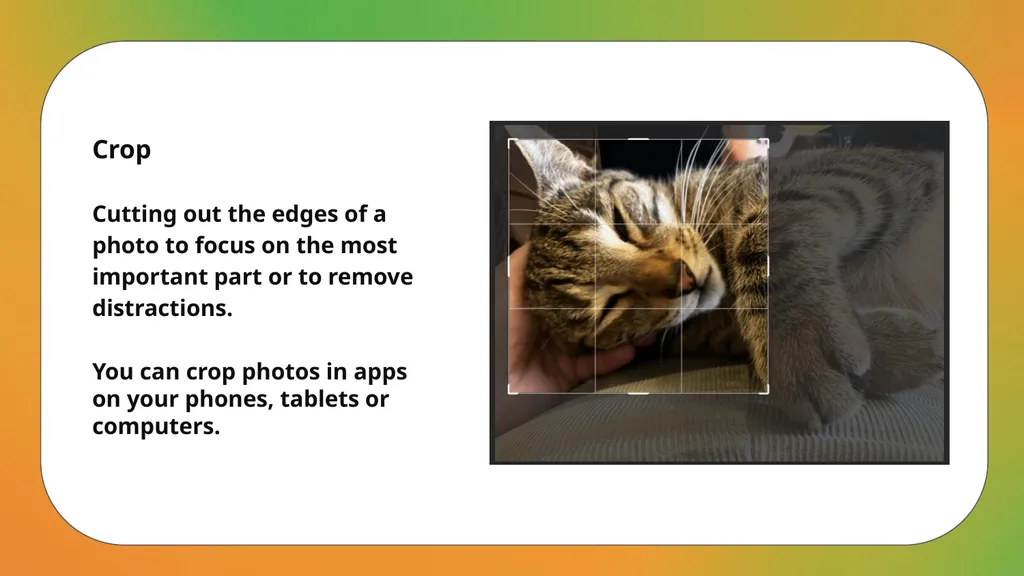
Cutting out the edges of a photo to focus on the most important part or to remove distractions. You can crop photos in apps on your phones, tablets or computers.<br>
slide9. Depth of Field
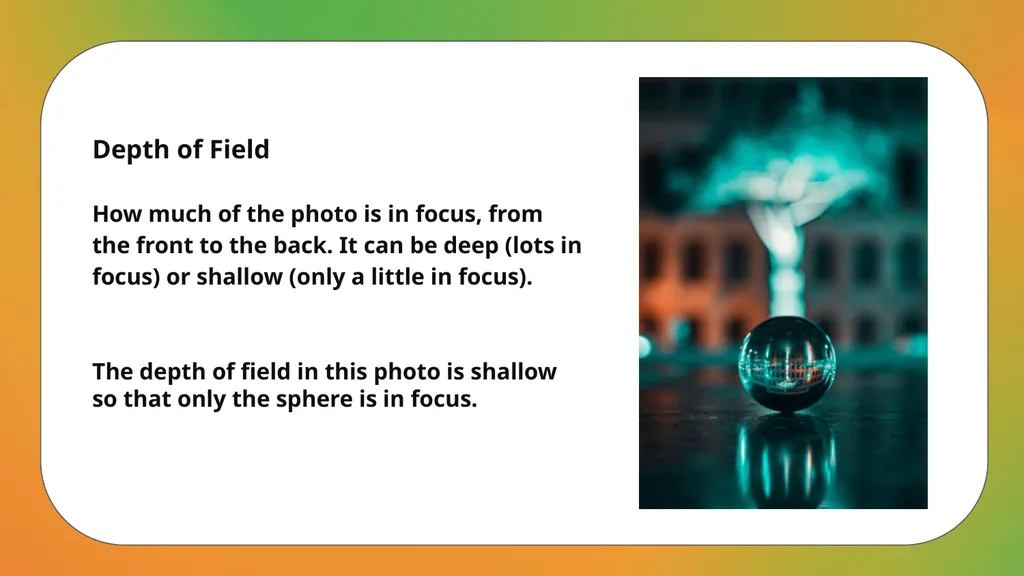
How much of the photo is in focus, from the front to the back. It can be deep (lots in focus) or shallow (only a little in focus). The depth of field in this photo is shallow so that only the sphere is in focus.<br>
slide10. Exposure
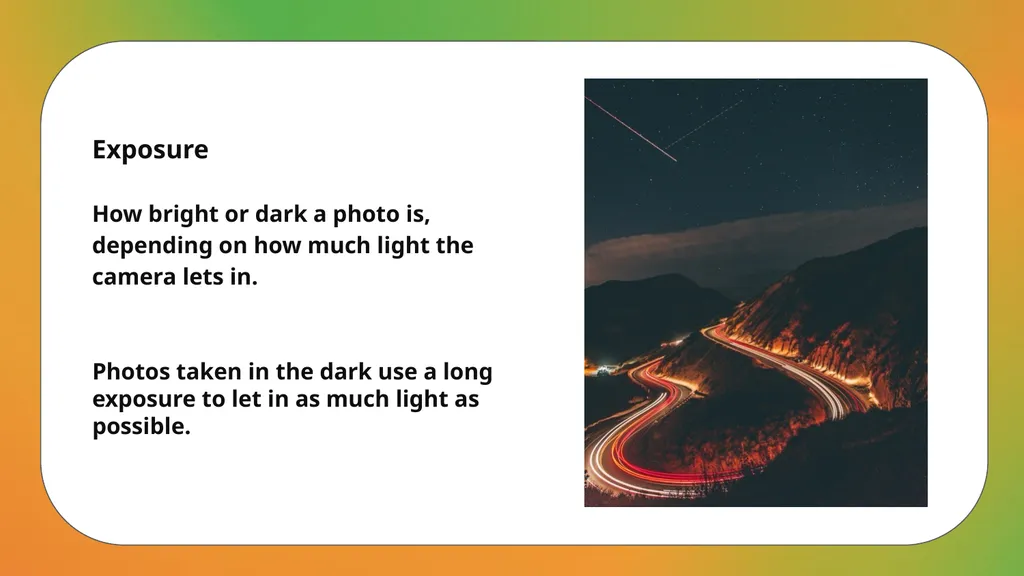
How bright or dark a photo is, depending on how much light the camera lets in. Photos taken in the dark use a long exposure to let in as much light as possible.<br>
slide11. Filter
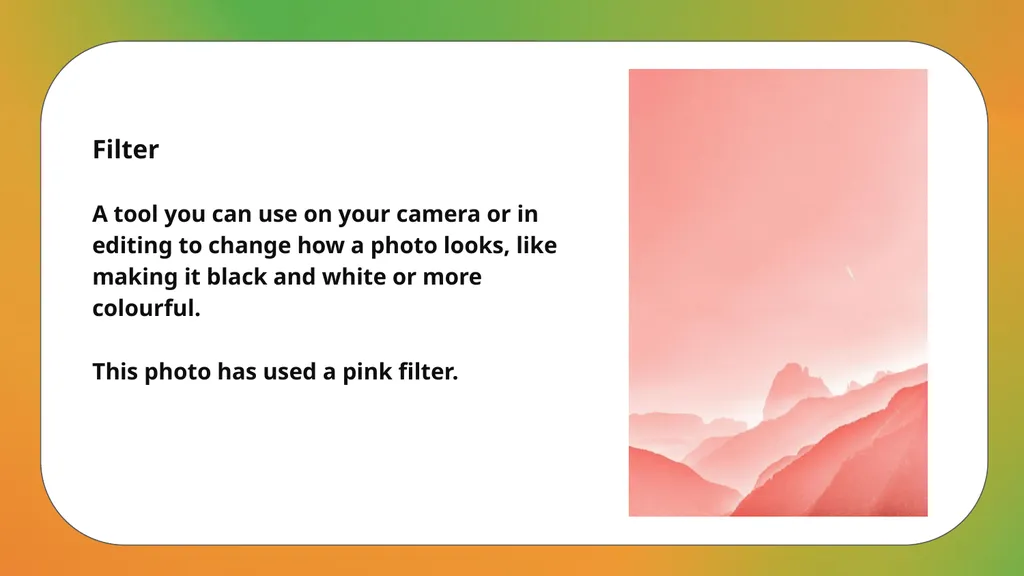
A tool you can use on your camera or in editing to change how a photo looks, like making it black and white or more colourful. This photo has used a pink filter.<br>
slide12. Flash
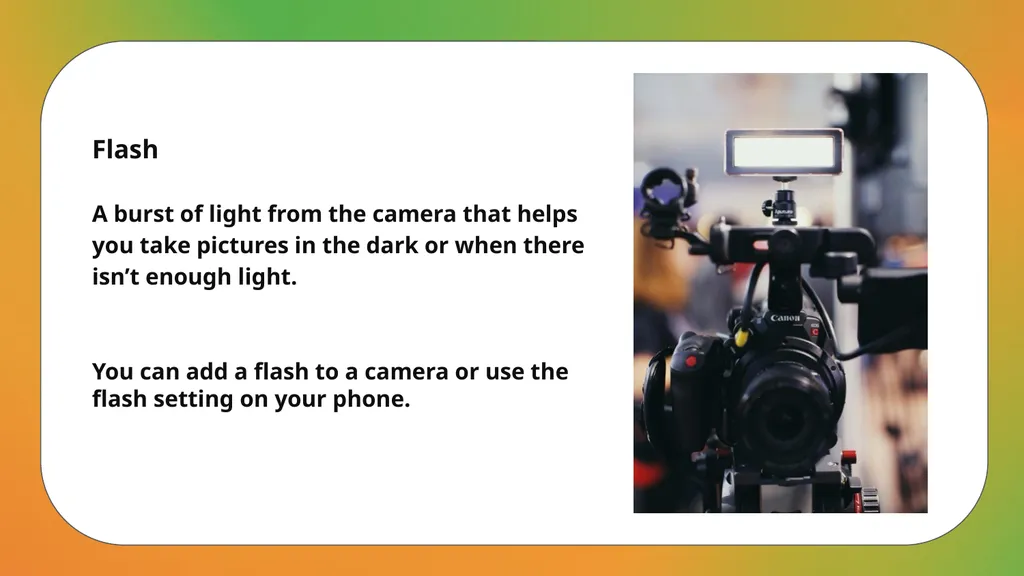
A burst of light from the camera that helps you take pictures in the dark or when there isn’t enough light. You can add a flash to a camera or use the flash setting on your phone.<br>
slide13. Focus
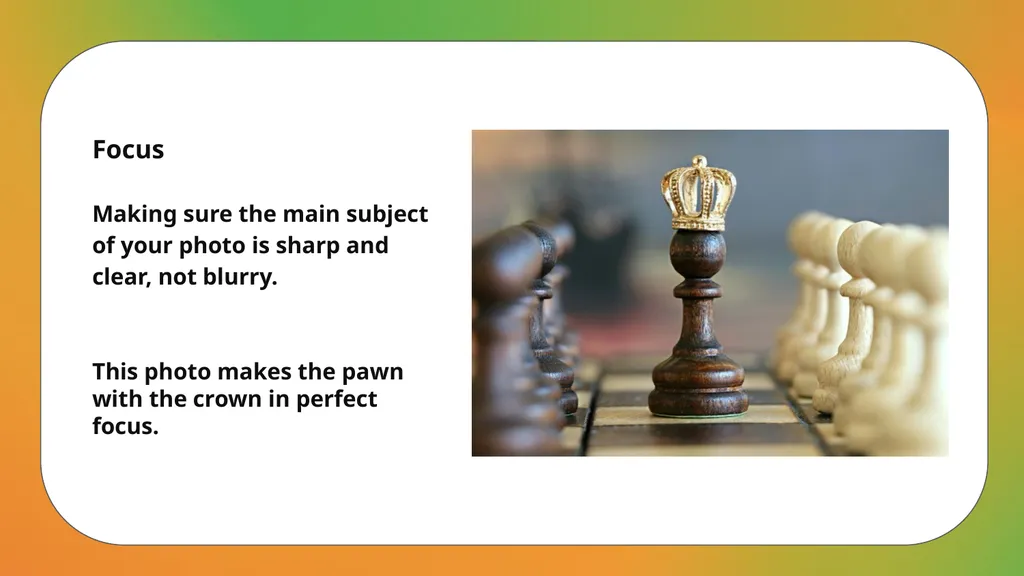
Making sure the main subject of your photo is sharp and clear, not blurry. This photo makes the pawn with the crown in perfect focus.<br>
slide14. Foreground
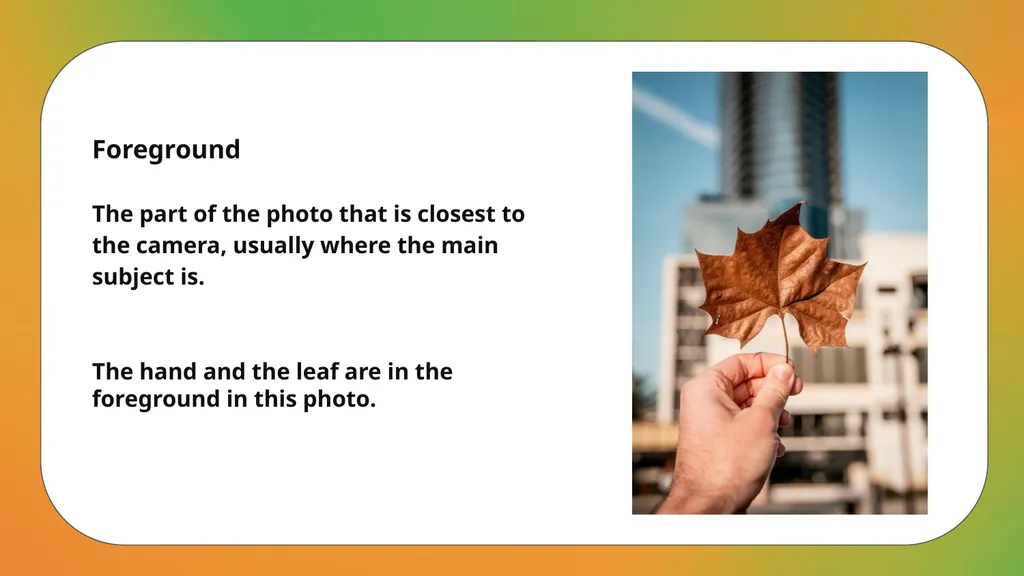
The part of the photo that is closest to the camera, usually where the main subject is. The hand and the leaf are in the foreground in this photo.<br>
slide15. Frame
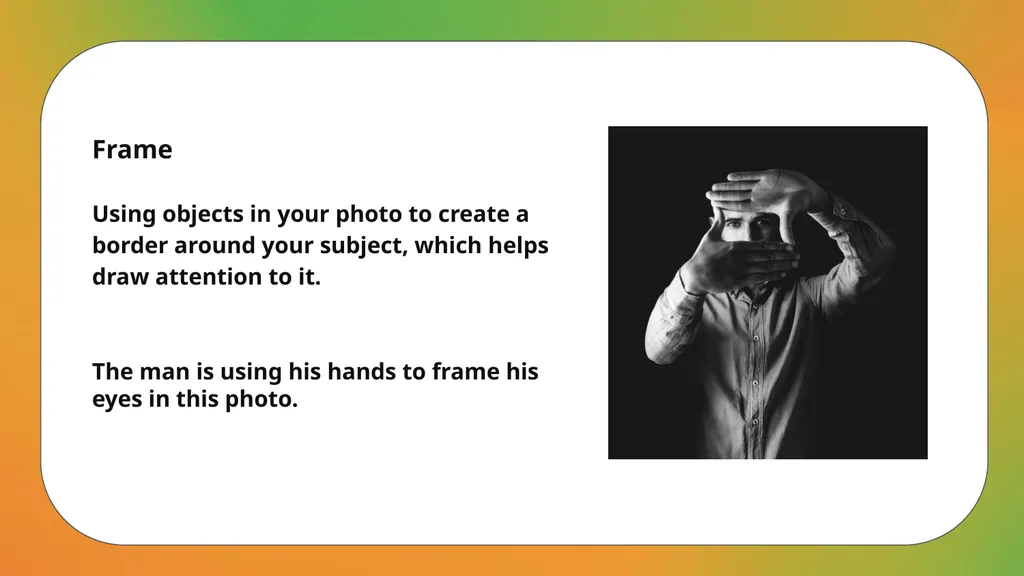
Using objects in your photo to create a border around your subject, which helps draw attention to it. The man is using his hands to frame his eyes in this photo.<br>
slide16. Lighting
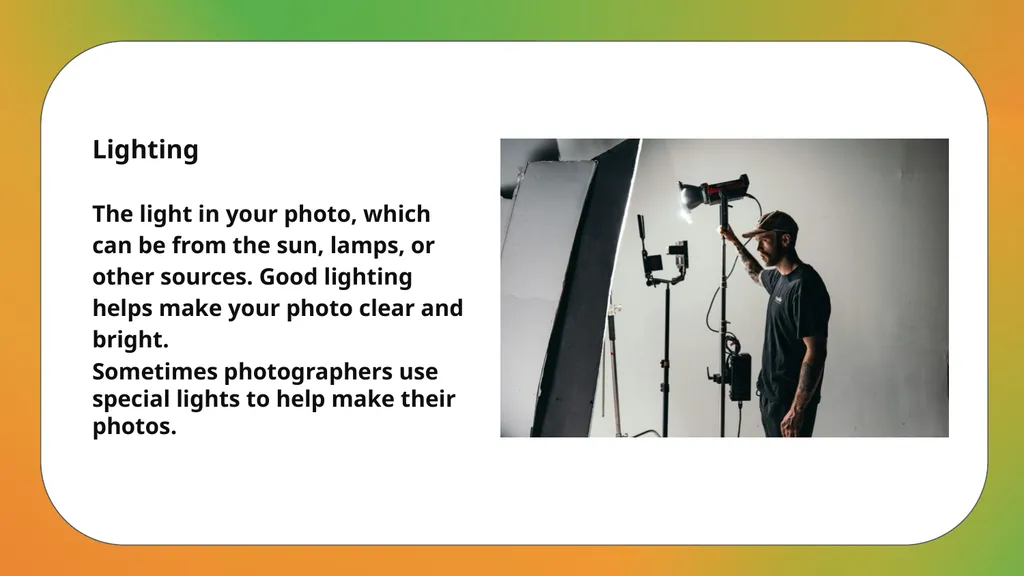
The light in your photo, which can be from the sun, lamps, or other sources. Good lighting helps make your photo clear and bright. Sometimes photographers use special lights to help make their photos.<br>
slide17. Photography
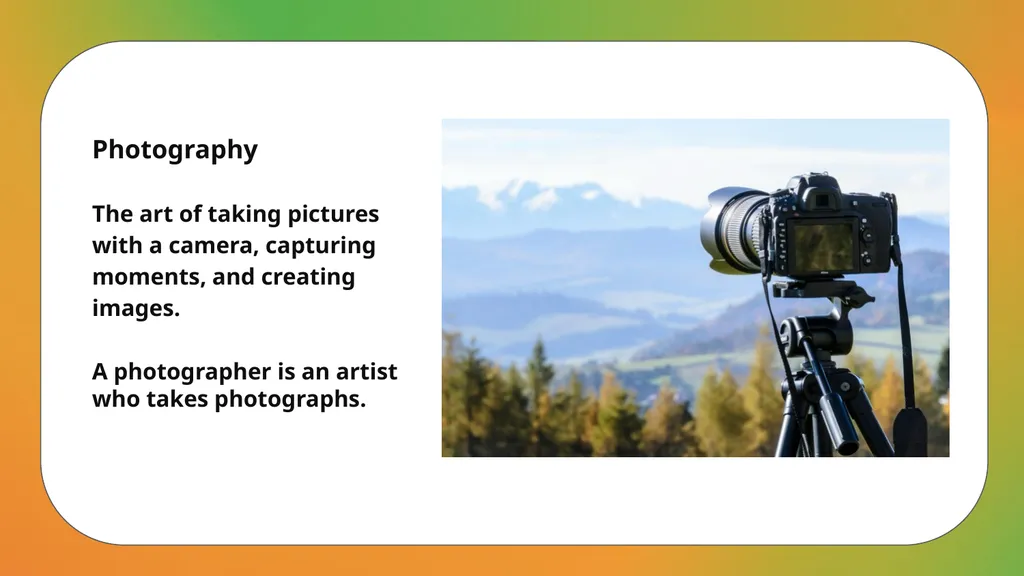
The art of taking pictures with a camera, capturing moments, and creating images. A photographer is an artist who takes photographs.<br>
slide18. Portrait
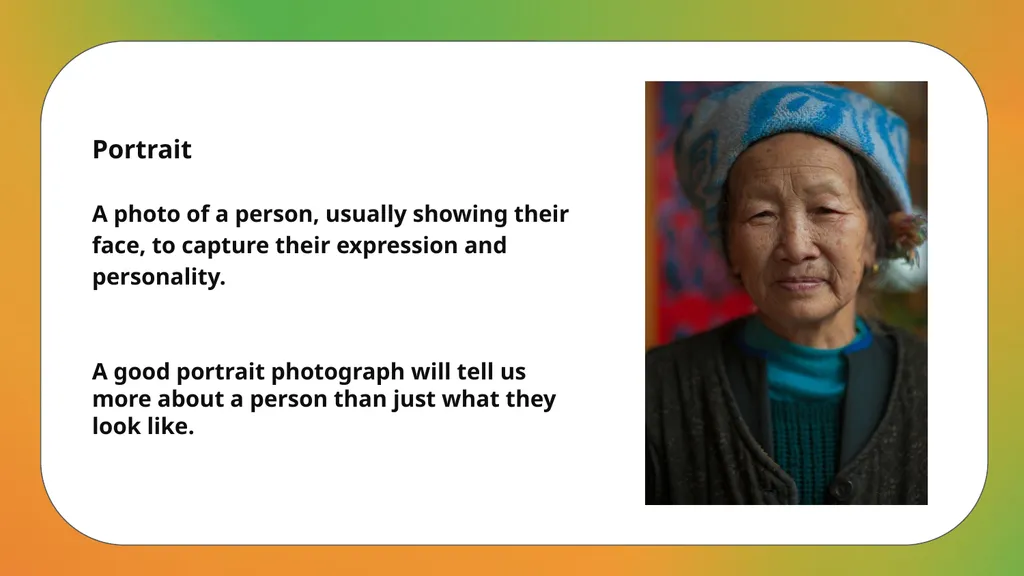
A photo of a person, usually showing their face, to capture their expression and personality. A good portrait photograph will tell us more about a person than just what they look like.<br>
slide19. Shutter Speed
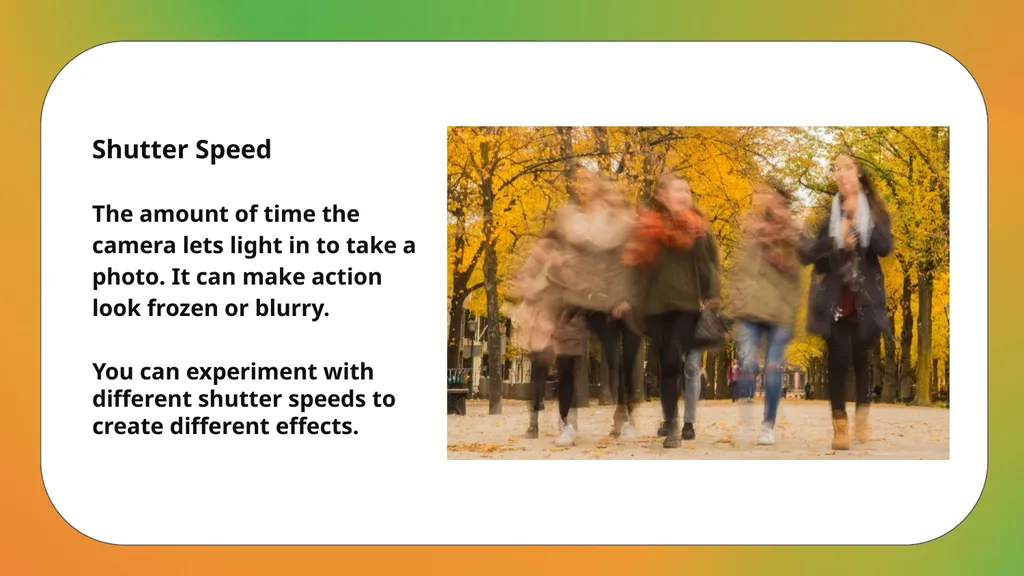
The amount of time the camera lets light in to take a photo. It can make action look frozen or blurry. You can experiment with different shutter speeds to create different effects.<br>
slide20. Tripod
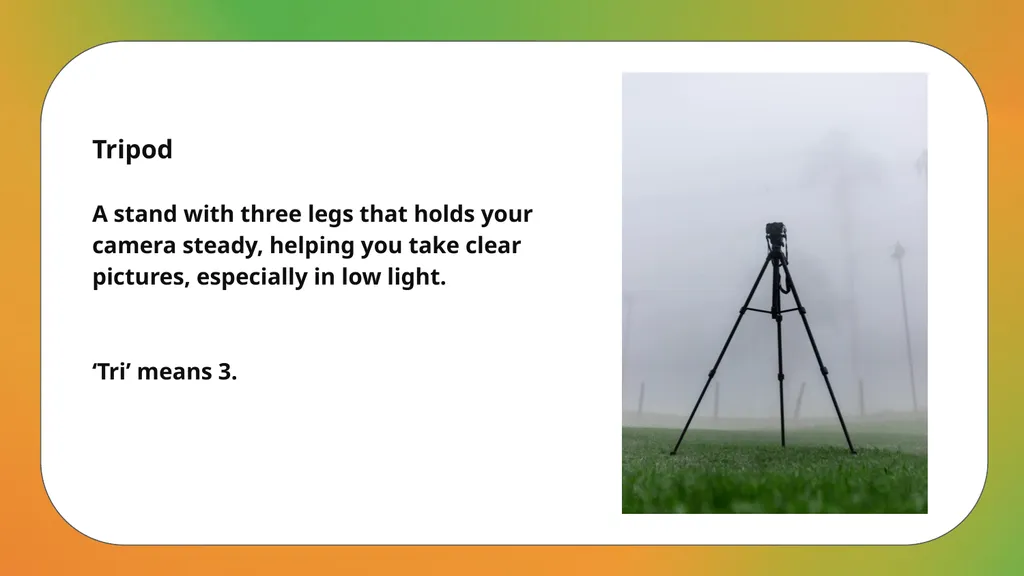
A stand with three legs that holds your camera steady, helping you take clear pictures, especially in low light. ‘Tri’ means 3.<br>
slide21. Zoom
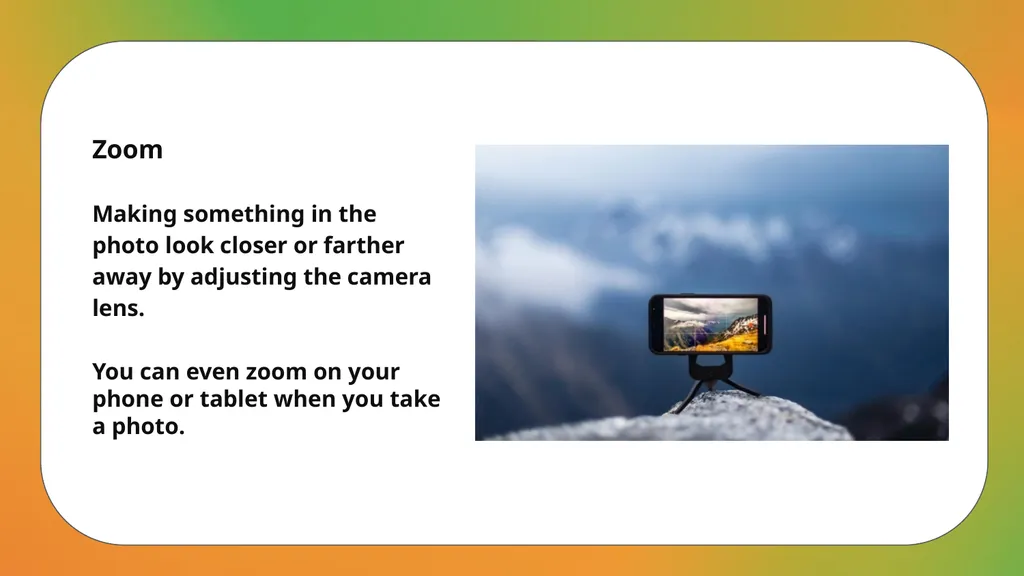
Making something in the photo look closer or farther away by adjusting the camera lens. You can even zoom on your phone or tablet when you take a photo.<br>
slide2. Aperture
The part of the camera that controls how much light gets in. It helps decide what parts of the photo are in focus. This photo shows the aperture when it is wide open.<br>
slide3. Archive
A special collection where you keep and organise your photos so you can look at them later. You can collect other things in an archive as well as photos.<br>
slide4. Artist
A person who creates art, like paintings, drawings, or photos, using their imagination and creativity. An artist who makes photos is called a photographer.<br>
slide5. Background
The part of the photo that is behind the main subject. It helps to show where the subject is. The background in this photo is the wall with post it notes.<br>
slide6. Composition
How you arrange everything in a photo to make it look nice and interesting. This photo has some objects standing up, some laying down and some placed on top of others to make it look more interesting.<br>
slide7. Contrast
The difference between the light and dark parts of a photo. It makes things stand out. The contrast in this photo is very high. It makes the parts in the light white and the parts in the shadows black.<br>
slide8. Crop
Cutting out the edges of a photo to focus on the most important part or to remove distractions. You can crop photos in apps on your phones, tablets or computers.<br>
slide9. Depth of Field
How much of the photo is in focus, from the front to the back. It can be deep (lots in focus) or shallow (only a little in focus). The depth of field in this photo is shallow so that only the sphere is in focus.<br>
slide10. Exposure
How bright or dark a photo is, depending on how much light the camera lets in. Photos taken in the dark use a long exposure to let in as much light as possible.<br>
slide11. Filter
A tool you can use on your camera or in editing to change how a photo looks, like making it black and white or more colourful. This photo has used a pink filter.<br>
slide12. Flash
A burst of light from the camera that helps you take pictures in the dark or when there isn’t enough light. You can add a flash to a camera or use the flash setting on your phone.<br>
slide13. Focus
Making sure the main subject of your photo is sharp and clear, not blurry. This photo makes the pawn with the crown in perfect focus.<br>
slide14. Foreground
The part of the photo that is closest to the camera, usually where the main subject is. The hand and the leaf are in the foreground in this photo.<br>
slide15. Frame
Using objects in your photo to create a border around your subject, which helps draw attention to it. The man is using his hands to frame his eyes in this photo.<br>
slide16. Lighting
The light in your photo, which can be from the sun, lamps, or other sources. Good lighting helps make your photo clear and bright. Sometimes photographers use special lights to help make their photos.<br>
slide17. Photography
The art of taking pictures with a camera, capturing moments, and creating images. A photographer is an artist who takes photographs.<br>
slide18. Portrait
A photo of a person, usually showing their face, to capture their expression and personality. A good portrait photograph will tell us more about a person than just what they look like.<br>
slide19. Shutter Speed
The amount of time the camera lets light in to take a photo. It can make action look frozen or blurry. You can experiment with different shutter speeds to create different effects.<br>
slide20. Tripod
A stand with three legs that holds your camera steady, helping you take clear pictures, especially in low light. ‘Tri’ means 3.<br>
slide21. Zoom
Making something in the photo look closer or farther away by adjusting the camera lens. You can even zoom on your phone or tablet when you take a photo.<br>