
Data Operations Topic: Software Topic: Software
KL
Published · 46 slides · 0 views
1 / 1
Description
Data Operations Topic: Software Topic: Software Objectives Define software Differentiate between Application software and system software List at least 5 examples of application software What is Software? Computer software, or simply
Related Topics
Share
Embed code
Download this presentation From Below
"Data Operations Topic: Software Topic: Software" is the property of its rightful owner. Permission is granted to download and print the materials on this website for personal, non-commercial use only, and to display it on your personal computer provided you do not modify the materials and that you retain all copyright notices contained in the materials. By downloading content from our website, you accept the terms of this agreement.
Presentation Transcript
01
Data Operations
Topic: Software Topic: Software<br>
02
Objectives Define software
Differentiate between Application software and system software
List at least 5 examples of application software<br>
Differentiate between Application software and system software
List at least 5 examples of application software<br>
03
What is Software? Computer software, or simply software, is a collection of data or computer instructions that tell the computer how to work.<br>
04
Define these two major categories of software Application software is a program or group of programs designed for end users. It includes applications such as database programs, word processors and spreadsheets.<br>
05
Define these two major categories of software (Cont.) System software is a type of computer program that is designed to run a computer's hardware and application program. The interface between the hardware and user applications.<br>
06
Types of system software An Operating System is system software that manages computer hardware, software resources, and provides common services for computer programs.
Utility Software is software designed to help to analyze, configure, optimize or maintain a computer. It is used to support the computer infrastructure - in contrast to application software, which is aimed at directly performing tasks that benefit ordinary users.<br>
Utility Software is software designed to help to analyze, configure, optimize or maintain a computer. It is used to support the computer infrastructure - in contrast to application software, which is aimed at directly performing tasks that benefit ordinary users.<br>
07
List 5 examples of Application Software 1) MS Word
2) WordPad
3) Notepad
4) Microsoft Power Point
5) Keynotes<br>
2) WordPad
3) Notepad
4) Microsoft Power Point
5) Keynotes<br>
08
List 5 examples of Operating System 1) Apple macOS
2) Google's Android OS
3) Linux Operating System
4) Apple
5) Microsoft Windows<br>
2) Google's Android OS
3) Linux Operating System
4) Apple
5) Microsoft Windows<br>
09
The operating system (OS)<br>
10
Table of contens Memory management
Security control
Youtube.com<br>
Security control
Youtube.com<br>
11
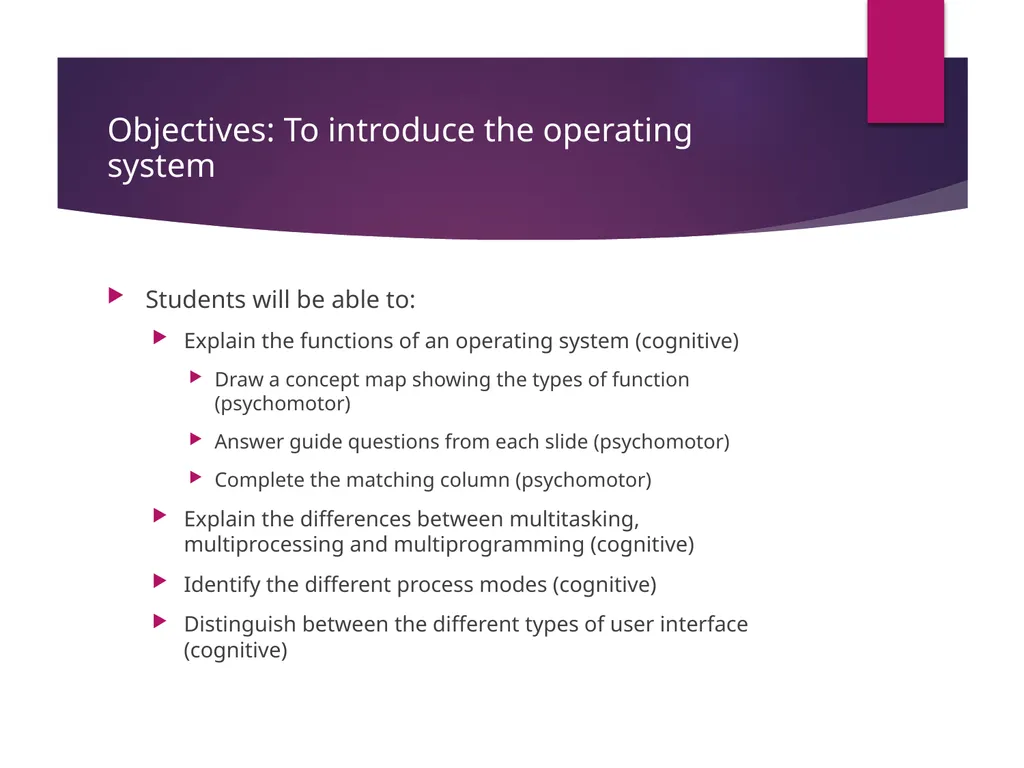
Objectives: To introduce the operating system Students will be able to:
Explain the functions of an operating system (cognitive)
Draw a concept map showing the types of function (psychomotor)
Answer guide questions from each slide (psychomotor)
Complete the matching column (psychomotor)
Explain the differences between multitasking, multiprocessing and multiprogramming (cognitive)
Identify the different process modes (cognitive)
Distinguish between the different types of user interface (cognitive)<br>
Explain the functions of an operating system (cognitive)
Draw a concept map showing the types of function (psychomotor)
Answer guide questions from each slide (psychomotor)
Complete the matching column (psychomotor)
Explain the differences between multitasking, multiprocessing and multiprogramming (cognitive)
Identify the different process modes (cognitive)
Distinguish between the different types of user interface (cognitive)<br>
12
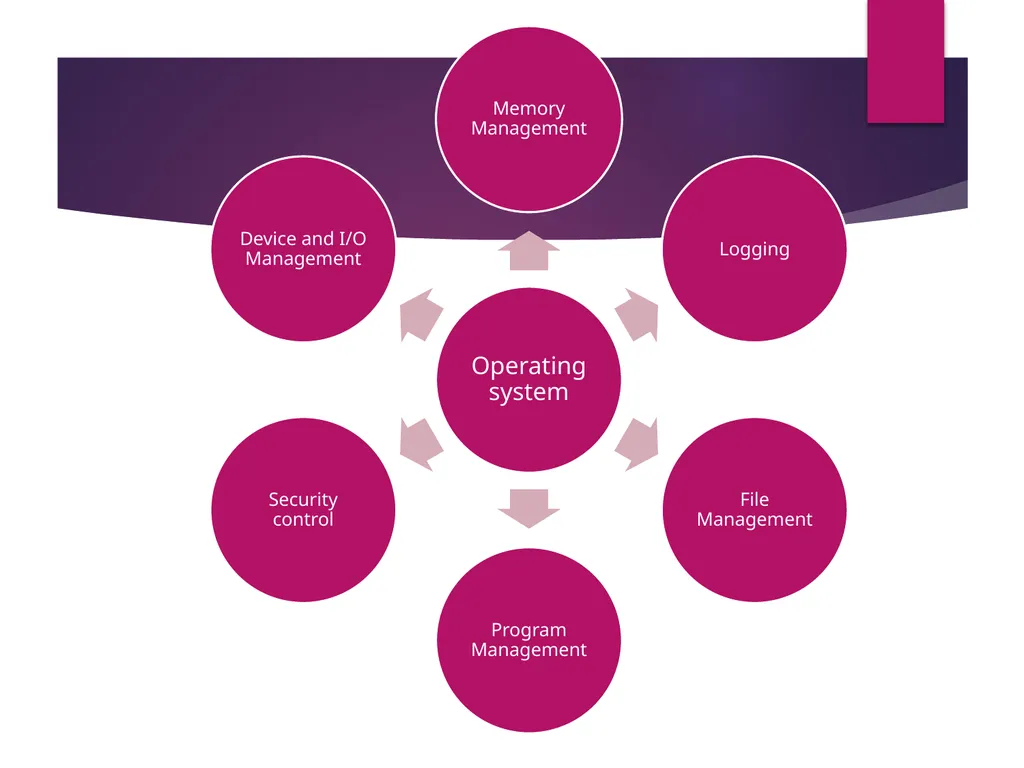
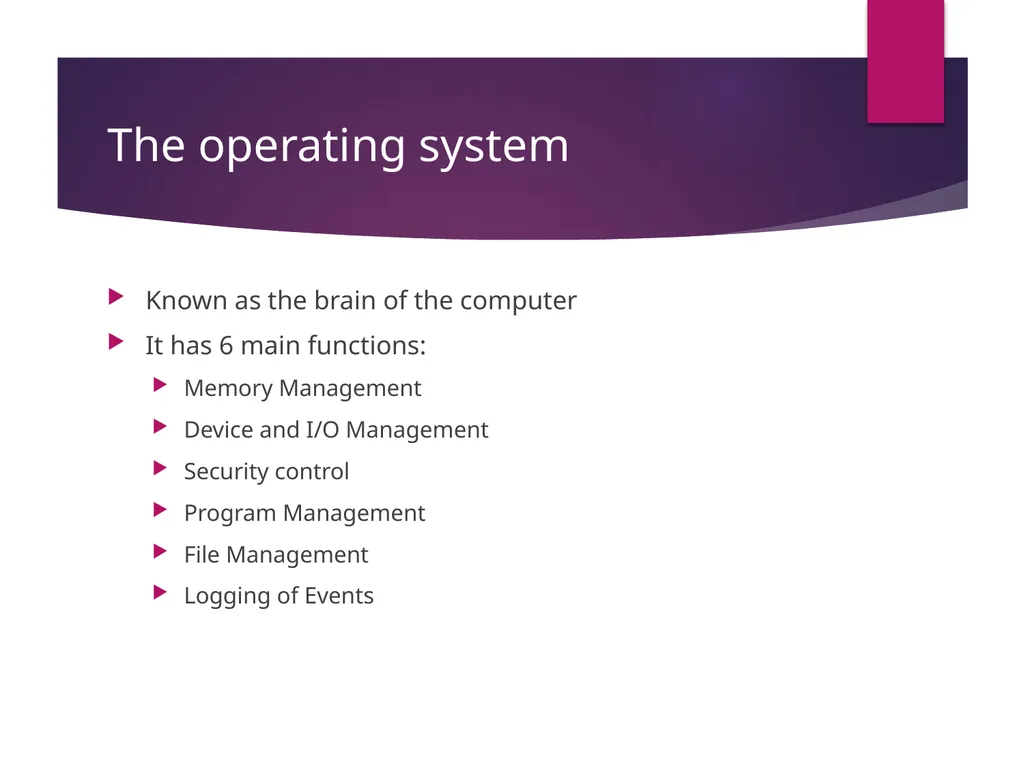
The operating system Known as the brain of the computer
It has 6 main functions:
Memory Management
Device and I/O Management
Security control
Program Management
File Management
Logging of Events<br>
It has 6 main functions:
Memory Management
Device and I/O Management
Security control
Program Management
File Management
Logging of Events<br>
13
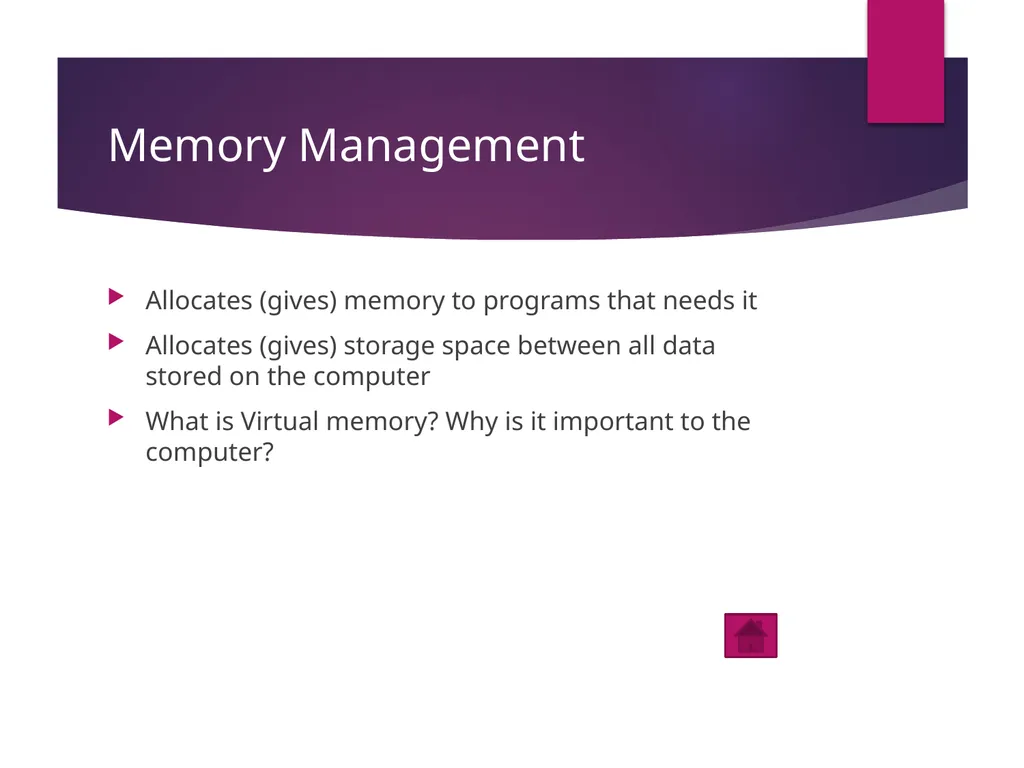
Memory Management Allocates (gives) memory to programs that needs it
Allocates (gives) storage space between all data stored on the computer
What is Virtual memory? Why is it important to the computer?<br>
Allocates (gives) storage space between all data stored on the computer
What is Virtual memory? Why is it important to the computer?<br>
14
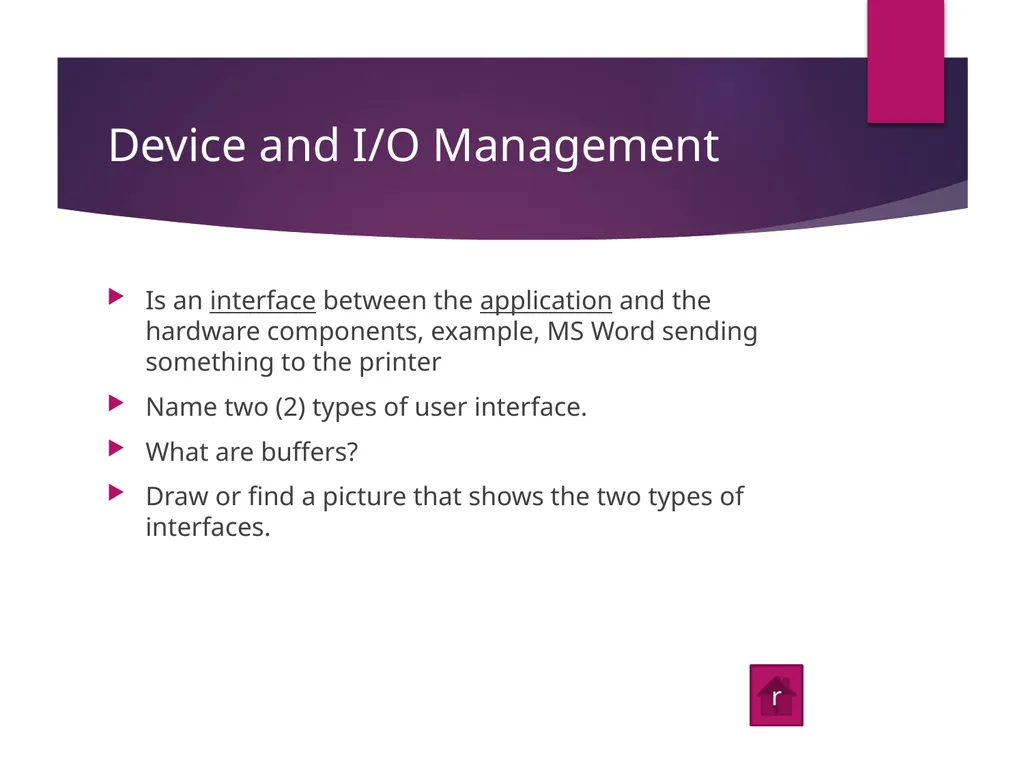
Device and I/O Management Is an interface between the application and the hardware components, example, MS Word sending something to the printer
Name two (2) types of user interface.
What are buffers?
Draw or find a picture that shows the two types of interfaces. r<br>
Name two (2) types of user interface.
What are buffers?
Draw or find a picture that shows the two types of interfaces. r<br>
15
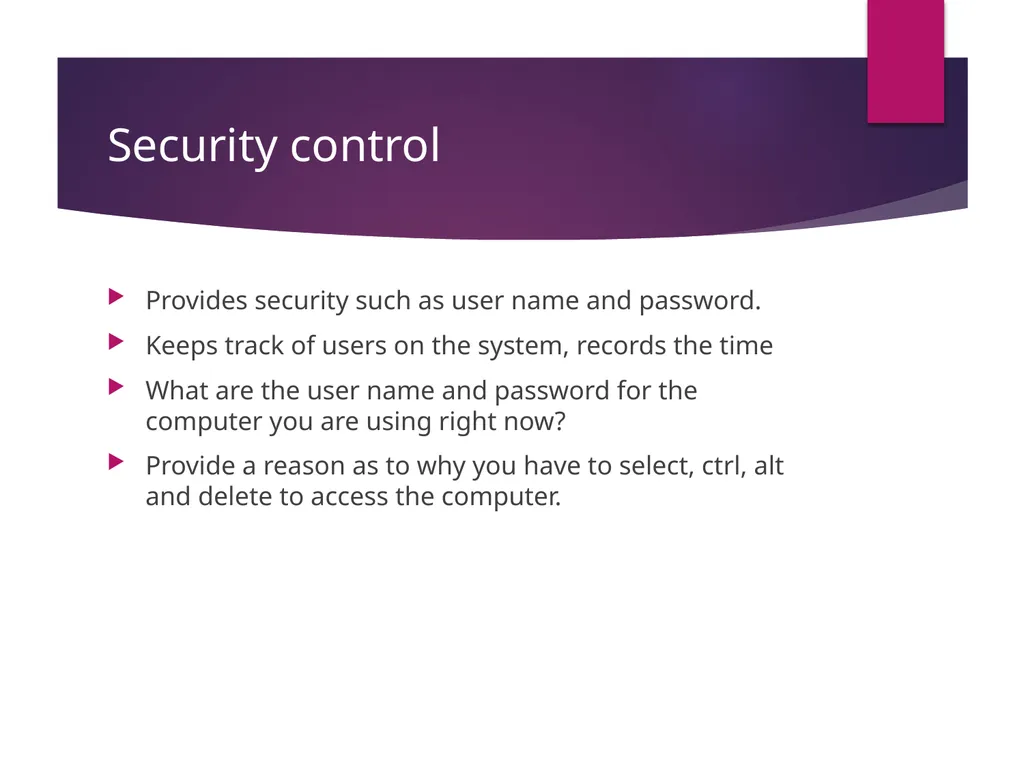
Security control Provides security such as user name and password.
Keeps track of users on the system, records the time
What are the user name and password for the computer you are using right now?
Provide a reason as to why you have to select, ctrl, alt and delete to access the computer.<br>
Keeps track of users on the system, records the time
What are the user name and password for the computer you are using right now?
Provide a reason as to why you have to select, ctrl, alt and delete to access the computer.<br>
16
Program Management It starts and stops the program
What are the computer terminologies for starting and stopping the computer program?<br>
What are the computer terminologies for starting and stopping the computer program?<br>
17
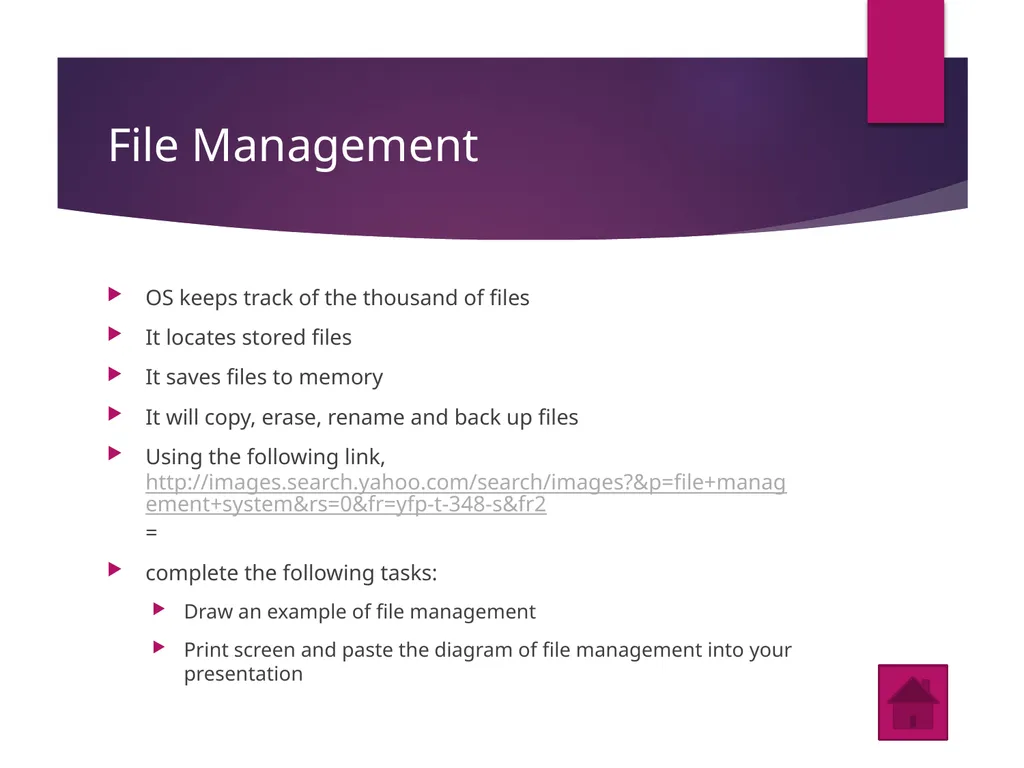
File Management OS keeps track of the thousand of files
It locates stored files
It saves files to memory
It will copy, erase, rename and back up files
Using the following link, http://images.search.yahoo.com/search/images?&p=file+management+system&rs=0&fr=yfp-t-348-s&fr2=
complete the following tasks:
Draw an example of file management
Print screen and paste the diagram of file management into your presentation<br>
It locates stored files
It saves files to memory
It will copy, erase, rename and back up files
Using the following link, http://images.search.yahoo.com/search/images?&p=file+management+system&rs=0&fr=yfp-t-348-s&fr2=
complete the following tasks:
Draw an example of file management
Print screen and paste the diagram of file management into your presentation<br>
18
Logging of events OS keeps a log of all jobs executed and of every hardware device
Logs are used for spotting and diagnosing problems
In your own words, tell me what is a log?
What are some reasons for keeping a log?<br>
Logs are used for spotting and diagnosing problems
In your own words, tell me what is a log?
What are some reasons for keeping a log?<br>
19
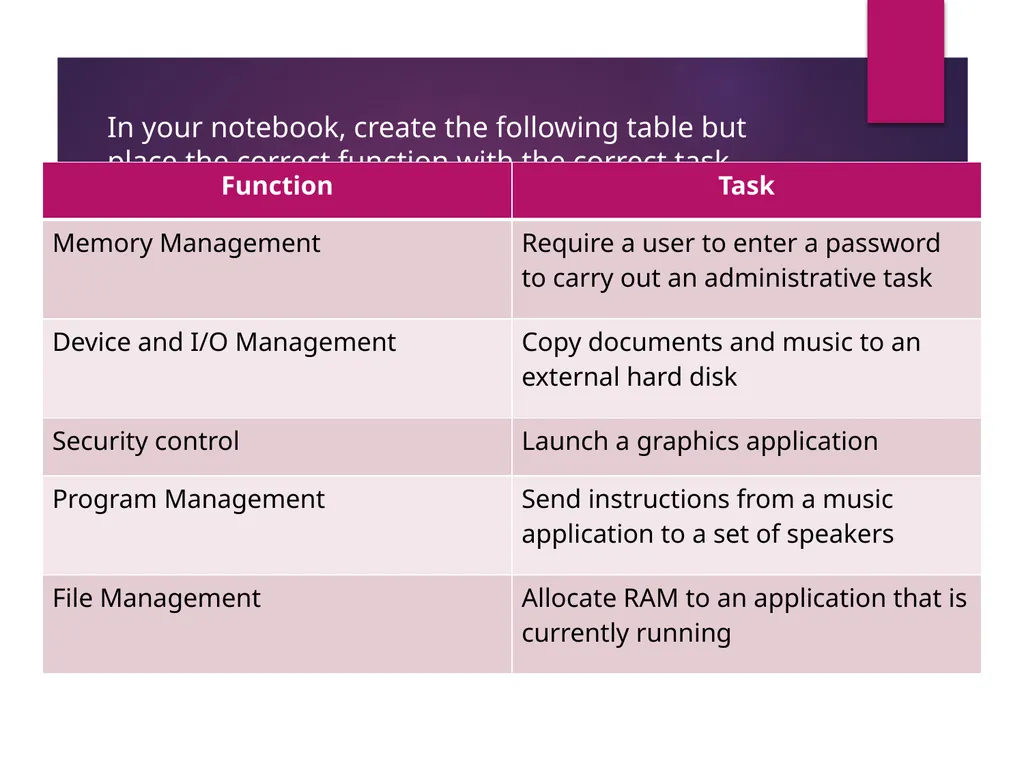
In your notebook, create the following table but place the correct function with the correct task<br>
20
4th objective The user interface<br>
21
Command driven Click on the following site and using print screen paste an image of a graphic user interface.
http://www.google.com.jm/images?um=1&hl=en&biw=1020&bih=555&rlz=1R2SKPB_enUS372&tbs=isch%3A1&sa=1&q=command+driven+user+interface&btnG=Search&aq=f&aqi=g1&aql=&oq=<br>
http://www.google.com.jm/images?um=1&hl=en&biw=1020&bih=555&rlz=1R2SKPB_enUS372&tbs=isch%3A1&sa=1&q=command+driven+user+interface&btnG=Search&aq=f&aqi=g1&aql=&oq=<br>
22
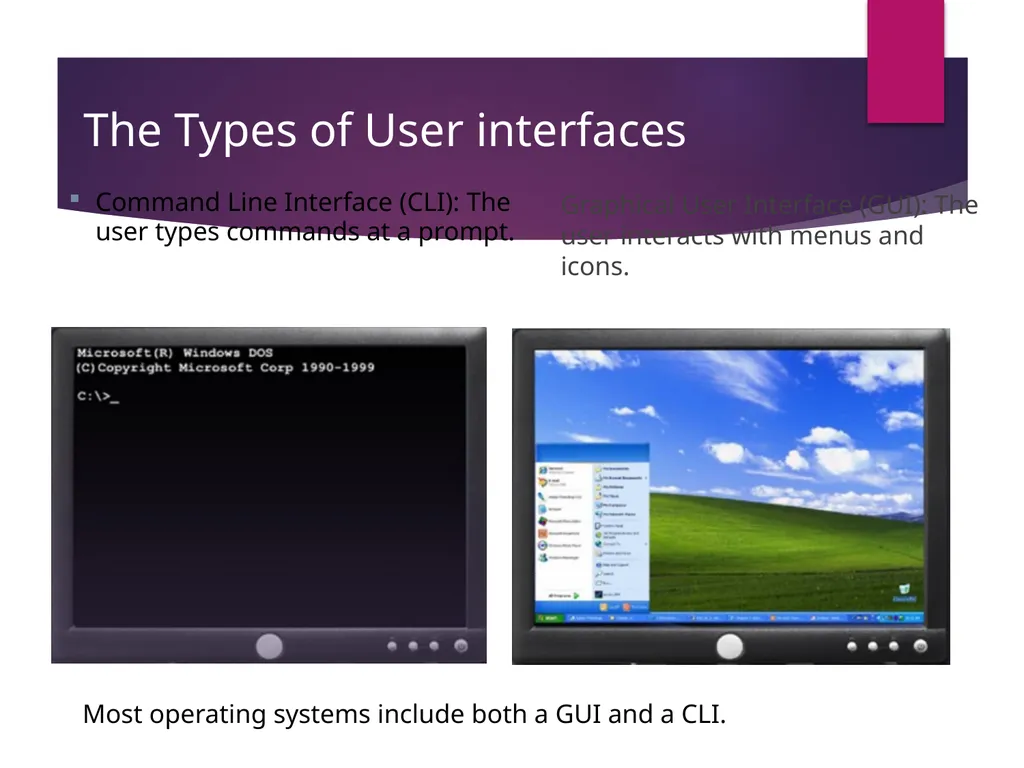
The Types of User interfaces Graphical User Interface (GUI): The user interacts with menus and icons. Command Line Interface (CLI): The user types commands at a prompt. Most operating systems include both a GUI and a CLI.<br>
23
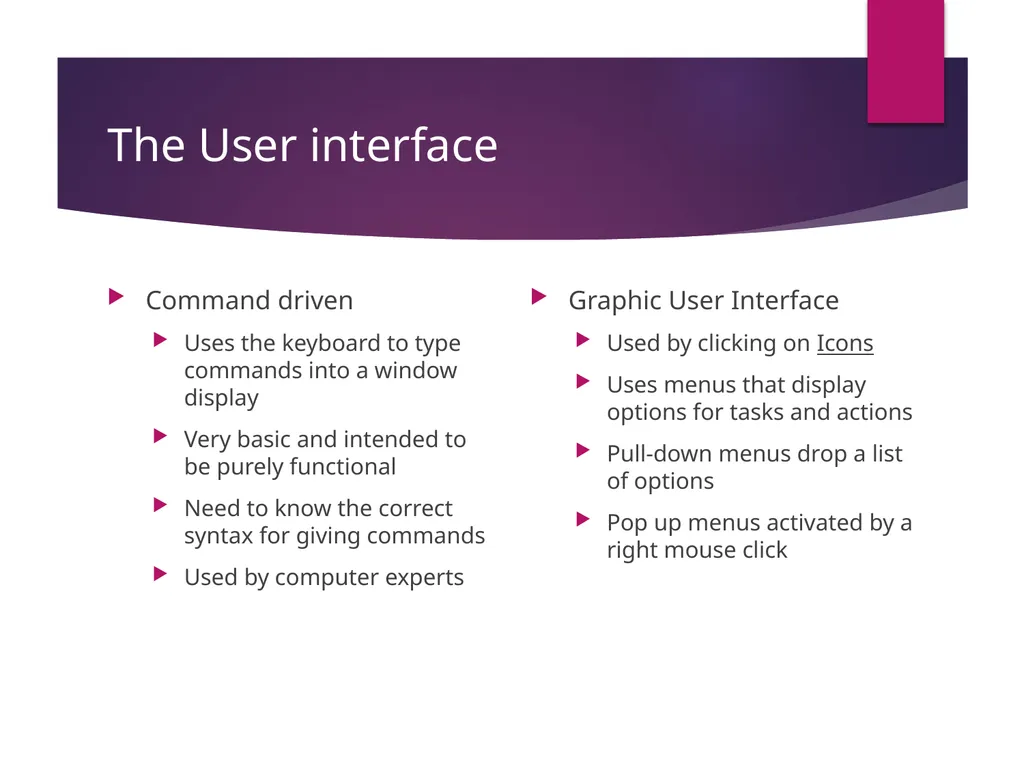
The User interface Command driven
Uses the keyboard to type commands into a window display
Very basic and intended to be purely functional
Need to know the correct syntax for giving commands
Used by computer experts Graphic User Interface
Used by clicking on Icons
Uses menus that display options for tasks and actions
Pull-down menus drop a list of options
Pop up menus activated by a right mouse click<br>
Uses the keyboard to type commands into a window display
Very basic and intended to be purely functional
Need to know the correct syntax for giving commands
Used by computer experts Graphic User Interface
Used by clicking on Icons
Uses menus that display options for tasks and actions
Pull-down menus drop a list of options
Pop up menus activated by a right mouse click<br>
24
Hardware Interfaces Hardware interfaces work by physical interaction. They are useful for visually impaired people. Braille keyboards allow a user to use their sense of touch to type letters into a computer. A Braille keyboard is an example of a non-visual interface.
Give an example of when you would need a hardware interface.<br>
Give an example of when you would need a hardware interface.<br>
25
Answer the next four multiply choice questions in your notebook Write out the questions and the answers in your notebook<br>
26
In your notebooks, write the questions and select the correct answers. Which of these is not a component you would find on a GUI
Button
Menu
Window
Braille keyboard<br>
Button
Menu
Window
Braille keyboard<br>
27
In your notebooks, write the questions and select the correct answers. Name and describe two interface elements you would find in a GUI that would help you to navigate and use an operating system.
Draw an icon that you could use to navigate your graphic user interface.<br>
Draw an icon that you could use to navigate your graphic user interface.<br>
28
In your notebooks, write the questions and select the correct answers. Which of the following is an example of a hardware interface?
Touch screen
GUI
Command driven
Menu-driven<br>
Touch screen
GUI
Command driven
Menu-driven<br>
29
Graphic user interface (GUI) Click on the following site and using print screen paste an image of a graphic user interface. http://www.google.com.jm/images?hl=en&biw=1020&bih=555&q=user%20interface&rlz=1R2SKPB_enUS372&wrapid=tlif130026829095611&um=1&ie=UTF-8&source=og&sa=N&tab=wi<br>
30
Aim/Topic: To introduce Computer software Software refers to the programs that make the computer function and enable it to carry out many different tasks.
Programs are sets of instructions that tell the computer how to carry out these tasks
System software controls the hardware and how it works. System software includes operating systems, translators and utilities.
When you start up a computer, you are booting it. The booting instructions are contained in the ROM chip. During booting, the computer looks for the operating system.<br>
Programs are sets of instructions that tell the computer how to carry out these tasks
System software controls the hardware and how it works. System software includes operating systems, translators and utilities.
When you start up a computer, you are booting it. The booting instructions are contained in the ROM chip. During booting, the computer looks for the operating system.<br>
31
Main Memory RAM stores data temporarily while the computer is being used
ROM stores data permanently, such as data to start up a computer<br>
ROM stores data permanently, such as data to start up a computer<br>
32
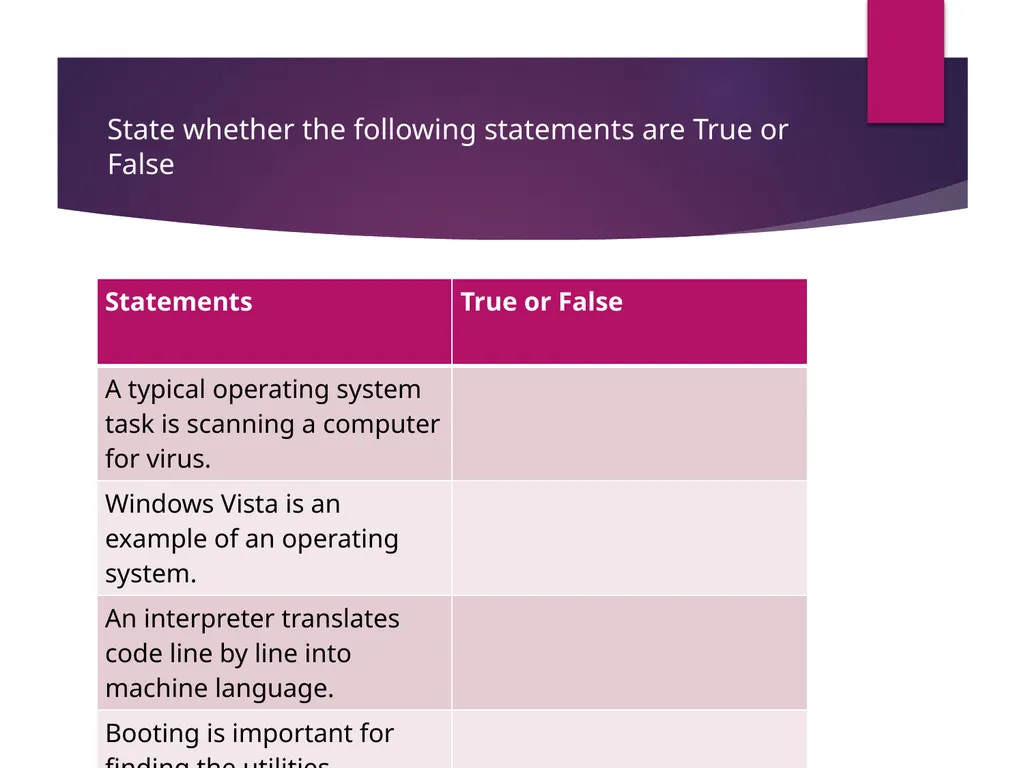
Utilities Utility programs or utilities are usually bundled with an operating system. They maintain and protect the operating system. Listed are some tasks performed by utility programs
Manage files by renaming, sorting, listing , backing up, recovering and deleting them
Perform disk formatting which may include clearing a hard disk and reprogramming it form scratch
Scan and defragment a hard drive; this reorganize the hard disk for better memory management
Scan for viruses on a hard disk and remove any viruses that are found<br>
Manage files by renaming, sorting, listing , backing up, recovering and deleting them
Perform disk formatting which may include clearing a hard disk and reprogramming it form scratch
Scan and defragment a hard drive; this reorganize the hard disk for better memory management
Scan for viruses on a hard disk and remove any viruses that are found<br>
33
Application software Application programs or application software are programs that allow a computer to carry out specific tasks but they are not essential for the computer to work. If you want to use a computer to create documents, you need an application program for word programming.<br>
34
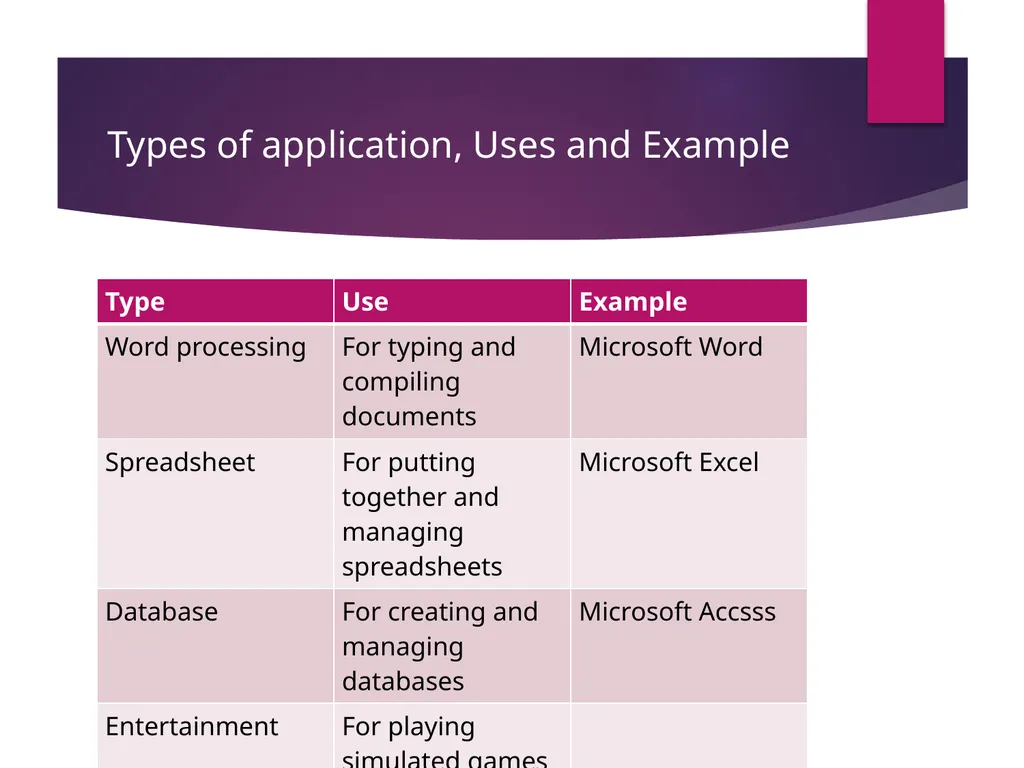
Types of application, Uses and Example<br>
35
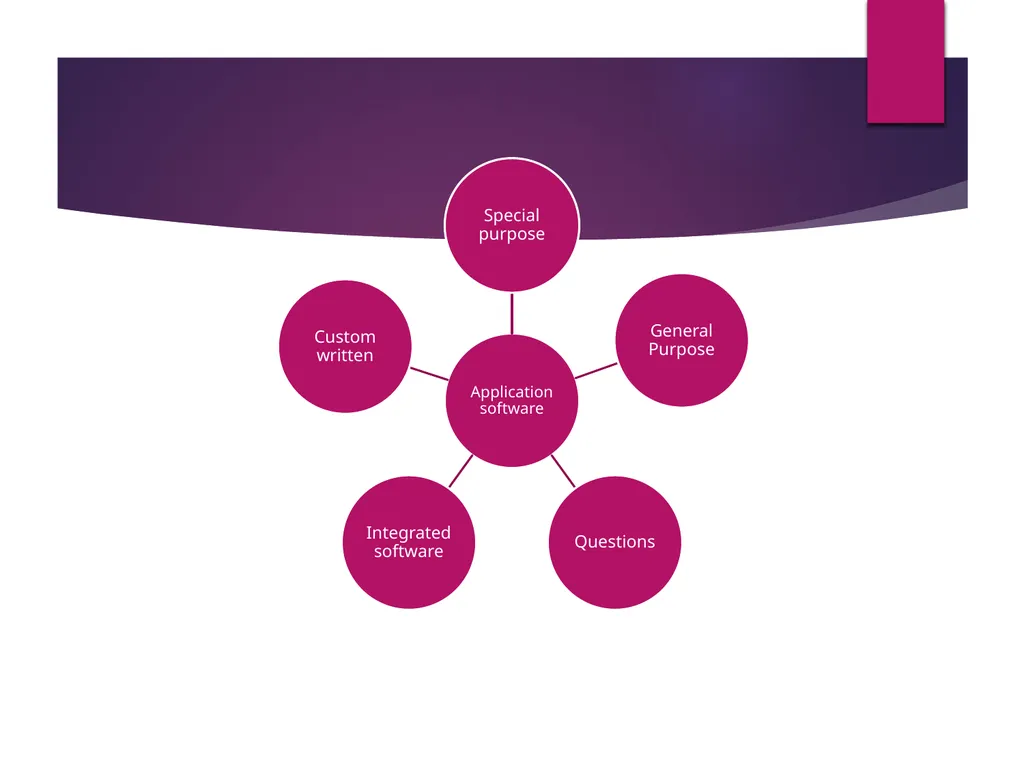
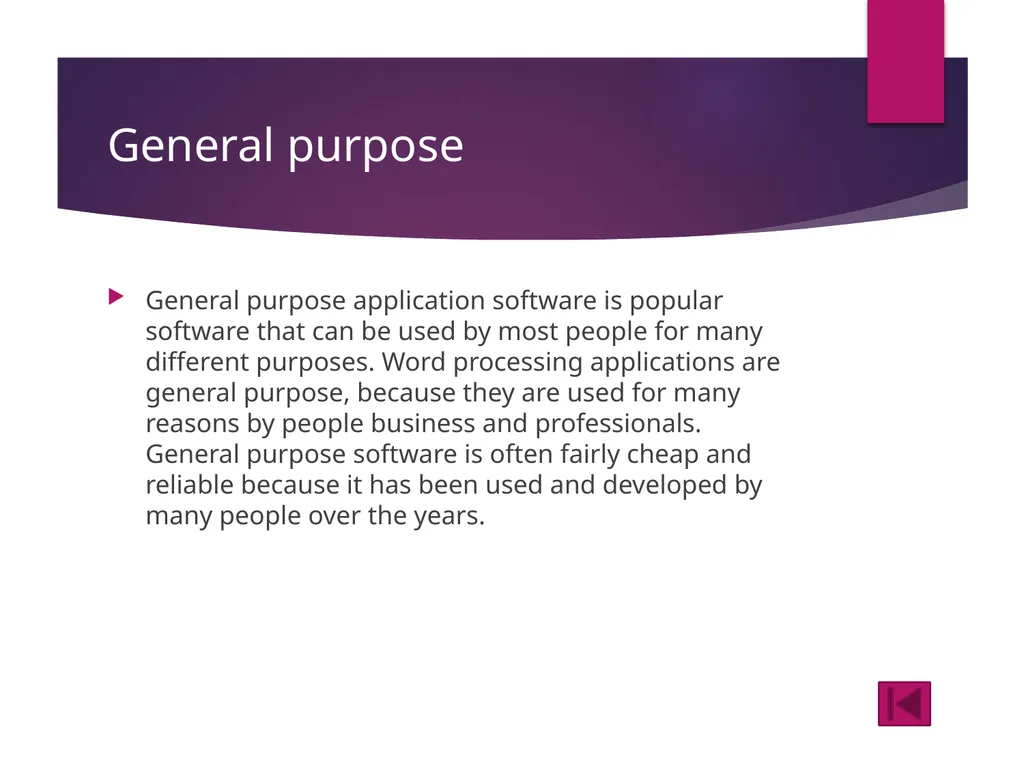
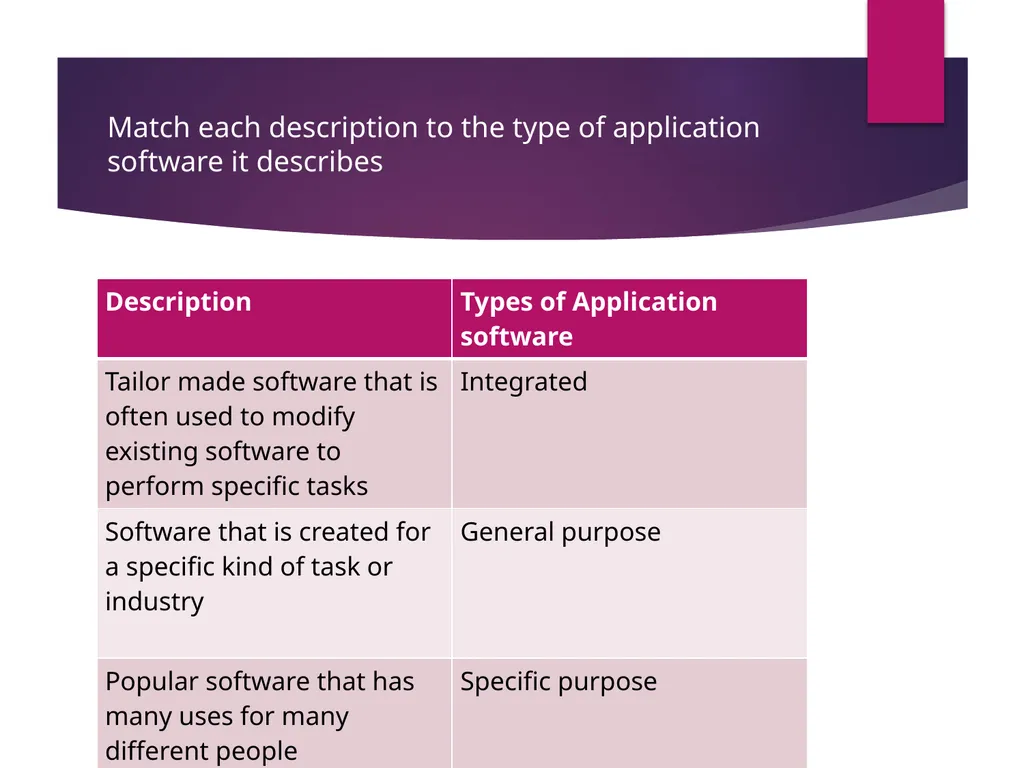
General purpose General purpose application software is popular software that can be used by most people for many different purposes. Word processing applications are general purpose, because they are used for many reasons by people business and professionals. General purpose software is often fairly cheap and reliable because it has been used and developed by many people over the years.<br>
36
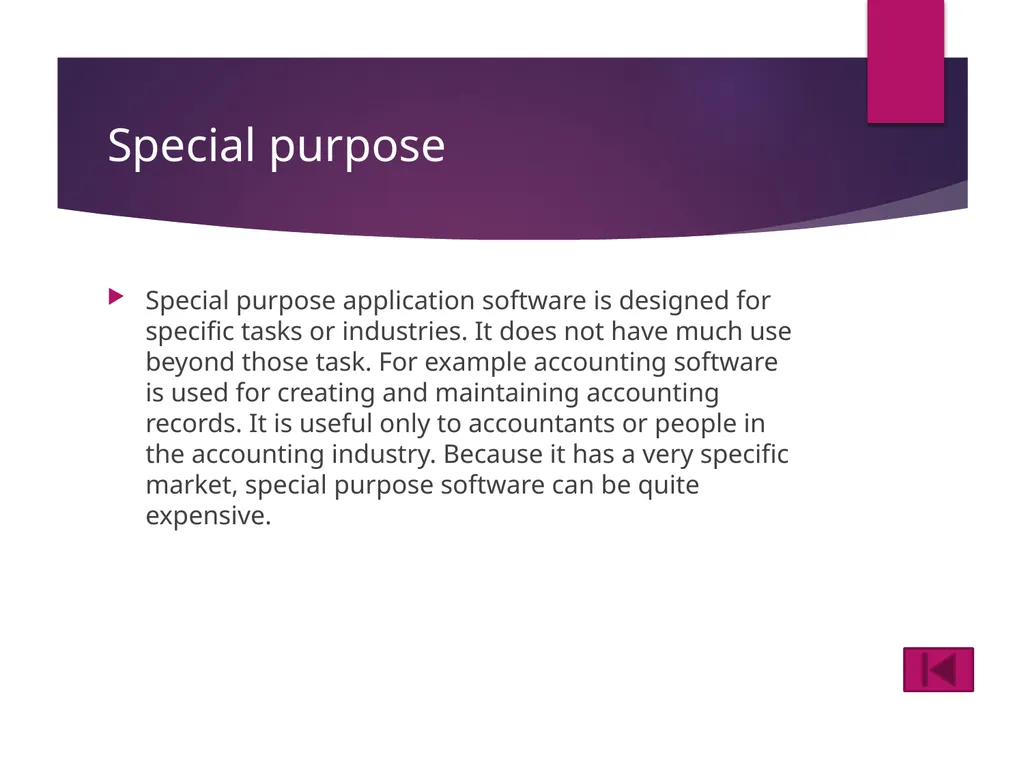
Special purpose Special purpose application software is designed for specific tasks or industries. It does not have much use beyond those task. For example accounting software is used for creating and maintaining accounting records. It is useful only to accountants or people in the accounting industry. Because it has a very specific market, special purpose software can be quite expensive.<br>
37
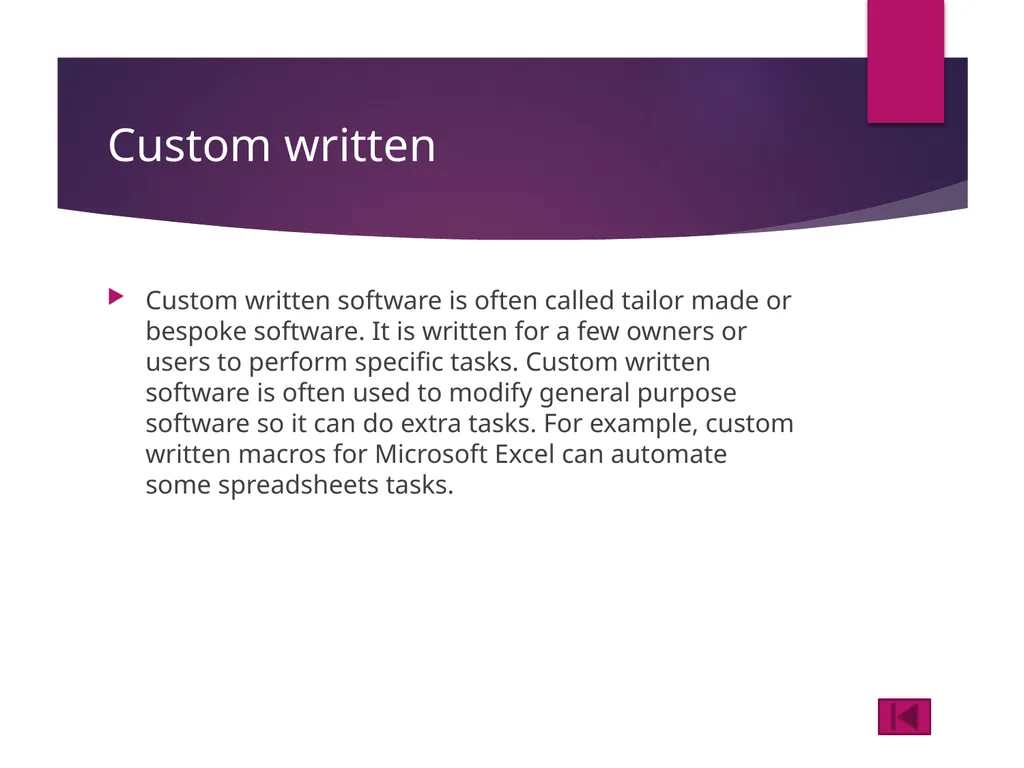
Custom written Custom written software is often called tailor made or bespoke software. It is written for a few owners or users to perform specific tasks. Custom written software is often used to modify general purpose software so it can do extra tasks. For example, custom written macros for Microsoft Excel can automate some spreadsheets tasks.<br>
38
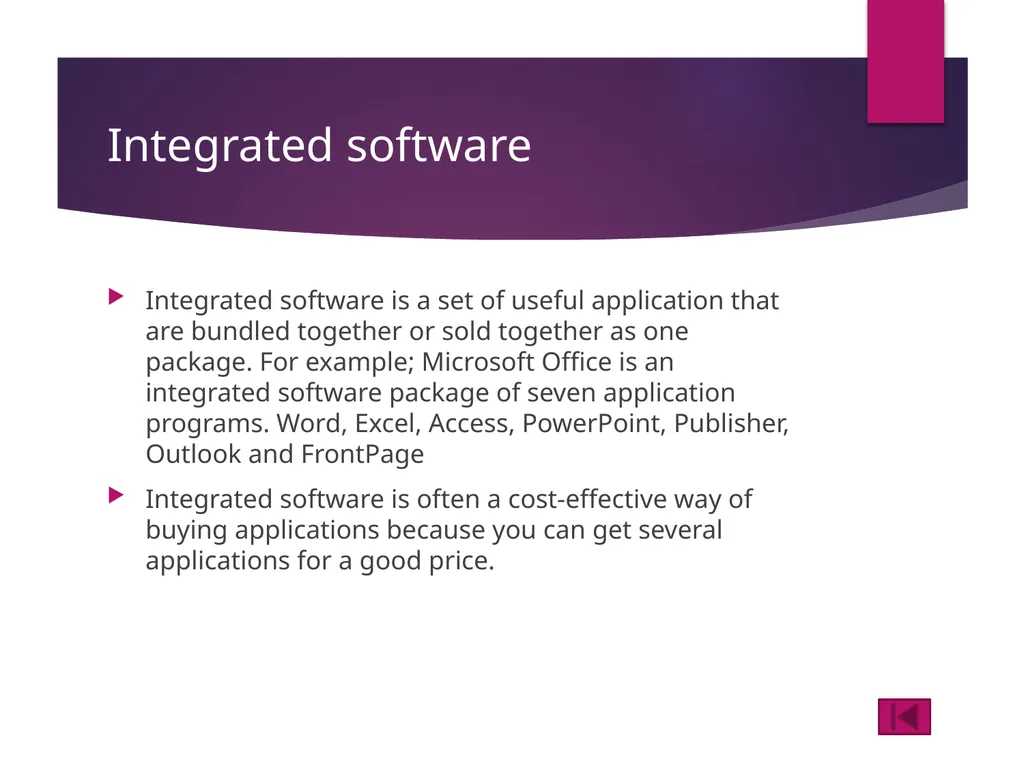
Integrated software Integrated software is a set of useful application that are bundled together or sold together as one package. For example; Microsoft Office is an integrated software package of seven application programs. Word, Excel, Access, PowerPoint, Publisher, Outlook and FrontPage
Integrated software is often a cost-effective way of buying applications because you can get several applications for a good price.<br>
Integrated software is often a cost-effective way of buying applications because you can get several applications for a good price.<br>
39
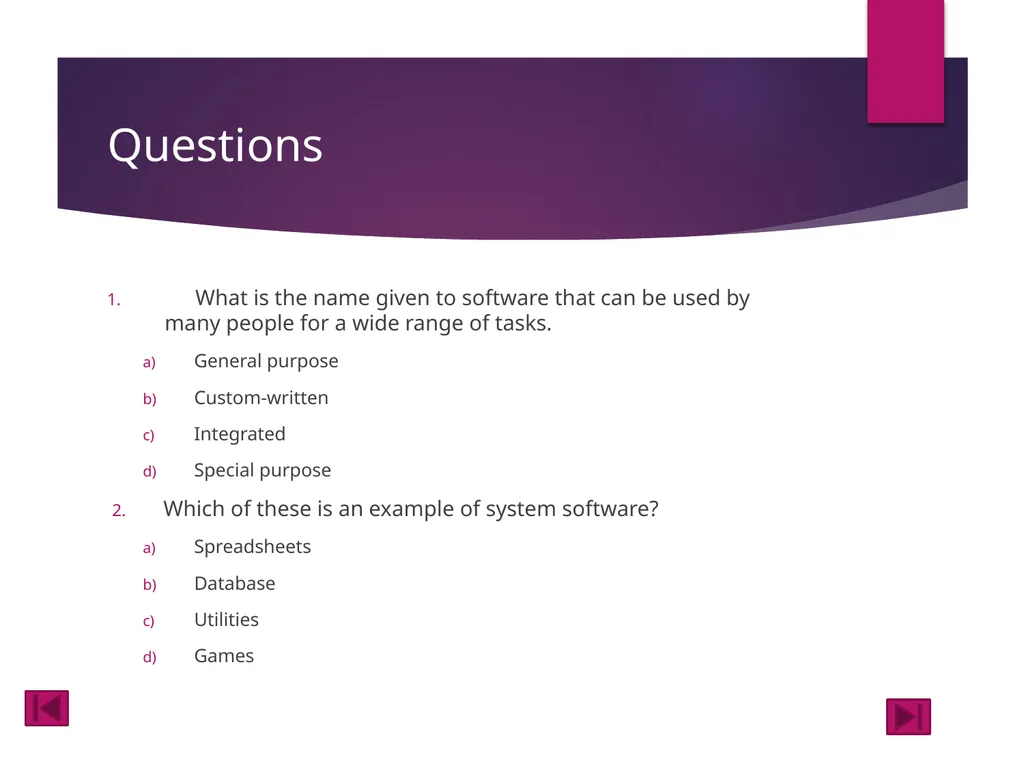
Questions What is the name given to software that can be used by many people for a wide range of tasks.
General purpose
Custom-written
Integrated
Special purpose
Which of these is an example of system software?
Spreadsheets
Database
Utilities
Games<br>
General purpose
Custom-written
Integrated
Special purpose
Which of these is an example of system software?
Spreadsheets
Database
Utilities
Games<br>
40
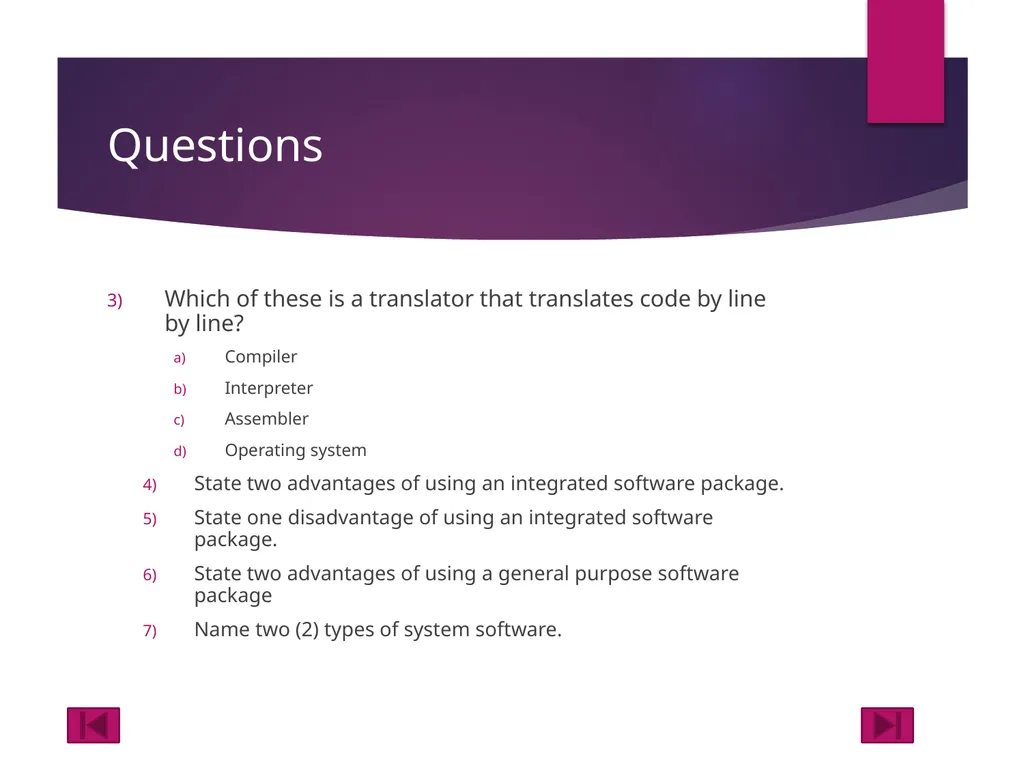
Questions Which of these is a translator that translates code by line by line?
Compiler
Interpreter
Assembler
Operating system
State two advantages of using an integrated software package.
State one disadvantage of using an integrated software package.
State two advantages of using a general purpose software package
Name two (2) types of system software.<br>
Compiler
Interpreter
Assembler
Operating system
State two advantages of using an integrated software package.
State one disadvantage of using an integrated software package.
State two advantages of using a general purpose software package
Name two (2) types of system software.<br>
41
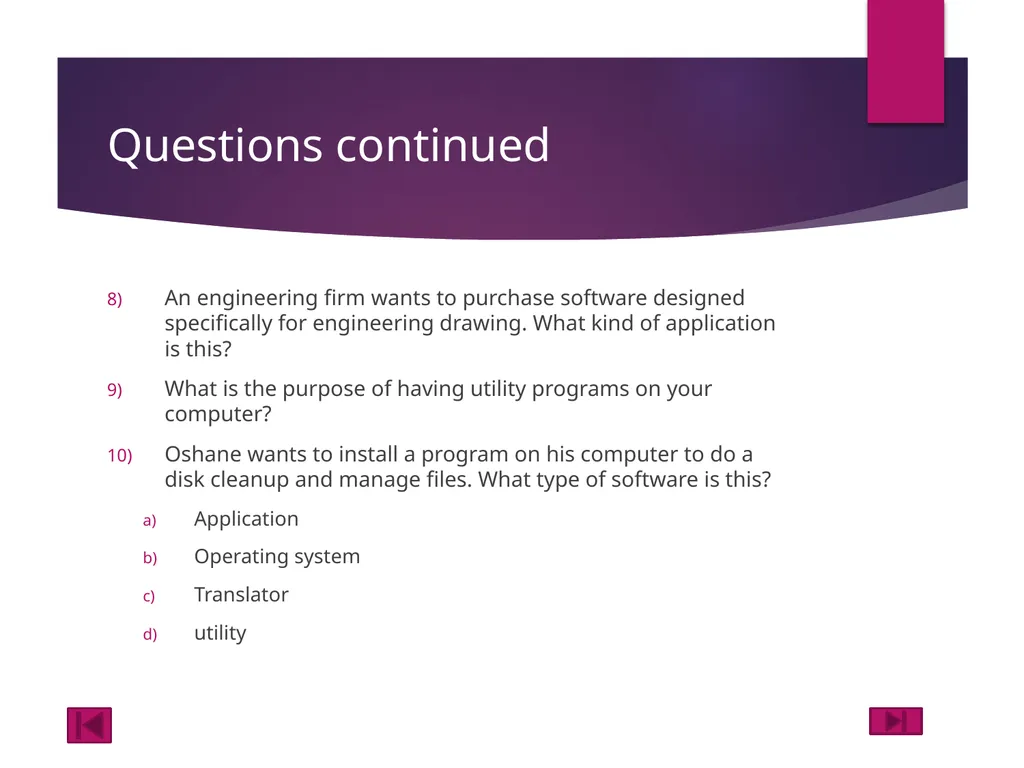
Questions continued An engineering firm wants to purchase software designed specifically for engineering drawing. What kind of application is this?
What is the purpose of having utility programs on your computer?
Oshane wants to install a program on his computer to do a disk cleanup and manage files. What type of software is this?
Application
Operating system
Translator
utility<br>
What is the purpose of having utility programs on your computer?
Oshane wants to install a program on his computer to do a disk cleanup and manage files. What type of software is this?
Application
Operating system
Translator
utility<br>
42
Match each description to the type of application software it describes<br>
43
State whether the following statements are True or False<br>
44
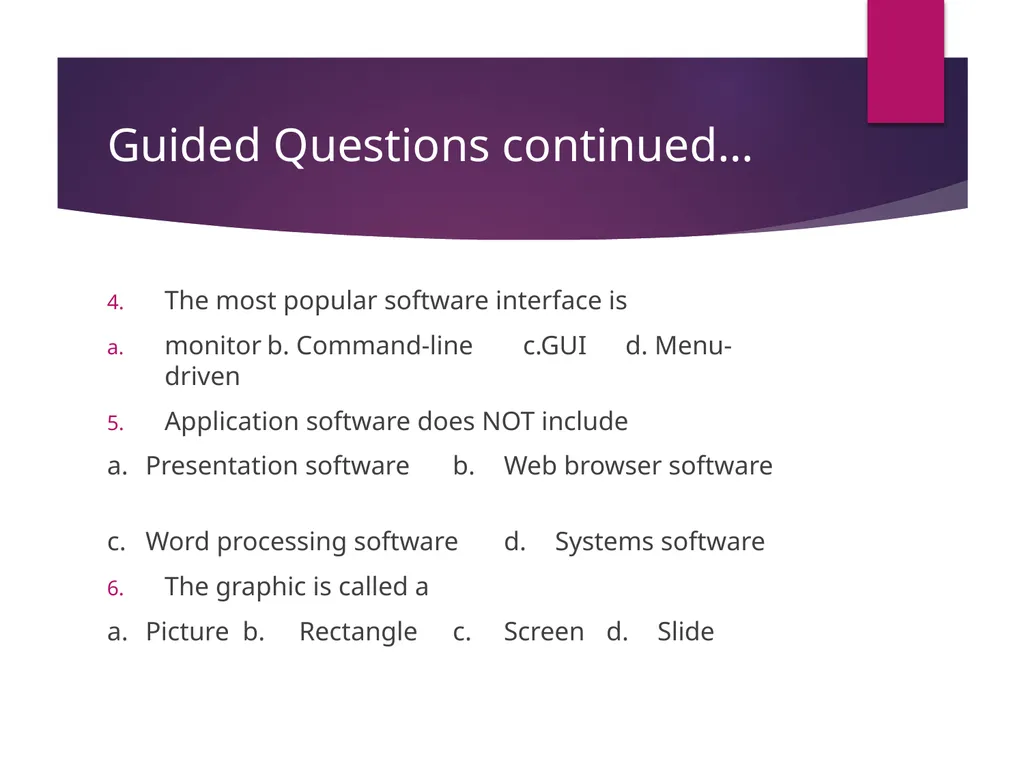
Guided Questions continued… The most popular software interface is
monitor b. Command-line c.GUI d. Menu-driven
Application software does NOT include
a. Presentation software b. Web browser software
c. Word processing software d. Systems software
The graphic is called a
a. Picture b. Rectangle c. Screen d. Slide<br>
monitor b. Command-line c.GUI d. Menu-driven
Application software does NOT include
a. Presentation software b. Web browser software
c. Word processing software d. Systems software
The graphic is called a
a. Picture b. Rectangle c. Screen d. Slide<br>