
How to use the Tabletop Exercise PowerPoint
DJ
Published · 51 slides · 0 views
1 / 1







Description
How to use the Tabletop Exercise PowerPoint Template This template was designed to assist institutions with developing a tabletop exercise. All content found throughout this presentation follows the guidance provided by the Homeland
Related Topics
Share
Embed code
Download this presentation From Below
"How to use the Tabletop Exercise PowerPoint" is the property of its rightful owner. Permission is granted to download and print the materials on this website for personal, non-commercial use only, and to display it on your personal computer provided you do not modify the materials and that you retain all copyright notices contained in the materials. By downloading content from our website, you accept the terms of this agreement.
Presentation Transcript
01
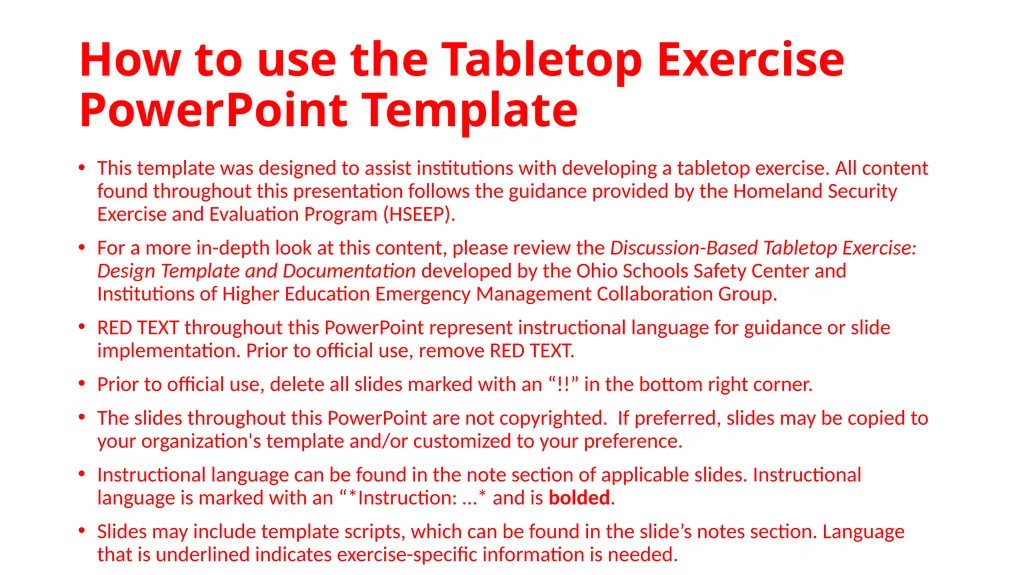
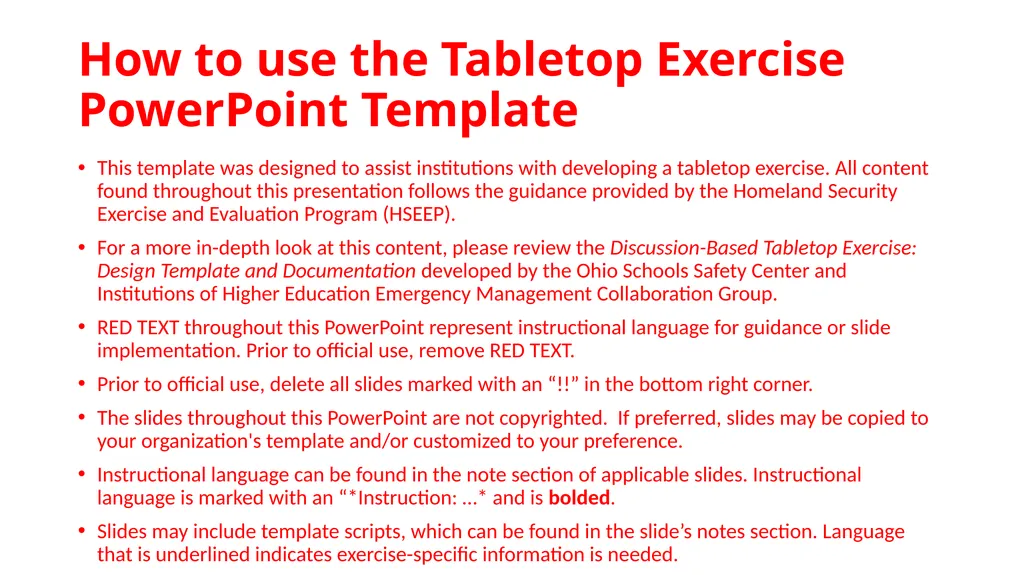
How to use the Tabletop Exercise PowerPoint Template This template was designed to assist institutions with developing a tabletop exercise. All content found throughout this presentation follows the guidance provided by the Homeland Security Exercise and Evaluation Program (HSEEP).
For a more in-depth look at this content, please review the Discussion-Based Tabletop Exercise: Design Template and Documentation developed by the Ohio Schools Safety Center and Institutions of Higher Education Emergency Management Collaboration Group.
RED TEXT throughout this PowerPoint represent instructional language for guidance or slide implementation. Prior to official use, remove RED TEXT.
Prior to official use, delete all slides marked with an “!!” in the bottom right corner.
The slides throughout this PowerPoint are not copyrighted. If preferred, slides may be copied to your organization's template and/or customized to your preference.
Instructional language can be found in the note section of applicable slides. Instructional language is marked with an “*Instruction: …* and is bolded.
Slides may include template scripts, which can be found in the slide’s notes section. Language that is underlined indicates exercise-specific information is needed.<br>
For a more in-depth look at this content, please review the Discussion-Based Tabletop Exercise: Design Template and Documentation developed by the Ohio Schools Safety Center and Institutions of Higher Education Emergency Management Collaboration Group.
RED TEXT throughout this PowerPoint represent instructional language for guidance or slide implementation. Prior to official use, remove RED TEXT.
Prior to official use, delete all slides marked with an “!!” in the bottom right corner.
The slides throughout this PowerPoint are not copyrighted. If preferred, slides may be copied to your organization's template and/or customized to your preference.
Instructional language can be found in the note section of applicable slides. Instructional language is marked with an “*Instruction: …* and is bolded.
Slides may include template scripts, which can be found in the slide’s notes section. Language that is underlined indicates exercise-specific information is needed.<br>
02
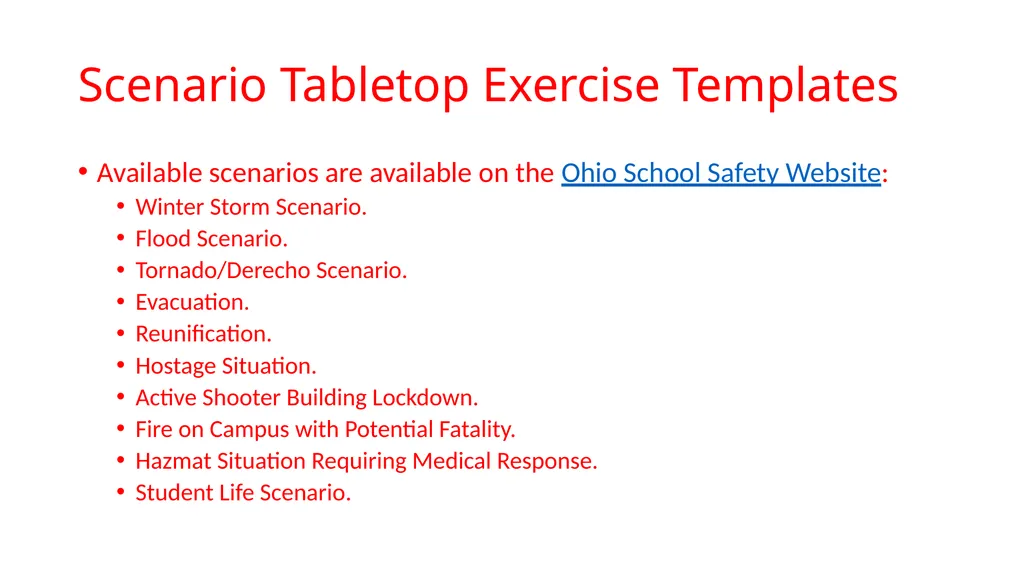
Scenario Tabletop Exercise Templates Available scenarios are available on the Ohio School Safety Website:
Winter Storm Scenario.
Flood Scenario.
Tornado/Derecho Scenario.
Evacuation.
Reunification.
Hostage Situation.
Active Shooter Building Lockdown.
Fire on Campus with Potential Fatality.
Hazmat Situation Requiring Medical Response.
Student Life Scenario.<br>
Winter Storm Scenario.
Flood Scenario.
Tornado/Derecho Scenario.
Evacuation.
Reunification.
Hostage Situation.
Active Shooter Building Lockdown.
Fire on Campus with Potential Fatality.
Hazmat Situation Requiring Medical Response.
Student Life Scenario.<br>
03
Template Begins<br>
04
Tornado/Derecho Scenario A Tabletop Exercise (TTX)
DATE
LOCATION
INSTITUTION NAME/ORGANIZATION<br>
DATE
LOCATION
INSTITUTION NAME/ORGANIZATION<br>
05
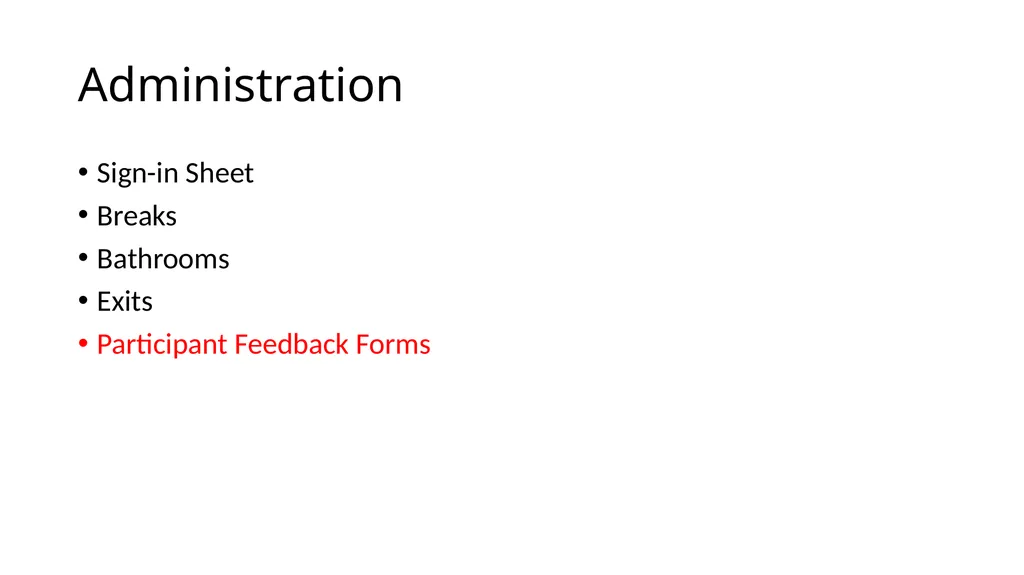
Administration Sign-in Sheet
Breaks
Bathrooms
Exits
Participant Feedback Forms<br>
Breaks
Bathrooms
Exits
Participant Feedback Forms<br>
06
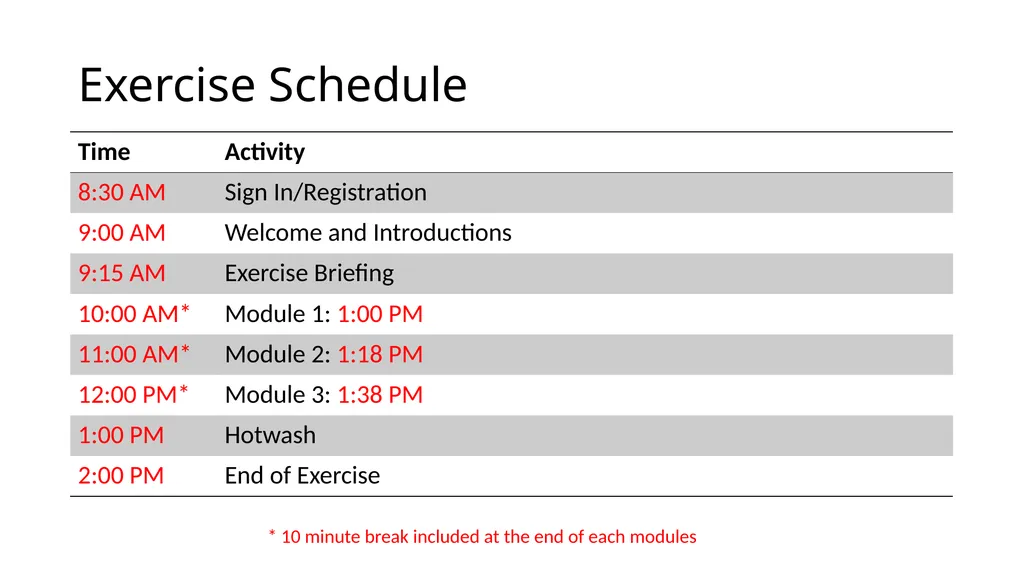
Exercise Schedule * 10 minute break included at the end of each modules<br>
07
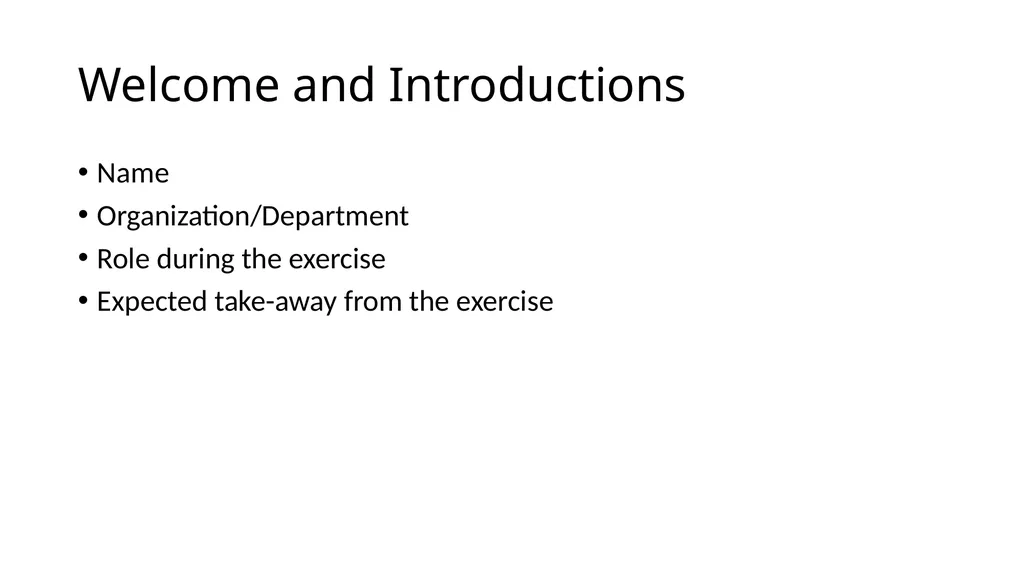
Welcome and Introductions Name
Organization/Department
Role during the exercise
Expected take-away from the exercise<br>
Organization/Department
Role during the exercise
Expected take-away from the exercise<br>
08
Participant Rules & Responsibilities<br>
09
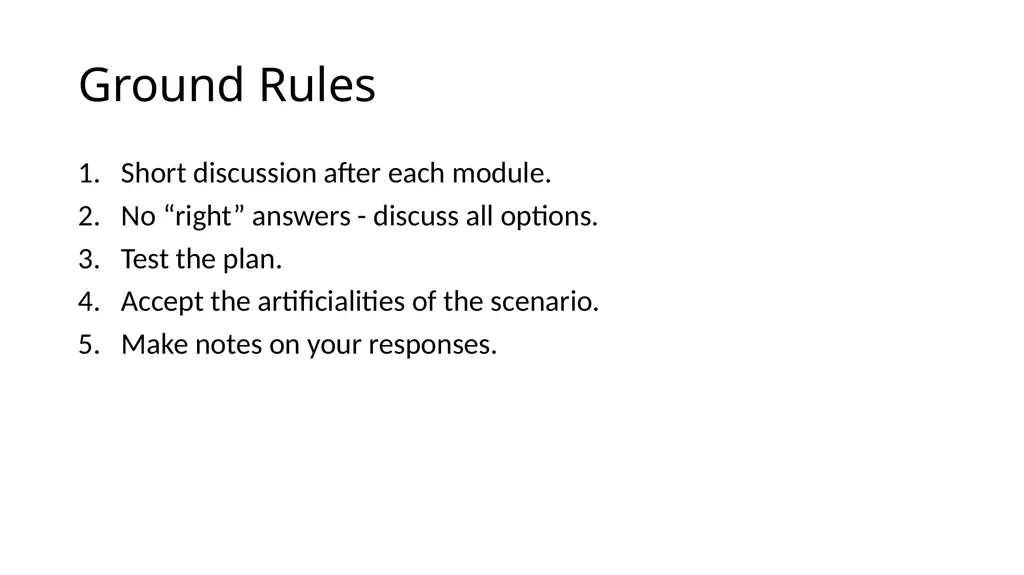
Ground Rules Short discussion after each module.
No “right” answers - discuss all options.
Test the plan.
Accept the artificialities of the scenario.
Make notes on your responses.<br>
No “right” answers - discuss all options.
Test the plan.
Accept the artificialities of the scenario.
Make notes on your responses.<br>
10
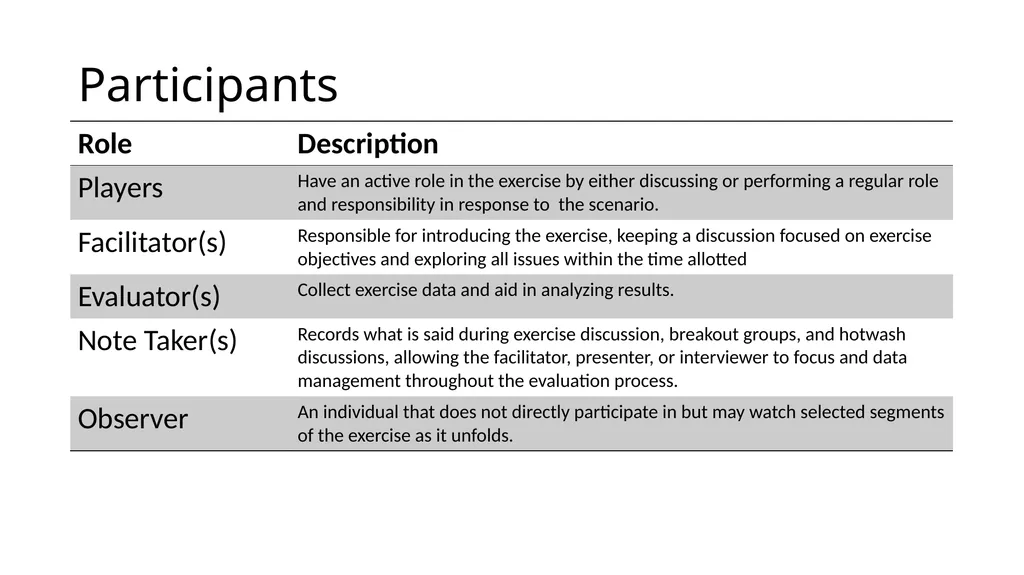
Participants<br>
11
Goals & Objectives<br>
12
Purpose Provide a statement summarizing the broad goal of the exercise.<br>
13
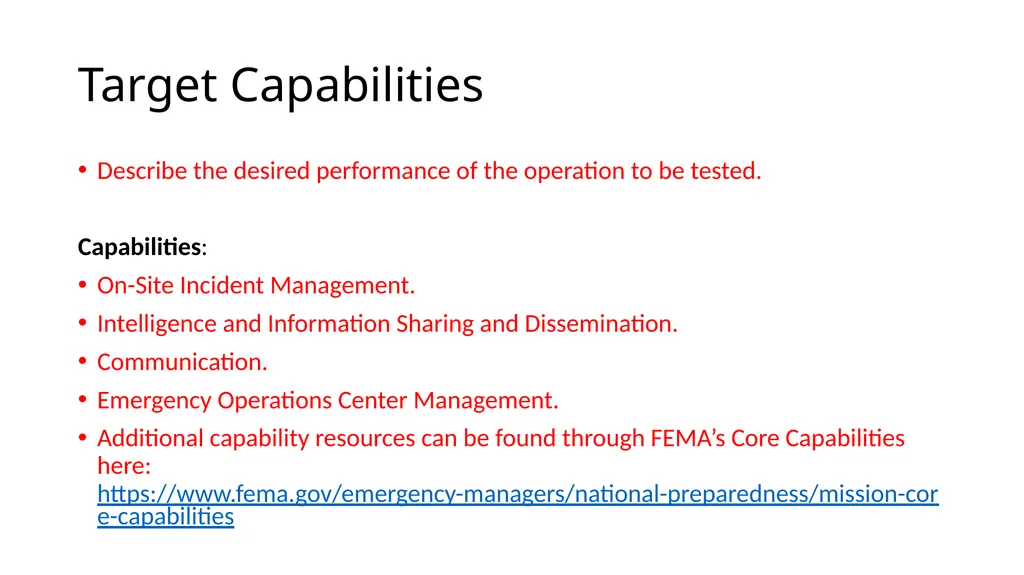
Target Capabilities Describe the desired performance of the operation to be tested.
Capabilities:
On-Site Incident Management.
Intelligence and Information Sharing and Dissemination.
Communication.
Emergency Operations Center Management.
Additional capability resources can be found through FEMA’s Core Capabilities here: https://www.fema.gov/emergency-managers/national-preparedness/mission-core-capabilities<br>
Capabilities:
On-Site Incident Management.
Intelligence and Information Sharing and Dissemination.
Communication.
Emergency Operations Center Management.
Additional capability resources can be found through FEMA’s Core Capabilities here: https://www.fema.gov/emergency-managers/national-preparedness/mission-core-capabilities<br>
14
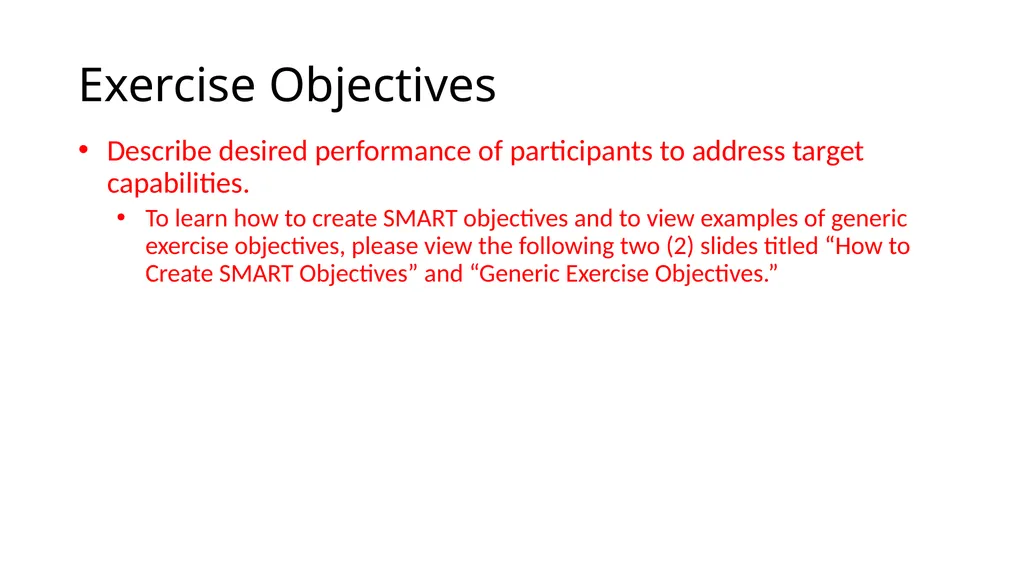
Exercise Objectives Describe desired performance of participants to address target capabilities.
To learn how to create SMART objectives and to view examples of generic exercise objectives, please view the following two (2) slides titled “How to Create SMART Objectives” and “Generic Exercise Objectives.”<br>
To learn how to create SMART objectives and to view examples of generic exercise objectives, please view the following two (2) slides titled “How to Create SMART Objectives” and “Generic Exercise Objectives.”<br>
15
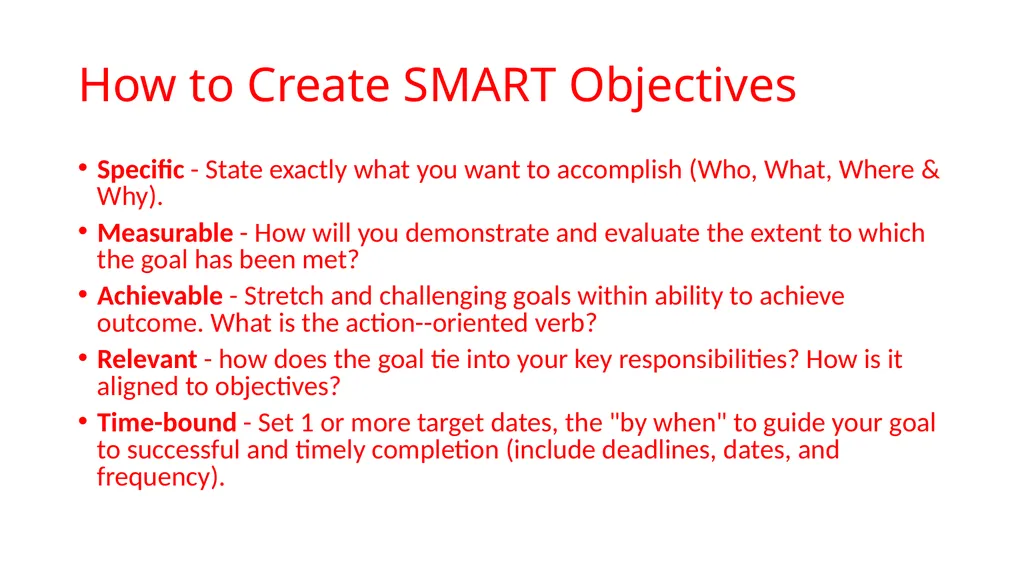
How to Create SMART Objectives Specific - State exactly what you want to accomplish (Who, What, Where & Why).
Measurable - How will you demonstrate and evaluate the extent to which the goal has been met?
Achievable - Stretch and challenging goals within ability to achieve outcome. What is the action--oriented verb?
Relevant - how does the goal tie into your key responsibilities? How is it aligned to objectives?
Time-bound - Set 1 or more target dates, the "by when" to guide your goal to successful and timely completion (include deadlines, dates, and frequency).<br>
Measurable - How will you demonstrate and evaluate the extent to which the goal has been met?
Achievable - Stretch and challenging goals within ability to achieve outcome. What is the action--oriented verb?
Relevant - how does the goal tie into your key responsibilities? How is it aligned to objectives?
Time-bound - Set 1 or more target dates, the "by when" to guide your goal to successful and timely completion (include deadlines, dates, and frequency).<br>
16
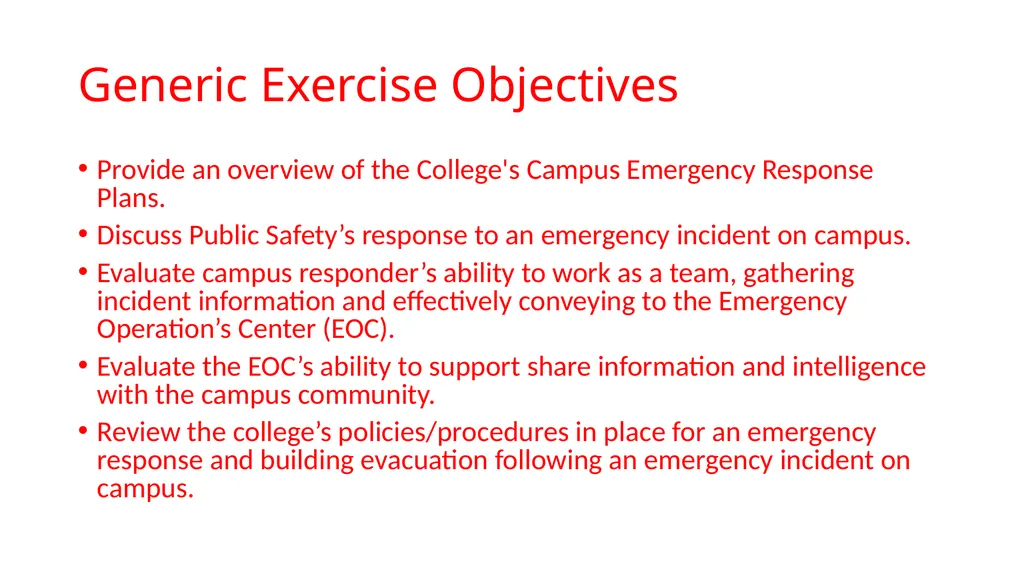
Generic Exercise Objectives Provide an overview of the College's Campus Emergency Response Plans.
Discuss Public Safety’s response to an emergency incident on campus.
Evaluate campus responder’s ability to work as a team, gathering incident information and effectively conveying to the Emergency Operation’s Center (EOC).
Evaluate the EOC’s ability to support share information and intelligence with the campus community.
Review the college’s policies/procedures in place for an emergency response and building evacuation following an emergency incident on campus.<br>
Discuss Public Safety’s response to an emergency incident on campus.
Evaluate campus responder’s ability to work as a team, gathering incident information and effectively conveying to the Emergency Operation’s Center (EOC).
Evaluate the EOC’s ability to support share information and intelligence with the campus community.
Review the college’s policies/procedures in place for an emergency response and building evacuation following an emergency incident on campus.<br>
17
Basic Scenario<br>
18
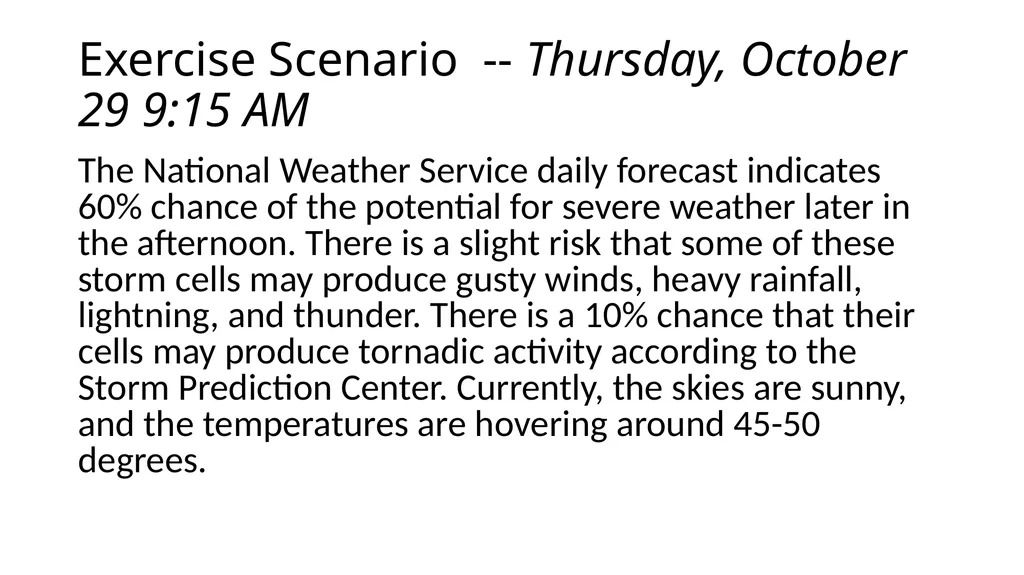
Exercise Scenario -- Thursday, October 29 9:15 AM The National Weather Service daily forecast indicates 60% chance of the potential for severe weather later in the afternoon. There is a slight risk that some of these storm cells may produce gusty winds, heavy rainfall, lightning, and thunder. There is a 10% chance that their cells may produce tornadic activity according to the Storm Prediction Center. Currently, the skies are sunny, and the temperatures are hovering around 45-50 degrees.<br>
19
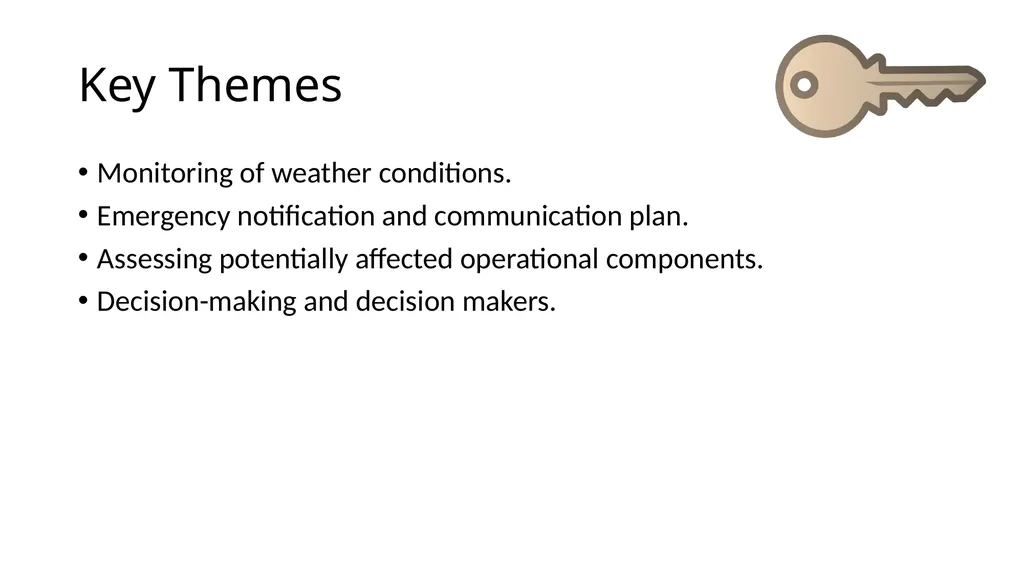
Key Themes Monitoring of weather conditions.
Emergency notification and communication plan.
Assessing potentially affected operational components.
Decision-making and decision makers.<br>
Emergency notification and communication plan.
Assessing potentially affected operational components.
Decision-making and decision makers.<br>
20
Exercise Begins<br>
21
Module 1 1:00 PM<br>
22
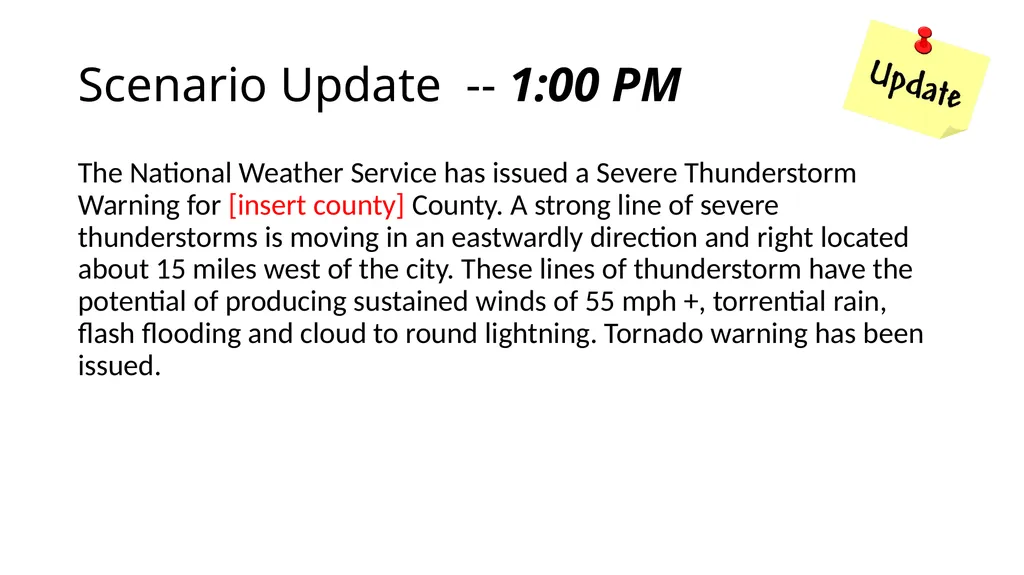
Scenario Update -- 1:00 PM The National Weather Service has issued a Severe Thunderstorm Warning for [insert county] County. A strong line of severe thunderstorms is moving in an eastwardly direction and right located about 15 miles west of the city. These lines of thunderstorm have the potential of producing sustained winds of 55 mph +, torrential rain, flash flooding and cloud to round lightning. Tornado warning has been issued.<br>
23
Key Themes: Emergency notifications and communications.
Shelter-in-place locations & policies.
Supplies.
Family preparedness awareness.<br>
Shelter-in-place locations & policies.
Supplies.
Family preparedness awareness.<br>
24
Discussion Questions: Module 1, slide 1 What actions are needed by faculty, staff, and students?
How do you obtain situational awareness?<br>
How do you obtain situational awareness?<br>
25
Discussion Questions: Module 1, slide 2 What is your organization’s ability to respond to a tornado?
Is this written in your emergency plan?<br>
Is this written in your emergency plan?<br>
26
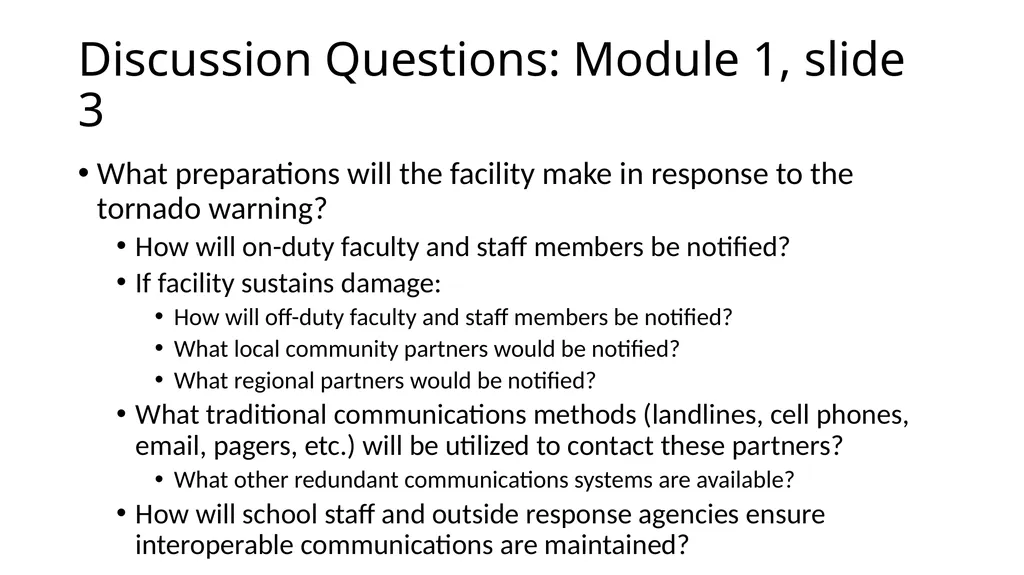
Discussion Questions: Module 1, slide 3 What preparations will the facility make in response to the tornado warning?
How will on-duty faculty and staff members be notified?
If facility sustains damage:
How will off-duty faculty and staff members be notified?
What local community partners would be notified?
What regional partners would be notified?
What traditional communications methods (landlines, cell phones, email, pagers, etc.) will be utilized to contact these partners?
What other redundant communications systems are available?
How will school staff and outside response agencies ensure interoperable communications are maintained?<br>
How will on-duty faculty and staff members be notified?
If facility sustains damage:
How will off-duty faculty and staff members be notified?
What local community partners would be notified?
What regional partners would be notified?
What traditional communications methods (landlines, cell phones, email, pagers, etc.) will be utilized to contact these partners?
What other redundant communications systems are available?
How will school staff and outside response agencies ensure interoperable communications are maintained?<br>
27
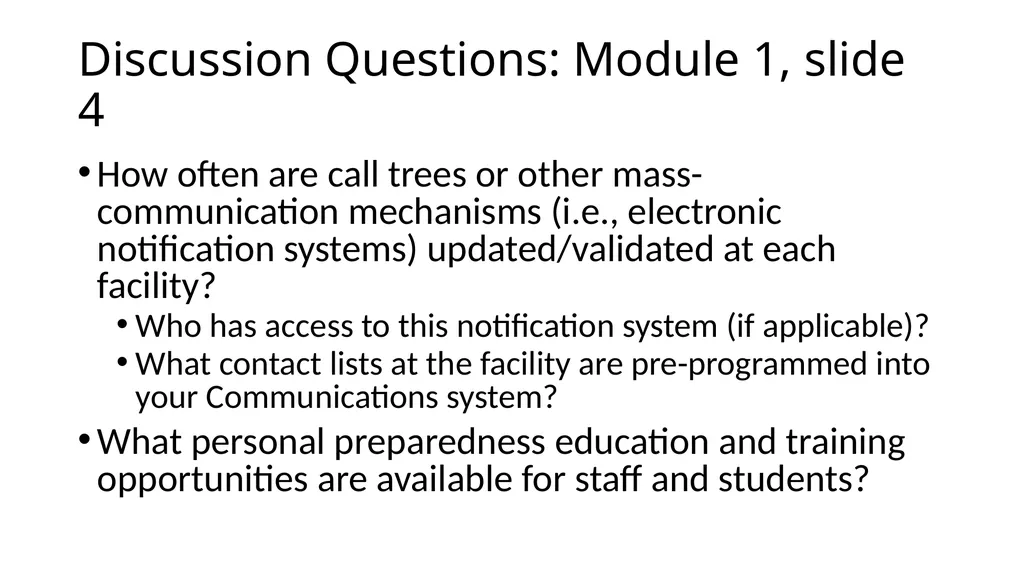
Discussion Questions: Module 1, slide 4 How often are call trees or other mass-communication mechanisms (i.e., electronic notification systems) updated/validated at each facility?
Who has access to this notification system (if applicable)?
What contact lists at the facility are pre-programmed into your Communications system?
What personal preparedness education and training opportunities are available for staff and students?<br>
Who has access to this notification system (if applicable)?
What contact lists at the facility are pre-programmed into your Communications system?
What personal preparedness education and training opportunities are available for staff and students?<br>
28
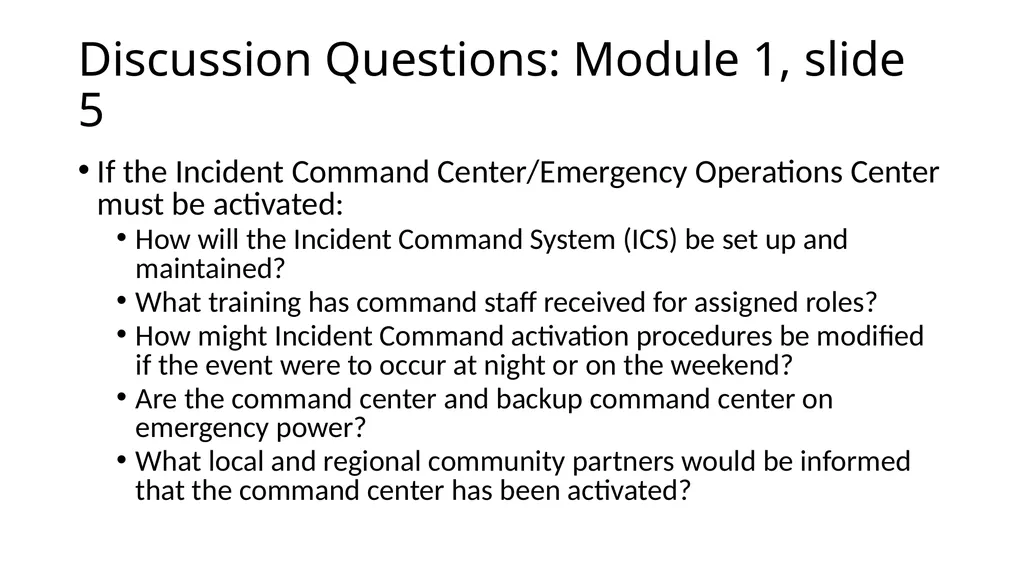
Discussion Questions: Module 1, slide 5 If the Incident Command Center/Emergency Operations Center must be activated:
How will the Incident Command System (ICS) be set up and maintained?
What training has command staff received for assigned roles?
How might Incident Command activation procedures be modified if the event were to occur at night or on the weekend?
Are the command center and backup command center on emergency power?
What local and regional community partners would be informed that the command center has been activated?<br>
How will the Incident Command System (ICS) be set up and maintained?
What training has command staff received for assigned roles?
How might Incident Command activation procedures be modified if the event were to occur at night or on the weekend?
Are the command center and backup command center on emergency power?
What local and regional community partners would be informed that the command center has been activated?<br>
29
Module 2 1:18 PM<br>
30
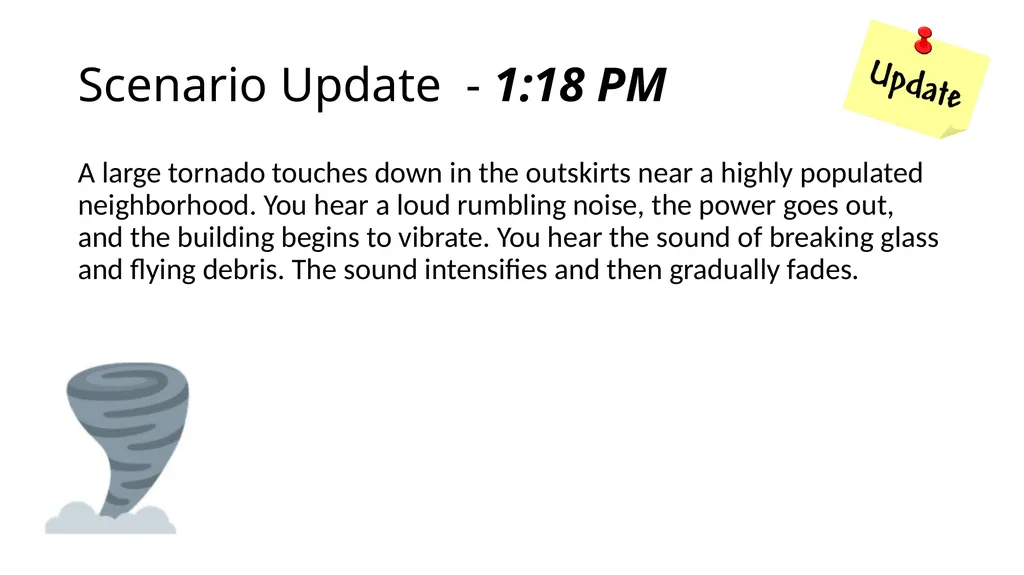
Scenario Update - 1:18 PM A large tornado touches down in the outskirts near a highly populated neighborhood. You hear a loud rumbling noise, the power goes out, and the building begins to vibrate. You hear the sound of breaking glass and flying debris. The sound intensifies and then gradually fades.<br>
31
Key Themes -- Immediate actions and priorities.
Evacuation or shelter-in-place?
Supplies and first aid training.
Accounting for students, faculty, staff, and visitors.
Critical operations.<br>
Evacuation or shelter-in-place?
Supplies and first aid training.
Accounting for students, faculty, staff, and visitors.
Critical operations.<br>
32
Discussion Questions: Module 2, slide 1 What are the actions of staff and students?<br>
33
Discussion Questions: Module 2, slide 2 What is your shelter-in-place procedure for a tornado event?
Is this written in your plan?<br>
Is this written in your plan?<br>
34
Discussion Questions: Module 2, slide 3 What types of notifications do you believe are important at this stage of this event?
Why?
How do you deal with internal and external communications?
Is this written in your plan?<br>
Why?
How do you deal with internal and external communications?
Is this written in your plan?<br>
35
Discussion Questions: Module 2, slide 4 What is your plan for a utilities outage at the school?<br>
36
Module 3 1:38 PM<br>
37
Scenario Update: 1:38 PM The tornado, determined to be an EF3, has damaged approximately 300 homes and businesses surrounding campus. At least 50 people have various injuries, and an unknown number of people are missing. Your facility has suffered extensive damage and at least five employees are injured and two are missing. Search and rescue efforts are ongoing. The mayor and fire chief are asking people to leave the affected areas and not return until the area has been declared safe.<br>
38
Key Themes: Immediate actions and priorities.
Critical community services.
Employee communications.
Employee work status.
Vital business documents.
Community support.<br>
Critical community services.
Employee communications.
Employee work status.
Vital business documents.
Community support.<br>
39
Discussion Questions: Module 3, slide 1 What notifications should be made on and off campus?
How is this accomplished?<br>
How is this accomplished?<br>
40
Discussion Questions: Module 3, slide 2 Who is in charge?
What does your command structure look like?
How do you integrate with emergency responders?<br>
What does your command structure look like?
How do you integrate with emergency responders?<br>
41
Discussion Questions: Module 3, slide 3 How do you determine when the danger has passed?
What information is necessary?<br>
What information is necessary?<br>
42
Discussion Questions: Module 3, slide 4 What is your procedure for getting accountability of students, faculty, and staff?
What is your procedure for dealing with injured students and staff prior to emergency services arrival?<br>
What is your procedure for dealing with injured students and staff prior to emergency services arrival?<br>
43
Discussion Questions: Module 3, slide 5 Who in your school is tasked with dealing with media inquiries?
What is your procedure for notifying and documenting the reunification of students and parents?<br>
What is your procedure for notifying and documenting the reunification of students and parents?<br>
44
Hotwash<br>
45
Overview of the Hotwash Process This hotwash is designed to be a low-stress, no-fault environment.
Varying viewpoints are encouraged and expected.
Focus on systems/processes/plans – not people.
Problems will not be solved as a result of this Hotwash; however, recommendations to improve systems/processes will be added to the parking lot.<br>
Varying viewpoints are encouraged and expected.
Focus on systems/processes/plans – not people.
Problems will not be solved as a result of this Hotwash; however, recommendations to improve systems/processes will be added to the parking lot.<br>
46
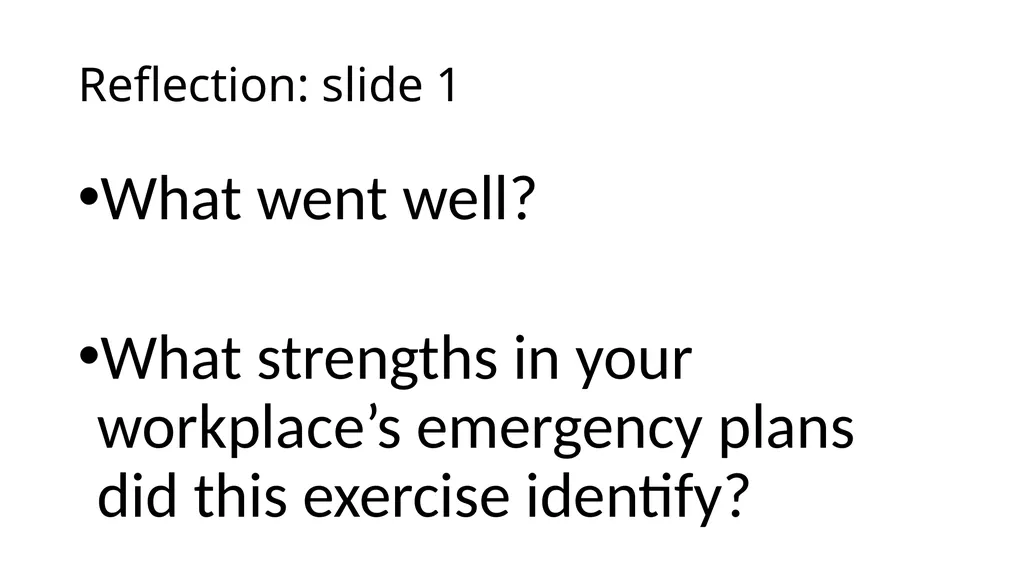
What went well?
What strengths in your workplace’s emergency plans did this exercise identify? Reflection: slide 1<br>
What strengths in your workplace’s emergency plans did this exercise identify? Reflection: slide 1<br>
47
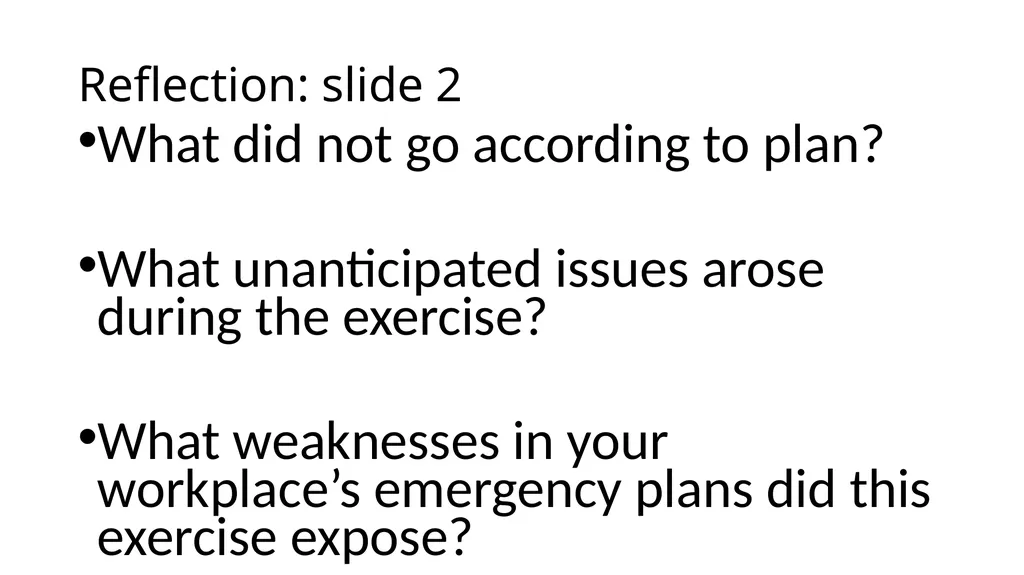
What did not go according to plan?
What unanticipated issues arose during the exercise?
What weaknesses in your workplace’s emergency plans did this exercise expose? Reflection: slide 2<br>
What unanticipated issues arose during the exercise?
What weaknesses in your workplace’s emergency plans did this exercise expose? Reflection: slide 2<br>
48
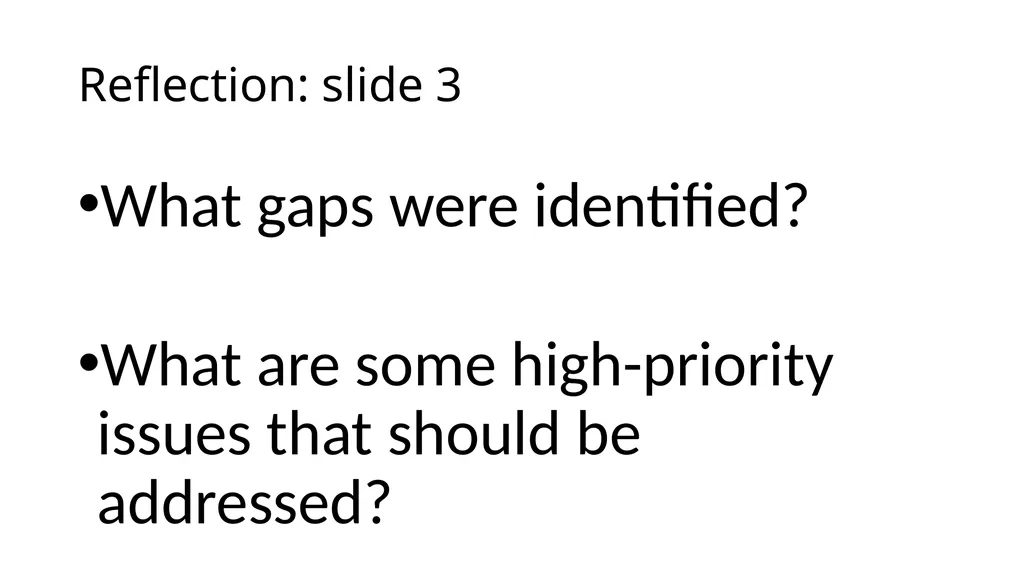
What gaps were identified?
What are some high-priority issues that should be addressed? Reflection: slide 3<br>
What are some high-priority issues that should be addressed? Reflection: slide 3<br>
49
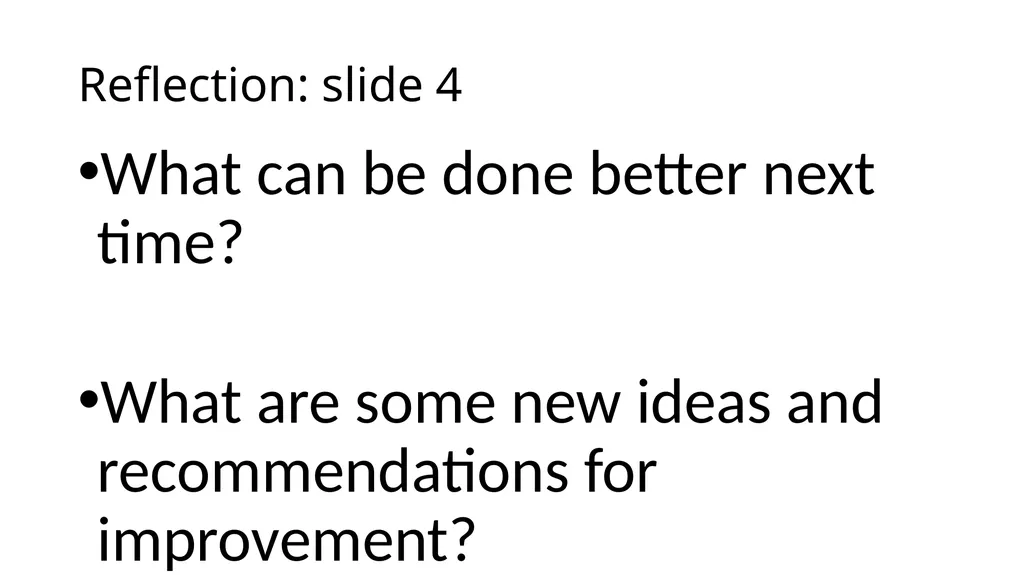
What can be done better next time?
What are some new ideas and recommendations for improvement? Reflection: slide 4<br>
What are some new ideas and recommendations for improvement? Reflection: slide 4<br>
50
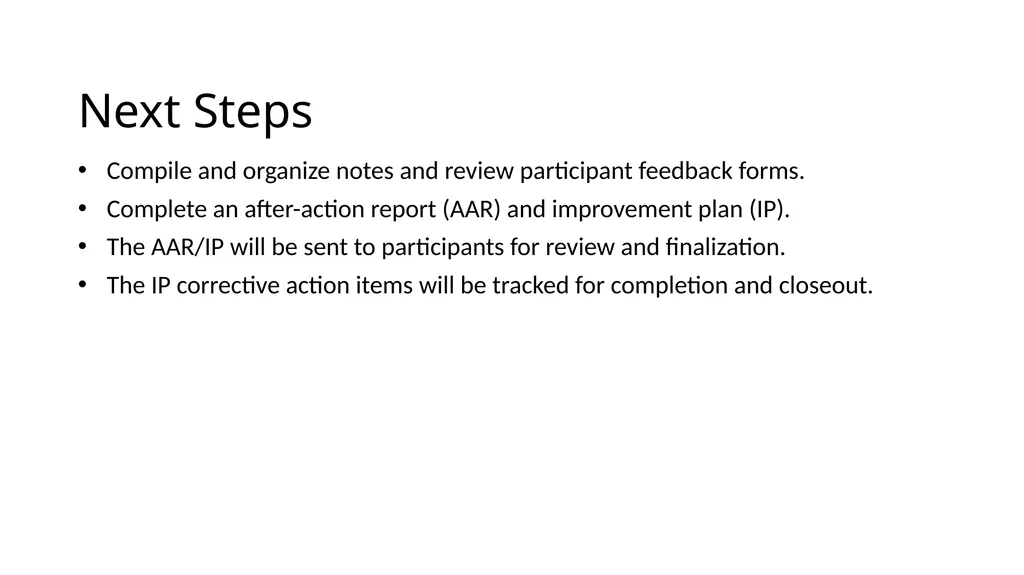
Next Steps Compile and organize notes and review participant feedback forms.
Complete an after-action report (AAR) and improvement plan (IP).
The AAR/IP will be sent to participants for review and finalization.
The IP corrective action items will be tracked for completion and closeout.<br>
Complete an after-action report (AAR) and improvement plan (IP).
The AAR/IP will be sent to participants for review and finalization.
The IP corrective action items will be tracked for completion and closeout.<br>
51
Questions and Closing Comments<br>