Instructions This PowerPoint contains NCOAs 6 Steps to Prevent a Fall featuring each step on a slide. The slide deck has been set up for the slides to auto-advance every 15 seconds and is on a continuous loop until user exits the
"Instructions This PowerPoint contains NCOA’s 6" is the property of its rightful owner. Permission is granted to
download and print the materials on this website for personal, non-commercial use only, and to display it
on your personal computer provided you do not modify the materials and that you retain all copyright
notices contained in the materials. By downloading content from our website, you accept the terms of this
agreement.
Presentation Transcript
01
Instructions This PowerPoint contains NCOA’s 6 Steps to Prevent a Fall featuring each step on a slide.
The slide deck has been set up for the slides to auto-advance every 15 seconds and is on a continuous loop until user exits the presentation.
This PowerPoint can be used at hospital kiosk media stations, senior centers, Area Agencies on Aging, waiting rooms at the doctors’ office or pharmacy, or on a projector at a health event. These are a few examples to help you get started but this slide deck can be used wherever there is a screen or monitor.
This slide deck can also be used as part of any speaking engagement or presentation. Be sure to adjust time and loop settings as needed.
To begin the slide deck, select Slide Show on the ribbon at the top and select From Beginning or press F5 on your keyboard. To end the presentation, press Esc on your keyboard.
Please delete this Instructions slide before using this PowerPoint presentation.
This project was supported in part by grant number 90FPSG0051 from the U.S. Administration for Community Living, Department of Health and Human Services, Washington, D.C. 20201. Grantees undertaking projects under government sponsorship are encouraged to express freely their findings and conclusions. Points of view or opinions do not, therefore, necessarily represent official Administration for Community Living policy.<br>
02
Take Control of Your Health: 6 Steps to Prevent a Fall<br>
03
Every 11 seconds, an older adult is seen in an emergency department for a fall-related injury. Many falls are preventable. www.ncoa.org/Falls Stay safe with these tips!<br>
04
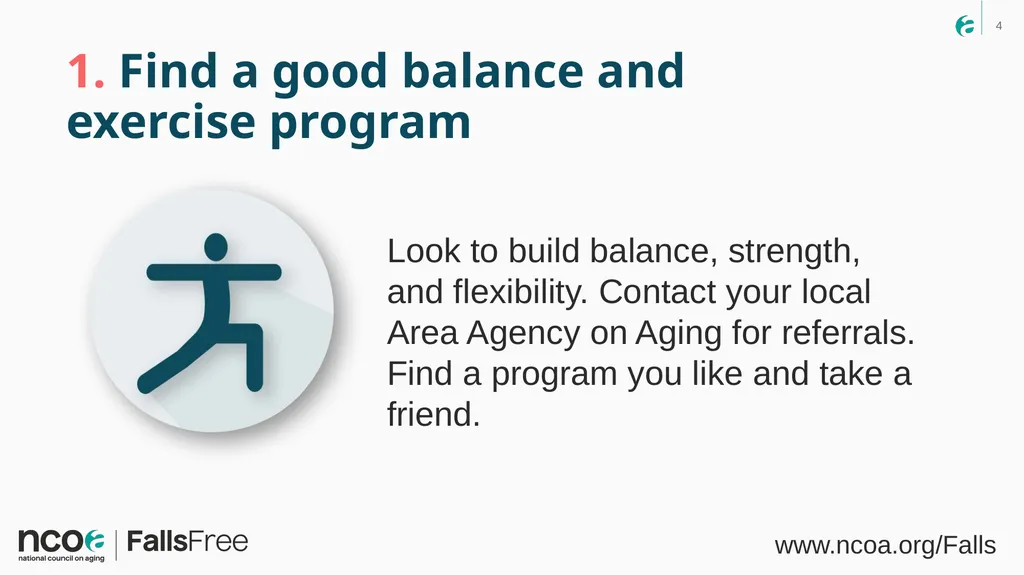
1. Find a good balance and exercise program Look to build balance, strength, and flexibility. Contact your local Area Agency on Aging for referrals. Find a program you like and take a friend. www.ncoa.org/Falls<br>
05
2. Talk to your health care provider Ask for an assessment of your risk of falling. Share your history of recent falls. www.ncoa.org/Falls<br>
06
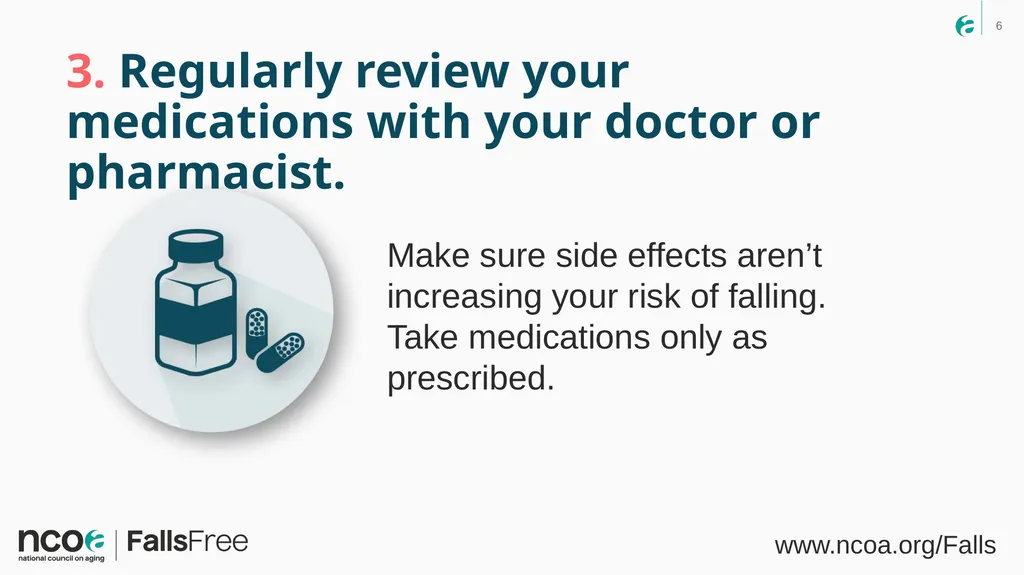
3. Regularly review your medications with your doctor or pharmacist. Make sure side effects aren’t increasing your risk of falling. Take medications only as prescribed. www.ncoa.org/Falls<br>
07
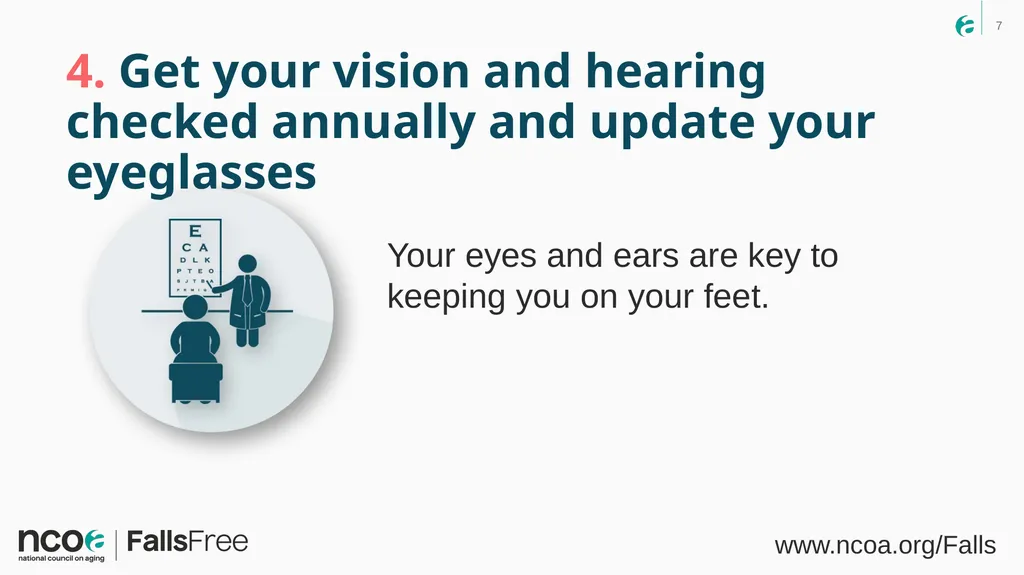
4. Get your vision and hearing checked annually and update your eyeglasses Your eyes and ears are key to keeping you on your feet. www.ncoa.org/Falls<br>
08
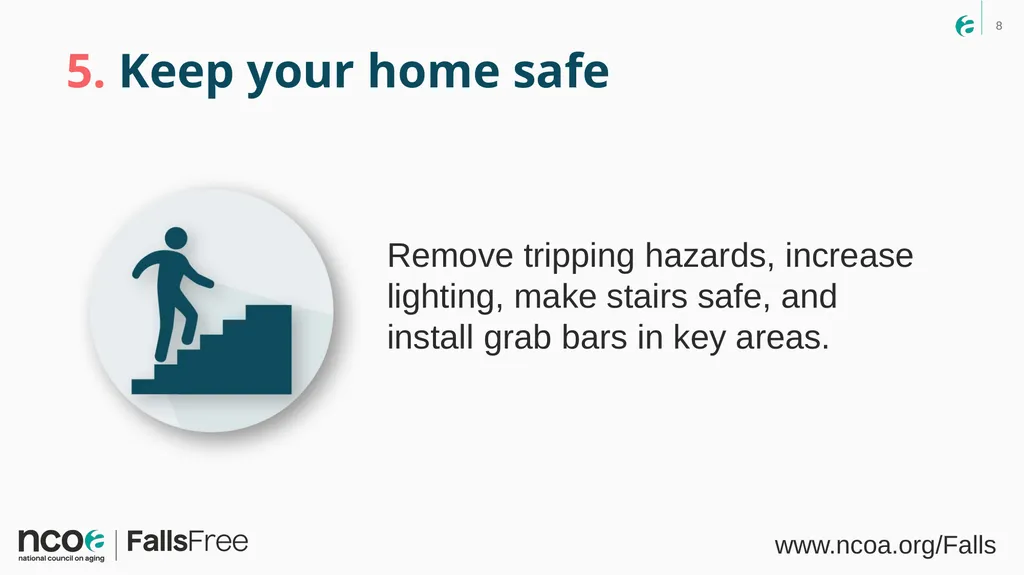
5. Keep your home safe Remove tripping hazards, increase lighting, make stairs safe, and install grab bars in key areas. www.ncoa.org/Falls<br>
09
6. Talk to your family members Enlist their support in taking simple steps to stay safe. Falls are not just a seniors’ issue. www.ncoa.org/Falls<br>