Microsoft 365 Copilot: Prompting do’s and don’ts
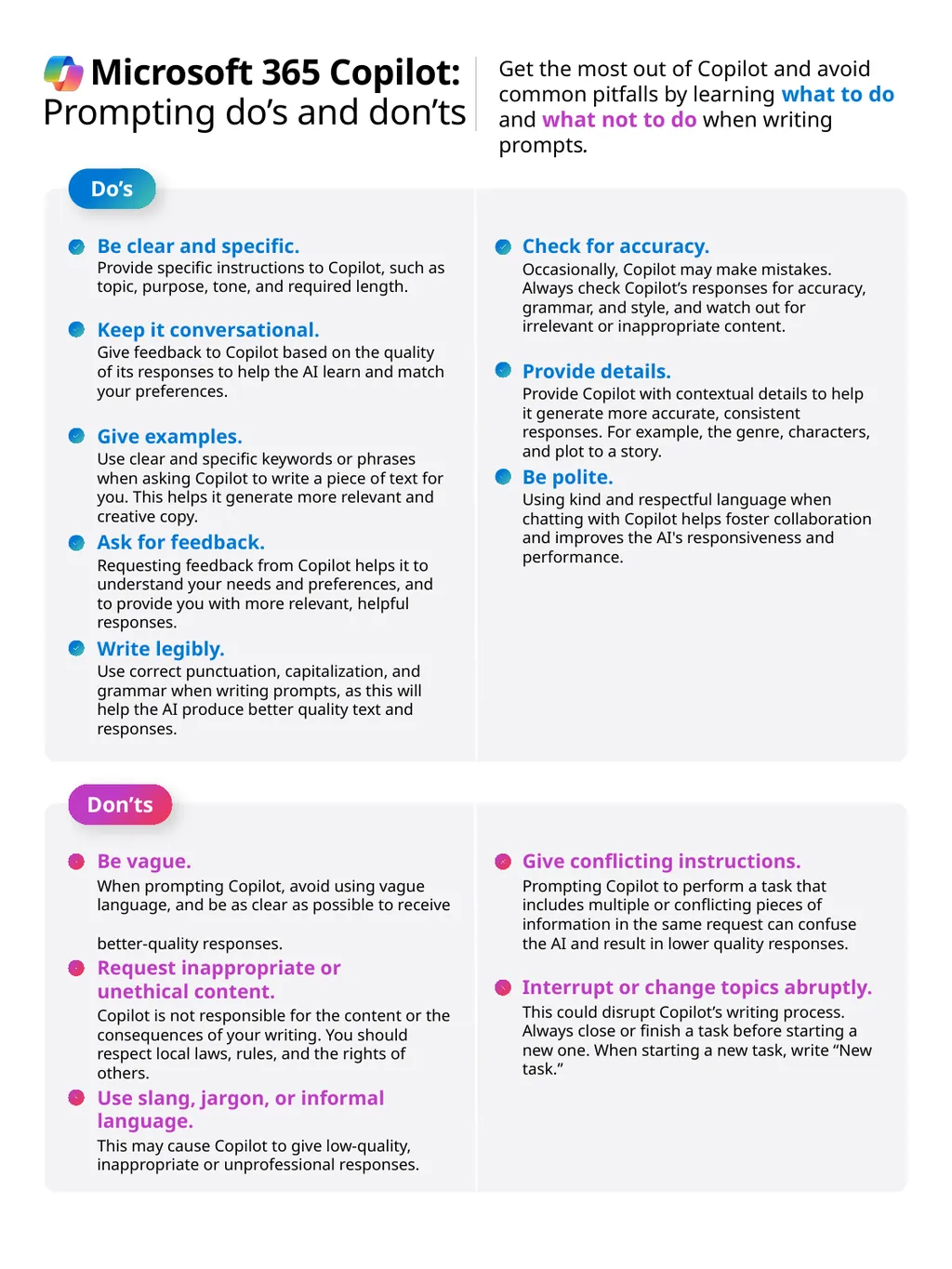
Description: Microsoft 365 Copilot: Prompting dos and donts Get the most out of Copilot and avoid common pitfalls by learning what to do and what not to do when writing prompts. Dos Be clear and specific. Provide specific instructions to Copilot,
Related Topics
Download Presentation
"Microsoft 365 Copilot: Prompting do’s and don’ts" is the property of its rightful owner. Permission is granted to download and print the materials on this website for personal, non-commercial use only, and to display it on your personal computer provided you do not modify the materials and that you retain all copyright notices contained in the materials. By downloading content from our website, you accept the terms of this agreement.
Presentation Transcript
slide1. Microsoft 365 Copilot:
Prompting do’s and don’ts Get the most out of Copilot and avoid common pitfalls by learning what to do and what not to do when writing prompts. Do’s Be clear and specific. Provide specific instructions to Copilot, such as topic, purpose, tone, and required length. Keep it conversational.
Give feedback to Copilot based on the quality of its responses to help the AI learn and match your preferences. Give examples.
Use clear and specific keywords or phrases when asking Copilot to write a piece of text for you. This helps it generate more relevant and creative copy. Ask for feedback.
Requesting feedback from Copilot helps it to understand your needs and preferences, and to provide you with more relevant, helpful responses. Write legibly.
Use correct punctuation, capitalization, and grammar when writing prompts, as this will help the AI produce better quality text and responses. Check for accuracy.
Occasionally, Copilot may make mistakes. Always check Copilot’s responses for accuracy, grammar, and style, and watch out for irrelevant or inappropriate content. Provide details.
Provide Copilot with contextual details to help it generate more accurate, consistent responses. For example, the genre, characters, and plot to a story. Be polite.
Using kind and respectful language when chatting with Copilot helps foster collaboration and improves the AI's responsiveness and performance. Don’ts Be vague.
When prompting Copilot, avoid using vague language, and be as clear as possible to receive better-quality responses. Request inappropriate or unethical content.
Copilot is not responsible for the content or the consequences of your writing. You should respect local laws, rules, and the rights of others. Use slang, jargon, or informal language.
This may cause Copilot to give low-quality, inappropriate or unprofessional responses. Give conflicting instructions.
Prompting Copilot to perform a task that includes multiple or conflicting pieces of information in the same request can confuse the AI and result in lower quality responses. Interrupt or change topics abruptly.
This could disrupt Copilot’s writing process. Always close or finish a task before starting a new one. When starting a new task, write “New task.”<br>

Prompting do’s and don’ts Get the most out of Copilot and avoid common pitfalls by learning what to do and what not to do when writing prompts. Do’s Be clear and specific. Provide specific instructions to Copilot, such as topic, purpose, tone, and required length. Keep it conversational.
Give feedback to Copilot based on the quality of its responses to help the AI learn and match your preferences. Give examples.
Use clear and specific keywords or phrases when asking Copilot to write a piece of text for you. This helps it generate more relevant and creative copy. Ask for feedback.
Requesting feedback from Copilot helps it to understand your needs and preferences, and to provide you with more relevant, helpful responses. Write legibly.
Use correct punctuation, capitalization, and grammar when writing prompts, as this will help the AI produce better quality text and responses. Check for accuracy.
Occasionally, Copilot may make mistakes. Always check Copilot’s responses for accuracy, grammar, and style, and watch out for irrelevant or inappropriate content. Provide details.
Provide Copilot with contextual details to help it generate more accurate, consistent responses. For example, the genre, characters, and plot to a story. Be polite.
Using kind and respectful language when chatting with Copilot helps foster collaboration and improves the AI's responsiveness and performance. Don’ts Be vague.
When prompting Copilot, avoid using vague language, and be as clear as possible to receive better-quality responses. Request inappropriate or unethical content.
Copilot is not responsible for the content or the consequences of your writing. You should respect local laws, rules, and the rights of others. Use slang, jargon, or informal language.
This may cause Copilot to give low-quality, inappropriate or unprofessional responses. Give conflicting instructions.
Prompting Copilot to perform a task that includes multiple or conflicting pieces of information in the same request can confuse the AI and result in lower quality responses. Interrupt or change topics abruptly.
This could disrupt Copilot’s writing process. Always close or finish a task before starting a new one. When starting a new task, write “New task.”<br>