Module 1 Part 2 Conditionals and Loops If statements in Java They work the same as if statements in Python. You dont put a : after the if, or else statement, instead you use s after each part. elif in Python is else if in Java Each
"Module 1 Part 2 Conditionals and Loops If" is the property of its rightful owner. Permission is granted to
download and print the materials on this website for personal, non-commercial use only, and to display it
on your personal computer provided you do not modify the materials and that you retain all copyright
notices contained in the materials. By downloading content from our website, you accept the terms of this
agreement.
Presentation Transcript
01
Module 1 Part 2
Conditionals and Loops<br>
02
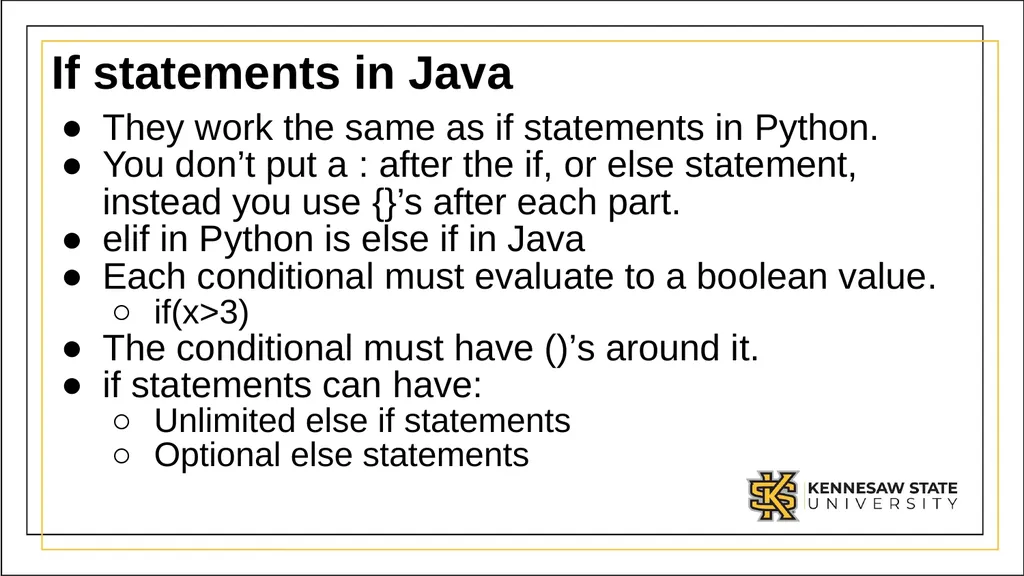
If statements in Java They work the same as if statements in Python.
You don’t put a : after the if, or else statement, instead you use {}’s after each part.
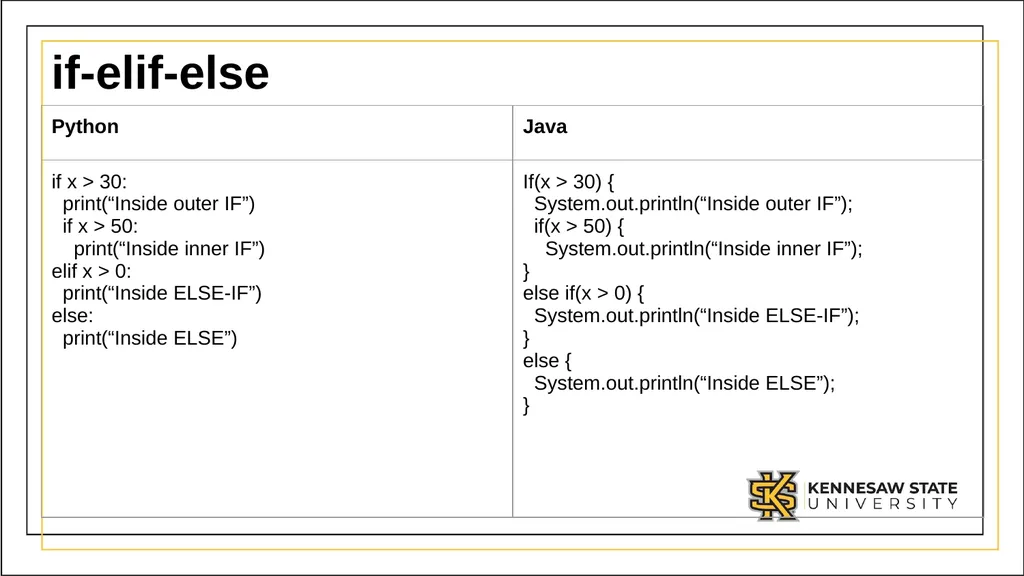
elif in Python is else if in Java
Each conditional must evaluate to a boolean value.
if(x>3)
The conditional must have ()’s around it.
if statements can have:
Unlimited else if statements
Optional else statements<br>
03
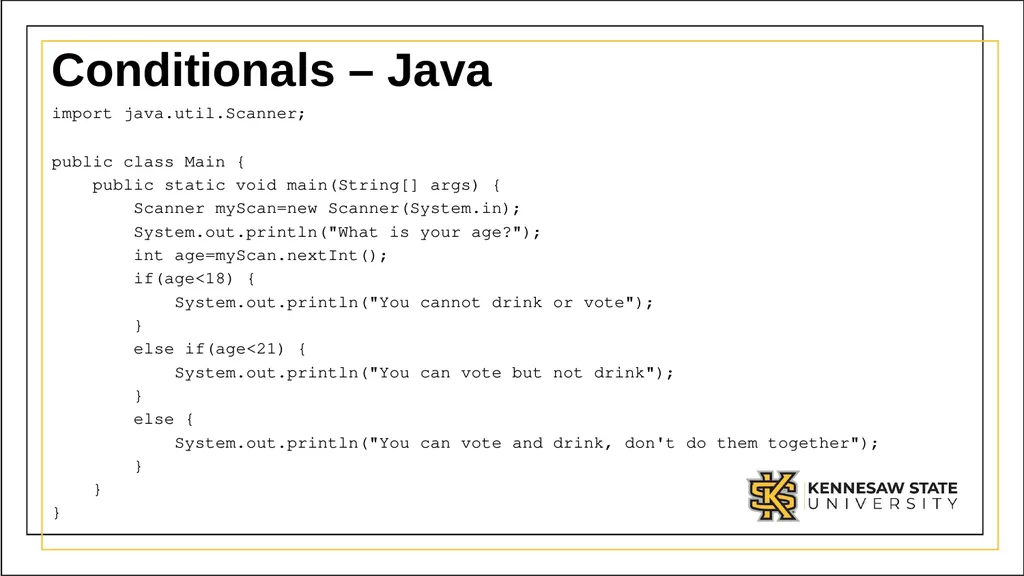
Conditionals – Java import java.util.Scanner;
public class Main {
public static void main(String[] args) {
Scanner myScan=new Scanner(System.in);
System.out.println("What is your age?");
int age=myScan.nextInt();
if(age<18) {
System.out.println("You cannot drink or vote");
}
else if(age<21) {
System.out.println("You can vote but not drink");
}
else {
System.out.println("You can vote and drink, don't do them together");
}
}
}<br>
04
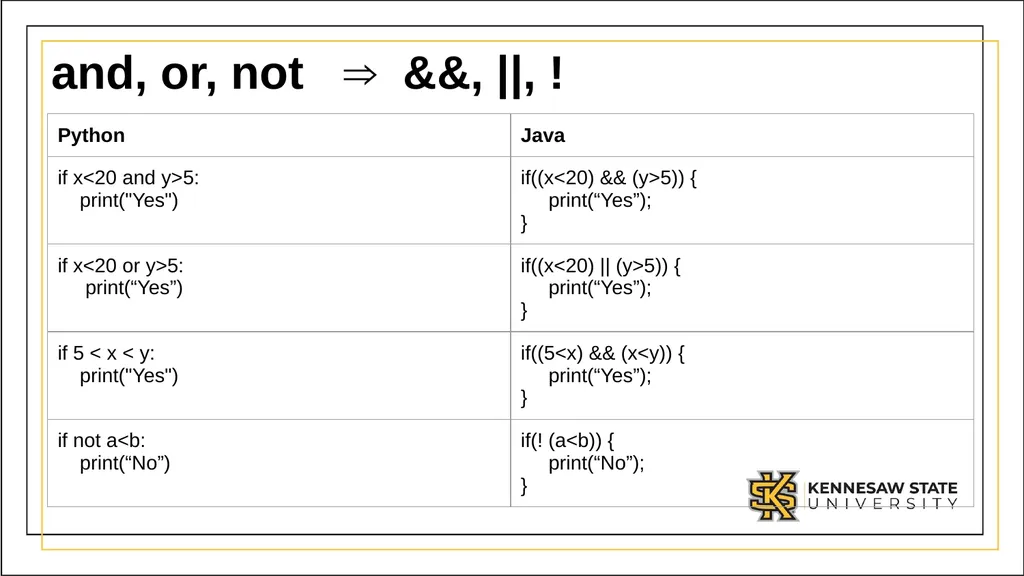
and, or, not ⇒ &&, ||, !<br>
05
if-elif-else<br>
06
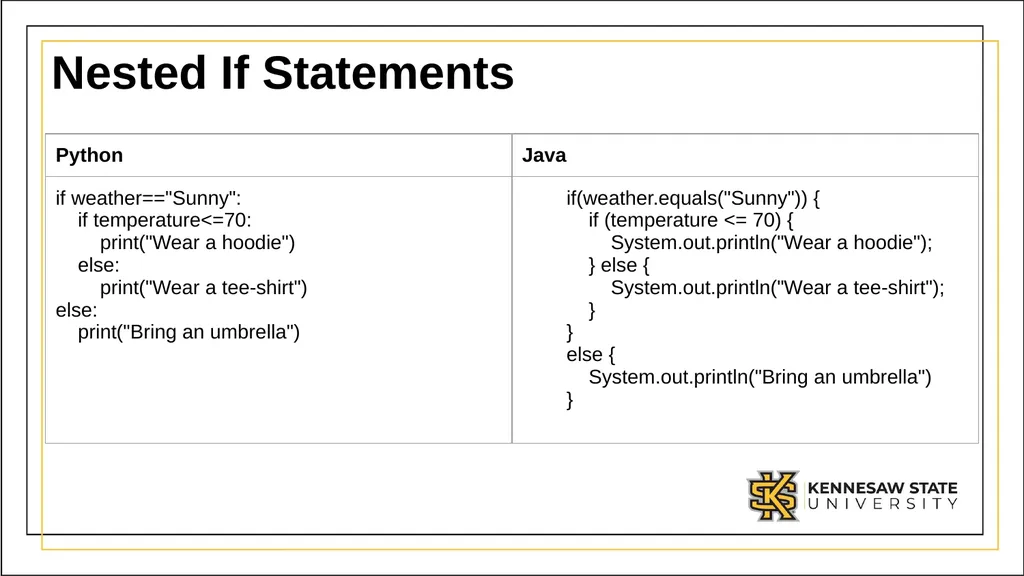
Nested If Statements<br>
07
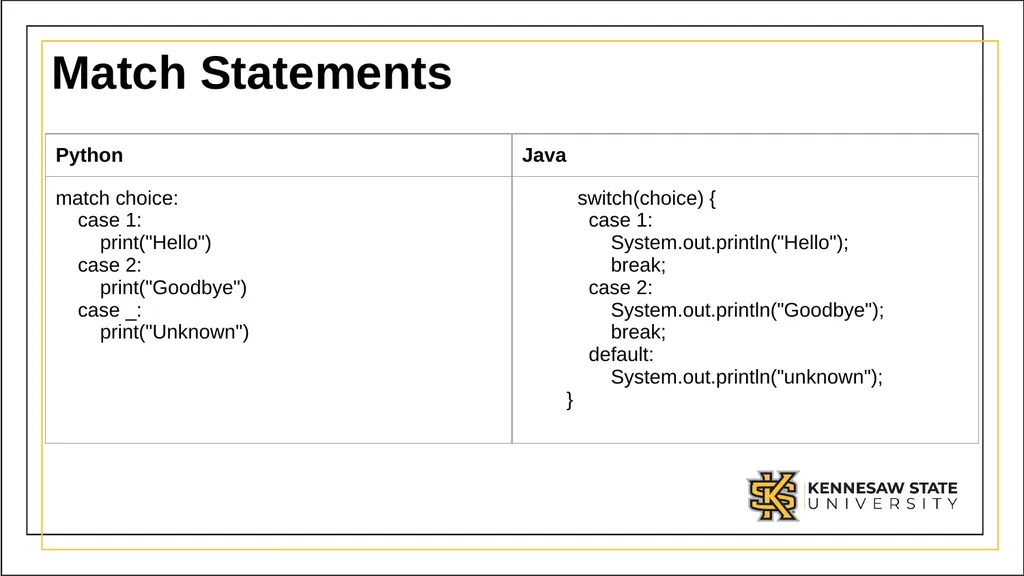
Match Statements<br>
08
In java each case must have a break If you forget the break, it may execute multiple statements.
This is absolutely a feature…certainly not a bug :)<br>
09
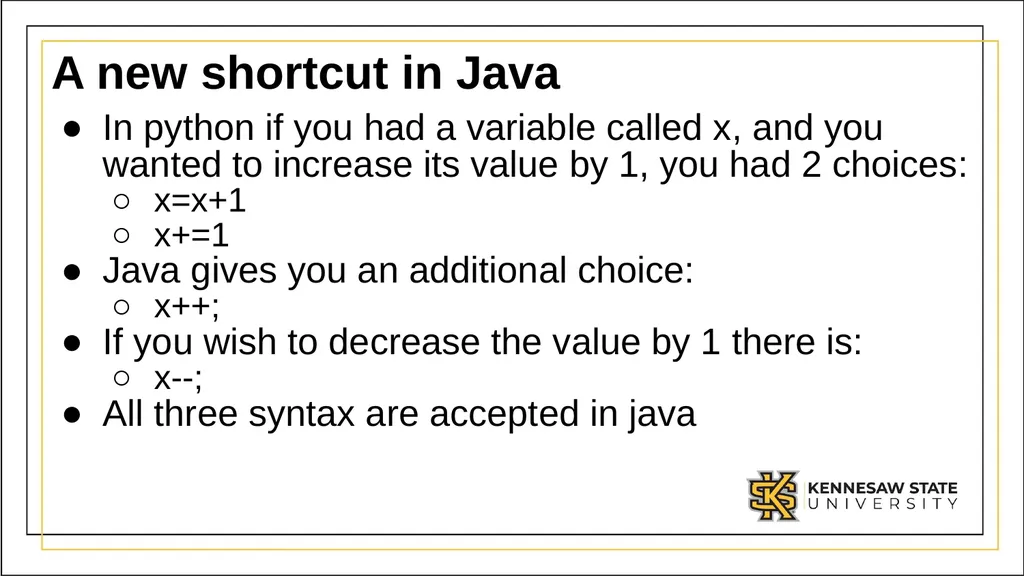
A new shortcut in Java In python if you had a variable called x, and you wanted to increase its value by 1, you had 2 choices:
x=x+1
x+=1
Java gives you an additional choice:
x++;
If you wish to decrease the value by 1 there is:
x--;
All three syntax are accepted in java<br>
10
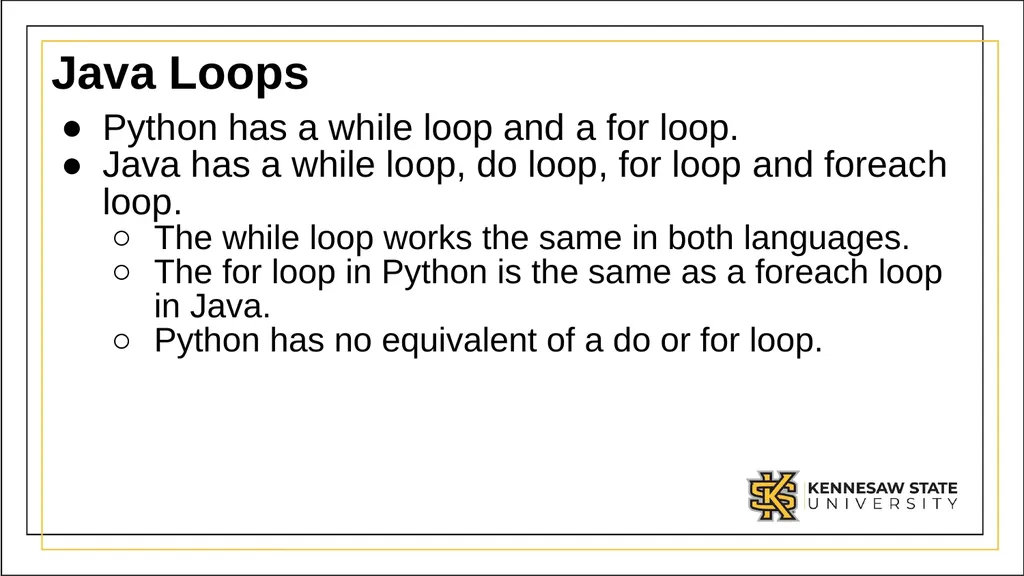
Java Loops Python has a while loop and a for loop.
Java has a while loop, do loop, for loop and foreach loop.
The while loop works the same in both languages.
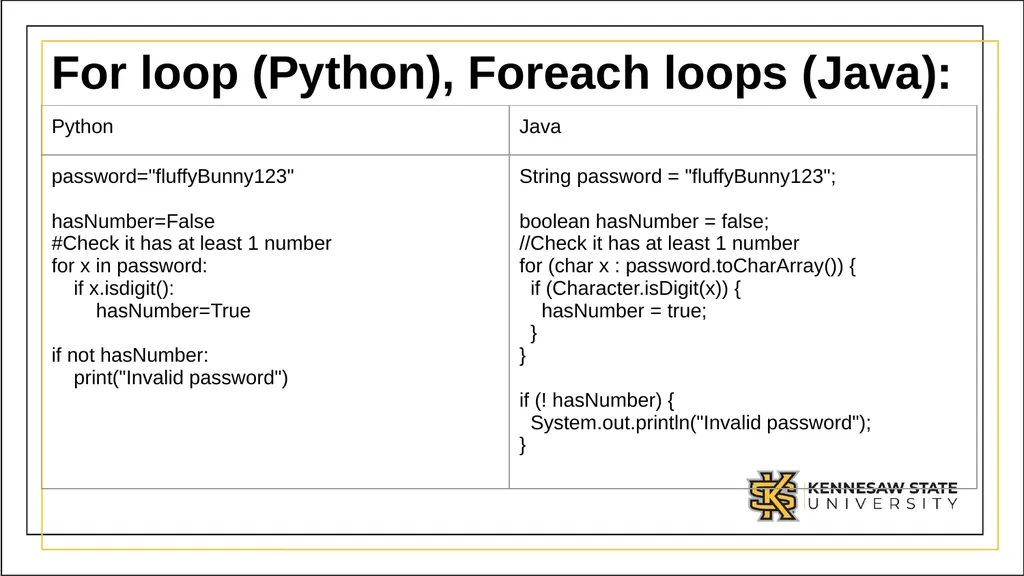
The for loop in Python is the same as a foreach loop in Java.
Python has no equivalent of a do or for loop.<br>
11
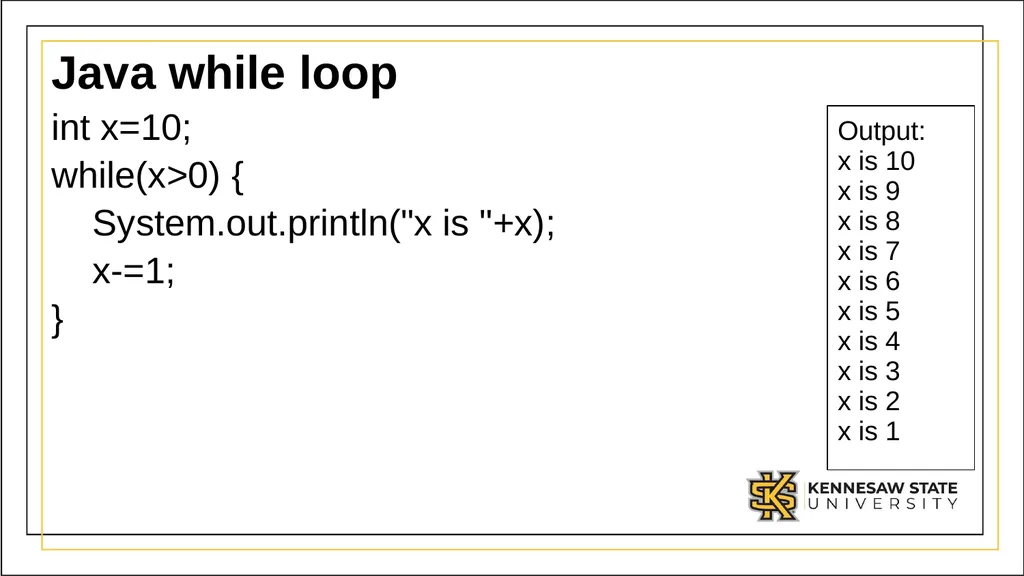
Java while loop int x=10;
while(x>0) {
System.out.println("x is "+x);
x-=1;
} Output:
x is 10
x is 9
x is 8
x is 7
x is 6
x is 5
x is 4
x is 3
x is 2
x is 1<br>
12
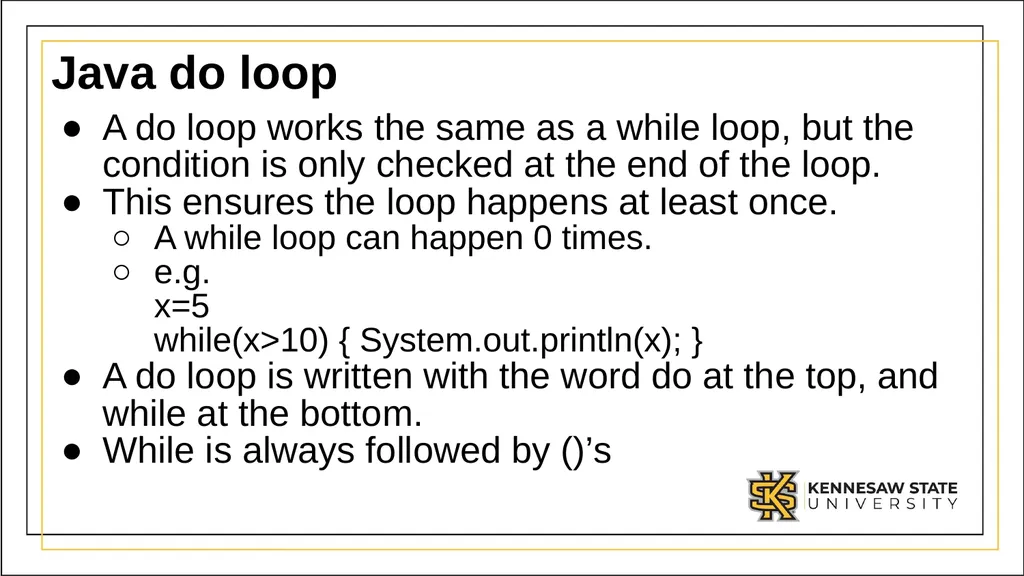
Java do loop A do loop works the same as a while loop, but the condition is only checked at the end of the loop.
This ensures the loop happens at least once.
A while loop can happen 0 times.
e.g. x=5 while(x>10) { System.out.println(x); }
A do loop is written with the word do at the top, and while at the bottom.
While is always followed by ()’s<br>
13
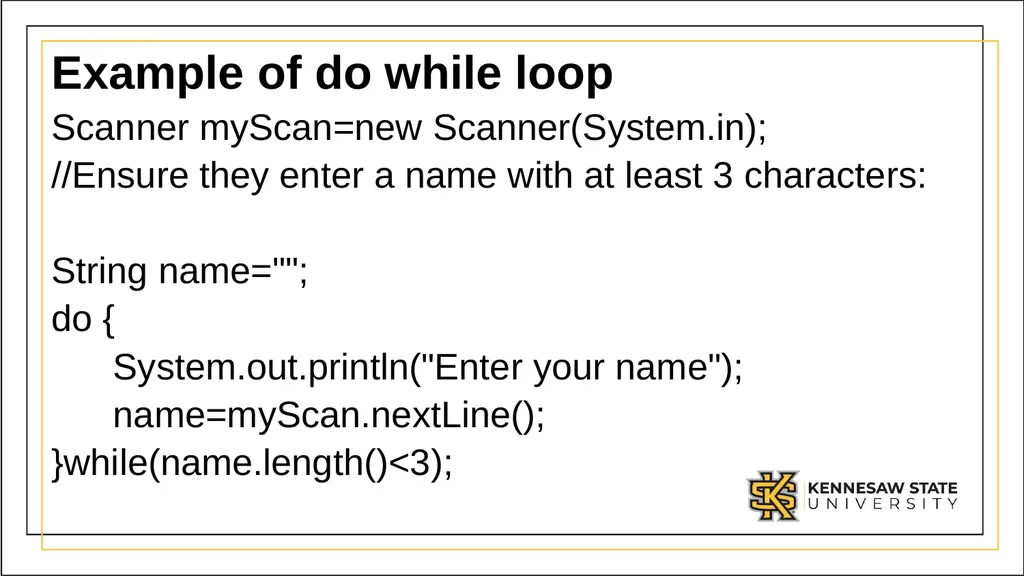
Example of do while loop Scanner myScan=new Scanner(System.in);
//Ensure they enter a name with at least 3 characters:
String name="";
do {
System.out.println("Enter your name");
name=myScan.nextLine();
}while(name.length()<3);<br>
14
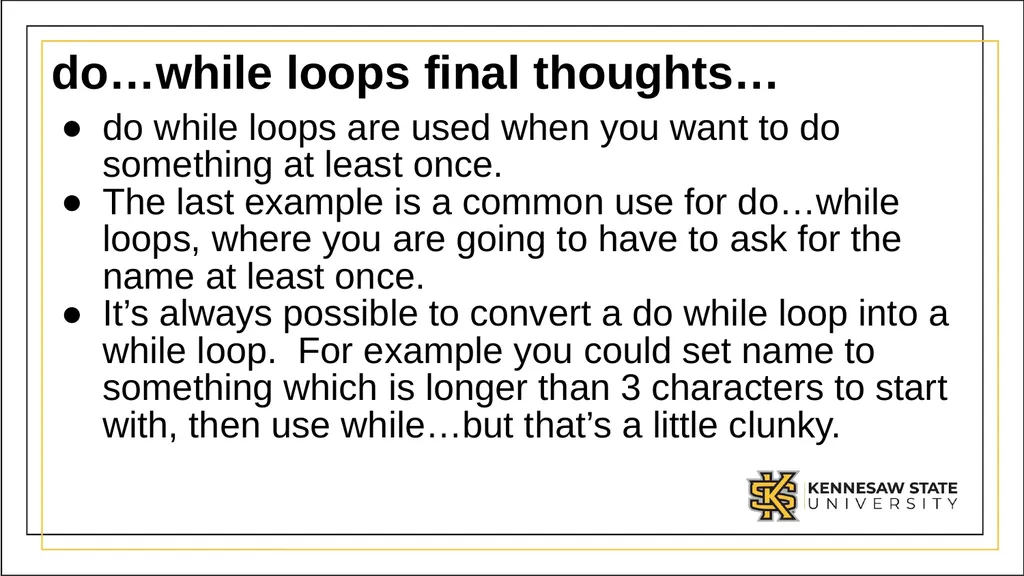
do…while loops final thoughts… do while loops are used when you want to do something at least once.
The last example is a common use for do…while loops, where you are going to have to ask for the name at least once.
It’s always possible to convert a do while loop into a while loop. For example you could set name to something which is longer than 3 characters to start with, then use while…but that’s a little clunky.<br>
15
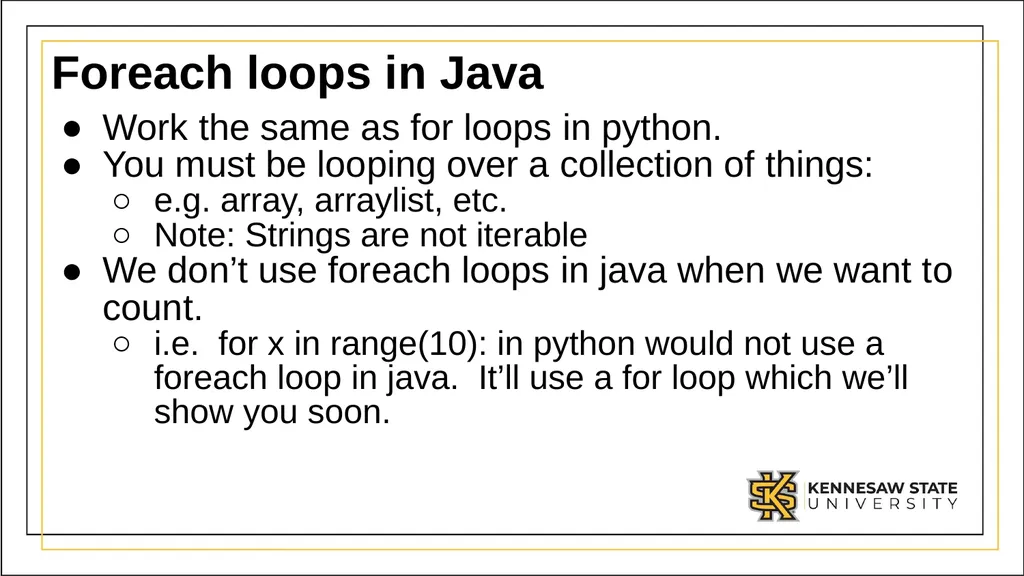
Foreach loops in Java Work the same as for loops in python.
You must be looping over a collection of things:
e.g. array, arraylist, etc.
Note: Strings are not iterable
We don’t use foreach loops in java when we want to count.
i.e. for x in range(10): in python would not use a foreach loop in java. It’ll use a for loop which we’ll show you soon.<br>
16
For loop (Python), Foreach loops (Java):<br>
17
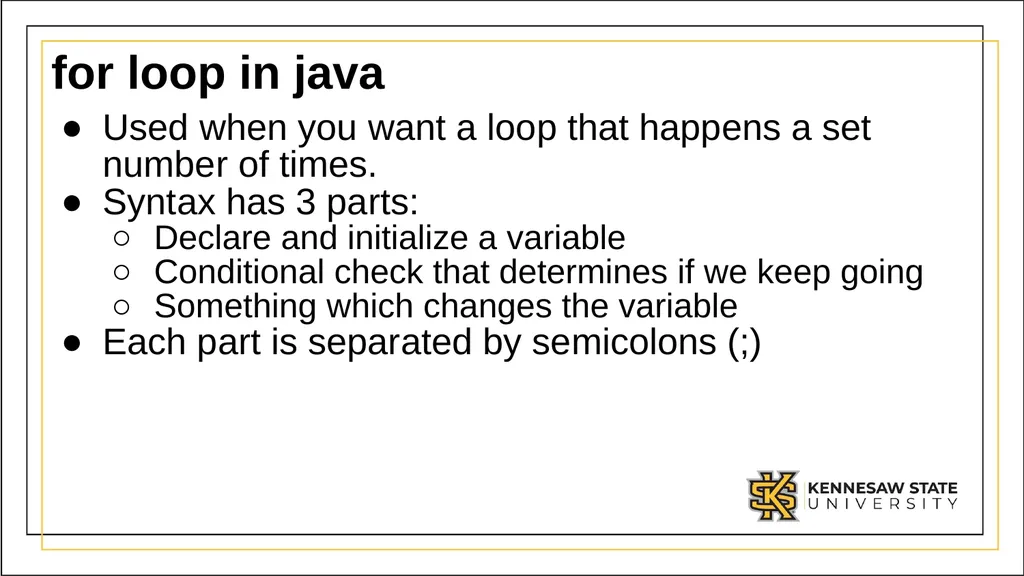
for loop in java Used when you want a loop that happens a set number of times.
Syntax has 3 parts:
Declare and initialize a variable
Conditional check that determines if we keep going
Something which changes the variable
Each part is separated by semicolons (;)<br>
18
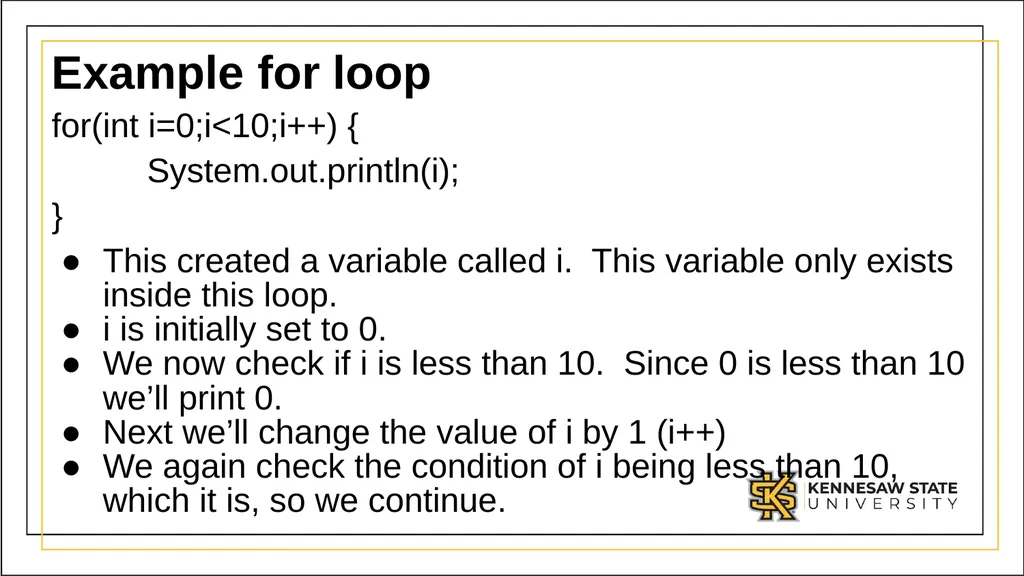
Example for loop for(int i=0;i<10;i++) {
System.out.println(i);
}
This created a variable called i. This variable only exists inside this loop.
i is initially set to 0.
We now check if i is less than 10. Since 0 is less than 10 we’ll print 0.
Next we’ll change the value of i by 1 (i++)
We again check the condition of i being less than 10, which it is, so we continue.<br>
19
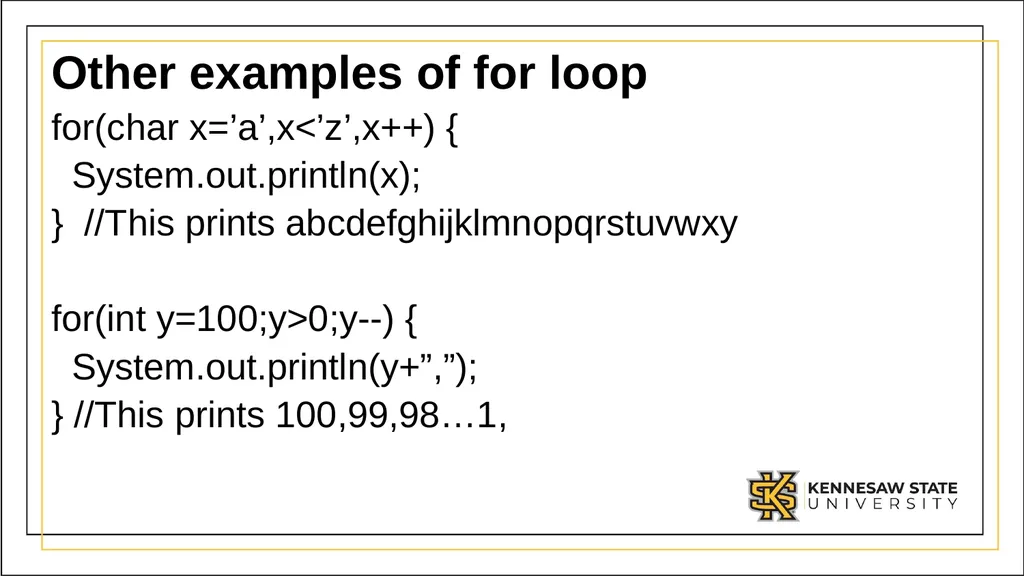
Other examples of for loop for(char x=’a’,x<’z’,x++) {
System.out.println(x);
} //This prints abcdefghijklmnopqrstuvwxy
for(int y=100;y>0;y--) {
System.out.println(y+”,”);
} //This prints 100,99,98…1,<br>
20
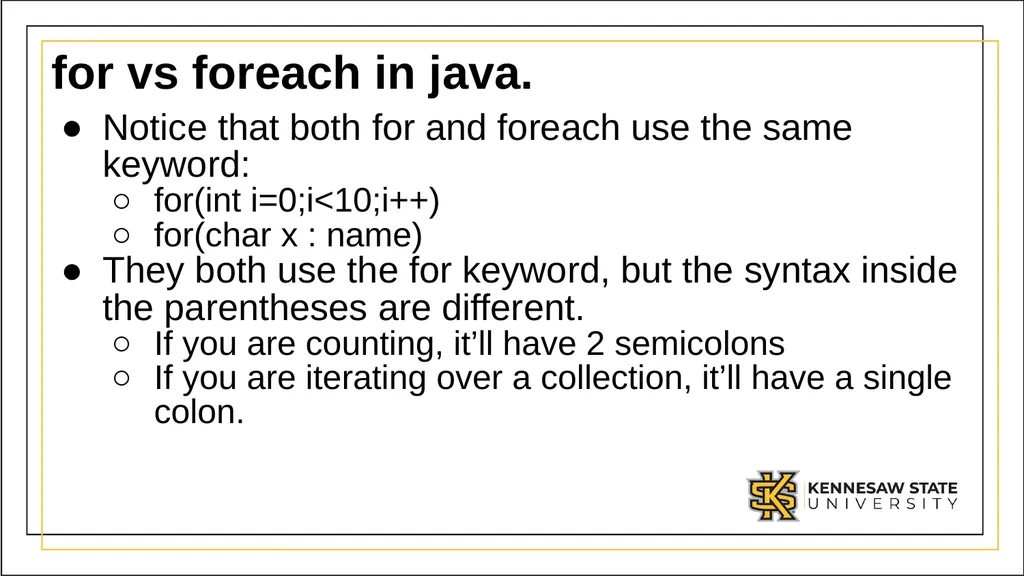
for vs foreach in java. Notice that both for and foreach use the same keyword:
for(int i=0;i<10;i++)
for(char x : name)
They both use the for keyword, but the syntax inside the parentheses are different.
If you are counting, it’ll have 2 semicolons
If you are iterating over a collection, it’ll have a single colon.<br>
21
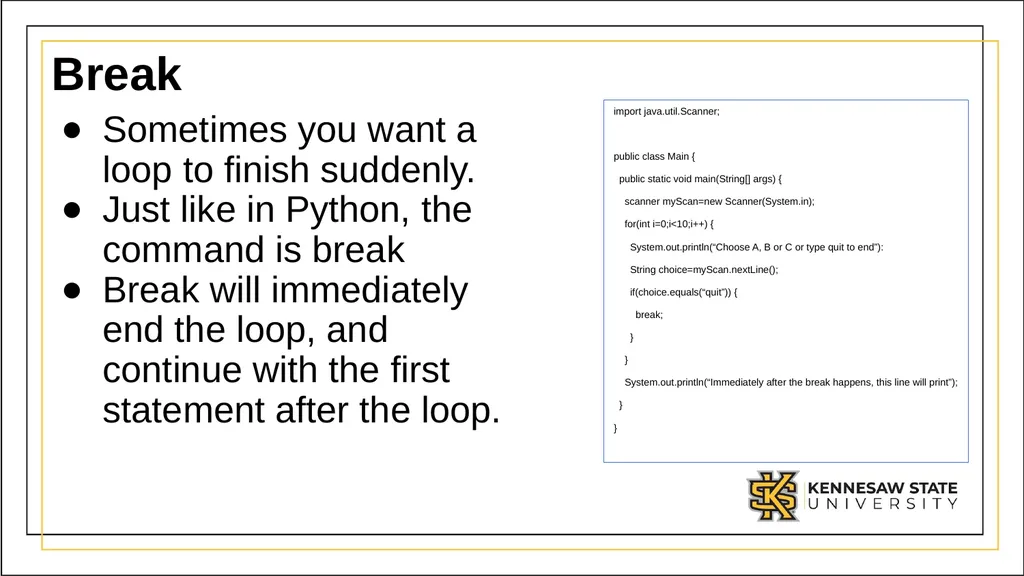
Break Sometimes you want a loop to finish suddenly.
Just like in Python, the command is break
Break will immediately end the loop, and continue with the first statement after the loop. import java.util.Scanner;
public class Main {
public static void main(String[] args) {
scanner myScan=new Scanner(System.in);
for(int i=0;i<10;i++) {
System.out.println(“Choose A, B or C or type quit to end”):
String choice=myScan.nextLine();
if(choice.equals(“quit”)) {
break;
}
}
System.out.println(“Immediately after the break happens, this line will print”);
}
}<br>
22
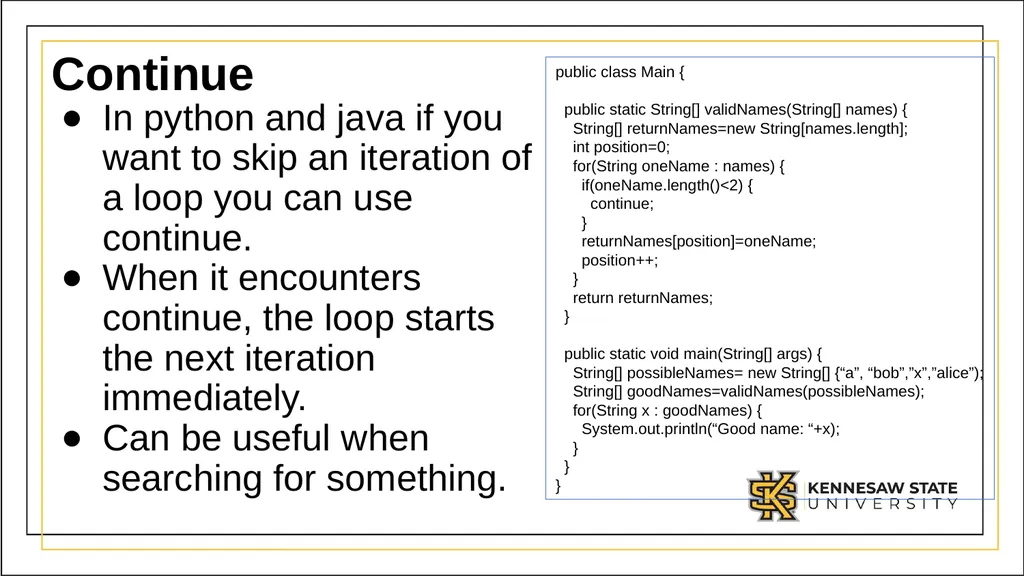
Continue In python and java if you want to skip an iteration of a loop you can use continue.
When it encounters continue, the loop starts the next iteration immediately.
Can be useful when searching for something. public class Main {
public static void main(String[] args) {
String[] possibleNames= new String[] {“a”, “bob”,”x”,”alice”);
String[] goodNames=validNames(possibleNames);
for(String x : goodNames) {
System.out.println(“Good name: “+x);
}
}
}<br>
23
Class Exercise Write a program that asks the user for an initial investment amount (double), an interest rate (double), and a number of years (int).
Using an appropriate loop calculate the ending balance.<br>
24
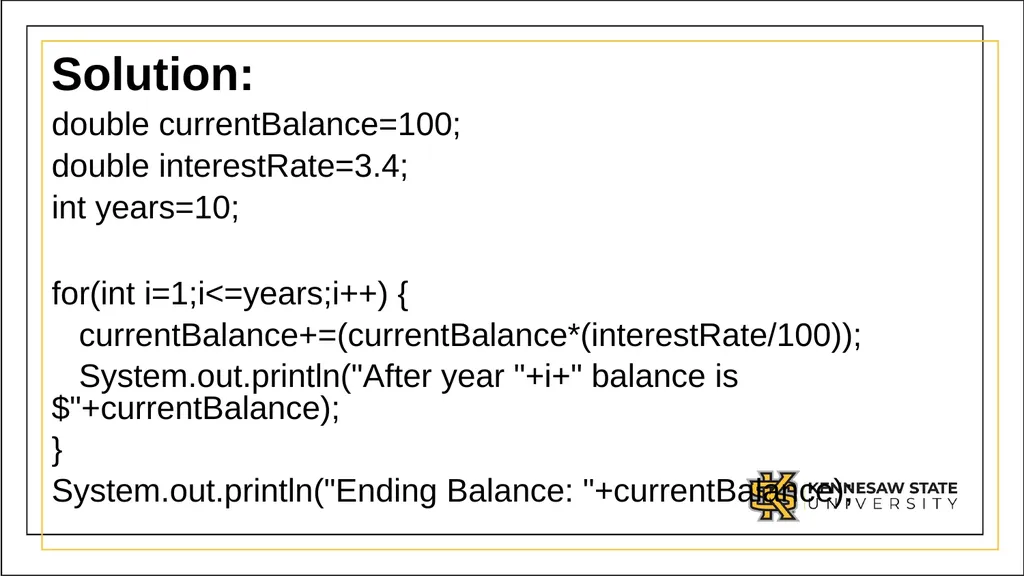
Solution: double currentBalance=100;
double interestRate=3.4;
int years=10;
for(int i=1;i<=years;i++) {
currentBalance+=(currentBalance*(interestRate/100));
System.out.println("After year "+i+" balance is $"+currentBalance);
}
System.out.println("Ending Balance: "+currentBalance);<br>