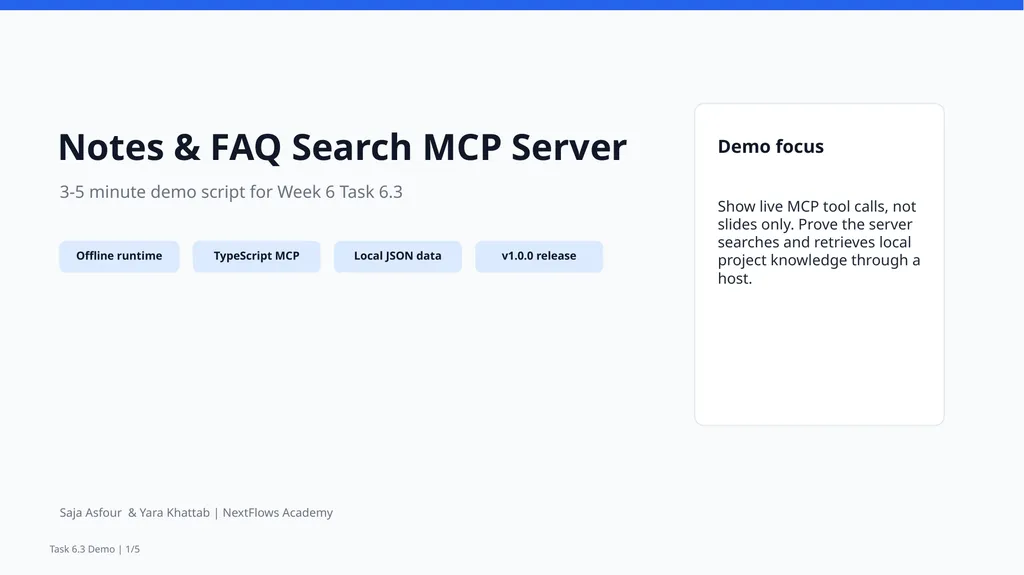
Notes FAQ Search MCP Server 3-5 minute demo script for Week 6 Task 6.3 Offline runtime TypeScript MCP Local JSON data v1.0.0 release Demo focus Show live MCP tool calls, not slides only. Prove the server searches and retrieves local
"Notes & FAQ Search MCP Server 3-5 minute demo" is the property of its rightful owner. Permission is granted to
download and print the materials on this website for personal, non-commercial use only, and to display it
on your personal computer provided you do not modify the materials and that you retain all copyright
notices contained in the materials. By downloading content from our website, you accept the terms of this
agreement.
Presentation Transcript
01
Notes & FAQ Search MCP Server 3-5 minute demo script for Week 6 Task 6.3 Offline runtime TypeScript MCP Local JSON data v1.0.0 release Demo focus Show live MCP tool calls, not slides only. Prove the server searches and retrieves local project knowledge through a host. Saja Asfour & Yara Khattab | NextFlows Academy Task 6.3 Demo | 1/5<br>
02
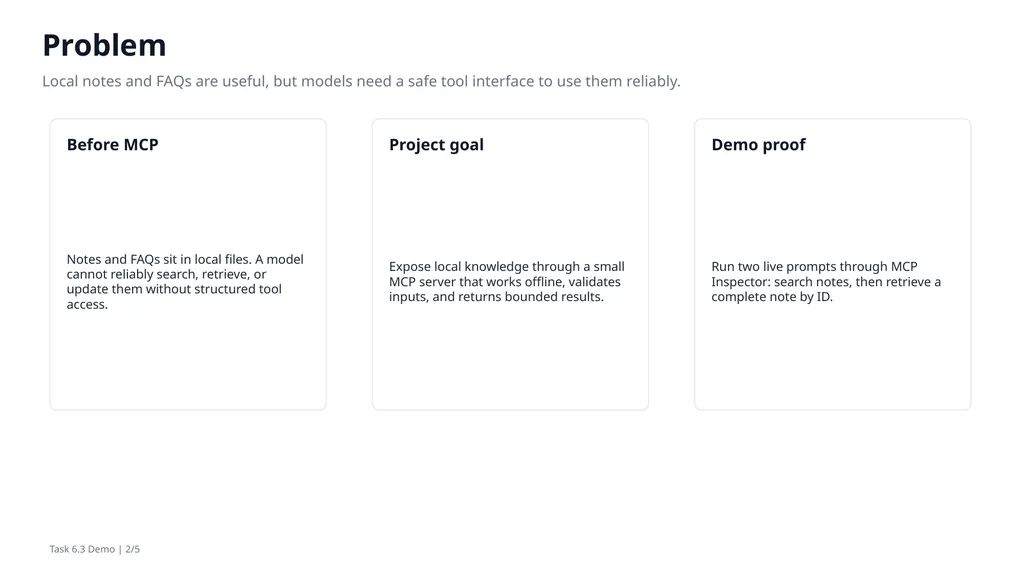
Problem Local notes and FAQs are useful, but models need a safe tool interface to use them reliably. Before MCP Notes and FAQs sit in local files. A model cannot reliably search, retrieve, or update them without structured tool access. Project goal Expose local knowledge through a small MCP server that works offline, validates inputs, and returns bounded results. Demo proof Run two live prompts through MCP Inspector: search notes, then retrieve a complete note by ID. Task 6.3 Demo | 2/5<br>
03
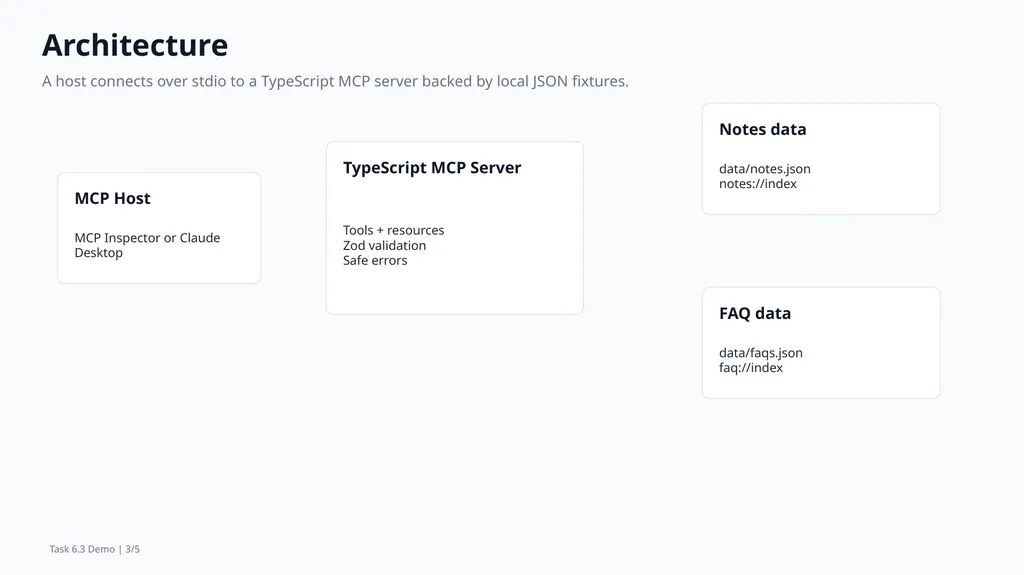
Architecture A host connects over stdio to a TypeScript MCP server backed by local JSON fixtures. MCP Host MCP Inspector or Claude Desktop TypeScript MCP Server Tools + resources
Zod validation
Safe errors Notes data data/notes.json
notes://index FAQ data data/faqs.json
faq://index Task 6.3 Demo | 3/5<br>
04
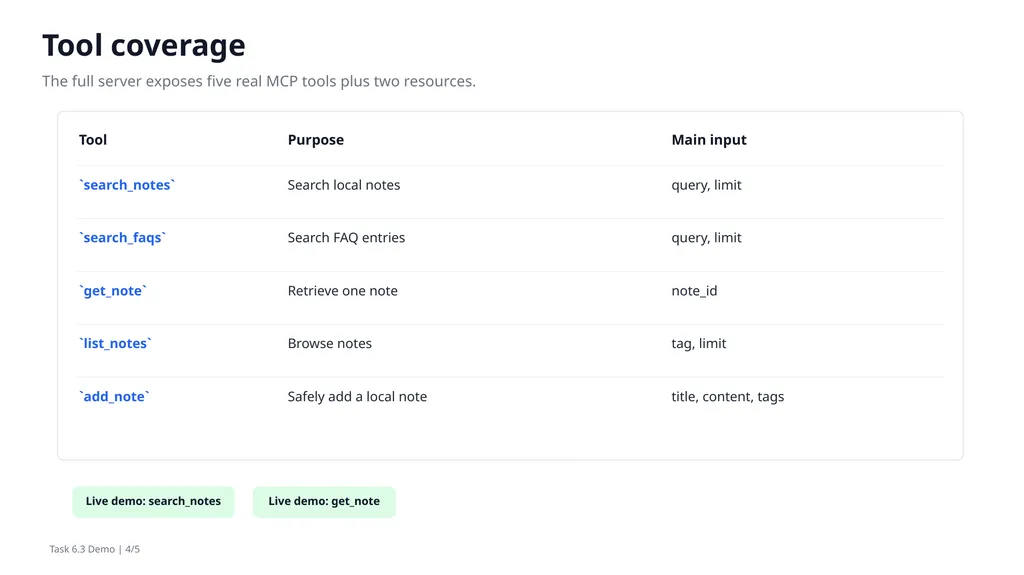
Tool coverage The full server exposes five real MCP tools plus two resources. Tool Purpose Main input `search_notes` Search local notes query, limit `search_faqs` Search FAQ entries query, limit `get_note` Retrieve one note note_id `list_notes` Browse notes tag, limit `add_note` Safely add a local note title, content, tags Live demo: search_notes Live demo: get_note Task 6.3 Demo | 4/5<br>
05
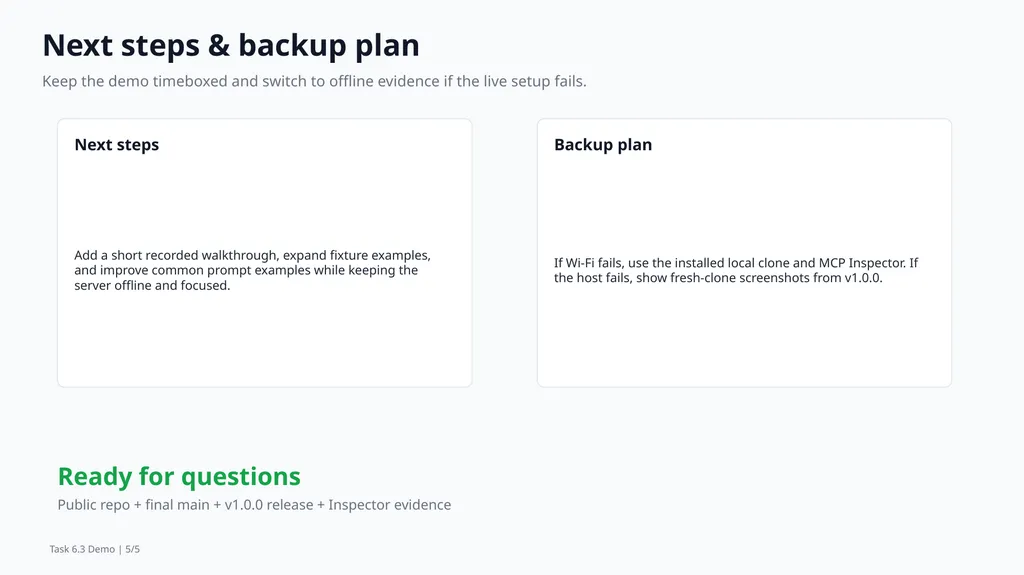
Next steps & backup plan Keep the demo timeboxed and switch to offline evidence if the live setup fails. Next steps Add a short recorded walkthrough, expand fixture examples, and improve common prompt examples while keeping the server offline and focused. Backup plan If Wi-Fi fails, use the installed local clone and MCP Inspector. If the host fails, show fresh-clone screenshots from v1.0.0. Ready for questions Public repo + final main + v1.0.0 release + Inspector evidence Task 6.3 Demo | 5/5<br>