
Programming tutorial course Lesson 1: Why learn to

Description: Programming tutorial course Lesson 1: Why learn to program? Python vs Matlab; The Basics: variables, scripts and functions Dr Michael Berks michael.berksmanchester.ac.uk Why do I need to learn it? What is Matlab? Because the course
Related Topics
Download Presentation
"Programming tutorial course Lesson 1: Why learn to" is the property of its rightful owner. Permission is granted to download and print the materials on this website for personal, non-commercial use only, and to display it on your personal computer provided you do not modify the materials and that you retain all copyright notices contained in the materials. By downloading content from our website, you accept the terms of this agreement.
Presentation Transcript
slide1. Programming tutorial course Lesson 1: Why learn to program? Python vs Matlab;
The Basics: variables, scripts and functions Dr Michael Berks
michael.berks@manchester.ac.uk<br>
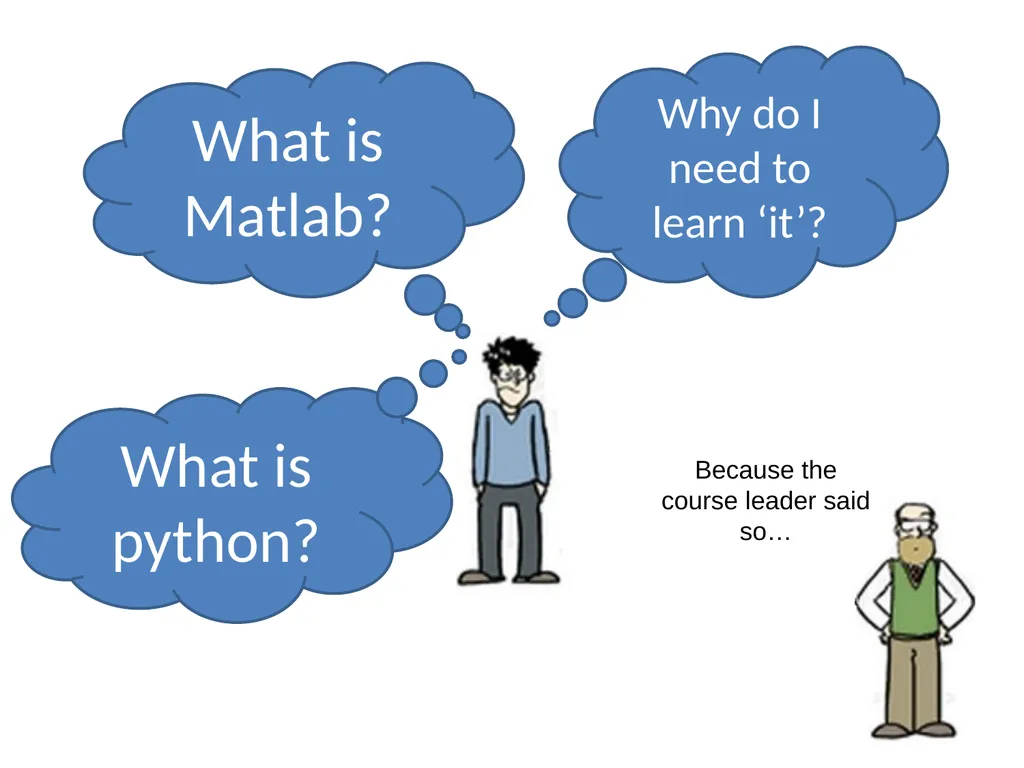
slide2. Why do I need to learn ‘it’? What is Matlab? Because the course leader said so… What is python?<br>
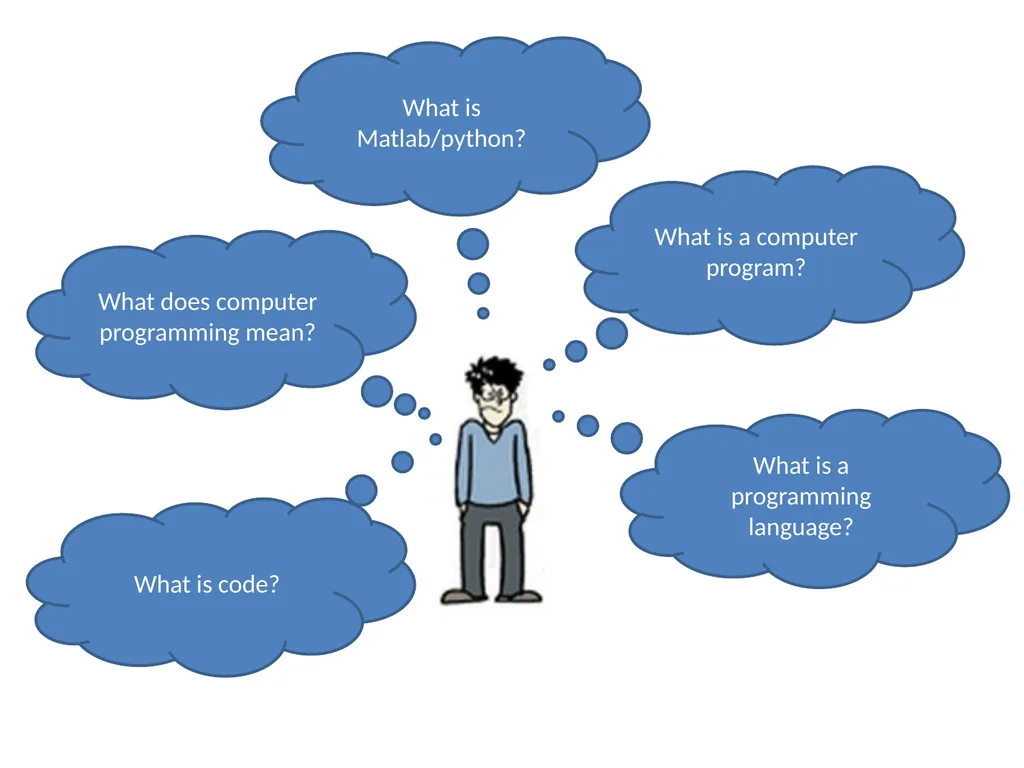
slide3. What is Matlab/python? What does computer programming mean? What is a programming language? What is code? What is a computer program?<br>
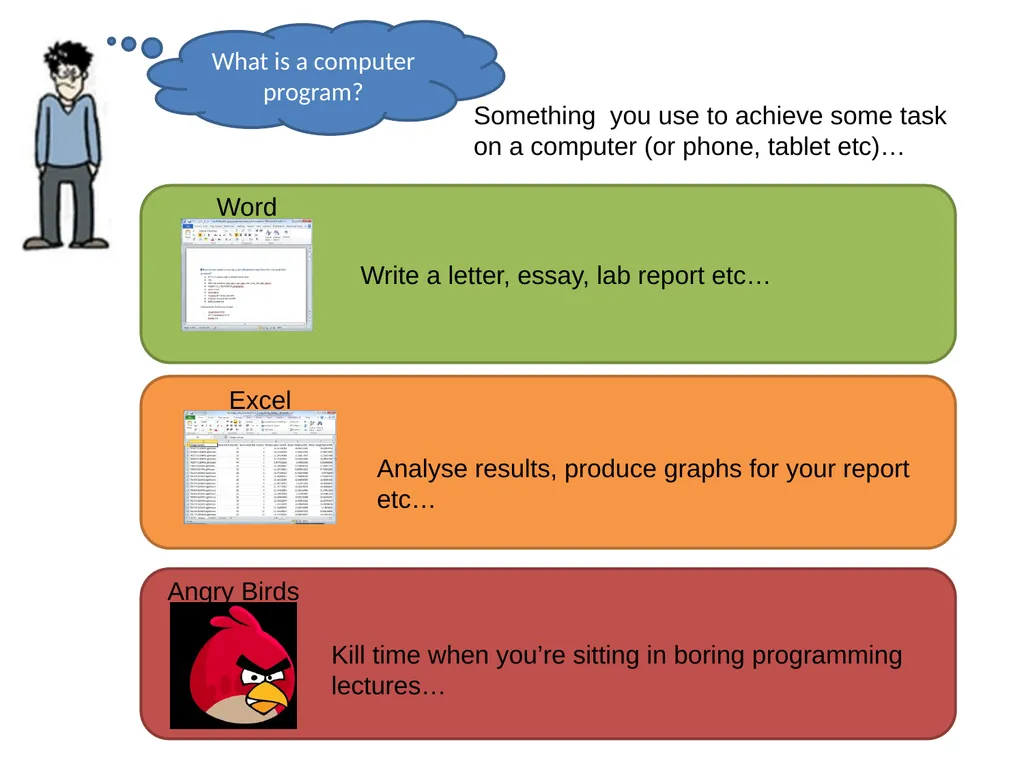
slide4. What is a computer program? Something you use to achieve some task on a computer (or phone, tablet etc)…<br>
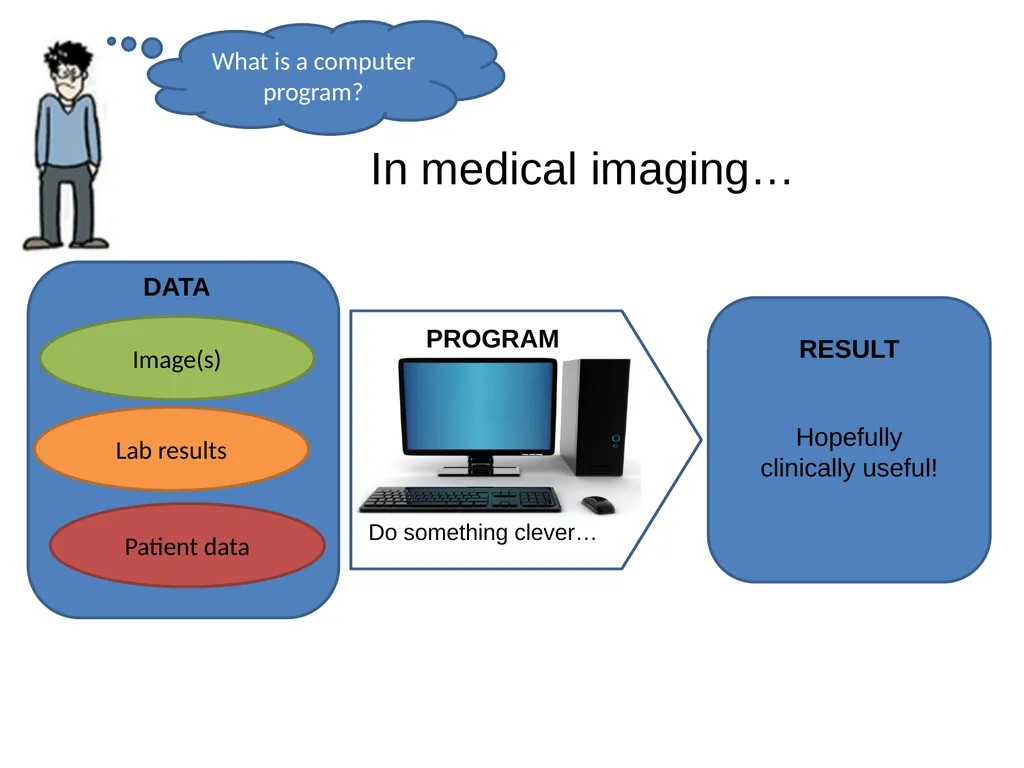
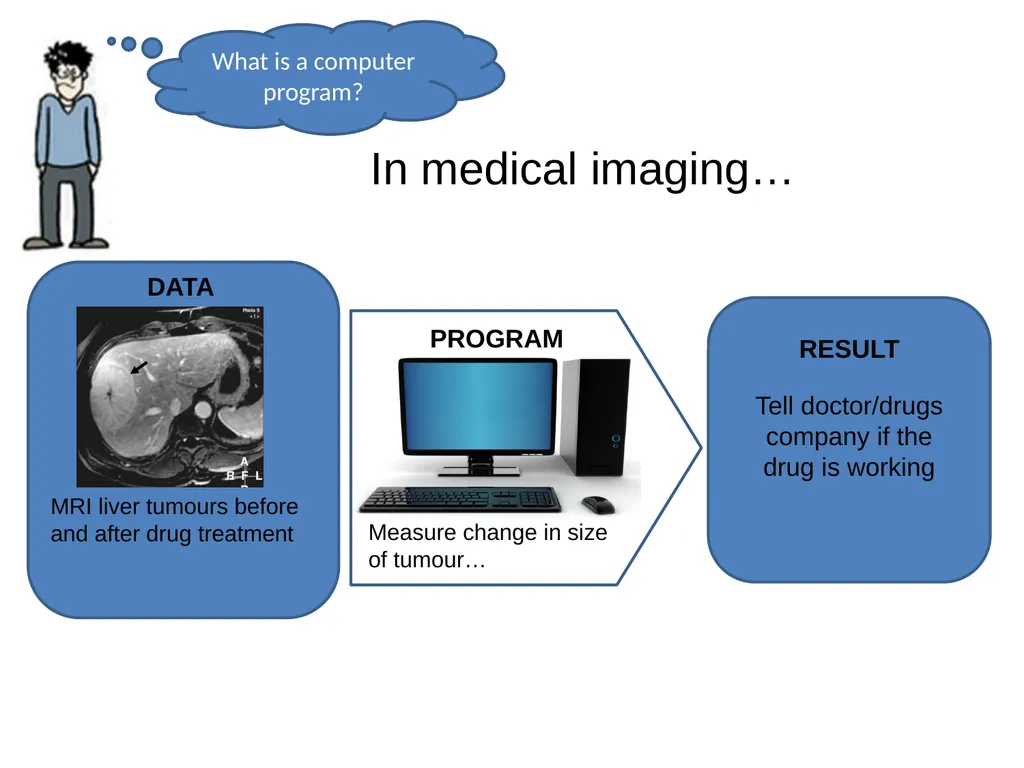
slide5. What is a computer program? In medical imaging…<br>
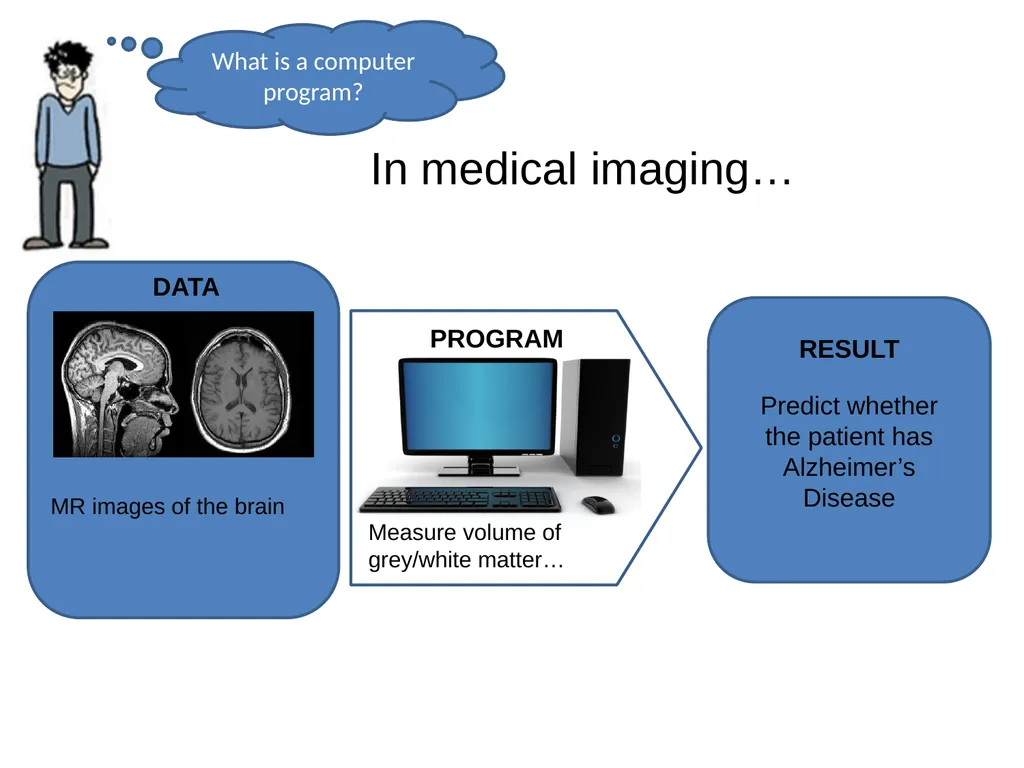
slide6. What is a computer program? In medical imaging… MR images of the brain<br>
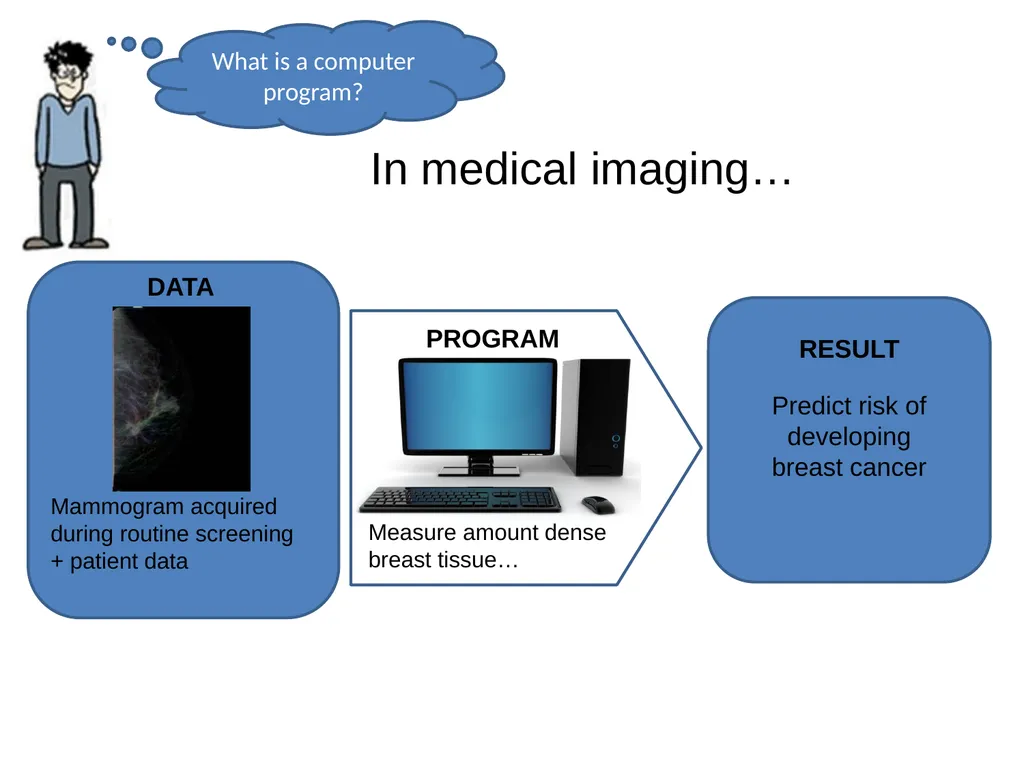
slide7. What is a computer program? In medical imaging… Mammogram acquired during routine screening + patient data<br>
slide8. What is a computer program? In medical imaging… MRI liver tumours before and after drug treatment<br>
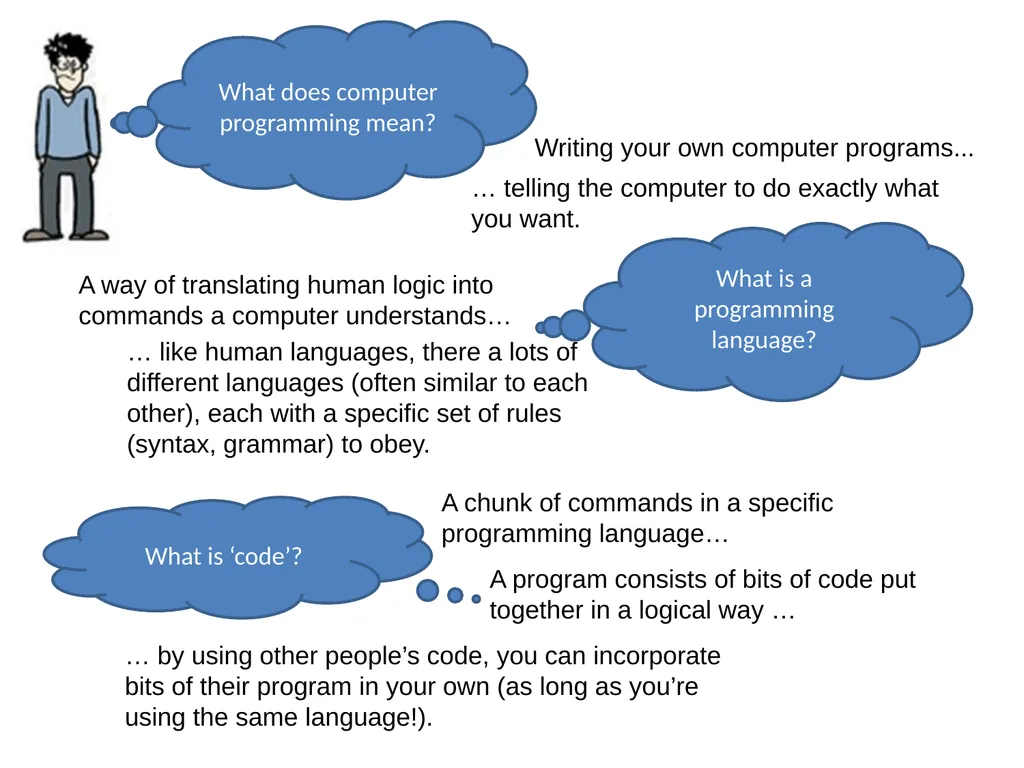
slide9. What does computer programming mean? Writing your own computer programs... … telling the computer to do exactly what you want. What is a programming language? A way of translating human logic into commands a computer understands… … like human languages, there a lots of different languages (often similar to each other), each with a specific set of rules (syntax, grammar) to obey. What is ‘code’? A chunk of commands in a specific programming language… A program consists of bits of code put together in a logical way … … by using other people’s code, you can incorporate bits of their program in your own (as long as you’re using the same language!).<br>
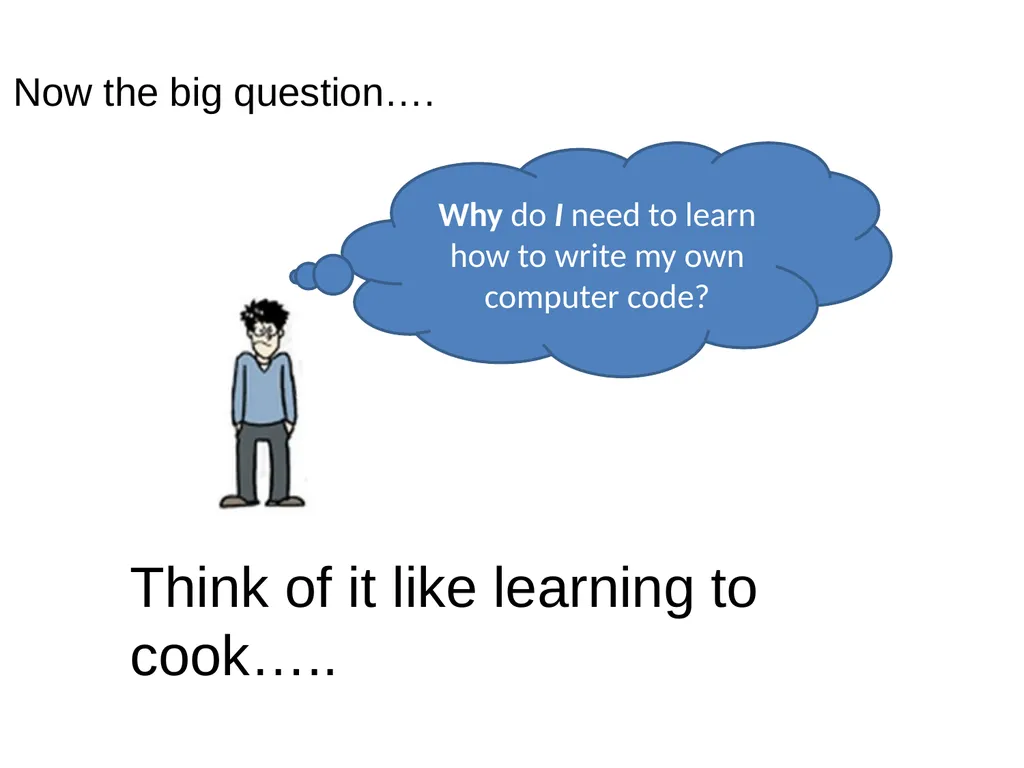
slide10. Why do I need to learn how to write my own computer code? Think of it like learning to cook….. Now the big question….<br>
slide11. x x x You live in Manchester now! You’re student, you can’t afford it! You’re a fussy eater!<br>
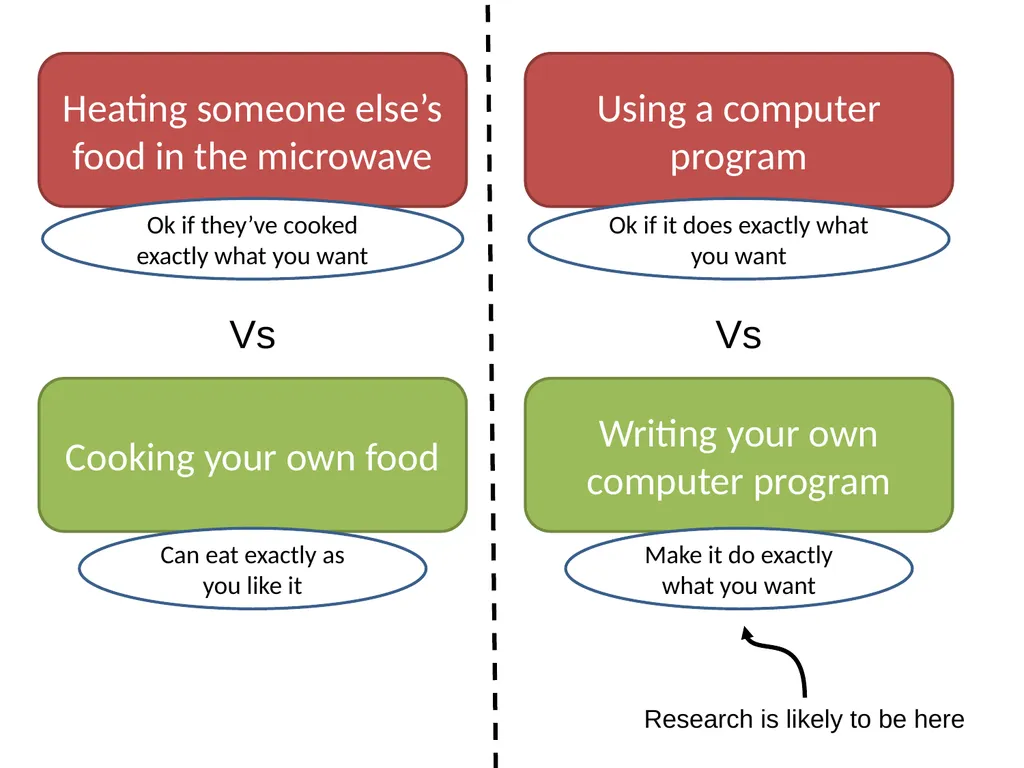
slide12. Vs Heating someone else’s food in the microwave Ok if they’ve cooked exactly what you want Cooking your own food Can eat exactly as you like it Vs Using a computer program Ok if it does exactly what you want Writing your own computer program Make it do exactly what you want Research is likely to be here<br>
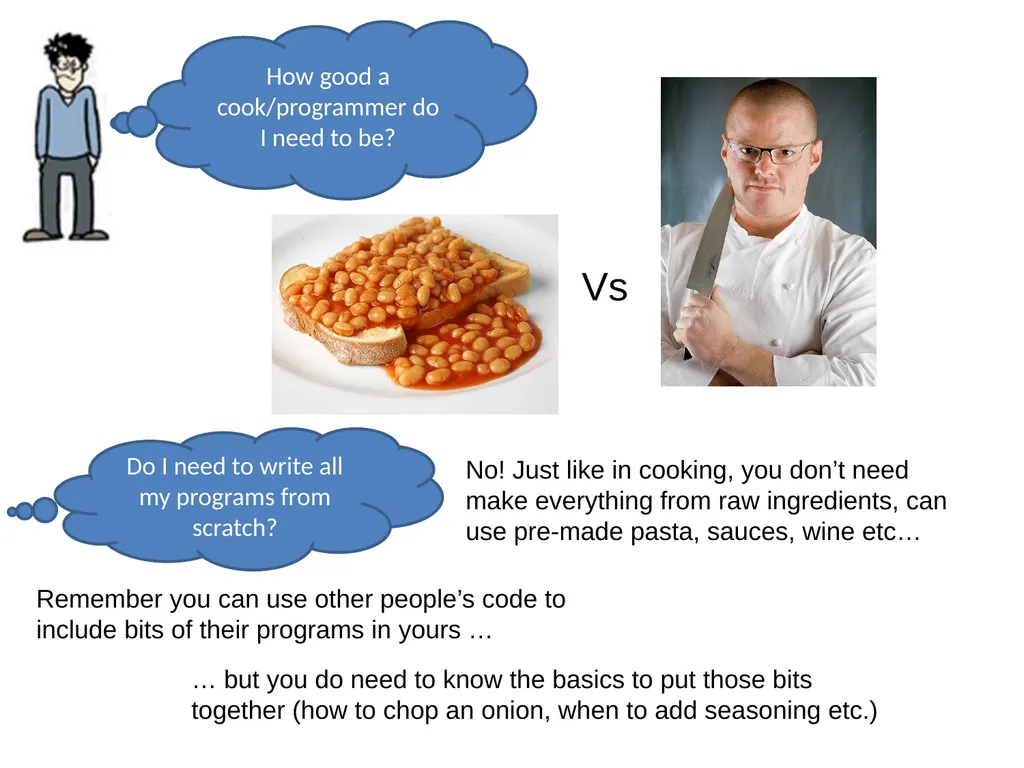
slide14. How good a cook/programmer do I need to be? Do I need to write all my programs from scratch? No! Just like in cooking, you don’t need make everything from raw ingredients, can use pre-made pasta, sauces, wine etc… Remember you can use other people’s code to include bits of their programs in yours … … but you do need to know the basics to put those bits together (how to chop an onion, when to add seasoning etc.) Vs<br>
slide15. And finally….
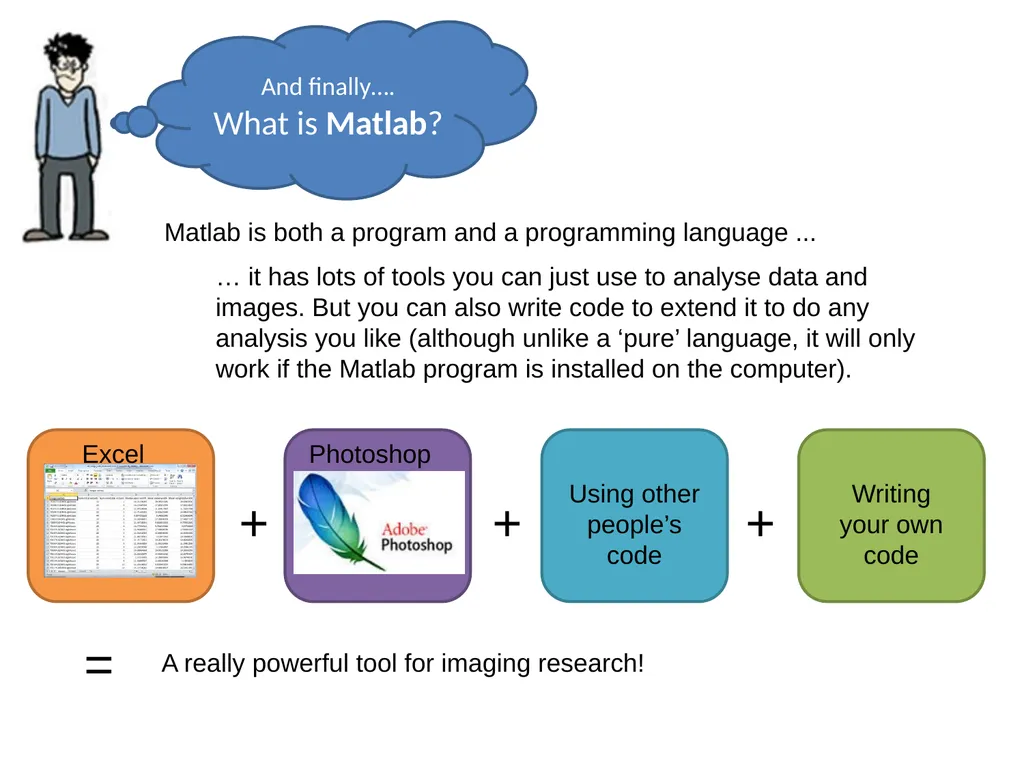
What is Matlab? Matlab is both a program and a programming language ... … it has lots of tools you can just use to analyse data and images. But you can also write code to extend it to do any analysis you like (although unlike a ‘pure’ language, it will only work if the Matlab program is installed on the computer). + + + = A really powerful tool for imaging research!<br>
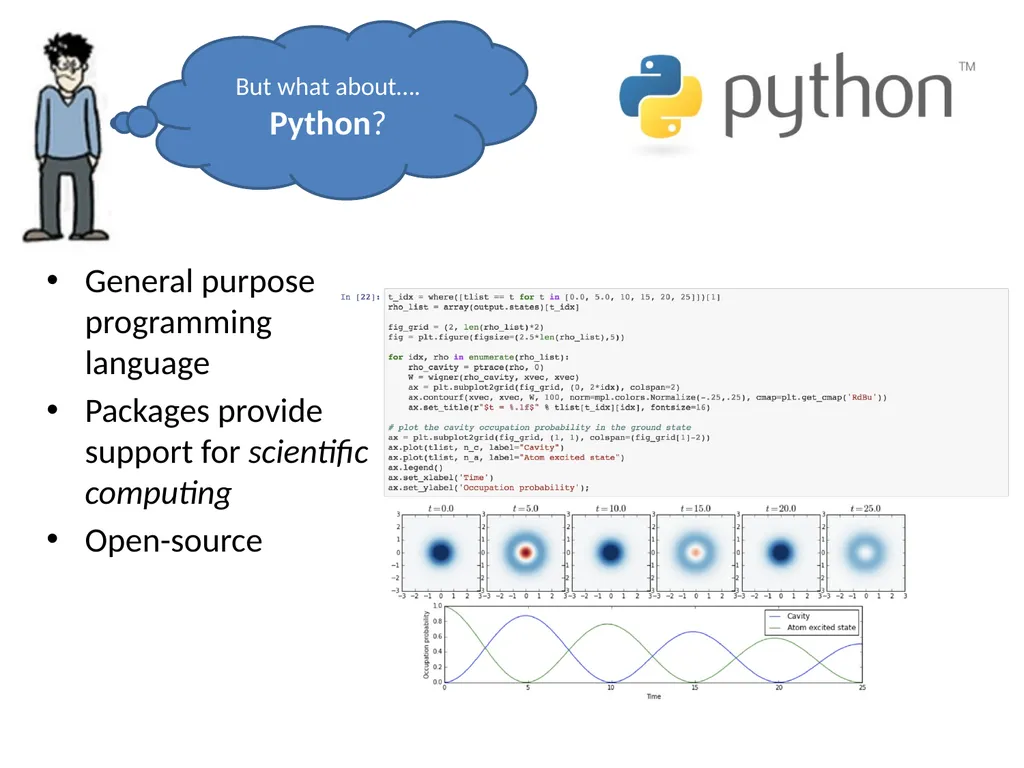
slide16. General purpose programming language
Packages provide support for scientific computing
Open-source But what about….
Python?<br>
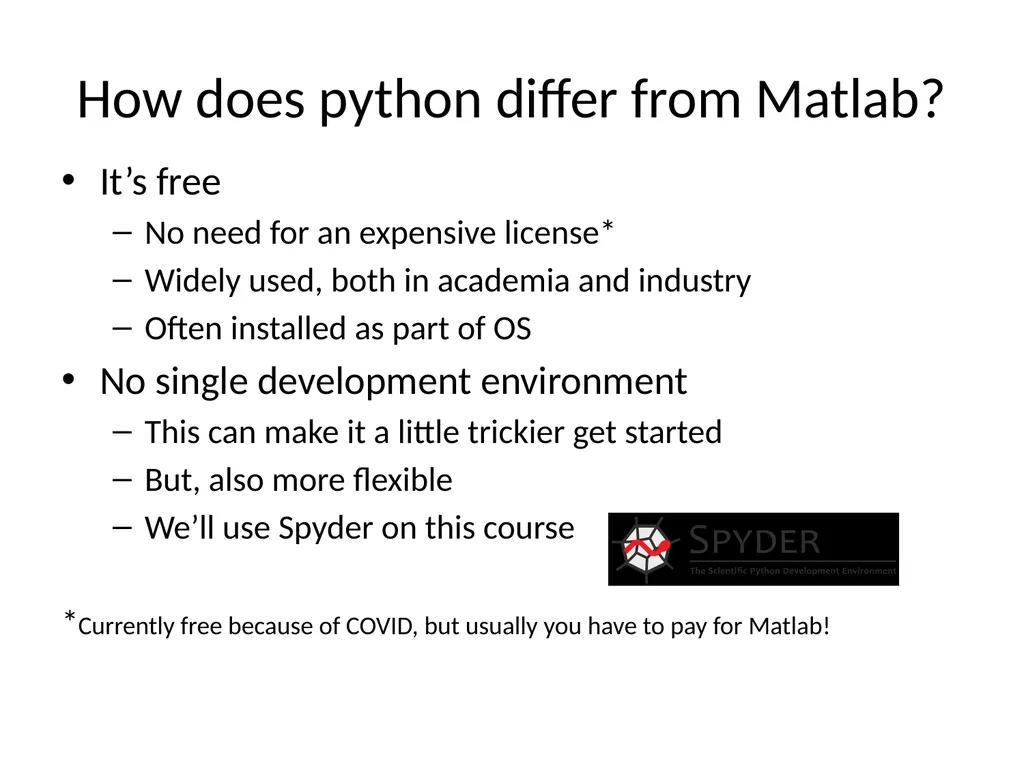
slide17. How does python differ from Matlab? It’s free
No need for an expensive license*
Widely used, both in academia and industry
Often installed as part of OS
No single development environment
This can make it a little trickier get started
But, also more flexible
We’ll use Spyder on this course
*Currently free because of COVID, but usually you have to pay for Matlab!<br>
slide18. Course aims To show you how to use Matlab and/or python
To introduce some basic programming ideas common to all programming languages
To give examples of some tasks in medical imaging processing
To provide code you can reuse later in your projects
To make some pretty pictures!<br>
slide19. I’m a bit confused… Should I use Matlab… ..or Python?<br>
slide20. For this course, consider Matlab and python as interchangeable… you can use either or both. I will demonstrate mainly in Matlab, but everything we do will be very similar in both… just watch out for the subtle differences!<br>
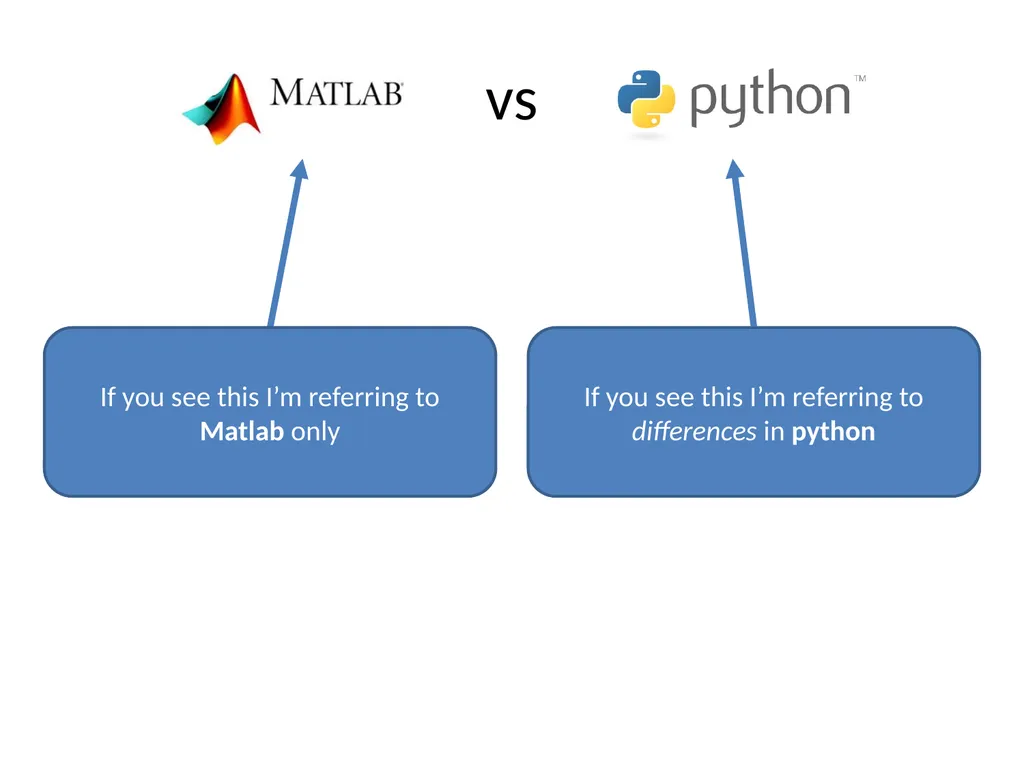
slide21. vs If you see this I’m referring to Matlab only If you see this I’m referring to differences in python<br>
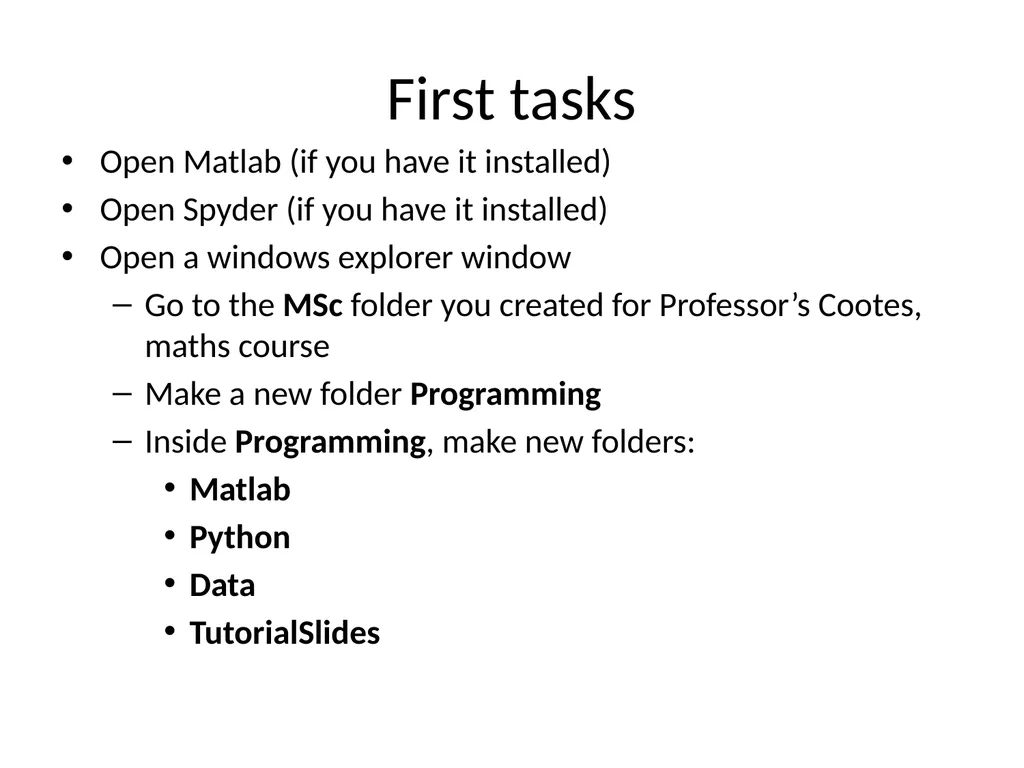
slide22. First tasks Open Matlab (if you have it installed)
Open Spyder (if you have it installed)
Open a windows explorer window
Go to the MSc folder you created for Professor’s Cootes, maths course
Make a new folder Programming
Inside Programming, make new folders:
Matlab
Python
Data
TutorialSlides<br>
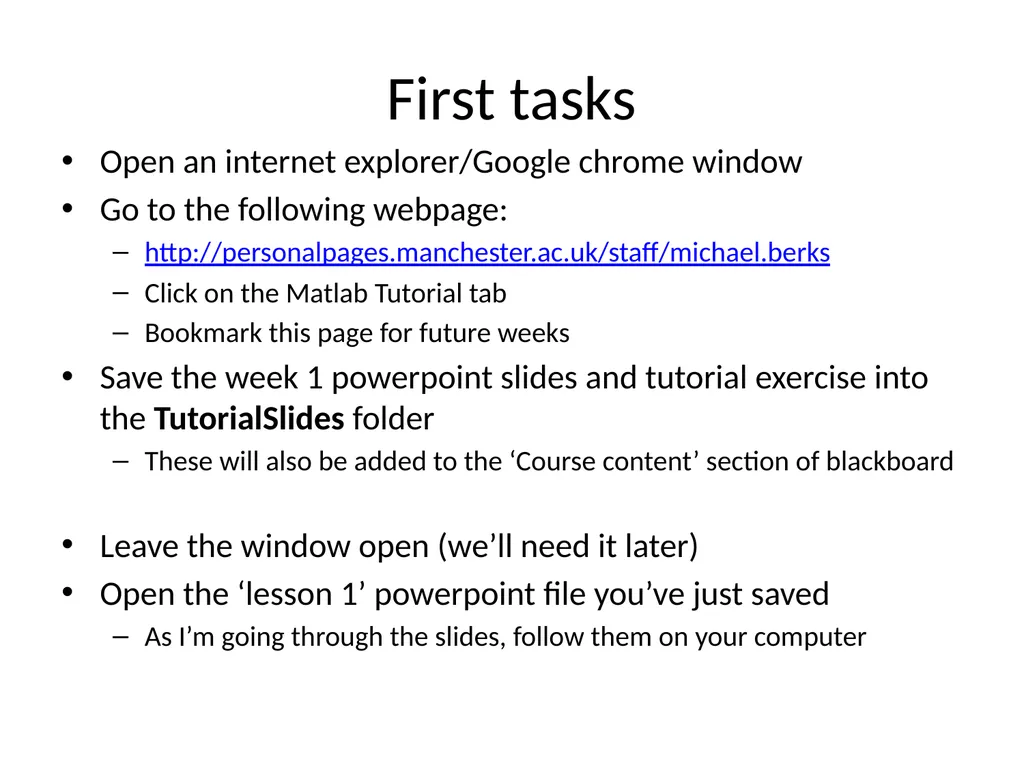
slide23. First tasks Open an internet explorer/Google chrome window
Go to the following webpage:
http://personalpages.manchester.ac.uk/staff/michael.berks
Click on the Matlab Tutorial tab
Bookmark this page for future weeks
Save the week 1 powerpoint slides and tutorial exercise into the TutorialSlides folder
These will also be added to the ‘Course content’ section of blackboard
Leave the window open (we’ll need it later)
Open the ‘lesson 1’ powerpoint file you’ve just saved
As I’m going through the slides, follow them on your computer<br>
slide24. Lesson Overview Using the Matlab/Spyder interface
Doing maths in the Command Window
Assigning variables and suppressing visual output
Collecting sequences of commands: scripts
An introduction to functions
Basic programming tips: expressive variable names and comments<br>
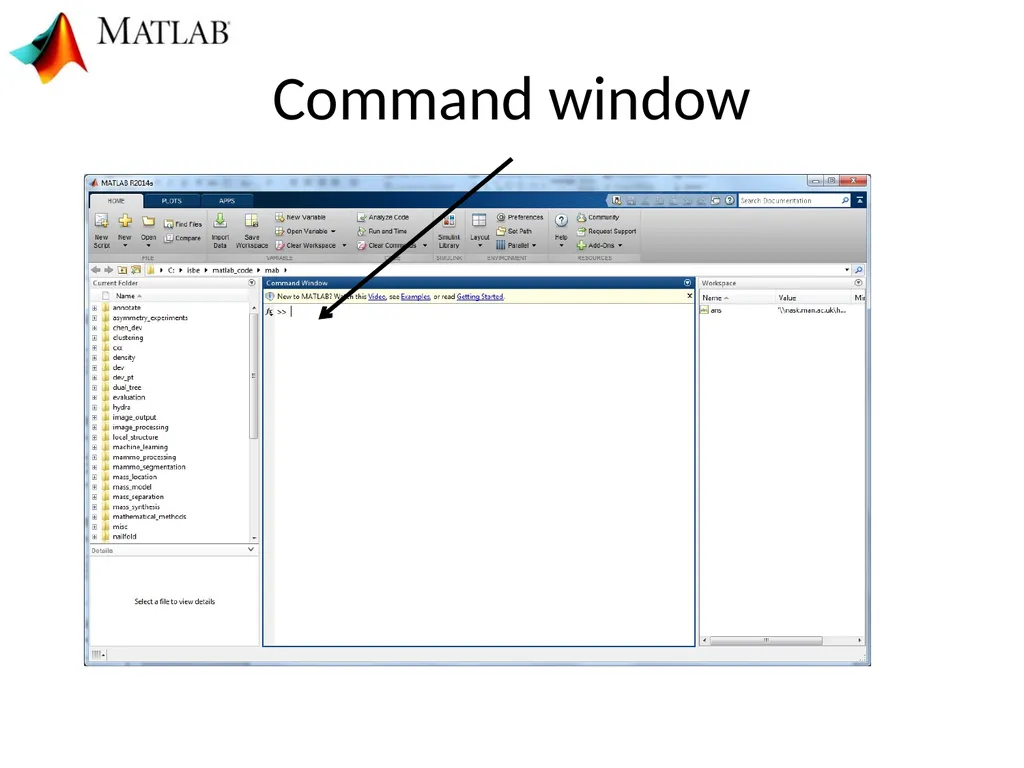
slide25. Command window<br>
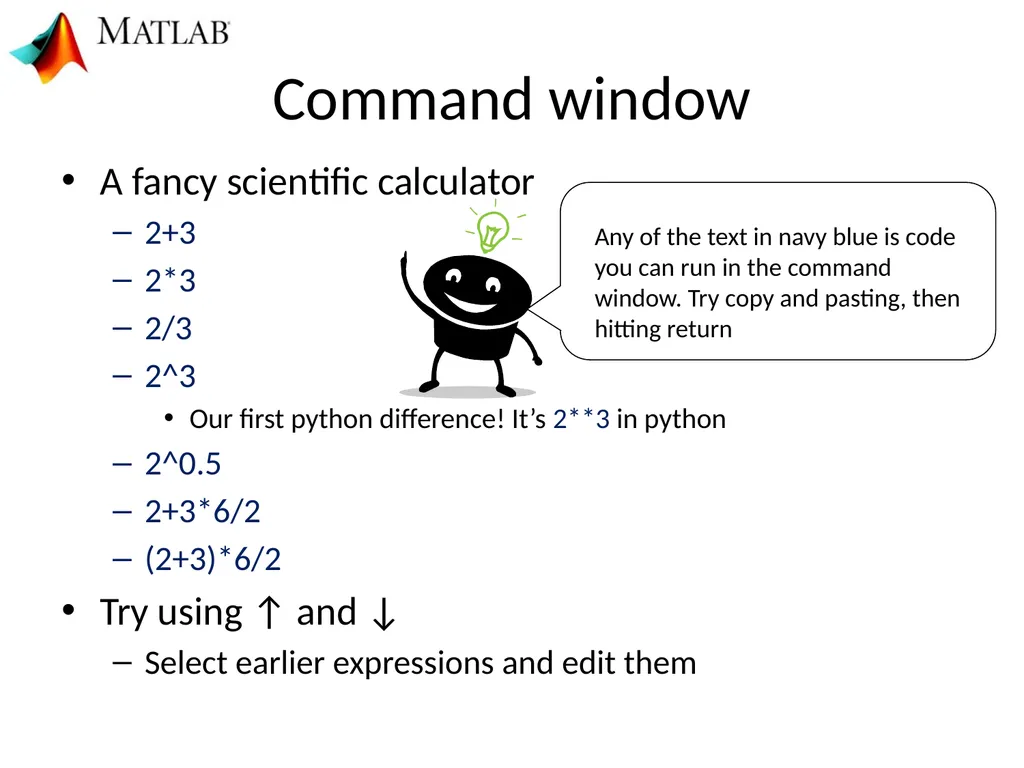
slide26. Command window A fancy scientific calculator
2+3
2*3
2/3
2^3
Our first python difference! It’s 2**3 in python
2^0.5
2+3*6/2
(2+3)*6/2
Try using ↑ and ↓
Select earlier expressions and edit them<br>
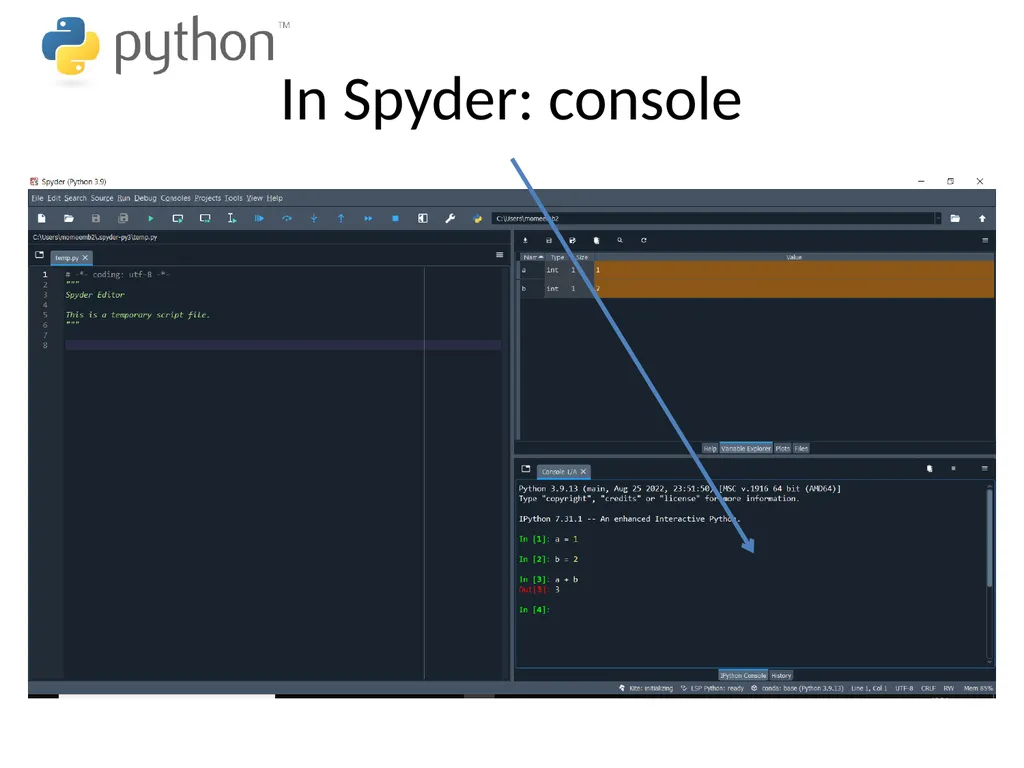
slide27. In Spyder: console<br>
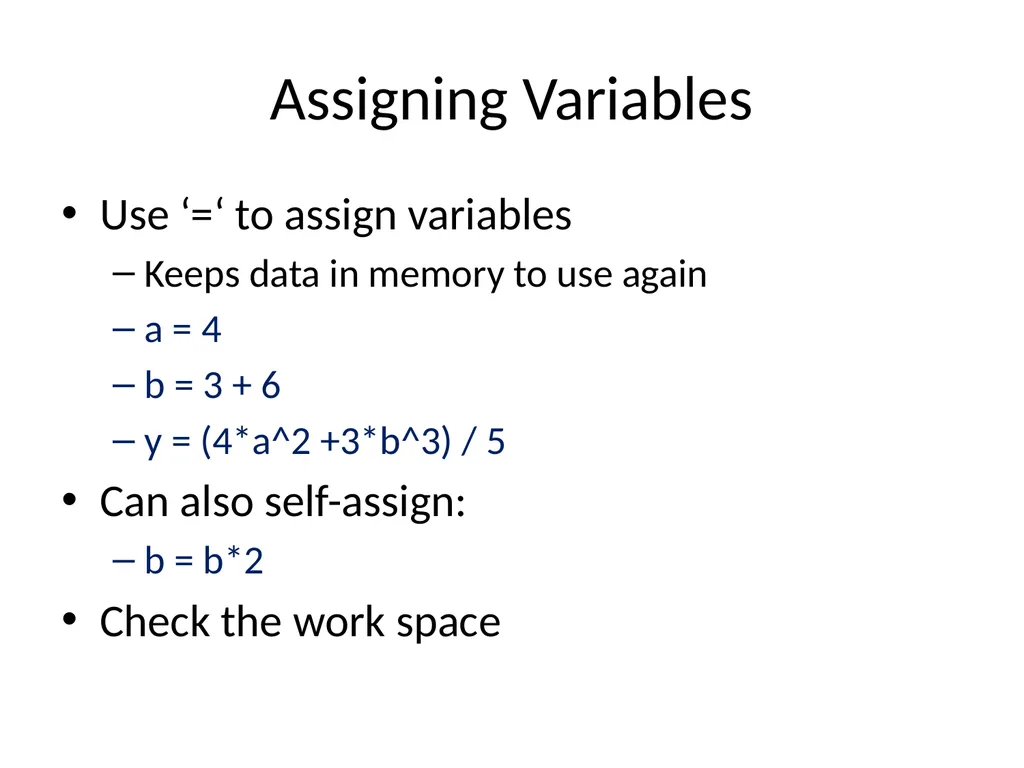
slide28. Assigning Variables Use ‘=‘ to assign variables
Keeps data in memory to use again
a = 4
b = 3 + 6
y = (4*a^2 +3*b^3) / 5
Can also self-assign:
b = b*2
Check the work space<br>
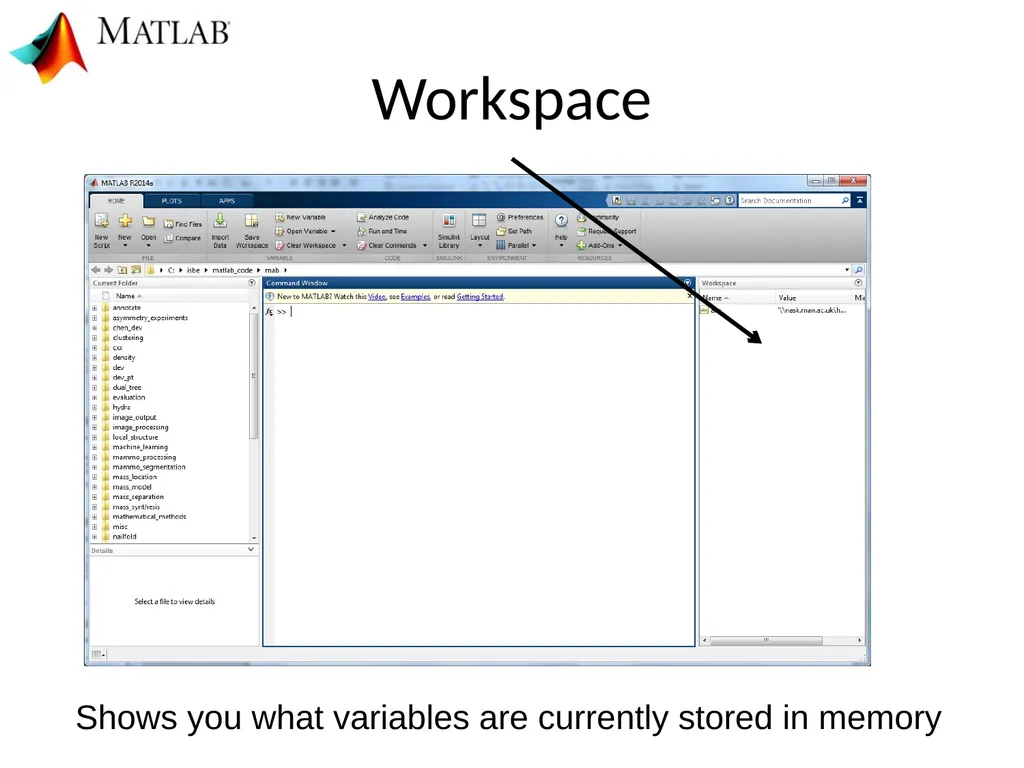
slide29. Workspace Shows you what variables are currently stored in memory<br>
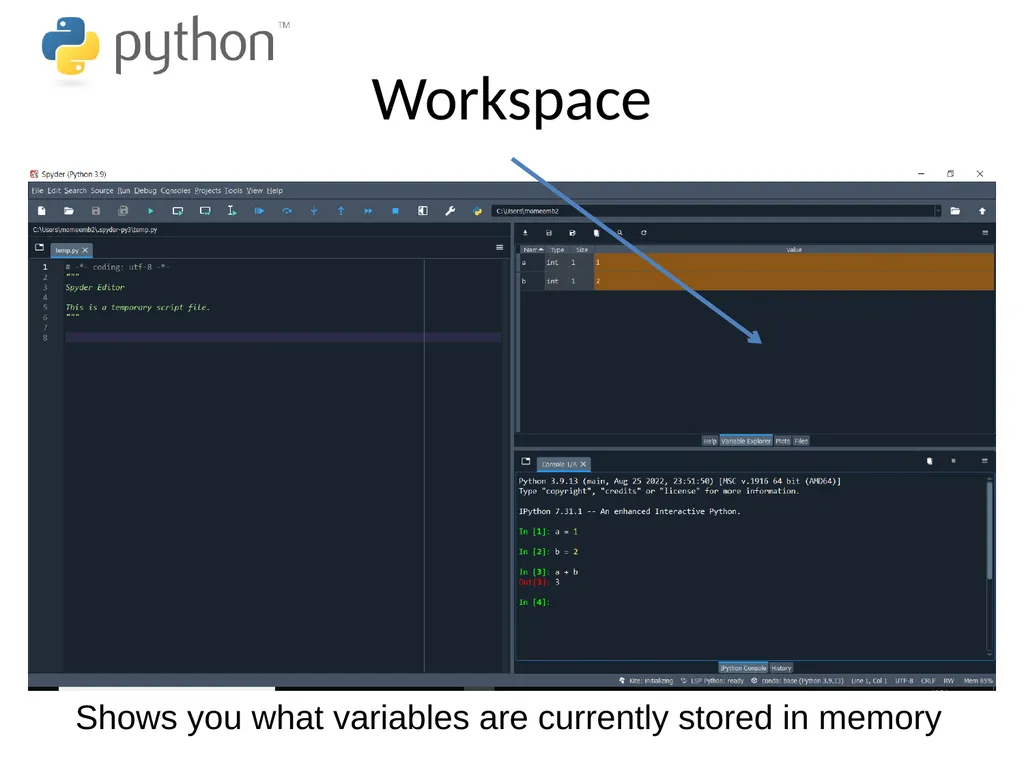
slide30. Workspace Shows you what variables are currently stored in memory<br>
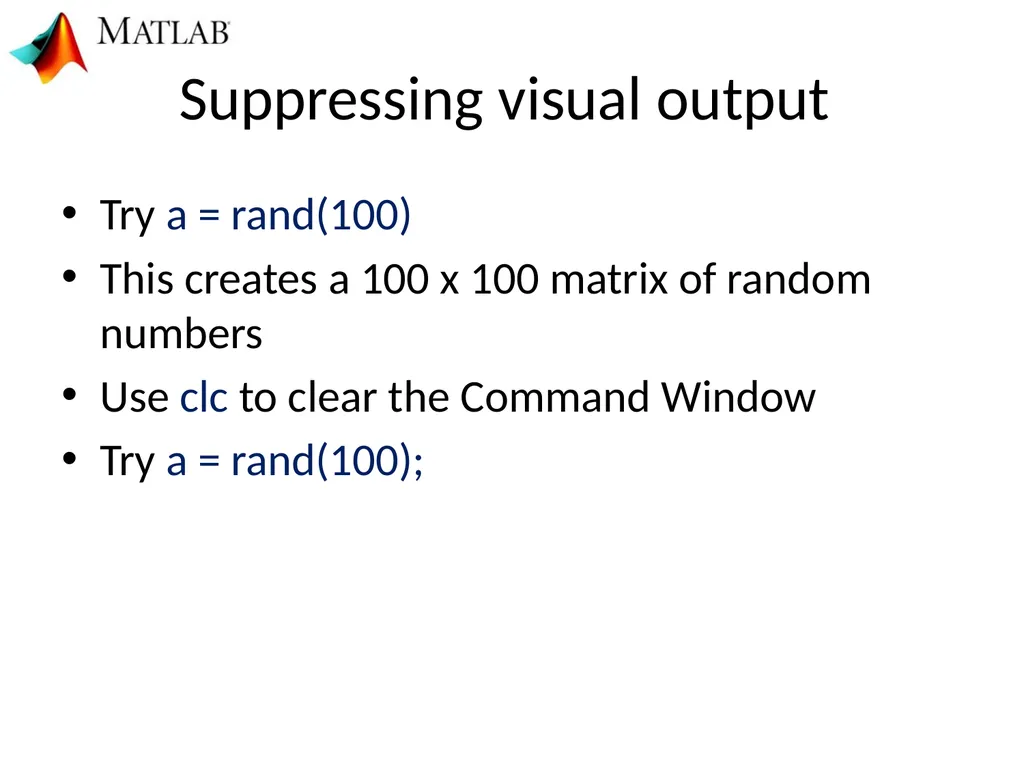
slide31. Suppressing visual output Try a = rand(100)
This creates a 100 x 100 matrix of random numbers
Use clc to clear the Command Window
Try a = rand(100);<br>
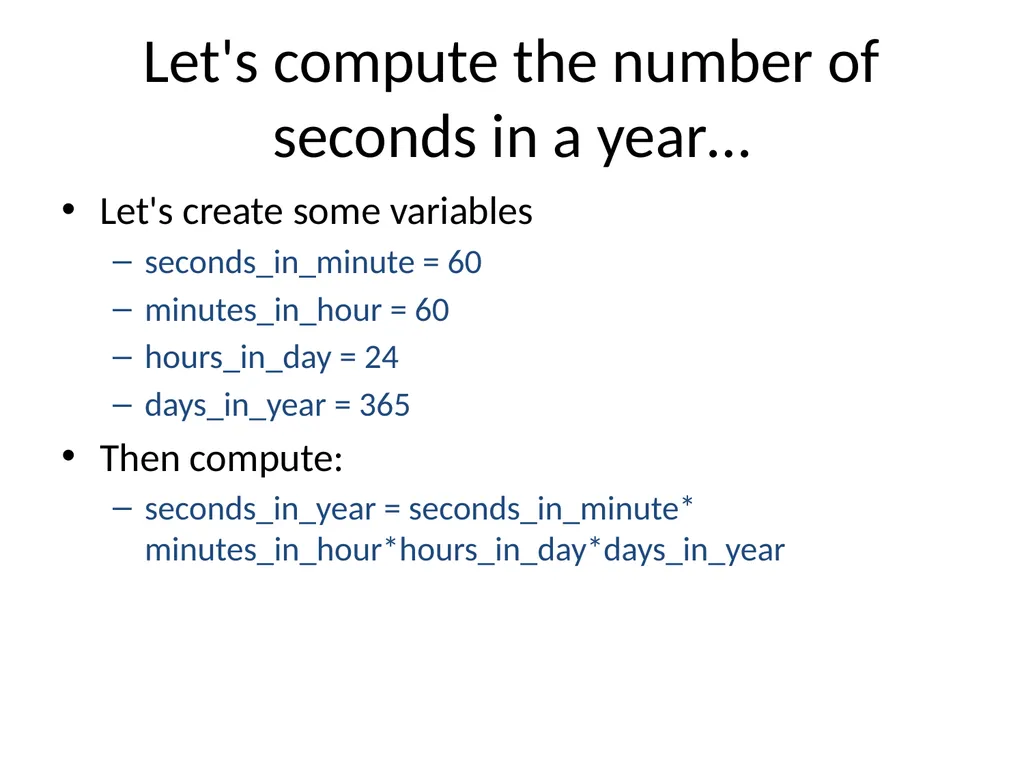
slide32. Let's compute the number of seconds in a year… Let's create some variables
seconds_in_minute = 60
minutes_in_hour = 60
hours_in_day = 24
days_in_year = 365
Then compute:
seconds_in_year = seconds_in_minute* minutes_in_hour*hours_in_day*days_in_year<br>
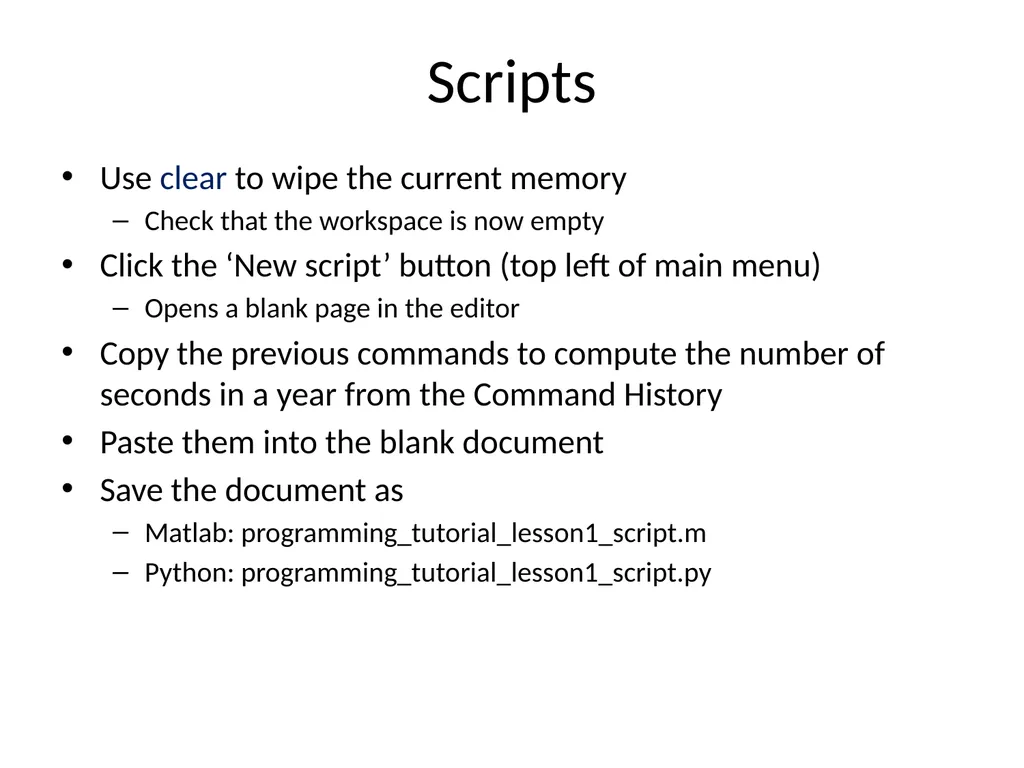
slide33. Scripts Use clear to wipe the current memory
Check that the workspace is now empty
Click the ‘New script’ button (top left of main menu)
Opens a blank page in the editor
Copy the previous commands to compute the number of seconds in a year from the Command History
Paste them into the blank document
Save the document as
Matlab: programming_tutorial_lesson1_script.m
Python: programming_tutorial_lesson1_script.py<br>
slide34. Calling a script from the command-line Type: programming_tutorial_lesson1_script at the command line
Note the lack of ‘.m’
Check your work-space
We'll look at different ways of calling python scripts in future lessons<br>
slide35. How many seconds in… 2 years?
10 years?
N-years?
Scripts are useful… but if we want to re-run our script with different inputs, we should use a function<br>
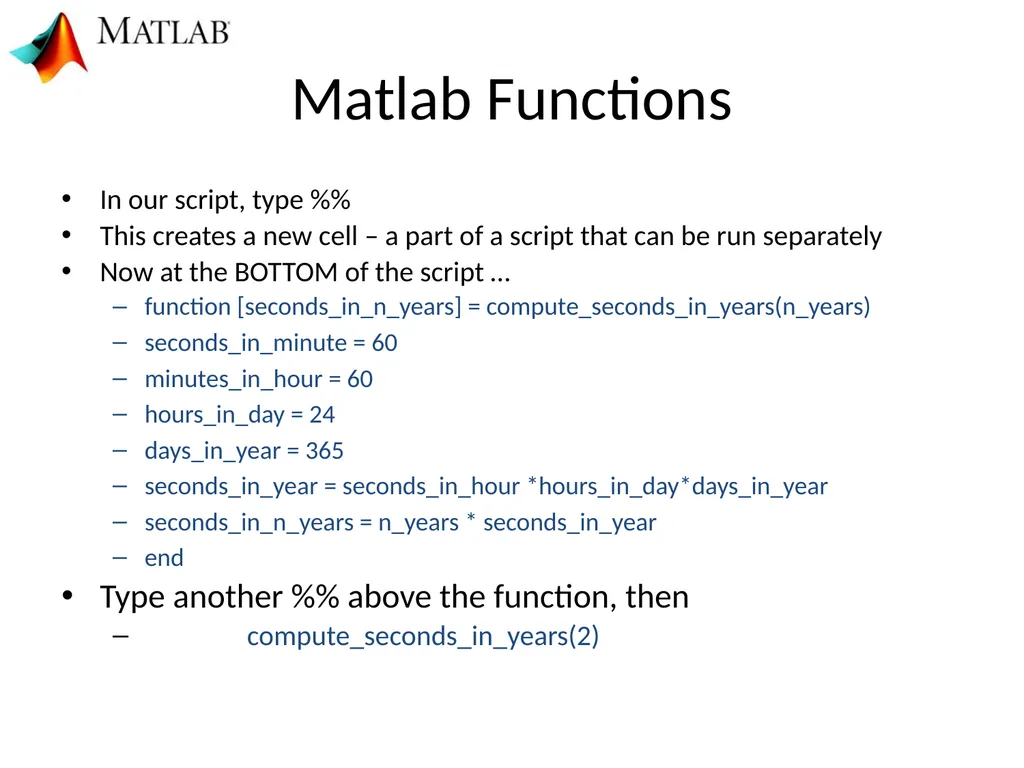
slide36. Matlab Functions In our script, type %%
This creates a new cell – a part of a script that can be run separately
Now at the BOTTOM of the script …
function [seconds_in_n_years] = compute_seconds_in_years(n_years)
seconds_in_minute = 60
minutes_in_hour = 60
hours_in_day = 24
days_in_year = 365
seconds_in_year = seconds_in_hour *hours_in_day*days_in_year
seconds_in_n_years = n_years * seconds_in_year
end
Type another %% above the function, then
compute_seconds_in_years(2)<br>
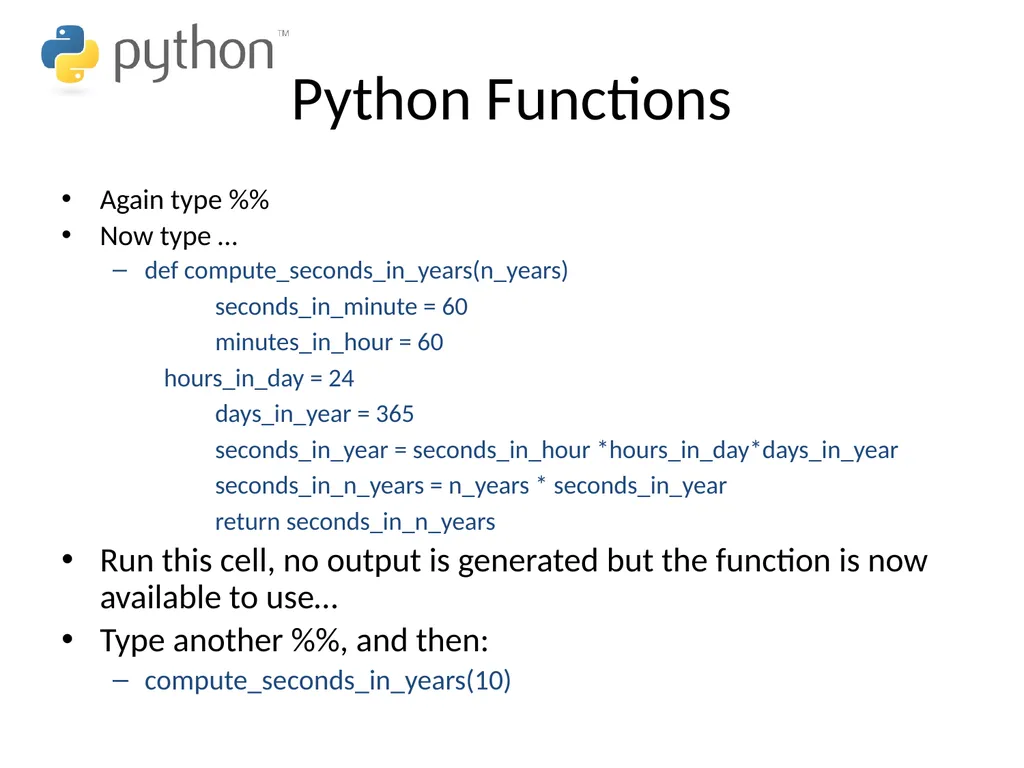
slide37. Python Functions Again type %%
Now type …
def compute_seconds_in_years(n_years)
seconds_in_minute = 60
minutes_in_hour = 60
hours_in_day = 24
days_in_year = 365
seconds_in_year = seconds_in_hour *hours_in_day*days_in_year
seconds_in_n_years = n_years * seconds_in_year
return seconds_in_n_years
Run this cell, no output is generated but the function is now available to use…
Type another %%, and then:
compute_seconds_in_years(10)<br>
slide38. What differences did you spot between the Matlab and python functions? vs<br>
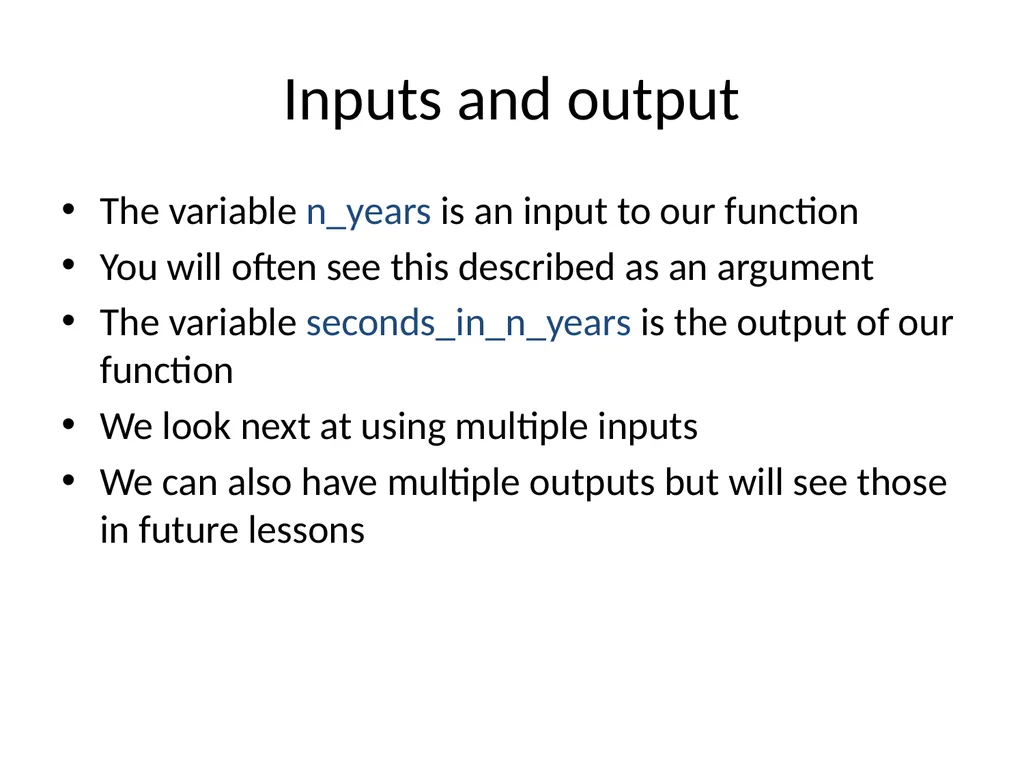
slide39. Inputs and output The variable n_years is an input to our function
You will often see this described as an argument
The variable seconds_in_n_years is the output of our function
We look next at using multiple inputs
We can also have multiple outputs but will see those in future lessons<br>
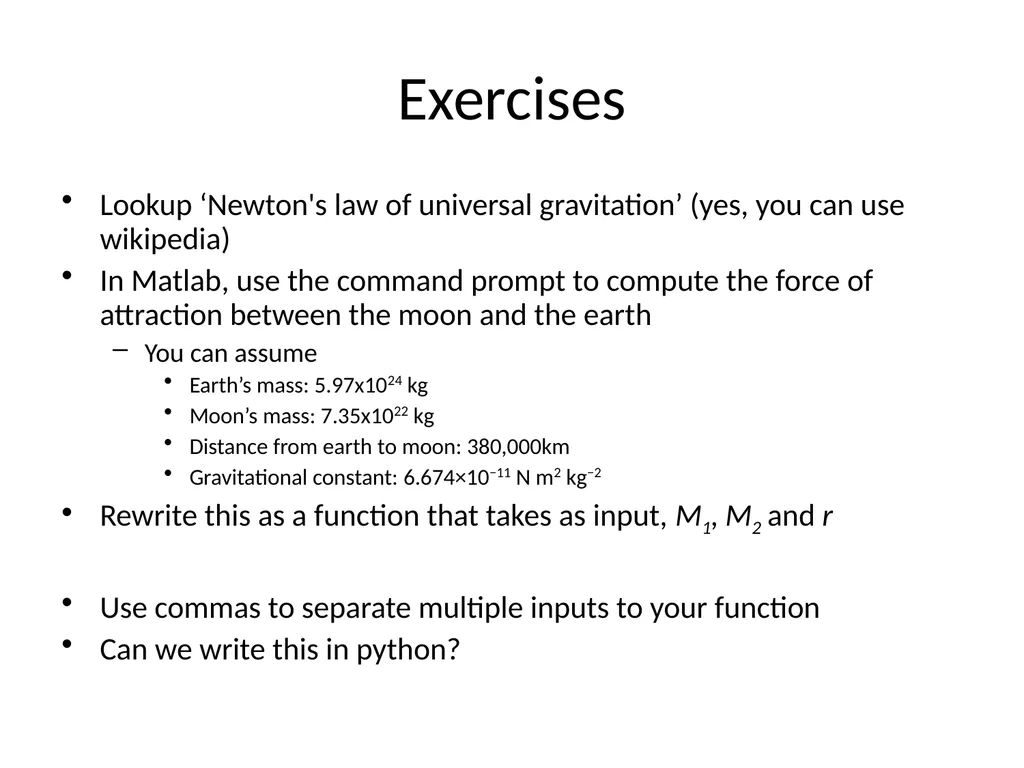
slide40. Exercises Lookup ‘Newton's law of universal gravitation’ (yes, you can use wikipedia)
In Matlab, use the command prompt to compute the force of attraction between the moon and the earth
You can assume
Earth’s mass: 5.97x1024 kg
Moon’s mass: 7.35x10²² kg
Distance from earth to moon: 380,000km
Gravitational constant: 6.674×10⁻¹¹ N m2 kg−2
Rewrite this as a function that takes as input, M1, M2 and r
Use commas to separate multiple inputs to your function
Can we write this in python?<br>
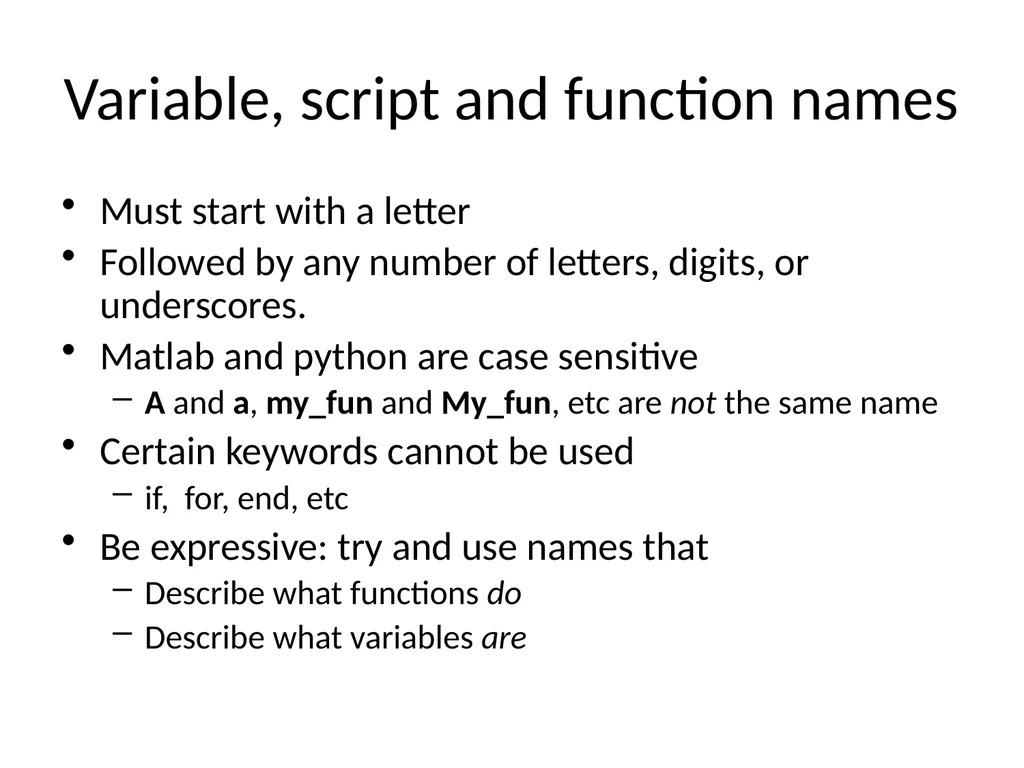
slide41. Variable, script and function names Must start with a letter
Followed by any number of letters, digits, or underscores.
Matlab and python are case sensitive
A and a, my_fun and My_fun, etc are not the same name
Certain keywords cannot be used
if, for, end, etc
Be expressive: try and use names that
Describe what functions do
Describe what variables are<br>
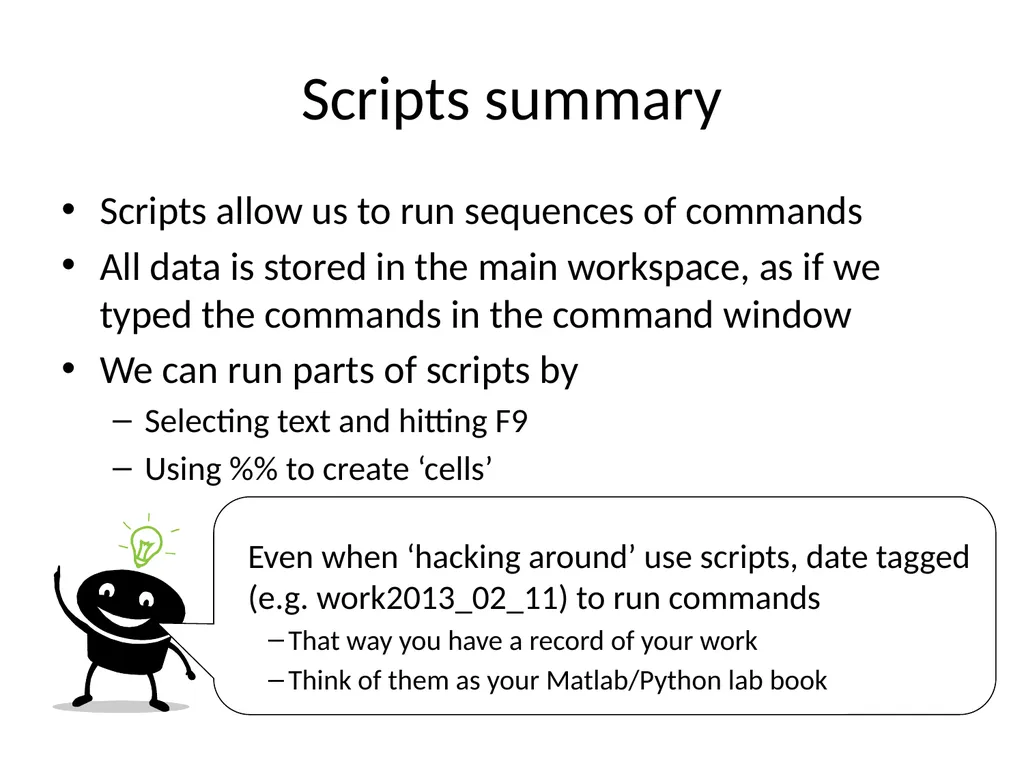
slide42. Scripts summary Scripts allow us to run sequences of commands
All data is stored in the main workspace, as if we typed the commands in the command window
We can run parts of scripts by
Selecting text and hitting F9
Using %% to create ‘cells’<br>
slide43. Functions summary Functions group commands so that we can run them with different inputs
We have looked at defining and calling functions inside scripts
Next week we will look at how we can call functions from other places (hint: you've already done this!)
Matlab and python have 1,000s of in-built functions, by learning how to call those we can create really powerful programs<br>
The Basics: variables, scripts and functions Dr Michael Berks
michael.berks@manchester.ac.uk<br>
slide2. Why do I need to learn ‘it’? What is Matlab? Because the course leader said so… What is python?<br>
slide3. What is Matlab/python? What does computer programming mean? What is a programming language? What is code? What is a computer program?<br>
slide4. What is a computer program? Something you use to achieve some task on a computer (or phone, tablet etc)…<br>
slide5. What is a computer program? In medical imaging…<br>
slide6. What is a computer program? In medical imaging… MR images of the brain<br>
slide7. What is a computer program? In medical imaging… Mammogram acquired during routine screening + patient data<br>
slide8. What is a computer program? In medical imaging… MRI liver tumours before and after drug treatment<br>
slide9. What does computer programming mean? Writing your own computer programs... … telling the computer to do exactly what you want. What is a programming language? A way of translating human logic into commands a computer understands… … like human languages, there a lots of different languages (often similar to each other), each with a specific set of rules (syntax, grammar) to obey. What is ‘code’? A chunk of commands in a specific programming language… A program consists of bits of code put together in a logical way … … by using other people’s code, you can incorporate bits of their program in your own (as long as you’re using the same language!).<br>
slide10. Why do I need to learn how to write my own computer code? Think of it like learning to cook….. Now the big question….<br>
slide11. x x x You live in Manchester now! You’re student, you can’t afford it! You’re a fussy eater!<br>
slide12. Vs Heating someone else’s food in the microwave Ok if they’ve cooked exactly what you want Cooking your own food Can eat exactly as you like it Vs Using a computer program Ok if it does exactly what you want Writing your own computer program Make it do exactly what you want Research is likely to be here<br>
slide14. How good a cook/programmer do I need to be? Do I need to write all my programs from scratch? No! Just like in cooking, you don’t need make everything from raw ingredients, can use pre-made pasta, sauces, wine etc… Remember you can use other people’s code to include bits of their programs in yours … … but you do need to know the basics to put those bits together (how to chop an onion, when to add seasoning etc.) Vs<br>
slide15. And finally….
What is Matlab? Matlab is both a program and a programming language ... … it has lots of tools you can just use to analyse data and images. But you can also write code to extend it to do any analysis you like (although unlike a ‘pure’ language, it will only work if the Matlab program is installed on the computer). + + + = A really powerful tool for imaging research!<br>
slide16. General purpose programming language
Packages provide support for scientific computing
Open-source But what about….
Python?<br>
slide17. How does python differ from Matlab? It’s free
No need for an expensive license*
Widely used, both in academia and industry
Often installed as part of OS
No single development environment
This can make it a little trickier get started
But, also more flexible
We’ll use Spyder on this course
*Currently free because of COVID, but usually you have to pay for Matlab!<br>
slide18. Course aims To show you how to use Matlab and/or python
To introduce some basic programming ideas common to all programming languages
To give examples of some tasks in medical imaging processing
To provide code you can reuse later in your projects
To make some pretty pictures!<br>
slide19. I’m a bit confused… Should I use Matlab… ..or Python?<br>
slide20. For this course, consider Matlab and python as interchangeable… you can use either or both. I will demonstrate mainly in Matlab, but everything we do will be very similar in both… just watch out for the subtle differences!<br>
slide21. vs If you see this I’m referring to Matlab only If you see this I’m referring to differences in python<br>
slide22. First tasks Open Matlab (if you have it installed)
Open Spyder (if you have it installed)
Open a windows explorer window
Go to the MSc folder you created for Professor’s Cootes, maths course
Make a new folder Programming
Inside Programming, make new folders:
Matlab
Python
Data
TutorialSlides<br>
slide23. First tasks Open an internet explorer/Google chrome window
Go to the following webpage:
http://personalpages.manchester.ac.uk/staff/michael.berks
Click on the Matlab Tutorial tab
Bookmark this page for future weeks
Save the week 1 powerpoint slides and tutorial exercise into the TutorialSlides folder
These will also be added to the ‘Course content’ section of blackboard
Leave the window open (we’ll need it later)
Open the ‘lesson 1’ powerpoint file you’ve just saved
As I’m going through the slides, follow them on your computer<br>
slide24. Lesson Overview Using the Matlab/Spyder interface
Doing maths in the Command Window
Assigning variables and suppressing visual output
Collecting sequences of commands: scripts
An introduction to functions
Basic programming tips: expressive variable names and comments<br>
slide25. Command window<br>
slide26. Command window A fancy scientific calculator
2+3
2*3
2/3
2^3
Our first python difference! It’s 2**3 in python
2^0.5
2+3*6/2
(2+3)*6/2
Try using ↑ and ↓
Select earlier expressions and edit them<br>
slide27. In Spyder: console<br>
slide28. Assigning Variables Use ‘=‘ to assign variables
Keeps data in memory to use again
a = 4
b = 3 + 6
y = (4*a^2 +3*b^3) / 5
Can also self-assign:
b = b*2
Check the work space<br>
slide29. Workspace Shows you what variables are currently stored in memory<br>
slide30. Workspace Shows you what variables are currently stored in memory<br>
slide31. Suppressing visual output Try a = rand(100)
This creates a 100 x 100 matrix of random numbers
Use clc to clear the Command Window
Try a = rand(100);<br>
slide32. Let's compute the number of seconds in a year… Let's create some variables
seconds_in_minute = 60
minutes_in_hour = 60
hours_in_day = 24
days_in_year = 365
Then compute:
seconds_in_year = seconds_in_minute* minutes_in_hour*hours_in_day*days_in_year<br>
slide33. Scripts Use clear to wipe the current memory
Check that the workspace is now empty
Click the ‘New script’ button (top left of main menu)
Opens a blank page in the editor
Copy the previous commands to compute the number of seconds in a year from the Command History
Paste them into the blank document
Save the document as
Matlab: programming_tutorial_lesson1_script.m
Python: programming_tutorial_lesson1_script.py<br>
slide34. Calling a script from the command-line Type: programming_tutorial_lesson1_script at the command line
Note the lack of ‘.m’
Check your work-space
We'll look at different ways of calling python scripts in future lessons<br>
slide35. How many seconds in… 2 years?
10 years?
N-years?
Scripts are useful… but if we want to re-run our script with different inputs, we should use a function<br>
slide36. Matlab Functions In our script, type %%
This creates a new cell – a part of a script that can be run separately
Now at the BOTTOM of the script …
function [seconds_in_n_years] = compute_seconds_in_years(n_years)
seconds_in_minute = 60
minutes_in_hour = 60
hours_in_day = 24
days_in_year = 365
seconds_in_year = seconds_in_hour *hours_in_day*days_in_year
seconds_in_n_years = n_years * seconds_in_year
end
Type another %% above the function, then
compute_seconds_in_years(2)<br>
slide37. Python Functions Again type %%
Now type …
def compute_seconds_in_years(n_years)
seconds_in_minute = 60
minutes_in_hour = 60
hours_in_day = 24
days_in_year = 365
seconds_in_year = seconds_in_hour *hours_in_day*days_in_year
seconds_in_n_years = n_years * seconds_in_year
return seconds_in_n_years
Run this cell, no output is generated but the function is now available to use…
Type another %%, and then:
compute_seconds_in_years(10)<br>
slide38. What differences did you spot between the Matlab and python functions? vs<br>
slide39. Inputs and output The variable n_years is an input to our function
You will often see this described as an argument
The variable seconds_in_n_years is the output of our function
We look next at using multiple inputs
We can also have multiple outputs but will see those in future lessons<br>
slide40. Exercises Lookup ‘Newton's law of universal gravitation’ (yes, you can use wikipedia)
In Matlab, use the command prompt to compute the force of attraction between the moon and the earth
You can assume
Earth’s mass: 5.97x1024 kg
Moon’s mass: 7.35x10²² kg
Distance from earth to moon: 380,000km
Gravitational constant: 6.674×10⁻¹¹ N m2 kg−2
Rewrite this as a function that takes as input, M1, M2 and r
Use commas to separate multiple inputs to your function
Can we write this in python?<br>
slide41. Variable, script and function names Must start with a letter
Followed by any number of letters, digits, or underscores.
Matlab and python are case sensitive
A and a, my_fun and My_fun, etc are not the same name
Certain keywords cannot be used
if, for, end, etc
Be expressive: try and use names that
Describe what functions do
Describe what variables are<br>
slide42. Scripts summary Scripts allow us to run sequences of commands
All data is stored in the main workspace, as if we typed the commands in the command window
We can run parts of scripts by
Selecting text and hitting F9
Using %% to create ‘cells’<br>
slide43. Functions summary Functions group commands so that we can run them with different inputs
We have looked at defining and calling functions inside scripts
Next week we will look at how we can call functions from other places (hint: you've already done this!)
Matlab and python have 1,000s of in-built functions, by learning how to call those we can create really powerful programs<br>