Researcher Deep Dive Overview Use Cases Scenarios Prompt Guidance Customer Hub -AI Agents Series Meet Researcher: Your very own research assistant Unlike traditional Copilot responses, Researcher spends 1030 minutes, performing deep
"Researcher Deep Dive Overview Use Cases &" is the property of its rightful owner. Permission is granted to
download and print the materials on this website for personal, non-commercial use only, and to display it
on your personal computer provided you do not modify the materials and that you retain all copyright
notices contained in the materials. By downloading content from our website, you accept the terms of this
agreement.
Presentation Transcript
01
Researcher Deep Dive Overview
Use Cases & Scenarios
Prompt Guidance Customer Hub -AI Agents Series<br>
02
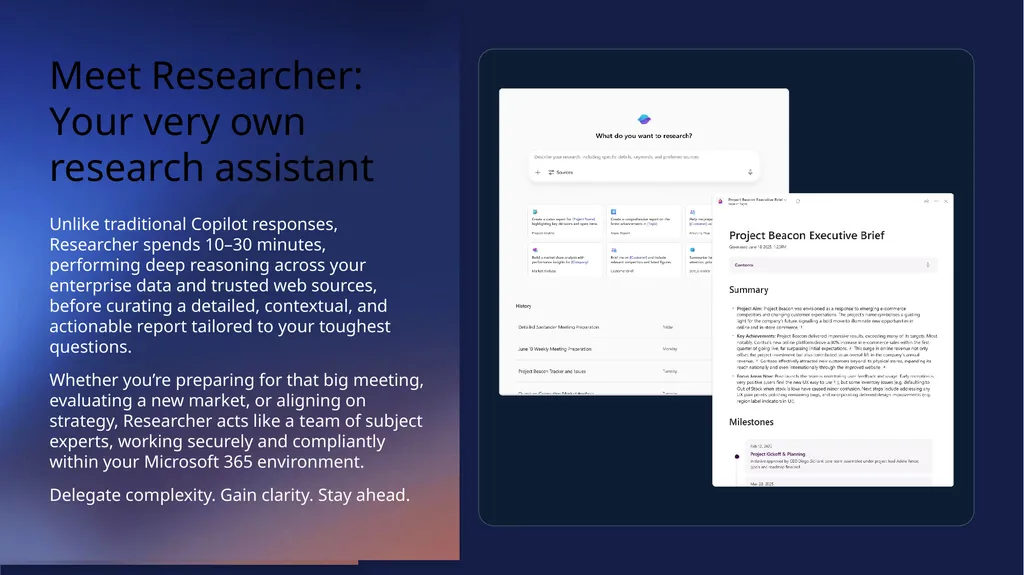
Meet Researcher: Your very own research assistant Unlike traditional Copilot responses, Researcher spends 10–30 minutes, performing deep reasoning across your enterprise data and trusted web sources, before curating a detailed, contextual, and actionable report tailored to your toughest questions.
Whether you’re preparing for that big meeting, evaluating a new market, or aligning on strategy, Researcher acts like a team of subject experts, working securely and compliantly within your Microsoft 365 environment.
Delegate complexity. Gain clarity. Stay ahead.<br>
03
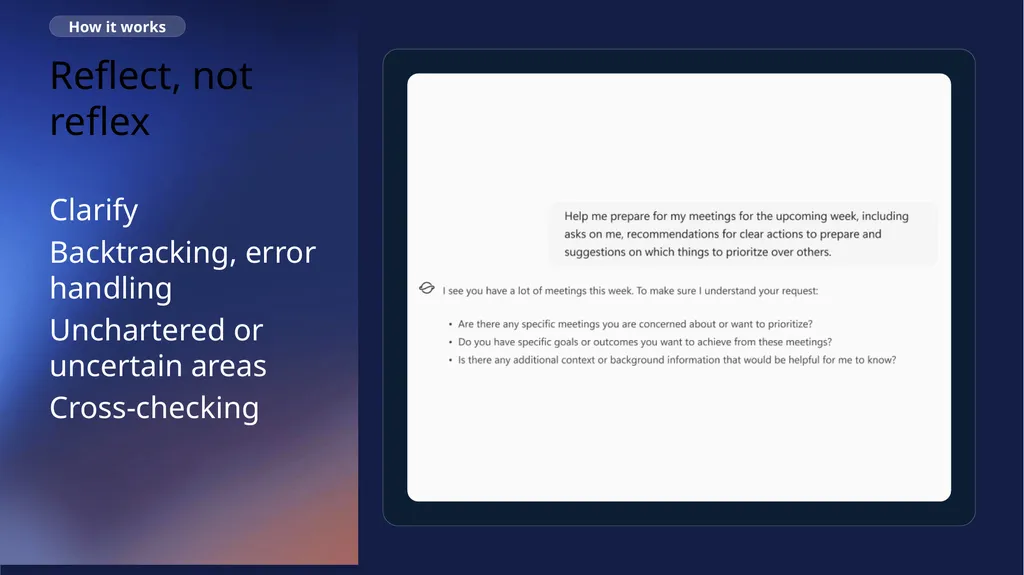
Reflect, not reflex How it works Clarify
Backtracking, error handling
Unchartered or uncertain areas
Cross-checking<br>
04
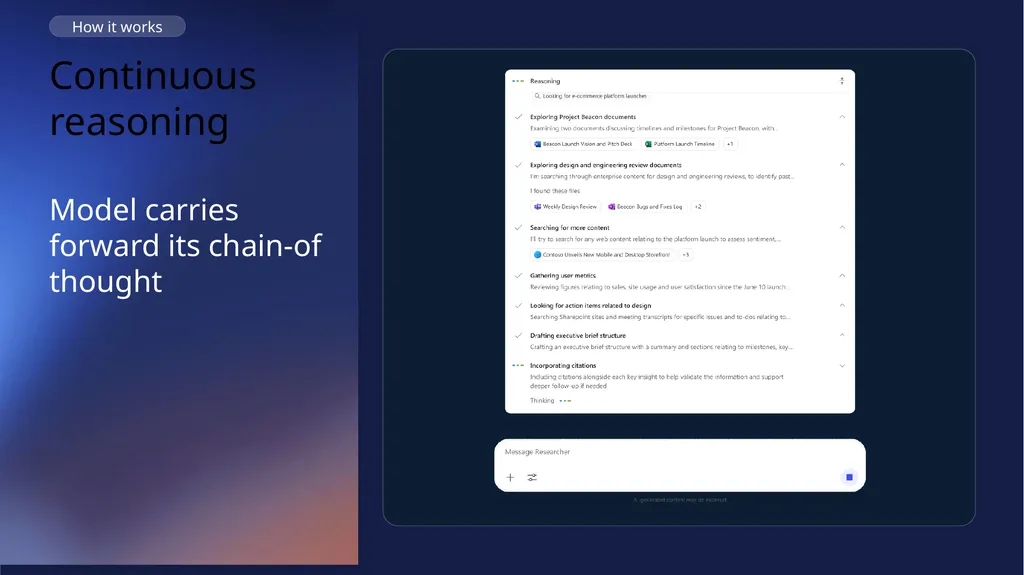
Continuous reasoning How it works Model carries forward its chain-of thought<br>
05
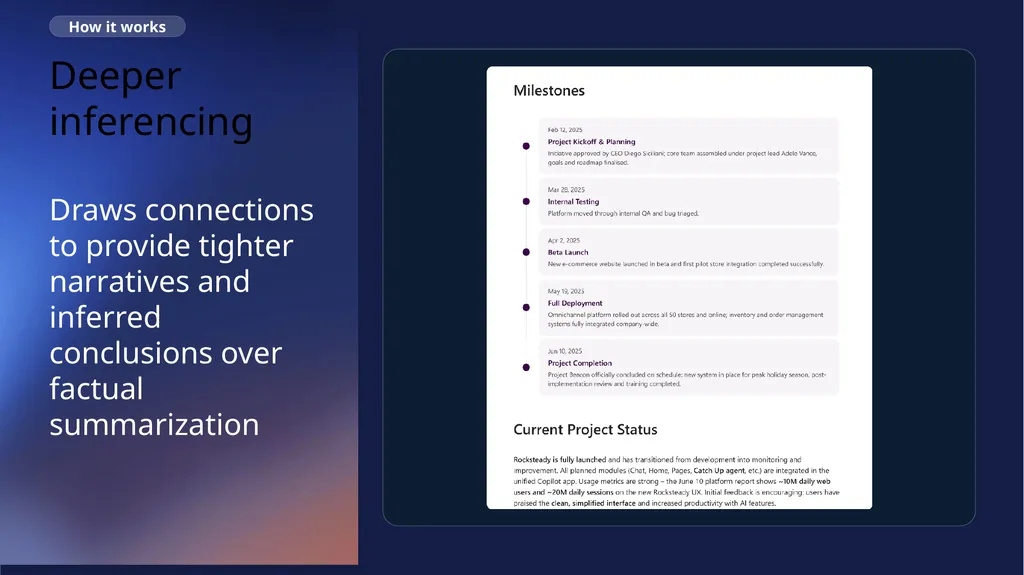
Deeper inferencing How it works Draws connections to provide tighter narratives and inferred conclusions over factual summarization<br>
06
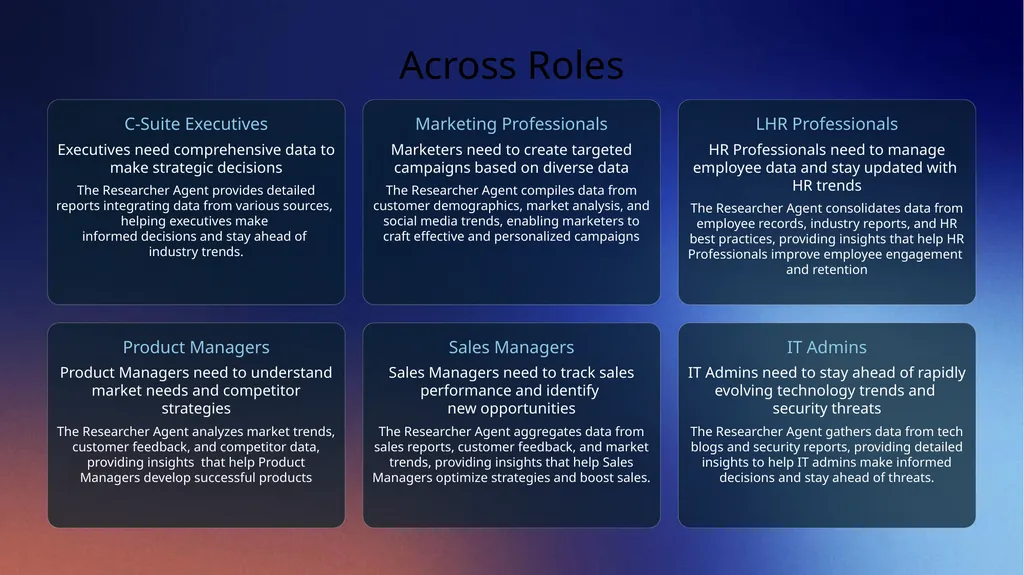
Across Roles C-Suite Executives
Executives need comprehensive data to make strategic decisions
The Researcher Agent provides detailed reports integrating data from various sources, helping executives make informed decisions and stay ahead of industry trends. Marketing Professionals
Marketers need to create targeted campaigns based on diverse data
The Researcher Agent compiles data from customer demographics, market analysis, and social media trends, enabling marketers to craft effective and personalized campaigns LHR Professionals
HR Professionals need to manage employee data and stay updated with HR trends
The Researcher Agent consolidates data from employee records, industry reports, and HR best practices, providing insights that help HR Professionals improve employee engagement and retention Product Managers
Product Managers need to understand market needs and competitor strategies
The Researcher Agent analyzes market trends, customer feedback, and competitor data, providing insights that help Product Managers develop successful products Sales Managers
Sales Managers need to track sales performance and identify new opportunities
The Researcher Agent aggregates data from sales reports, customer feedback, and market trends, providing insights that help Sales Managers optimize strategies and boost sales. IT Admins
IT Admins need to stay ahead of rapidly evolving technology trends and security threats
The Researcher Agent gathers data from tech blogs and security reports, providing detailed insights to help IT admins make informed decisions and stay ahead of threats.<br>
07
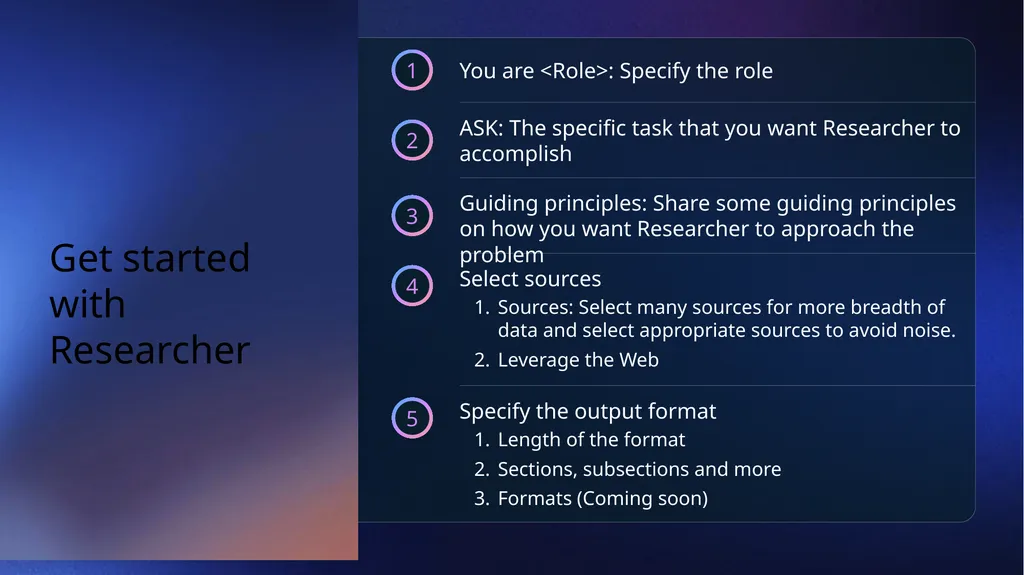
Get started with Researcher 1 You are <Role>: Specify the role 2 ASK: The specific task that you want Researcher to accomplish 3 Guiding principles: Share some guiding principles on how you want Researcher to approach the problem 4 Select sources
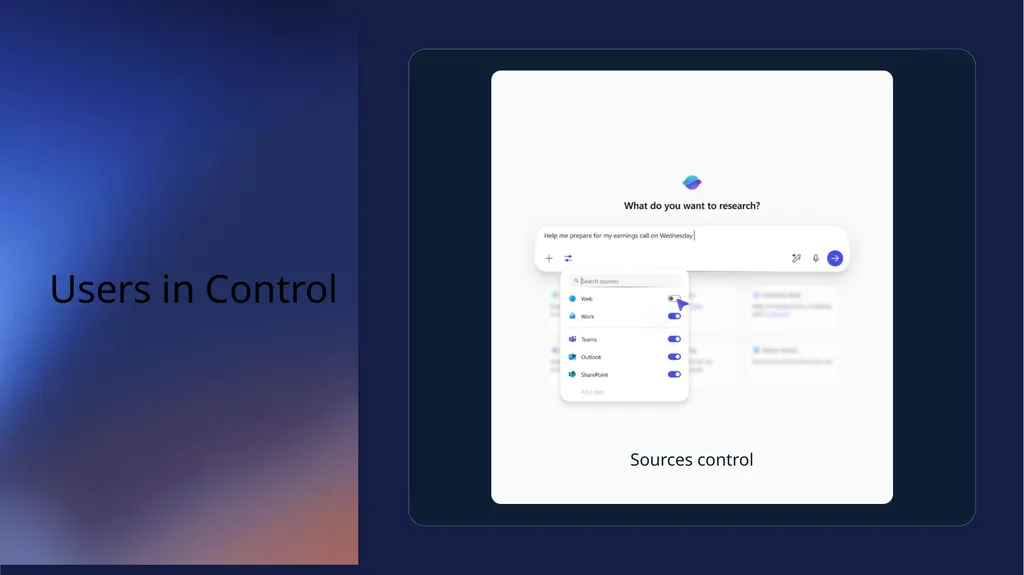
Sources: Select many sources for more breadth of data and select appropriate sources to avoid noise.
Leverage the Web 5 Specify the output format
Length of the format
Sections, subsections and more
Formats (Coming soon)<br>
08
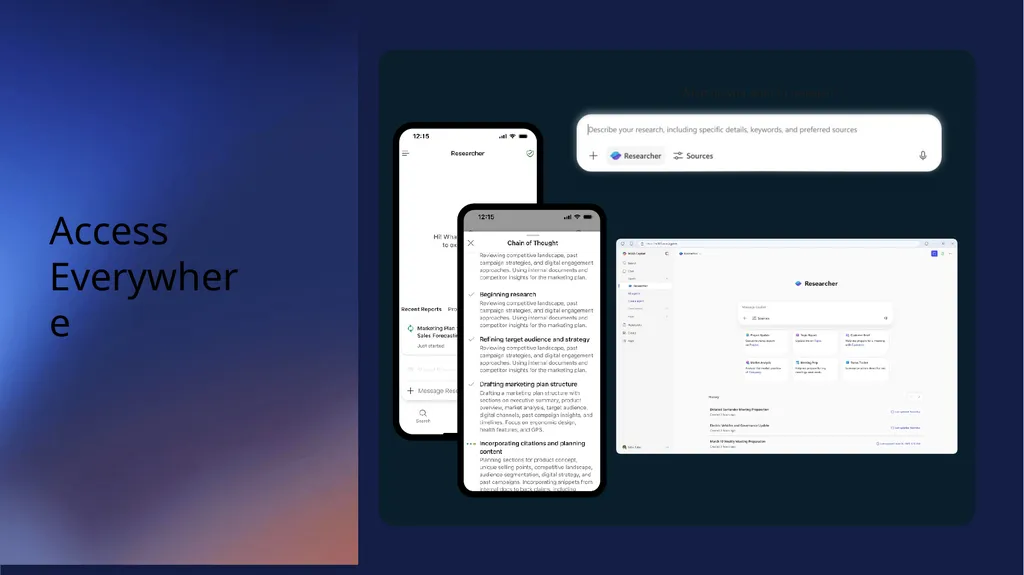
Access Everywhere<br>
09
Users in Control Sources control<br>
10
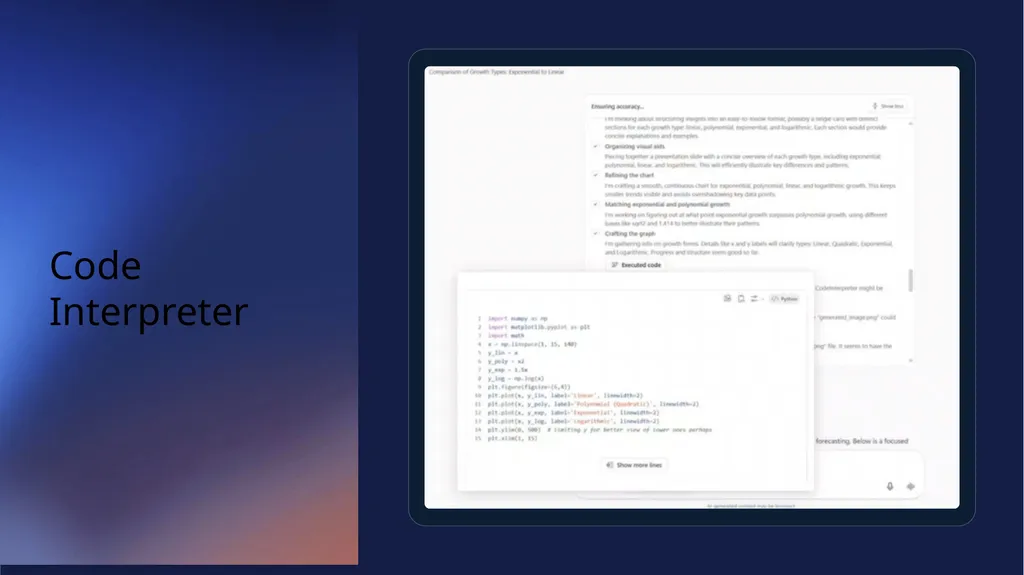
Code Interpreter<br>
11
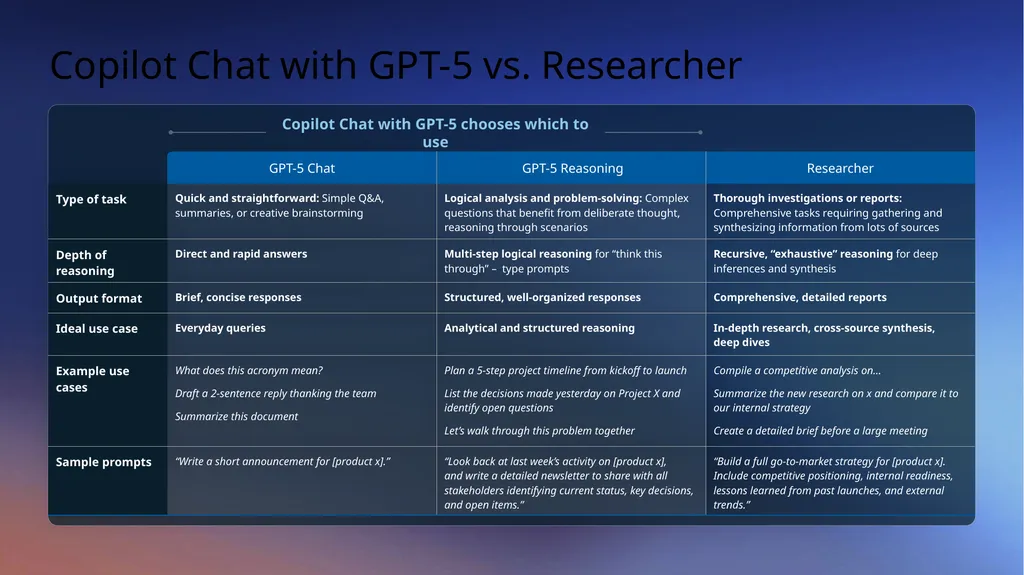
Copilot Chat with GPT-5 vs. Researcher Copilot Chat with GPT-5 chooses which to use<br>
12
Researcher demo video<br>
13
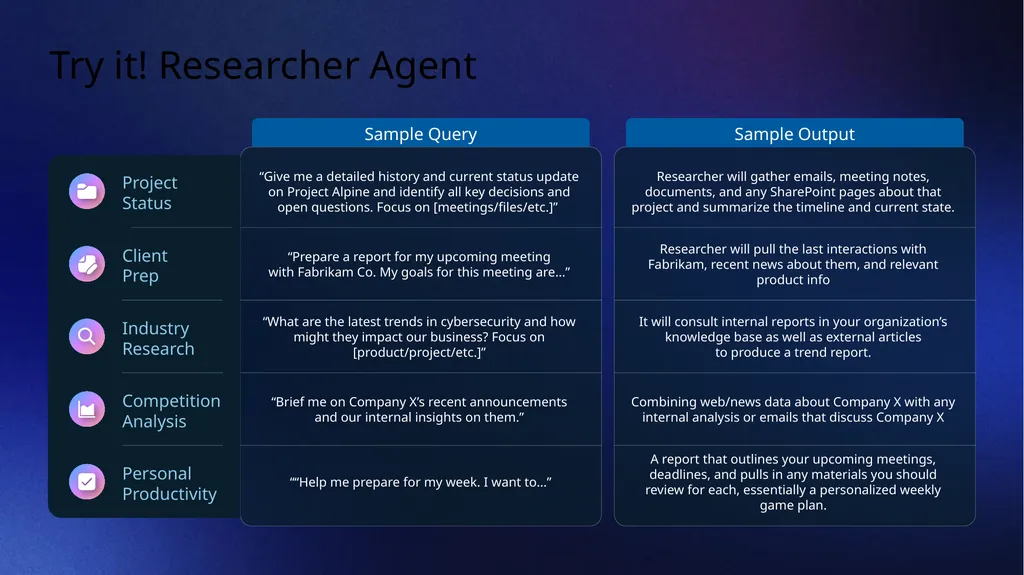
Try it! Researcher Agent Project Status Sample Query “Give me a detailed history and current status update on Project Alpine and identify all key decisions and open questions. Focus on [meetings/files/etc.]” Sample Output Researcher will gather emails, meeting notes, documents, and any SharePoint pages about that project and summarize the timeline and current state. Client Prep “Prepare a report for my upcoming meeting with Fabrikam Co. My goals for this meeting are…” Researcher will pull the last interactions with Fabrikam, recent news about them, and relevant product info Industry Research “What are the latest trends in cybersecurity and how might they impact our business? Focus on [product/project/etc.]” It will consult internal reports in your organization’s knowledge base as well as external articles to produce a trend report. Competition
Analysis “Brief me on Company X’s recent announcements and our internal insights on them.” Combining web/news data about Company X with any internal analysis or emails that discuss Company X Personal
Productivity ““Help me prepare for my week. I want to…” A report that outlines your upcoming meetings, deadlines, and pulls in any materials you should review for each, essentially a personalized weekly game plan.<br>
14
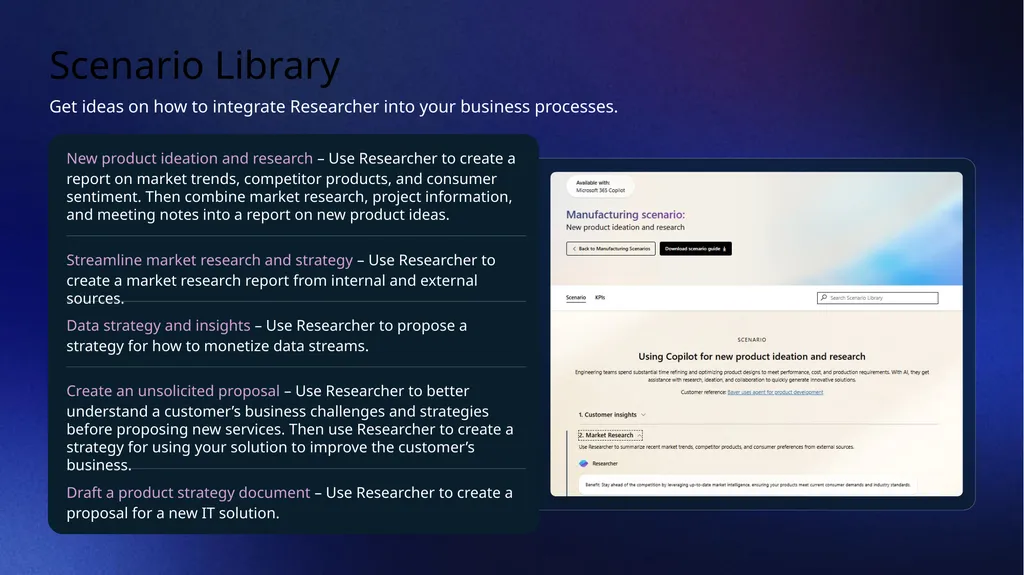
Scenario Library Get ideas on how to integrate Researcher into your business processes. New product ideation and research – Use Researcher to create a report on market trends, competitor products, and consumer sentiment. Then combine market research, project information, and meeting notes into a report on new product ideas. Streamline market research and strategy – Use Researcher to create a market research report from internal and external sources. Data strategy and insights – Use Researcher to propose a strategy for how to monetize data streams. Create an unsolicited proposal – Use Researcher to better understand a customer’s business challenges and strategies before proposing new services. Then use Researcher to create a strategy for using your solution to improve the customer’s business. Draft a product strategy document – Use Researcher to create a proposal for a new IT solution.<br>
15
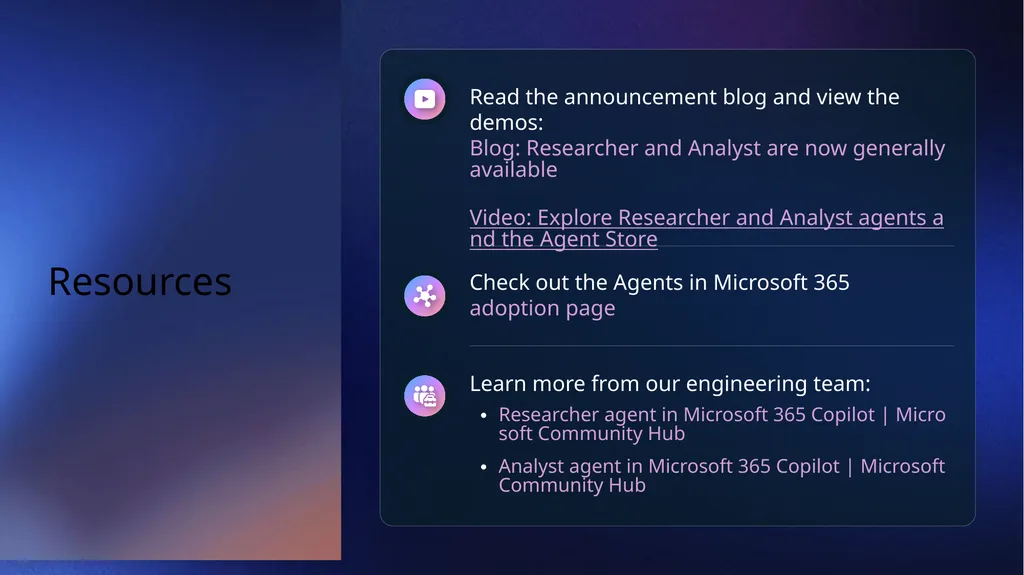
Resources Read the announcement blog and view the demos: Blog: Researcher and Analyst are now generally available
Video: Explore Researcher and Analyst agents and the Agent Store Check out the Agents in Microsoft 365 adoption page Learn more from our engineering team:
Researcher agent in Microsoft 365 Copilot | Microsoft Community Hub
Analyst agent in Microsoft 365 Copilot | Microsoft Community Hub<br>
16
Next Steps and Call to Action<br>
17
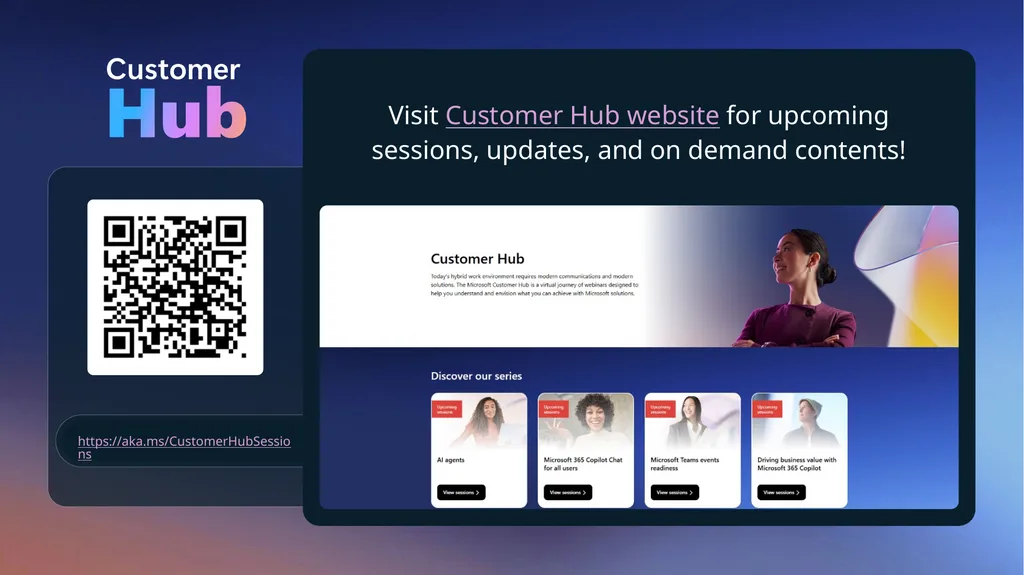
Customer Hub https://aka.ms/CustomerHubSessions Visit Customer Hub website for upcoming sessions, updates, and on demand contents!<br>