Subject Name :Computer Architecture Presentation Title: RAM VS ROM Team Members: Students Name Reg.No: 1. Saranraj s p 210618104044 2. Santhoshkumar m 210618104043 3. Emmanuel johnson paul 210618104012 4. Rahul.A 210618104036 5. Rajesh.V
"Subject Name :Computer Architecture Presentation" is the property of its rightful owner. Permission is granted to
download and print the materials on this website for personal, non-commercial use only, and to display it
on your personal computer provided you do not modify the materials and that you retain all copyright
notices contained in the materials. By downloading content from our website, you accept the terms of this
agreement.
Presentation Transcript
01
Subject Name :Computer Architecture Presentation Title: RAM VS ROM Team Members:
Students Name Reg.No:
1. Saranraj s p 210618104044
2. Santhoshkumar m 210618104043
3. Emmanuel johnson paul 210618104012
4. Rahul.A 210618104036
5. Rajesh.V 210618104301
6. Gowtham.J 210618104016 JEPPIAAR INSTITUTE OF TECHNOLOGY
“Self-Belief | Self Discipline | Self Respect”
Department of Computer Science and Engineering<br>
02
RAM VS ROM<br>
03
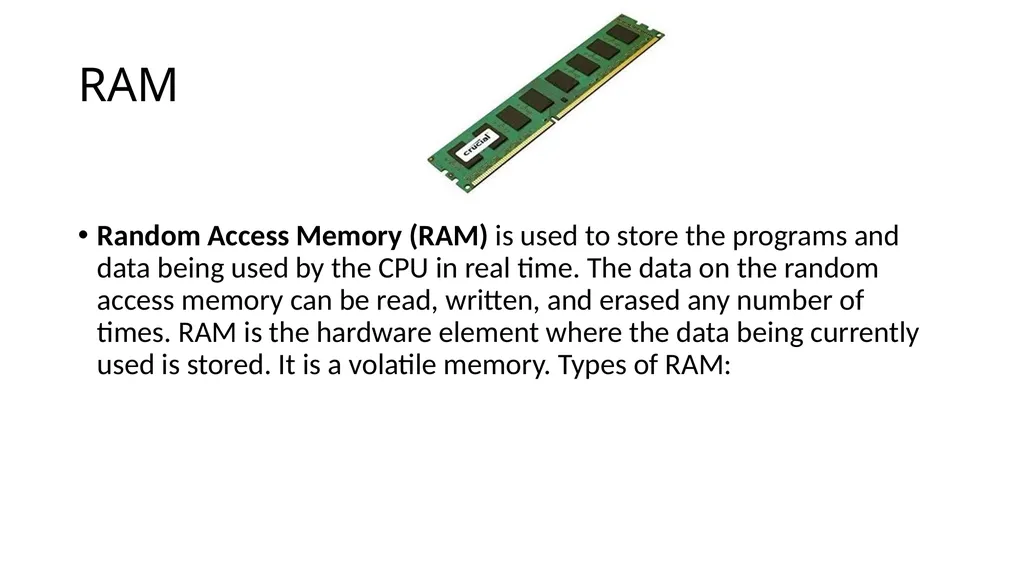
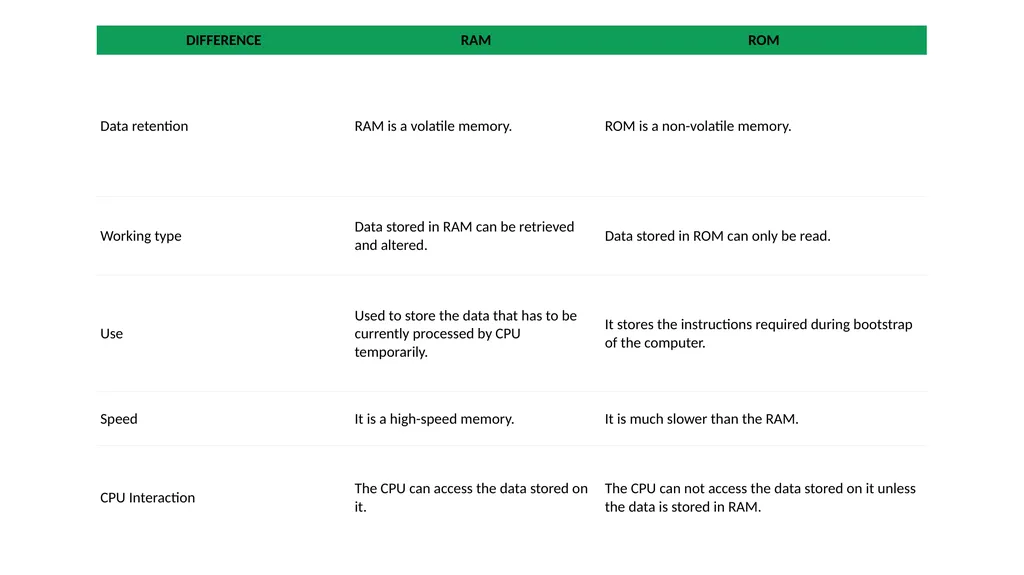
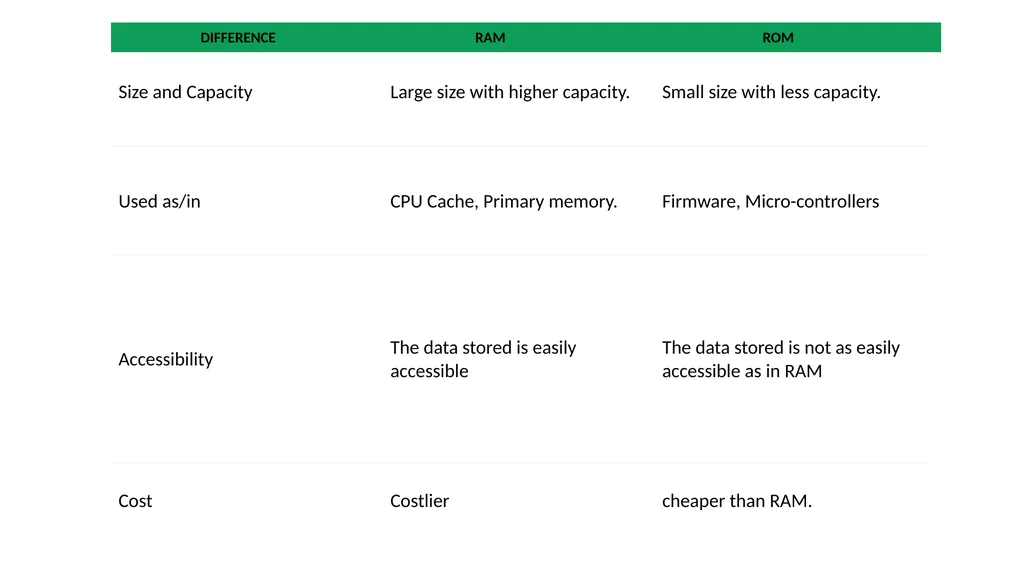
RAM Random Access Memory (RAM) is used to store the programs and data being used by the CPU in real time. The data on the random access memory can be read, written, and erased any number of times. RAM is the hardware element where the data being currently used is stored. It is a volatile memory. Types of RAM:<br>
04
RAM(Random Access Memory) is a part of computer’s Main Memory which is directly accessible by CPU. RAM is used to Read and Write data into it which is accessed by CPU randomly.
RAM is volatile in nature, it means if the power goes off, the stored information is lost.
RAM is used to store the data that is currently processed by the CPU.
Most of the programs and data that are modifiable are stored in<br>
05
Once the operating system is loaded, the computer uses RAM, which stands for random-access memory, which temporarily stores data while the central processing unit (CPU) is executing other tasks.
With more RAM on the computer, the less the CPU has to read data from the external or secondary memory (storage device), allowing the computer to run faster.
RAM is fast but it is volatile, which means it will not retain data if there is no power. It is therefore important to save data to the storage device before the system is turned off.<br>
06
Static RAM, or (SRAM) which stores a bit of data using the state of a six transistor memory cell.
Dynamic RAM, or (DRAM) which stores a bit data using a pair of transistor and capacitor which constitute a DRAM memory cell.<br>
07
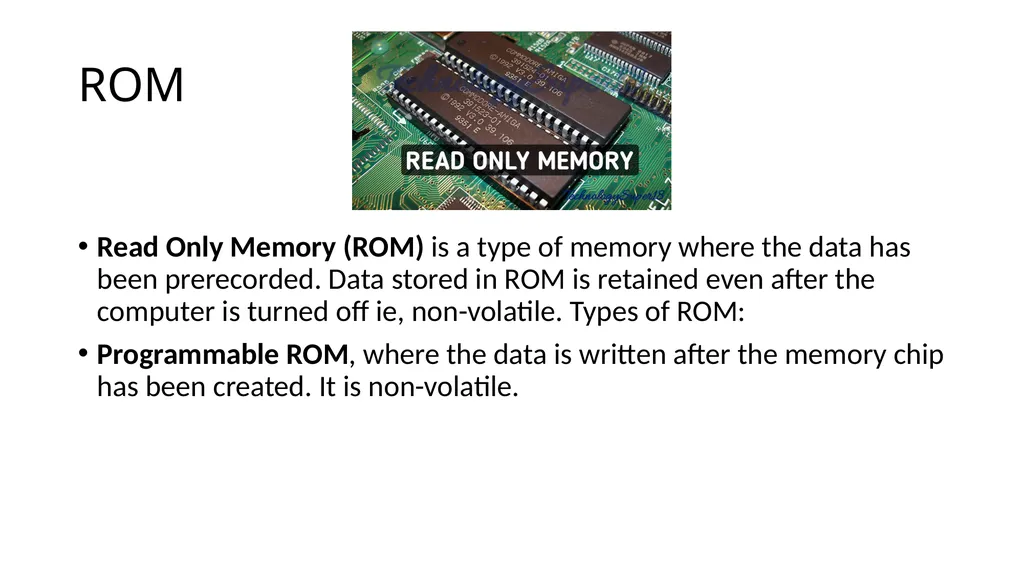
ROM Read Only Memory (ROM) is a type of memory where the data has been prerecorded. Data stored in ROM is retained even after the computer is turned off ie, non-volatile. Types of ROM:
Programmable ROM, where the data is written after the memory chip has been created. It is non-volatile.<br>
08
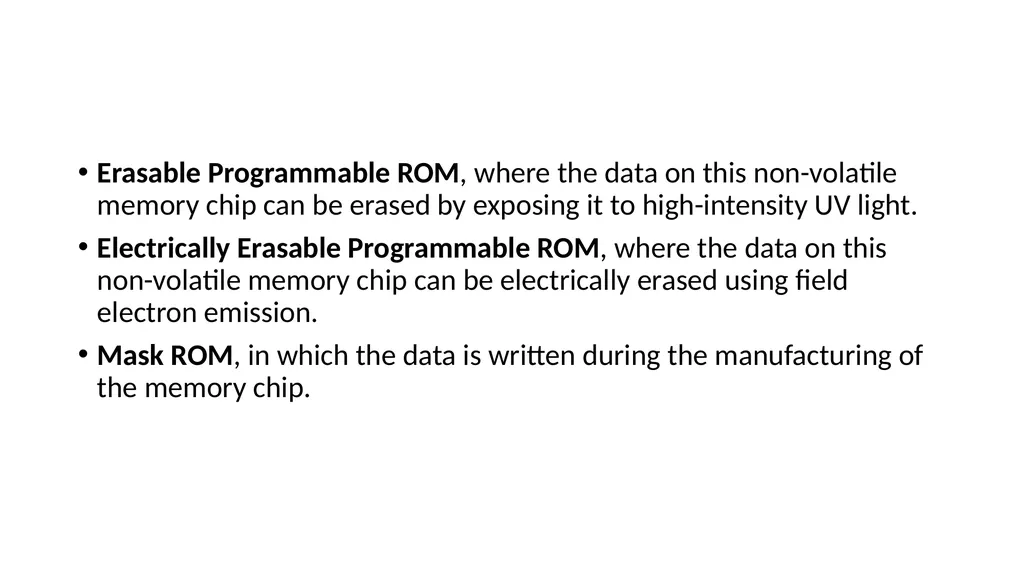
Erasable Programmable ROM, where the data on this non-volatile memory chip can be erased by exposing it to high-intensity UV light.
Electrically Erasable Programmable ROM, where the data on this non-volatile memory chip can be electrically erased using field electron emission.
Mask ROM, in which the data is written during the manufacturing of the memory chip.<br>
09
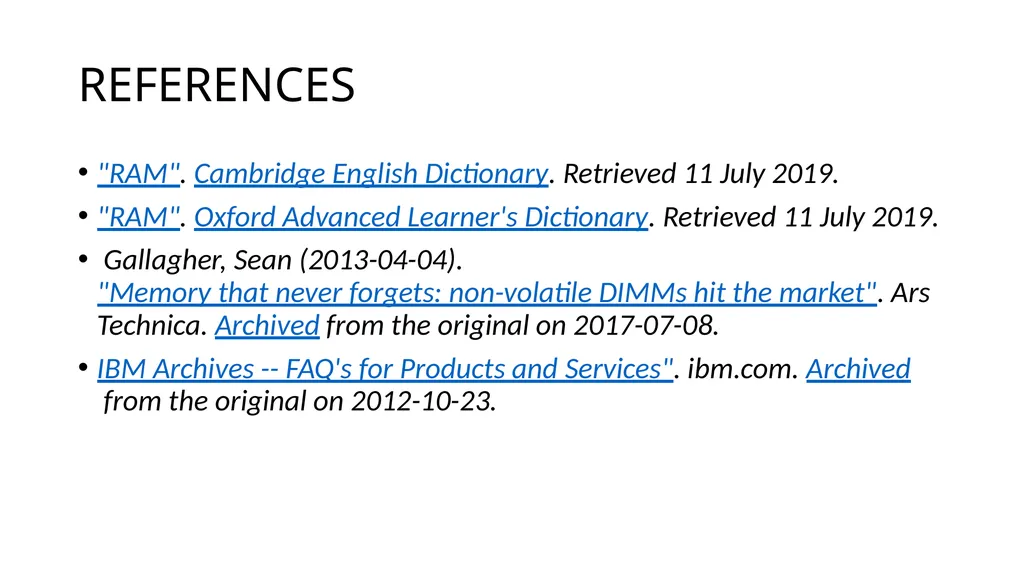
REFERENCES "RAM". Cambridge English Dictionary. Retrieved 11 July 2019.
"RAM". Oxford Advanced Learner's Dictionary. Retrieved 11 July 2019.
Gallagher, Sean (2013-04-04). "Memory that never forgets: non-volatile DIMMs hit the market". Ars Technica. Archived from the original on 2017-07-08.
IBM Archives -- FAQ's for Products and Services". ibm.com. Archived from the original on 2012-10-23.<br>