
The Cyber Hygiene Checklist: Steps to Protect Your
EM
Published · 30 slides · 0 views

1 / 1
Description
The Cyber Hygiene Checklist: Steps to Protect Your Digital Presence Kanti Singh Sangher Scientist E, C-DAC Noida Email id: kantisinghcdac.in , Contact No.: 91 9958511549 Cyber hygiene Cyber hygiene, also known as cybersecurity hygiene, is
Related Topics
Share
Embed code
Download this presentation From Below
"The Cyber Hygiene Checklist: Steps to Protect Your" is the property of its rightful owner. Permission is granted to download and print the materials on this website for personal, non-commercial use only, and to display it on your personal computer provided you do not modify the materials and that you retain all copyright notices contained in the materials. By downloading content from our website, you accept the terms of this agreement.
Presentation Transcript
01
The Cyber Hygiene Checklist: Steps to Protect Your Digital Presence Kanti Singh Sangher
Scientist E, C-DAC Noida
Email id: kantisingh@cdac.in , Contact No.: +91 9958511549<br>
Scientist E, C-DAC Noida
Email id: kantisingh@cdac.in , Contact No.: +91 9958511549<br>
02
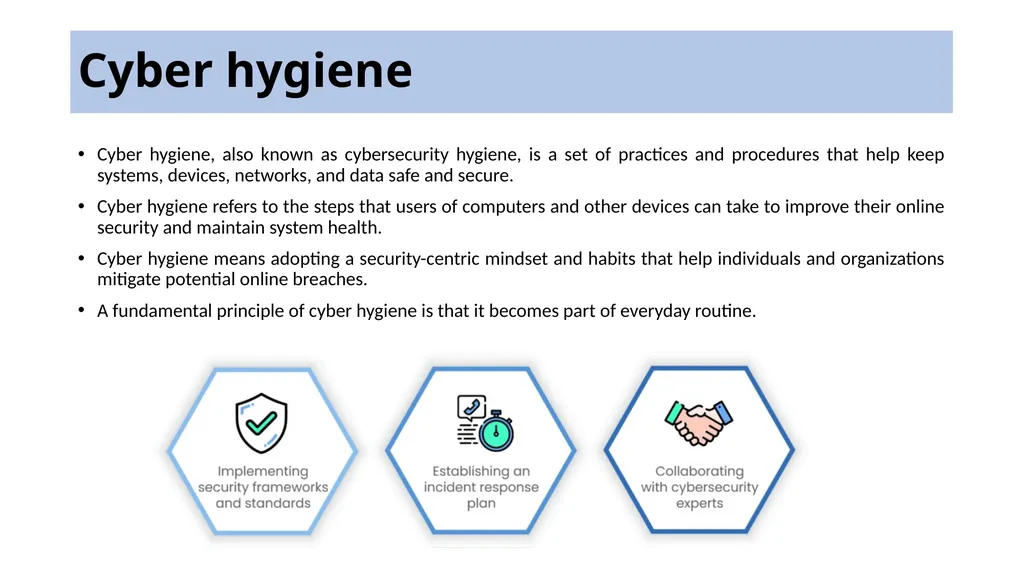
Cyber hygiene Cyber hygiene, also known as cybersecurity hygiene, is a set of practices and procedures that help keep systems, devices, networks, and data safe and secure.
Cyber hygiene refers to the steps that users of computers and other devices can take to improve their online security and maintain system health.
Cyber hygiene means adopting a security-centric mindset and habits that help individuals and organizations mitigate potential online breaches.
A fundamental principle of cyber hygiene is that it becomes part of everyday routine.<br>
Cyber hygiene refers to the steps that users of computers and other devices can take to improve their online security and maintain system health.
Cyber hygiene means adopting a security-centric mindset and habits that help individuals and organizations mitigate potential online breaches.
A fundamental principle of cyber hygiene is that it becomes part of everyday routine.<br>
03
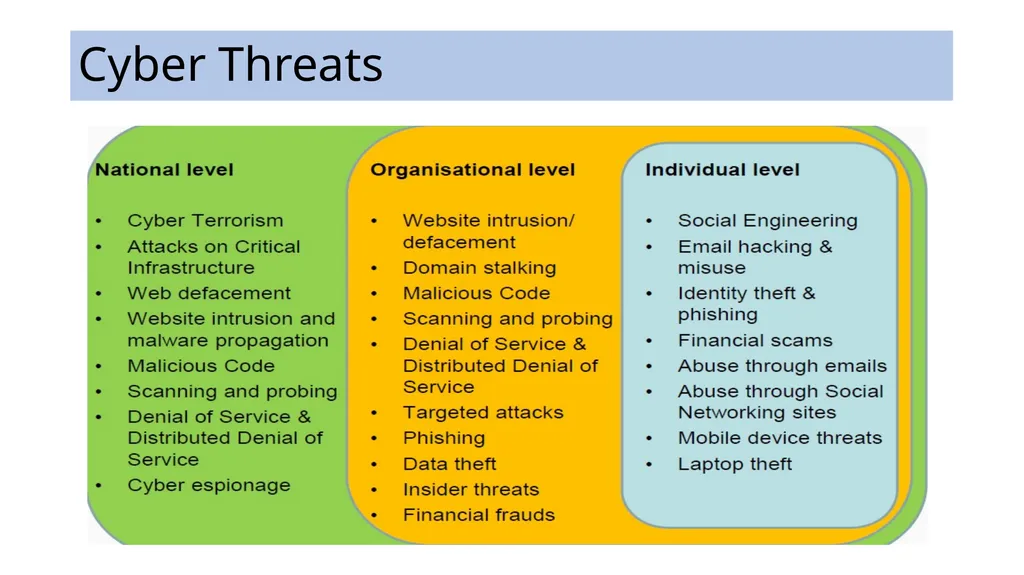
Cyber Threats<br>
04
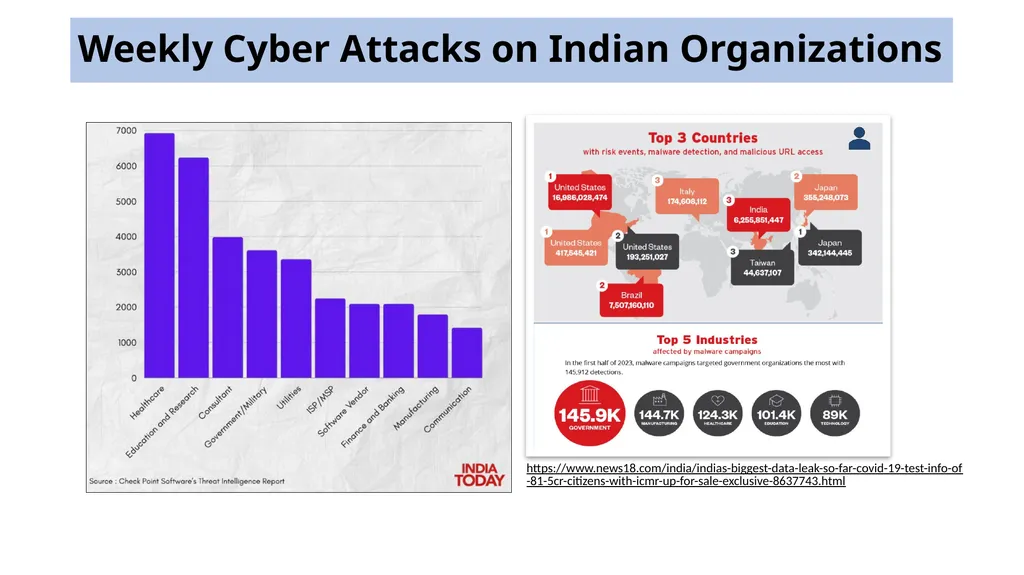
Weekly Cyber Attacks on Indian Organizations https://www.news18.com/india/indias-biggest-data-leak-so-far-covid-19-test-info-of-81-5cr-citizens-with-icmr-up-for-sale-exclusive-8637743.html<br>
05
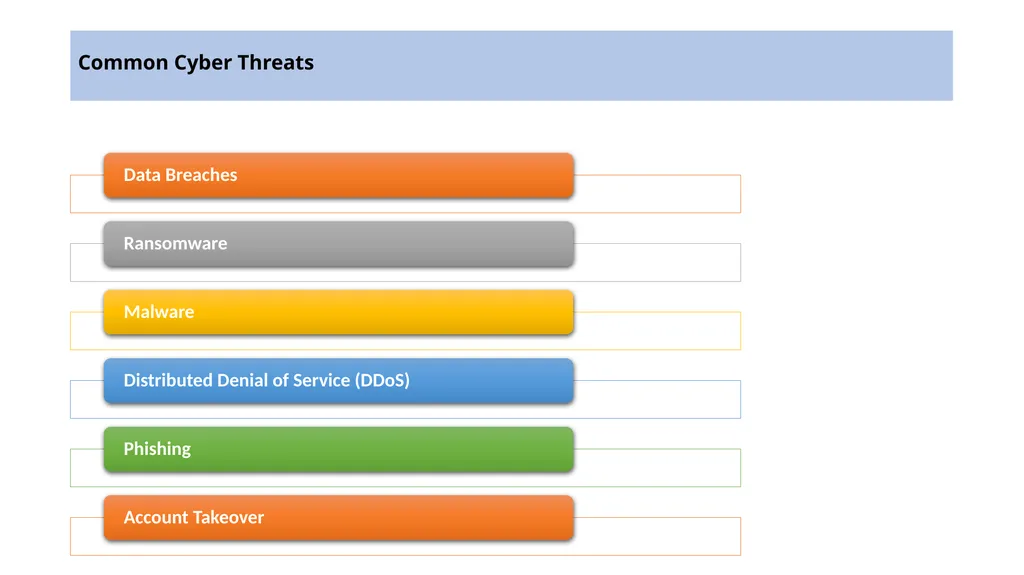
Common Cyber Threats<br>
06
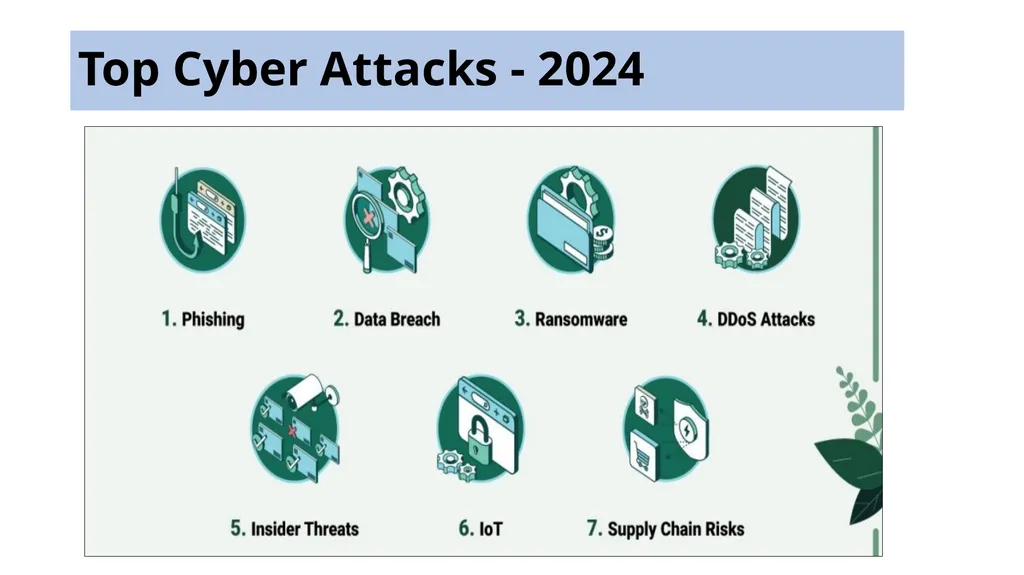
Top Cyber Attacks - 2024<br>
07
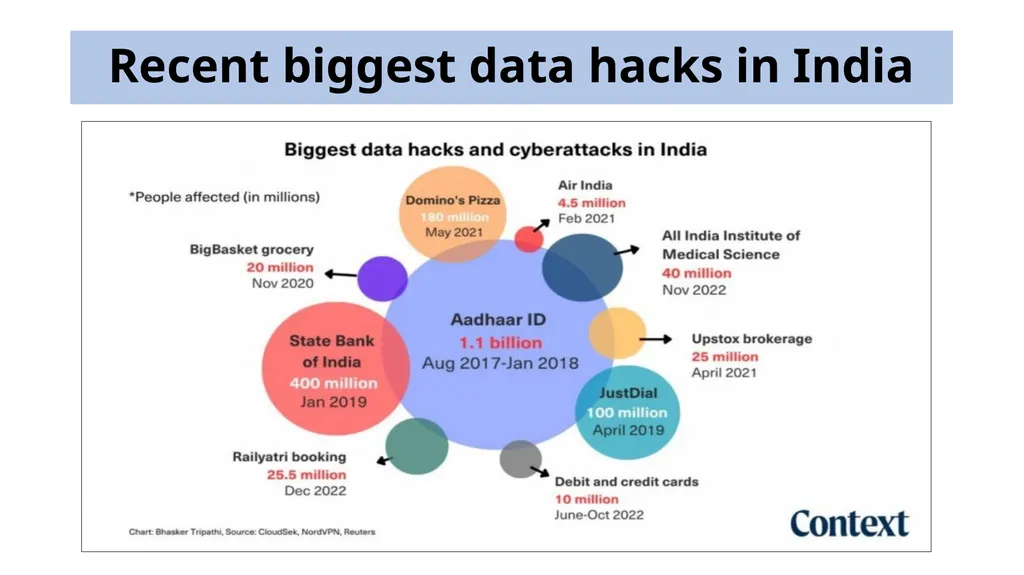
Recent biggest data hacks in India<br>
08
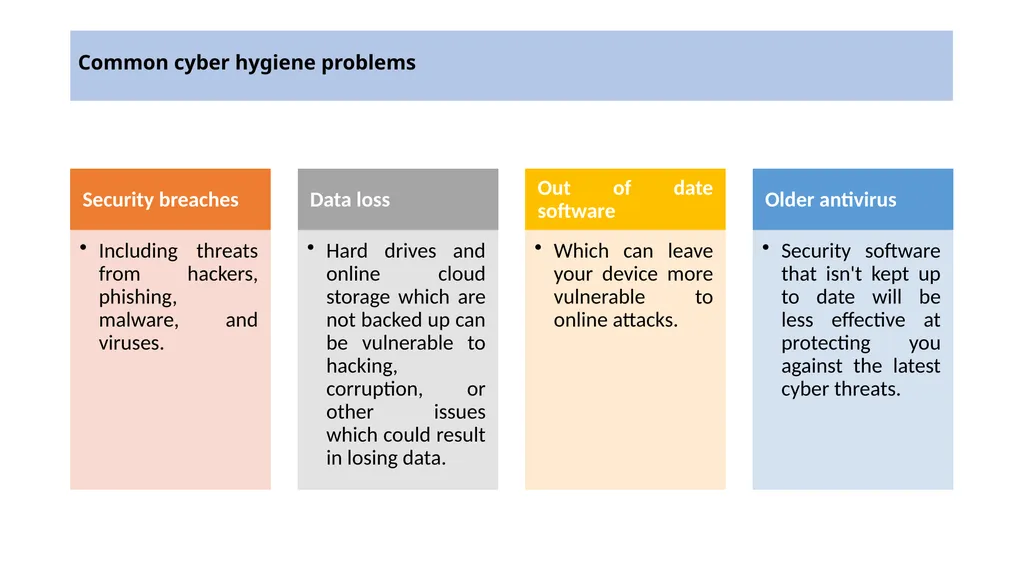
Common cyber hygiene problems<br>
09
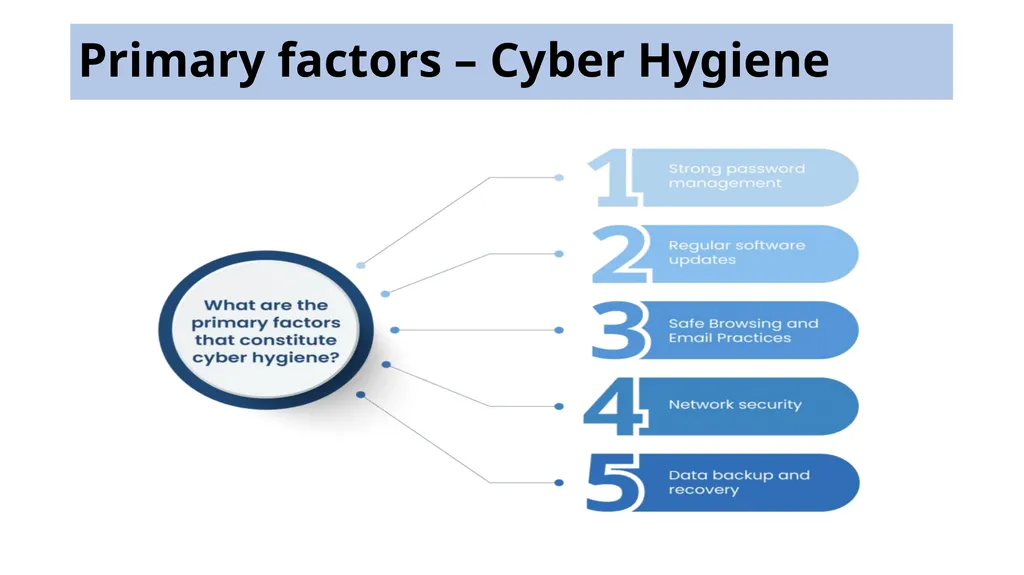
Primary factors – Cyber Hygiene<br>
10
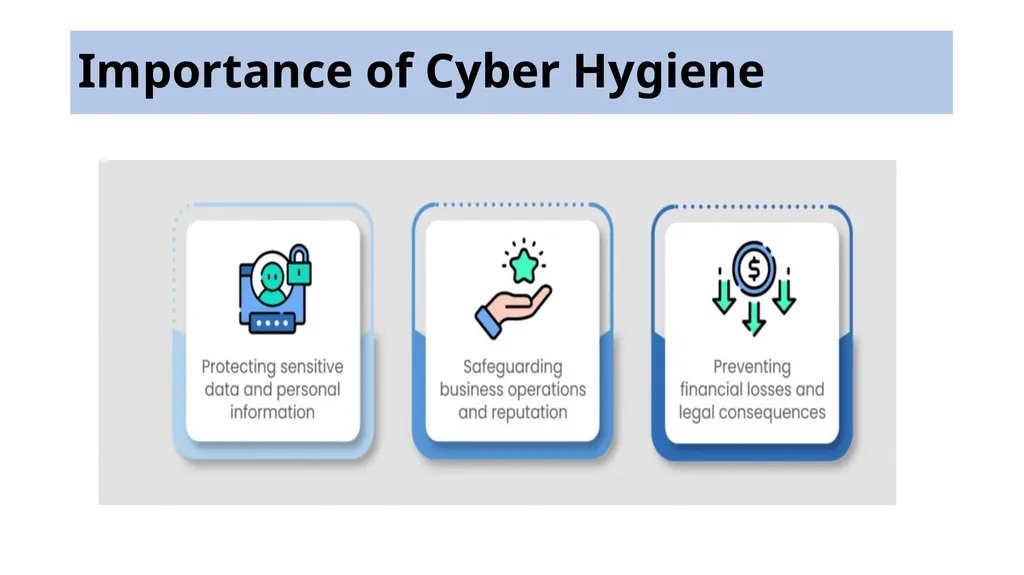
Importance of Cyber Hygiene<br>
11
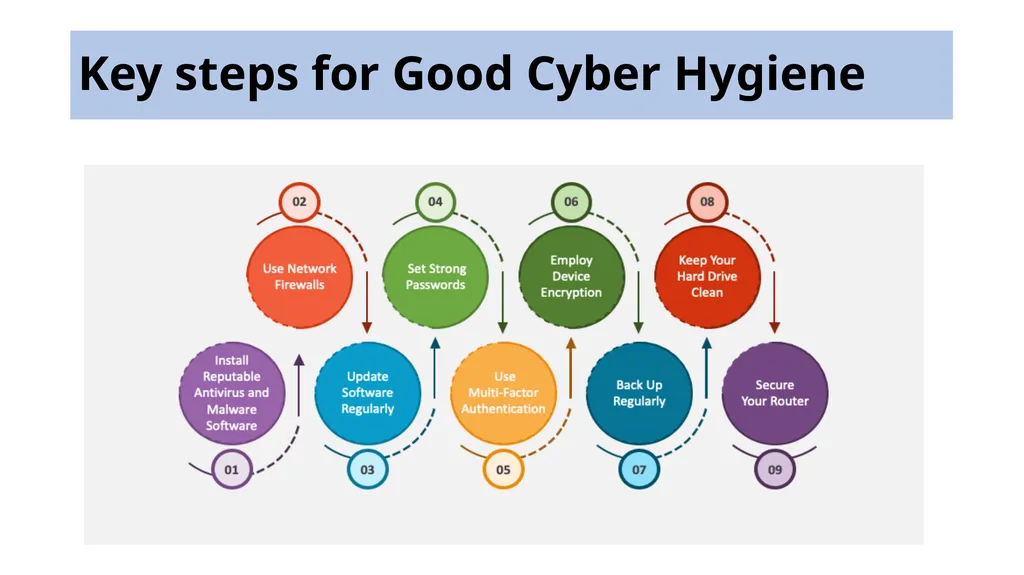
Key steps for Good Cyber Hygiene<br>
12
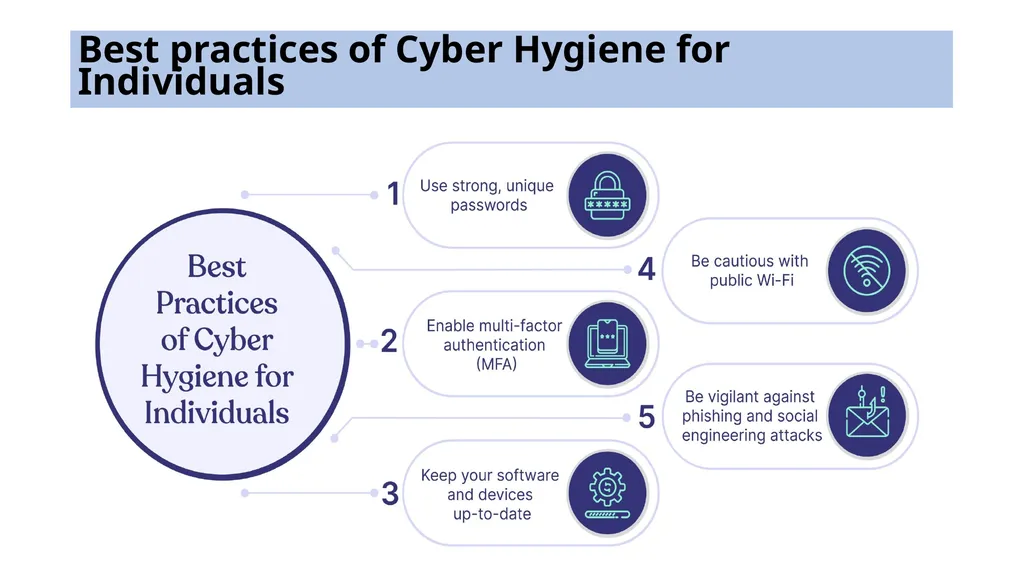
Best practices of Cyber Hygiene for Individuals<br>
13
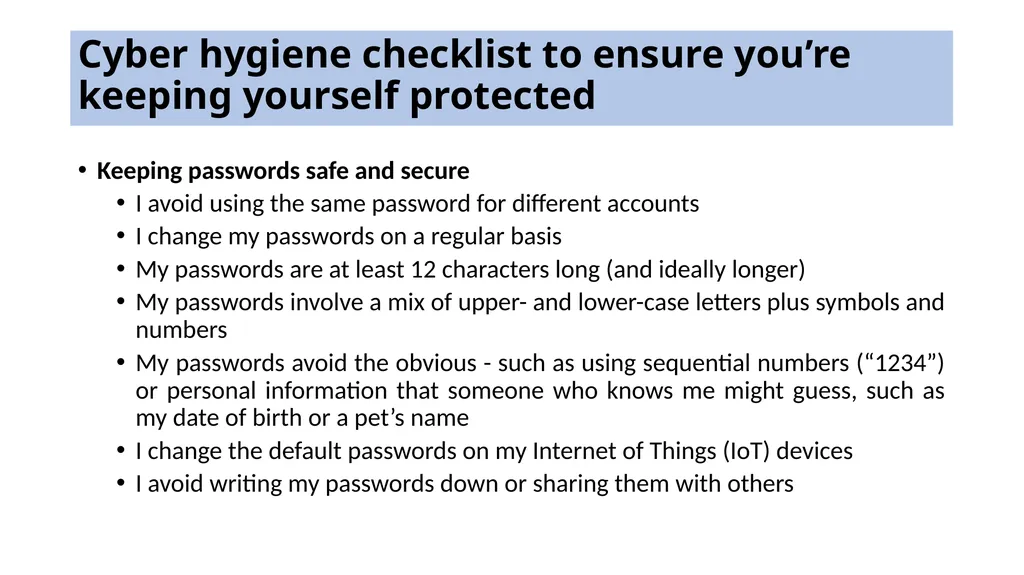
Cyber hygiene checklist to ensure you’re keeping yourself protected Keeping passwords safe and secure
I avoid using the same password for different accounts
I change my passwords on a regular basis
My passwords are at least 12 characters long (and ideally longer)
My passwords involve a mix of upper- and lower-case letters plus symbols and numbers
My passwords avoid the obvious - such as using sequential numbers (“1234”) or personal information that someone who knows me might guess, such as my date of birth or a pet’s name
I change the default passwords on my Internet of Things (IoT) devices
I avoid writing my passwords down or sharing them with others<br>
I avoid using the same password for different accounts
I change my passwords on a regular basis
My passwords are at least 12 characters long (and ideally longer)
My passwords involve a mix of upper- and lower-case letters plus symbols and numbers
My passwords avoid the obvious - such as using sequential numbers (“1234”) or personal information that someone who knows me might guess, such as my date of birth or a pet’s name
I change the default passwords on my Internet of Things (IoT) devices
I avoid writing my passwords down or sharing them with others<br>
14
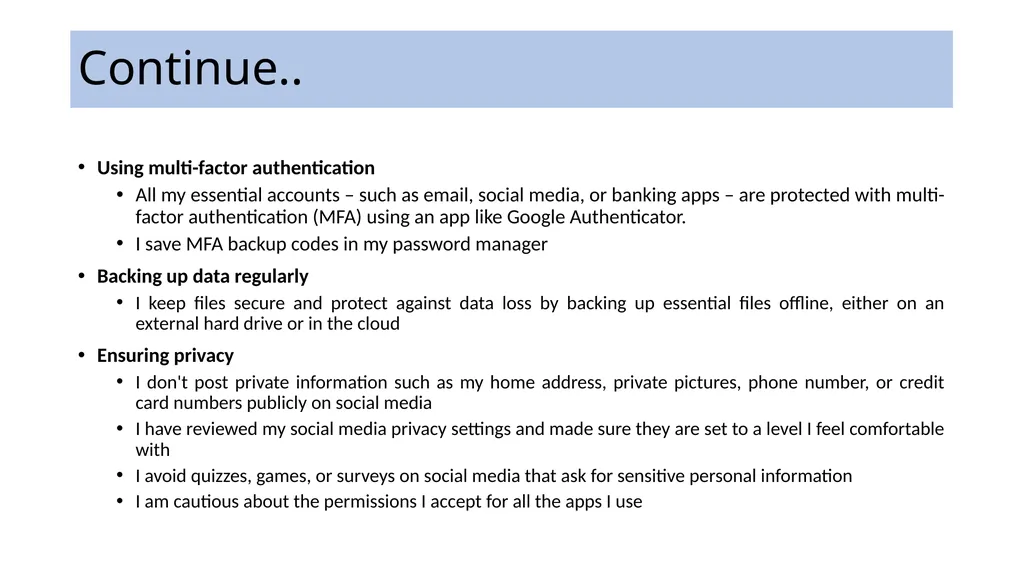
Continue.. Using multi-factor authentication
All my essential accounts – such as email, social media, or banking apps – are protected with multi-factor authentication (MFA) using an app like Google Authenticator.
I save MFA backup codes in my password manager
Backing up data regularly
I keep files secure and protect against data loss by backing up essential files offline, either on an external hard drive or in the cloud
Ensuring privacy
I don't post private information such as my home address, private pictures, phone number, or credit card numbers publicly on social media
I have reviewed my social media privacy settings and made sure they are set to a level I feel comfortable with
I avoid quizzes, games, or surveys on social media that ask for sensitive personal information
I am cautious about the permissions I accept for all the apps I use<br>
All my essential accounts – such as email, social media, or banking apps – are protected with multi-factor authentication (MFA) using an app like Google Authenticator.
I save MFA backup codes in my password manager
Backing up data regularly
I keep files secure and protect against data loss by backing up essential files offline, either on an external hard drive or in the cloud
Ensuring privacy
I don't post private information such as my home address, private pictures, phone number, or credit card numbers publicly on social media
I have reviewed my social media privacy settings and made sure they are set to a level I feel comfortable with
I avoid quizzes, games, or surveys on social media that ask for sensitive personal information
I am cautious about the permissions I accept for all the apps I use<br>
15
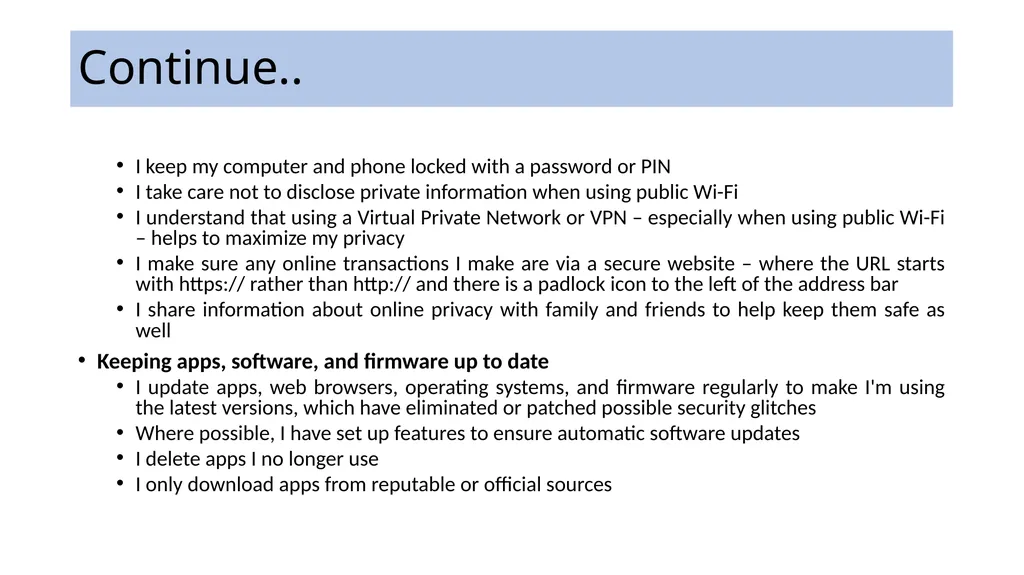
Continue.. I keep my computer and phone locked with a password or PIN
I take care not to disclose private information when using public Wi-Fi
I understand that using a Virtual Private Network or VPN – especially when using public Wi-Fi – helps to maximize my privacy
I make sure any online transactions I make are via a secure website – where the URL starts with https:// rather than http:// and there is a padlock icon to the left of the address bar
I share information about online privacy with family and friends to help keep them safe as well
Keeping apps, software, and firmware up to date
I update apps, web browsers, operating systems, and firmware regularly to make I'm using the latest versions, which have eliminated or patched possible security glitches
Where possible, I have set up features to ensure automatic software updates
I delete apps I no longer use
I only download apps from reputable or official sources<br>
I take care not to disclose private information when using public Wi-Fi
I understand that using a Virtual Private Network or VPN – especially when using public Wi-Fi – helps to maximize my privacy
I make sure any online transactions I make are via a secure website – where the URL starts with https:// rather than http:// and there is a padlock icon to the left of the address bar
I share information about online privacy with family and friends to help keep them safe as well
Keeping apps, software, and firmware up to date
I update apps, web browsers, operating systems, and firmware regularly to make I'm using the latest versions, which have eliminated or patched possible security glitches
Where possible, I have set up features to ensure automatic software updates
I delete apps I no longer use
I only download apps from reputable or official sources<br>
16
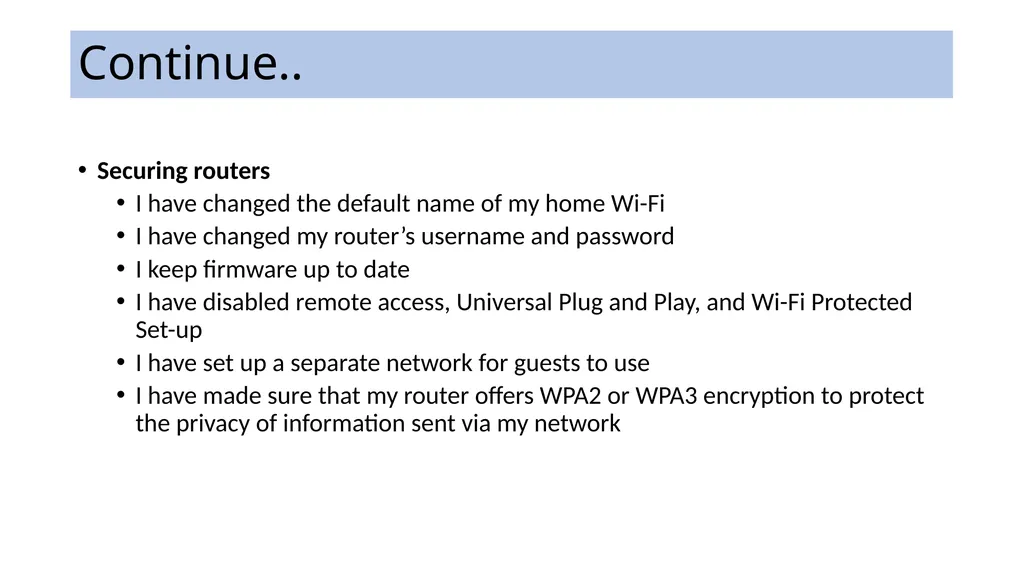
Continue.. Securing routers
I have changed the default name of my home Wi-Fi
I have changed my router’s username and password
I keep firmware up to date
I have disabled remote access, Universal Plug and Play, and Wi-Fi Protected Set-up
I have set up a separate network for guests to use
I have made sure that my router offers WPA2 or WPA3 encryption to protect the privacy of information sent via my network<br>
I have changed the default name of my home Wi-Fi
I have changed my router’s username and password
I keep firmware up to date
I have disabled remote access, Universal Plug and Play, and Wi-Fi Protected Set-up
I have set up a separate network for guests to use
I have made sure that my router offers WPA2 or WPA3 encryption to protect the privacy of information sent via my network<br>
17
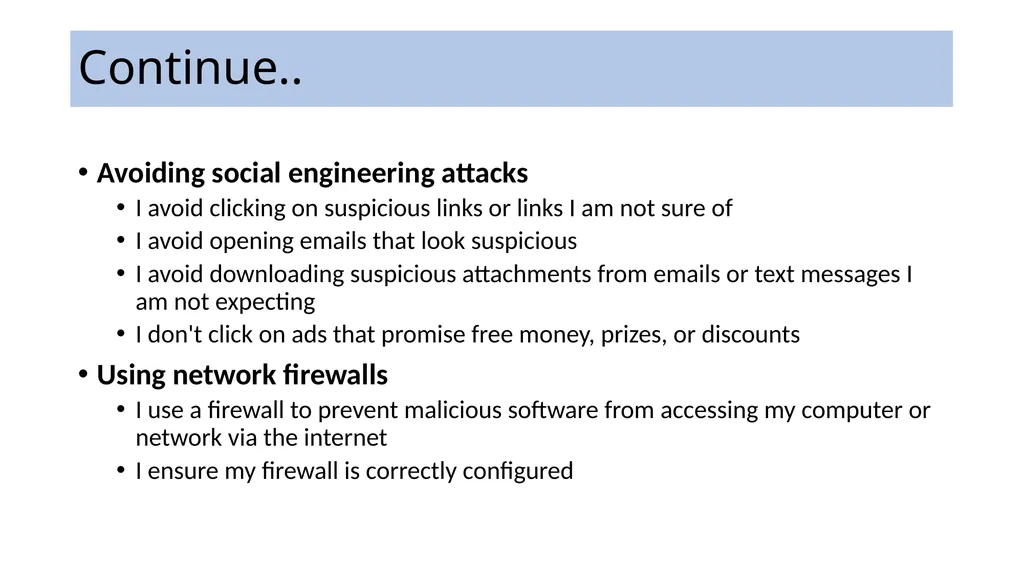
Continue.. Avoiding social engineering attacks
I avoid clicking on suspicious links or links I am not sure of
I avoid opening emails that look suspicious
I avoid downloading suspicious attachments from emails or text messages I am not expecting
I don't click on ads that promise free money, prizes, or discounts
Using network firewalls
I use a firewall to prevent malicious software from accessing my computer or network via the internet
I ensure my firewall is correctly configured<br>
I avoid clicking on suspicious links or links I am not sure of
I avoid opening emails that look suspicious
I avoid downloading suspicious attachments from emails or text messages I am not expecting
I don't click on ads that promise free money, prizes, or discounts
Using network firewalls
I use a firewall to prevent malicious software from accessing my computer or network via the internet
I ensure my firewall is correctly configured<br>
18
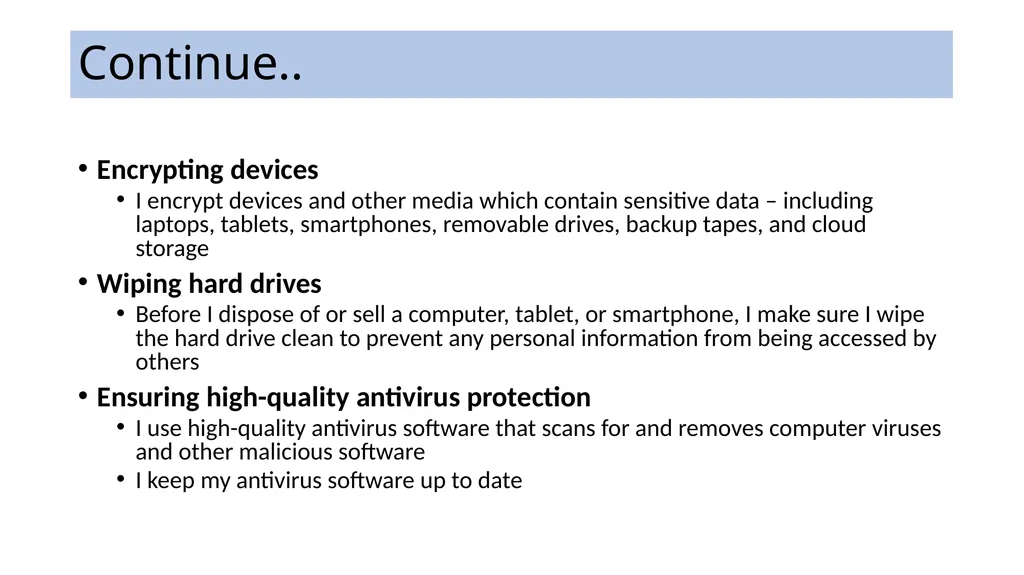
Continue.. Encrypting devices
I encrypt devices and other media which contain sensitive data – including laptops, tablets, smartphones, removable drives, backup tapes, and cloud storage
Wiping hard drives
Before I dispose of or sell a computer, tablet, or smartphone, I make sure I wipe the hard drive clean to prevent any personal information from being accessed by others
Ensuring high-quality antivirus protection
I use high-quality antivirus software that scans for and removes computer viruses and other malicious software
I keep my antivirus software up to date<br>
I encrypt devices and other media which contain sensitive data – including laptops, tablets, smartphones, removable drives, backup tapes, and cloud storage
Wiping hard drives
Before I dispose of or sell a computer, tablet, or smartphone, I make sure I wipe the hard drive clean to prevent any personal information from being accessed by others
Ensuring high-quality antivirus protection
I use high-quality antivirus software that scans for and removes computer viruses and other malicious software
I keep my antivirus software up to date<br>
19
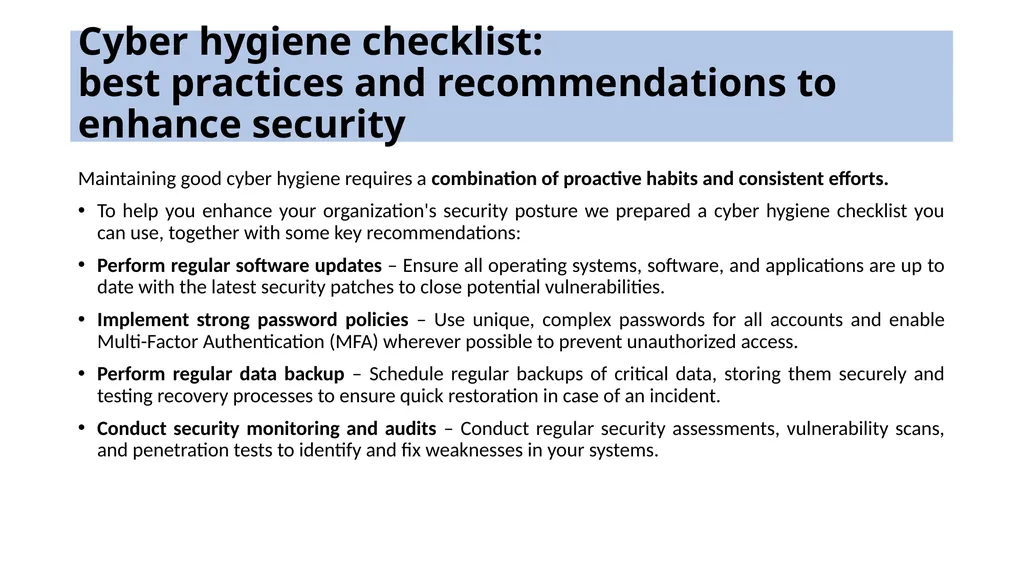
Cyber hygiene checklist:
best practices and recommendations to enhance security Maintaining good cyber hygiene requires a combination of proactive habits and consistent efforts.
To help you enhance your organization's security posture we prepared a cyber hygiene checklist you can use, together with some key recommendations:
Perform regular software updates – Ensure all operating systems, software, and applications are up to date with the latest security patches to close potential vulnerabilities.
Implement strong password policies – Use unique, complex passwords for all accounts and enable Multi-Factor Authentication (MFA) wherever possible to prevent unauthorized access.
Perform regular data backup – Schedule regular backups of critical data, storing them securely and testing recovery processes to ensure quick restoration in case of an incident.
Conduct security monitoring and audits – Conduct regular security assessments, vulnerability scans, and penetration tests to identify and fix weaknesses in your systems.<br>
To help you enhance your organization's security posture we prepared a cyber hygiene checklist you can use, together with some key recommendations:
Perform regular software updates – Ensure all operating systems, software, and applications are up to date with the latest security patches to close potential vulnerabilities.
Implement strong password policies – Use unique, complex passwords for all accounts and enable Multi-Factor Authentication (MFA) wherever possible to prevent unauthorized access.
Perform regular data backup – Schedule regular backups of critical data, storing them securely and testing recovery processes to ensure quick restoration in case of an incident.
Conduct security monitoring and audits – Conduct regular security assessments, vulnerability scans, and penetration tests to identify and fix weaknesses in your systems.<br>
20
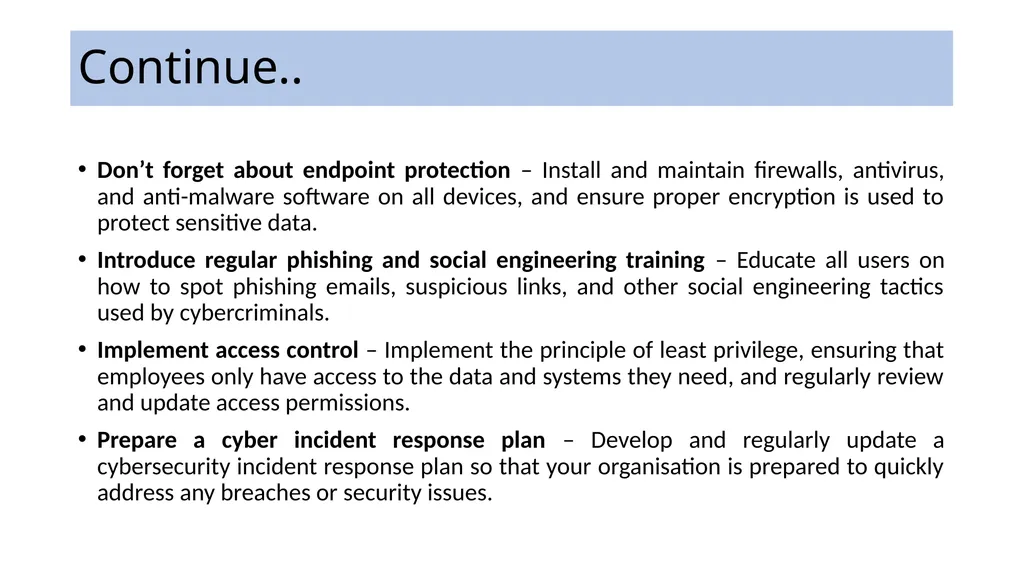
Continue.. Don’t forget about endpoint protection – Install and maintain firewalls, antivirus, and anti-malware software on all devices, and ensure proper encryption is used to protect sensitive data.
Introduce regular phishing and social engineering training – Educate all users on how to spot phishing emails, suspicious links, and other social engineering tactics used by cybercriminals.
Implement access control – Implement the principle of least privilege, ensuring that employees only have access to the data and systems they need, and regularly review and update access permissions.
Prepare a cyber incident response plan – Develop and regularly update a cybersecurity incident response plan so that your organisation is prepared to quickly address any breaches or security issues.<br>
Introduce regular phishing and social engineering training – Educate all users on how to spot phishing emails, suspicious links, and other social engineering tactics used by cybercriminals.
Implement access control – Implement the principle of least privilege, ensuring that employees only have access to the data and systems they need, and regularly review and update access permissions.
Prepare a cyber incident response plan – Develop and regularly update a cybersecurity incident response plan so that your organisation is prepared to quickly address any breaches or security issues.<br>
21
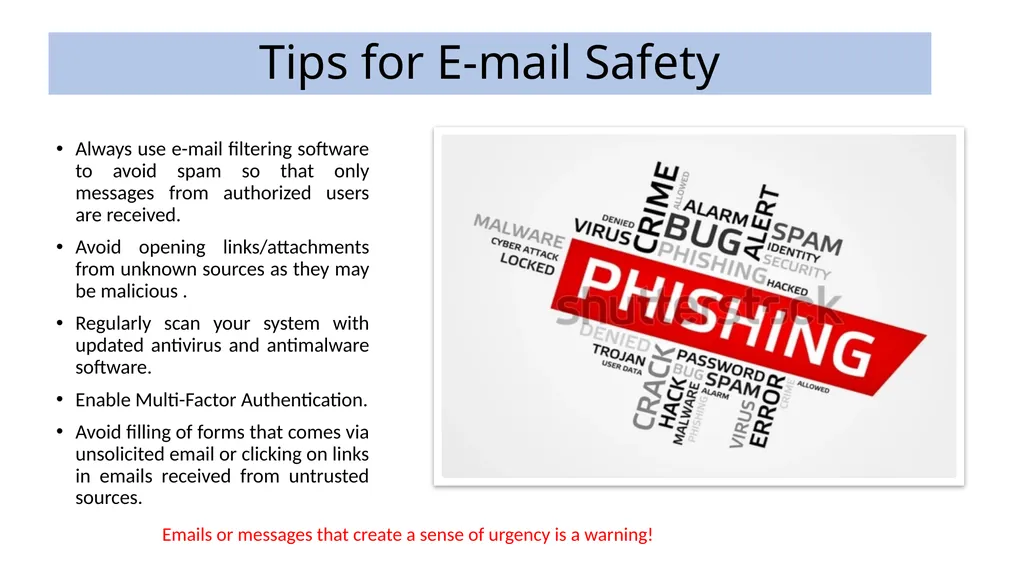
Tips for E-mail Safety Always use e-mail filtering software to avoid spam so that only messages from authorized users are received.
Avoid opening links/attachments from unknown sources as they may be malicious .
Regularly scan your system with updated antivirus and antimalware software.
Enable Multi-Factor Authentication.
Avoid filling of forms that comes via unsolicited email or clicking on links in emails received from untrusted sources. Emails or messages that create a sense of urgency is a warning!<br>
Avoid opening links/attachments from unknown sources as they may be malicious .
Regularly scan your system with updated antivirus and antimalware software.
Enable Multi-Factor Authentication.
Avoid filling of forms that comes via unsolicited email or clicking on links in emails received from untrusted sources. Emails or messages that create a sense of urgency is a warning!<br>
22
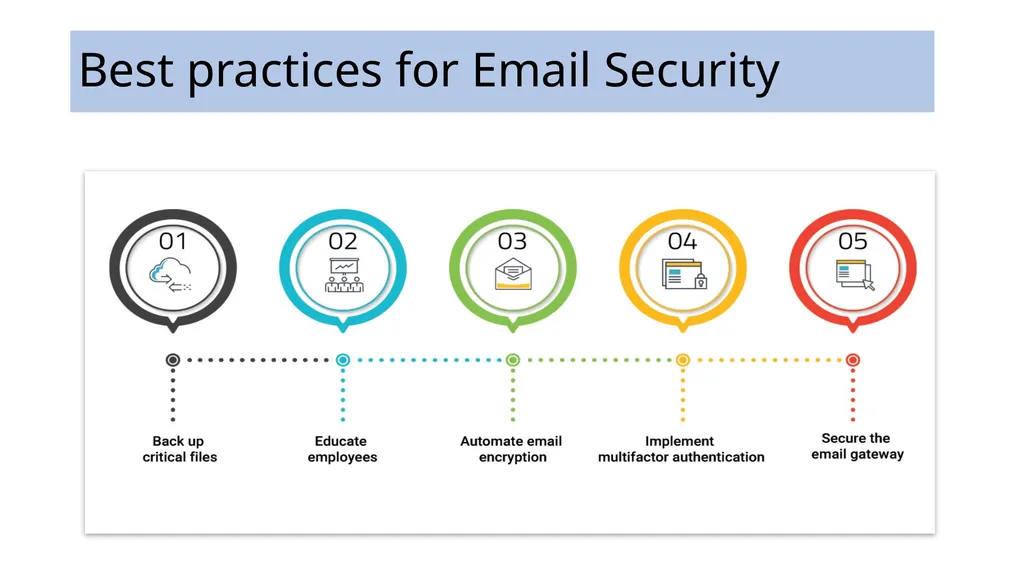
Best practices for Email Security<br>
23
Social Media Best Practices Avoid sharing your personal information like address, mobile number, personal mail id and other sensitive identity related information on social media.
Do not share your personal pictures online publicly on social media accounts.
Never accept friend requests without appropriate verification and confirmation.
Never click on suspicious links or download any app received through messages until you verify the authenticity of the source.
Use different passwords for different social media accounts and emails.
Enable multi-factor authentication for social media accounts.
Disable profile visibility from public searches.
Log out after each session.<br>
Do not share your personal pictures online publicly on social media accounts.
Never accept friend requests without appropriate verification and confirmation.
Never click on suspicious links or download any app received through messages until you verify the authenticity of the source.
Use different passwords for different social media accounts and emails.
Enable multi-factor authentication for social media accounts.
Disable profile visibility from public searches.
Log out after each session.<br>
24
Continue.. Never share social media credentials with any one.
Keep the privacy settings of social media profile at most
restricted level, especially for public viewing.
Apply maximum caution while sharing photographs, videos,
status, comments etc. Criminals may collect enough
information about users from the posts and profile of the users.<br>
Keep the privacy settings of social media profile at most
restricted level, especially for public viewing.
Apply maximum caution while sharing photographs, videos,
status, comments etc. Criminals may collect enough
information about users from the posts and profile of the users.<br>
25
Mobile Phone Best Practices Use updated antivirus and anti-malware software.
Use updated Operating system.
Always download apps from playstore or appstore.
Do not download apps from third party websites or links received through messages or chats.
Enable only necessary permissions for apps.
Do not click on any suspicious link received from strangers.
Do not share your OTP received for any application with anyone.
Enable Multi-Factor Authentication whenever possible.
Always keep your phone locked if not in use.
Avoid USB charging in public places.<br>
Use updated Operating system.
Always download apps from playstore or appstore.
Do not download apps from third party websites or links received through messages or chats.
Enable only necessary permissions for apps.
Do not click on any suspicious link received from strangers.
Do not share your OTP received for any application with anyone.
Enable Multi-Factor Authentication whenever possible.
Always keep your phone locked if not in use.
Avoid USB charging in public places.<br>
26
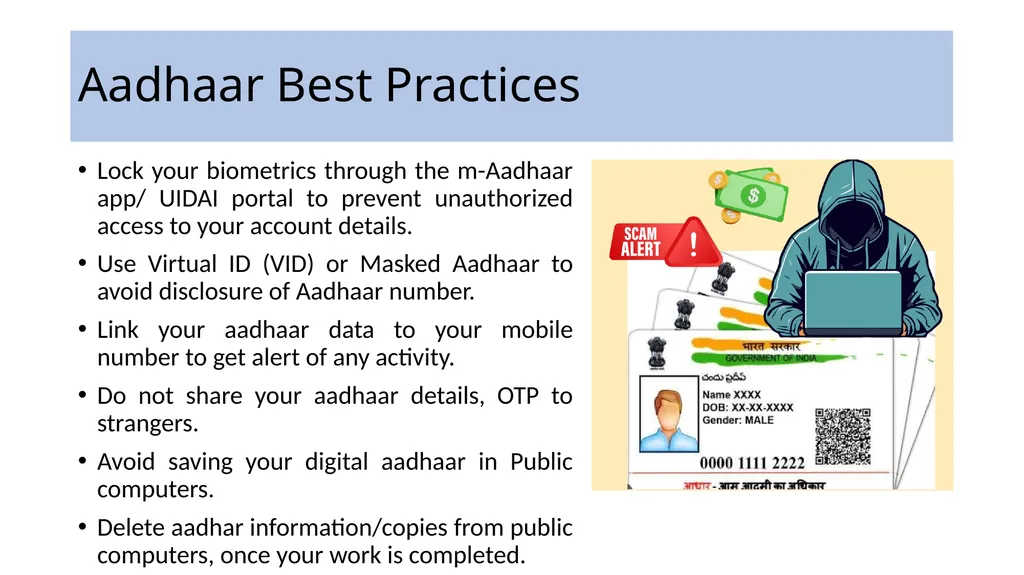
Aadhaar Best Practices Lock your biometrics through the m-Aadhaar app/ UIDAI portal to prevent unauthorized access to your account details.
Use Virtual ID (VID) or Masked Aadhaar to avoid disclosure of Aadhaar number.
Link your aadhaar data to your mobile number to get alert of any activity.
Do not share your aadhaar details, OTP to strangers.
Avoid saving your digital aadhaar in Public computers.
Delete aadhar information/copies from public computers, once your work is completed.<br>
Use Virtual ID (VID) or Masked Aadhaar to avoid disclosure of Aadhaar number.
Link your aadhaar data to your mobile number to get alert of any activity.
Do not share your aadhaar details, OTP to strangers.
Avoid saving your digital aadhaar in Public computers.
Delete aadhar information/copies from public computers, once your work is completed.<br>
27
Gaming platforms Key info to avoid sharing with people online:
What time they get home from school, or parents get home from work
Where they go to school or what side of town they live
Where parents work
What their usernames or passwords are for online accounts and other gaming platforms
Last names, addresses or phone numbers
Social Security or credit/debit card numbers
Any personal or identifying information of themselves or their family members<br>
What time they get home from school, or parents get home from work
Where they go to school or what side of town they live
Where parents work
What their usernames or passwords are for online accounts and other gaming platforms
Last names, addresses or phone numbers
Social Security or credit/debit card numbers
Any personal or identifying information of themselves or their family members<br>
28
Security Tools Free Bot Removal Tool- For Microsoft Windows
eScan Antivirus
K7 Security
Quick Heal
Free Bot Removal Tool - For Android
eScan Antivirus
Free Mobile Security Application - For Android
M-Kavach 2
Other Relevant tools:
USB Pratirodh
AppSamvid
Browser JSGuard<br>
eScan Antivirus
K7 Security
Quick Heal
Free Bot Removal Tool - For Android
eScan Antivirus
Free Mobile Security Application - For Android
M-Kavach 2
Other Relevant tools:
USB Pratirodh
AppSamvid
Browser JSGuard<br>
29
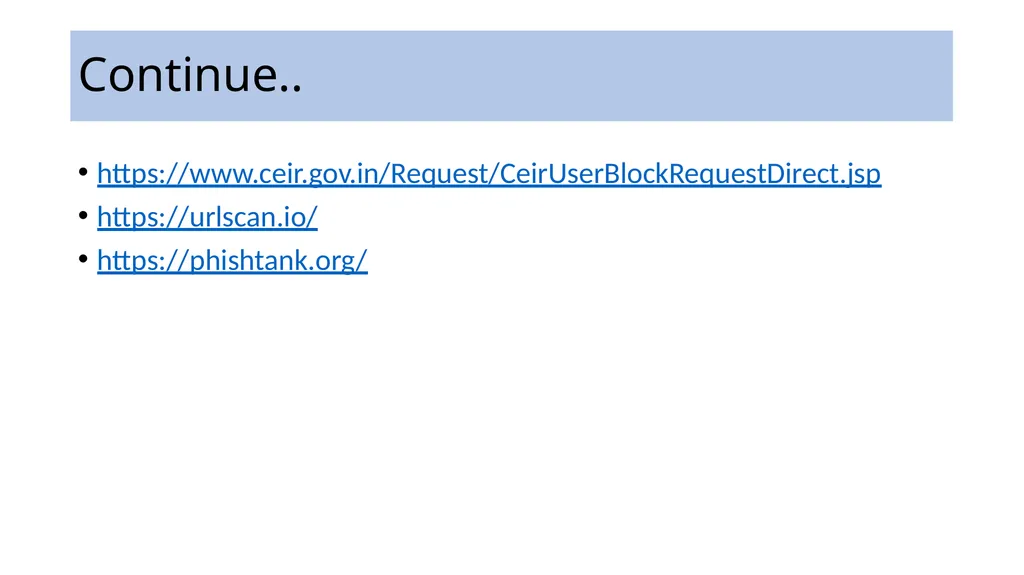
Continue.. https://www.ceir.gov.in/Request/CeirUserBlockRequestDirect.jsp
https://urlscan.io/
https://phishtank.org/<br>
https://urlscan.io/
https://phishtank.org/<br>
30
Thanks<br>