Tools and Techniques for Financial Processing Presented by: Dave Wachsmann Dave Matzdorf Date Prepared: April 10, 2015 Financial Processing Overview Timesheets Submitted Job: Post Timesheets Job: Post Transactions Invalid Transactions
"Tools and Techniques for Financial Processing" is the property of its rightful owner. Permission is granted to
download and print the materials on this website for personal, non-commercial use only, and to display it
on your personal computer provided you do not modify the materials and that you retain all copyright
notices contained in the materials. By downloading content from our website, you accept the terms of this
agreement.
Presentation Transcript
01
Tools and Techniques for Financial Processing Presented by: Dave Wachsmann & Dave Matzdorf | Date Prepared: April 10, 2015<br>
02
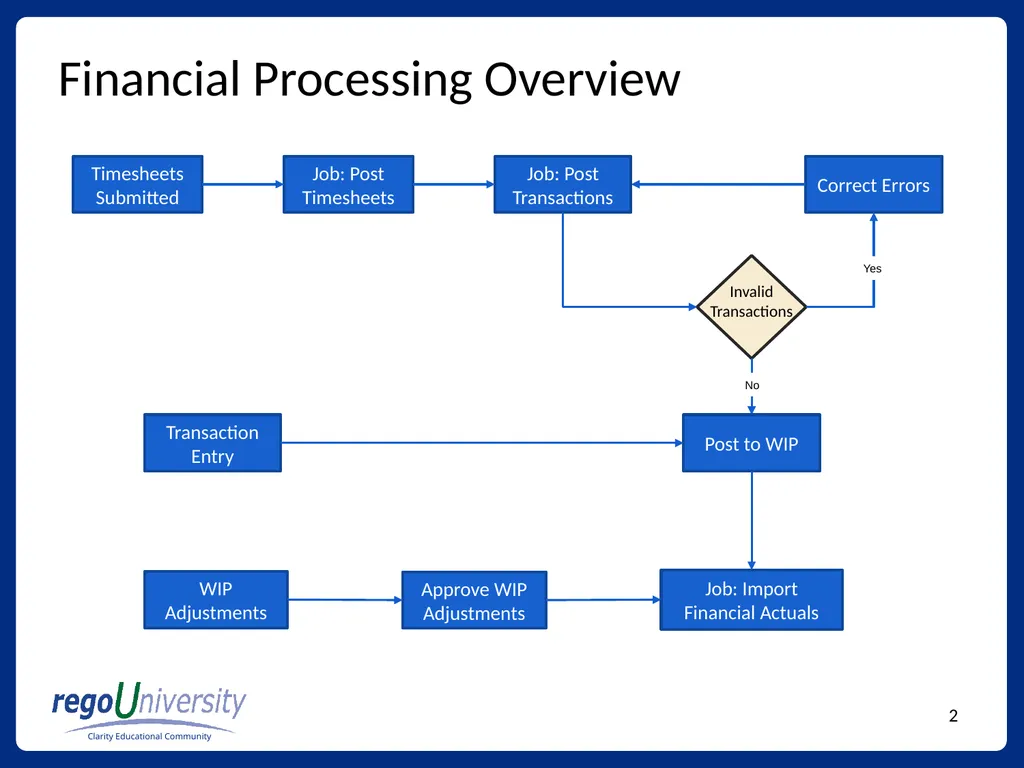
Financial Processing Overview Timesheets Submitted Job: Post Timesheets Job: Post Transactions Invalid Transactions Post to WIP Correct Errors WIP Adjustments Approve WIP Adjustments Transaction Entry Job: Import Financial Actuals No Yes<br>
03
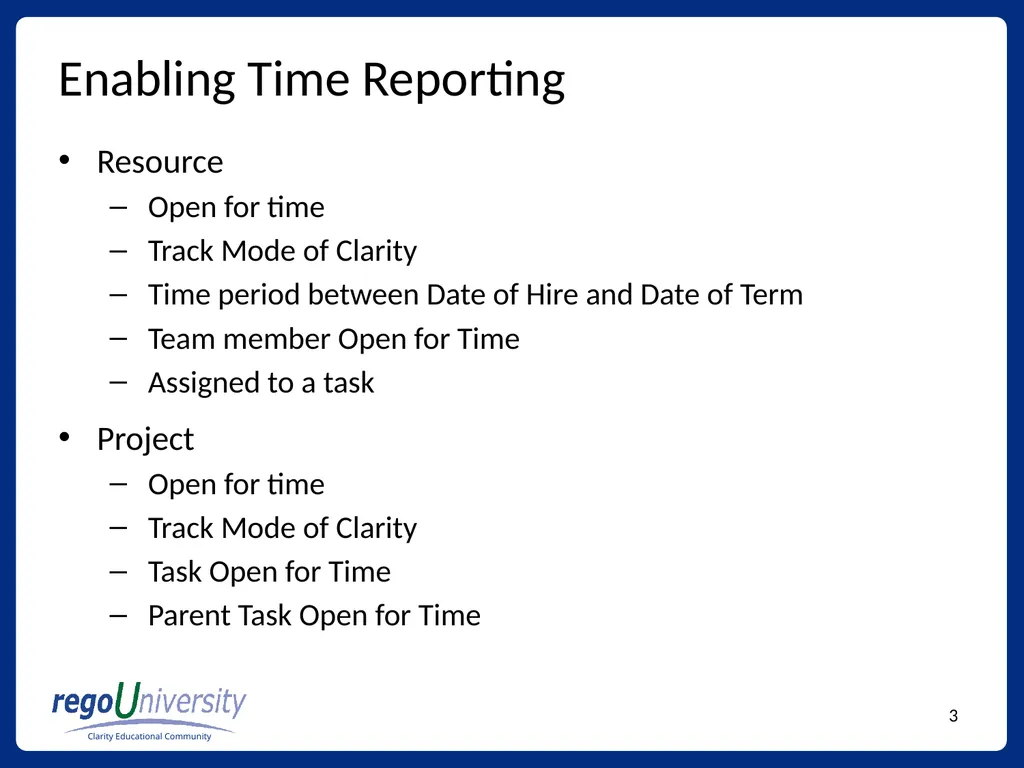
Enabling Time Reporting Resource
Open for time
Track Mode of Clarity
Time period between Date of Hire and Date of Term
Team member Open for Time
Assigned to a task
Project
Open for time
Track Mode of Clarity
Task Open for Time
Parent Task Open for Time<br>
04
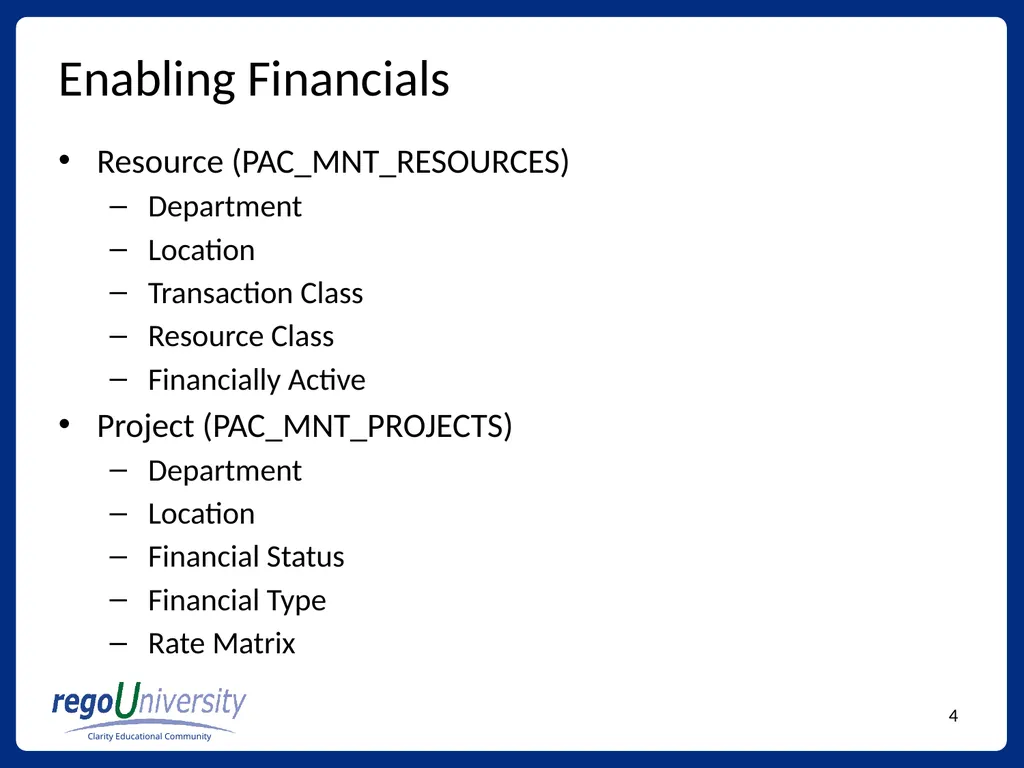
Enabling Financials Resource (PAC_MNT_RESOURCES)
Department
Location
Transaction Class
Resource Class
Financially Active
Project (PAC_MNT_PROJECTS)
Department
Location
Financial Status
Financial Type
Rate Matrix<br>
05
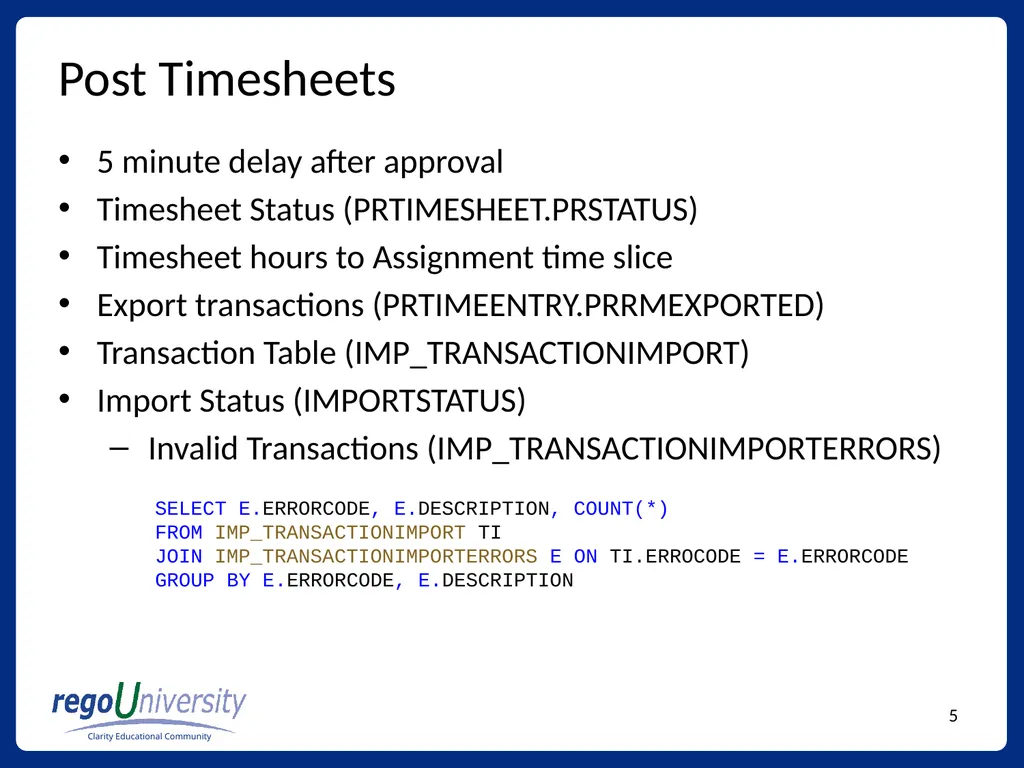
Post Timesheets 5 minute delay after approval
Timesheet Status (PRTIMESHEET.PRSTATUS)
Timesheet hours to Assignment time slice
Export transactions (PRTIMEENTRY.PRRMEXPORTED)
Transaction Table (IMP_TRANSACTIONIMPORT)
Import Status (IMPORTSTATUS)
Invalid Transactions (IMP_TRANSACTIONIMPORTERRORS) SELECT E.ERRORCODE, E.DESCRIPTION, COUNT(*)
FROM IMP_TRANSACTIONIMPORT TI
JOIN IMP_TRANSACTIONIMPORTERRORS E ON TI.ERROCODE = E.ERRORCODE
GROUP BY E.ERRORCODE, E.DESCRIPTION<br>
06
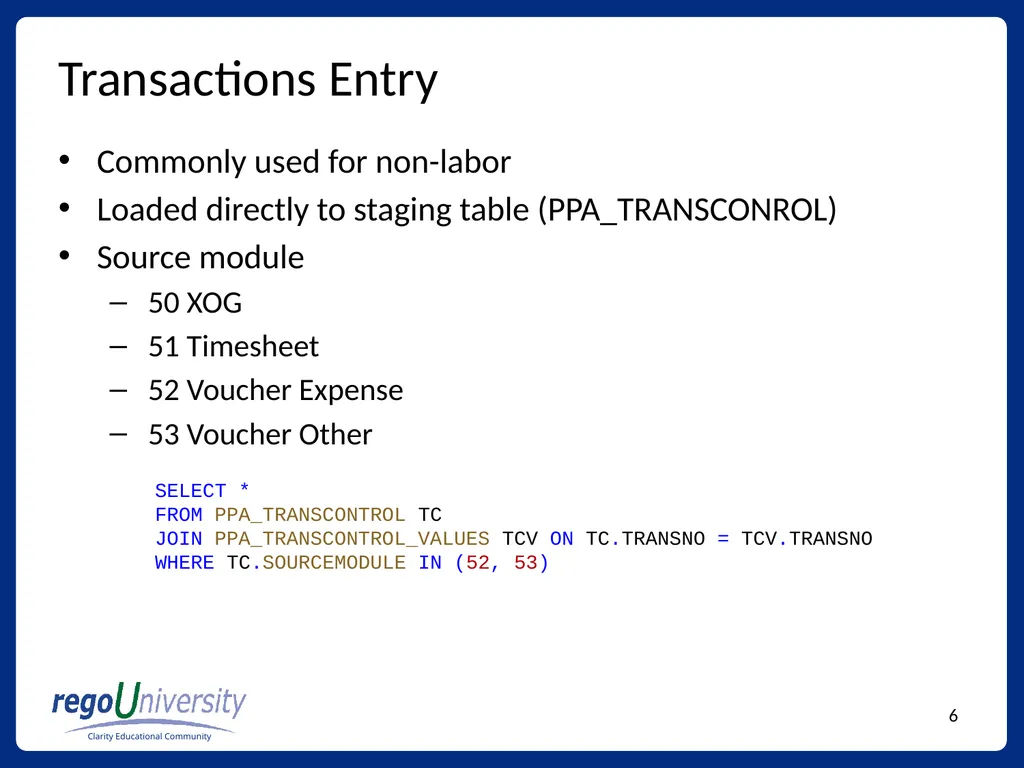
Transactions Entry Commonly used for non-labor
Loaded directly to staging table (PPA_TRANSCONROL)
Source module
50 XOG
51 Timesheet
52 Voucher Expense
53 Voucher Other SELECT *
FROM PPA_TRANSCONTROL TC
JOIN PPA_TRANSCONTROL_VALUES TCV ON TC.TRANSNO = TCV.TRANSNO
WHERE TC.SOURCEMODULE IN (52, 53)<br>
07
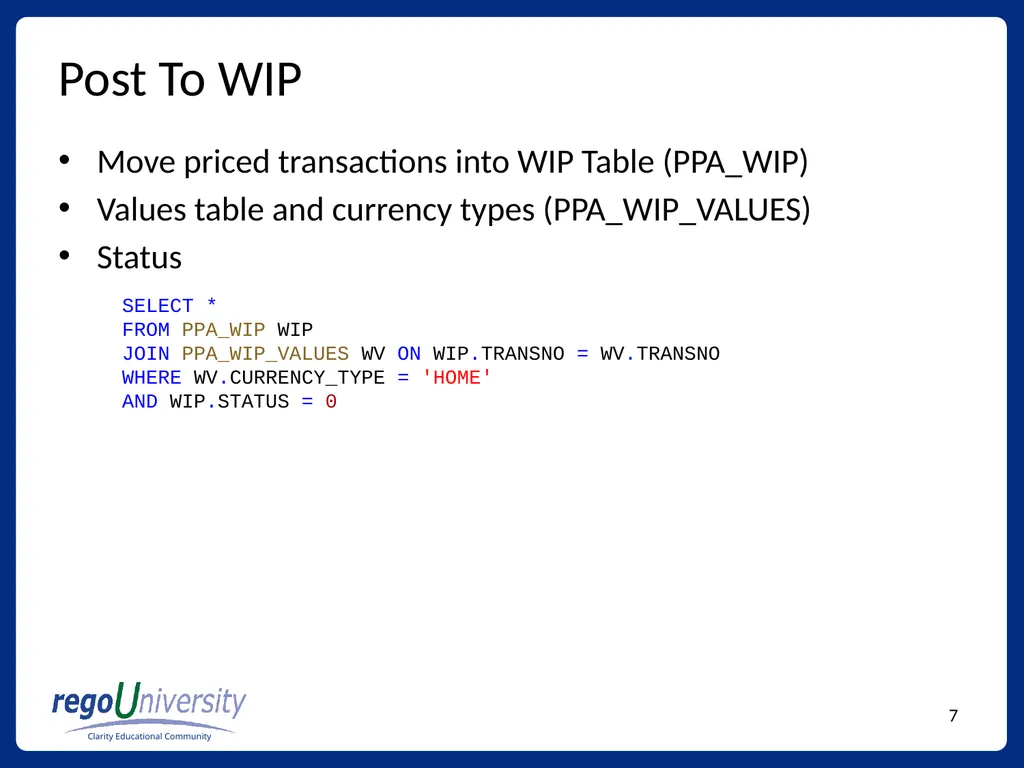
Post To WIP Move priced transactions into WIP Table (PPA_WIP)
Values table and currency types (PPA_WIP_VALUES)
Status SELECT *
FROM PPA_WIP WIP
JOIN PPA_WIP_VALUES WV ON WIP.TRANSNO = WV.TRANSNO
WHERE WV.CURRENCY_TYPE = 'HOME'
AND WIP.STATUS = 0<br>
08
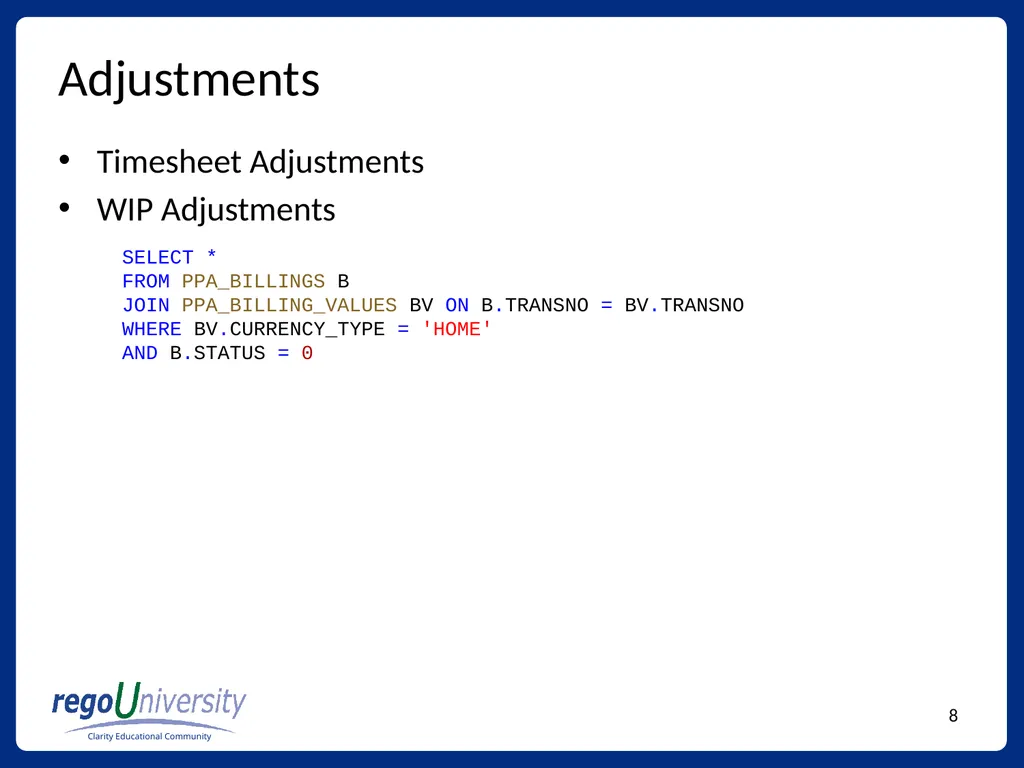
Adjustments Timesheet Adjustments
WIP Adjustments SELECT *
FROM PPA_BILLINGS B
JOIN PPA_BILLING_VALUES BV ON B.TRANSNO = BV.TRANSNO
WHERE BV.CURRENCY_TYPE = 'HOME'
AND B.STATUS = 0<br>
09
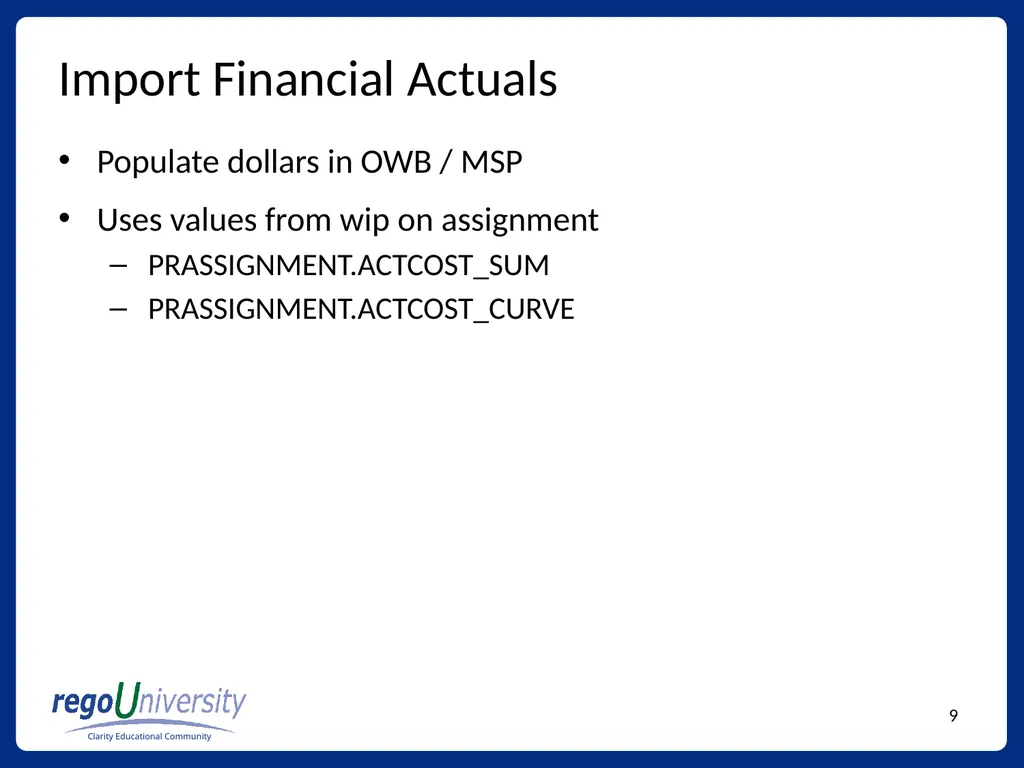
Import Financial Actuals Populate dollars in OWB / MSP
Uses values from wip on assignment
PRASSIGNMENT.ACTCOST_SUM
PRASSIGNMENT.ACTCOST_CURVE<br>
10
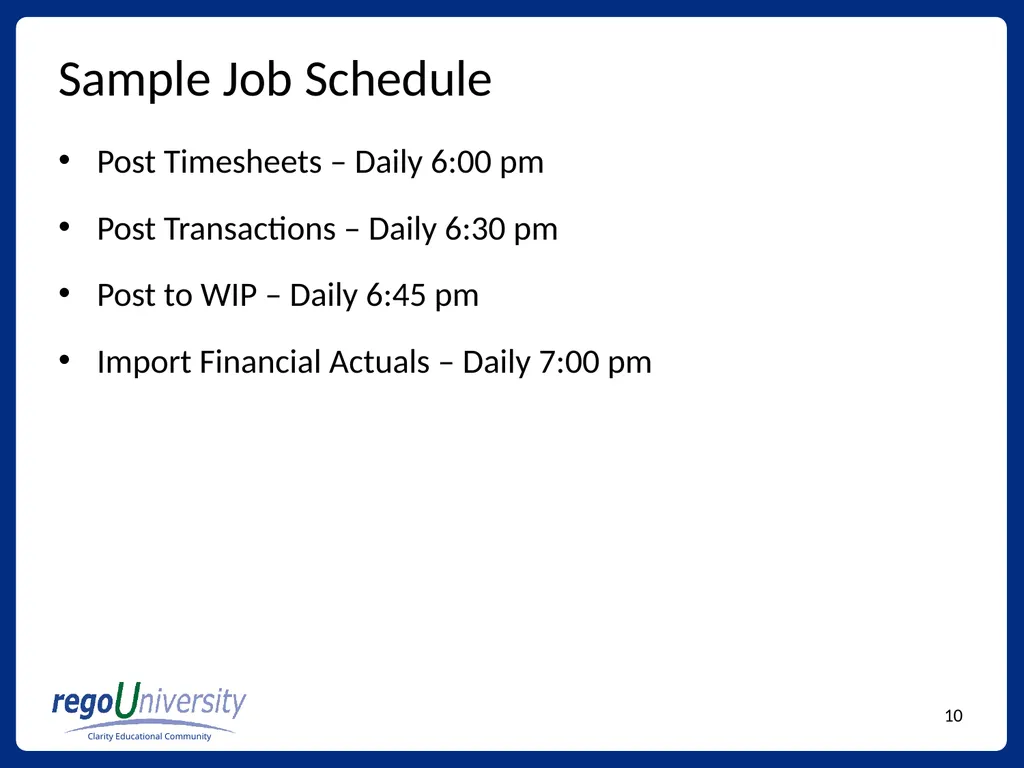
Sample Job Schedule Post Timesheets – Daily 6:00 pm
Post Transactions – Daily 6:30 pm
Post to WIP – Daily 6:45 pm
Import Financial Actuals – Daily 7:00 pm<br>
11
Questions Phone
888.813.0444
Email
info@regouniversity.com
Website
www.regouniversity.com We hope that you found this session informative and worthwhile. Our primary goal was to increase your understanding of the topic and CA PPM in general.
There were many concepts covered during the session, if you would like to contact any presenter with questions, please reach out to us.