04
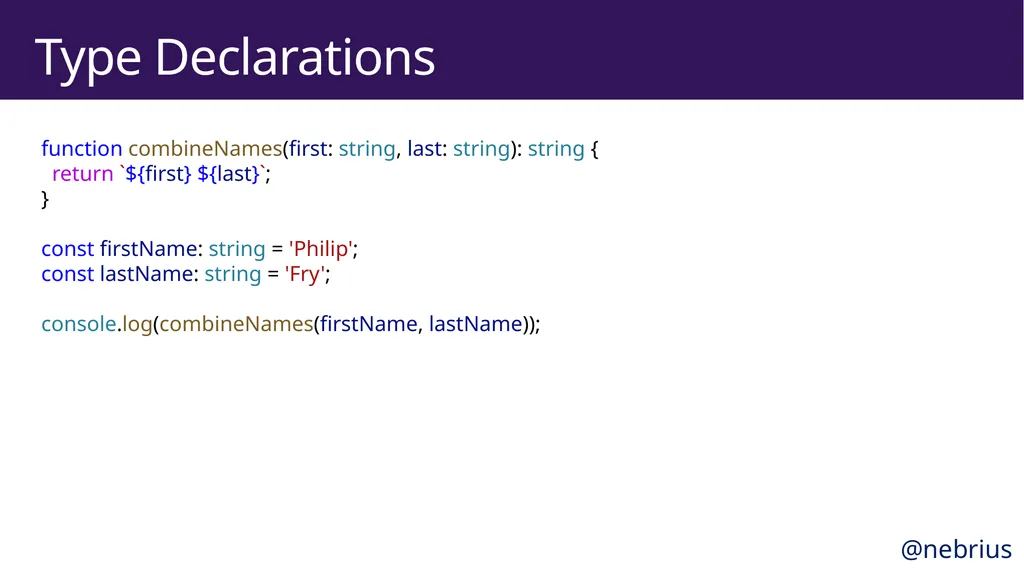
Type Declarations function combineNames(first: string, last: string): string {
return `${first} ${last}`;
}
�const firstName: string = 'Philip';
const lastName: string = 'Fry';
�console.log(combineNames(firstName, lastName)); @nebrius<br>
05
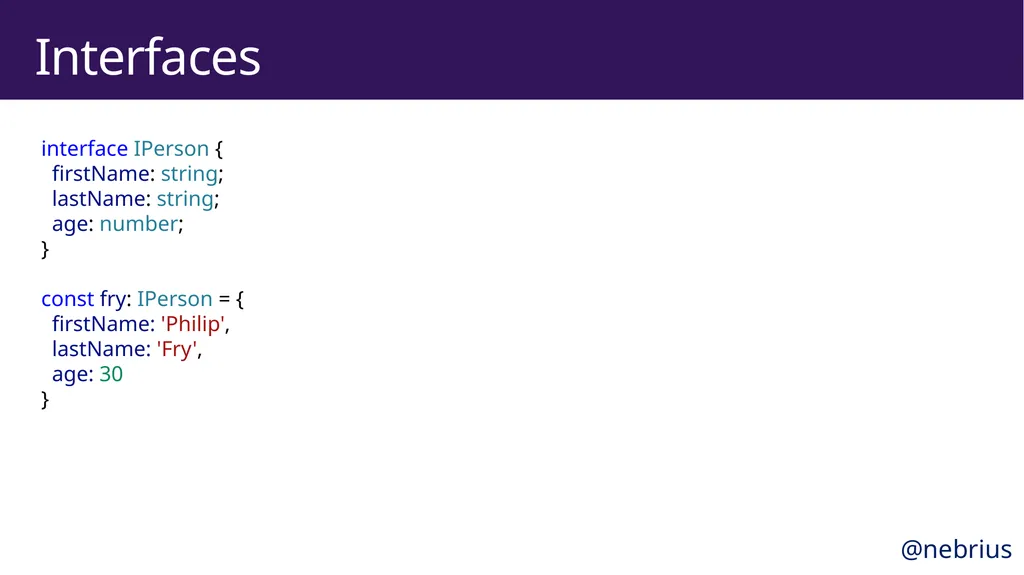
Interfaces interface IPerson {
firstName: string;
lastName: string;
age: number;
}
�const fry: IPerson = {
firstName: 'Philip',
lastName: 'Fry',
age: 30
} @nebrius<br>
06
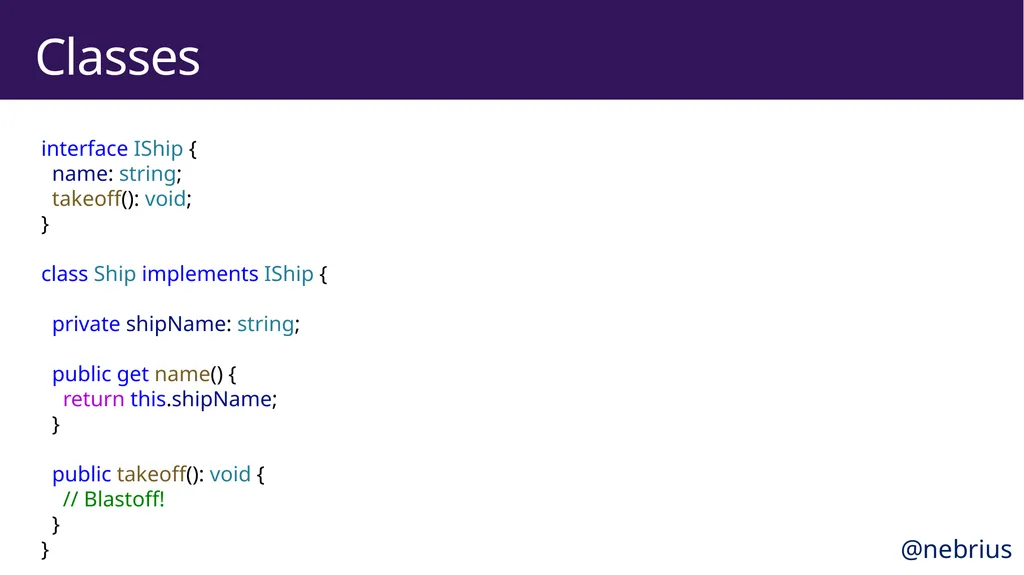
Classes interface IShip {
name: string;
takeoff(): void;
}
�class Ship implements IShip {
� private shipName: string;
� public get name() {
return this.shipName;
}
� public takeoff(): void {
// Blastoff!
}
} @nebrius<br>
07
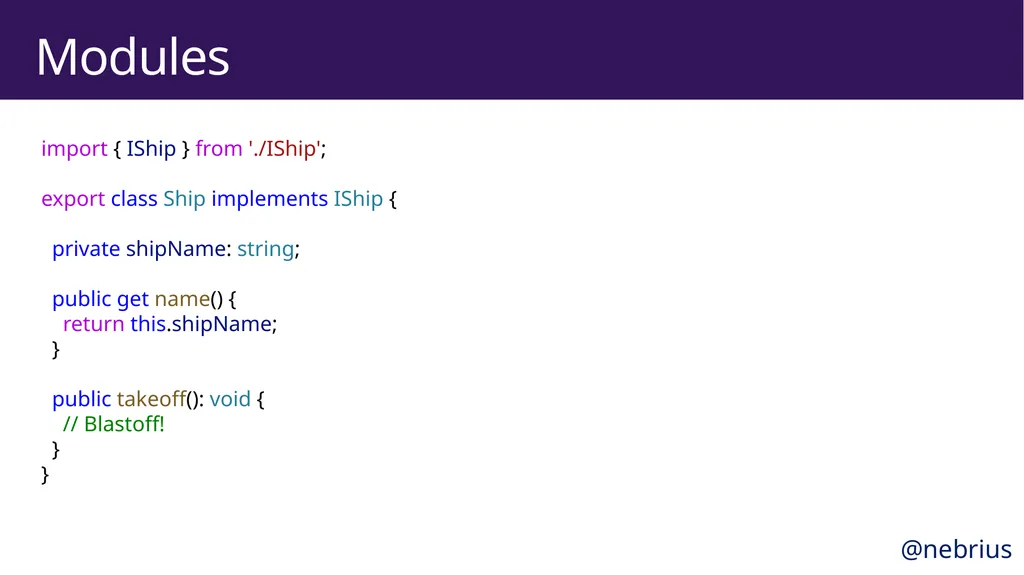
Modules import { IShip } from './IShip';
�export class Ship implements IShip {
� private shipName: string;
� public get name() {
return this.shipName;
}
� public takeoff(): void {
// Blastoff!
}
} @nebrius<br>
08
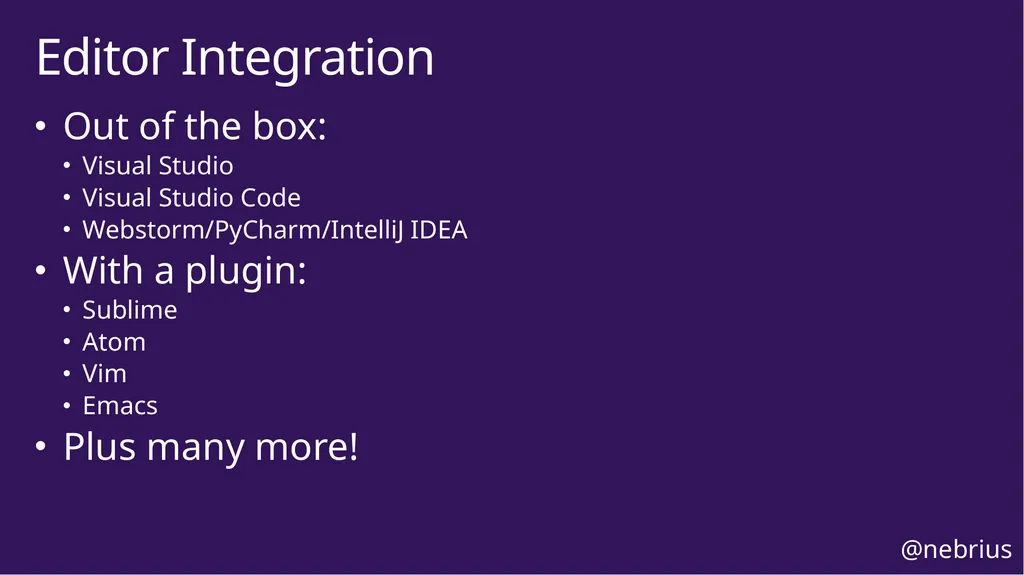
Out of the box:
Visual Studio
Visual Studio Code
Webstorm/PyCharm/IntelliJ IDEA
With a plugin:
Sublime
Atom
Vim
Emacs
Plus many more! Editor Integration @nebrius<br>
09
TypeScript Benefits<br>
10
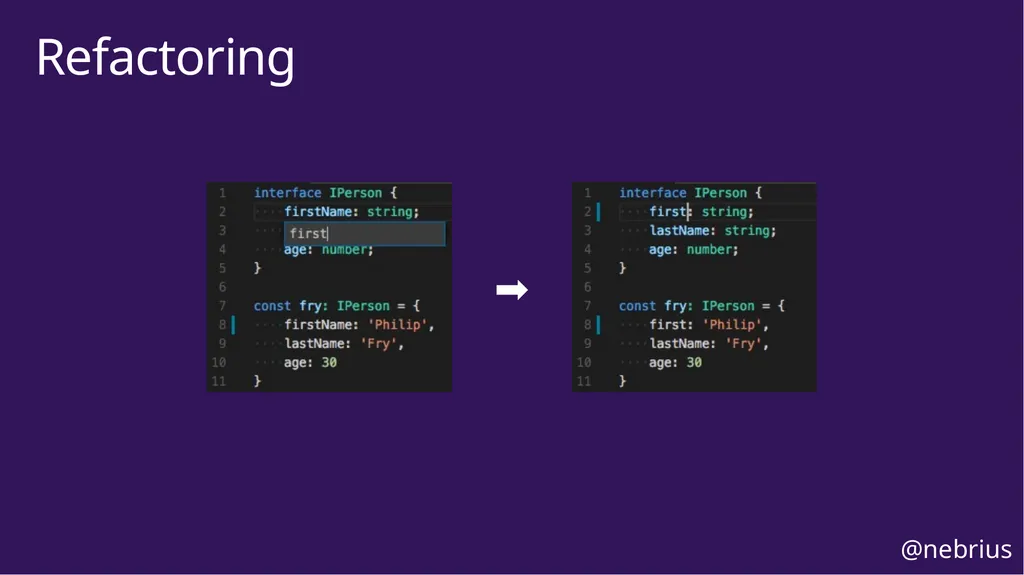
Reduces typos
Reduces refactoring mistakes Type Safety @nebrius<br>
11
Refactoring ➡ @nebrius<br>
12
Larger teams
Larger projects
People coming from Java/C#/C++/etc Ideal Use Cases @nebrius<br>
13
Understanding the Type System<br>
14
undefined, number, string, boolean, object, function, symbol
No int, double, or other non-native JS types
Classes are standard JS prototypal classes Native JavaScript Types @nebrius<br>
15
Vanilla JavaScript is also TypeScript
Non-inferrable types are typed as any Opt-in @nebrius<br>
16
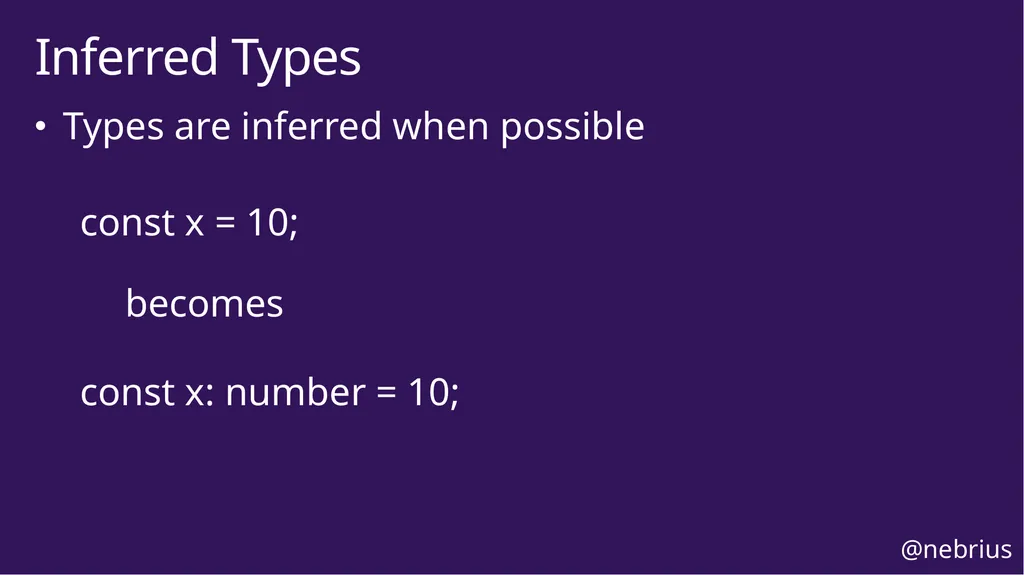
Types are inferred when possible
const x = 10;� � becomes�
const x: number = 10; Inferred Types @nebrius<br>
17
Non-TypeScript Modules<br>
18
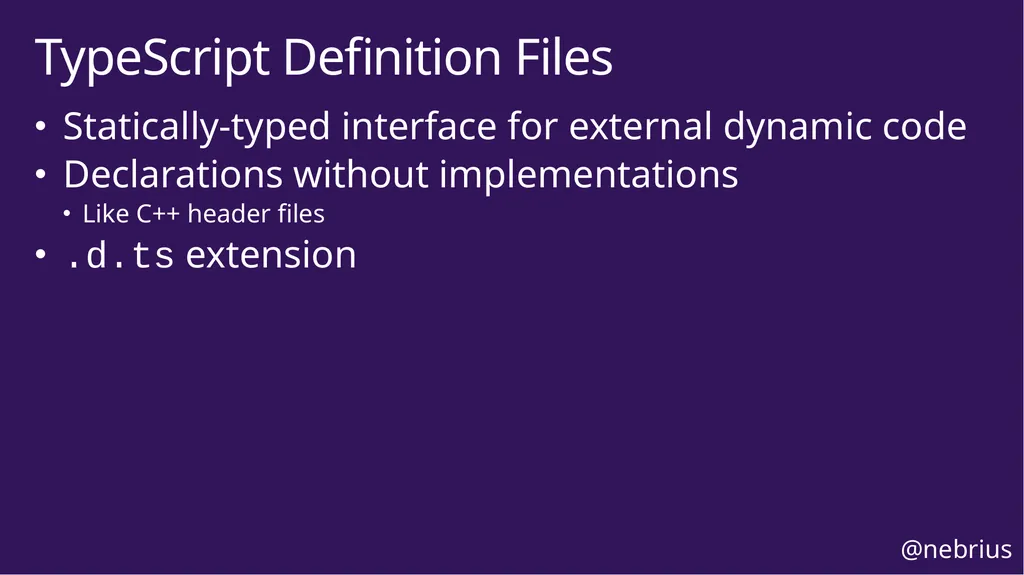
Statically-typed interface for external dynamic code
Declarations without implementations
Like C++ header files
.d.ts extension TypeScript Definition Files @nebrius<br>
19
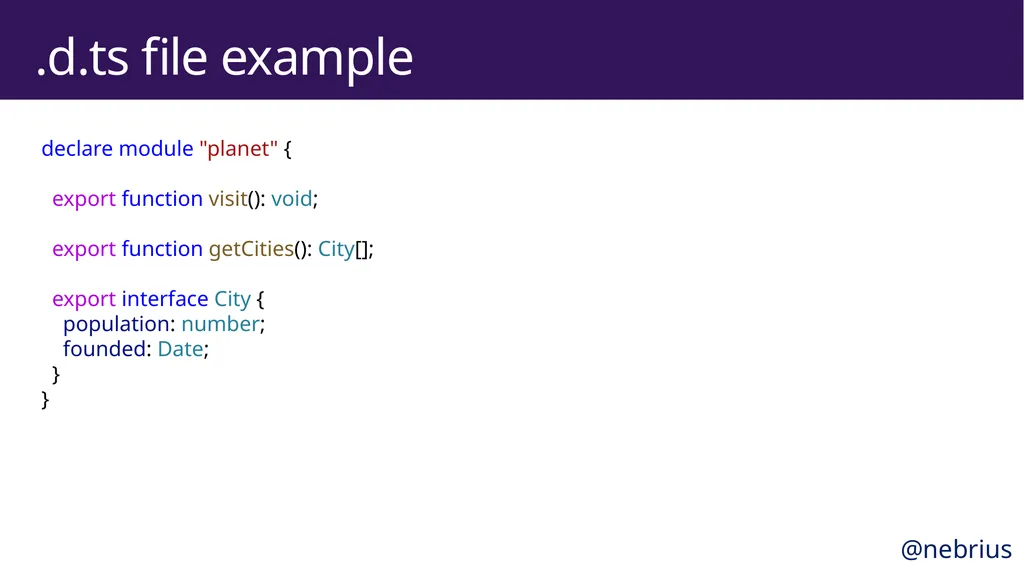
.d.ts file example declare module "planet" {
� export function visit(): void;
� export function getCities(): City[];
� export interface City {
population: number;
founded: Date;
}
} @nebrius<br>
20
Typings files published to npm under the @types scope
Most common npm modules have type definitions Global Type Definition Files @nebrius<br>
21
Global Types Usage $ npm install --save-dev @types/express @nebrius<br>
22
Using TypeScript with Node.js<br>
23
Compiler $ npm install --save-dev typescript @types/node
$ npx tsc --init @nebrius<br>
24
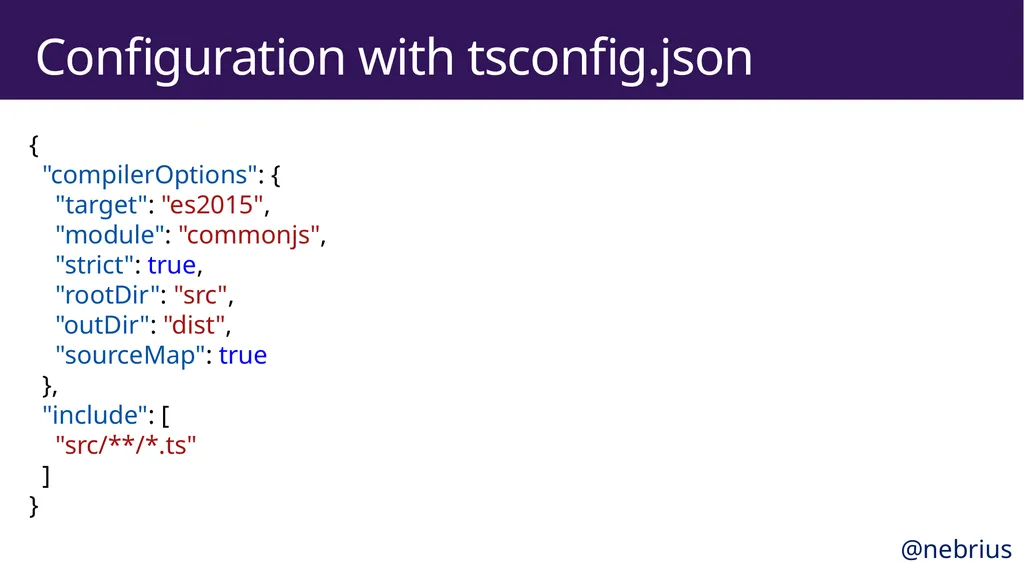
Configuration with tsconfig.json {
"compilerOptions": {
"target": "es2015",
"module": "commonjs",
"strict": true,
"rootDir": "src",
"outDir": "dist",
"sourceMap": true
},
"include": [
"src/**/*.ts"
]
} @nebrius<br>
25
Linter $ npm install --save-dev tslint
$ npx tslint --init @nebrius<br>
26
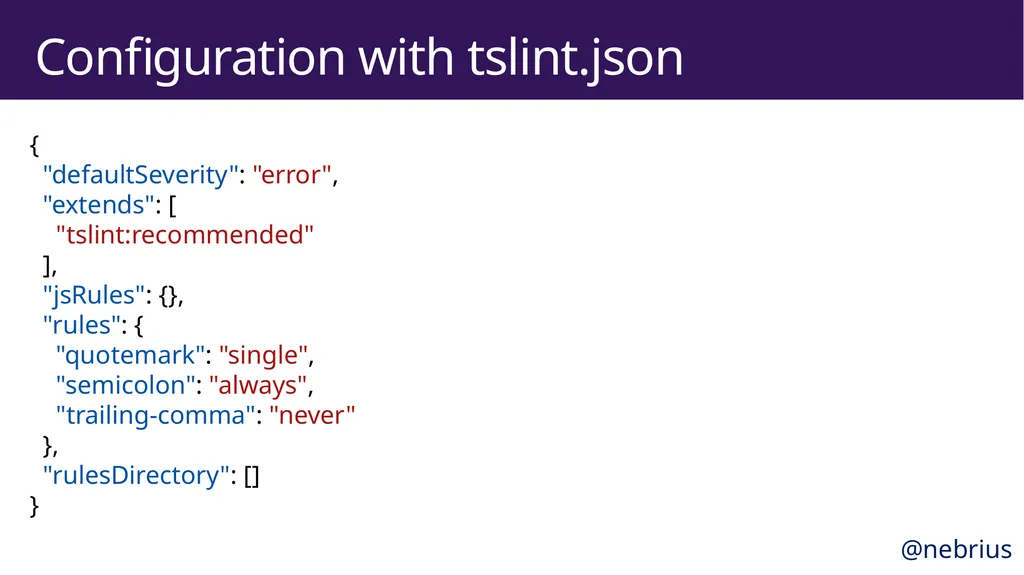
Configuration with tslint.json {
"defaultSeverity": "error",
"extends": [
"tslint:recommended"
],
"jsRules": {},
"rules": {
"quotemark": "single",
"semicolon": "always",
"trailing-comma": "never"
},
"rulesDirectory": []
} @nebrius<br>
27
Using TypeScript with React<br>
28
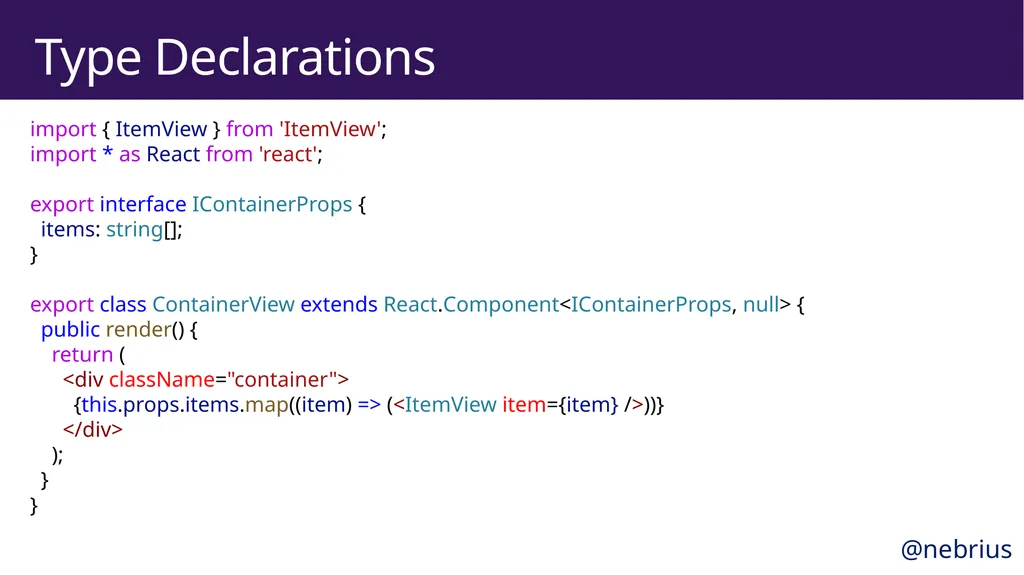
Type Declarations import { ItemView } from 'ItemView';
import * as React from 'react';
�export interface IContainerProps {
items: string[];
}
�export class ContainerView extends React.Component<IContainerProps, null> {
public render() {
return (
<div className="container">
{this.props.items.map((item) => (<ItemView item={item} />))}
</div>
);
}
} @nebrius<br>
29
Installing Build Tools $ npm install react react-dom
$ npm install --save-dev webpack typescript ts-loader
$ npm install --save-dev @types/react @types/react-dom @nebrius<br>
30
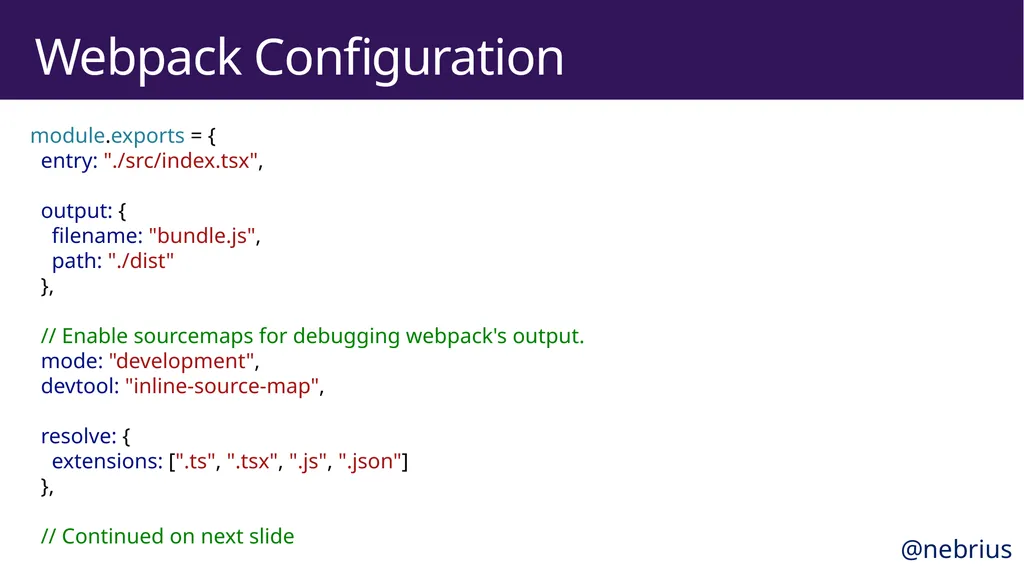
Webpack Configuration module.exports = {� entry: "./src/index.tsx",
� output: {
filename: "bundle.js",
path: "./dist"
},
� // Enable sourcemaps for debugging webpack's output.
mode: "development",
devtool: "inline-source-map",
� resolve: {
extensions: [".ts", ".tsx", ".js", ".json"]
},
� // Continued on next slide @nebrius<br>
31
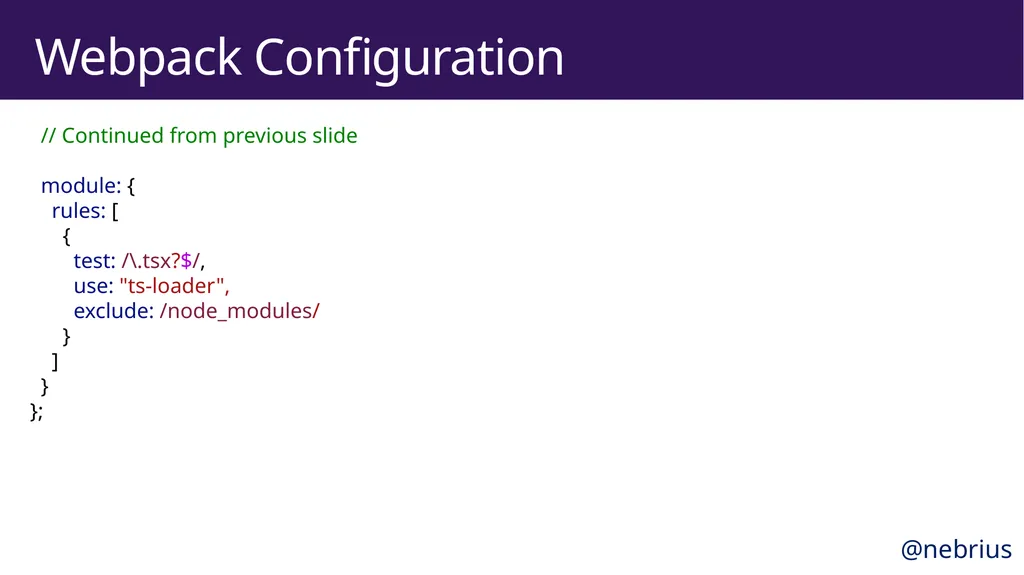
Webpack Configuration // Continued from previous slide
� module: {
rules: [
{
test: /\.tsx?$/,
use: "ts-loader",
exclude: /node_modules/
}
]
}
}; @nebrius<br>
32
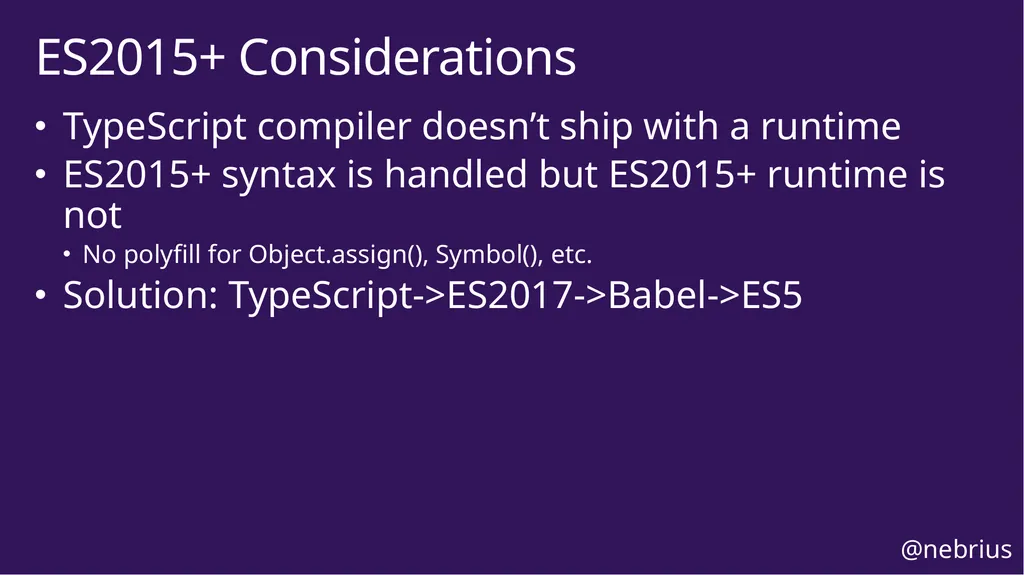
TypeScript compiler doesn’t ship with a runtime
ES2015+ syntax is handled but ES2015+ runtime is not
No polyfill for Object.assign(), Symbol(), etc.
Solution: TypeScript->ES2017->Babel->ES5 ES2015+ Considerations @nebrius<br>
33
Learn more at typescriptlang.org<br>
34
Bryan Hughes, @nebrius<br>