
Web Application Secure Coding Do not try any of
T
Published · 45 slides · 0 views
1 / 1


Description
Web Application Secure Coding Do not try any of the techniques discussed in this presentation on a system you do not own. It is illegal and you will get caught. Warning Why do I care? do you use the internet? visit forums? use multiple tabs
Related Topics
Share
Embed code
Download this presentation From Below
"Web Application Secure Coding Do not try any of" is the property of its rightful owner. Permission is granted to download and print the materials on this website for personal, non-commercial use only, and to display it on your personal computer provided you do not modify the materials and that you retain all copyright notices contained in the materials. By downloading content from our website, you accept the terms of this agreement.
Presentation Transcript
01
Web Application
Secure Coding<br>
02
Do not try any of the techniques discussed in this presentation on a system you do not own.
It is illegal and you will get caught. Warning<br>
It is illegal and you will get caught. Warning<br>
03
Why do I care?<br>
04
do you use the internet?
visit forums?
use multiple tabs in your browser?
use online banking? Why do I care?<br>
visit forums?
use multiple tabs in your browser?
use online banking? Why do I care?<br>
05
you are logged into your bank
in a separate tab you visit a forum (or a webpage)
in the forum/page someone placed a JS code that executes and transfers money out of your account A quick example<br>
in a separate tab you visit a forum (or a webpage)
in the forum/page someone placed a JS code that executes and transfers money out of your account A quick example<br>
06
a very unsafe forum site or an evil page
allows you to upload the script
slightly unsafe bank site
allows the script to execute.. but there may not be much the bank can do here
code specific to a bank
which bank?
Bank Of America
Chase
Key Bank
HSBC How?<br>
allows you to upload the script
slightly unsafe bank site
allows the script to execute.. but there may not be much the bank can do here
code specific to a bank
which bank?
Bank Of America
Chase
Key Bank
HSBC How?<br>
07
The Open Web Application Security Project
www.owasp.org
OWASP is a not-for-profit worldwide charitable organization focused on improving the security of application software.
OWASP Top 10
“The OWASP Top Ten provides a powerful awareness document for web application security. The OWASP Top Ten represents a broad consensus about what the most critical web application security flaws are.” OWASP<br>
www.owasp.org
OWASP is a not-for-profit worldwide charitable organization focused on improving the security of application software.
OWASP Top 10
“The OWASP Top Ten provides a powerful awareness document for web application security. The OWASP Top Ten represents a broad consensus about what the most critical web application security flaws are.” OWASP<br>
08
A1: Injection (A1)
A2: Broken Authentication and Session Management (A3)
A3: Cross-Site Scripting (XSS) (A2)
A4: Insecure Direct Object References (A4)
A5: Security Misconfiguration (A6)
A6: Sensitive Data Exposure (A9 renamed)
A7: Missing Function Level Access Control (A8 renamed)
A8: Cross-Site Request Forgery (CSRF)(A5)
A9: Using Components with Known Vulnerabilities (new)
A10: Unvalidated Redirects and Forwards (A10) OWASP Top 10 for 2013<br>
A2: Broken Authentication and Session Management (A3)
A3: Cross-Site Scripting (XSS) (A2)
A4: Insecure Direct Object References (A4)
A5: Security Misconfiguration (A6)
A6: Sensitive Data Exposure (A9 renamed)
A7: Missing Function Level Access Control (A8 renamed)
A8: Cross-Site Request Forgery (CSRF)(A5)
A9: Using Components with Known Vulnerabilities (new)
A10: Unvalidated Redirects and Forwards (A10) OWASP Top 10 for 2013<br>
09
untrusted data is sent to an interpreter as part of a command or query
hostile data can trick the interpreter into executing unintended commands or accessing unauthorized data
many types:
SQL
OS
scripting languages
SOAP
XPath
SMTP
LDAP A1: Injection<br>
hostile data can trick the interpreter into executing unintended commands or accessing unauthorized data
many types:
SQL
OS
scripting languages
SOAP
XPath
SMTP
LDAP A1: Injection<br>
10
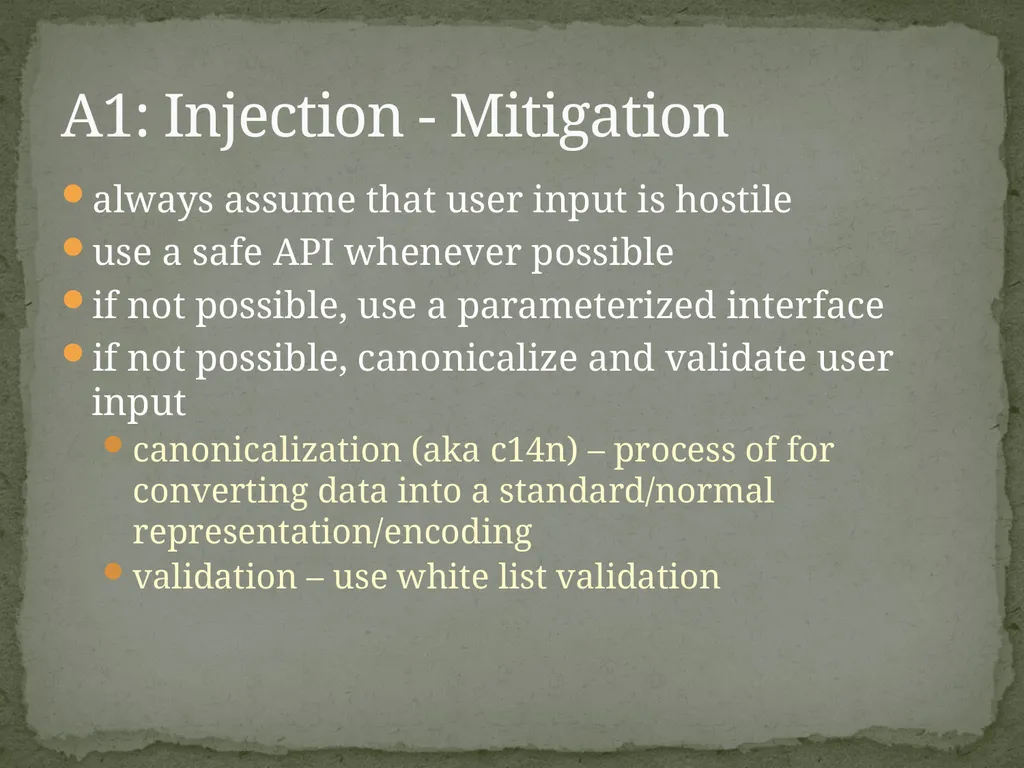
always assume that user input is hostile
use a safe API whenever possible
if not possible, use a parameterized interface
if not possible, canonicalize and validate user input
canonicalization (aka c14n) – process of for converting data into a standard/normal representation/encoding
validation – use white list validation A1: Injection - Mitigation<br>
use a safe API whenever possible
if not possible, use a parameterized interface
if not possible, canonicalize and validate user input
canonicalization (aka c14n) – process of for converting data into a standard/normal representation/encoding
validation – use white list validation A1: Injection - Mitigation<br>
11
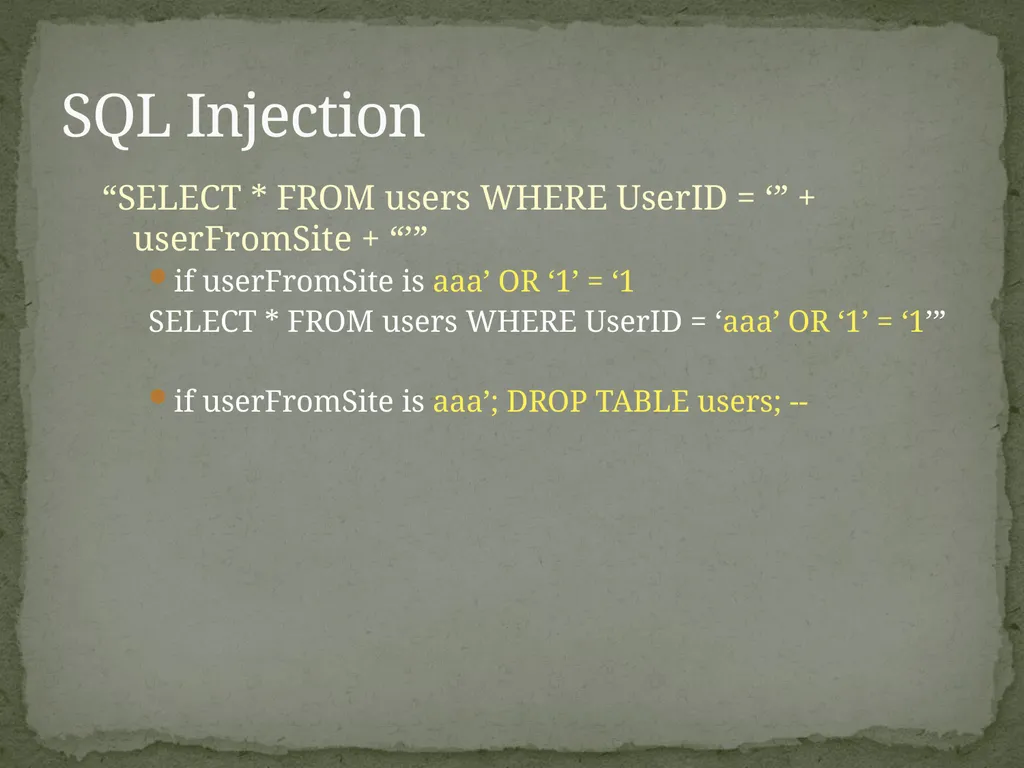
“SELECT * FROM users WHERE UserID = ‘” + userFromSite + “’”
if userFromSite is aaa’ OR ‘1’ = ‘1
SELECT * FROM users WHERE UserID = ‘aaa’ OR ‘1’ = ‘1’”
if userFromSite is aaa’; DROP TABLE users; -- SQL Injection<br>
if userFromSite is aaa’ OR ‘1’ = ‘1
SELECT * FROM users WHERE UserID = ‘aaa’ OR ‘1’ = ‘1’”
if userFromSite is aaa’; DROP TABLE users; -- SQL Injection<br>
12
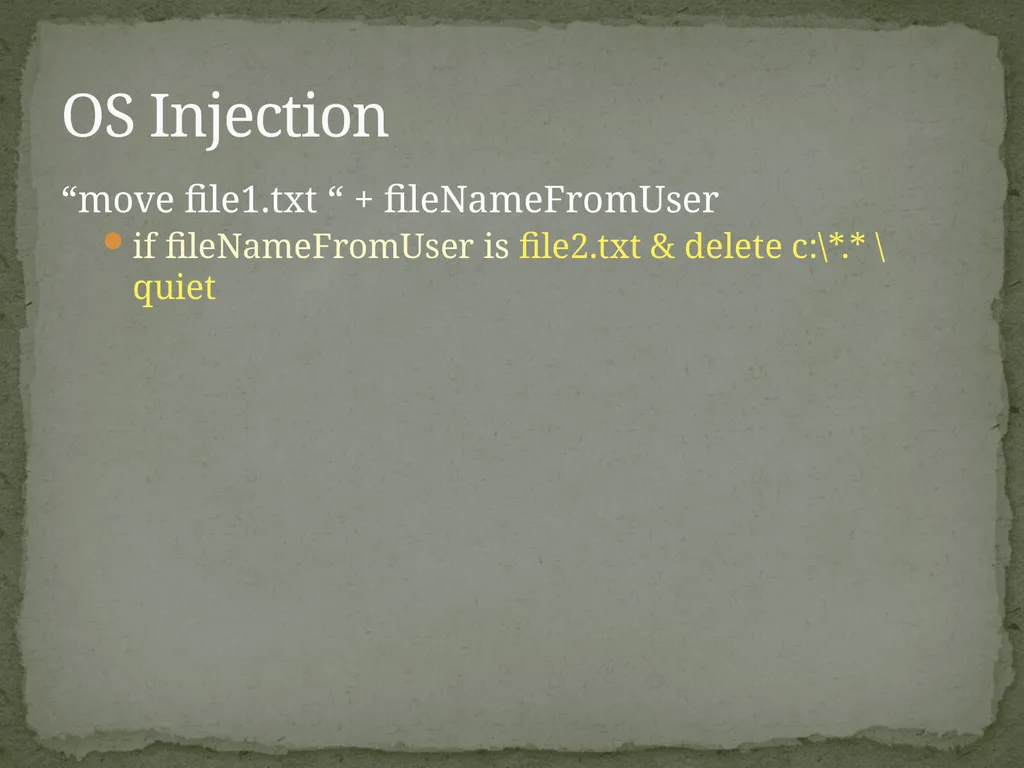
“move file1.txt “ + fileNameFromUser
if fileNameFromUser is file2.txt & delete c:\*.* \quiet OS Injection<br>
if fileNameFromUser is file2.txt & delete c:\*.* \quiet OS Injection<br>
13
SQL Injection Example<br>
14
authentication and session management are often not implemented correctly
allows attackers to compromise passwords, keys, session tokens to assume other users’ identities
external travel site example A2: Broken Authentication and Sessions<br>
allows attackers to compromise passwords, keys, session tokens to assume other users’ identities
external travel site example A2: Broken Authentication and Sessions<br>
15
Weak or improperly implemented Authentication mechanisms
username/password transmitted in plain text
not restricting URL access
creating your own, incorrectly implemented schema
Cross-Site Request Forgery (CSRF) (A8)
Session Hijacking
stealing session cookie
Session Fixation
getting someone to authenticate into an SID A2: Broken Authentication and Sessions – Avenues of attack<br>
username/password transmitted in plain text
not restricting URL access
creating your own, incorrectly implemented schema
Cross-Site Request Forgery (CSRF) (A8)
Session Hijacking
stealing session cookie
Session Fixation
getting someone to authenticate into an SID A2: Broken Authentication and Sessions – Avenues of attack<br>
16
Session ids and user passwords need to be stored and transported securely
Session ids should expire at the end of the session and a new session id should be generated at the beginning of each session (.Net reuses Session Ids)
Avoid using session ids in a URL if possible
SSL should be used to transport user passwords and session ids
When passing a user password, the client should use SSL to send a non-hashed password to the server. The server should then hash the password and compare it to the stored hashed password
Always use existing encryption and hashing routines. Never write your own. A2: Broken Authentication and Sessions – Mitigation<br>
Session ids should expire at the end of the session and a new session id should be generated at the beginning of each session (.Net reuses Session Ids)
Avoid using session ids in a URL if possible
SSL should be used to transport user passwords and session ids
When passing a user password, the client should use SSL to send a non-hashed password to the server. The server should then hash the password and compare it to the stored hashed password
Always use existing encryption and hashing routines. Never write your own. A2: Broken Authentication and Sessions – Mitigation<br>
17
store credentials securely
usernames and passwords – do NOT store in clear text
connection strings
allow user to log out
force session timeout
force reauthentication before allowing a sensitive operation
prevent caching of sensitive areas A2: Broken Authentication and Sessions – Mitigation continued<br>
usernames and passwords – do NOT store in clear text
connection strings
allow user to log out
force session timeout
force reauthentication before allowing a sensitive operation
prevent caching of sensitive areas A2: Broken Authentication and Sessions – Mitigation continued<br>
18
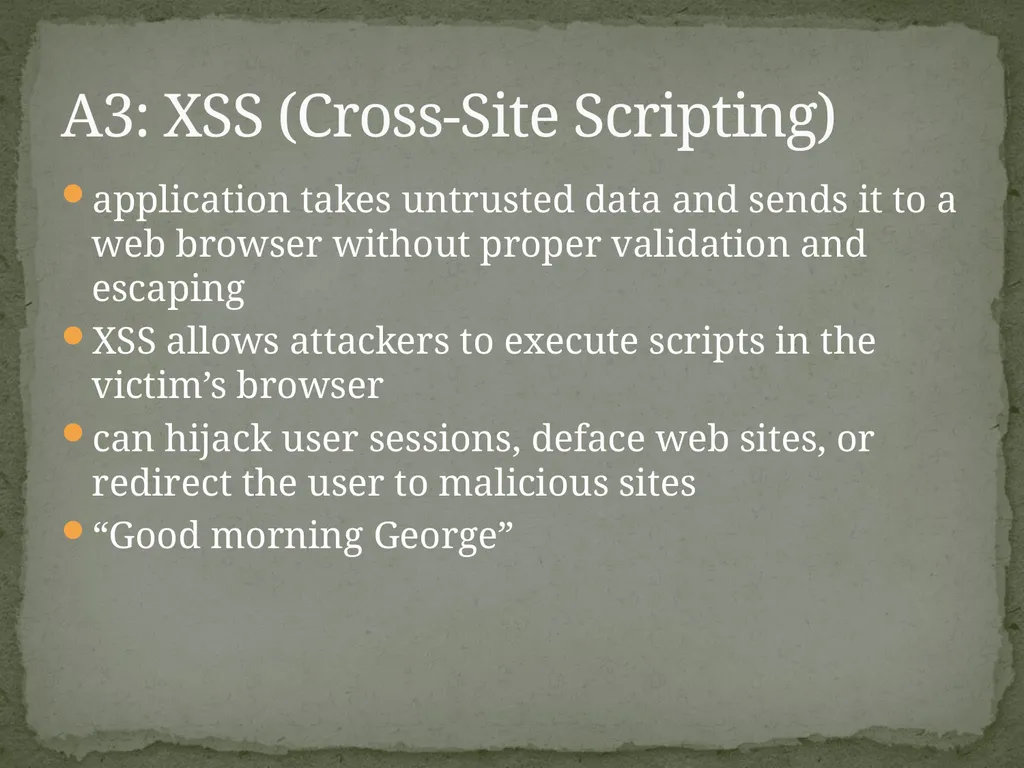
application takes untrusted data and sends it to a web browser without proper validation and escaping
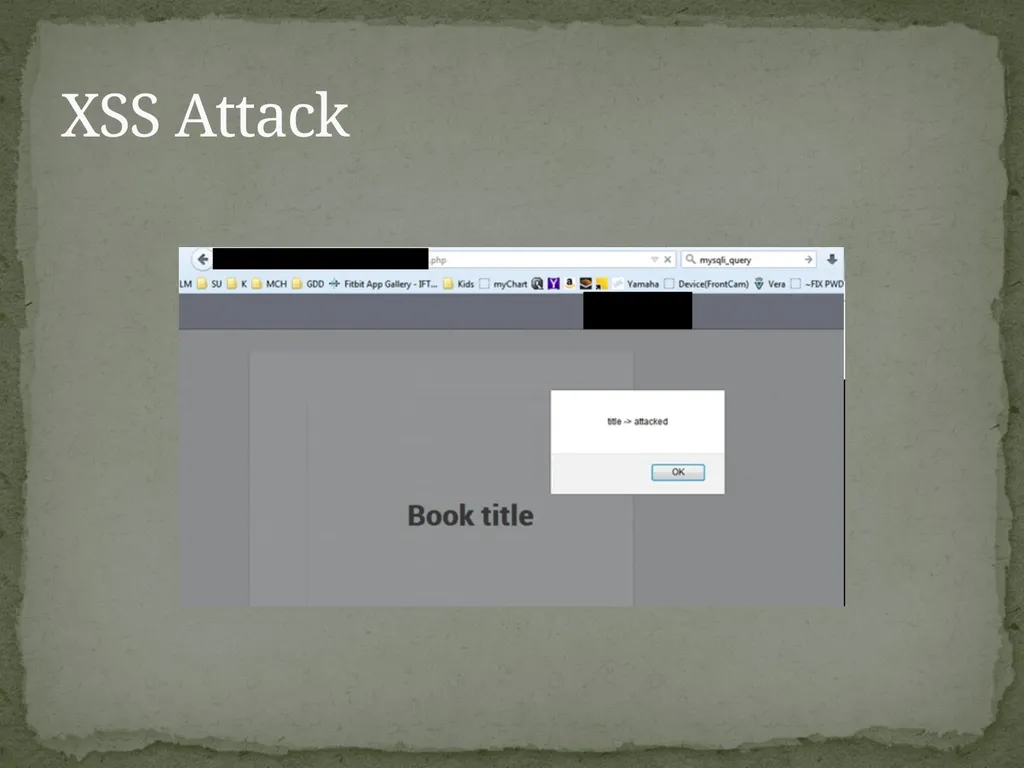
XSS allows attackers to execute scripts in the victim’s browser
can hijack user sessions, deface web sites, or redirect the user to malicious sites
“Good morning George” A3: XSS (Cross-Site Scripting)<br>
XSS allows attackers to execute scripts in the victim’s browser
can hijack user sessions, deface web sites, or redirect the user to malicious sites
“Good morning George” A3: XSS (Cross-Site Scripting)<br>
19
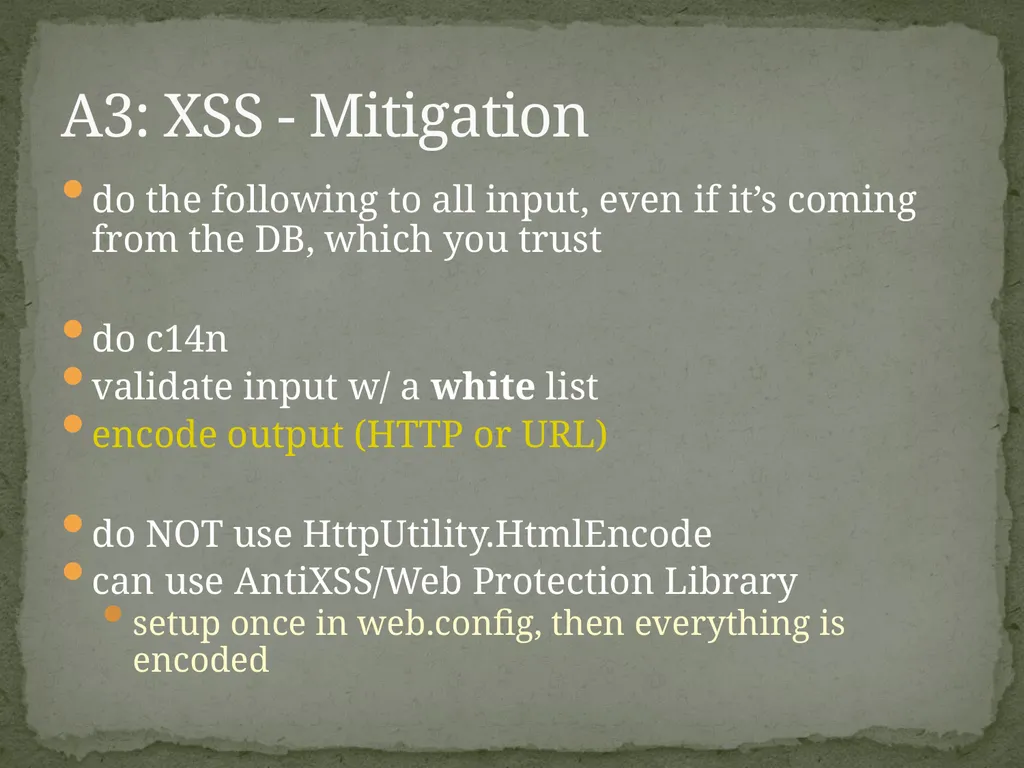
do the following to all input, even if it’s coming from the DB, which you trust
do c14n
validate input w/ a white list
encode output (HTTP or URL)
do NOT use HttpUtility.HtmlEncode
can use AntiXSS/Web Protection Library
setup once in web.config, then everything is encoded A3: XSS - Mitigation<br>
do c14n
validate input w/ a white list
encode output (HTTP or URL)
do NOT use HttpUtility.HtmlEncode
can use AntiXSS/Web Protection Library
setup once in web.config, then everything is encoded A3: XSS - Mitigation<br>
20
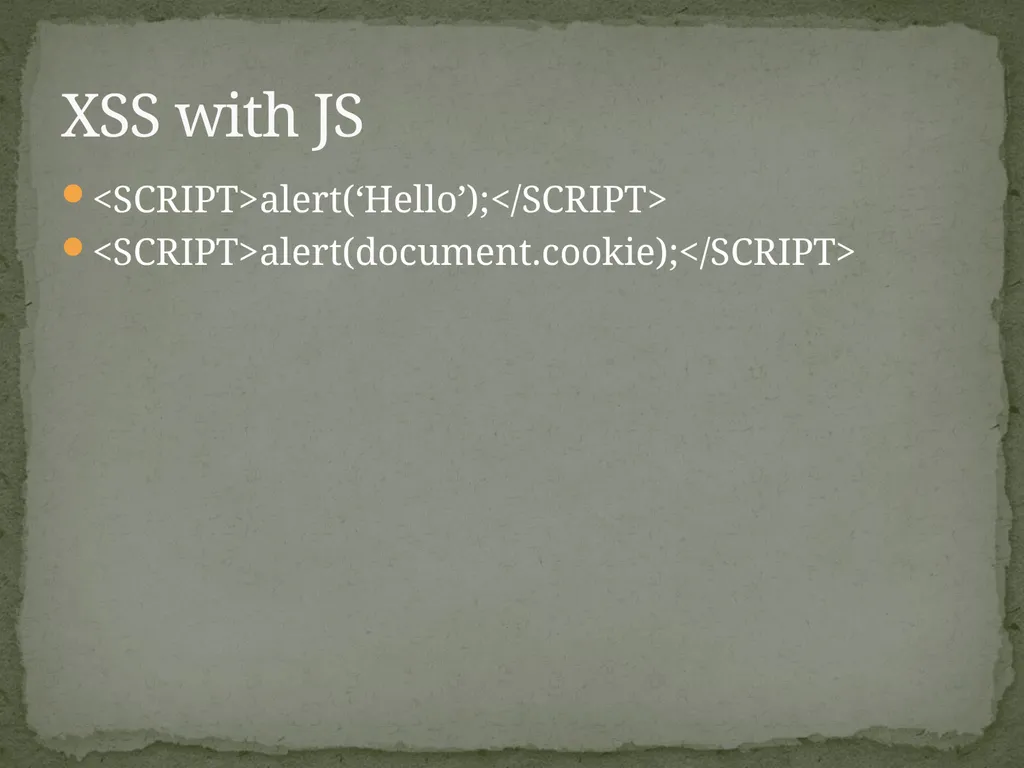
<SCRIPT>alert(‘Hello’);</SCRIPT>
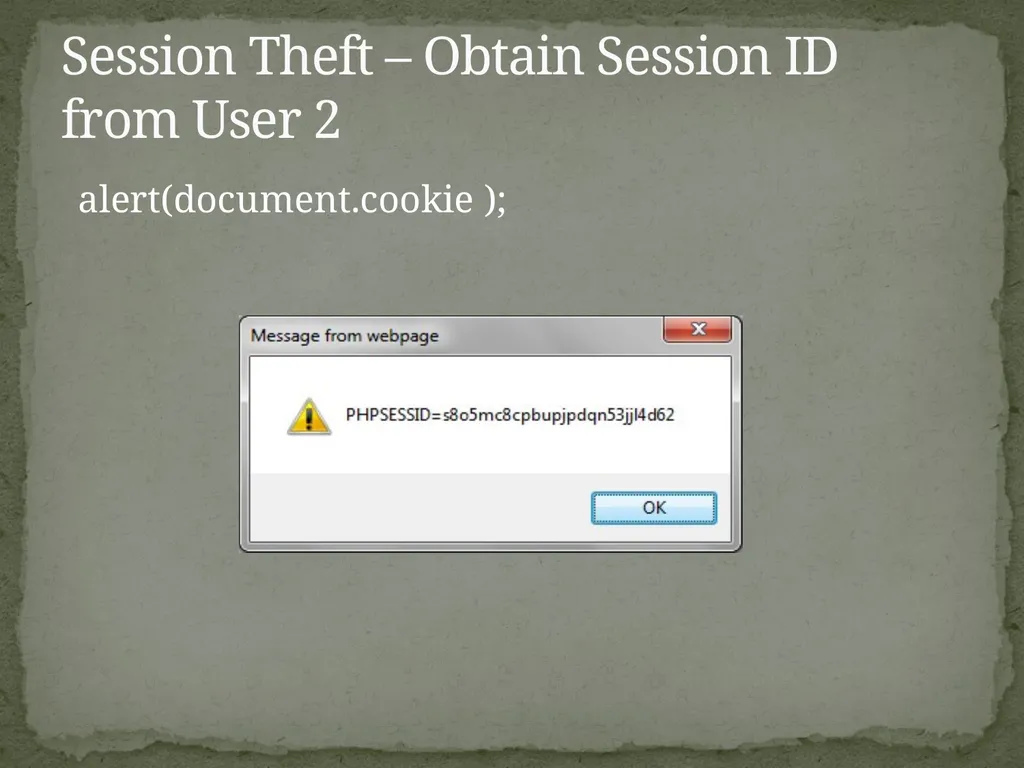
<SCRIPT>alert(document.cookie);</SCRIPT> XSS with JS<br>
<SCRIPT>alert(document.cookie);</SCRIPT> XSS with JS<br>
21
XSS/Session Hijacking Example file exploder<br>
22
Login Link Hijacking Example WizzardAspNet<br>
23
developer exposes a reference to an internal implementation object
without an access control check or other protection, attackers can manipulate these references to access unauthorized data
example: http://myserver2.com/scripts/results.jsp?docid=25 A4: Insecure Direct Object References<br>
without an access control check or other protection, attackers can manipulate these references to access unauthorized data
example: http://myserver2.com/scripts/results.jsp?docid=25 A4: Insecure Direct Object References<br>
24
recognize:
do not use DB keys to reference your data
examples: dropdown key/value, GridView/Repeater
do not use hidden fields
obfuscate references – use an index or a map
revalidate permissions
validate against a good list A4: Insecure Direct Object References - Mitigation<br>
do not use DB keys to reference your data
examples: dropdown key/value, GridView/Repeater
do not use hidden fields
obfuscate references – use an index or a map
revalidate permissions
validate against a good list A4: Insecure Direct Object References - Mitigation<br>
25
a secure configuration needs to be defined and deployed for the application, frameworks, application server, web server, database server, and platform
all of these settings should be defined, implemented, and maintained as many are not shipped with secure defaults
this includes keeping all software up to date, including all code libraries used by the application A5: Security Misconfiguration<br>
all of these settings should be defined, implemented, and maintained as many are not shipped with secure defaults
this includes keeping all software up to date, including all code libraries used by the application A5: Security Misconfiguration<br>
26
Sensitive data can be stolen from many places
data at rest
data in transit
customers browsers
backups
Mitigation
do not collect/store sensitive data if possible
encrypt sensitive data at rest but also in transit
use strong and proven encryption algorithms
use proper password hashing
disable autocomplete of sensitive data A6: Sensitive Data Exposure<br>
data at rest
data in transit
customers browsers
backups
Mitigation
do not collect/store sensitive data if possible
encrypt sensitive data at rest but also in transit
use strong and proven encryption algorithms
use proper password hashing
disable autocomplete of sensitive data A6: Sensitive Data Exposure<br>
27
Anyone on the network can send a request to your application
Changing a URL or replaying a request can access methods you thought “private”
Mitigation
every function exposed to the outside needs to authenticate
deny access by default, only allow if all conditions are met
log invalid request attempts & actually review these A7: Missing Function Level Access Control<br>
Changing a URL or replaying a request can access methods you thought “private”
Mitigation
every function exposed to the outside needs to authenticate
deny access by default, only allow if all conditions are met
log invalid request attempts & actually review these A7: Missing Function Level Access Control<br>
28
logged-on victim’s browser sends a forged HTTP request to a vulnerable web application
the attackers forces the victim’s browser to generate requests which the vulnerable application thinks are legitimate requests from the victim A8: Cross Site Request Forgery (CSRF)<br>
the attackers forces the victim’s browser to generate requests which the vulnerable application thinks are legitimate requests from the victim A8: Cross Site Request Forgery (CSRF)<br>
29
create a CSRF token (random, hard to guess)
use it when sending data down
verify when data comes back
regenerate the token for a new page
use CSRFGuard or @Html.AntiForgeryToken()
[ValidateAntiForgeryToken] A8: Cross Site Request Forgery (CSRF) - Mitigation<br>
use it when sending data down
verify when data comes back
regenerate the token for a new page
use CSRFGuard or @Html.AntiForgeryToken()
[ValidateAntiForgeryToken] A8: Cross Site Request Forgery (CSRF) - Mitigation<br>
30
flaws are discovered every day in all sorts of components
.NET flaw (html encoding)
avoid using code you didn’t write whenever possible
if you have to
identify all components and their versions; keep your ears open
consider adding wrappers around external components (security & design reasons) A9: Using Components with Known Vulnerabilities<br>
.NET flaw (html encoding)
avoid using code you didn’t write whenever possible
if you have to
identify all components and their versions; keep your ears open
consider adding wrappers around external components (security & design reasons) A9: Using Components with Known Vulnerabilities<br>
31
Web applications frequently redirect and forward users to other pages and websites, and use untrusted data to determine the destination pages
Without proper validation, attackers can redirect victims to phishing or malware sites, or use forwards to access unauthorized pages A10: Unvalidated Redirects and Forwards<br>
Without proper validation, attackers can redirect victims to phishing or malware sites, or use forwards to access unauthorized pages A10: Unvalidated Redirects and Forwards<br>
32
never perform redirects or forwards using client-side scripts based on DOM data, since the data is outside the control of the server and cannot be trusted
don’t use redirects and forwards
use direct links in the page, instead
if you have to forward, don’t use user-submitted data in determining the destination A10: Unvalidated Redirects and Forwards - Mitigation<br>
don’t use redirects and forwards
use direct links in the page, instead
if you have to forward, don’t use user-submitted data in determining the destination A10: Unvalidated Redirects and Forwards - Mitigation<br>
33
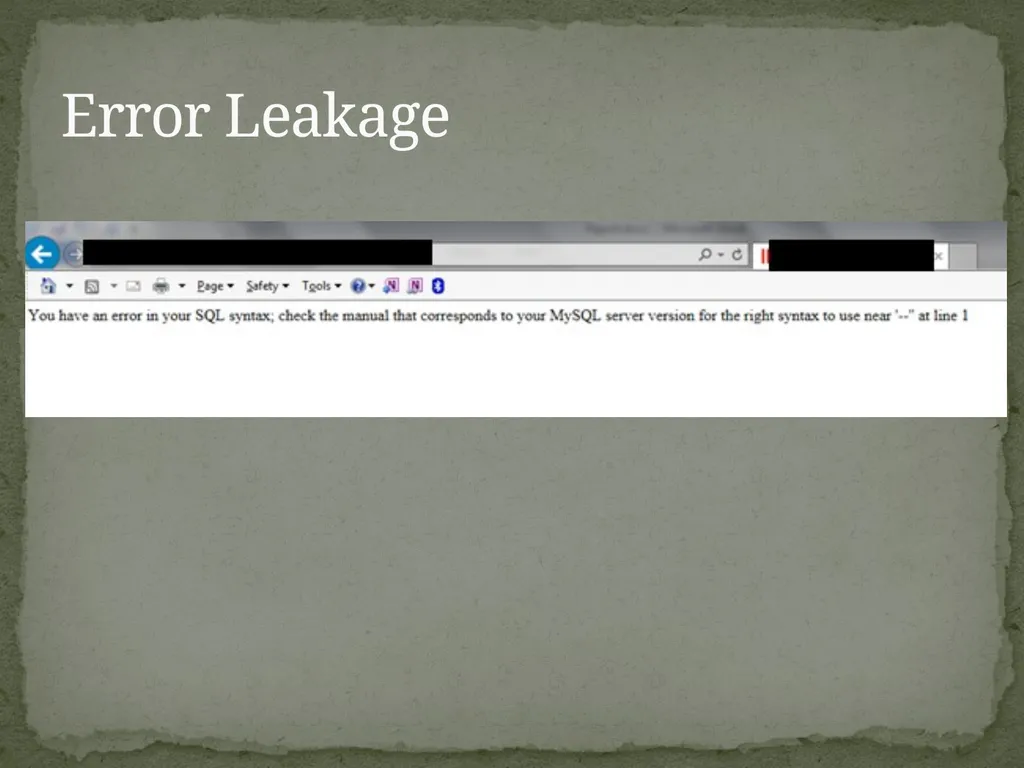
applications can unintentionally leak information about their configuration, internal workings, or violate privacy through a variety of application problems Error Leakage<br>
34
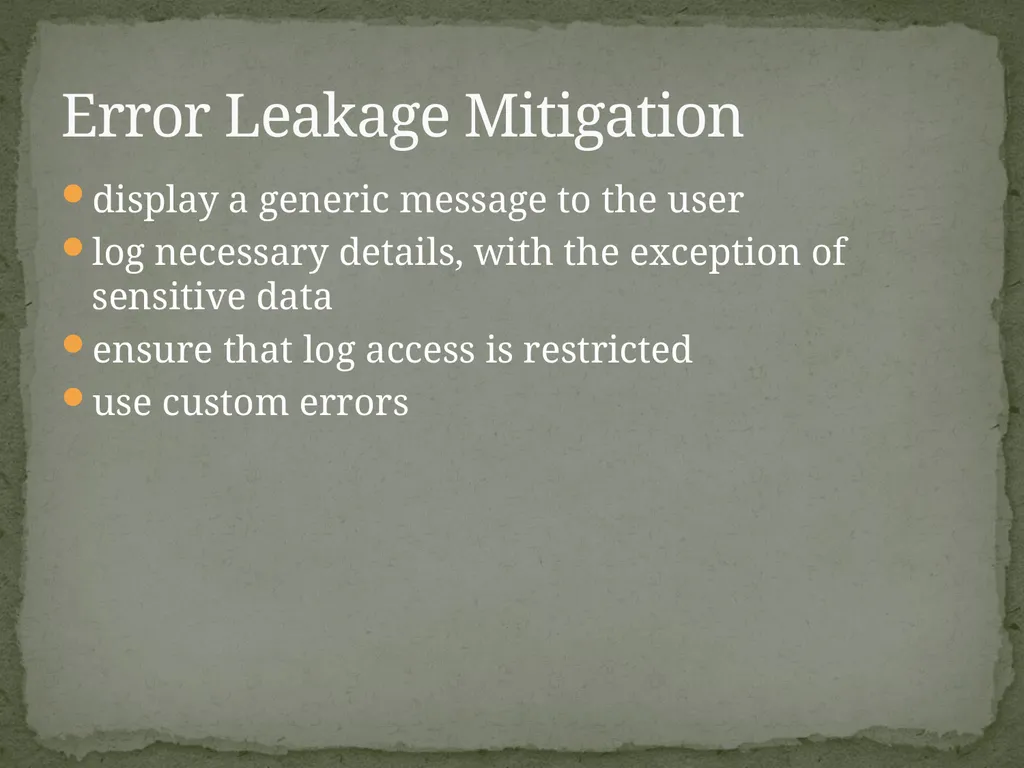
display a generic message to the user
log necessary details, with the exception of sensitive data
ensure that log access is restricted
use custom errors Error Leakage Mitigation<br>
log necessary details, with the exception of sensitive data
ensure that log access is restricted
use custom errors Error Leakage Mitigation<br>
35
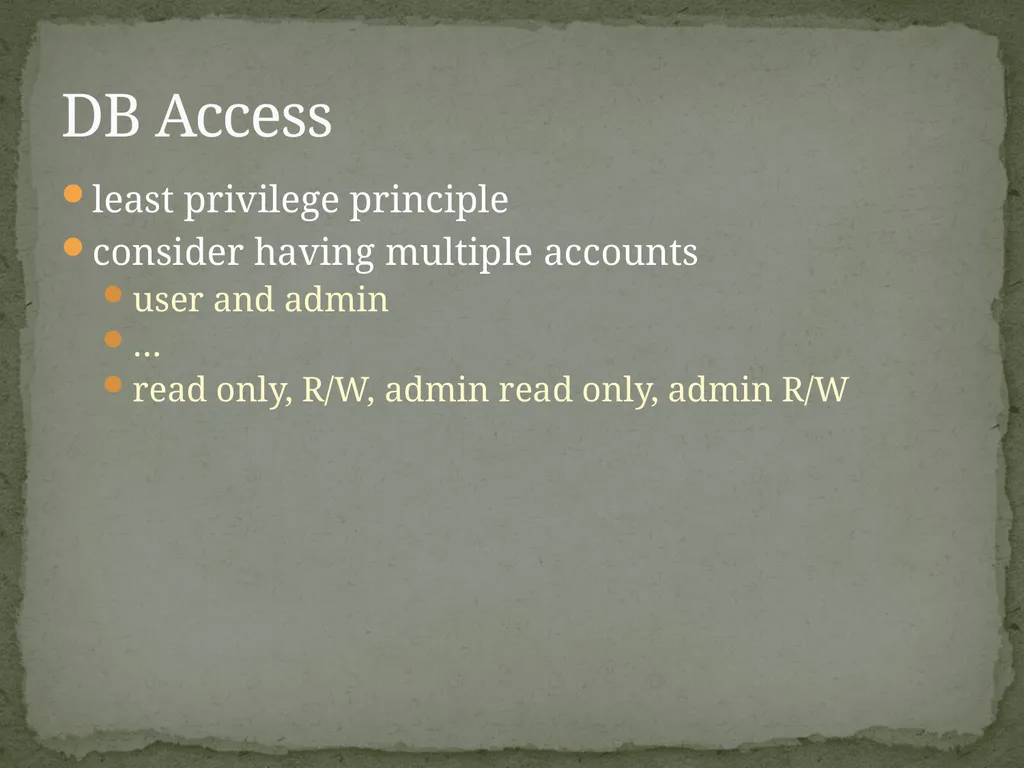
least privilege principle
consider having multiple accounts
user and admin
…
read only, R/W, admin read only, admin R/W DB Access<br>
consider having multiple accounts
user and admin
…
read only, R/W, admin read only, admin R/W DB Access<br>
36
Case Study Consultation<br>
37
Error Leakage<br>
38
XSS Attack<br>
39
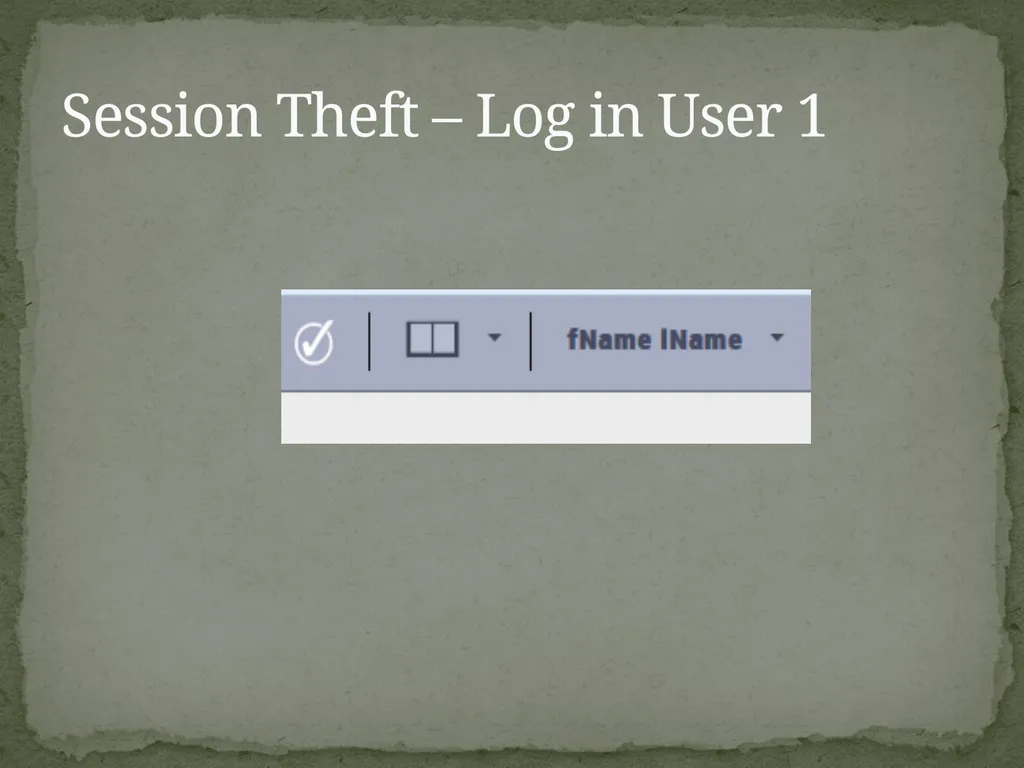
Session Theft – Log in User 1<br>
40
Session Theft – Obtain Session ID from User 2 alert(document.cookie );<br>
41
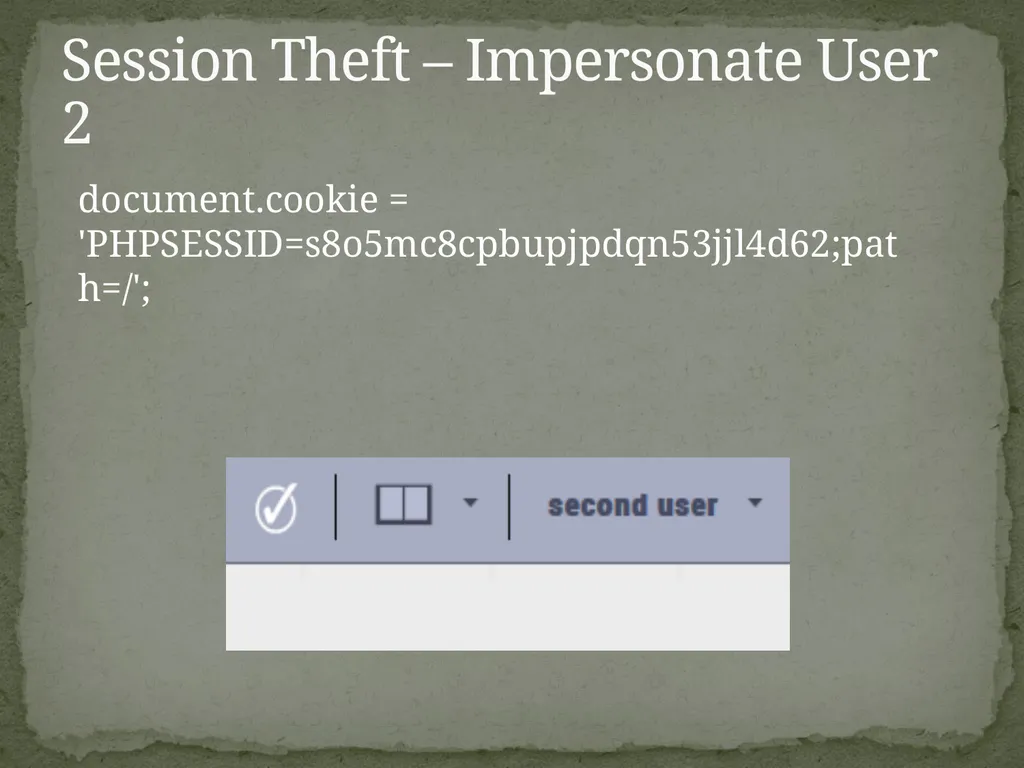
Session Theft – Impersonate User 2 document.cookie = 'PHPSESSID=s8o5mc8cpbupjpdqn53jjl4d62;path=/';<br>
42
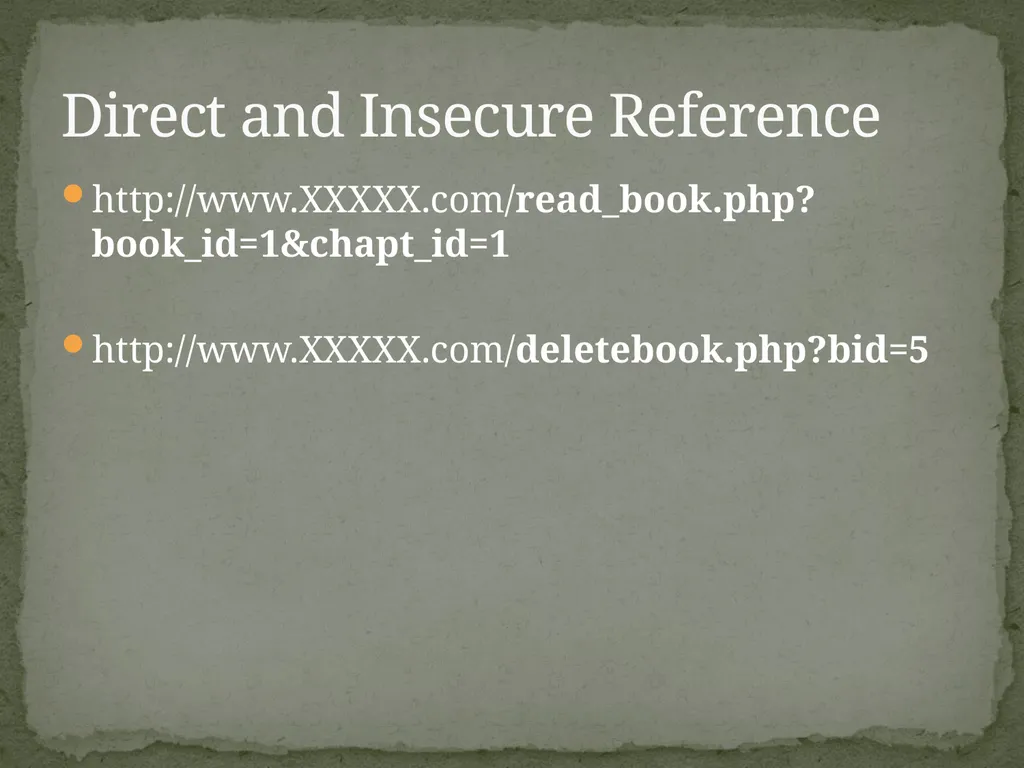
http://www.XXXXX.com/read_book.php?book_id=1&chapt_id=1
http://www.XXXXX.com/deletebook.php?bid=5 Direct and Insecure Reference<br>
http://www.XXXXX.com/deletebook.php?bid=5 Direct and Insecure Reference<br>
43
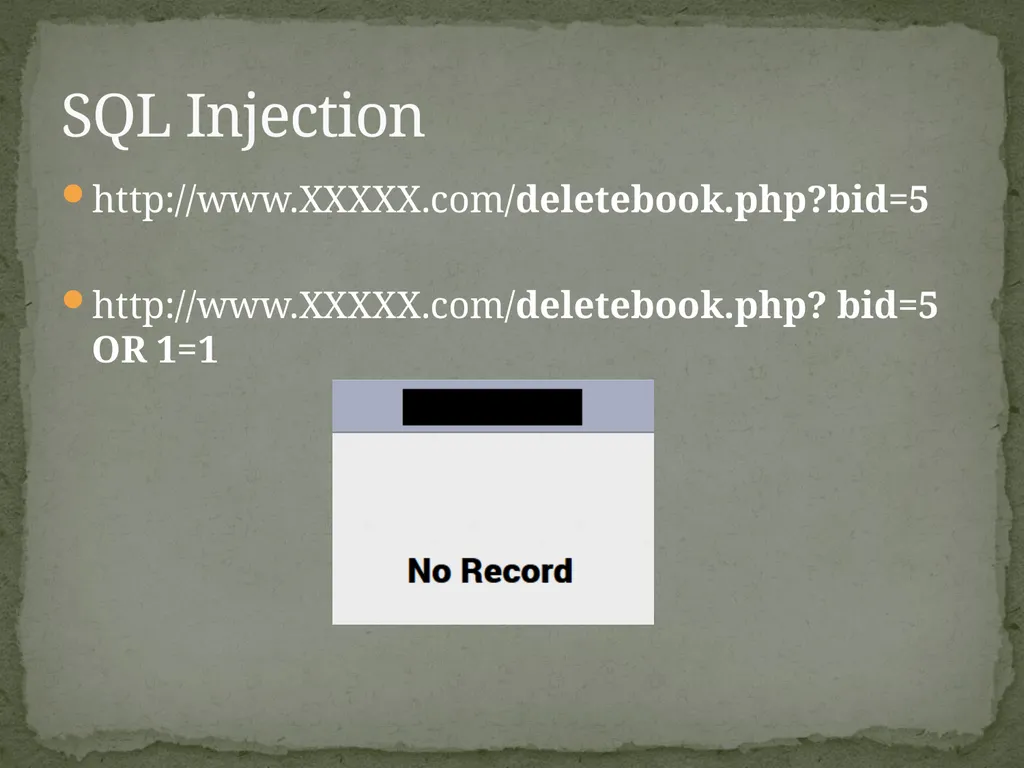
http://www.XXXXX.com/deletebook.php?bid=5
http://www.XXXXX.com/deletebook.php? bid=5 OR 1=1 SQL Injection<br>
http://www.XXXXX.com/deletebook.php? bid=5 OR 1=1 SQL Injection<br>
44
Case Study Mvc-WebApi-FileService<br>
45
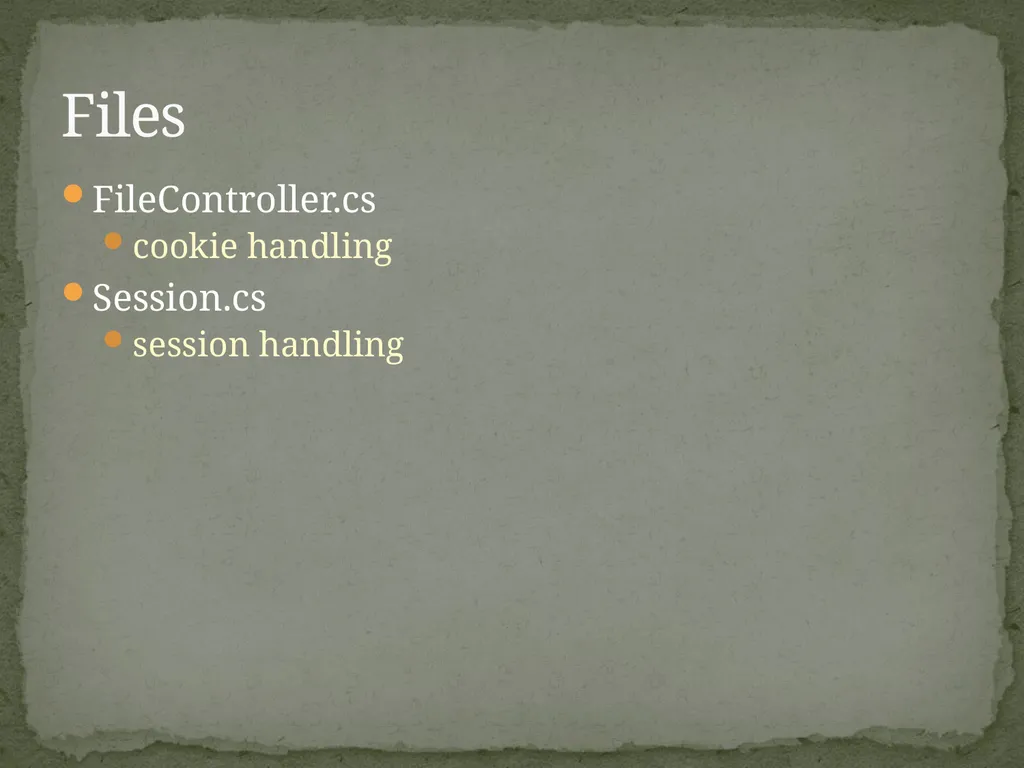
FileController.cs
cookie handling
Session.cs
session handling Files<br>
cookie handling
Session.cs
session handling Files<br>