
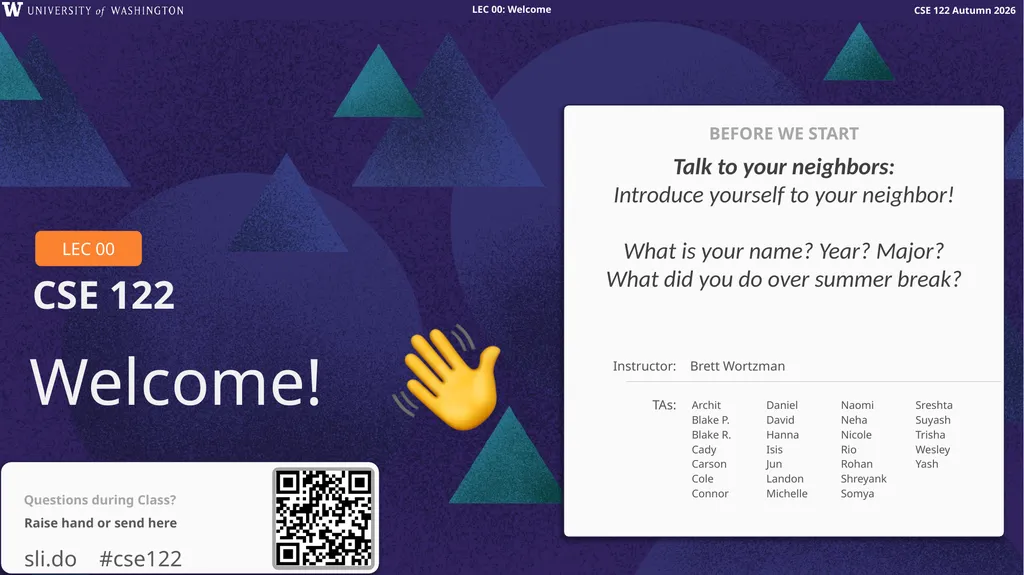
Welcome! Talk to your neighbors: Introduce
LD
Published · 37 slides · 0 views

1 / 1
Description
Welcome! Talk to your neighbors: Introduce yourself to your neighbor! What is your name? Year? Major? What did you do over summer break? BEFORE WE START Instructor: TAs: Brett Wortzman Archit Blake P. Blake R. Cady Carson Cole Connor Daniel
Related Topics
Share
Embed code
Download this presentation From Below
"Welcome! Talk to your neighbors: Introduce" is the property of its rightful owner. Permission is granted to download and print the materials on this website for personal, non-commercial use only, and to display it on your personal computer provided you do not modify the materials and that you retain all copyright notices contained in the materials. By downloading content from our website, you accept the terms of this agreement.
Presentation Transcript
01
Welcome! Talk to your neighbors:
Introduce yourself to your neighbor! What is your name? Year? Major? What did you do over summer break? BEFORE WE START Instructor: TAs: Brett Wortzman Archit
Blake P.
Blake R.
Cady
Carson
Cole
Connor
Daniel
David
Hanna
Isis
Jun
Landon
Michelle
Naomi
Neha
Nicole
Rio
Rohan
Shreyank
Somya
Sreshta
Suyash
Trisha
Wesley
Yash<br>
Introduce yourself to your neighbor! What is your name? Year? Major? What did you do over summer break? BEFORE WE START Instructor: TAs: Brett Wortzman Archit
Blake P.
Blake R.
Cady
Carson
Cole
Connor
Daniel
David
Hanna
Isis
Jun
Landon
Michelle
Naomi
Neha
Nicole
Rio
Rohan
Shreyank
Somya
Sreshta
Suyash
Trisha
Wesley
Yash<br>
02
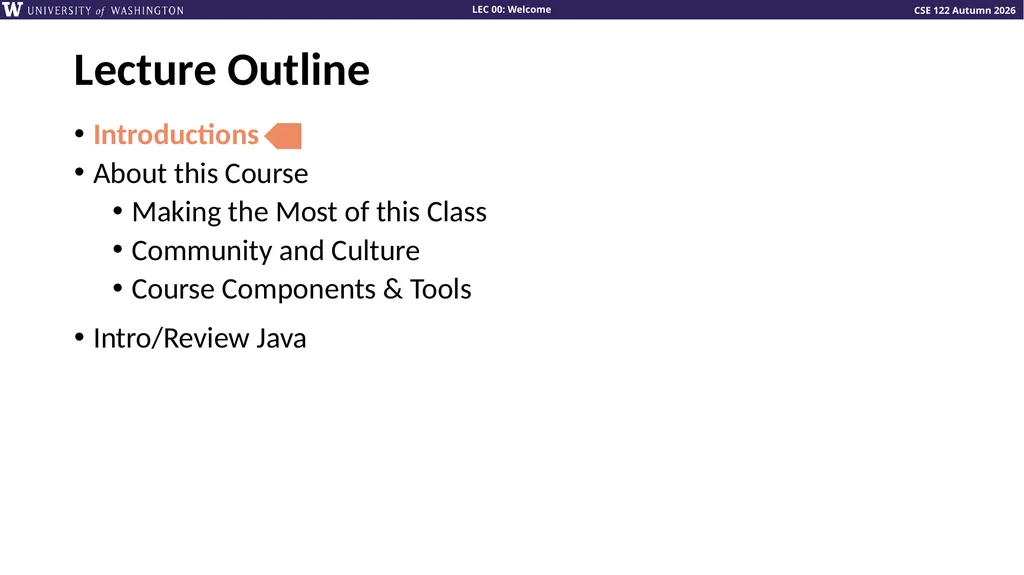
Lecture Outline Introductions
About this Course
Making the Most of this Class
Community and Culture
Course Components & Tools
Intro/Review Java<br>
About this Course
Making the Most of this Class
Community and Culture
Course Components & Tools
Intro/Review Java<br>
03
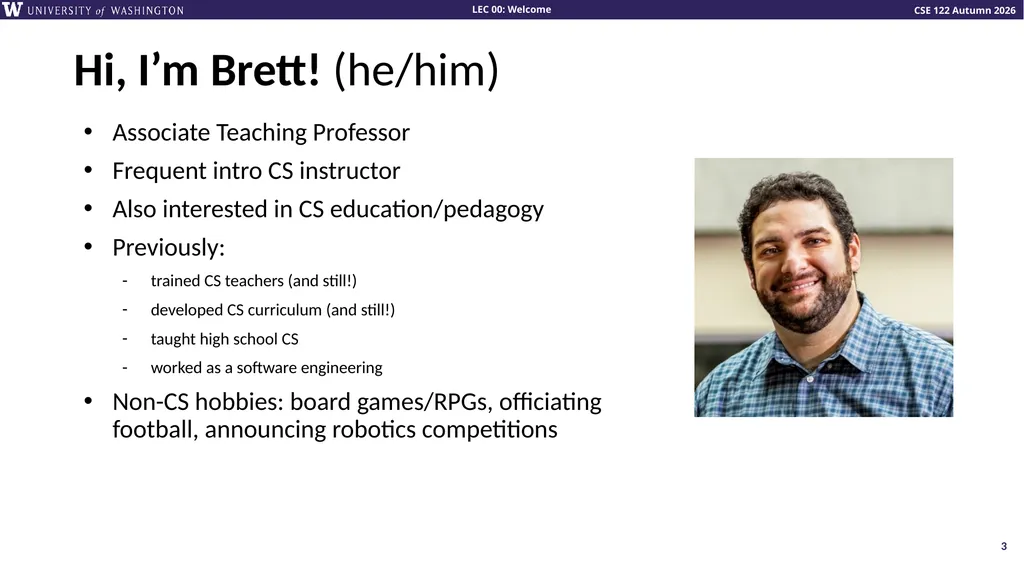
Hi, I’m Brett! (he/him) Associate Teaching Professor
Frequent intro CS instructor
Also interested in CS education/pedagogy
Previously:
trained CS teachers (and still!)
developed CS curriculum (and still!)
taught high school CS
worked as a software engineering
Non-CS hobbies: board games/RPGs, officiating football, announcing robotics competitions 3<br>
Frequent intro CS instructor
Also interested in CS education/pedagogy
Previously:
trained CS teachers (and still!)
developed CS curriculum (and still!)
taught high school CS
worked as a software engineering
Non-CS hobbies: board games/RPGs, officiating football, announcing robotics competitions 3<br>
04
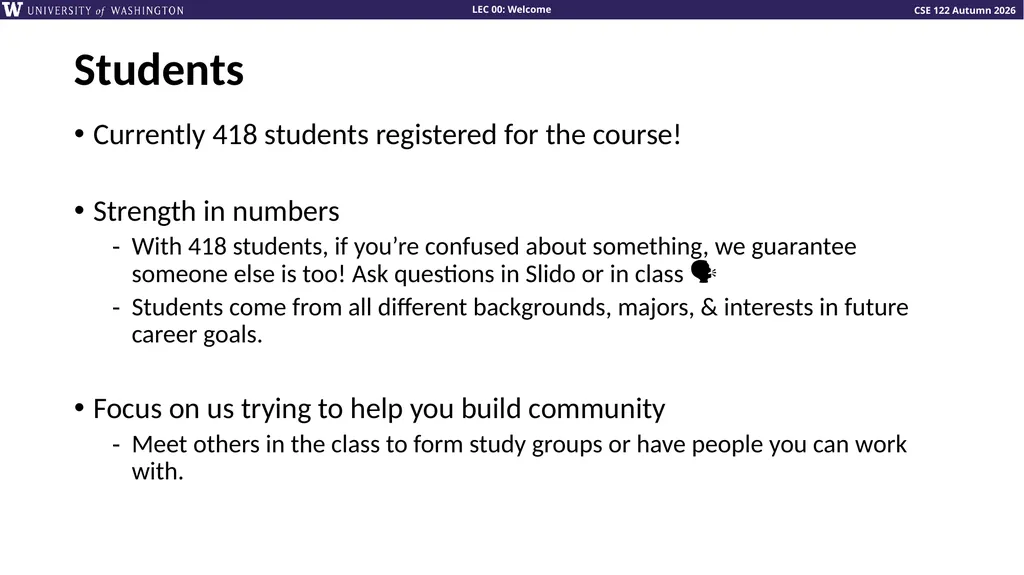
Students Currently 418 students registered for the course!
Strength in numbers
With 418 students, if you’re confused about something, we guarantee someone else is too! Ask questions in Slido or in class 🗣️
Students come from all different backgrounds, majors, & interests in future career goals.
Focus on us trying to help you build community
Meet others in the class to form study groups or have people you can work with.<br>
Strength in numbers
With 418 students, if you’re confused about something, we guarantee someone else is too! Ask questions in Slido or in class 🗣️
Students come from all different backgrounds, majors, & interests in future career goals.
Focus on us trying to help you build community
Meet others in the class to form study groups or have people you can work with.<br>
05
Lecture Outline Introductions
About this Course
Making the Most of this Class
Community and Culture
Course Components & Tools
Intro/Review Java<br>
About this Course
Making the Most of this Class
Community and Culture
Course Components & Tools
Intro/Review Java<br>
06
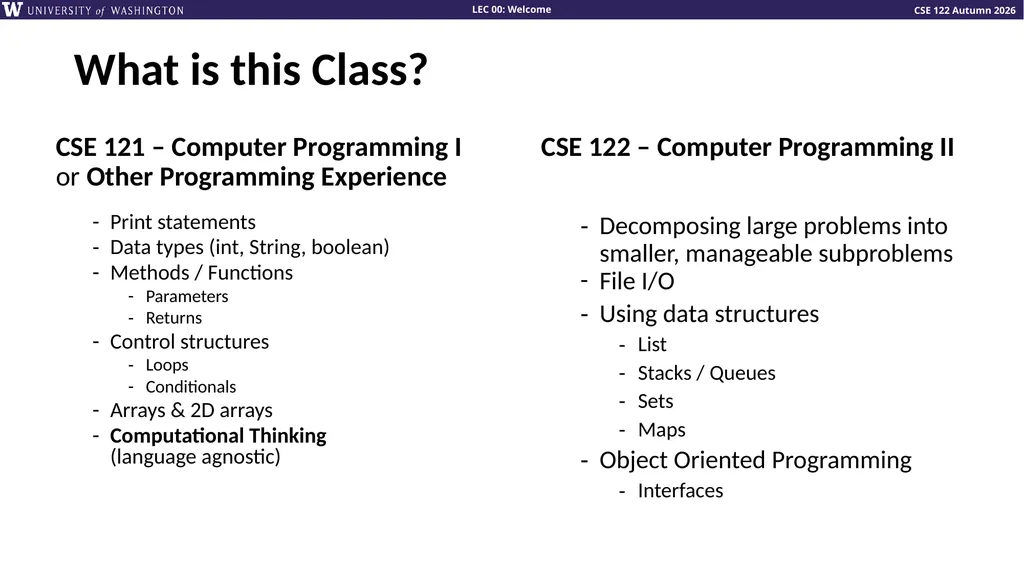
What is this Class? CSE 121 – Computer Programming I
or Other Programming Experience Print statements
Data types (int, String, boolean)
Methods / Functions
Parameters
Returns
Control structures
Loops
Conditionals
Arrays & 2D arrays
Computational Thinking (language agnostic) CSE 122 – Computer Programming II Decomposing large problems into smaller, manageable subproblems
File I/O
Using data structures
List
Stacks / Queues
Sets
Maps
Object Oriented Programming
Interfaces<br>
Data types (int, String, boolean)
Methods / Functions
Parameters
Returns
Control structures
Loops
Conditionals
Arrays & 2D arrays
Computational Thinking (language agnostic) CSE 122 – Computer Programming II Decomposing large problems into smaller, manageable subproblems
File I/O
Using data structures
List
Stacks / Queues
Sets
Maps
Object Oriented Programming
Interfaces<br>
07
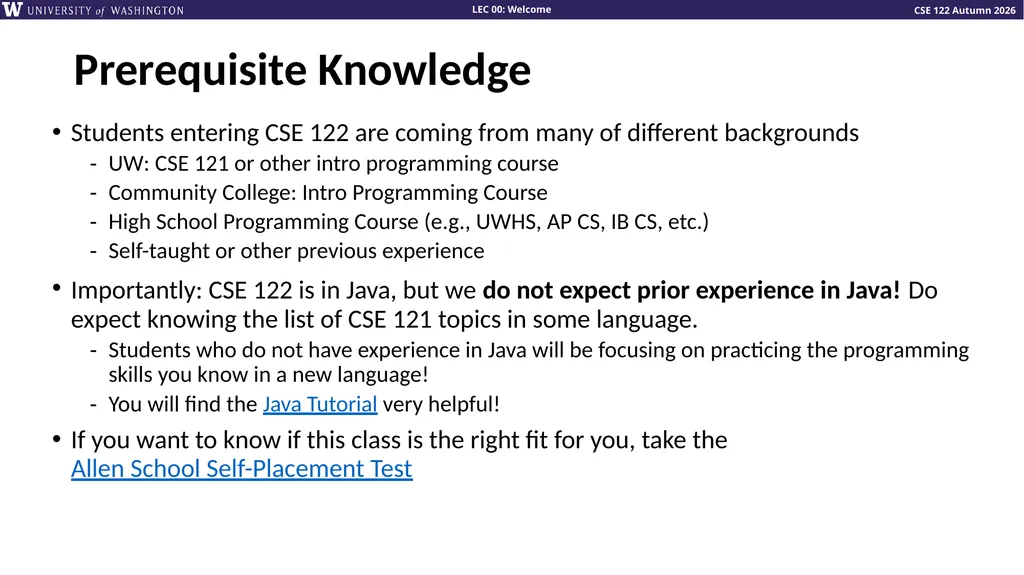
Prerequisite Knowledge Students entering CSE 122 are coming from many of different backgrounds
UW: CSE 121 or other intro programming course
Community College: Intro Programming Course
High School Programming Course (e.g., UWHS, AP CS, IB CS, etc.)
Self-taught or other previous experience
Importantly: CSE 122 is in Java, but we do not expect prior experience in Java! Do expect knowing the list of CSE 121 topics in some language.
Students who do not have experience in Java will be focusing on practicing the programming skills you know in a new language!
You will find the Java Tutorial very helpful!
If you want to know if this class is the right fit for you, take the Allen School Self-Placement Test<br>
UW: CSE 121 or other intro programming course
Community College: Intro Programming Course
High School Programming Course (e.g., UWHS, AP CS, IB CS, etc.)
Self-taught or other previous experience
Importantly: CSE 122 is in Java, but we do not expect prior experience in Java! Do expect knowing the list of CSE 121 topics in some language.
Students who do not have experience in Java will be focusing on practicing the programming skills you know in a new language!
You will find the Java Tutorial very helpful!
If you want to know if this class is the right fit for you, take the Allen School Self-Placement Test<br>
08
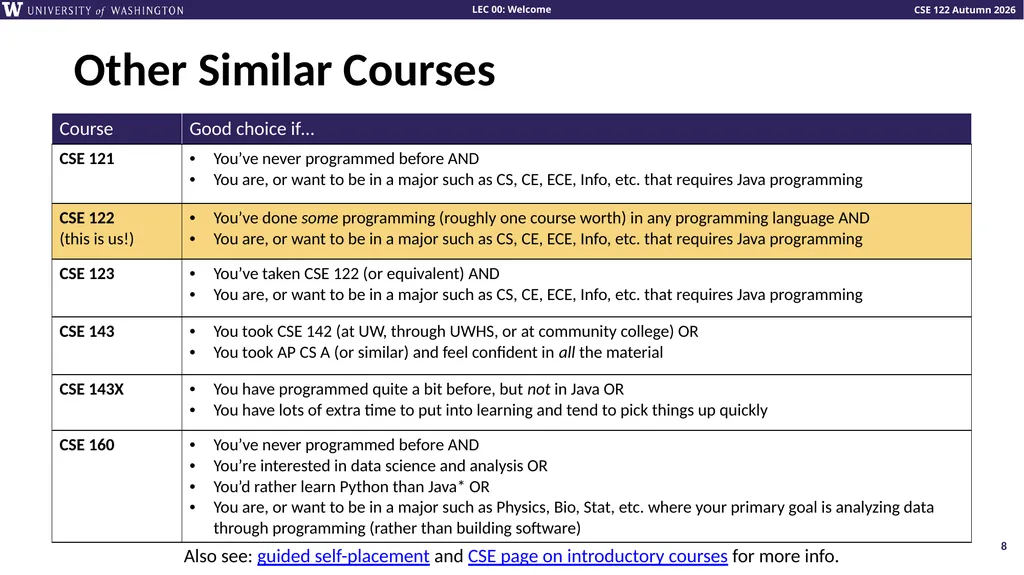
Other Similar Courses 8 Also see: guided self-placement and CSE page on introductory courses for more info.<br>
09
Lecture Outline Introductions
About this Course
Making the Most of this Class
Community and Culture
Course Components & Tools
Intro/Review Java<br>
About this Course
Making the Most of this Class
Community and Culture
Course Components & Tools
Intro/Review Java<br>
10
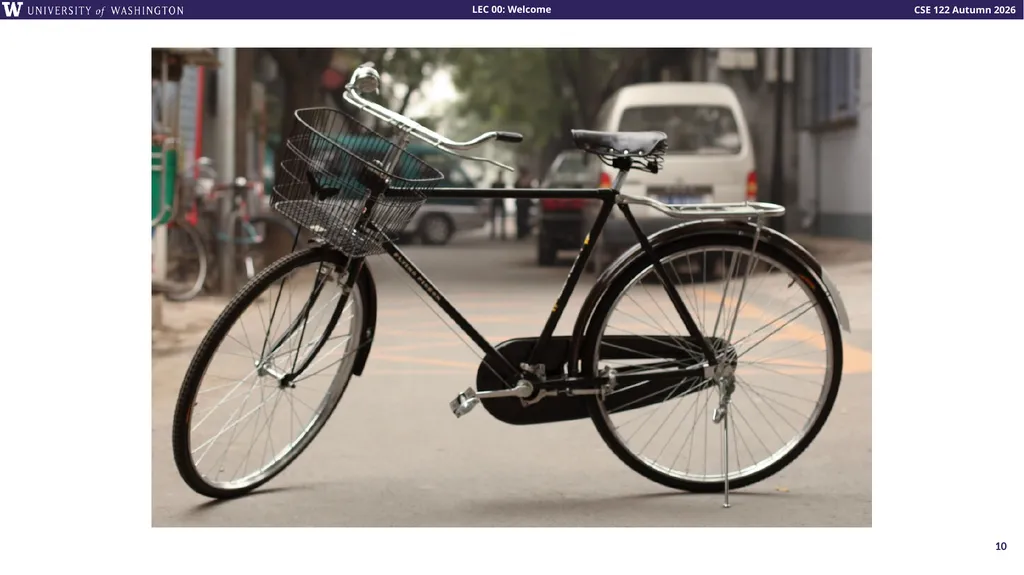
10 How did you learn how to ride a bike?<br>
11
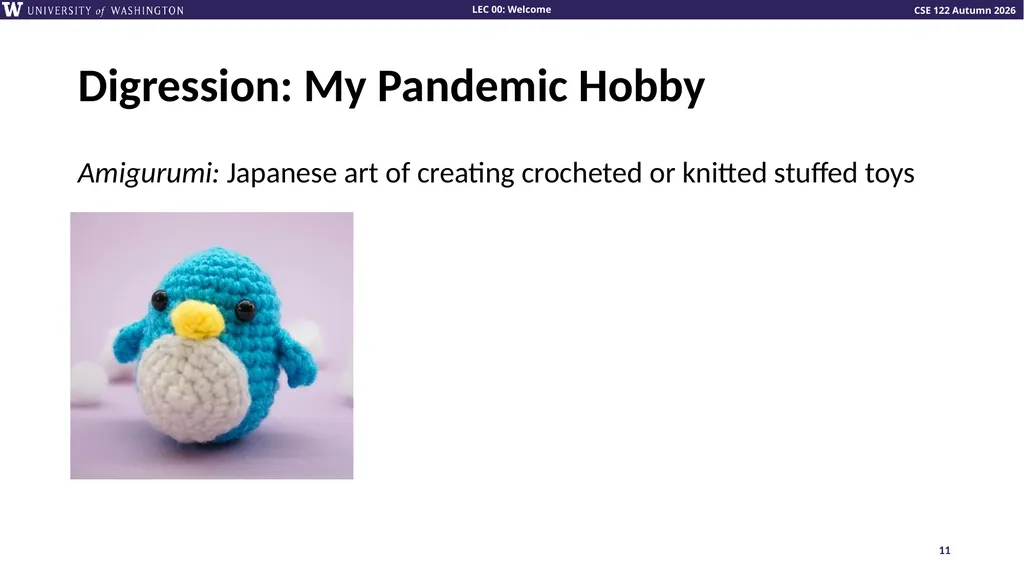
Digression: My Pandemic Hobby Amigurumi: Japanese art of creating crocheted or knitted stuffed toys Lesson 0 - Autumn 2024 11<br>
12
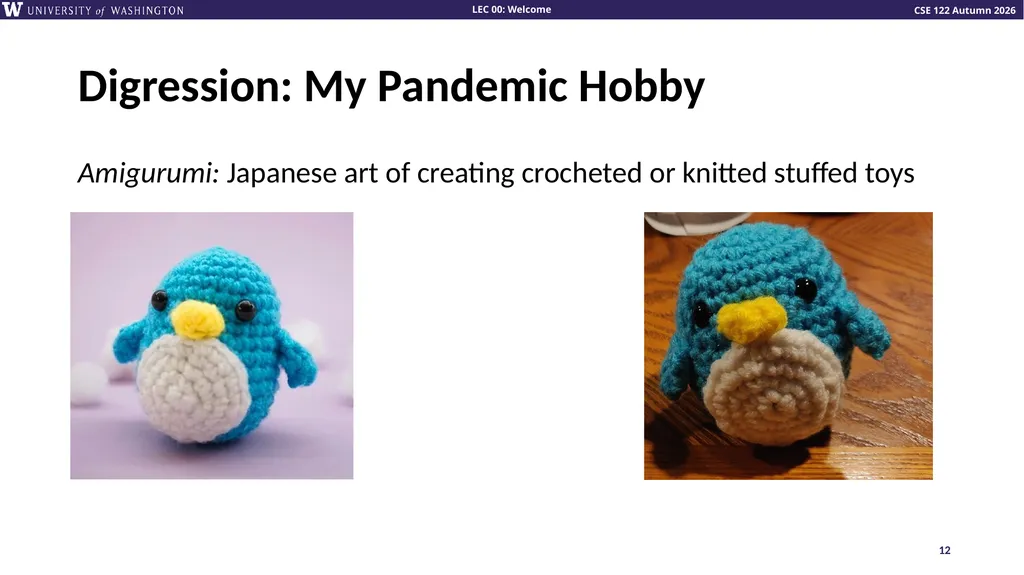
Digression: My Pandemic Hobby Amigurumi: Japanese art of creating crocheted or knitted stuffed toys Lesson 0 - Autumn 2024 12<br>
13
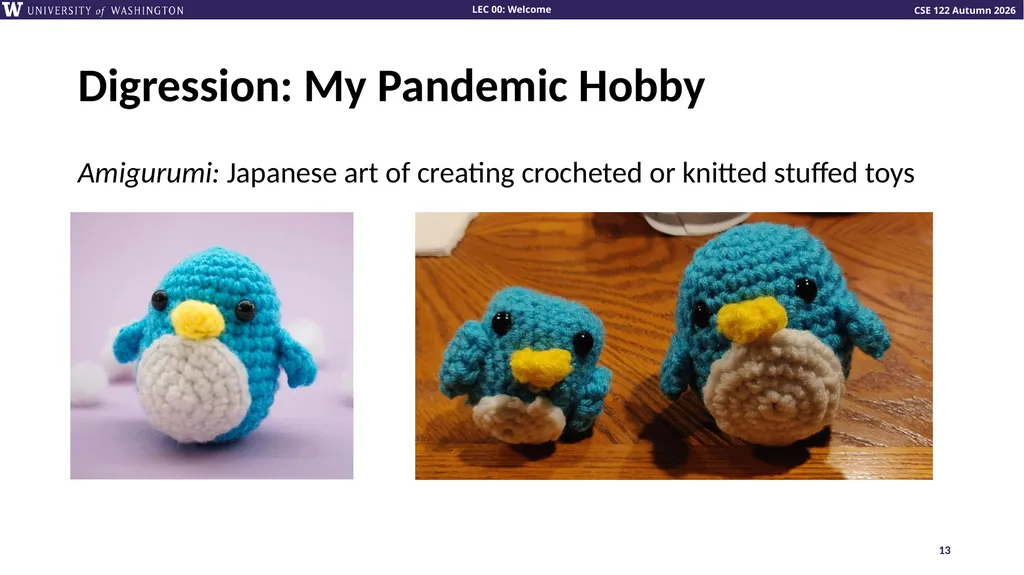
Digression: My Pandemic Hobby Amigurumi: Japanese art of creating crocheted or knitted stuffed toys Lesson 0 - Autumn 2024 13<br>
14
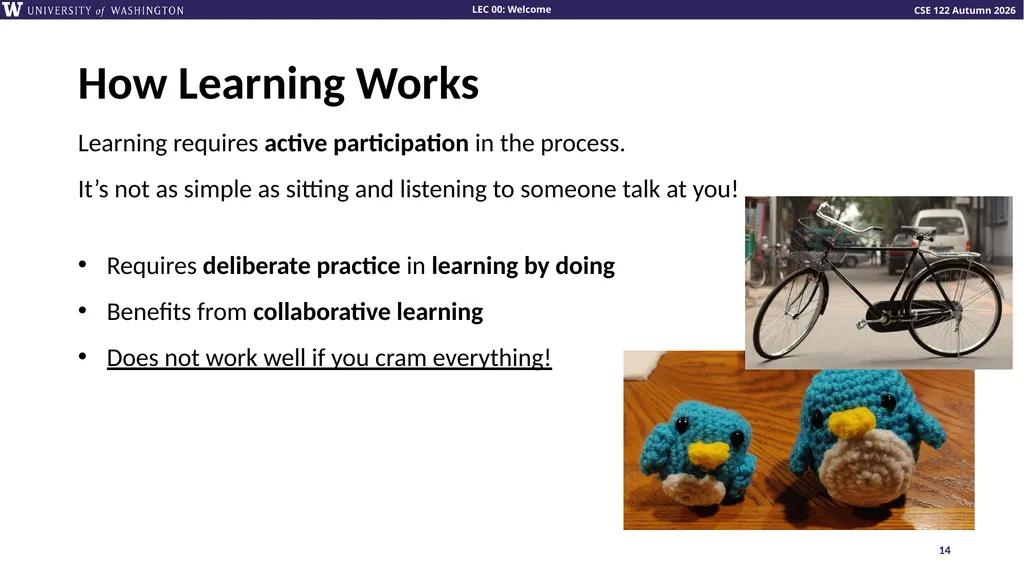
How Learning Works Learning requires active participation in the process.
It’s not as simple as sitting and listening to someone talk at you!
Requires deliberate practice in learning by doing
Benefits from collaborative learning
Does not work well if you cram everything! Lesson 0 - Autumn 2024 14<br>
Requires deliberate practice in learning by doing
Benefits from collaborative learning
Does not work well if you cram everything! Lesson 0 - Autumn 2024 14<br>
15
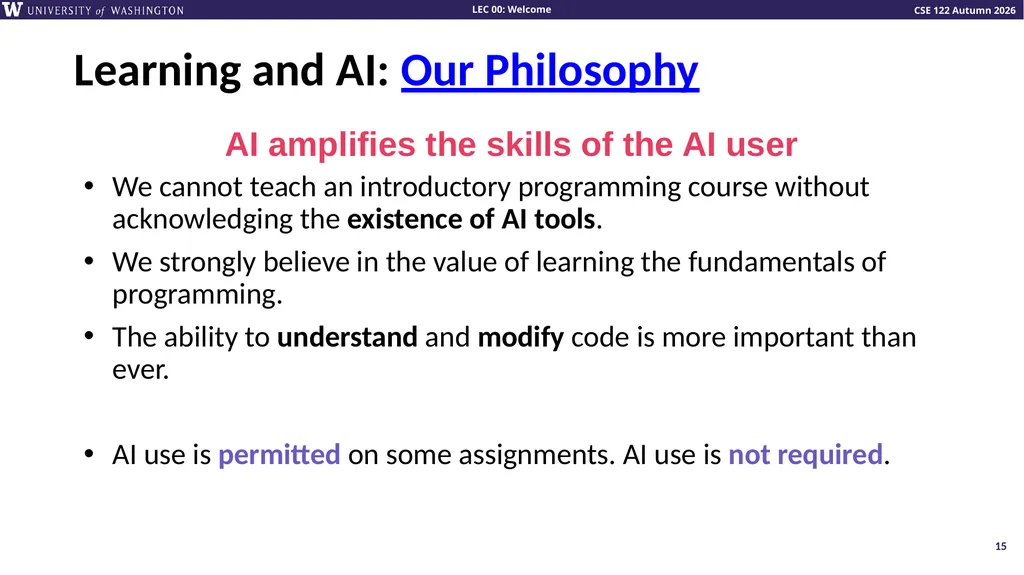
Learning and AI: Our Philosophy We cannot teach an introductory programming course without acknowledging the existence of AI tools.
We strongly believe in the value of learning the fundamentals of programming.
The ability to understand and modify code is more important than ever.
AI use is permitted on some assignments. AI use is not required. 15 AI amplifies the skills of the AI user<br>
We strongly believe in the value of learning the fundamentals of programming.
The ability to understand and modify code is more important than ever.
AI use is permitted on some assignments. AI use is not required. 15 AI amplifies the skills of the AI user<br>
16
Course Components x20 Expand on new concepts
Apply and practice
In person, recorded 🎥 Review concepts
More apply and practice
Get TA advice
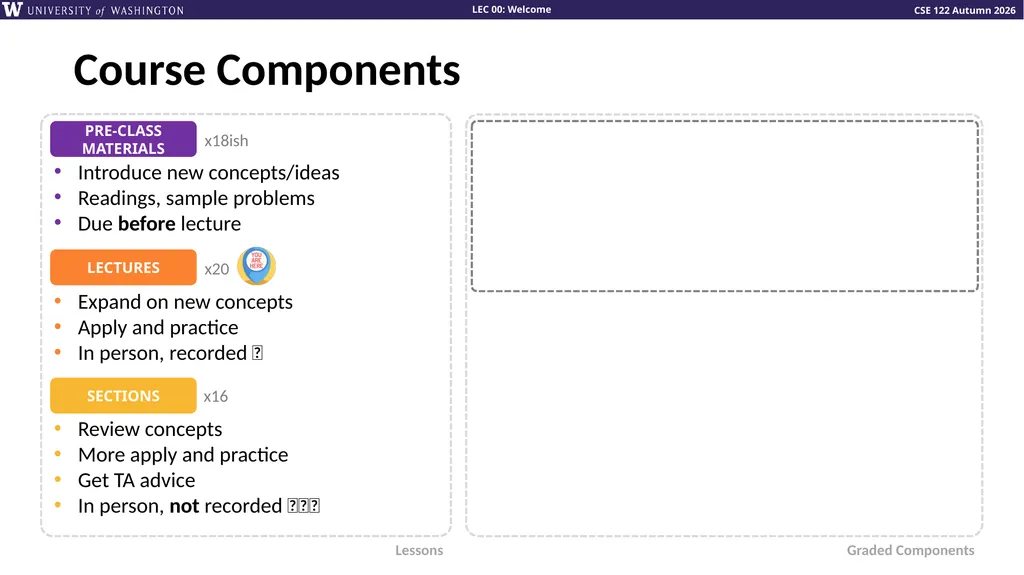
In person, not recorded 🚫🎥🚫 x16 Lessons Graded Components x18ish Introduce new concepts/ideas
Readings, sample problems
Due before lecture<br>
Apply and practice
In person, recorded 🎥 Review concepts
More apply and practice
Get TA advice
In person, not recorded 🚫🎥🚫 x16 Lessons Graded Components x18ish Introduce new concepts/ideas
Readings, sample problems
Due before lecture<br>
17
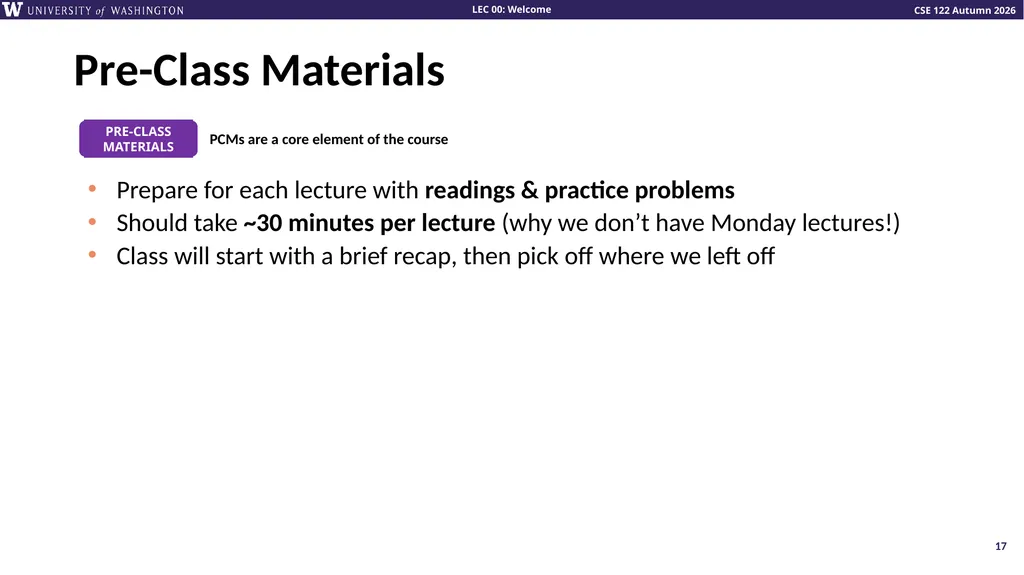
Pre-Class Materials 17 PCMs are a core element of the course Prepare for each lecture with readings & practice problems
Should take ~30 minutes per lecture (why we don’t have Monday lectures!)
Class will start with a brief recap, then pick off where we left off<br>
Should take ~30 minutes per lecture (why we don’t have Monday lectures!)
Class will start with a brief recap, then pick off where we left off<br>
18
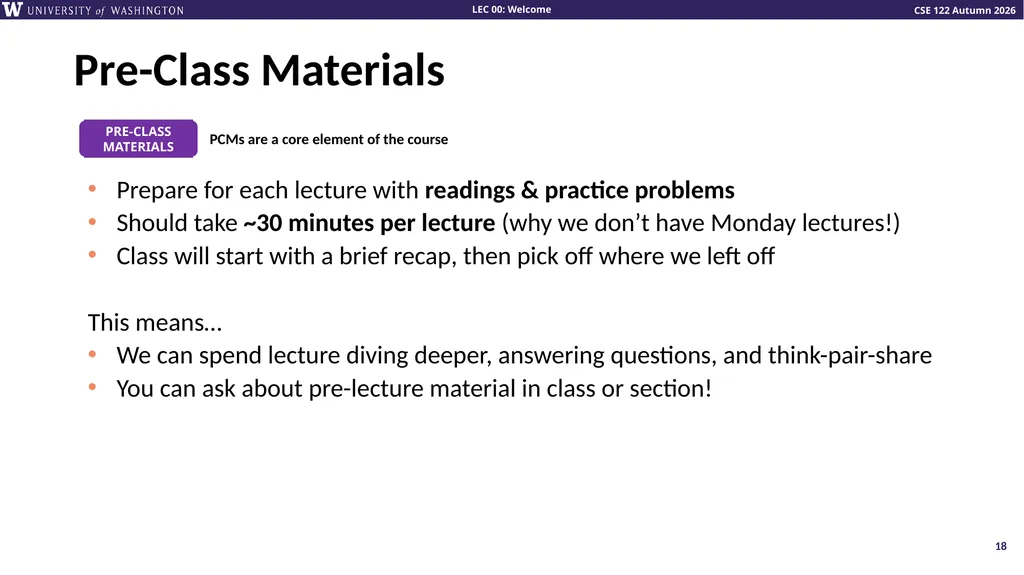
Pre-Class Materials 18 PCMs are a core element of the course Prepare for each lecture with readings & practice problems
Should take ~30 minutes per lecture (why we don’t have Monday lectures!)
Class will start with a brief recap, then pick off where we left off
This means…
We can spend lecture diving deeper, answering questions, and think-pair-share
You can ask about pre-lecture material in class or section!<br>
Should take ~30 minutes per lecture (why we don’t have Monday lectures!)
Class will start with a brief recap, then pick off where we left off
This means…
We can spend lecture diving deeper, answering questions, and think-pair-share
You can ask about pre-lecture material in class or section!<br>
19
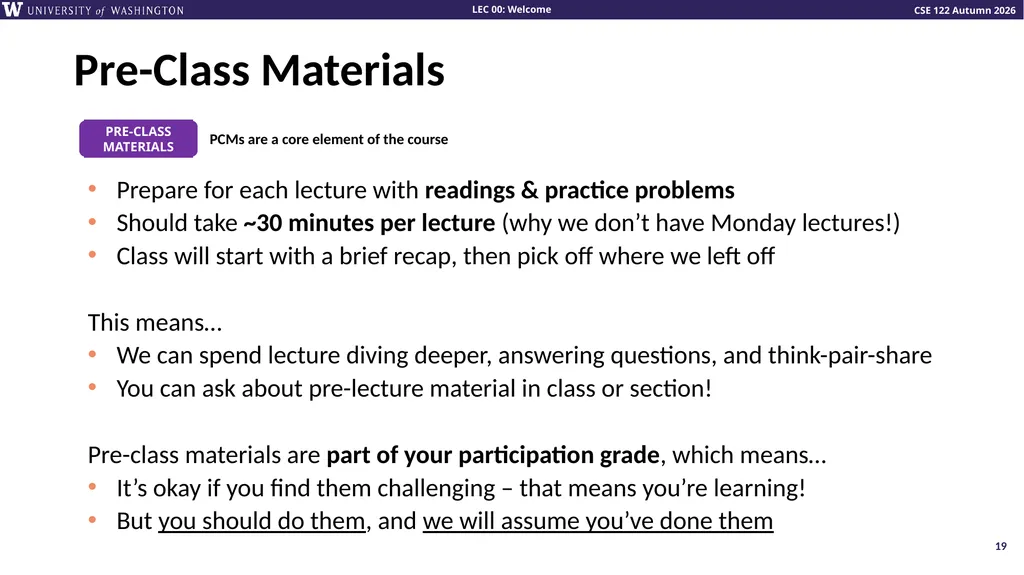
Pre-Class Materials 19 PCMs are a core element of the course Prepare for each lecture with readings & practice problems
Should take ~30 minutes per lecture (why we don’t have Monday lectures!)
Class will start with a brief recap, then pick off where we left off
This means…
We can spend lecture diving deeper, answering questions, and think-pair-share
You can ask about pre-lecture material in class or section!
Pre-class materials are part of your participation grade, which means…
It’s okay if you find them challenging – that means you’re learning!
But you should do them, and we will assume you’ve done them<br>
Should take ~30 minutes per lecture (why we don’t have Monday lectures!)
Class will start with a brief recap, then pick off where we left off
This means…
We can spend lecture diving deeper, answering questions, and think-pair-share
You can ask about pre-lecture material in class or section!
Pre-class materials are part of your participation grade, which means…
It’s okay if you find them challenging – that means you’re learning!
But you should do them, and we will assume you’ve done them<br>
20
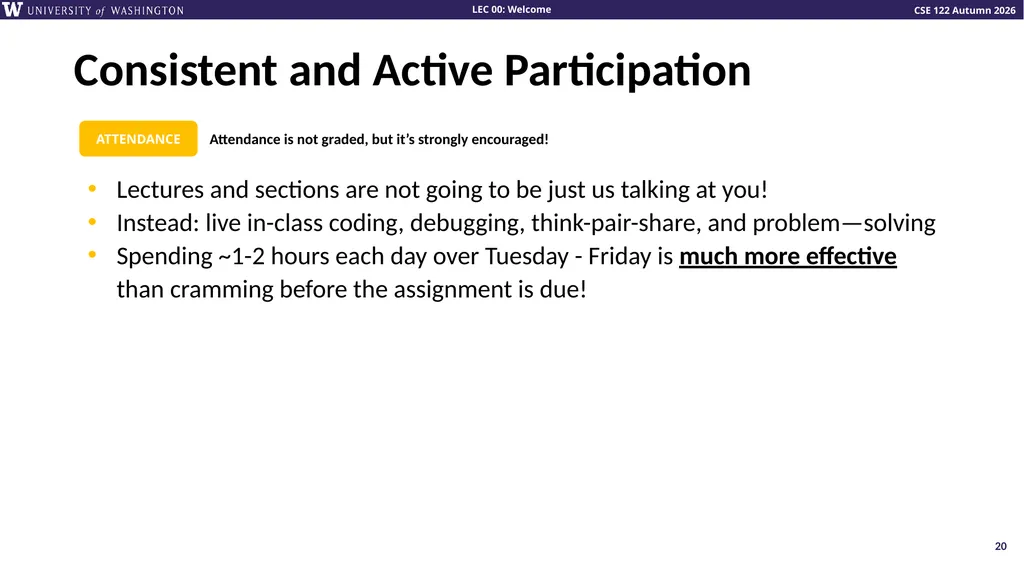
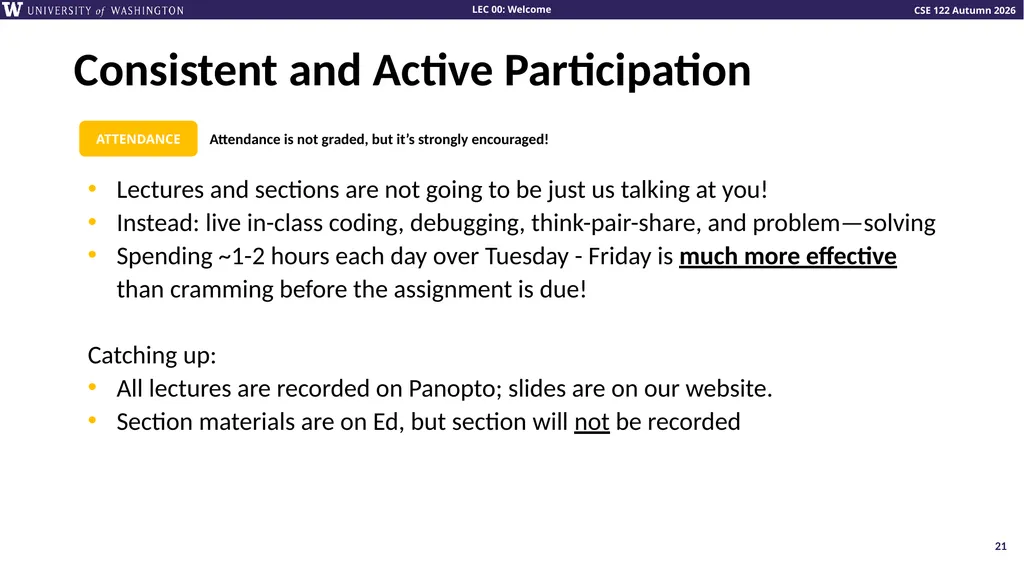
Consistent and Active Participation 20 Attendance is not graded, but it’s strongly encouraged! Lectures and sections are not going to be just us talking at you!
Instead: live in-class coding, debugging, think-pair-share, and problem—solving
Spending ~1-2 hours each day over Tuesday - Friday is much more effective than cramming before the assignment is due!<br>
Instead: live in-class coding, debugging, think-pair-share, and problem—solving
Spending ~1-2 hours each day over Tuesday - Friday is much more effective than cramming before the assignment is due!<br>
21
Consistent and Active Participation 21 Attendance is not graded, but it’s strongly encouraged! Lectures and sections are not going to be just us talking at you!
Instead: live in-class coding, debugging, think-pair-share, and problem—solving
Spending ~1-2 hours each day over Tuesday - Friday is much more effective than cramming before the assignment is due!
Catching up:
All lectures are recorded on Panopto; slides are on our website.
Section materials are on Ed, but section will not be recorded<br>
Instead: live in-class coding, debugging, think-pair-share, and problem—solving
Spending ~1-2 hours each day over Tuesday - Friday is much more effective than cramming before the assignment is due!
Catching up:
All lectures are recorded on Panopto; slides are on our website.
Section materials are on Ed, but section will not be recorded<br>
22
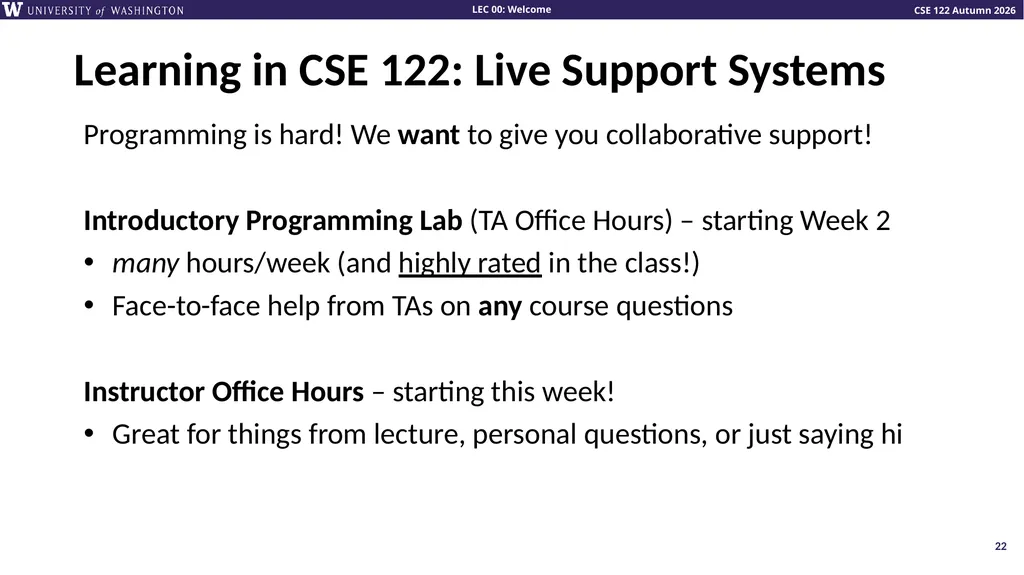
Learning in CSE 122: Live Support Systems Programming is hard! We want to give you collaborative support!
Introductory Programming Lab (TA Office Hours) – starting Week 2
many hours/week (and highly rated in the class!)
Face-to-face help from TAs on any course questions
Instructor Office Hours – starting this week!
Great for things from lecture, personal questions, or just saying hi 22<br>
Introductory Programming Lab (TA Office Hours) – starting Week 2
many hours/week (and highly rated in the class!)
Face-to-face help from TAs on any course questions
Instructor Office Hours – starting this week!
Great for things from lecture, personal questions, or just saying hi 22<br>
23
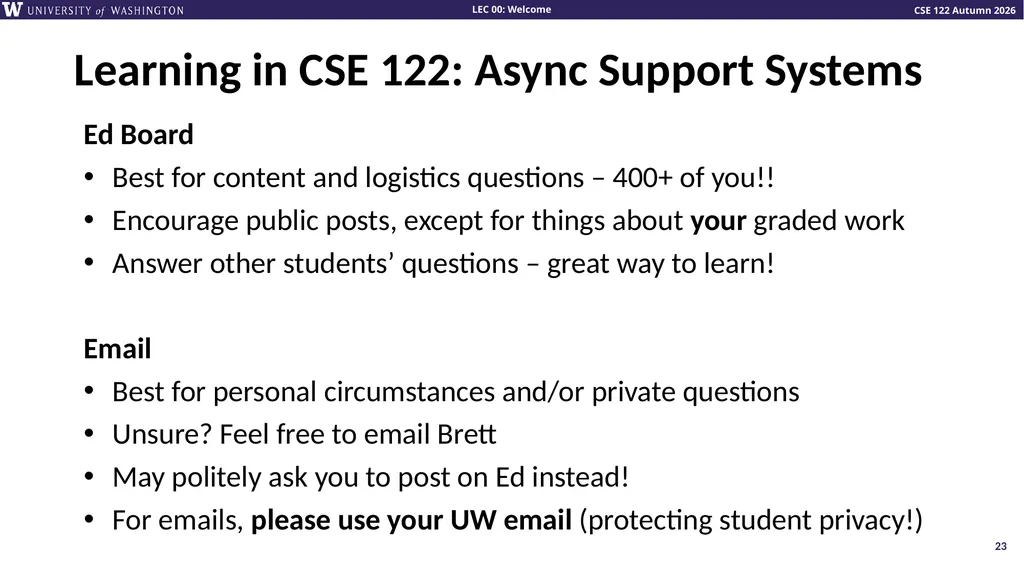
Learning in CSE 122: Async Support Systems Ed Board
Best for content and logistics questions – 400+ of you!!
Encourage public posts, except for things about your graded work
Answer other students’ questions – great way to learn!
Email
Best for personal circumstances and/or private questions
Unsure? Feel free to email Brett
May politely ask you to post on Ed instead!
For emails, please use your UW email (protecting student privacy!) 23<br>
Best for content and logistics questions – 400+ of you!!
Encourage public posts, except for things about your graded work
Answer other students’ questions – great way to learn!
Best for personal circumstances and/or private questions
Unsure? Feel free to email Brett
May politely ask you to post on Ed instead!
For emails, please use your UW email (protecting student privacy!) 23<br>
24
Lecture Outline Introductions
About this Course
Making the Most of this Class
Community and Culture
Course Components & Tools
Intro/Review Java<br>
About this Course
Making the Most of this Class
Community and Culture
Course Components & Tools
Intro/Review Java<br>
25
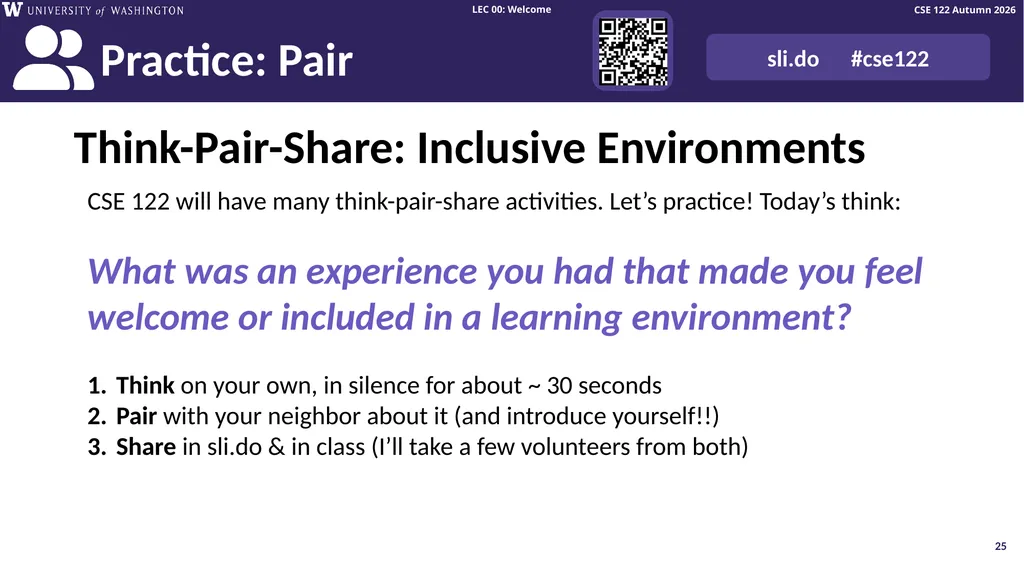
Think-Pair-Share: Inclusive Environments CSE 122 will have many think-pair-share activities. Let’s practice! Today’s think:
What was an experience you had that made you feel welcome or included in a learning environment?
Think on your own, in silence for about ~ 30 seconds
Pair with your neighbor about it (and introduce yourself!!)
Share in sli.do & in class (I’ll take a few volunteers from both) 25<br>
What was an experience you had that made you feel welcome or included in a learning environment?
Think on your own, in silence for about ~ 30 seconds
Pair with your neighbor about it (and introduce yourself!!)
Share in sli.do & in class (I’ll take a few volunteers from both) 25<br>
26
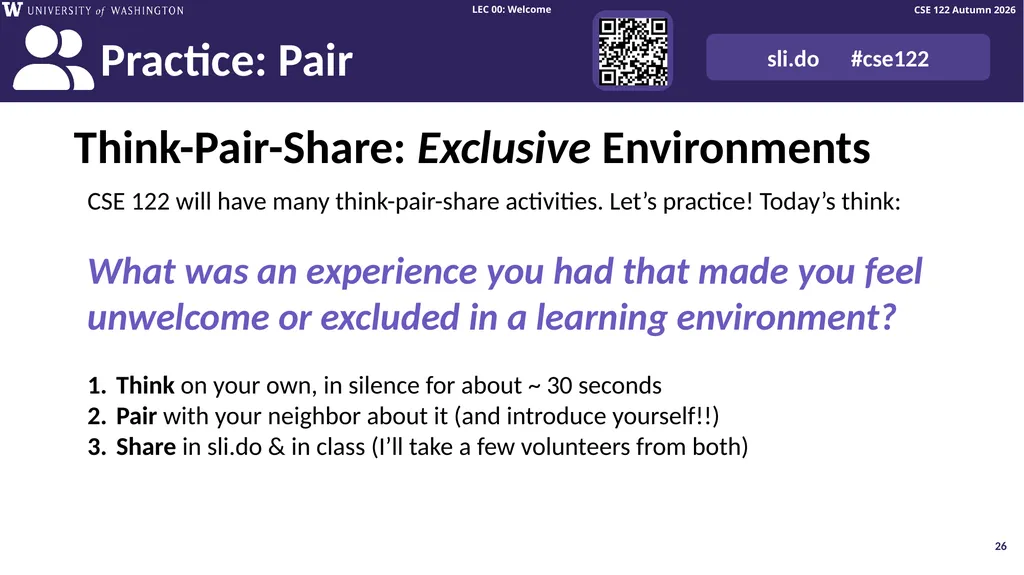
Think-Pair-Share: Exclusive Environments CSE 122 will have many think-pair-share activities. Let’s practice! Today’s think:
What was an experience you had that made you feel unwelcome or excluded in a learning environment?
Think on your own, in silence for about ~ 30 seconds
Pair with your neighbor about it (and introduce yourself!!)
Share in sli.do & in class (I’ll take a few volunteers from both) 26<br>
What was an experience you had that made you feel unwelcome or excluded in a learning environment?
Think on your own, in silence for about ~ 30 seconds
Pair with your neighbor about it (and introduce yourself!!)
Share in sli.do & in class (I’ll take a few volunteers from both) 26<br>
27
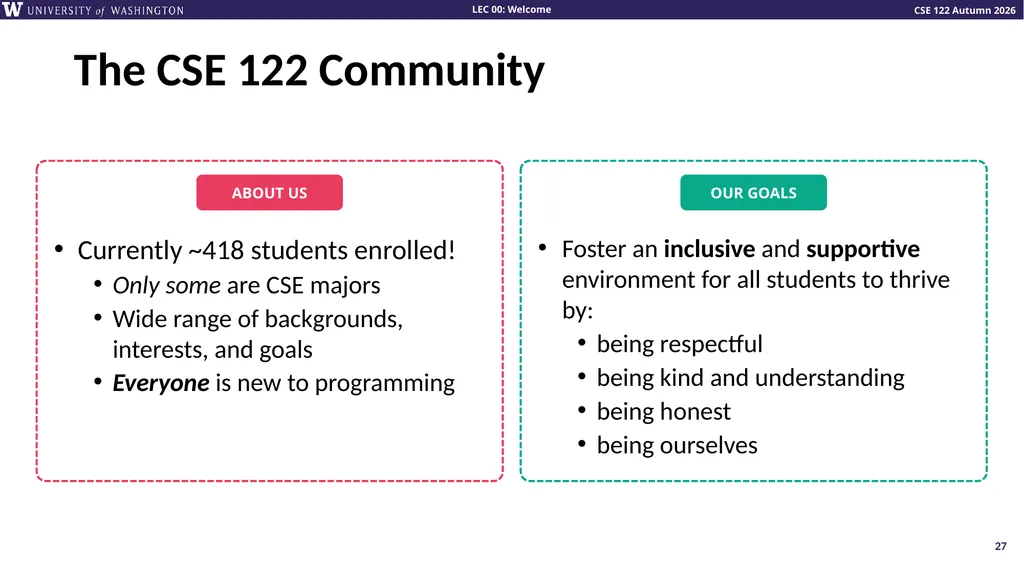
The CSE 122 Community 27<br>
28
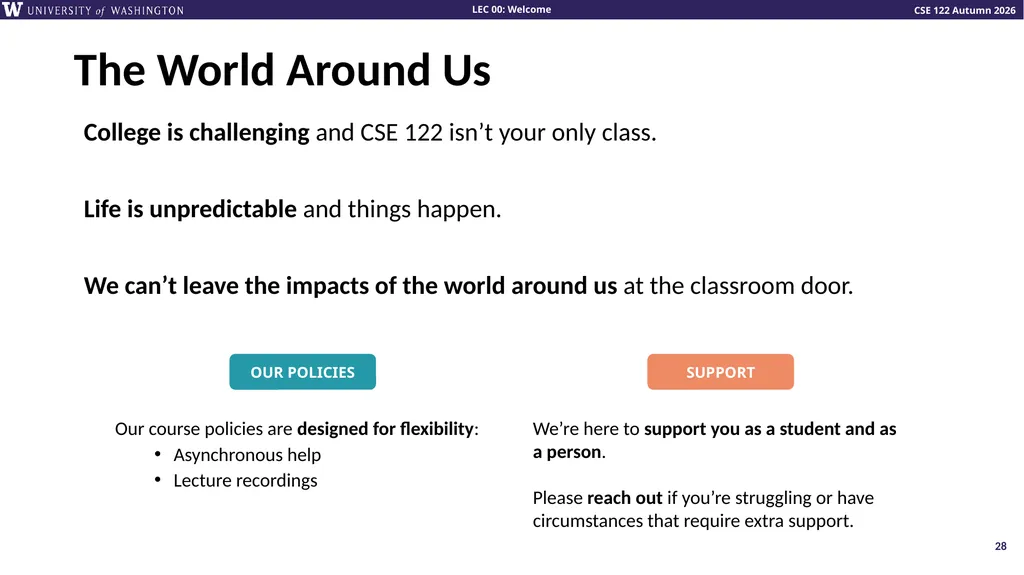
The World Around Us College is challenging and CSE 122 isn’t your only class.
Life is unpredictable and things happen.
We can’t leave the impacts of the world around us at the classroom door. 28<br>
Life is unpredictable and things happen.
We can’t leave the impacts of the world around us at the classroom door. 28<br>
29
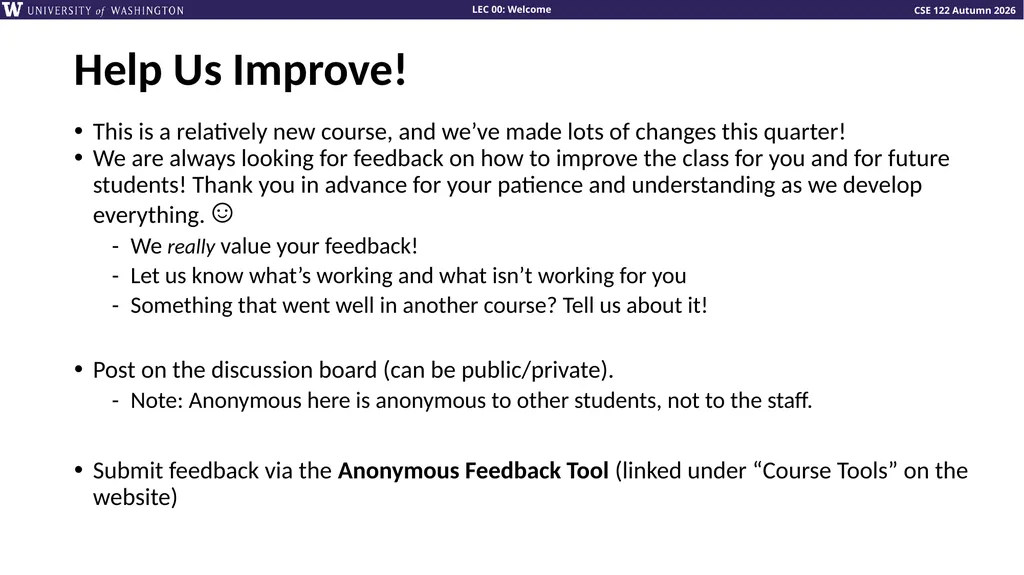
Help Us Improve! This is a relatively new course, and we’ve made lots of changes this quarter!
We are always looking for feedback on how to improve the class for you and for future students! Thank you in advance for your patience and understanding as we develop everything. ☺
We really value your feedback!
Let us know what’s working and what isn’t working for you
Something that went well in another course? Tell us about it!
Post on the discussion board (can be public/private).
Note: Anonymous here is anonymous to other students, not to the staff.
Submit feedback via the Anonymous Feedback Tool (linked under “Course Tools” on the website)<br>
We are always looking for feedback on how to improve the class for you and for future students! Thank you in advance for your patience and understanding as we develop everything. ☺
We really value your feedback!
Let us know what’s working and what isn’t working for you
Something that went well in another course? Tell us about it!
Post on the discussion board (can be public/private).
Note: Anonymous here is anonymous to other students, not to the staff.
Submit feedback via the Anonymous Feedback Tool (linked under “Course Tools” on the website)<br>
30
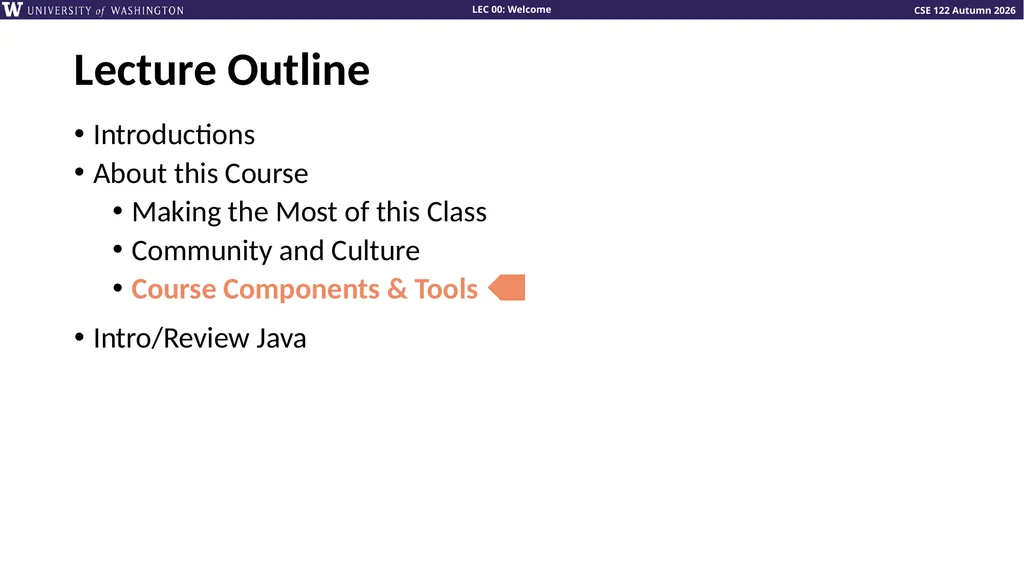
Lecture Outline Introductions
About this Course
Making the Most of this Class
Community and Culture
Course Components & Tools
Intro/Review Java<br>
About this Course
Making the Most of this Class
Community and Culture
Course Components & Tools
Intro/Review Java<br>
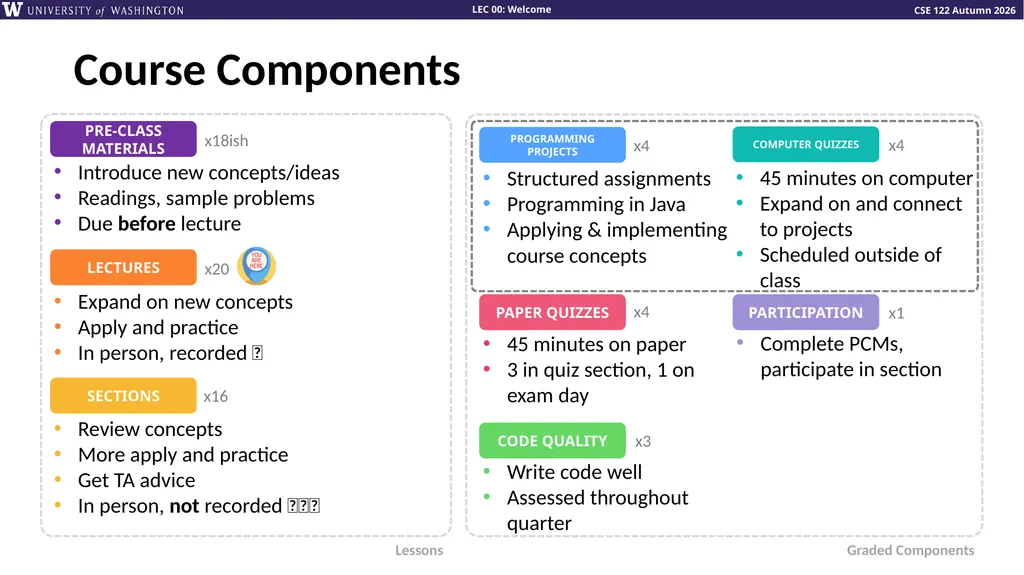
31
Structured assignments
Programming in Java
Applying & implementing course concepts Course Components x20 Expand on new concepts
Apply and practice
In person, recorded 🎥 Review concepts
More apply and practice
Get TA advice
In person, not recorded 🚫🎥🚫 45 minutes on paper
3 in quiz section, 1 on exam day Complete PCMs, participate in section 45 minutes on computer
Expand on and connect to projects
Scheduled outside of class x16 x4 x4 x4 x1 Lessons Graded Components x18ish Introduce new concepts/ideas
Readings, sample problems
Due before lecture Write code well
Assessed throughout quarter x3<br>
Programming in Java
Applying & implementing course concepts Course Components x20 Expand on new concepts
Apply and practice
In person, recorded 🎥 Review concepts
More apply and practice
Get TA advice
In person, not recorded 🚫🎥🚫 45 minutes on paper
3 in quiz section, 1 on exam day Complete PCMs, participate in section 45 minutes on computer
Expand on and connect to projects
Scheduled outside of class x16 x4 x4 x4 x1 Lessons Graded Components x18ish Introduce new concepts/ideas
Readings, sample problems
Due before lecture Write code well
Assessed throughout quarter x3<br>
32
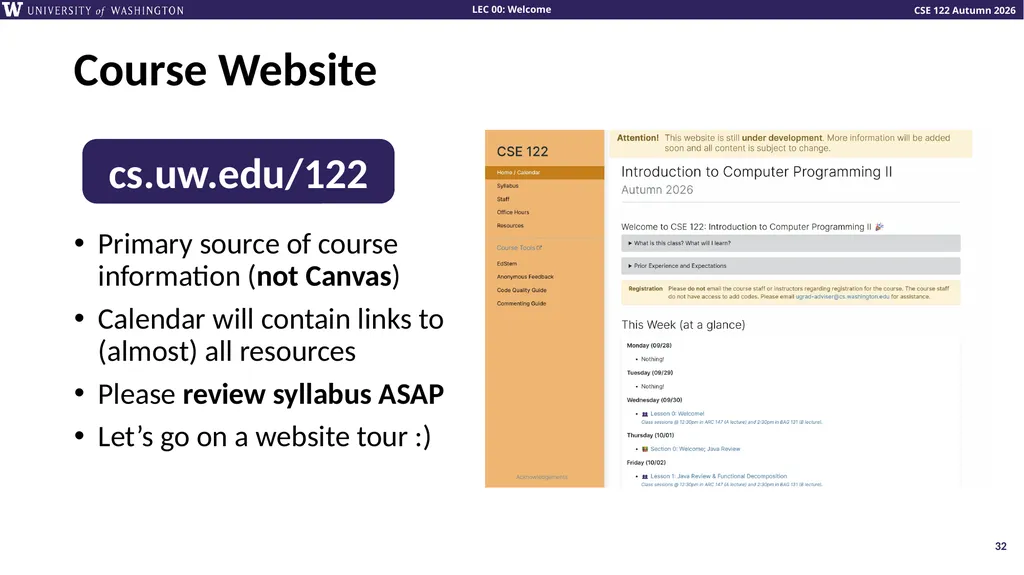
Course Website cs.uw.edu/122 Primary source of course information (not Canvas)
Calendar will contain links to (almost) all resources
Please review syllabus ASAP
Let’s go on a website tour :) 32<br>
Calendar will contain links to (almost) all resources
Please review syllabus ASAP
Let’s go on a website tour :) 32<br>
33
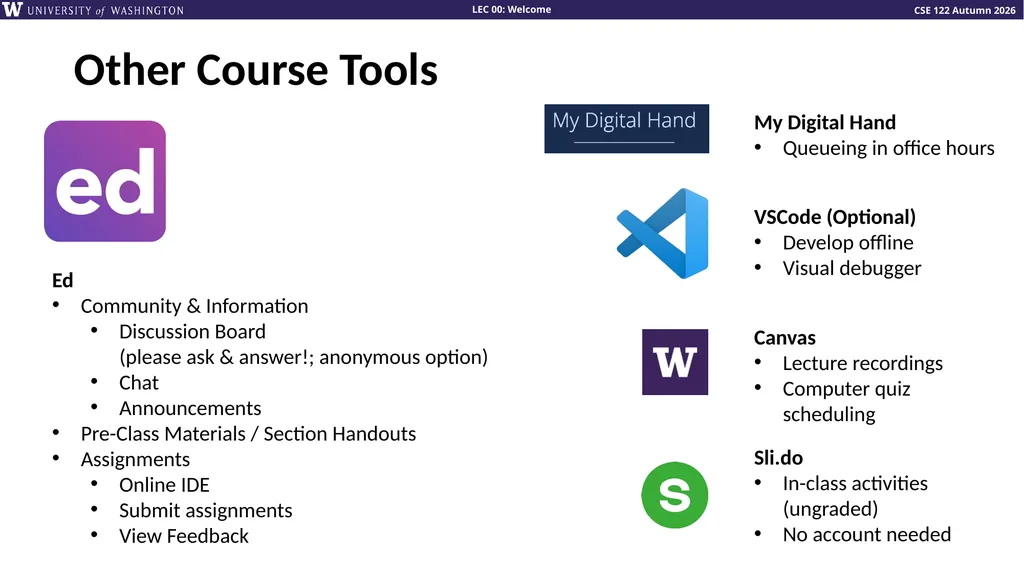
Other Course Tools Ed
Community & Information
Discussion Board (please ask & answer!; anonymous option)
Chat
Announcements
Pre-Class Materials / Section Handouts
Assignments
Online IDE
Submit assignments
View Feedback My Digital Hand
Queueing in office hours VSCode (Optional)
Develop offline
Visual debugger Canvas
Lecture recordings
Computer quiz scheduling Sli.do
In-class activities (ungraded)
No account needed<br>
Community & Information
Discussion Board (please ask & answer!; anonymous option)
Chat
Announcements
Pre-Class Materials / Section Handouts
Assignments
Online IDE
Submit assignments
View Feedback My Digital Hand
Queueing in office hours VSCode (Optional)
Develop offline
Visual debugger Canvas
Lecture recordings
Computer quiz scheduling Sli.do
In-class activities (ungraded)
No account needed<br>
34
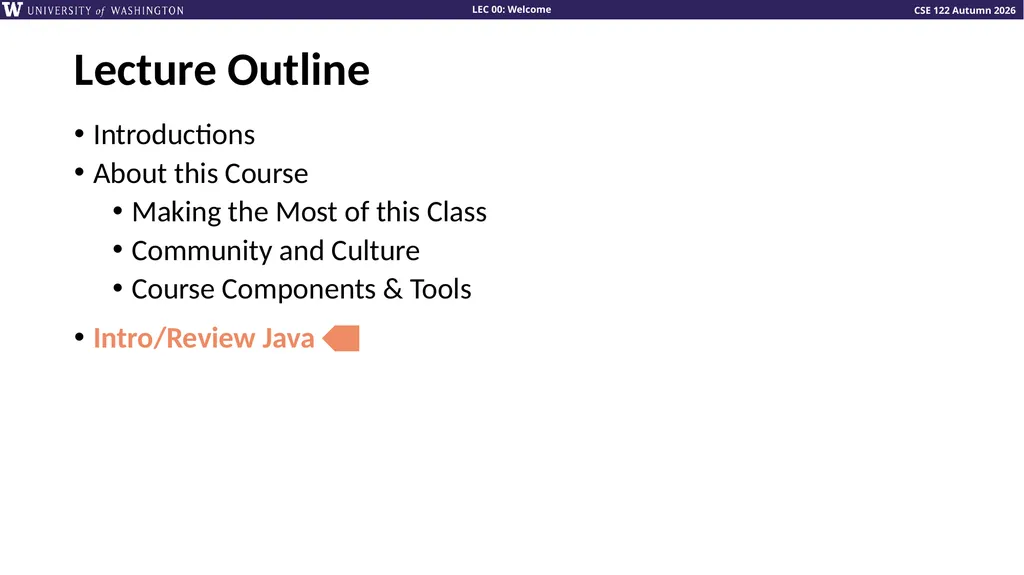
Lecture Outline Introductions
About this Course
Making the Most of this Class
Community and Culture
Course Components & Tools
Intro/Review Java<br>
About this Course
Making the Most of this Class
Community and Culture
Course Components & Tools
Intro/Review Java<br>
35
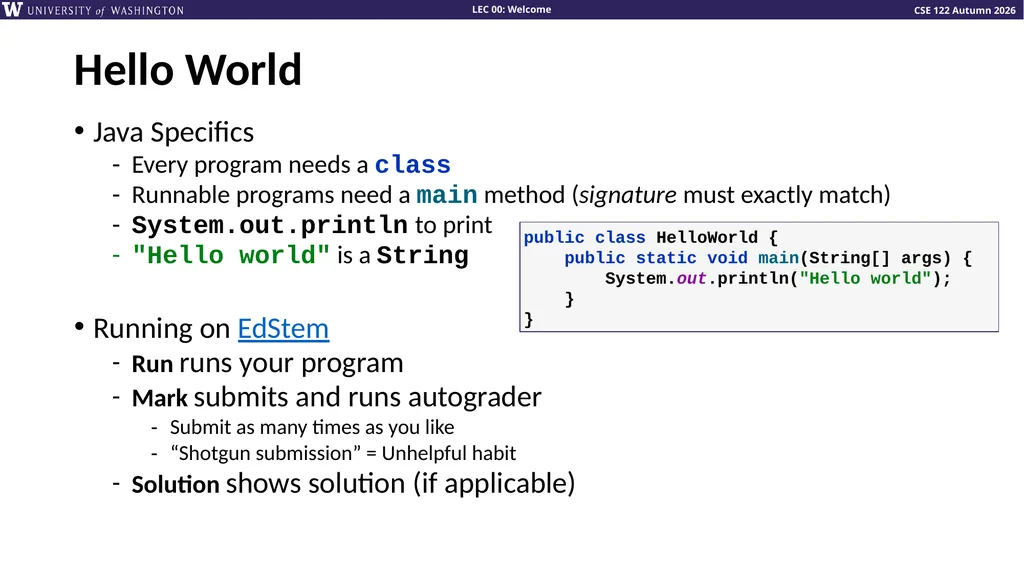
Hello World Java Specifics
Every program needs a class
Runnable programs need a main method (signature must exactly match)
System.out.println to print
"Hello world" is a String
Running on EdStem
Run runs your program
Mark submits and runs autograder
Submit as many times as you like
“Shotgun submission” = Unhelpful habit
Solution shows solution (if applicable) public class HelloWorld { public static void main(String[] args) { System.out.println("Hello world"); } }<br>
Every program needs a class
Runnable programs need a main method (signature must exactly match)
System.out.println to print
"Hello world" is a String
Running on EdStem
Run runs your program
Mark submits and runs autograder
Submit as many times as you like
“Shotgun submission” = Unhelpful habit
Solution shows solution (if applicable) public class HelloWorld { public static void main(String[] args) { System.out.println("Hello world"); } }<br>
36
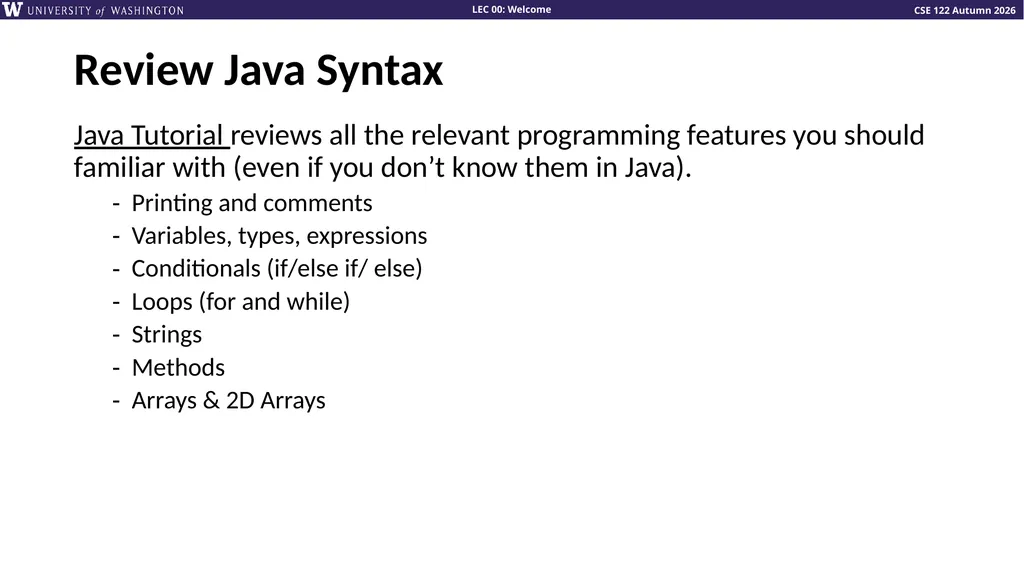
Review Java Syntax Java Tutorial reviews all the relevant programming features you should familiar with (even if you don’t know them in Java).
Printing and comments
Variables, types, expressions
Conditionals (if/else if/ else)
Loops (for and while)
Strings
Methods
Arrays & 2D Arrays<br>
Printing and comments
Variables, types, expressions
Conditionals (if/else if/ else)
Loops (for and while)
Strings
Methods
Arrays & 2D Arrays<br>
37
“Homework” for Next Time Fill out the introductory survey
Go meet your TA and classmates in Thursday’s quiz section
⭐️ Complete the pre-class material for Friday (see calendar)
Check over syllabus details<br>
Go meet your TA and classmates in Thursday’s quiz section
⭐️ Complete the pre-class material for Friday (see calendar)
Check over syllabus details<br>