
2023 PCard Program Relaunch Procure to Pay |
KB
Published · 26 slides · 0 views
1 / 1
Description
2023 PCard Program Relaunch Procure to Pay Purchasing Controllers Office Business Operations Procure to Pay purchasingbgsu.edu 419-372-8411 1 PCard Quick Facts Business Operations Procure to Pay purchasingbgsu.edu
Related Topics
Share
Embed code
Download this presentation From Below
"2023 PCard Program Relaunch Procure to Pay |" is the property of its rightful owner. Permission is granted to download and print the materials on this website for personal, non-commercial use only, and to display it on your personal computer provided you do not modify the materials and that you retain all copyright notices contained in the materials. By downloading content from our website, you accept the terms of this agreement.
Presentation Transcript
01
2023 PCard Program Relaunch Procure to Pay | Purchasing | Controller’s Office Business Operations – Procure to Pay
purchasing@bgsu.edu | 419-372-8411 1<br>
purchasing@bgsu.edu | 419-372-8411 1<br>
02
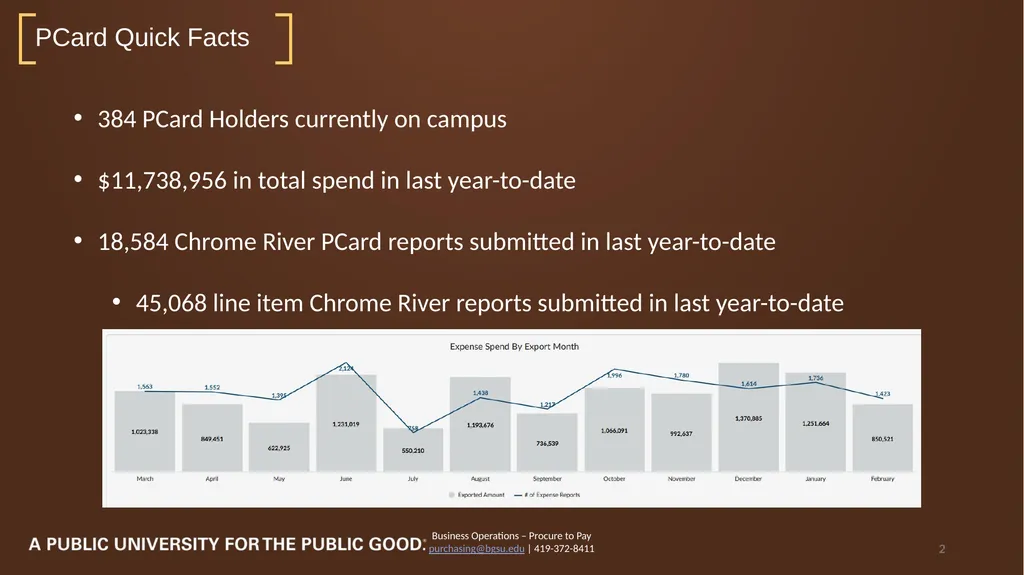
PCard Quick Facts Business Operations – Procure to Pay
purchasing@bgsu.edu | 419-372-8411 2 384 PCard Holders currently on campus
$11,738,956 in total spend in last year-to-date
18,584 Chrome River PCard reports submitted in last year-to-date
45,068 line item Chrome River reports submitted in last year-to-date<br>
purchasing@bgsu.edu | 419-372-8411 2 384 PCard Holders currently on campus
$11,738,956 in total spend in last year-to-date
18,584 Chrome River PCard reports submitted in last year-to-date
45,068 line item Chrome River reports submitted in last year-to-date<br>
03
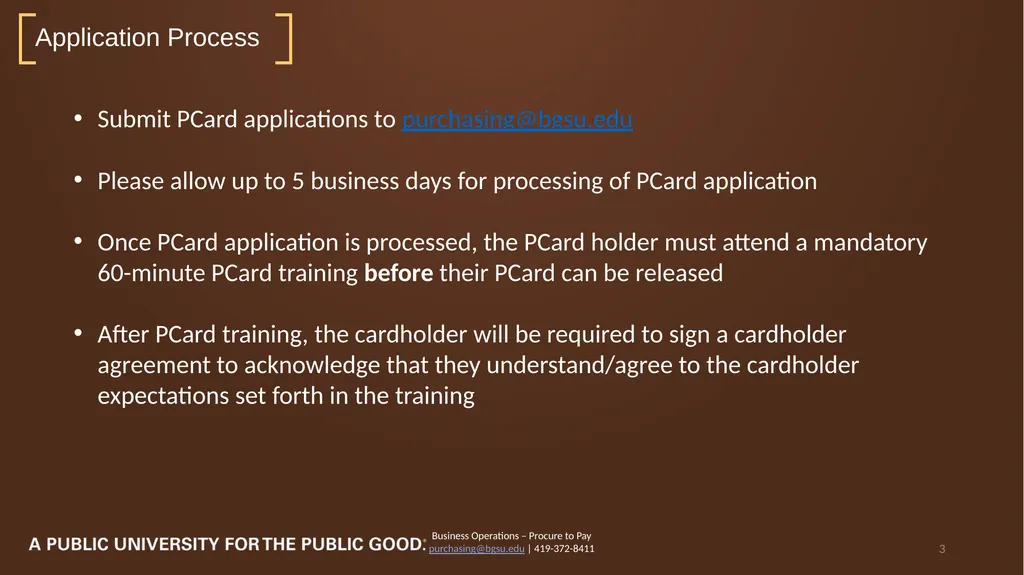
Application Process Business Operations – Procure to Pay
purchasing@bgsu.edu | 419-372-8411 3 Submit PCard applications to purchasing@bgsu.edu
Please allow up to 5 business days for processing of PCard application
Once PCard application is processed, the PCard holder must attend a mandatory 60-minute PCard training before their PCard can be released
After PCard training, the cardholder will be required to sign a cardholder agreement to acknowledge that they understand/agree to the cardholder expectations set forth in the training<br>
purchasing@bgsu.edu | 419-372-8411 3 Submit PCard applications to purchasing@bgsu.edu
Please allow up to 5 business days for processing of PCard application
Once PCard application is processed, the PCard holder must attend a mandatory 60-minute PCard training before their PCard can be released
After PCard training, the cardholder will be required to sign a cardholder agreement to acknowledge that they understand/agree to the cardholder expectations set forth in the training<br>
04
Basic Limitations Business Operations – Procure to Pay
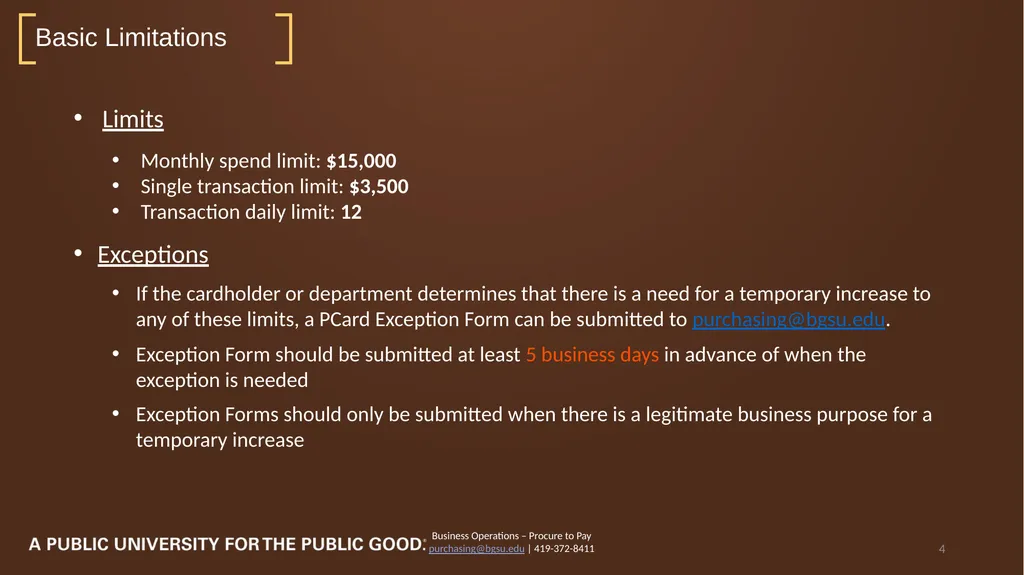
purchasing@bgsu.edu | 419-372-8411 4 Limits
Monthly spend limit: $15,000
Single transaction limit: $3,500
Transaction daily limit: 12
Exceptions
If the cardholder or department determines that there is a need for a temporary increase to any of these limits, a PCard Exception Form can be submitted to purchasing@bgsu.edu.
Exception Form should be submitted at least 5 business days in advance of when the exception is needed
Exception Forms should only be submitted when there is a legitimate business purpose for a temporary increase<br>
purchasing@bgsu.edu | 419-372-8411 4 Limits
Monthly spend limit: $15,000
Single transaction limit: $3,500
Transaction daily limit: 12
Exceptions
If the cardholder or department determines that there is a need for a temporary increase to any of these limits, a PCard Exception Form can be submitted to purchasing@bgsu.edu.
Exception Form should be submitted at least 5 business days in advance of when the exception is needed
Exception Forms should only be submitted when there is a legitimate business purpose for a temporary increase<br>
05
Department-Wide Usage Business Operations – Procure to Pay
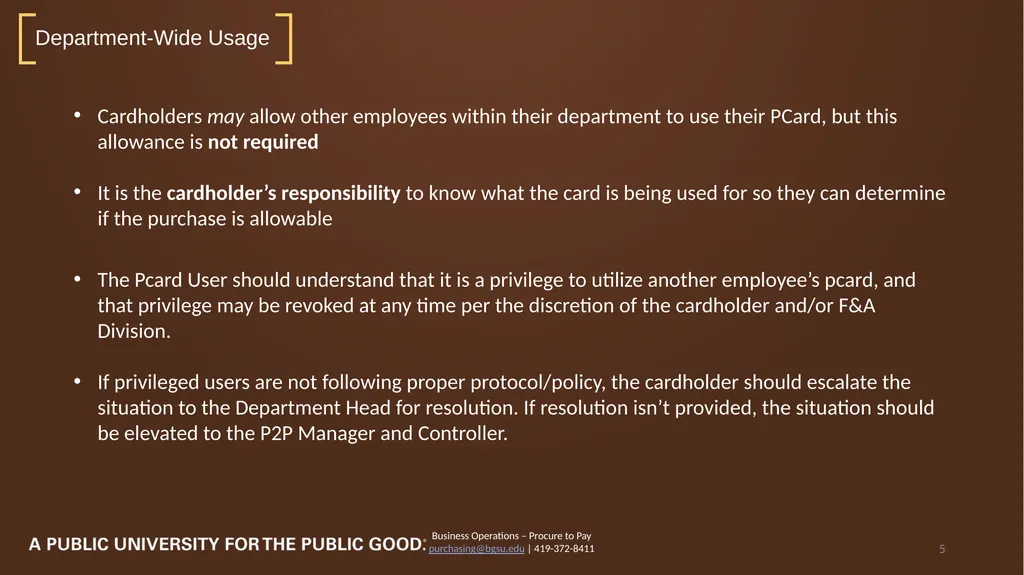
purchasing@bgsu.edu | 419-372-8411 5 Cardholders may allow other employees within their department to use their PCard, but this allowance is not required
It is the cardholder’s responsibility to know what the card is being used for so they can determine if the purchase is allowable
The Pcard User should understand that it is a privilege to utilize another employee’s pcard, and that privilege may be revoked at any time per the discretion of the cardholder and/or F&A Division.
If privileged users are not following proper protocol/policy, the cardholder should escalate the situation to the Department Head for resolution. If resolution isn’t provided, the situation should be elevated to the P2P Manager and Controller.<br>
purchasing@bgsu.edu | 419-372-8411 5 Cardholders may allow other employees within their department to use their PCard, but this allowance is not required
It is the cardholder’s responsibility to know what the card is being used for so they can determine if the purchase is allowable
The Pcard User should understand that it is a privilege to utilize another employee’s pcard, and that privilege may be revoked at any time per the discretion of the cardholder and/or F&A Division.
If privileged users are not following proper protocol/policy, the cardholder should escalate the situation to the Department Head for resolution. If resolution isn’t provided, the situation should be elevated to the P2P Manager and Controller.<br>
06
Absolute Restrictions Business Operations – Procure to Pay
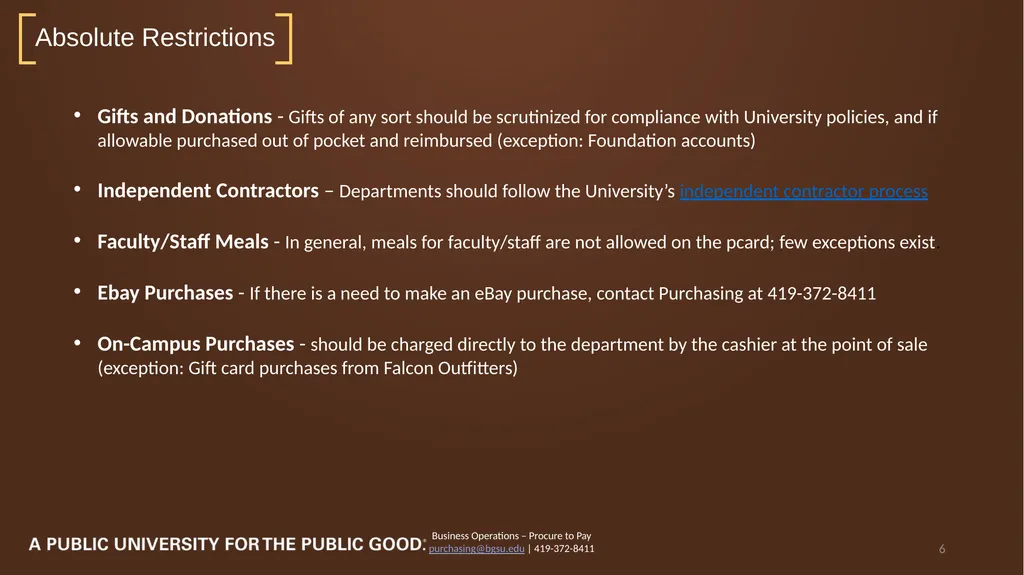
purchasing@bgsu.edu | 419-372-8411 6 Gifts and Donations - Gifts of any sort should be scrutinized for compliance with University policies, and if allowable purchased out of pocket and reimbursed (exception: Foundation accounts)
Independent Contractors – Departments should follow the University’s independent contractor process
Faculty/Staff Meals - In general, meals for faculty/staff are not allowed on the pcard; few exceptions exist.
Ebay Purchases - If there is a need to make an eBay purchase, contact Purchasing at 419-372-8411
On-Campus Purchases - should be charged directly to the department by the cashier at the point of sale (exception: Gift card purchases from Falcon Outfitters)<br>
purchasing@bgsu.edu | 419-372-8411 6 Gifts and Donations - Gifts of any sort should be scrutinized for compliance with University policies, and if allowable purchased out of pocket and reimbursed (exception: Foundation accounts)
Independent Contractors – Departments should follow the University’s independent contractor process
Faculty/Staff Meals - In general, meals for faculty/staff are not allowed on the pcard; few exceptions exist.
Ebay Purchases - If there is a need to make an eBay purchase, contact Purchasing at 419-372-8411
On-Campus Purchases - should be charged directly to the department by the cashier at the point of sale (exception: Gift card purchases from Falcon Outfitters)<br>
07
Other Restrictions Business Operations – Procure to Pay
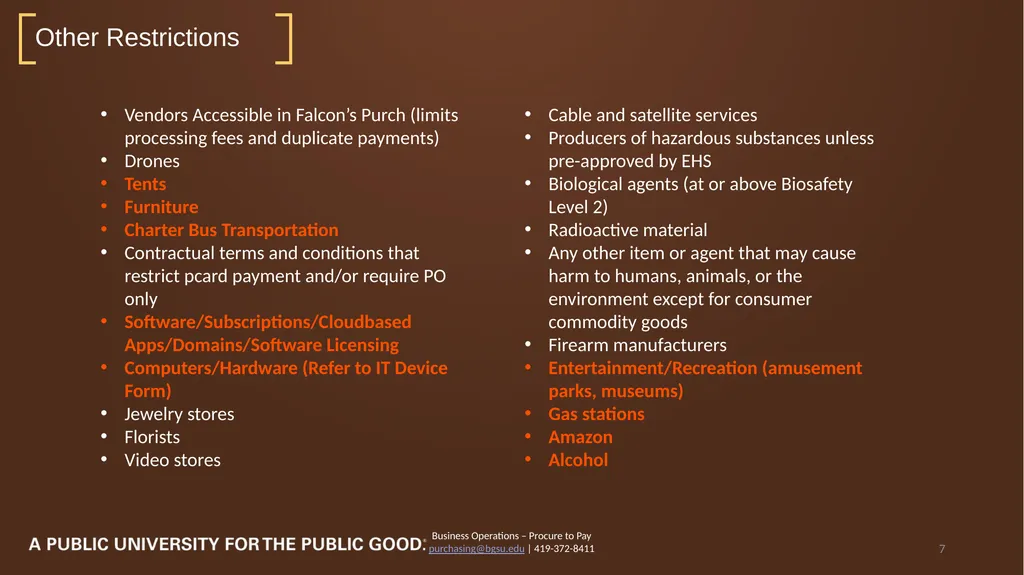
purchasing@bgsu.edu | 419-372-8411 7 Vendors Accessible in Falcon’s Purch (limits processing fees and duplicate payments)
Drones
Tents
Furniture
Charter Bus Transportation
Contractual terms and conditions that restrict pcard payment and/or require PO only
Software/Subscriptions/Cloudbased Apps/Domains/Software Licensing
Computers/Hardware (Refer to IT Device Form)
Jewelry stores
Florists
Video stores Cable and satellite services
Producers of hazardous substances unless pre-approved by EHS
Biological agents (at or above Biosafety Level 2)
Radioactive material
Any other item or agent that may cause harm to humans, animals, or the environment except for consumer commodity goods
Firearm manufacturers
Entertainment/Recreation (amusement parks, museums)
Gas stations
Amazon
Alcohol<br>
purchasing@bgsu.edu | 419-372-8411 7 Vendors Accessible in Falcon’s Purch (limits processing fees and duplicate payments)
Drones
Tents
Furniture
Charter Bus Transportation
Contractual terms and conditions that restrict pcard payment and/or require PO only
Software/Subscriptions/Cloudbased Apps/Domains/Software Licensing
Computers/Hardware (Refer to IT Device Form)
Jewelry stores
Florists
Video stores Cable and satellite services
Producers of hazardous substances unless pre-approved by EHS
Biological agents (at or above Biosafety Level 2)
Radioactive material
Any other item or agent that may cause harm to humans, animals, or the environment except for consumer commodity goods
Firearm manufacturers
Entertainment/Recreation (amusement parks, museums)
Gas stations
Amazon
Alcohol<br>
08
High-Risk Purchases Business Operations – Procure to Pay
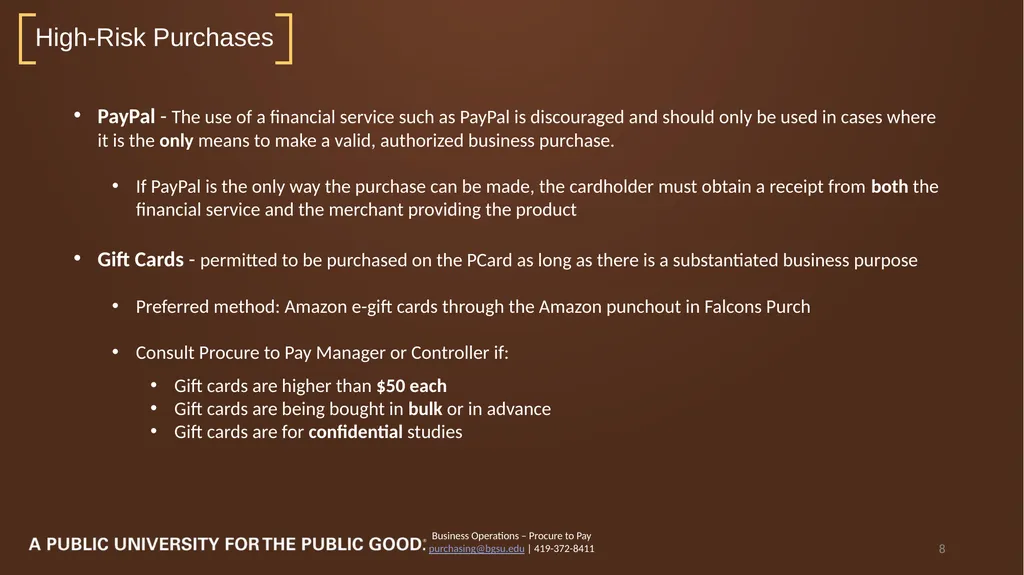
purchasing@bgsu.edu | 419-372-8411 8 PayPal - The use of a financial service such as PayPal is discouraged and should only be used in cases where it is the only means to make a valid, authorized business purchase.
If PayPal is the only way the purchase can be made, the cardholder must obtain a receipt from both the financial service and the merchant providing the product
Gift Cards - permitted to be purchased on the PCard as long as there is a substantiated business purpose
Preferred method: Amazon e-gift cards through the Amazon punchout in Falcons Purch
Consult Procure to Pay Manager or Controller if:
Gift cards are higher than $50 each
Gift cards are being bought in bulk or in advance
Gift cards are for confidential studies<br>
purchasing@bgsu.edu | 419-372-8411 8 PayPal - The use of a financial service such as PayPal is discouraged and should only be used in cases where it is the only means to make a valid, authorized business purchase.
If PayPal is the only way the purchase can be made, the cardholder must obtain a receipt from both the financial service and the merchant providing the product
Gift Cards - permitted to be purchased on the PCard as long as there is a substantiated business purpose
Preferred method: Amazon e-gift cards through the Amazon punchout in Falcons Purch
Consult Procure to Pay Manager or Controller if:
Gift cards are higher than $50 each
Gift cards are being bought in bulk or in advance
Gift cards are for confidential studies<br>
09
Documentation Business Operations – Procure to Pay
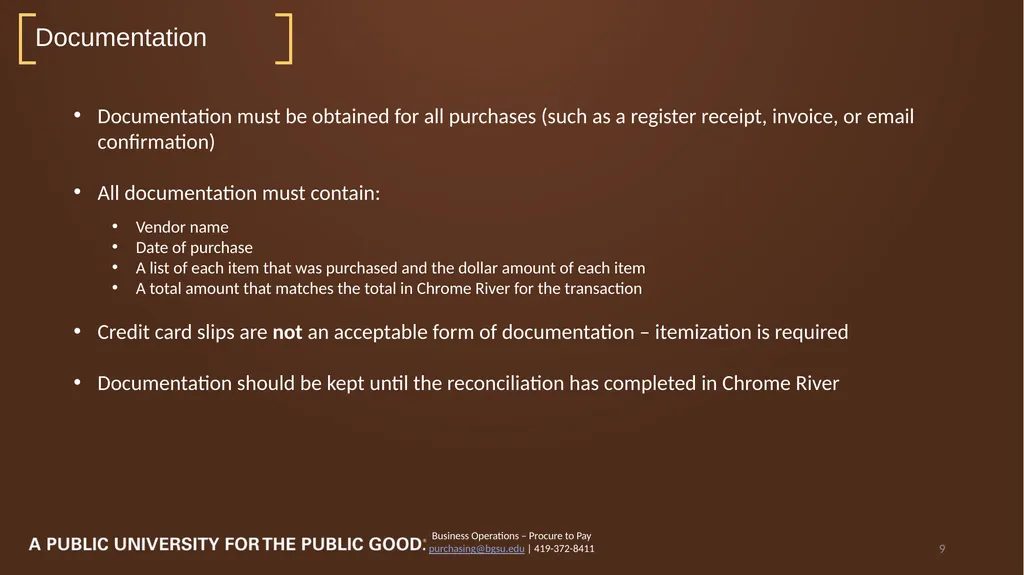
purchasing@bgsu.edu | 419-372-8411 9 Documentation must be obtained for all purchases (such as a register receipt, invoice, or email confirmation)
All documentation must contain:
Vendor name
Date of purchase
A list of each item that was purchased and the dollar amount of each item
A total amount that matches the total in Chrome River for the transaction
Credit card slips are not an acceptable form of documentation – itemization is required
Documentation should be kept until the reconciliation has completed in Chrome River<br>
purchasing@bgsu.edu | 419-372-8411 9 Documentation must be obtained for all purchases (such as a register receipt, invoice, or email confirmation)
All documentation must contain:
Vendor name
Date of purchase
A list of each item that was purchased and the dollar amount of each item
A total amount that matches the total in Chrome River for the transaction
Credit card slips are not an acceptable form of documentation – itemization is required
Documentation should be kept until the reconciliation has completed in Chrome River<br>
10
Travel Purchases Business Operations – Procure to Pay
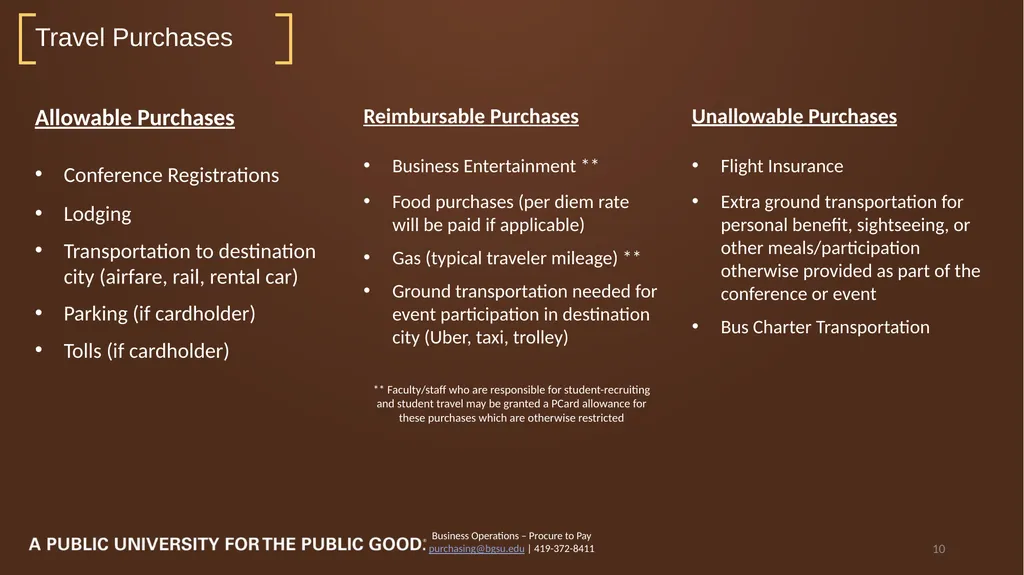
purchasing@bgsu.edu | 419-372-8411 10 Allowable Purchases
Conference Registrations
Lodging
Transportation to destination city (airfare, rail, rental car)
Parking (if cardholder)
Tolls (if cardholder) Reimbursable Purchases
Business Entertainment **
Food purchases (per diem rate will be paid if applicable)
Gas (typical traveler mileage) **
Ground transportation needed for event participation in destination city (Uber, taxi, trolley)
** Faculty/staff who are responsible for student-recruiting and student travel may be granted a PCard allowance for these purchases which are otherwise restricted Unallowable Purchases
Flight Insurance
Extra ground transportation for personal benefit, sightseeing, or other meals/participation otherwise provided as part of the conference or event
Bus Charter Transportation<br>
purchasing@bgsu.edu | 419-372-8411 10 Allowable Purchases
Conference Registrations
Lodging
Transportation to destination city (airfare, rail, rental car)
Parking (if cardholder)
Tolls (if cardholder) Reimbursable Purchases
Business Entertainment **
Food purchases (per diem rate will be paid if applicable)
Gas (typical traveler mileage) **
Ground transportation needed for event participation in destination city (Uber, taxi, trolley)
** Faculty/staff who are responsible for student-recruiting and student travel may be granted a PCard allowance for these purchases which are otherwise restricted Unallowable Purchases
Flight Insurance
Extra ground transportation for personal benefit, sightseeing, or other meals/participation otherwise provided as part of the conference or event
Bus Charter Transportation<br>
11
Business Operations – Procure to Pay
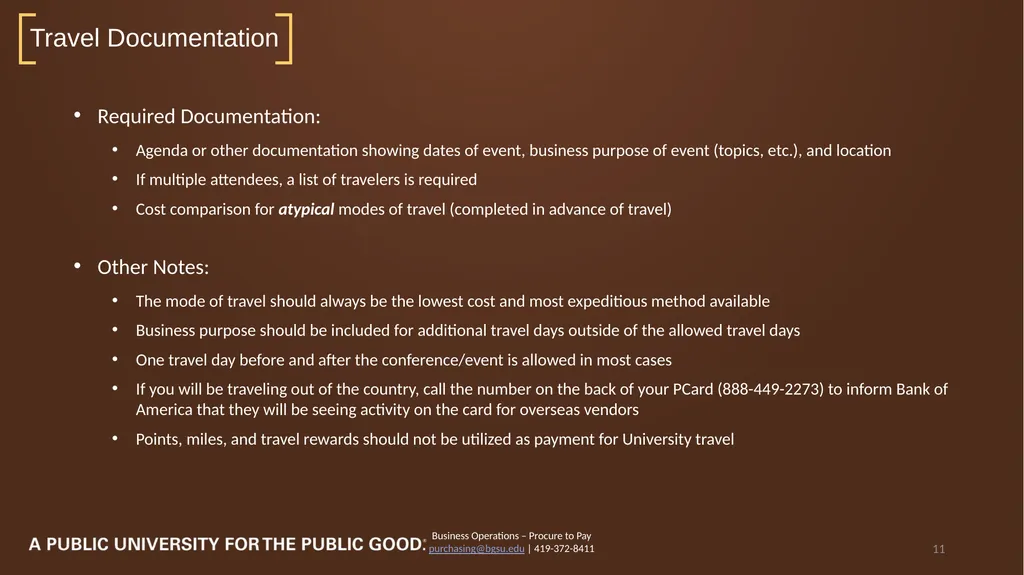
purchasing@bgsu.edu | 419-372-8411 11 Required Documentation:
Agenda or other documentation showing dates of event, business purpose of event (topics, etc.), and location
If multiple attendees, a list of travelers is required
Cost comparison for atypical modes of travel (completed in advance of travel)
Other Notes:
The mode of travel should always be the lowest cost and most expeditious method available
Business purpose should be included for additional travel days outside of the allowed travel days
One travel day before and after the conference/event is allowed in most cases
If you will be traveling out of the country, call the number on the back of your PCard (888-449-2273) to inform Bank of America that they will be seeing activity on the card for overseas vendors
Points, miles, and travel rewards should not be utilized as payment for University travel Travel Documentation<br>
purchasing@bgsu.edu | 419-372-8411 11 Required Documentation:
Agenda or other documentation showing dates of event, business purpose of event (topics, etc.), and location
If multiple attendees, a list of travelers is required
Cost comparison for atypical modes of travel (completed in advance of travel)
Other Notes:
The mode of travel should always be the lowest cost and most expeditious method available
Business purpose should be included for additional travel days outside of the allowed travel days
One travel day before and after the conference/event is allowed in most cases
If you will be traveling out of the country, call the number on the back of your PCard (888-449-2273) to inform Bank of America that they will be seeing activity on the card for overseas vendors
Points, miles, and travel rewards should not be utilized as payment for University travel Travel Documentation<br>
12
Business Operations – Procure to Pay
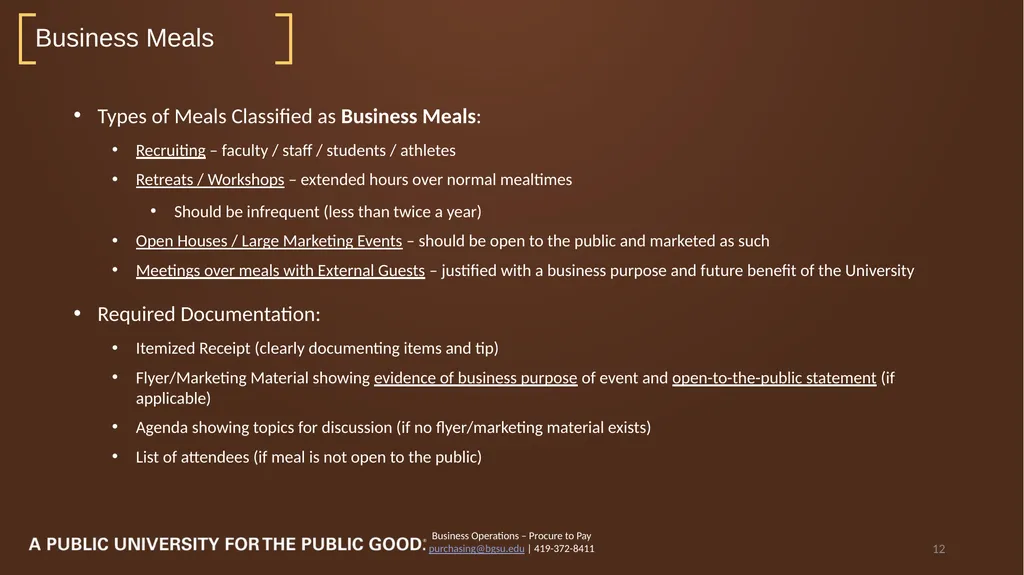
purchasing@bgsu.edu | 419-372-8411 12 Types of Meals Classified as Business Meals:
Recruiting – faculty / staff / students / athletes
Retreats / Workshops – extended hours over normal mealtimes
Should be infrequent (less than twice a year)
Open Houses / Large Marketing Events – should be open to the public and marketed as such
Meetings over meals with External Guests – justified with a business purpose and future benefit of the University
Required Documentation:
Itemized Receipt (clearly documenting items and tip)
Flyer/Marketing Material showing evidence of business purpose of event and open-to-the-public statement (if applicable)
Agenda showing topics for discussion (if no flyer/marketing material exists)
List of attendees (if meal is not open to the public) Business Meals<br>
purchasing@bgsu.edu | 419-372-8411 12 Types of Meals Classified as Business Meals:
Recruiting – faculty / staff / students / athletes
Retreats / Workshops – extended hours over normal mealtimes
Should be infrequent (less than twice a year)
Open Houses / Large Marketing Events – should be open to the public and marketed as such
Meetings over meals with External Guests – justified with a business purpose and future benefit of the University
Required Documentation:
Itemized Receipt (clearly documenting items and tip)
Flyer/Marketing Material showing evidence of business purpose of event and open-to-the-public statement (if applicable)
Agenda showing topics for discussion (if no flyer/marketing material exists)
List of attendees (if meal is not open to the public) Business Meals<br>
13
Business Operations – Procure to Pay
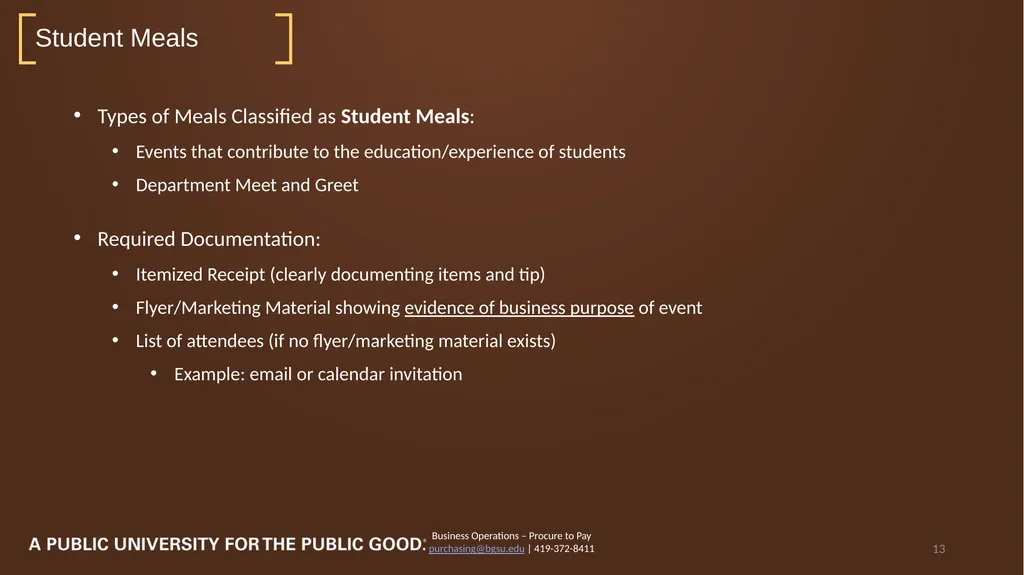
purchasing@bgsu.edu | 419-372-8411 13 Types of Meals Classified as Student Meals:
Events that contribute to the education/experience of students
Department Meet and Greet
Required Documentation:
Itemized Receipt (clearly documenting items and tip)
Flyer/Marketing Material showing evidence of business purpose of event
List of attendees (if no flyer/marketing material exists)
Example: email or calendar invitation Student Meals<br>
purchasing@bgsu.edu | 419-372-8411 13 Types of Meals Classified as Student Meals:
Events that contribute to the education/experience of students
Department Meet and Greet
Required Documentation:
Itemized Receipt (clearly documenting items and tip)
Flyer/Marketing Material showing evidence of business purpose of event
List of attendees (if no flyer/marketing material exists)
Example: email or calendar invitation Student Meals<br>
14
Business Operations – Procure to Pay
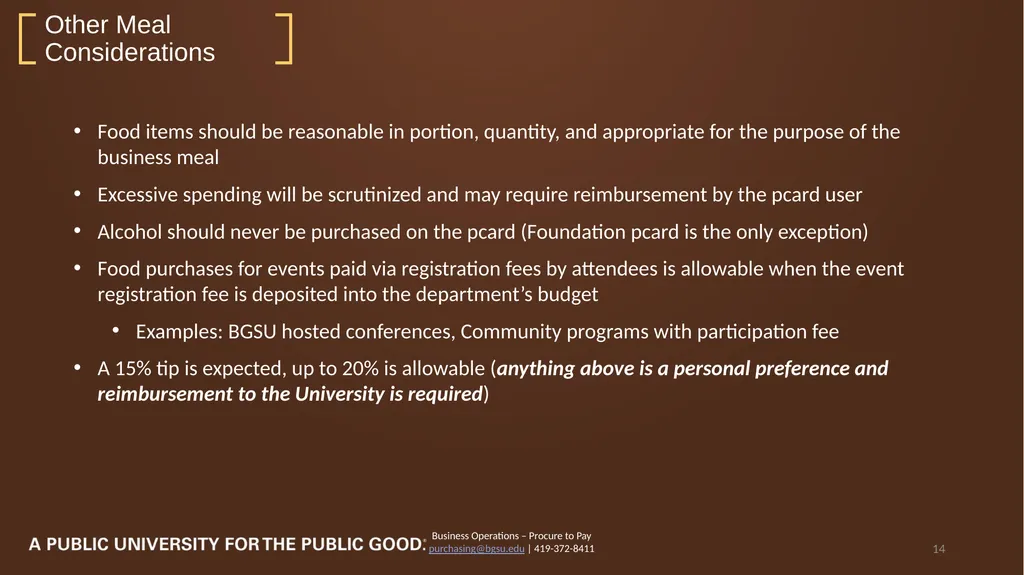
purchasing@bgsu.edu | 419-372-8411 14 Food items should be reasonable in portion, quantity, and appropriate for the purpose of the business meal
Excessive spending will be scrutinized and may require reimbursement by the pcard user
Alcohol should never be purchased on the pcard (Foundation pcard is the only exception)
Food purchases for events paid via registration fees by attendees is allowable when the event registration fee is deposited into the department’s budget
Examples: BGSU hosted conferences, Community programs with participation fee
A 15% tip is expected, up to 20% is allowable (anything above is a personal preference and reimbursement to the University is required) Other Meal Considerations<br>
purchasing@bgsu.edu | 419-372-8411 14 Food items should be reasonable in portion, quantity, and appropriate for the purpose of the business meal
Excessive spending will be scrutinized and may require reimbursement by the pcard user
Alcohol should never be purchased on the pcard (Foundation pcard is the only exception)
Food purchases for events paid via registration fees by attendees is allowable when the event registration fee is deposited into the department’s budget
Examples: BGSU hosted conferences, Community programs with participation fee
A 15% tip is expected, up to 20% is allowable (anything above is a personal preference and reimbursement to the University is required) Other Meal Considerations<br>
15
Business Operations – Procure to Pay
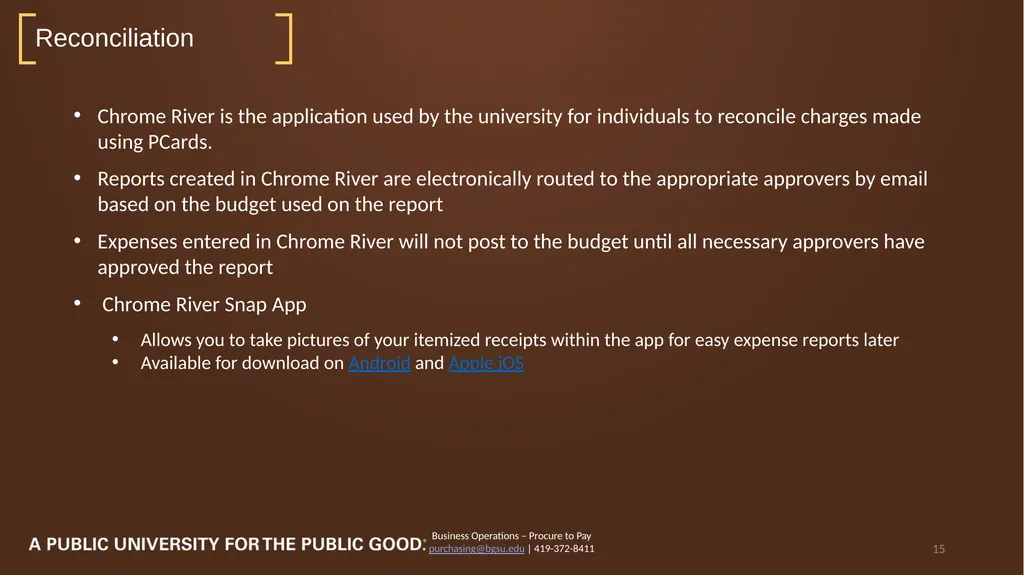
purchasing@bgsu.edu | 419-372-8411 15 Chrome River is the application used by the university for individuals to reconcile charges made using PCards.
Reports created in Chrome River are electronically routed to the appropriate approvers by email based on the budget used on the report
Expenses entered in Chrome River will not post to the budget until all necessary approvers have approved the report
Chrome River Snap App
Allows you to take pictures of your itemized receipts within the app for easy expense reports later
Available for download on Android and Apple iOS Reconciliation<br>
purchasing@bgsu.edu | 419-372-8411 15 Chrome River is the application used by the university for individuals to reconcile charges made using PCards.
Reports created in Chrome River are electronically routed to the appropriate approvers by email based on the budget used on the report
Expenses entered in Chrome River will not post to the budget until all necessary approvers have approved the report
Chrome River Snap App
Allows you to take pictures of your itemized receipts within the app for easy expense reports later
Available for download on Android and Apple iOS Reconciliation<br>
16
Navigating Chrome River Business Operations – Procure to Pay
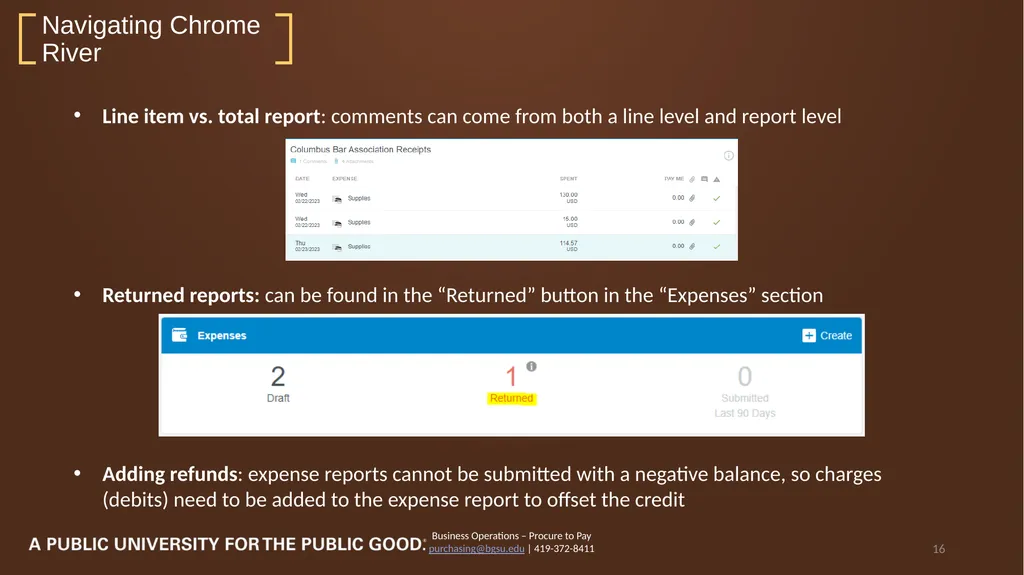
purchasing@bgsu.edu | 419-372-8411 16 Line item vs. total report: comments can come from both a line level and report level
Returned reports: can be found in the “Returned” button in the “Expenses” section
Adding refunds: expense reports cannot be submitted with a negative balance, so charges (debits) need to be added to the expense report to offset the credit<br>
purchasing@bgsu.edu | 419-372-8411 16 Line item vs. total report: comments can come from both a line level and report level
Returned reports: can be found in the “Returned” button in the “Expenses” section
Adding refunds: expense reports cannot be submitted with a negative balance, so charges (debits) need to be added to the expense report to offset the credit<br>
17
Navigating Chrome River (cont.) Business Operations – Procure to Pay
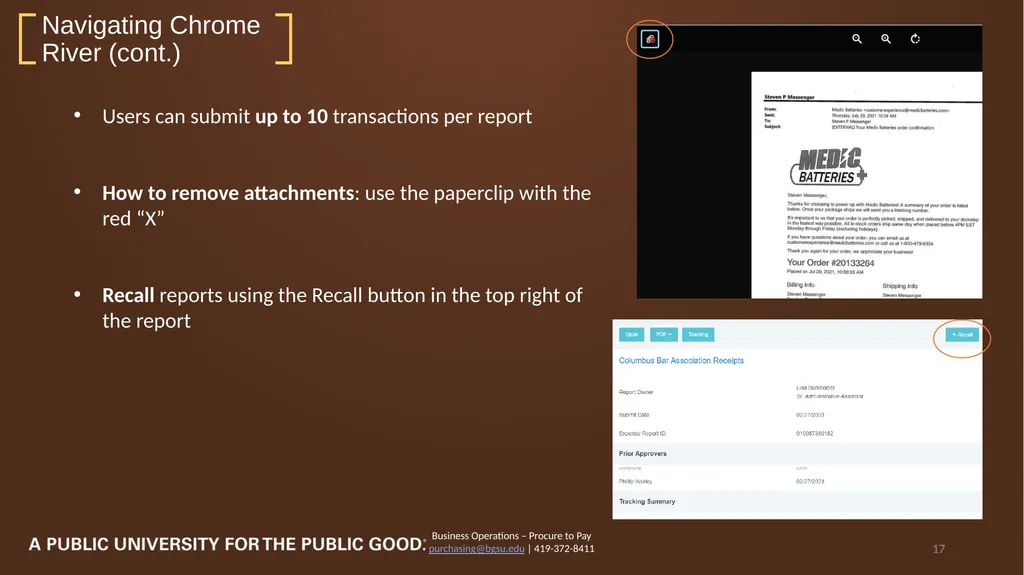
purchasing@bgsu.edu | 419-372-8411 17 Users can submit up to 10 transactions per report
How to remove attachments: use the paperclip with the red “X”
Recall reports using the Recall button in the top right of the report<br>
purchasing@bgsu.edu | 419-372-8411 17 Users can submit up to 10 transactions per report
How to remove attachments: use the paperclip with the red “X”
Recall reports using the Recall button in the top right of the report<br>
18
Business Operations – Procure to Pay
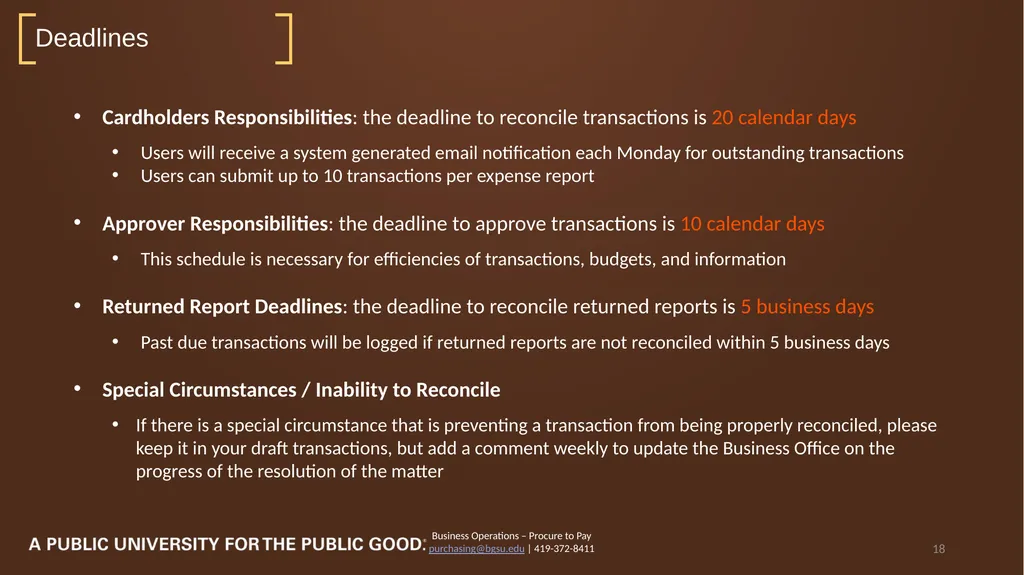
purchasing@bgsu.edu | 419-372-8411 18 Cardholders Responsibilities: the deadline to reconcile transactions is 20 calendar days
Users will receive a system generated email notification each Monday for outstanding transactions
Users can submit up to 10 transactions per expense report
Approver Responsibilities: the deadline to approve transactions is 10 calendar days
This schedule is necessary for efficiencies of transactions, budgets, and information
Returned Report Deadlines: the deadline to reconcile returned reports is 5 business days
Past due transactions will be logged if returned reports are not reconciled within 5 business days
Special Circumstances / Inability to Reconcile
If there is a special circumstance that is preventing a transaction from being properly reconciled, please keep it in your draft transactions, but add a comment weekly to update the Business Office on the progress of the resolution of the matter Deadlines<br>
purchasing@bgsu.edu | 419-372-8411 18 Cardholders Responsibilities: the deadline to reconcile transactions is 20 calendar days
Users will receive a system generated email notification each Monday for outstanding transactions
Users can submit up to 10 transactions per expense report
Approver Responsibilities: the deadline to approve transactions is 10 calendar days
This schedule is necessary for efficiencies of transactions, budgets, and information
Returned Report Deadlines: the deadline to reconcile returned reports is 5 business days
Past due transactions will be logged if returned reports are not reconciled within 5 business days
Special Circumstances / Inability to Reconcile
If there is a special circumstance that is preventing a transaction from being properly reconciled, please keep it in your draft transactions, but add a comment weekly to update the Business Office on the progress of the resolution of the matter Deadlines<br>
19
Business Operations – Procure to Pay
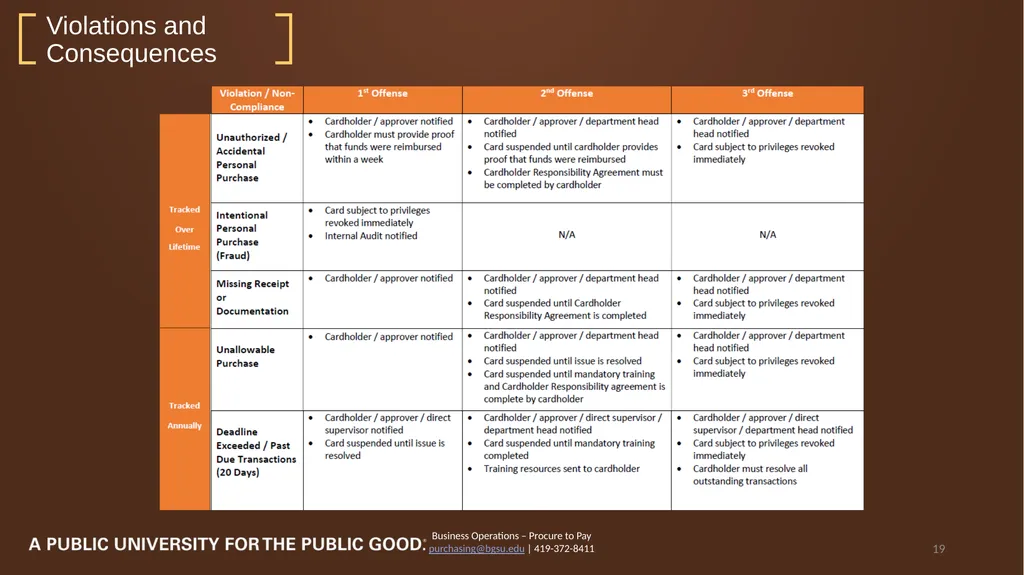
purchasing@bgsu.edu | 419-372-8411 19 Violations and Consequences<br>
purchasing@bgsu.edu | 419-372-8411 19 Violations and Consequences<br>
20
Business Operations – Procure to Pay
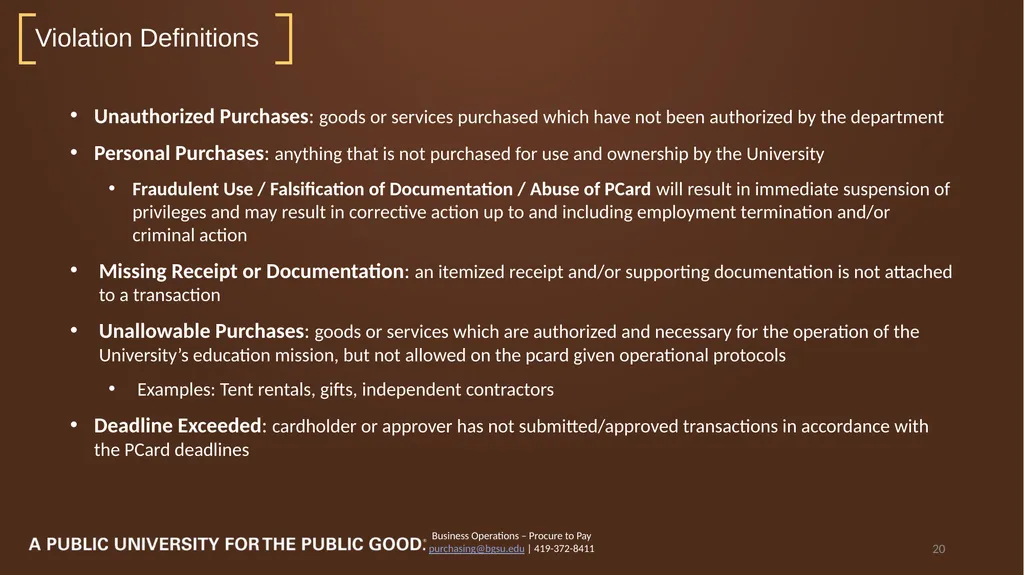
purchasing@bgsu.edu | 419-372-8411 20 Unauthorized Purchases: goods or services purchased which have not been authorized by the department
Personal Purchases: anything that is not purchased for use and ownership by the University
Fraudulent Use / Falsification of Documentation / Abuse of PCard will result in immediate suspension of privileges and may result in corrective action up to and including employment termination and/or criminal action
Missing Receipt or Documentation: an itemized receipt and/or supporting documentation is not attached to a transaction
Unallowable Purchases: goods or services which are authorized and necessary for the operation of the University’s education mission, but not allowed on the pcard given operational protocols
Examples: Tent rentals, gifts, independent contractors
Deadline Exceeded: cardholder or approver has not submitted/approved transactions in accordance with the PCard deadlines Violation Definitions<br>
purchasing@bgsu.edu | 419-372-8411 20 Unauthorized Purchases: goods or services purchased which have not been authorized by the department
Personal Purchases: anything that is not purchased for use and ownership by the University
Fraudulent Use / Falsification of Documentation / Abuse of PCard will result in immediate suspension of privileges and may result in corrective action up to and including employment termination and/or criminal action
Missing Receipt or Documentation: an itemized receipt and/or supporting documentation is not attached to a transaction
Unallowable Purchases: goods or services which are authorized and necessary for the operation of the University’s education mission, but not allowed on the pcard given operational protocols
Examples: Tent rentals, gifts, independent contractors
Deadline Exceeded: cardholder or approver has not submitted/approved transactions in accordance with the PCard deadlines Violation Definitions<br>
21
Business Operations – Procure to Pay
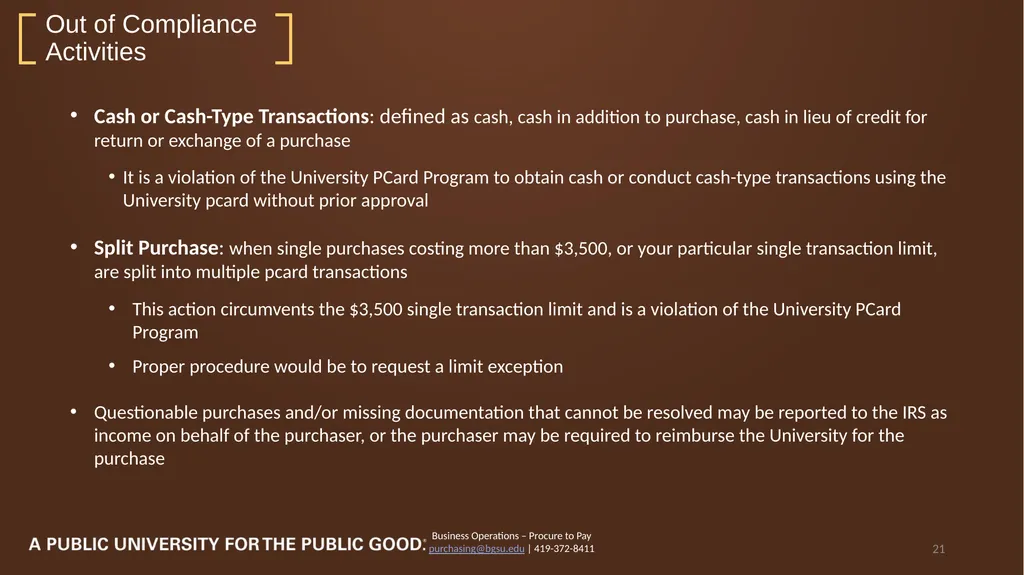
purchasing@bgsu.edu | 419-372-8411 21 Cash or Cash-Type Transactions: defined as cash, cash in addition to purchase, cash in lieu of credit for return or exchange of a purchase
It is a violation of the University PCard Program to obtain cash or conduct cash-type transactions using the University pcard without prior approval
Split Purchase: when single purchases costing more than $3,500, or your particular single transaction limit, are split into multiple pcard transactions
This action circumvents the $3,500 single transaction limit and is a violation of the University PCard Program
Proper procedure would be to request a limit exception
Questionable purchases and/or missing documentation that cannot be resolved may be reported to the IRS as income on behalf of the purchaser, or the purchaser may be required to reimburse the University for the purchase Out of Compliance Activities<br>
purchasing@bgsu.edu | 419-372-8411 21 Cash or Cash-Type Transactions: defined as cash, cash in addition to purchase, cash in lieu of credit for return or exchange of a purchase
It is a violation of the University PCard Program to obtain cash or conduct cash-type transactions using the University pcard without prior approval
Split Purchase: when single purchases costing more than $3,500, or your particular single transaction limit, are split into multiple pcard transactions
This action circumvents the $3,500 single transaction limit and is a violation of the University PCard Program
Proper procedure would be to request a limit exception
Questionable purchases and/or missing documentation that cannot be resolved may be reported to the IRS as income on behalf of the purchaser, or the purchaser may be required to reimburse the University for the purchase Out of Compliance Activities<br>
22
Business Operations – Procure to Pay
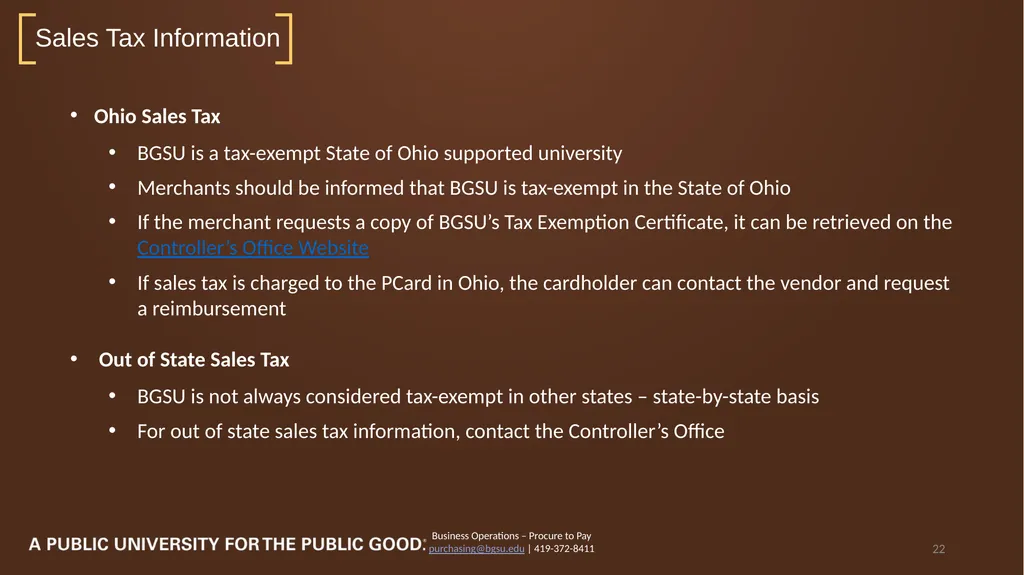
purchasing@bgsu.edu | 419-372-8411 22 Ohio Sales Tax
BGSU is a tax-exempt State of Ohio supported university
Merchants should be informed that BGSU is tax-exempt in the State of Ohio
If the merchant requests a copy of BGSU’s Tax Exemption Certificate, it can be retrieved on the Controller’s Office Website
If sales tax is charged to the PCard in Ohio, the cardholder can contact the vendor and request a reimbursement
Out of State Sales Tax
BGSU is not always considered tax-exempt in other states – state-by-state basis
For out of state sales tax information, contact the Controller’s Office Sales Tax Information<br>
purchasing@bgsu.edu | 419-372-8411 22 Ohio Sales Tax
BGSU is a tax-exempt State of Ohio supported university
Merchants should be informed that BGSU is tax-exempt in the State of Ohio
If the merchant requests a copy of BGSU’s Tax Exemption Certificate, it can be retrieved on the Controller’s Office Website
If sales tax is charged to the PCard in Ohio, the cardholder can contact the vendor and request a reimbursement
Out of State Sales Tax
BGSU is not always considered tax-exempt in other states – state-by-state basis
For out of state sales tax information, contact the Controller’s Office Sales Tax Information<br>
23
Business Operations – Procure to Pay
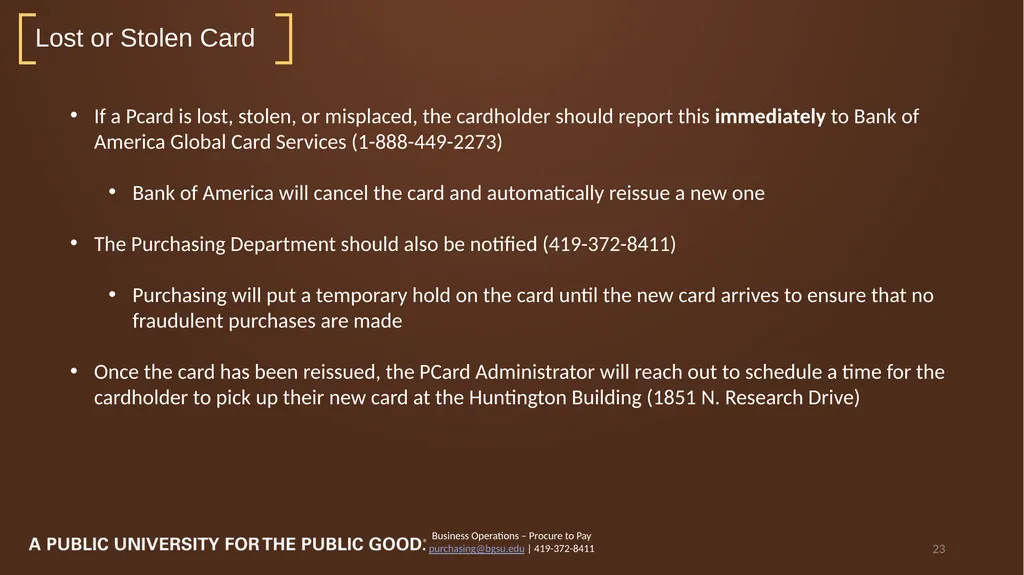
purchasing@bgsu.edu | 419-372-8411 23 If a Pcard is lost, stolen, or misplaced, the cardholder should report this immediately to Bank of America Global Card Services (1-888-449-2273)
Bank of America will cancel the card and automatically reissue a new one
The Purchasing Department should also be notified (419-372-8411)
Purchasing will put a temporary hold on the card until the new card arrives to ensure that no fraudulent purchases are made
Once the card has been reissued, the PCard Administrator will reach out to schedule a time for the cardholder to pick up their new card at the Huntington Building (1851 N. Research Drive) Lost or Stolen Card<br>
purchasing@bgsu.edu | 419-372-8411 23 If a Pcard is lost, stolen, or misplaced, the cardholder should report this immediately to Bank of America Global Card Services (1-888-449-2273)
Bank of America will cancel the card and automatically reissue a new one
The Purchasing Department should also be notified (419-372-8411)
Purchasing will put a temporary hold on the card until the new card arrives to ensure that no fraudulent purchases are made
Once the card has been reissued, the PCard Administrator will reach out to schedule a time for the cardholder to pick up their new card at the Huntington Building (1851 N. Research Drive) Lost or Stolen Card<br>
24
Business Operations – Procure to Pay
purchasing@bgsu.edu | 419-372-8411 24 If any questionable transactions appear on the cardholder’s account for which there is no information, or if the amount does not match receipts, contact the merchant regarding the transaction
If the merchant agrees that an error was made, they should make an adjustment that will post as a credit to the account – the credit should be added in an expense report with the original charge
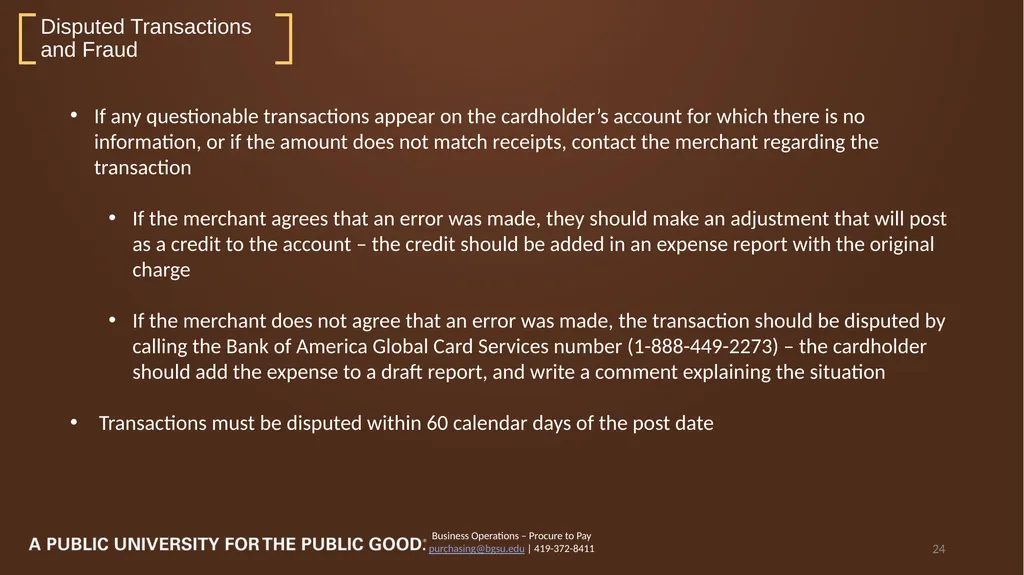
If the merchant does not agree that an error was made, the transaction should be disputed by calling the Bank of America Global Card Services number (1-888-449-2273) – the cardholder should add the expense to a draft report, and write a comment explaining the situation
Transactions must be disputed within 60 calendar days of the post date Disputed Transactions and Fraud<br>
purchasing@bgsu.edu | 419-372-8411 24 If any questionable transactions appear on the cardholder’s account for which there is no information, or if the amount does not match receipts, contact the merchant regarding the transaction
If the merchant agrees that an error was made, they should make an adjustment that will post as a credit to the account – the credit should be added in an expense report with the original charge
If the merchant does not agree that an error was made, the transaction should be disputed by calling the Bank of America Global Card Services number (1-888-449-2273) – the cardholder should add the expense to a draft report, and write a comment explaining the situation
Transactions must be disputed within 60 calendar days of the post date Disputed Transactions and Fraud<br>
25
Business Operations – Procure to Pay
purchasing@bgsu.edu | 419-372-8411 25 PCard Manual
Chrome River PCard Reconciliation Manual
Chrome River Reconciliation Checklist
BGSU Purchasing Website
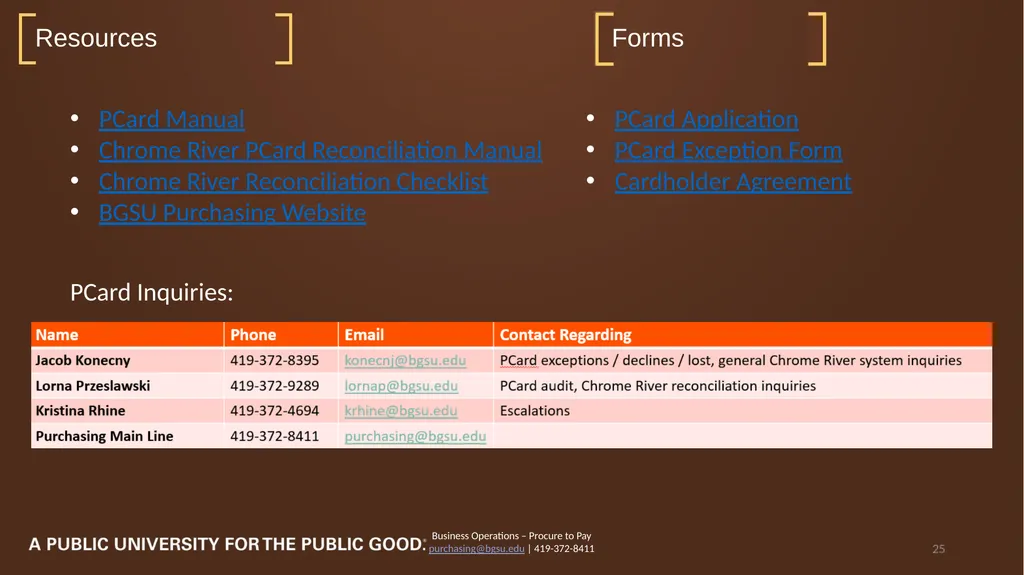
PCard Inquiries: Resources Forms PCard Application
PCard Exception Form
Cardholder Agreement<br>
purchasing@bgsu.edu | 419-372-8411 25 PCard Manual
Chrome River PCard Reconciliation Manual
Chrome River Reconciliation Checklist
BGSU Purchasing Website
PCard Inquiries: Resources Forms PCard Application
PCard Exception Form
Cardholder Agreement<br>
26
Questions and Answers Business Operations – Procure to Pay
purchasing@bgsu.edu | 419-372-8411 26<br>
purchasing@bgsu.edu | 419-372-8411 26<br>