04
Laws & Policies www.csustan.edu/ati 4<br>
05
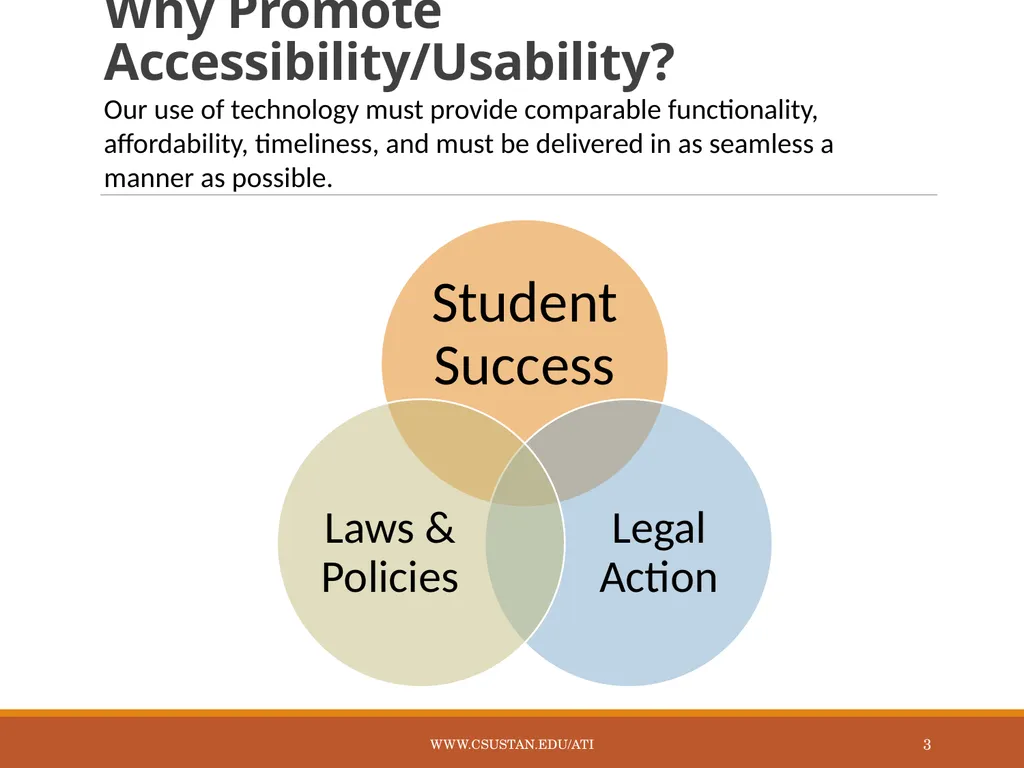
ADA Laws & ATI Policies The Americans with Disabilities Act of 1990 (ADA)
Section 508 of the 1973 Rehabilitation Act
CSU Executive Order 926
CSU Coded Memos AA-2015-03, AA-2014-08 www.csustan.edu/ati 5<br>
06
Comparable Access to Education Functionality
Affordability
Timeliness
Ease of Delivery www.csustan.edu/ati 6<br>
07
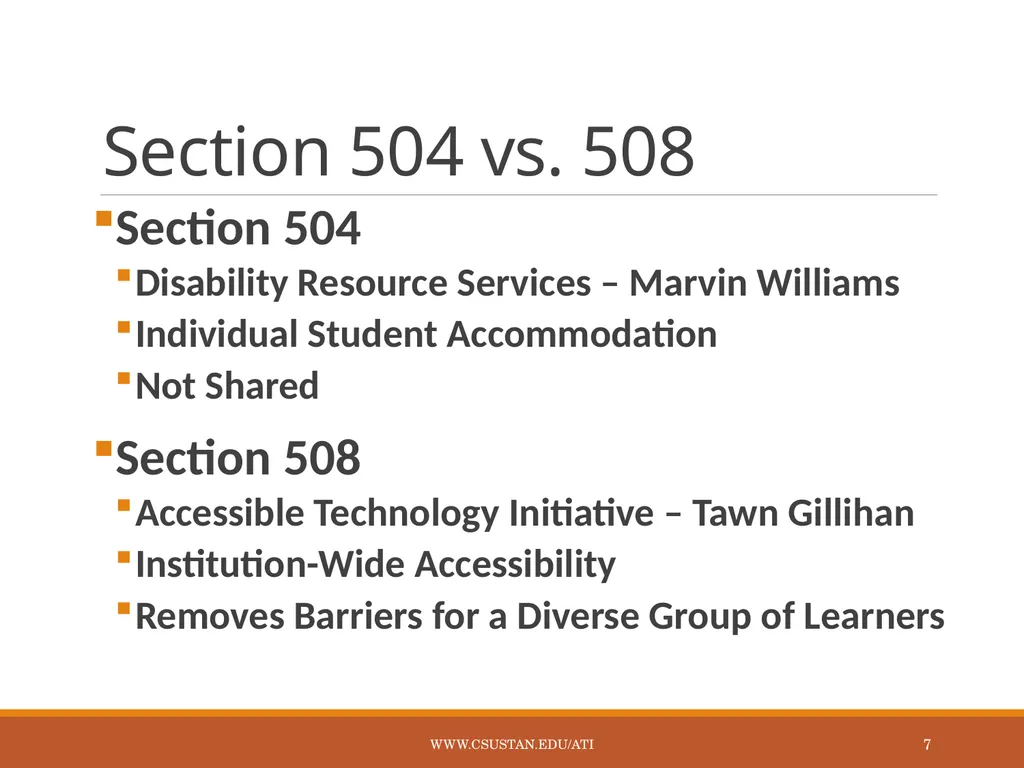
Section 504 vs. 508 Section 504
Disability Resource Services – Marvin Williams
Individual Student Accommodation
Not Shared
Section 508
Accessible Technology Initiative – Tawn Gillihan
Institution-Wide Accessibility
Removes Barriers for a Diverse Group of Learners www.csustan.edu/ati 7<br>
08
Understanding Disability www.csustan.edu/ati 8<br>
09
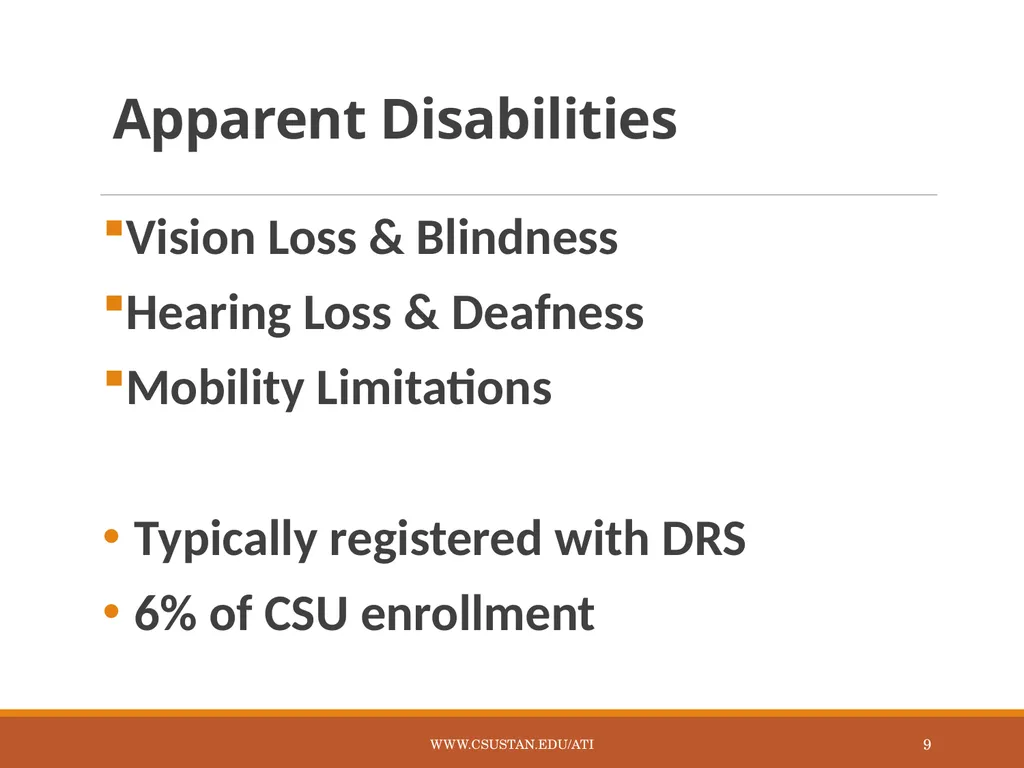
Apparent Disabilities Vision Loss & Blindness
Hearing Loss & Deafness
Mobility Limitations
Typically registered with DRS
6% of CSU enrollment www.csustan.edu/ati 9<br>
10
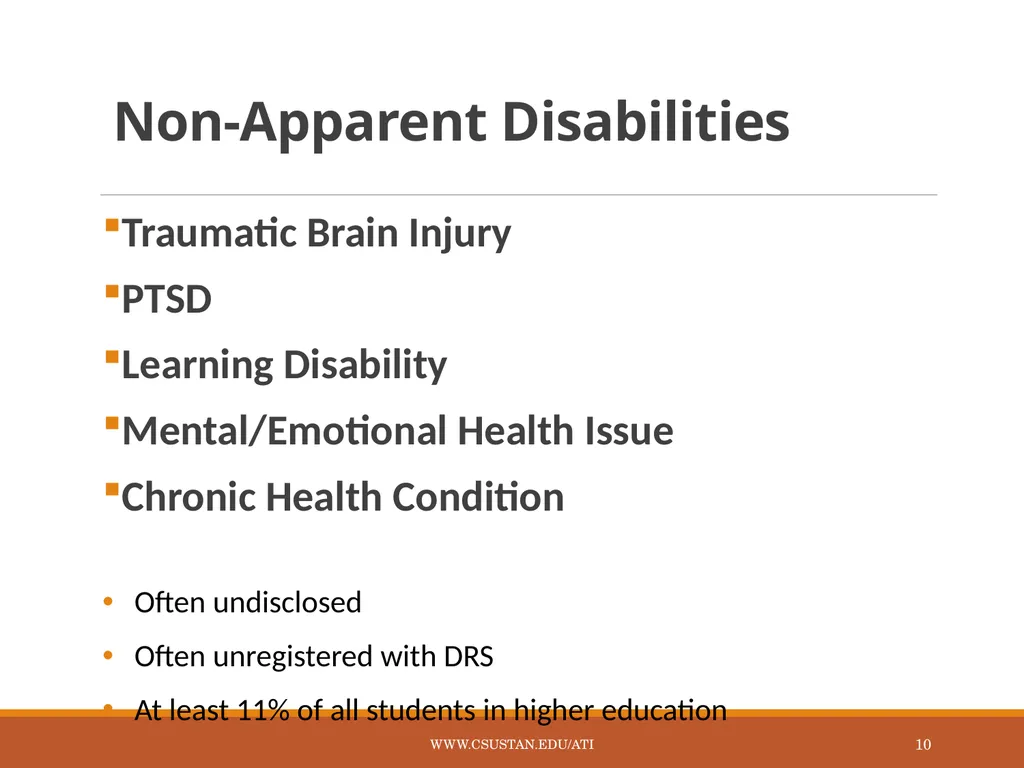
Non-Apparent Disabilities Traumatic Brain Injury
PTSD
Learning Disability
Mental/Emotional Health Issue
Chronic Health Condition
Often undisclosed
Often unregistered with DRS
At least 11% of all students in higher education www.csustan.edu/ati 10<br>
11
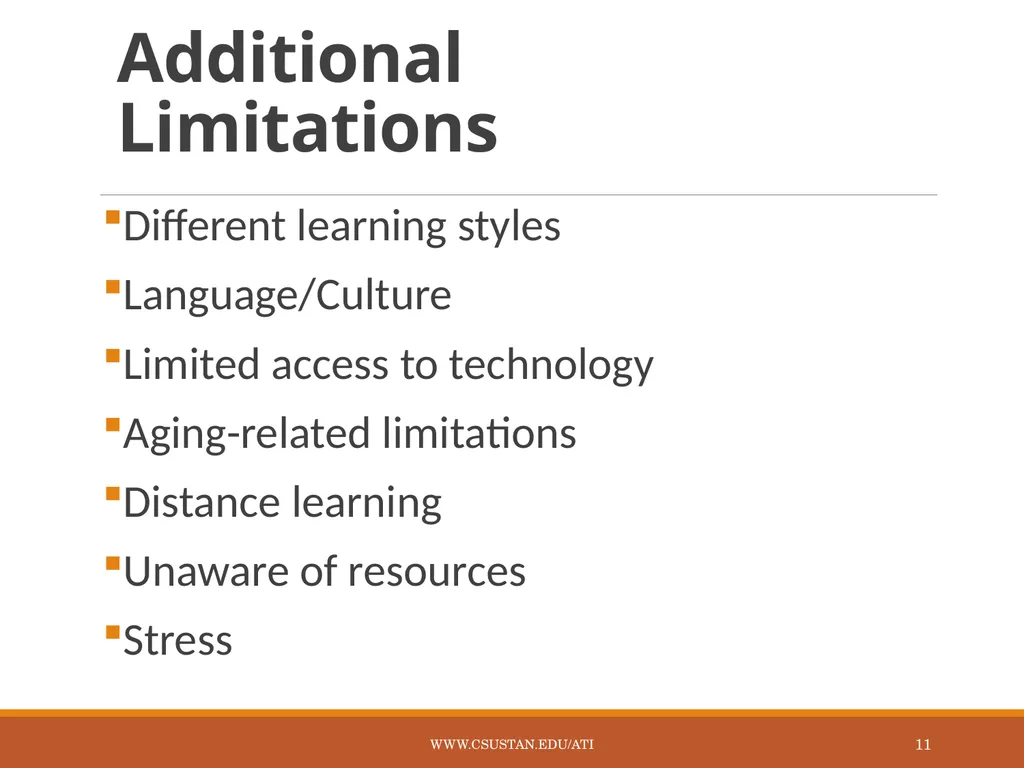
Additional Limitations Different learning styles
Language/Culture
Limited access to technology
Aging-related limitations
Distance learning
Unaware of resources
Stress www.csustan.edu/ati 11<br>
12
Creating�Accessible Electronic Content www.csustan.edu/ati 12<br>
13
Write Clearly Use the simplest language appropriate for your content
Use illustrations, icons, etc. to supplement text
Check spelling, grammar, and readability
Be careful with abbreviations, jargon, complex language, or anything that might confuse the reader
AVOID THE USE OF ALL CAPS AS IT CAN BE DIFFICULT TO READ www.csustan.edu/ati 13<br>
14
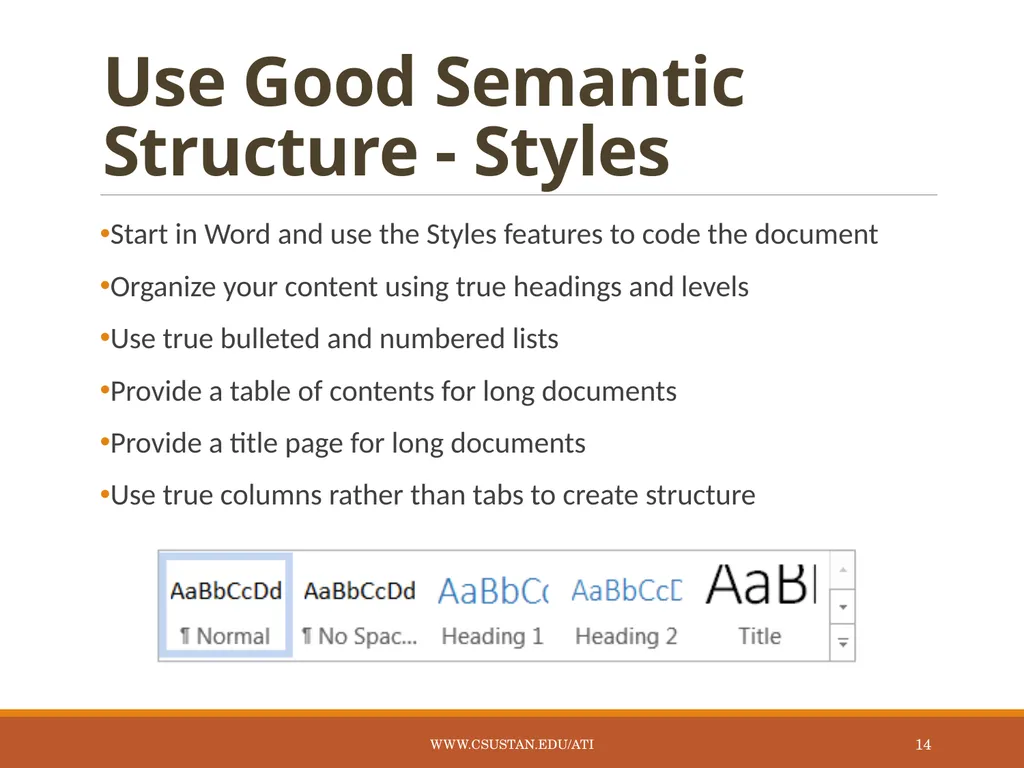
Use Good Semantic Structure - Styles Start in Word and use the Styles features to code the document
Organize your content using true headings and levels
Use true bulleted and numbered lists
Provide a table of contents for long documents
Provide a title page for long documents
Use true columns rather than tabs to create structure www.csustan.edu/ati 14<br>
15
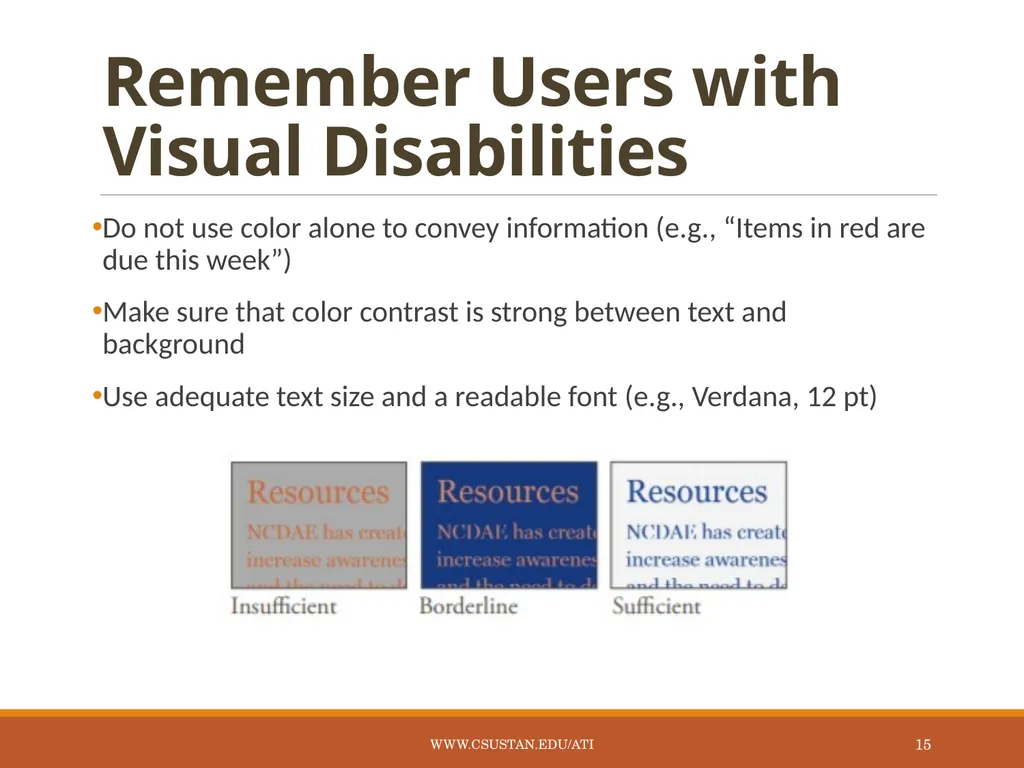
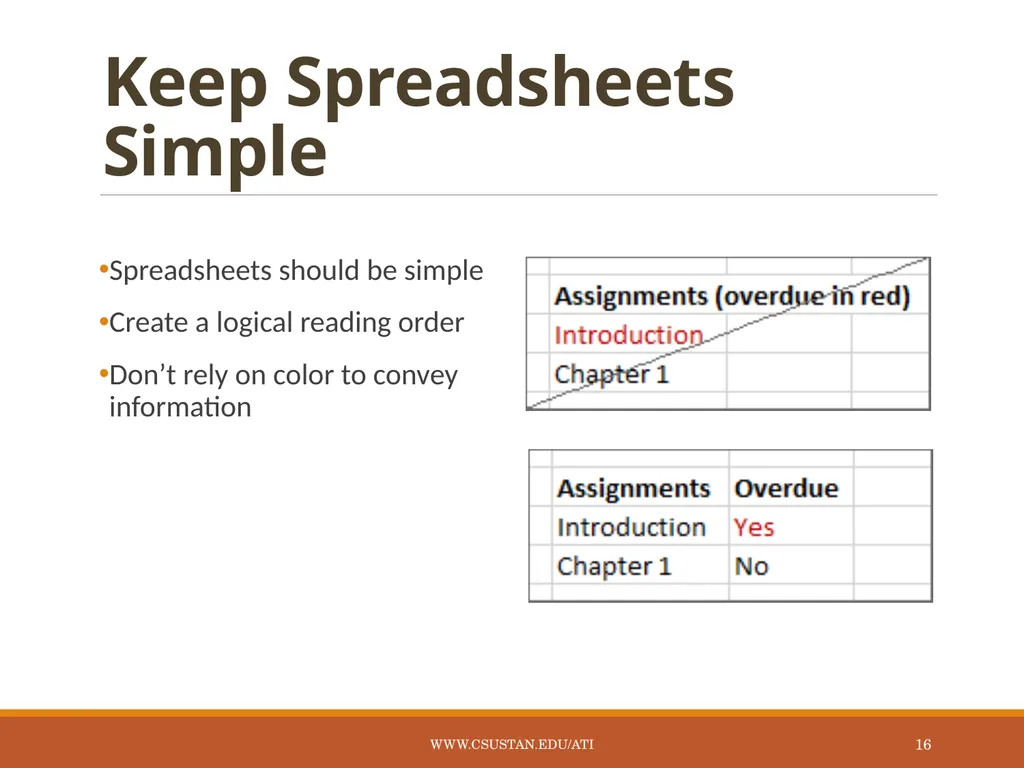
Remember Users with Visual Disabilities Do not use color alone to convey information (e.g., “Items in red are due this week”)
Make sure that color contrast is strong between text and background
Use adequate text size and a readable font (e.g., Verdana, 12 pt) www.csustan.edu/ati 15<br>
16
Keep Spreadsheets Simple Spreadsheets should be simple
Create a logical reading order
Don’t rely on color to convey information www.csustan.edu/ati 16<br>
17
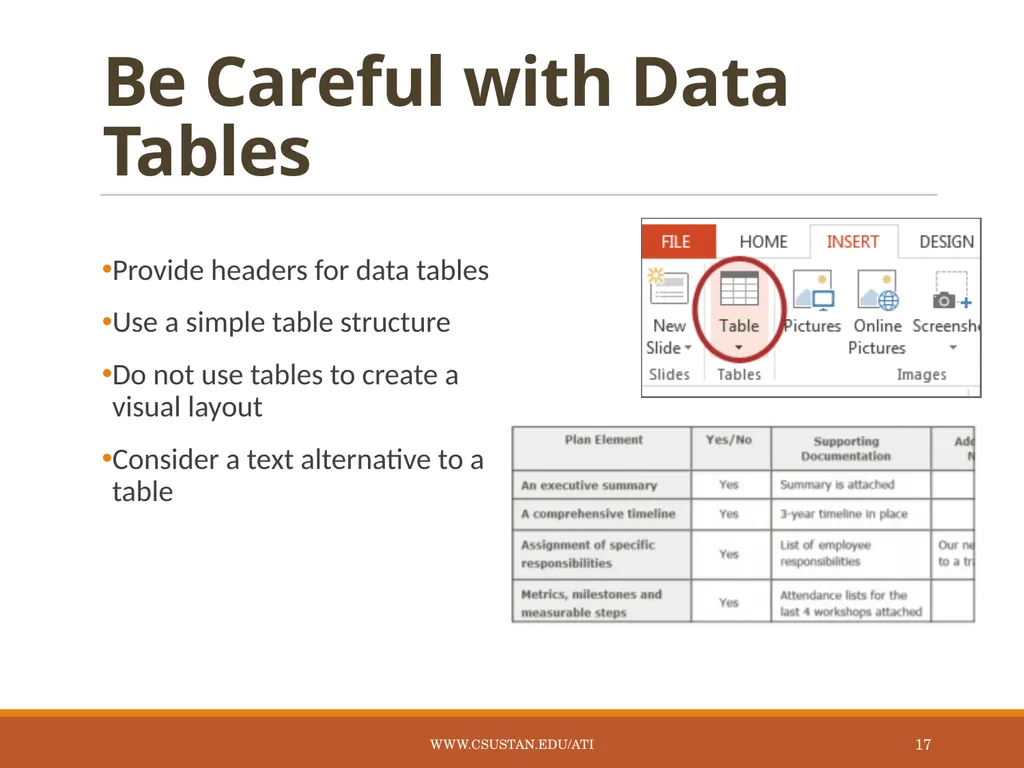
Be Careful with Data Tables Provide headers for data tables
Use a simple table structure
Do not use tables to create a visual layout
Consider a text alternative to a table www.csustan.edu/ati 17<br>
18
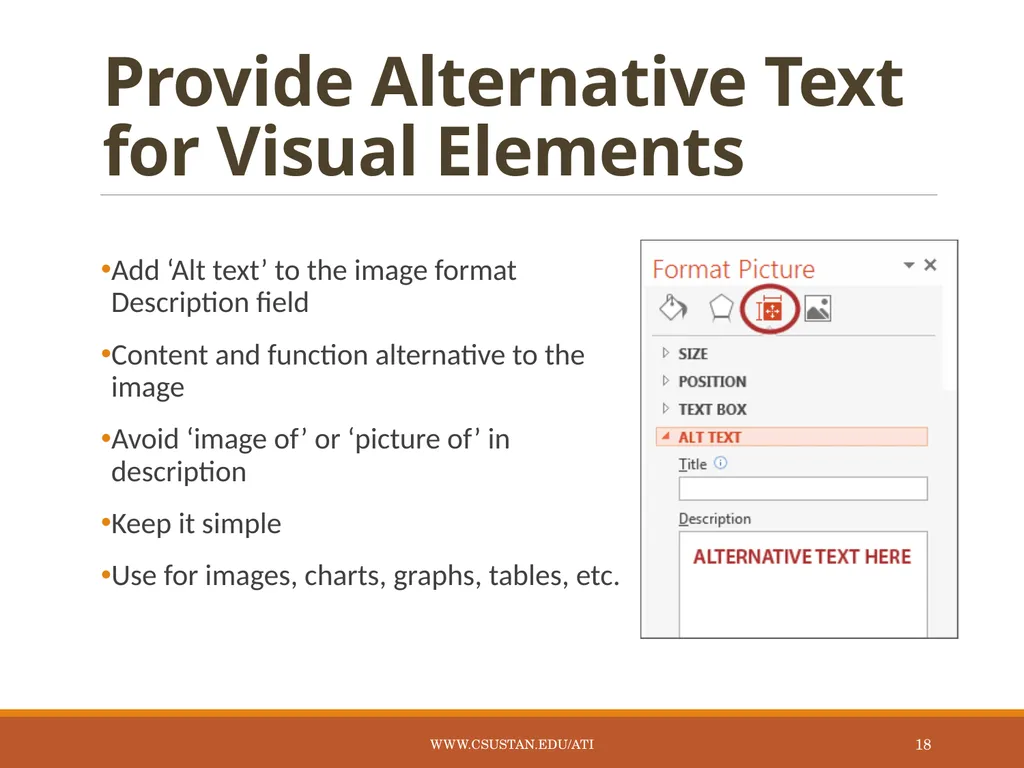
Provide Alternative Text for Visual Elements Add ‘Alt text’ to the image format Description field
Content and function alternative to the image
Avoid ‘image of’ or ‘picture of’ in description
Keep it simple
Use for images, charts, graphs, tables, etc. www.csustan.edu/ati 18<br>
19
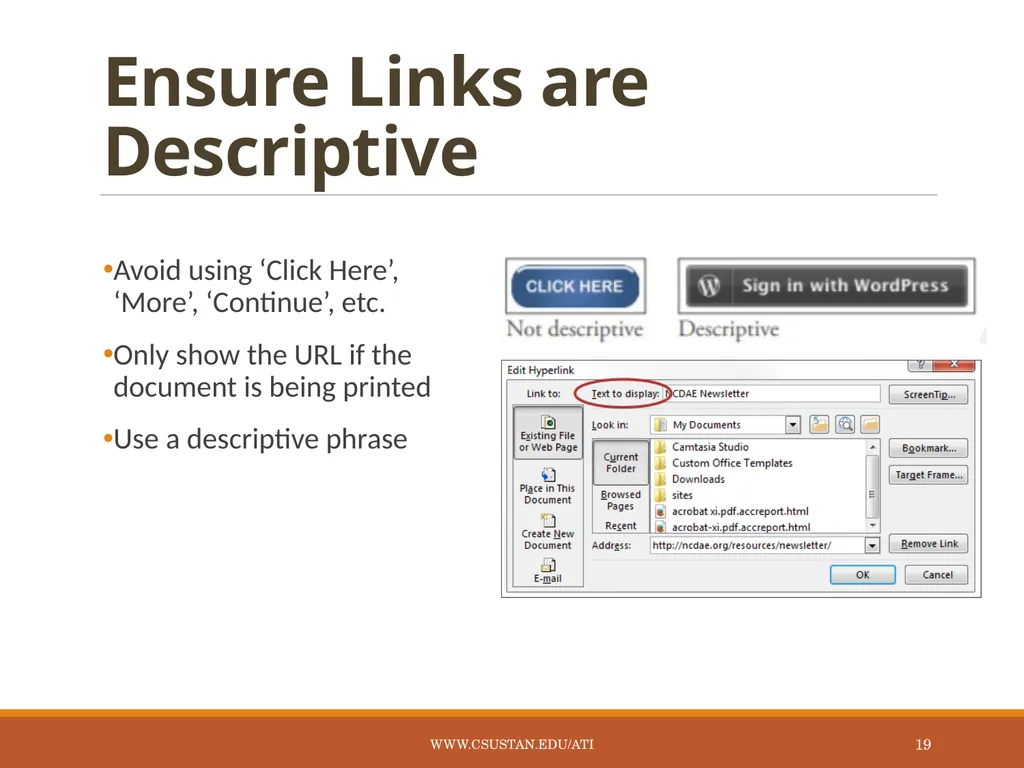
Ensure Links are Descriptive Avoid using ‘Click Here’, ‘More’, ‘Continue’, etc.
Only show the URL if the document is being printed
Use a descriptive phrase www.csustan.edu/ati 19<br>
20
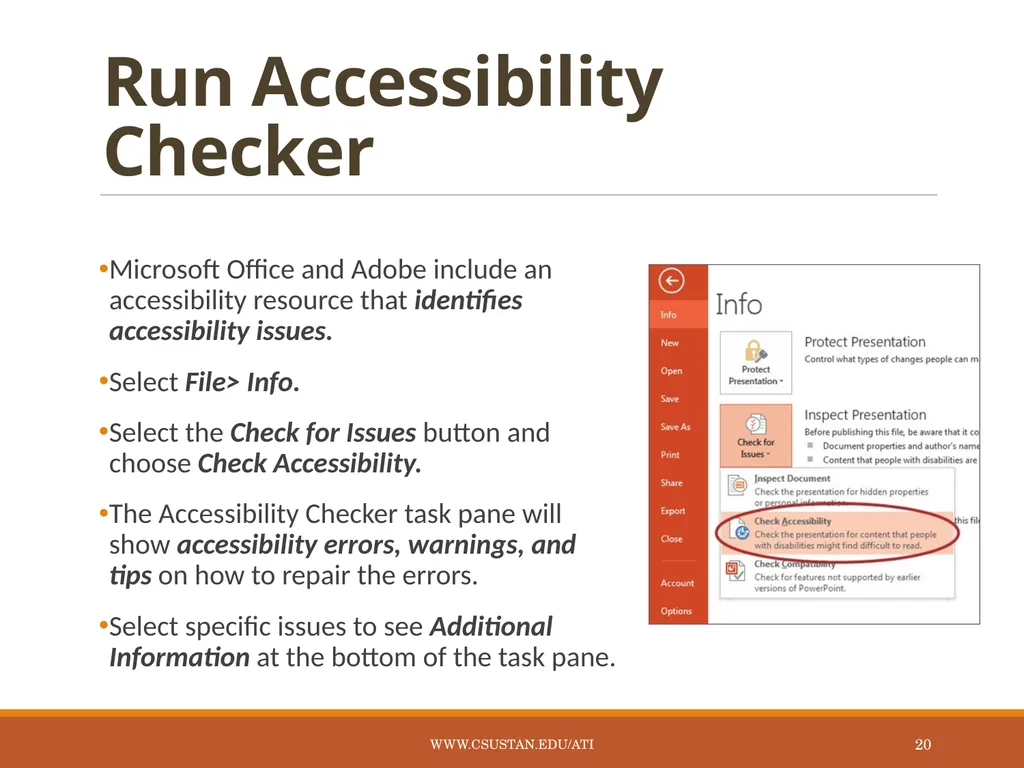
Run Accessibility Checker Microsoft Office and Adobe include an accessibility resource that identifies accessibility issues.
Select File> Info.
Select the Check for Issues button and choose Check Accessibility.
The Accessibility Checker task pane will show accessibility errors, warnings, and tips on how to repair the errors.
Select specific issues to see Additional Information at the bottom of the task pane. www.csustan.edu/ati 20<br>
21
Provide Captions and Transcripts for Media Videos and live audio must have captions and a transcript
A transcript is sufficient for archived audio
Captions should be accurately reflecting the text in the video
Text should be equivalent
YouTube auto-captioning is not sufficient www.csustan.edu/ati 21<br>
22
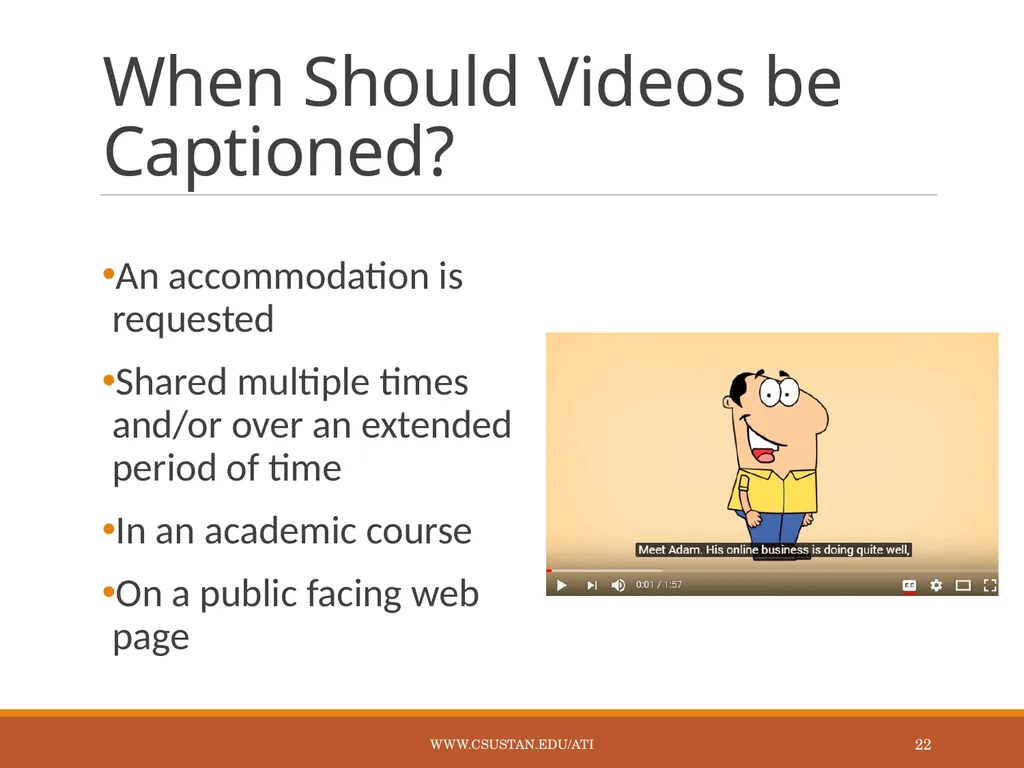
When Should Videos be Captioned? An accommodation is requested
Shared multiple times and/or over an extended period of time
In an academic course
On a public facing web page www.csustan.edu/ati 22<br>
23
Captioning Instructional Materials OIT has a budget to have materials that are required for classroom instruction captioned by a professional captioning service, Automatic Sync Technologies.
Contact Glenn Pillsbury (gpillsbury@csustan.edu) to discuss how to take advantage of this service. www.csustan.edu/ati 23<br>
24
Accessible Instructional Materials www.csustan.edu/ati 24<br>
25
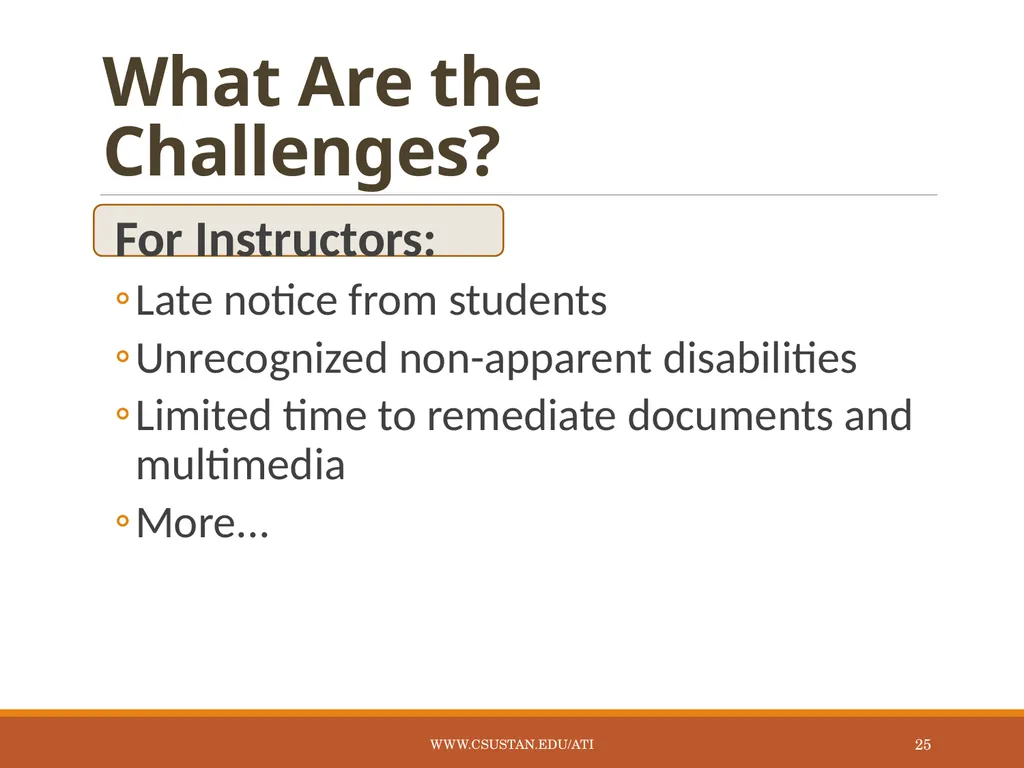
What Are the Challenges? For Instructors:
Late notice from students
Unrecognized non-apparent disabilities
Limited time to remediate documents and multimedia
More... www.csustan.edu/ati 25<br>
26
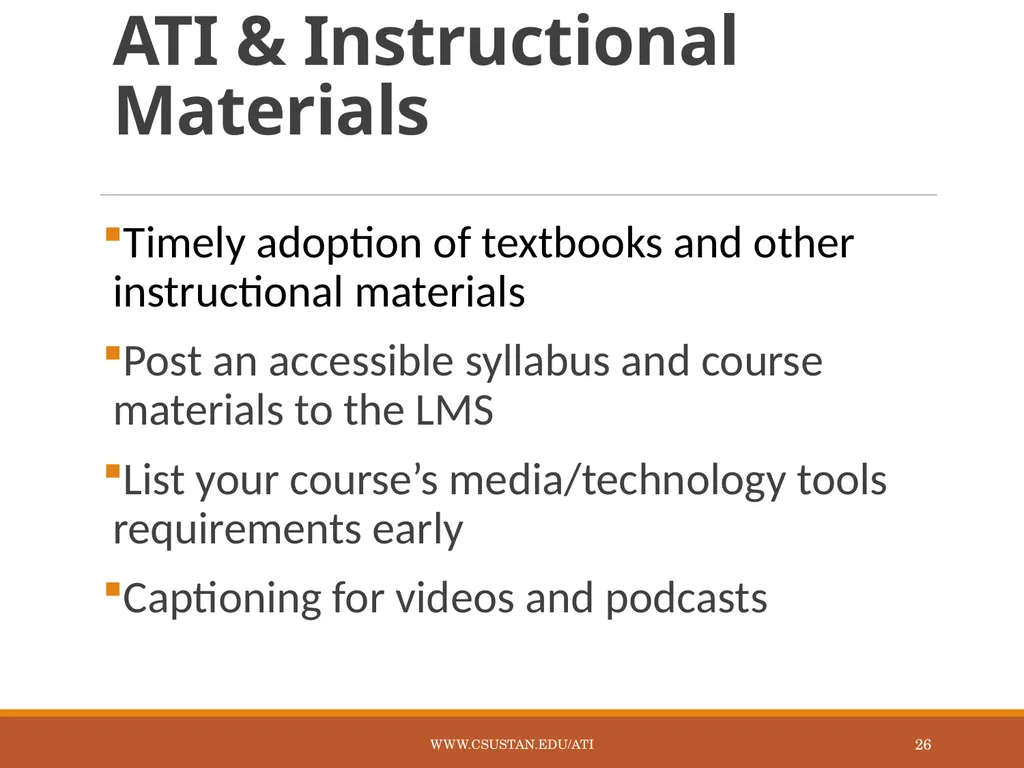
ATI & Instructional Materials Timely adoption of textbooks and other instructional materials
Post an accessible syllabus and course materials to the LMS
List your course’s media/technology tools requirements early
Captioning for videos and podcasts www.csustan.edu/ati 26<br>
27
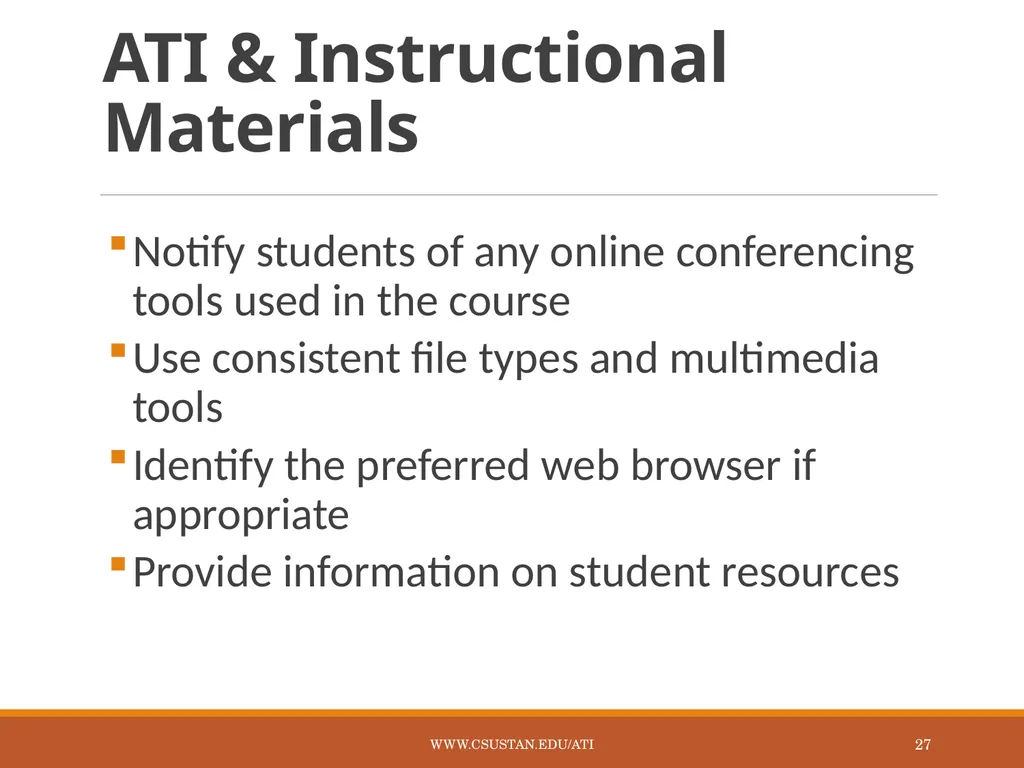
ATI & Instructional Materials Notify students of any online conferencing tools used in the course
Use consistent file types and multimedia tools
Identify the preferred web browser if appropriate
Provide information on student resources www.csustan.edu/ati 27<br>
28
ATI & Instructional Materials Select course materials that have electronic formats
Submit course booklists well ahead of time
Be aware of conversion timelines for print materials (six weeks)
Make sure electronic documents are not scanned images of text www.csustan.edu/ati 28<br>
29
Syllabus Statement Include a disability statement in the syllabus
If you have a disability and need accommodations, please register with the disability student services office. Staff will determine eligibility for services based on the documentation provided and approve appropriate accommodations. Please feel free to set up an appointment with me to discuss your approved accommodations that are needed for this course. (provide links to the disability services office(s) on your campus and related campus accessibility policy, e.g. Disability Resource Services (DRS). www.csustan.edu/ati 29<br>
30
Examples of Design www.csustan.edu/ati 30<br>
31
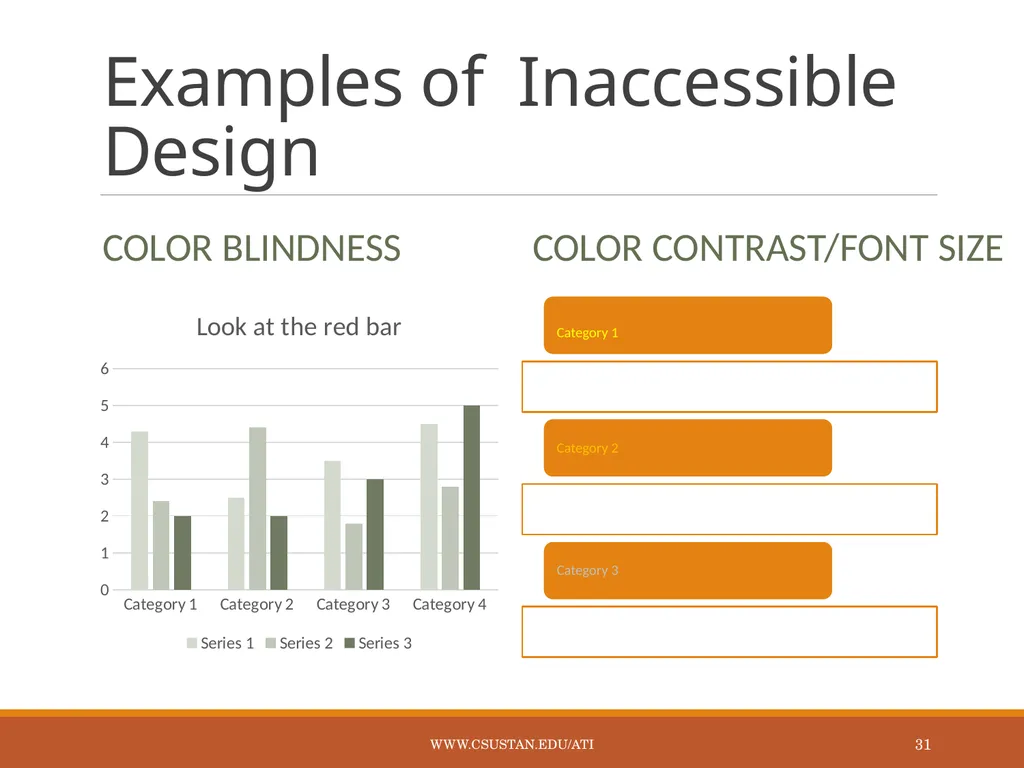
Examples of Inaccessible Design Color Blindness Color Contrast/Font Size www.csustan.edu/ati 31<br>
32
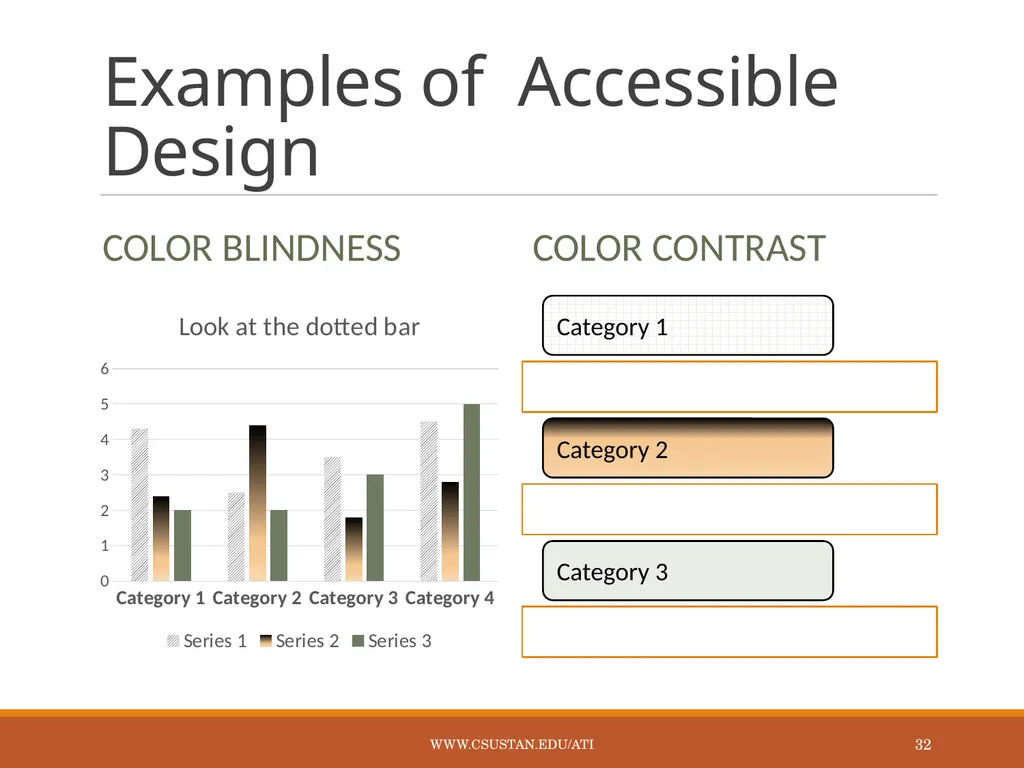
Examples of Accessible Design Color Blindness Color Contrast www.csustan.edu/ati 32<br>
33
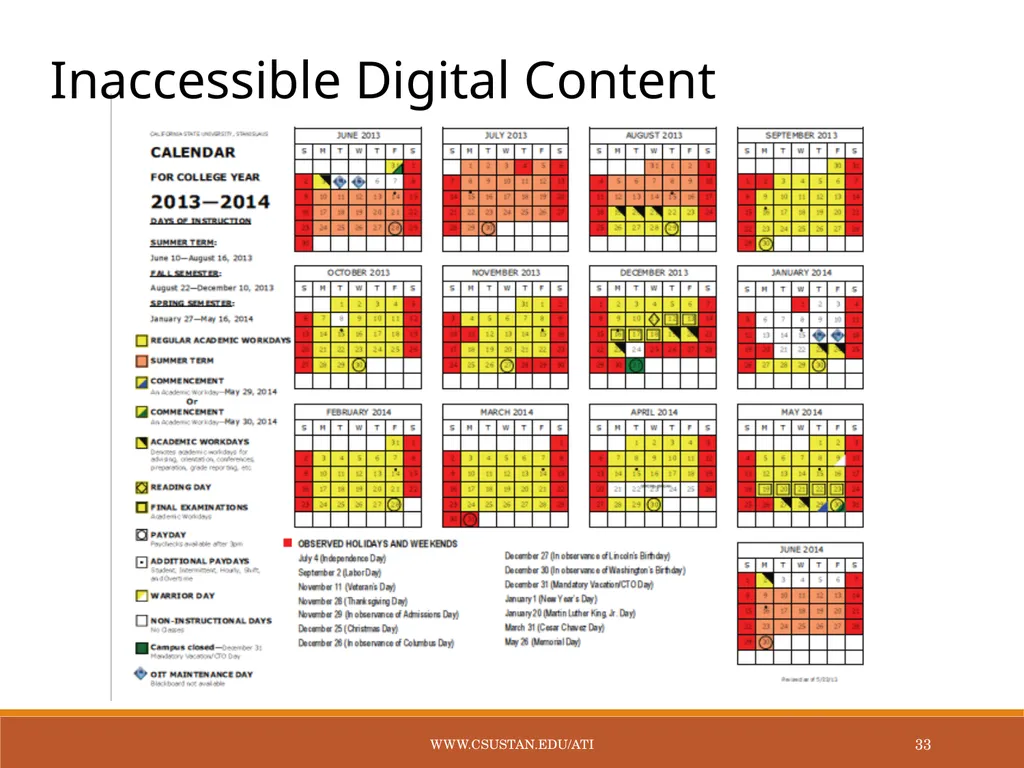
Inaccessible Digital Content www.csustan.edu/ati 33<br>
34
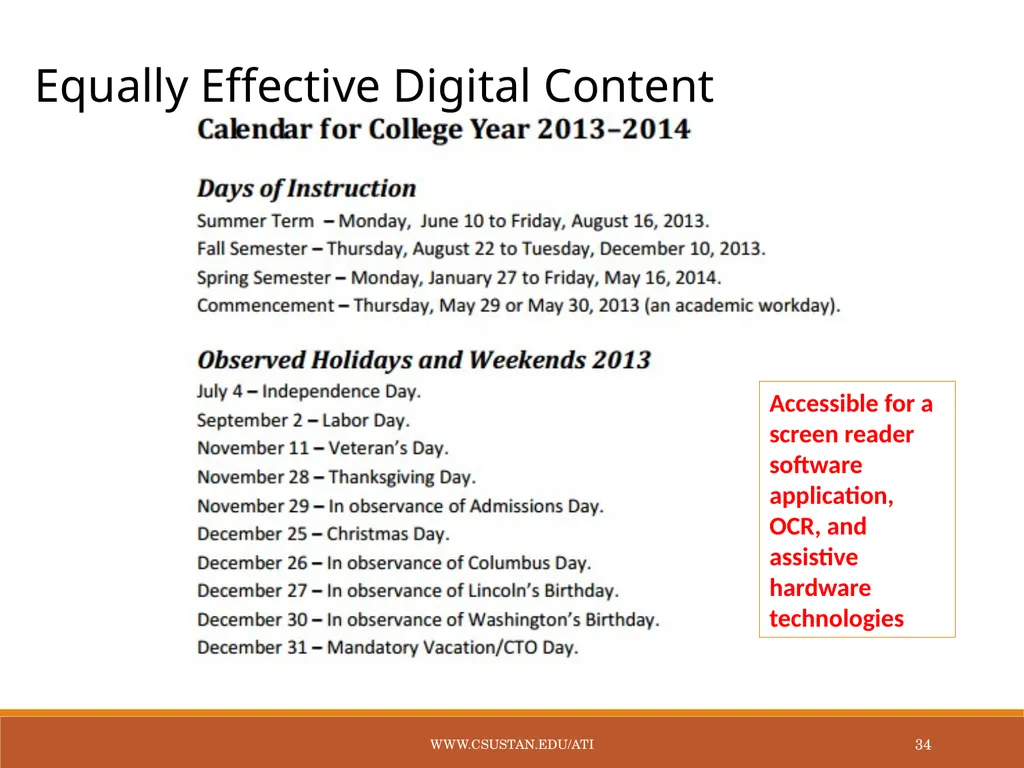
Equally Effective Digital Content Accessible for a screen reader software application, OCR, and assistive hardware technologies www.csustan.edu/ati 34<br>
35
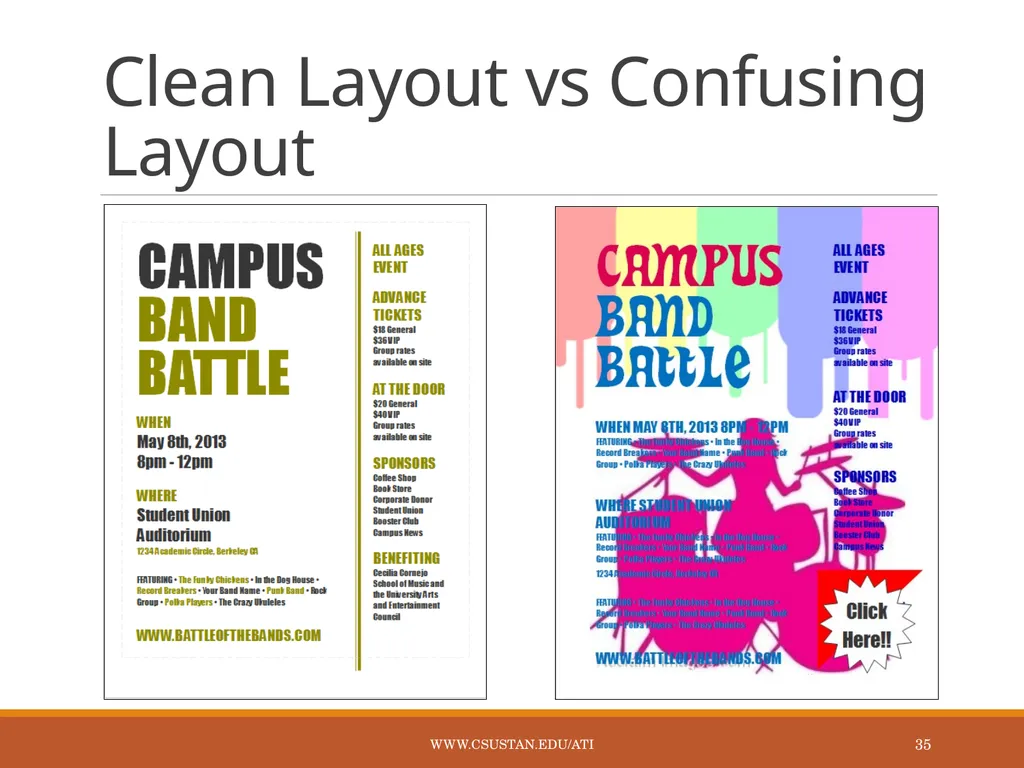
Clean Layout vs Confusing Layout www.csustan.edu/ati 35<br>
36
Student Videos www.csustan.edu/ati 36<br>
37
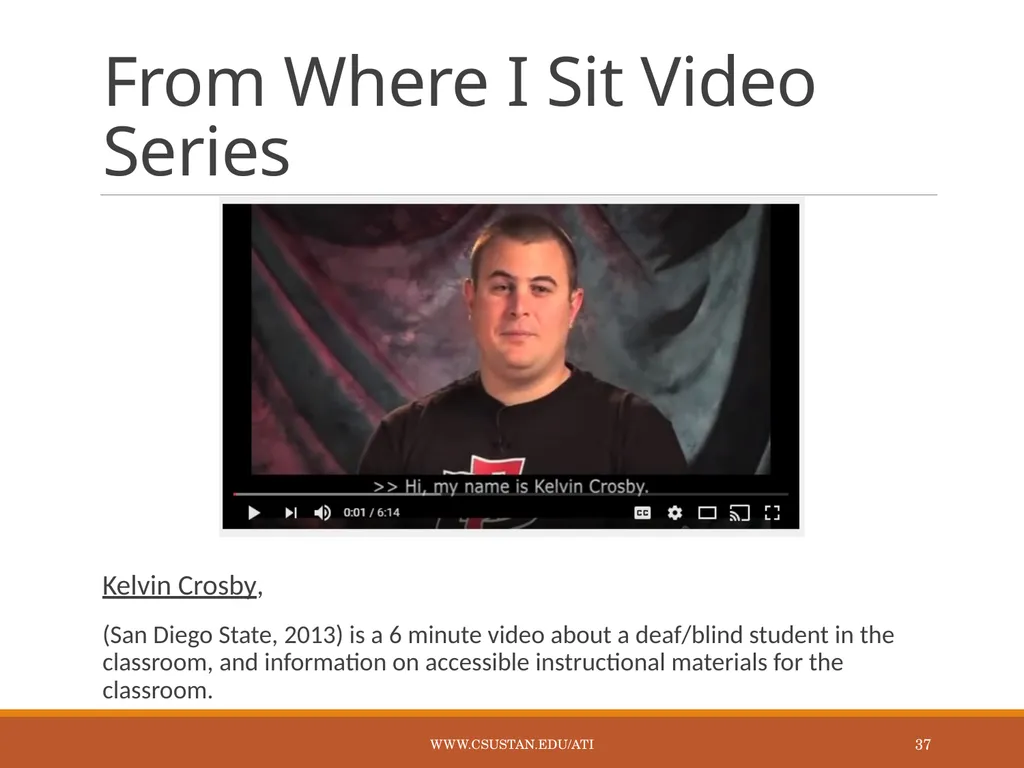
From Where I Sit Video Series Kelvin Crosby,
(San Diego State, 2013) is a 6 minute video about a deaf/blind student in the classroom, and information on accessible instructional materials for the classroom. www.csustan.edu/ati 37<br>
38
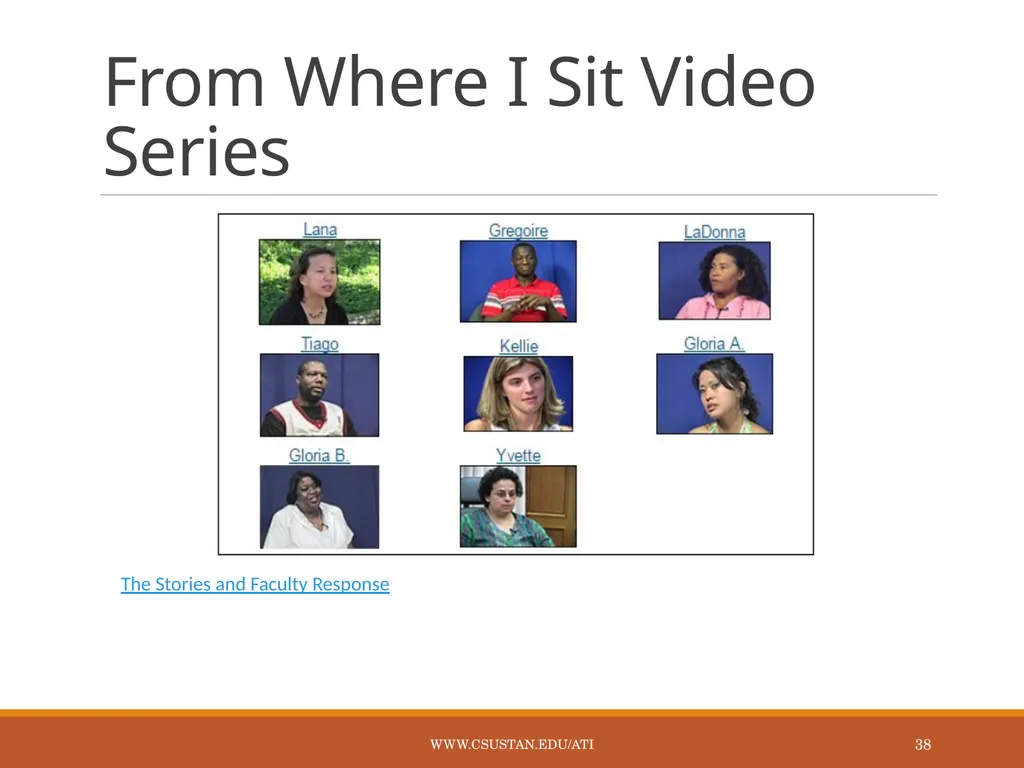
From Where I Sit Video Series The Stories and Faculty Response www.csustan.edu/ati 38<br>
39
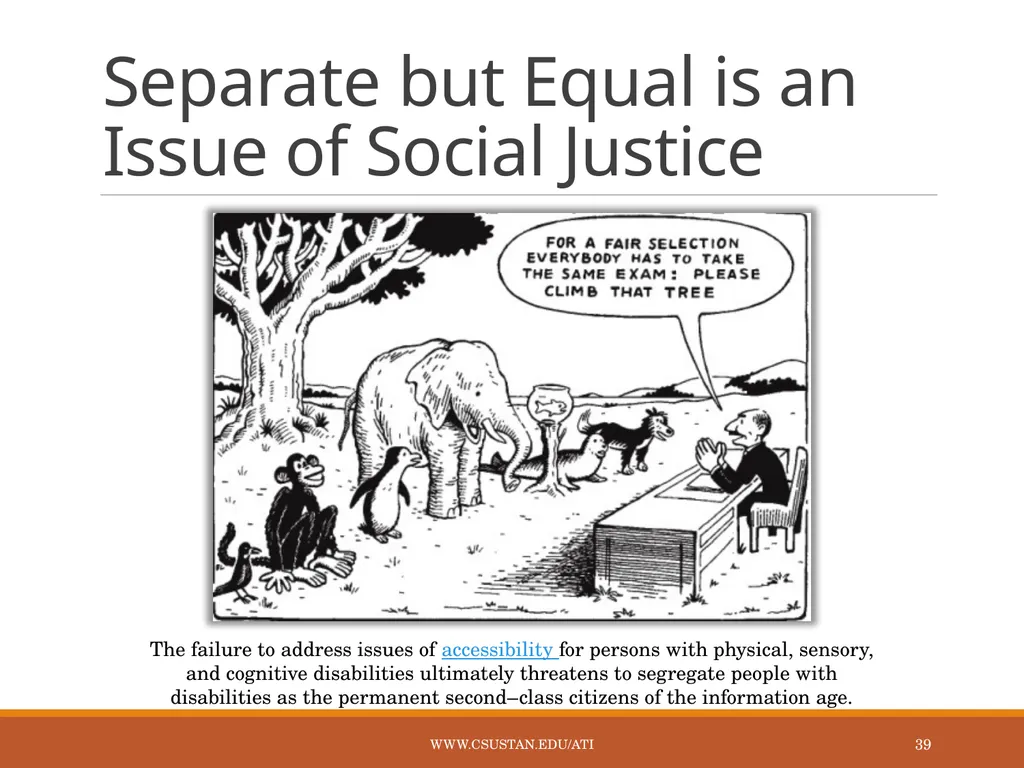
The failure to address issues of accessibility for persons with physical, sensory, and cognitive disabilities ultimately threatens to segregate people with disabilities as the permanent second–class citizens of the information age. Separate but Equal is an Issue of Social Justice www.csustan.edu/ati 39<br>
40
Assistance & Information www.csustan.edu/ati 40<br>
41
Resources for Faculty OIT Learning Services
Disability Resource Services
Library
Bookstore - FacultyEnlight Tool
ATI Website at ww.csustan.edu/ati www.csustan.edu/ati 41<br>
42
Learning Services Scanning
Slideshows
Audio/Sound Clips
Video editing
Audio/Video
DVD creation
Graphic design
Captioning
Transcripts
Alt Media www.csustan.edu/ati 42<br>
43
For More Information & Assistance ATI Coordinator:
Tawn Gillihan
Email: tgillihan@csustan.edu
Phone: (209) 667-3470
Office: L151G Instructional Designer:
Glenn Pillsbury
Email: gpillsbury@csustan.edu
Phone: (209) 664-6511
Office: L151G DRS Director:
Marvin Williams
Email: mewilliams@csustan.edu
Phone: (209) 667-3888
Office: L165 www.csustan.edu/ati 43 Visit the ATI website at http://www.csustan.edu/ati<br>