Audio Information The presenter started speaking Still hearing music? Close and restart the session Change your audio setting by Choosing Audio Video Select Switch Audio Call in The phone information is in the chat Email for technical
"Audio Information The presenter started speaking" is the property of its rightful owner. Permission is granted to
download and print the materials on this website for personal, non-commercial use only, and to display it
on your personal computer provided you do not modify the materials and that you retain all copyright
notices contained in the materials. By downloading content from our website, you accept the terms of this
agreement.
Presentation Transcript
01
Audio Information The presenter started speaking
Still hearing music?
Close and restart the session
Change your audio setting by
Choosing “Audio & Video”
Select “Switch Audio”
Call in
The phone information is in the chat
Email for technical difficulties
wps.gha.education@wpsic.com<br>
02
Reviewing the Form CMS-R-131, Advance Beneficiary Notice of Noncoverage (ABN) August 2025<br>
03
Housekeeping Training Center webpage
Training Material
Upcoming Events
Encore Presentations
60 to 90 days
Send questions and comments in Chat
After this, tell CMS how we did on the survey<br>
04
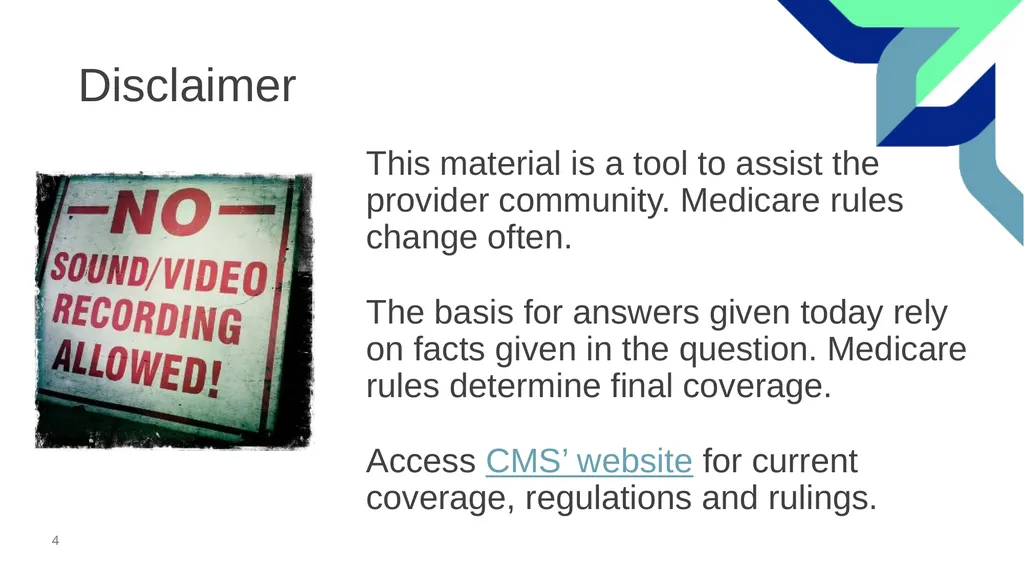
Disclaimer This material is a tool to assist the provider community. Medicare rules change often.
The basis for answers given today rely on facts given in the question. Medicare rules determine final coverage.
Access CMS’ website for current coverage, regulations and rulings.<br>
05
Agenda & Objective Objective: To provide answers to questions regarding the ABN.
Agenda
Explain the form
Show where to find the form
Focus on questions<br>
06
Explain<br>
07
Purpose Help a patient make an informed medical decision
Transfer financial liability to patients
Conveys Medicare is not likely to provide coverage in a specific case<br>
08
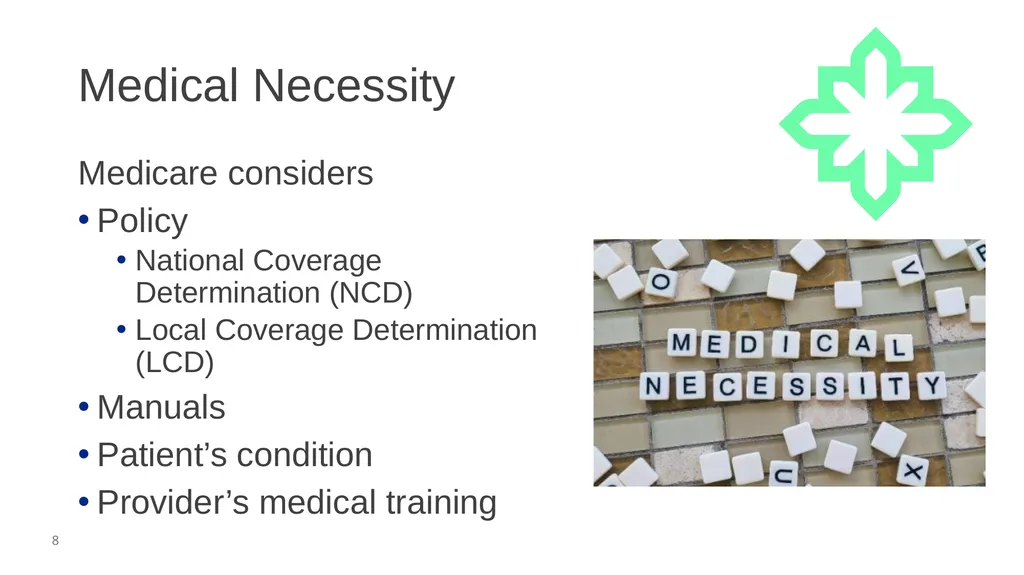
Medical Necessity Medicare considers
Policy
National Coverage Determination (NCD)
Local Coverage Determination (LCD)
Manuals
Patient’s condition
Provider’s medical training<br>
09
Standards Key items to know:
Reproducing
One form
Font to paper contrast
Changes
Retain for five years from discharge or delivery of care
Unless specified in state law<br>
10
Delivery Options Choose one
In-person
Recommended
Another provider
Phone
Fax
Email
Mail<br>
11
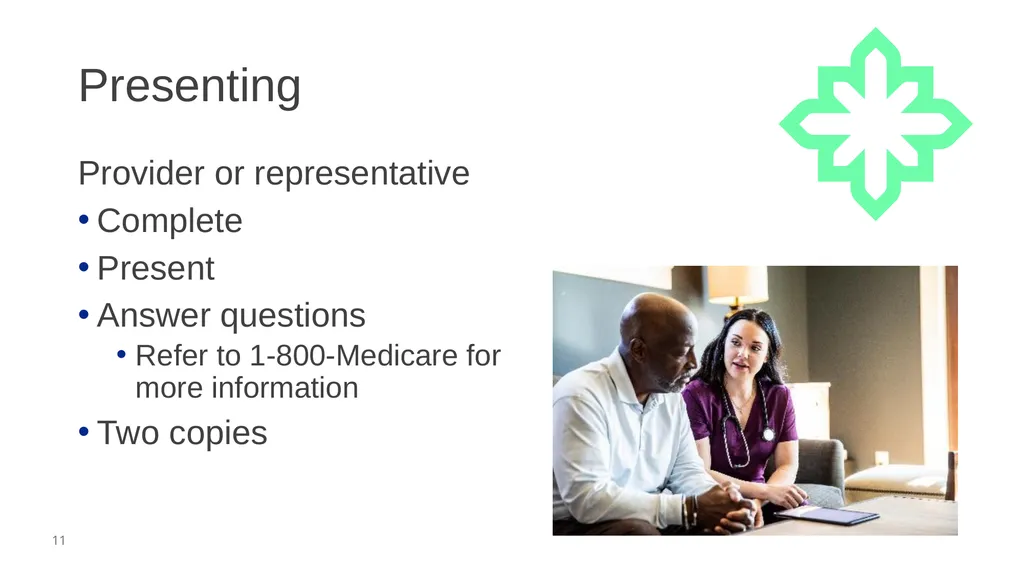
Presenting Provider or representative
Complete
Present
Answer questions
Refer to 1-800-Medicare for more information
Two copies<br>
12
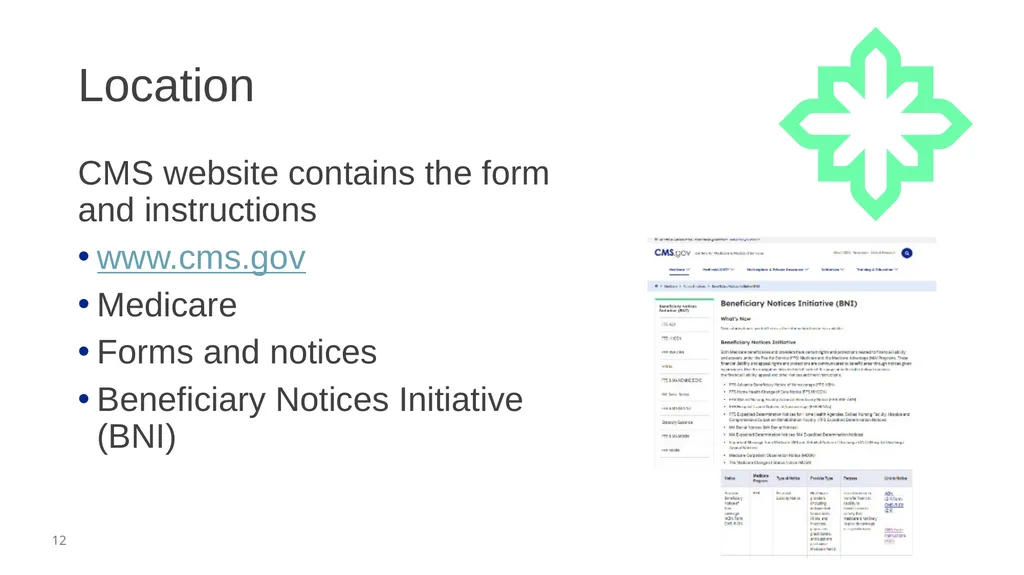
Location CMS website contains the form and instructions
www.cms.gov
Medicare
Forms and notices
Beneficiary Notices Initiative (BNI)<br>
13
Common Questions<br>
14
Estimate What is the best method to determine the estimate? Begin with what you charge a patient without insurance, private pay.
CMS allows the greater of 25% or $100 of the actual cost.
Remember, higher estimates are acceptable.<br>
15
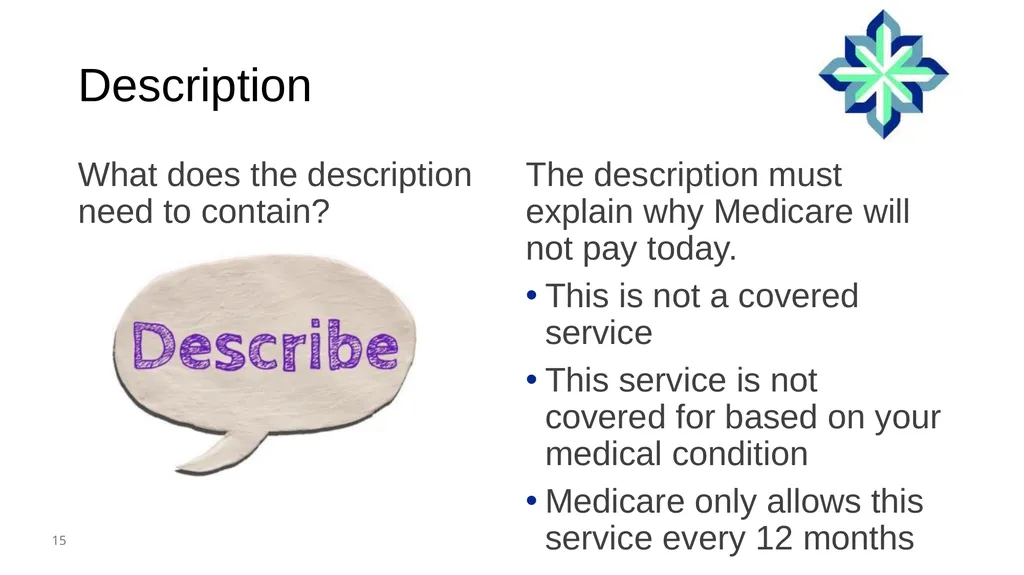
Description What does the description need to contain? The description must explain why Medicare will not pay today.
This is not a covered service
This service is not covered for based on your medical condition
Medicare only allows this service every 12 months<br>
16
Nover Covered Can I use the ABN for a service Medicare does not cover? Yes, this is the optional use and does not change the patient liability.
Medicare Benefit Policy Manual, Chapter 16 - General Exclusions From Coverage<br>
17
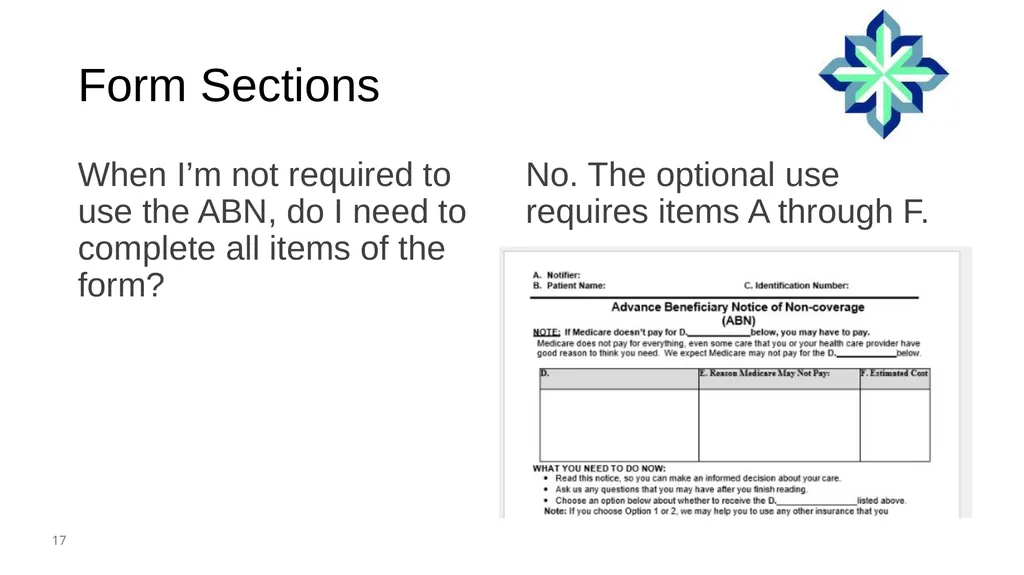
Form Sections When I’m not required to use the ABN, do I need to complete all items of the form? No. The optional use requires items A through F.<br>
18
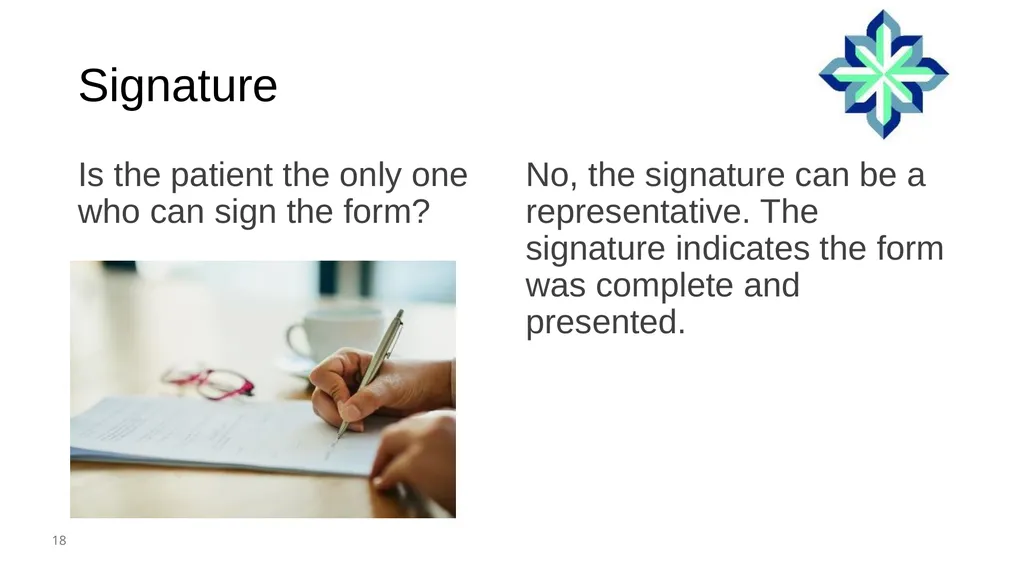
Signature Is the patient the only one who can sign the form? No, the signature can be a representative. The signature indicates the form was complete and presented.<br>
19
Refusal to Sign What do we do when a patient or representative refused to sign, but insists we provide the service? Document the refusal on the form and include:
Who refused
Refusal date
Presenter’s signature
Optional: witness signature<br>
20
Timing How far in advance can an ABN be completed prior to the services rendered? Medicare does not say how far in advance
You need to deliver far enough in advance for your patient to consider the options and make an informed choice<br>
21
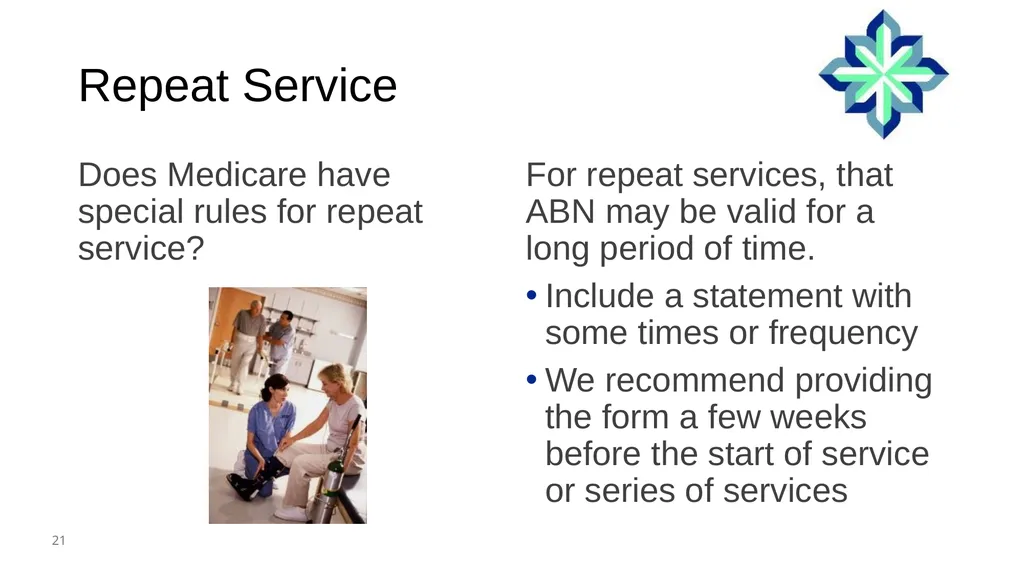
Repeat Service Does Medicare have special rules for repeat service? For repeat services, that ABN may be valid for a long period of time.
Include a statement with some times or frequency
We recommend providing the form a few weeks before the start of service or series of services<br>
22
Interrupt I discovered my service will not meet medical necessity, what do I do? CMS indicates to pause the service; you need to consider:
Not providing the service
Completing the ABN and providing it<br>
23
Medically Necessary Modifiers Can you review the ABN modifiers? Here are the modifiers for not medically necessary services:
GA
Signed ABN on file
Assign to patient liability
GZ
No ABN given
Assign provider liable<br>
24
Not Covered Modifiers Are the modifiers the same for not medically necessary and not covered services? Medicare uses different modifiers.
GX
Not covered service
ABN given
GY
Not covered service
Not ABN given<br>
25
Patient Options Can a patient change their option for billing after receiving the bill? Yes, you will need to document the change on the ABN.
Option changing to
Person requesting
Date
Send for a signature
If not in person<br>
26
Chat Questions<br>
27
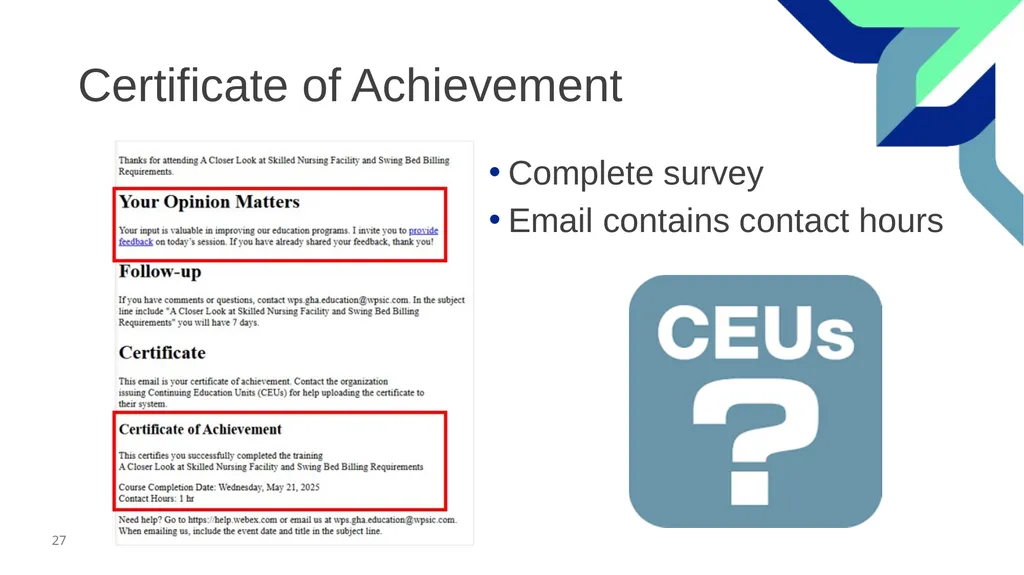
Certificate of Achievement Complete survey
Email contains contact hours<br>
28
Follow-up Questions Send your questions by 12:00 PM CT for seven days following the training
Email wps.gha.education@wpsic.com
Subject Line: Today’s Topic
Send claim specific questions to Customer Service<br>
29
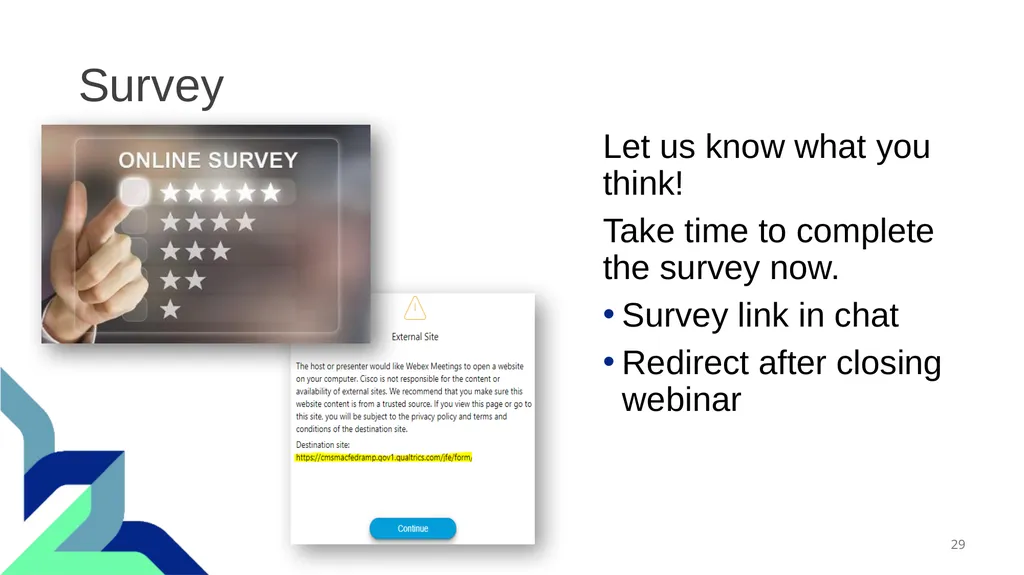
Survey Let us know what you think!
Take time to complete the survey now.
Survey link in chat
Redirect after closing webinar<br>