
Game Architecture CS 4730 – Computer Game Design
A
Published · 27 slides · 0 views
1 / 1
Description
Game Architecture CS 4730 Computer Game Design Credit: Some slide material courtesy Walker White (Cornell) Event-Driven Programming Consider all the programs youve written up to this point Did they do anything when the user didnt ask
Related Topics
Share
Embed code
Download this presentation From Below
"Game Architecture CS 4730 – Computer Game Design" is the property of its rightful owner. Permission is granted to download and print the materials on this website for personal, non-commercial use only, and to display it on your personal computer provided you do not modify the materials and that you retain all copyright notices contained in the materials. By downloading content from our website, you accept the terms of this agreement.
Presentation Transcript
01
Game Architecture CS 4730 – Computer Game Design
Credit: Some slide material courtesy Walker White (Cornell)<br>
Credit: Some slide material courtesy Walker White (Cornell)<br>
02
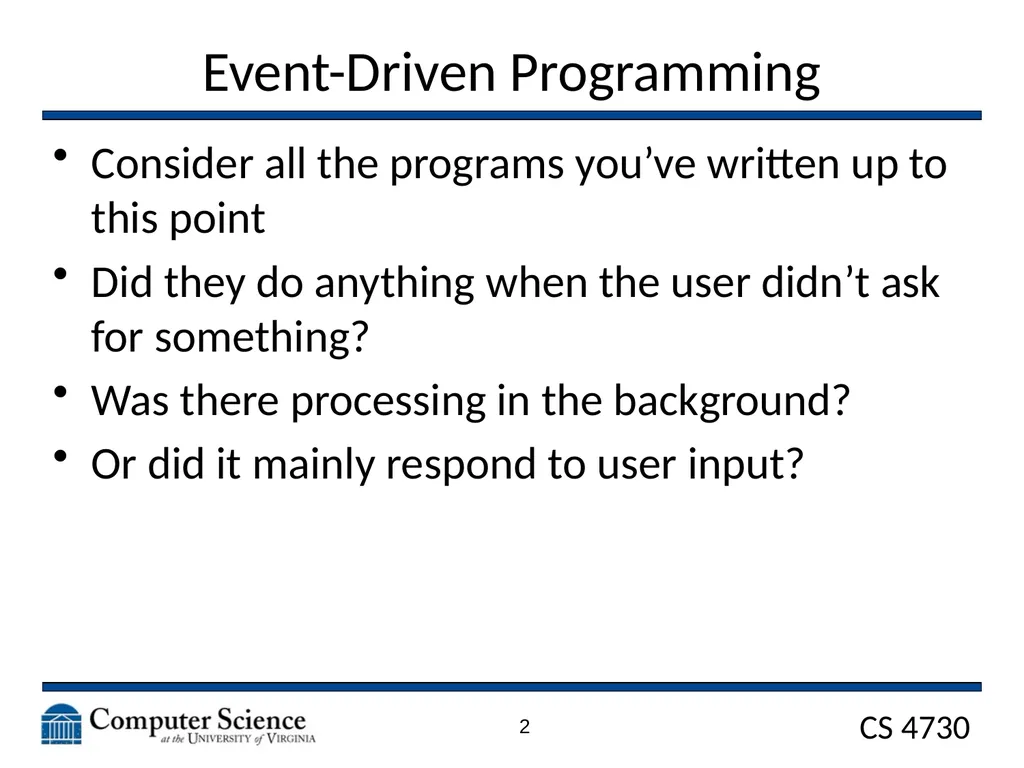
Event-Driven Programming Consider all the programs you’ve written up to this point
Did they do anything when the user didn’t ask for something?
Was there processing in the background?
Or did it mainly respond to user input? 2<br>
Did they do anything when the user didn’t ask for something?
Was there processing in the background?
Or did it mainly respond to user input? 2<br>
03
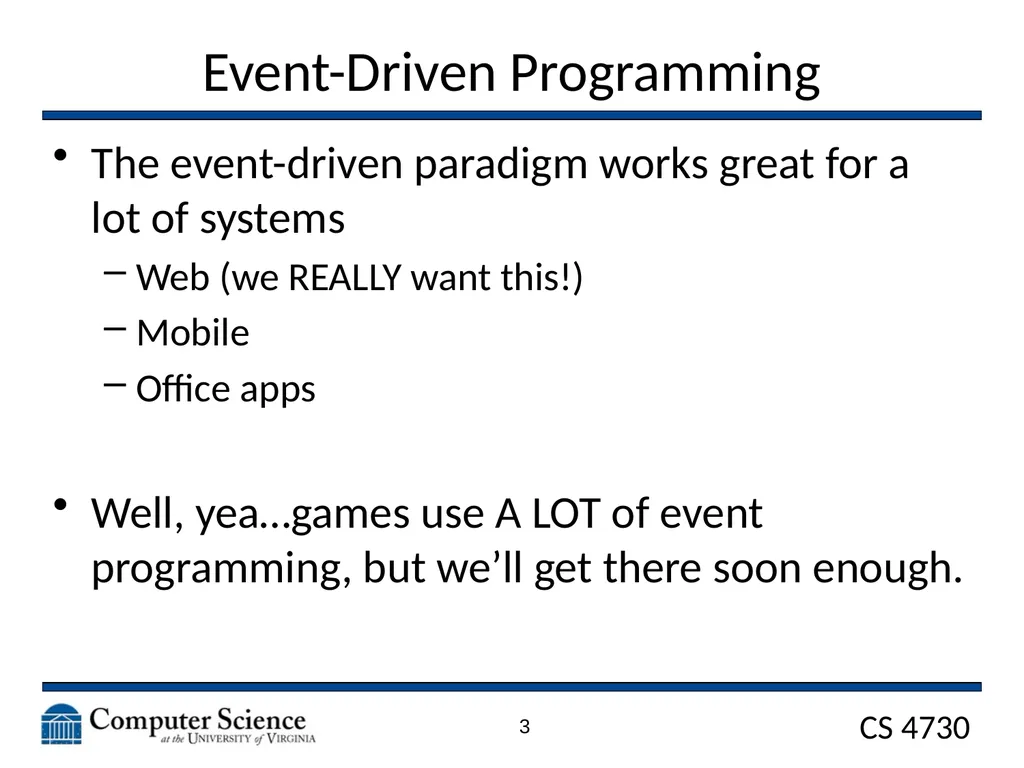
Event-Driven Programming The event-driven paradigm works great for a lot of systems
Web (we REALLY want this!)
Mobile
Office apps
Well, yea…games use A LOT of event programming, but we’ll get there soon enough. 3<br>
Web (we REALLY want this!)
Mobile
Office apps
Well, yea…games use A LOT of event programming, but we’ll get there soon enough. 3<br>
04
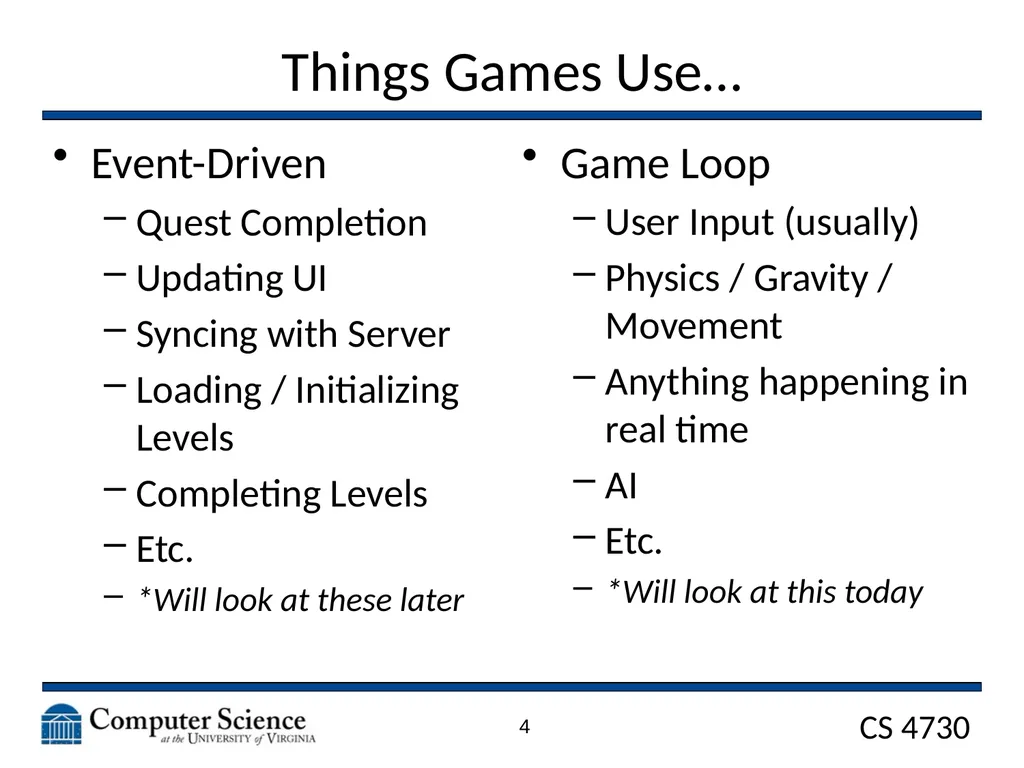
Things Games Use… Event-Driven
Quest Completion
Updating UI
Syncing with Server
Loading / Initializing Levels
Completing Levels
Etc.
*Will look at these later 4 Game Loop
User Input (usually)
Physics / Gravity / Movement
Anything happening in real time
AI
Etc.
*Will look at this today<br>
Quest Completion
Updating UI
Syncing with Server
Loading / Initializing Levels
Completing Levels
Etc.
*Will look at these later 4 Game Loop
User Input (usually)
Physics / Gravity / Movement
Anything happening in real time
AI
Etc.
*Will look at this today<br>
05
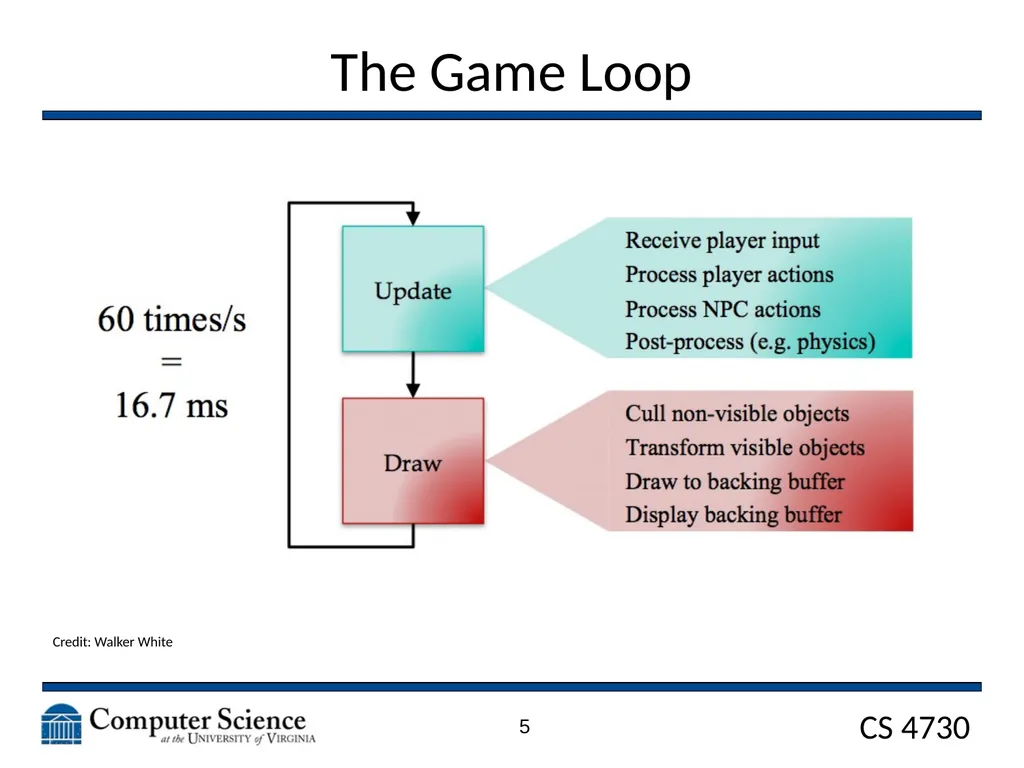
The Game Loop Credit: Walker White 5<br>
06
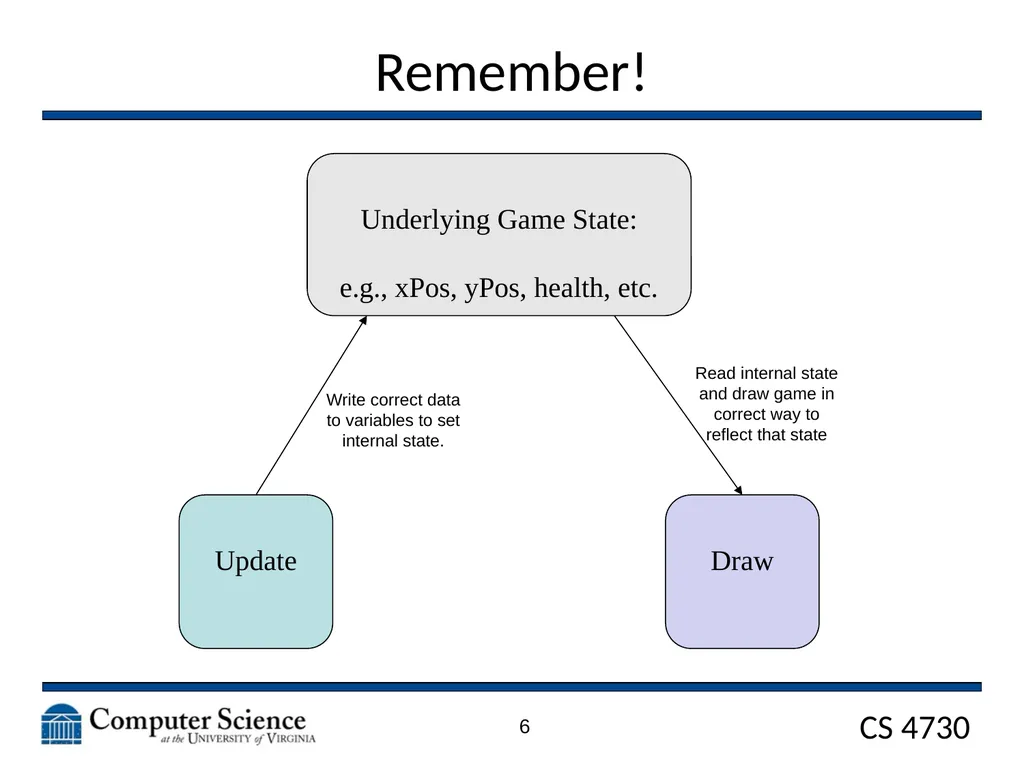
Remember! 6 Update Draw Underlying Game State:
e.g., xPos, yPos, health, etc. Write correct data to variables to set internal state. Read internal state and draw game in correct way to reflect that state<br>
e.g., xPos, yPos, health, etc. Write correct data to variables to set internal state. Read internal state and draw game in correct way to reflect that state<br>
07
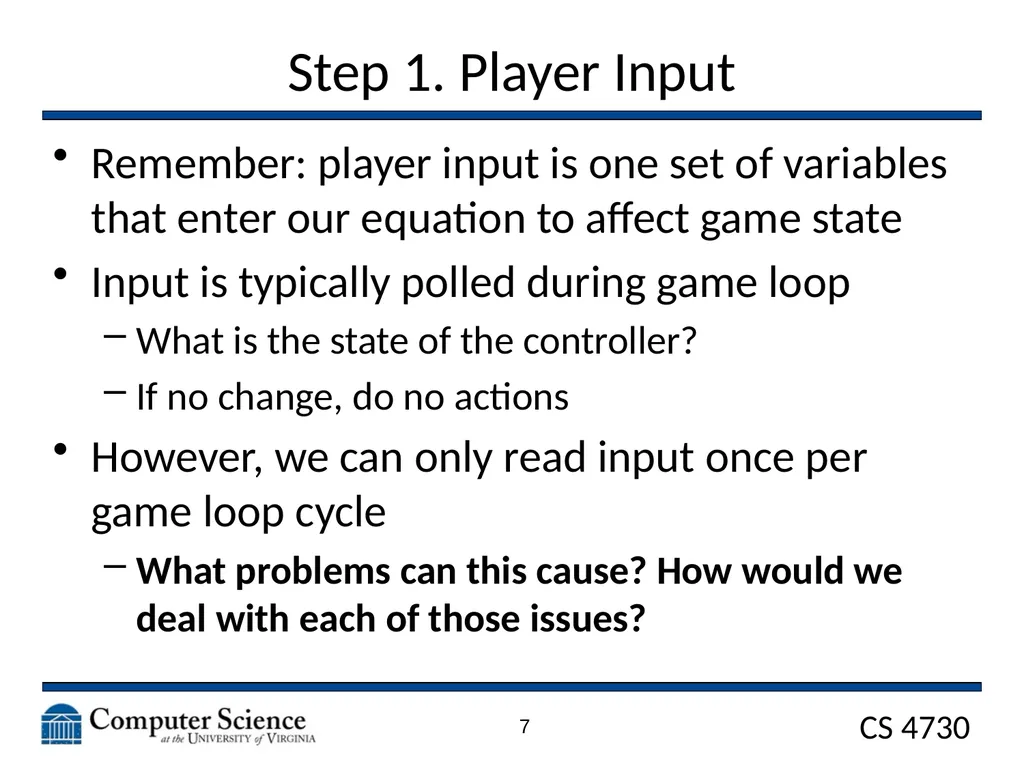
Step 1. Player Input Remember: player input is one set of variables that enter our equation to affect game state
Input is typically polled during game loop
What is the state of the controller?
If no change, do no actions
However, we can only read input once per game loop cycle
What problems can this cause? How would we deal with each of those issues? 7<br>
Input is typically polled during game loop
What is the state of the controller?
If no change, do no actions
However, we can only read input once per game loop cycle
What problems can this cause? How would we deal with each of those issues? 7<br>
08
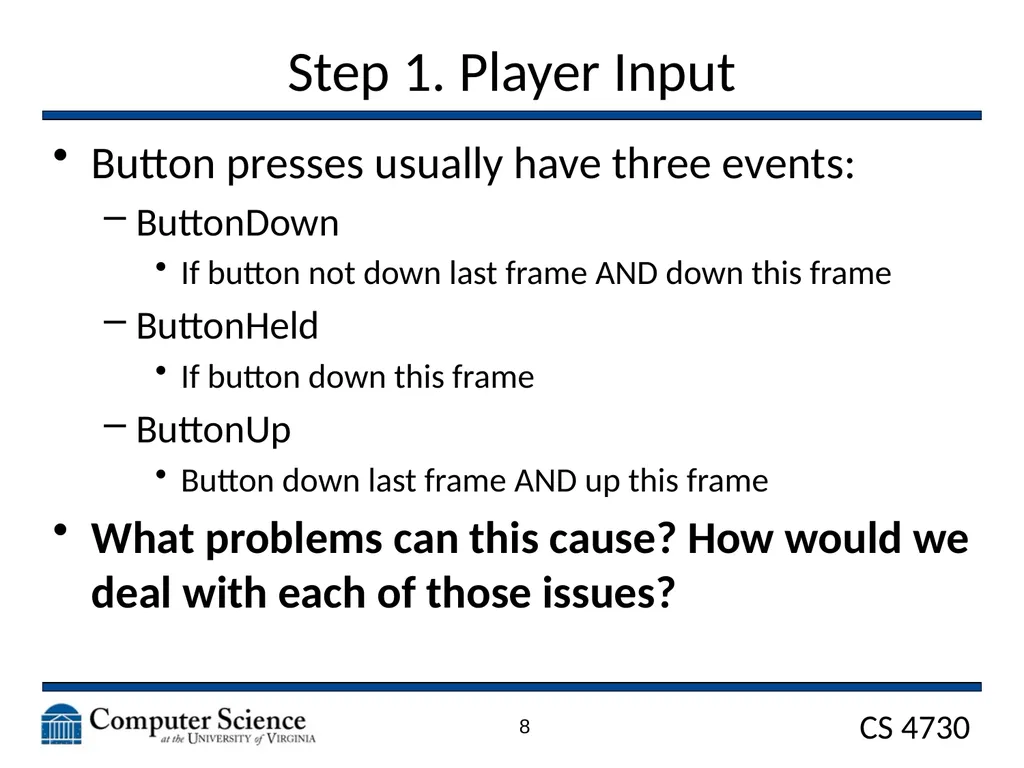
Step 1. Player Input Button presses usually have three events:
ButtonDown
If button not down last frame AND down this frame
ButtonHeld
If button down this frame
ButtonUp
Button down last frame AND up this frame
What problems can this cause? How would we deal with each of those issues? 8<br>
ButtonDown
If button not down last frame AND down this frame
ButtonHeld
If button down this frame
ButtonUp
Button down last frame AND up this frame
What problems can this cause? How would we deal with each of those issues? 8<br>
09
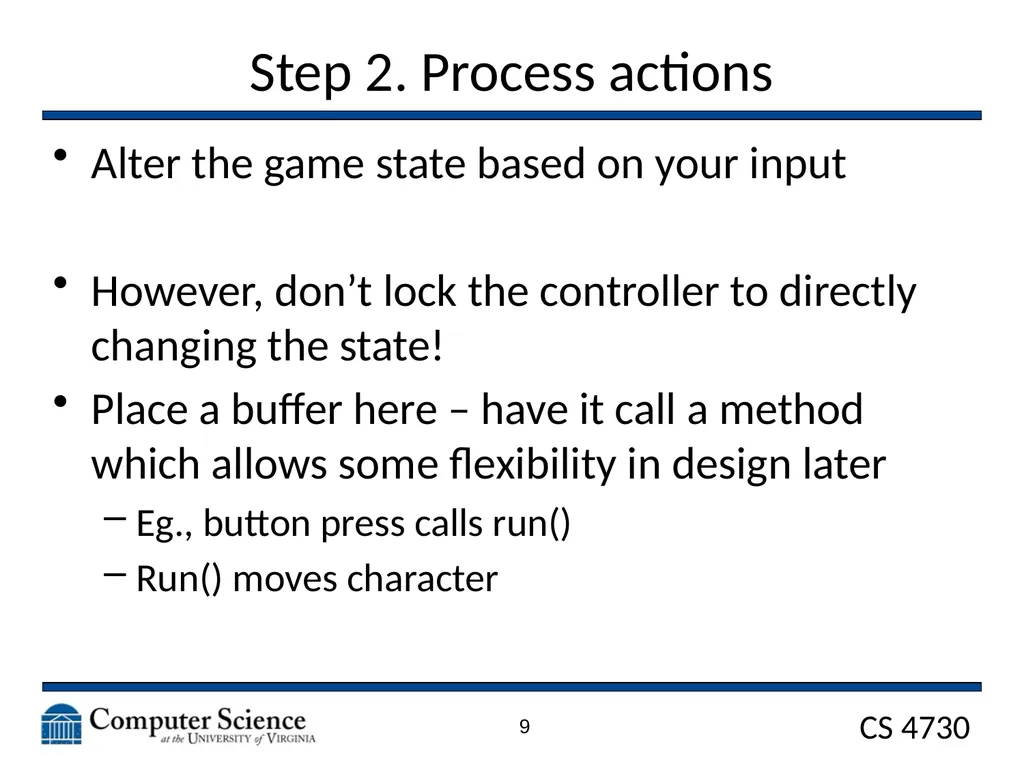
Step 2. Process actions Alter the game state based on your input
However, don’t lock the controller to directly changing the state!
Place a buffer here – have it call a method which allows some flexibility in design later
Eg., button press calls run()
Run() moves character 9<br>
However, don’t lock the controller to directly changing the state!
Place a buffer here – have it call a method which allows some flexibility in design later
Eg., button press calls run()
Run() moves character 9<br>
10
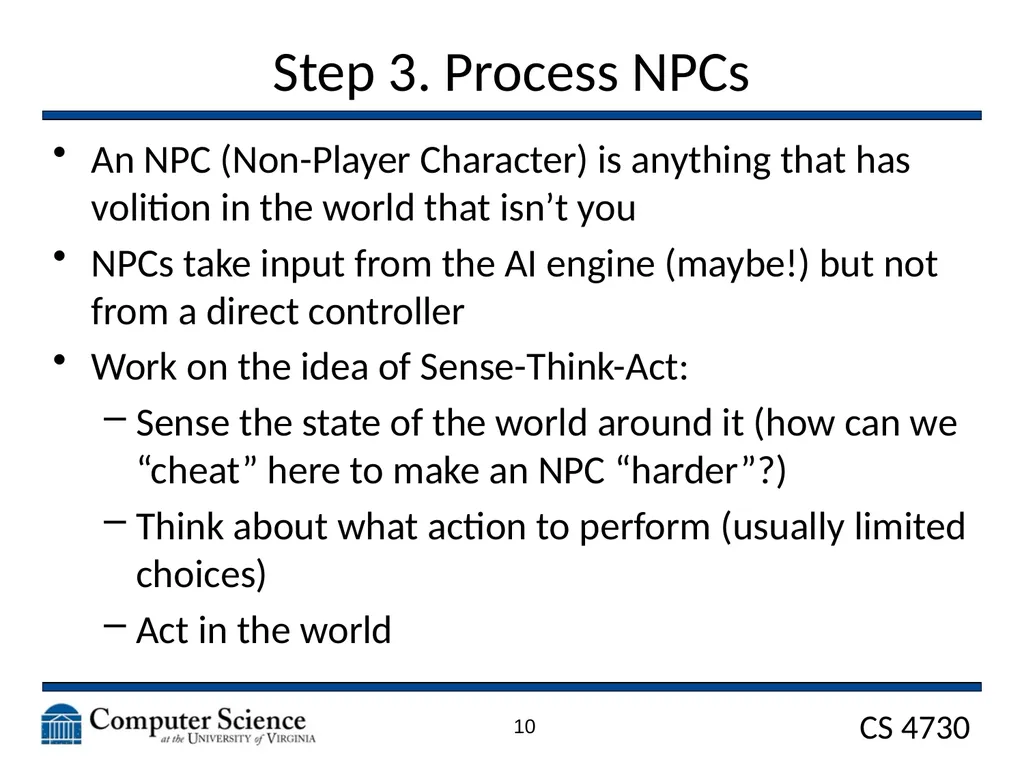
Step 3. Process NPCs An NPC (Non-Player Character) is anything that has volition in the world that isn’t you
NPCs take input from the AI engine (maybe!) but not from a direct controller
Work on the idea of Sense-Think-Act:
Sense the state of the world around it (how can we “cheat” here to make an NPC “harder”?)
Think about what action to perform (usually limited choices)
Act in the world 10<br>
NPCs take input from the AI engine (maybe!) but not from a direct controller
Work on the idea of Sense-Think-Act:
Sense the state of the world around it (how can we “cheat” here to make an NPC “harder”?)
Think about what action to perform (usually limited choices)
Act in the world 10<br>
11
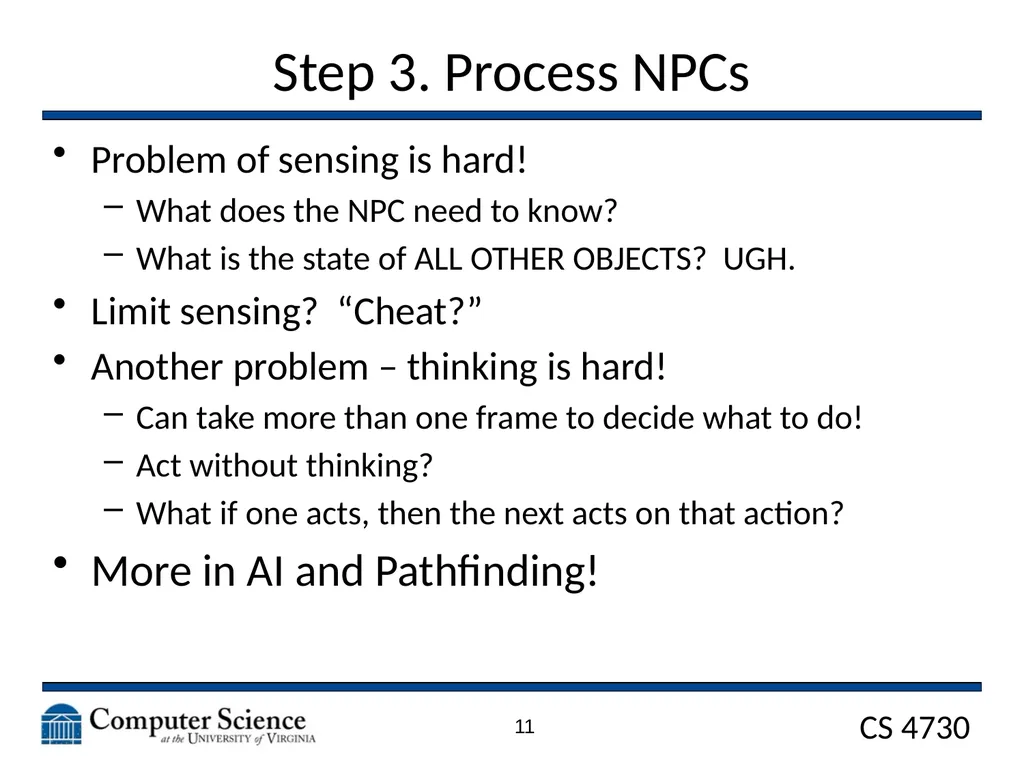
Step 3. Process NPCs Problem of sensing is hard!
What does the NPC need to know?
What is the state of ALL OTHER OBJECTS? UGH.
Limit sensing? “Cheat?”
Another problem – thinking is hard!
Can take more than one frame to decide what to do!
Act without thinking?
What if one acts, then the next acts on that action?
More in AI and Pathfinding! 11<br>
What does the NPC need to know?
What is the state of ALL OTHER OBJECTS? UGH.
Limit sensing? “Cheat?”
Another problem – thinking is hard!
Can take more than one frame to decide what to do!
Act without thinking?
What if one acts, then the next acts on that action?
More in AI and Pathfinding! 11<br>
12
Step 4. World Processing Physics!
Lighting!
Collisions!
So much cool stuff!
But later! 12<br>
Lighting!
Collisions!
So much cool stuff!
But later! 12<br>
13
Drawing Well, it needs to be fast!
We want to do as little computation as possible
Draw ONLY what’s on the screen!
Keep the drawing and the state modification separate!
Some of this will be handled by a programming languages underlying graphics libraries. 13<br>
We want to do as little computation as possible
Draw ONLY what’s on the screen!
Keep the drawing and the state modification separate!
Some of this will be handled by a programming languages underlying graphics libraries. 13<br>
14
Game Loop Structure Let’s look at some issues with the game loop in a little bit more detail. 14<br>
15
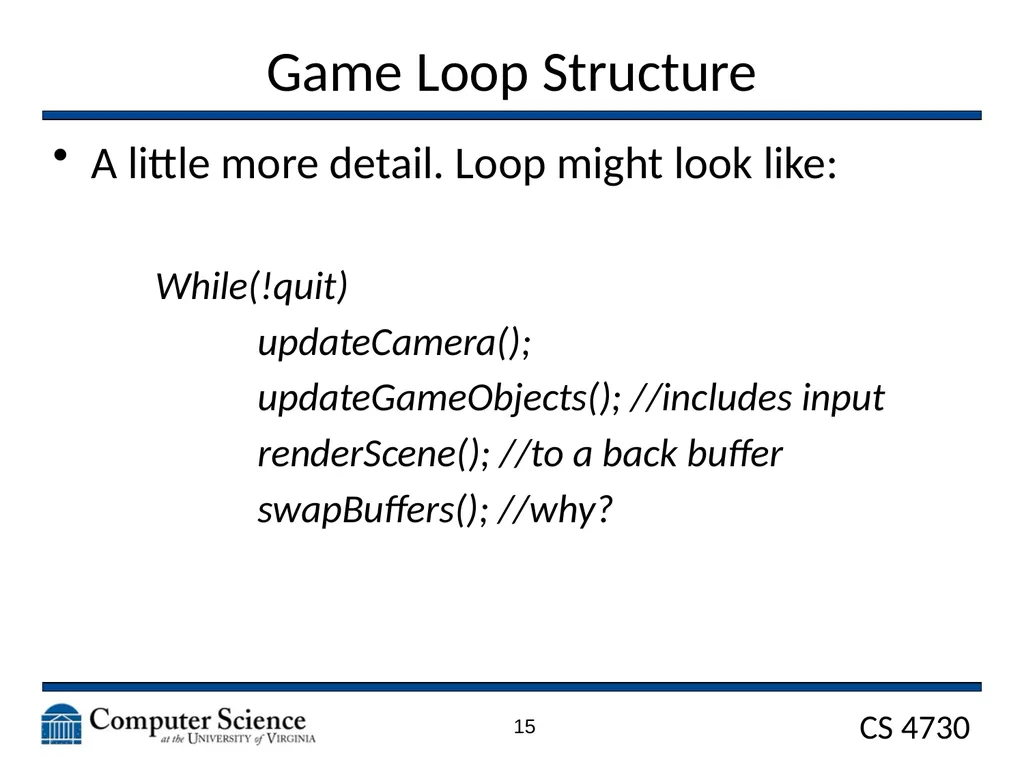
Game Loop Structure A little more detail. Loop might look like:
While(!quit)
updateCamera();
updateGameObjects(); //includes input
renderScene(); //to a back buffer
swapBuffers(); //why? 15<br>
While(!quit)
updateCamera();
updateGameObjects(); //includes input
renderScene(); //to a back buffer
swapBuffers(); //why? 15<br>
16
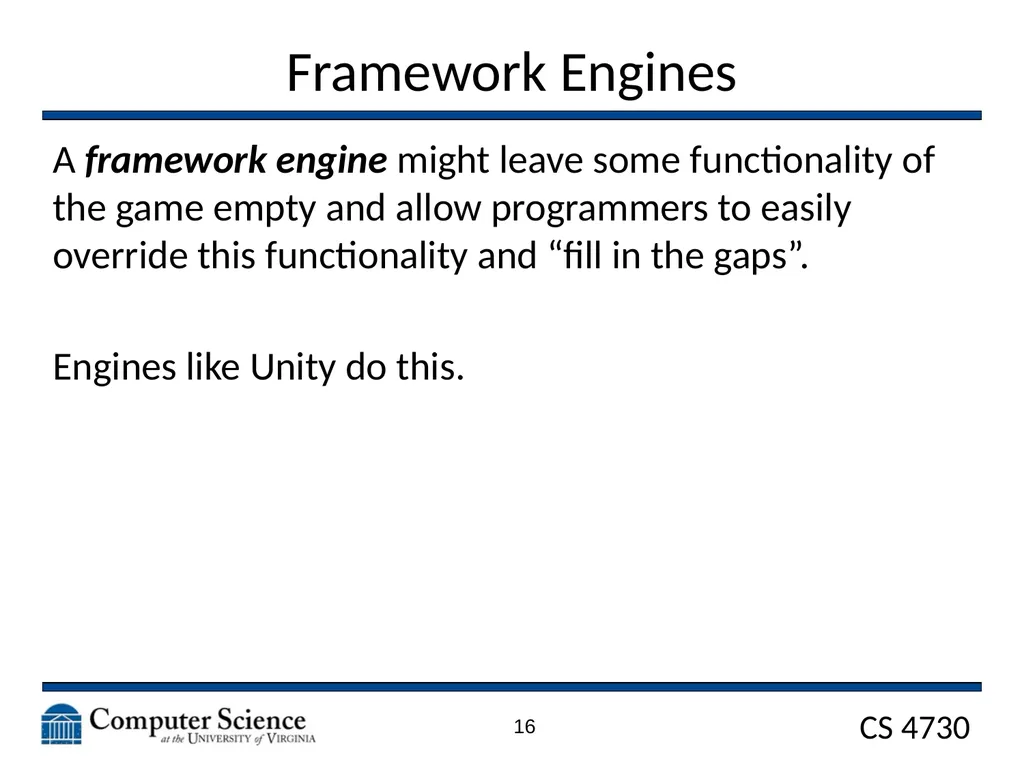
Framework Engines A framework engine might leave some functionality of the game empty and allow programmers to easily override this functionality and “fill in the gaps”.
Engines like Unity do this. 16<br>
Engines like Unity do this. 16<br>
17
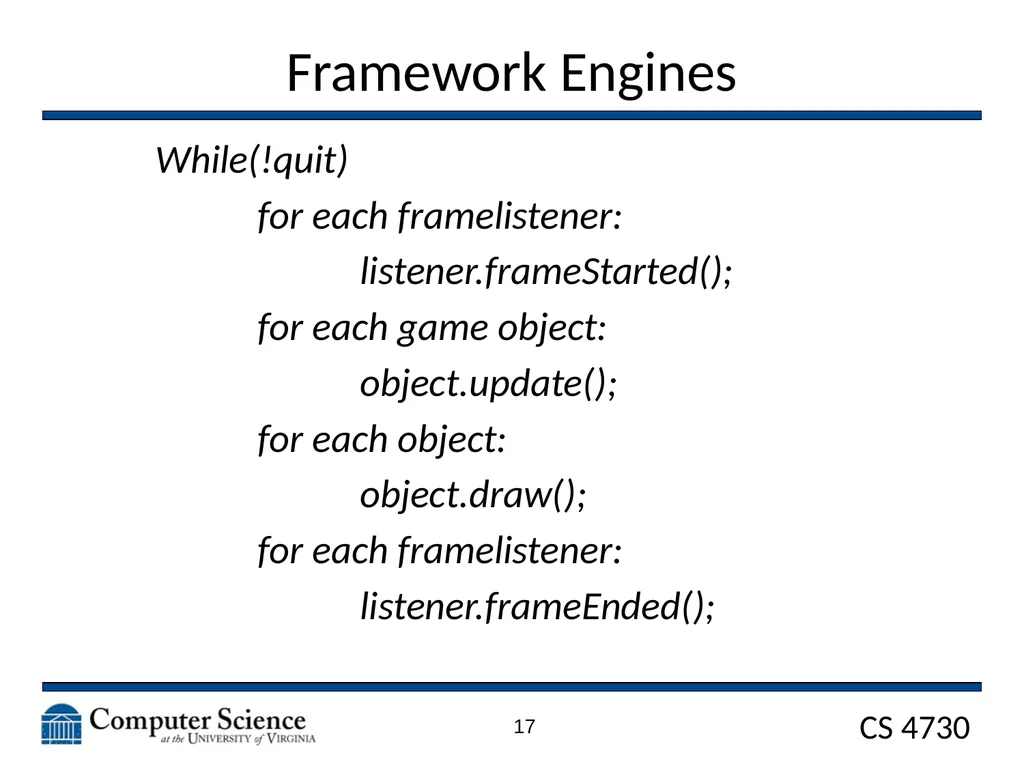
Framework Engines While(!quit)
for each framelistener:
listener.frameStarted();
for each game object:
object.update();
for each object:
object.draw();
for each framelistener:
listener.frameEnded(); 17<br>
for each framelistener:
listener.frameStarted();
for each game object:
object.update();
for each object:
object.draw();
for each framelistener:
listener.frameEnded(); 17<br>
18
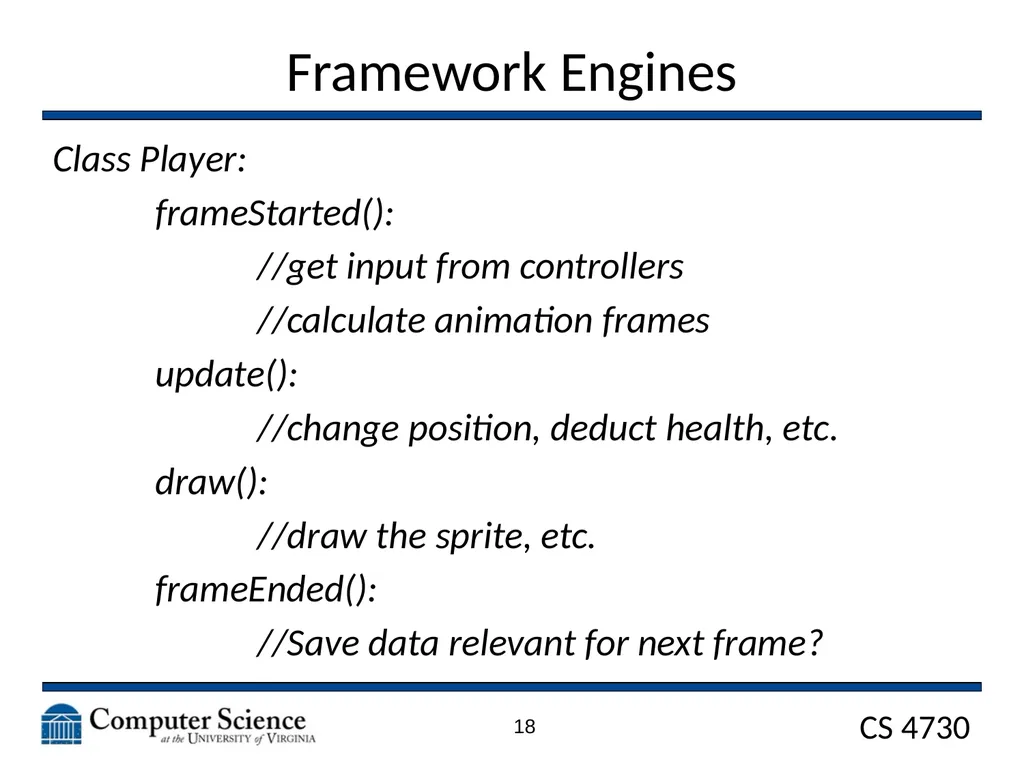
Framework Engines Class Player:
frameStarted():
//get input from controllers
//calculate animation frames
update():
//change position, deduct health, etc.
draw():
//draw the sprite, etc.
frameEnded():
//Save data relevant for next frame? 18<br>
frameStarted():
//get input from controllers
//calculate animation frames
update():
//change position, deduct health, etc.
draw():
//draw the sprite, etc.
frameEnded():
//Save data relevant for next frame? 18<br>
19
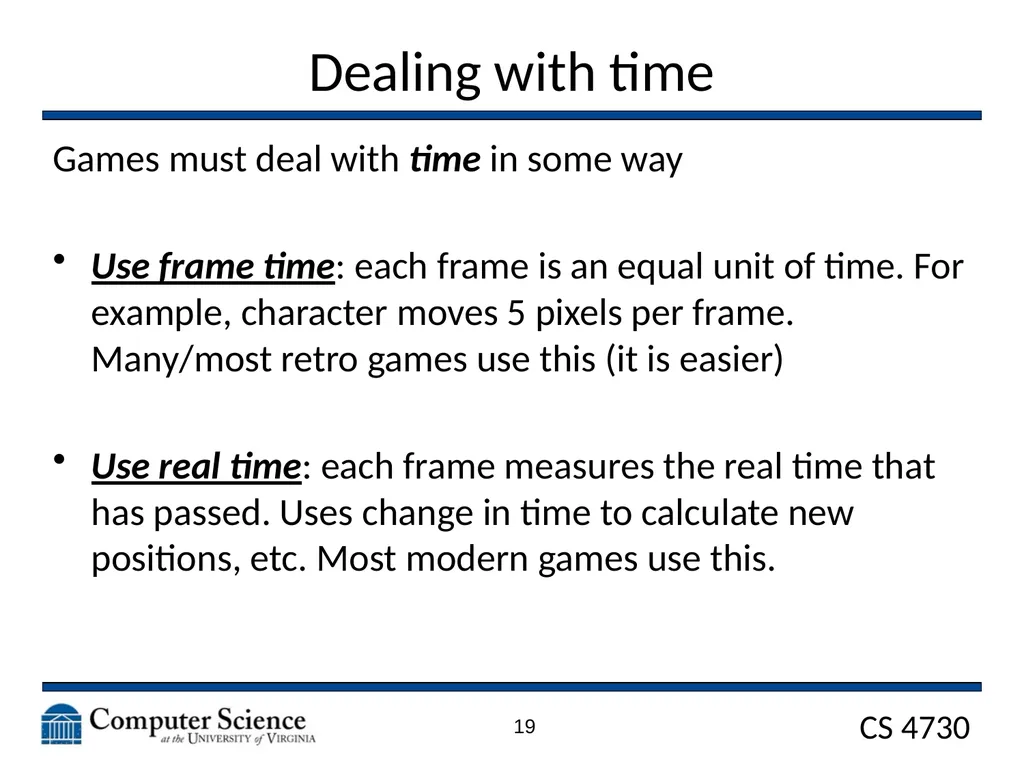
Dealing with time Games must deal with time in some way
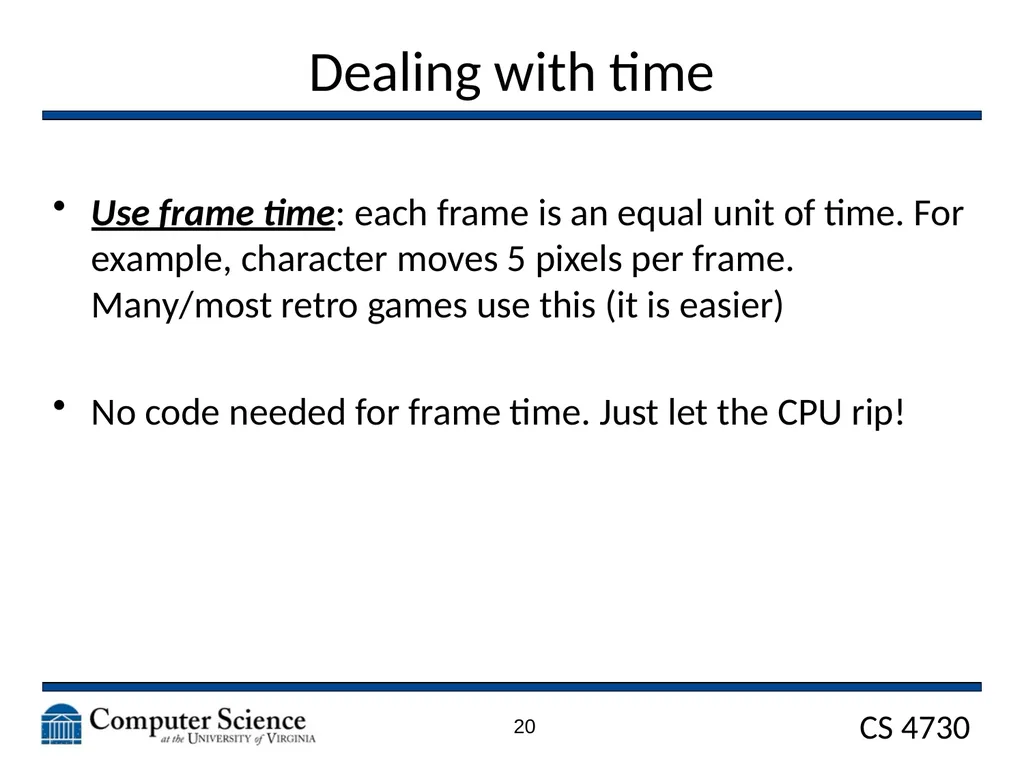
Use frame time: each frame is an equal unit of time. For example, character moves 5 pixels per frame. Many/most retro games use this (it is easier)
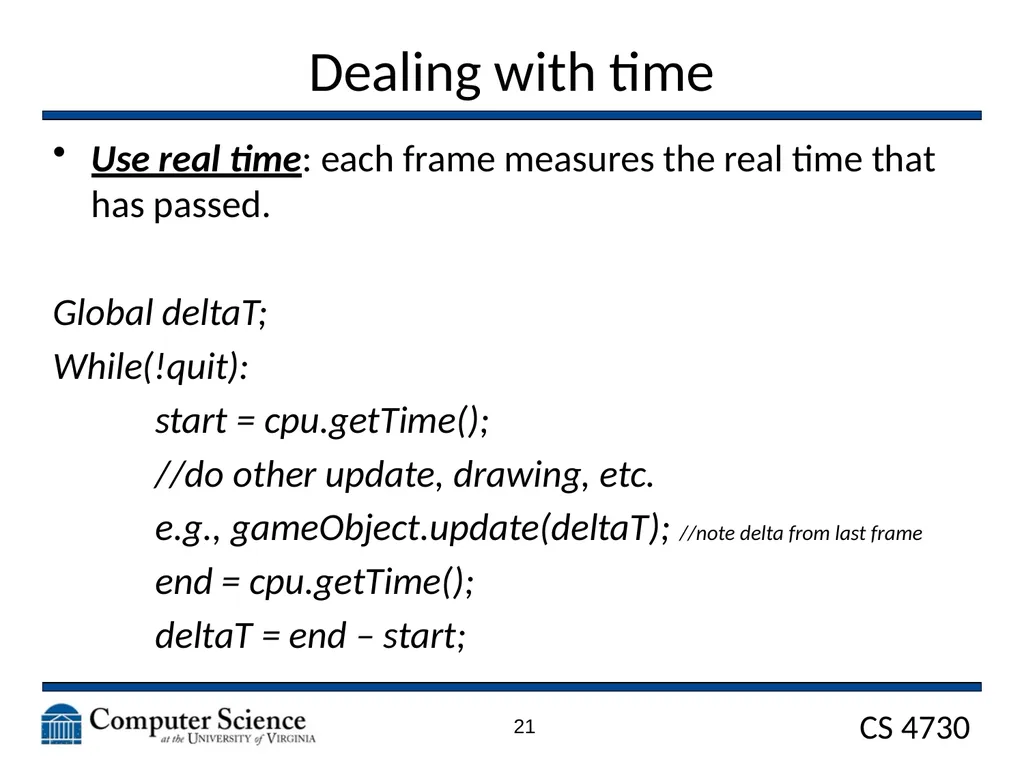
Use real time: each frame measures the real time that has passed. Uses change in time to calculate new positions, etc. Most modern games use this. 19<br>
Use frame time: each frame is an equal unit of time. For example, character moves 5 pixels per frame. Many/most retro games use this (it is easier)
Use real time: each frame measures the real time that has passed. Uses change in time to calculate new positions, etc. Most modern games use this. 19<br>
20
Dealing with time Use frame time: each frame is an equal unit of time. For example, character moves 5 pixels per frame. Many/most retro games use this (it is easier)
No code needed for frame time. Just let the CPU rip! 20<br>
No code needed for frame time. Just let the CPU rip! 20<br>
21
Dealing with time Use real time: each frame measures the real time that has passed.
Global deltaT;
While(!quit):
start = cpu.getTime();
//do other update, drawing, etc.
e.g., gameObject.update(deltaT); //note delta from last frame
end = cpu.getTime();
deltaT = end – start; 21<br>
Global deltaT;
While(!quit):
start = cpu.getTime();
//do other update, drawing, etc.
e.g., gameObject.update(deltaT); //note delta from last frame
end = cpu.getTime();
deltaT = end – start; 21<br>
22
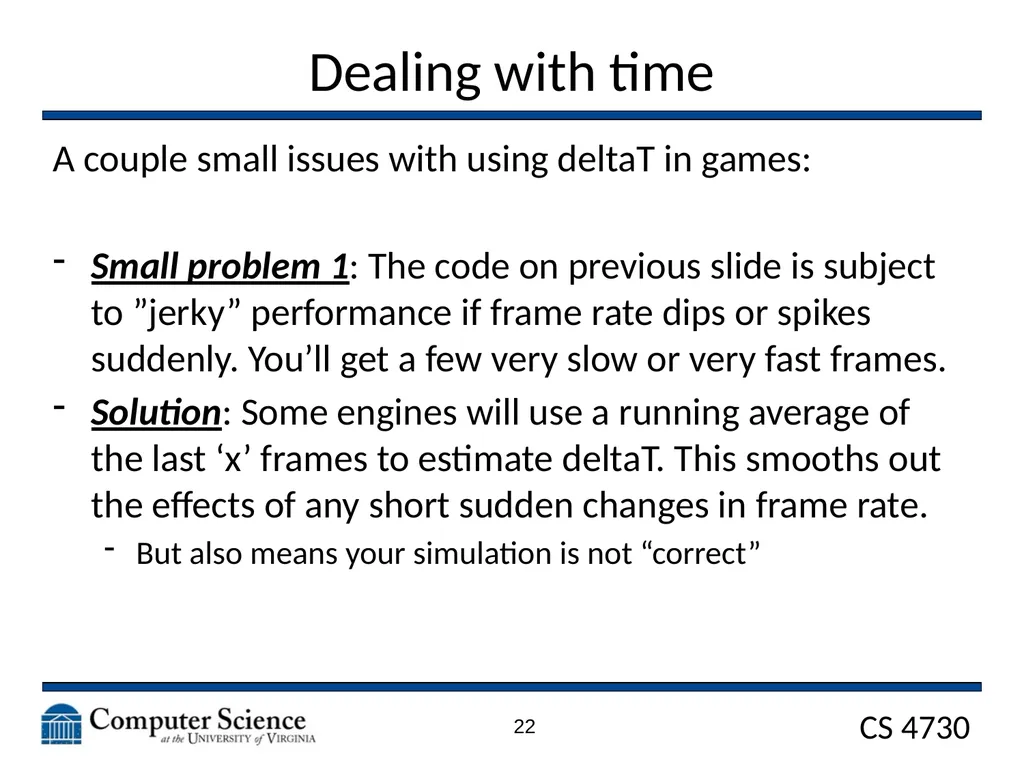
Dealing with time A couple small issues with using deltaT in games:
Small problem 1: The code on previous slide is subject to ”jerky” performance if frame rate dips or spikes suddenly. You’ll get a few very slow or very fast frames.
Solution: Some engines will use a running average of the last ‘x’ frames to estimate deltaT. This smooths out the effects of any short sudden changes in frame rate.
But also means your simulation is not “correct” 22<br>
Small problem 1: The code on previous slide is subject to ”jerky” performance if frame rate dips or spikes suddenly. You’ll get a few very slow or very fast frames.
Solution: Some engines will use a running average of the last ‘x’ frames to estimate deltaT. This smooths out the effects of any short sudden changes in frame rate.
But also means your simulation is not “correct” 22<br>
23
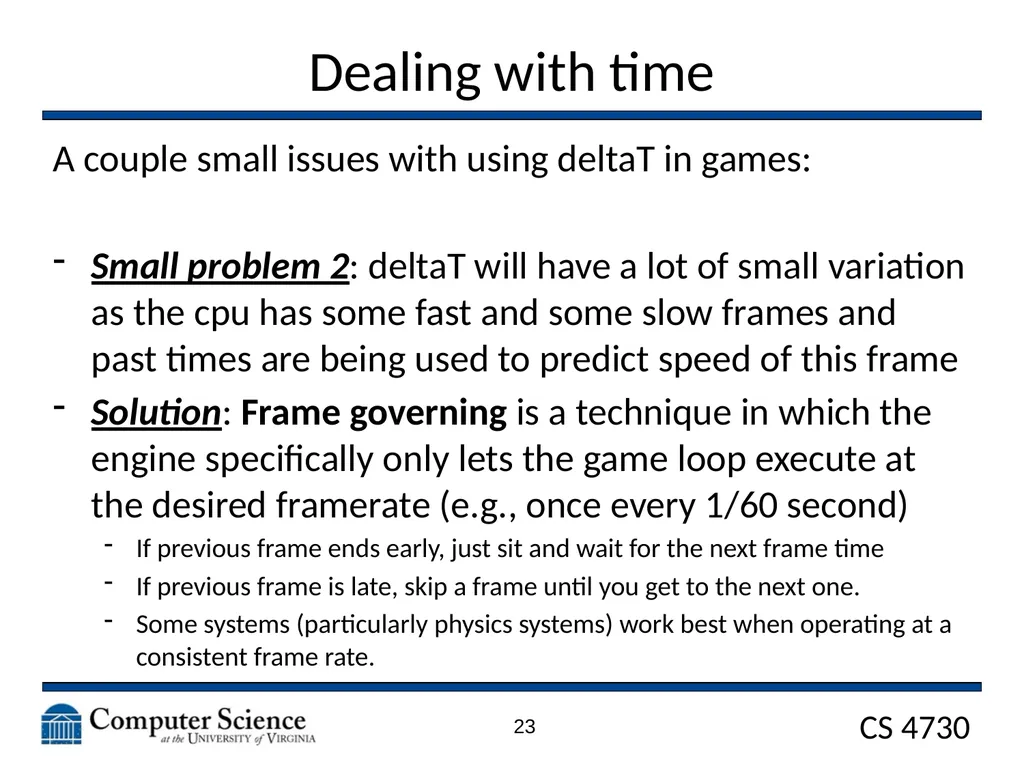
Dealing with time A couple small issues with using deltaT in games:
Small problem 2: deltaT will have a lot of small variation as the cpu has some fast and some slow frames and past times are being used to predict speed of this frame
Solution: Frame governing is a technique in which the engine specifically only lets the game loop execute at the desired framerate (e.g., once every 1/60 second)
If previous frame ends early, just sit and wait for the next frame time
If previous frame is late, skip a frame until you get to the next one.
Some systems (particularly physics systems) work best when operating at a consistent frame rate. 23<br>
Small problem 2: deltaT will have a lot of small variation as the cpu has some fast and some slow frames and past times are being used to predict speed of this frame
Solution: Frame governing is a technique in which the engine specifically only lets the game loop execute at the desired framerate (e.g., once every 1/60 second)
If previous frame ends early, just sit and wait for the next frame time
If previous frame is late, skip a frame until you get to the next one.
Some systems (particularly physics systems) work best when operating at a consistent frame rate. 23<br>
24
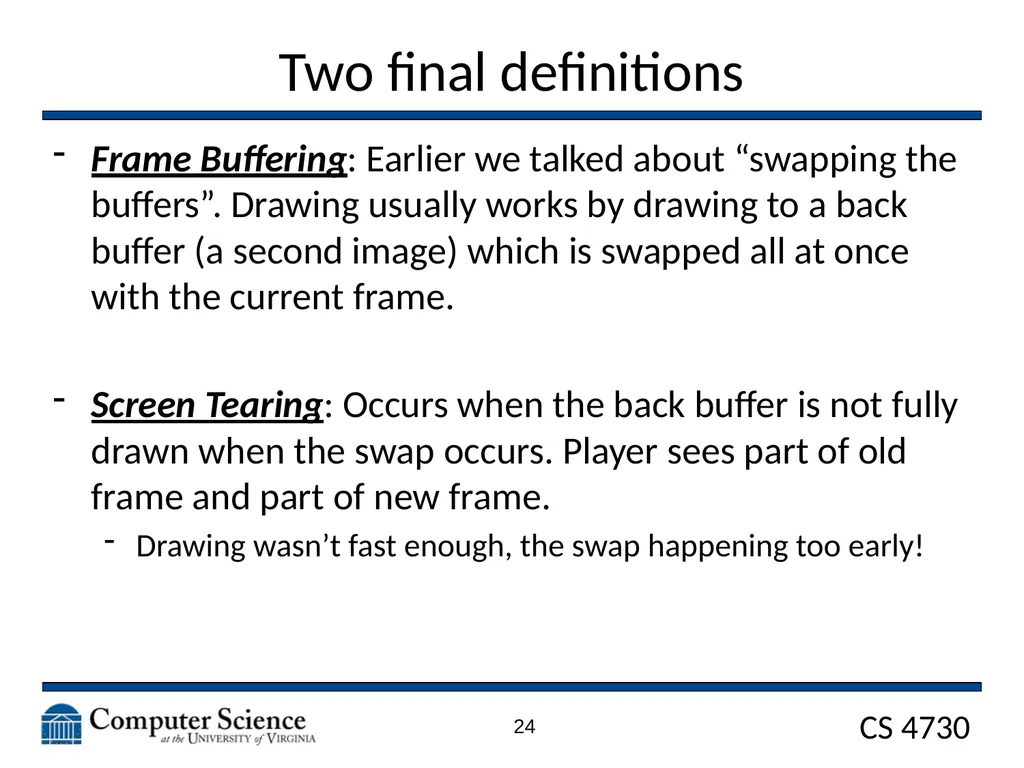
Two final definitions Frame Buffering: Earlier we talked about “swapping the buffers”. Drawing usually works by drawing to a back buffer (a second image) which is swapped all at once with the current frame.
Screen Tearing: Occurs when the back buffer is not fully drawn when the swap occurs. Player sees part of old frame and part of new frame.
Drawing wasn’t fast enough, the swap happening too early! 24<br>
Screen Tearing: Occurs when the back buffer is not fully drawn when the swap occurs. Player sees part of old frame and part of new frame.
Drawing wasn’t fast enough, the swap happening too early! 24<br>
25
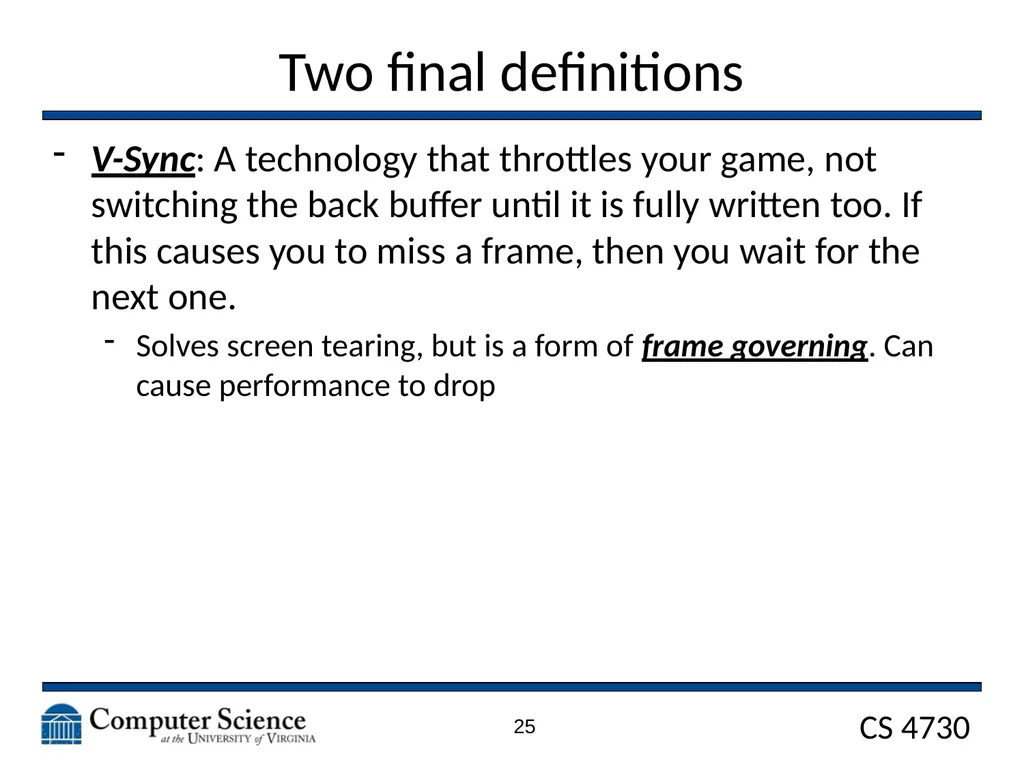
Two final definitions V-Sync: A technology that throttles your game, not switching the back buffer until it is fully written too. If this causes you to miss a frame, then you wait for the next one.
Solves screen tearing, but is a form of frame governing. Can cause performance to drop 25<br>
Solves screen tearing, but is a form of frame governing. Can cause performance to drop 25<br>
26
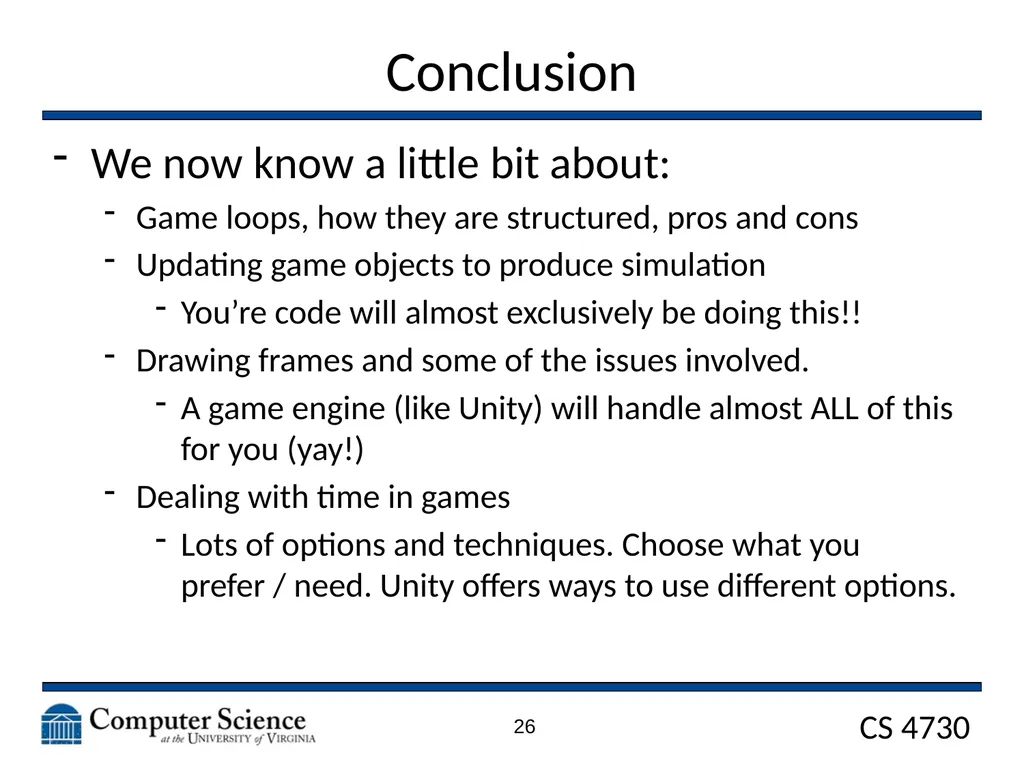
Conclusion We now know a little bit about:
Game loops, how they are structured, pros and cons
Updating game objects to produce simulation
You’re code will almost exclusively be doing this!!
Drawing frames and some of the issues involved.
A game engine (like Unity) will handle almost ALL of this for you (yay!)
Dealing with time in games
Lots of options and techniques. Choose what you prefer / need. Unity offers ways to use different options. 26<br>
Game loops, how they are structured, pros and cons
Updating game objects to produce simulation
You’re code will almost exclusively be doing this!!
Drawing frames and some of the issues involved.
A game engine (like Unity) will handle almost ALL of this for you (yay!)
Dealing with time in games
Lots of options and techniques. Choose what you prefer / need. Unity offers ways to use different options. 26<br>
27
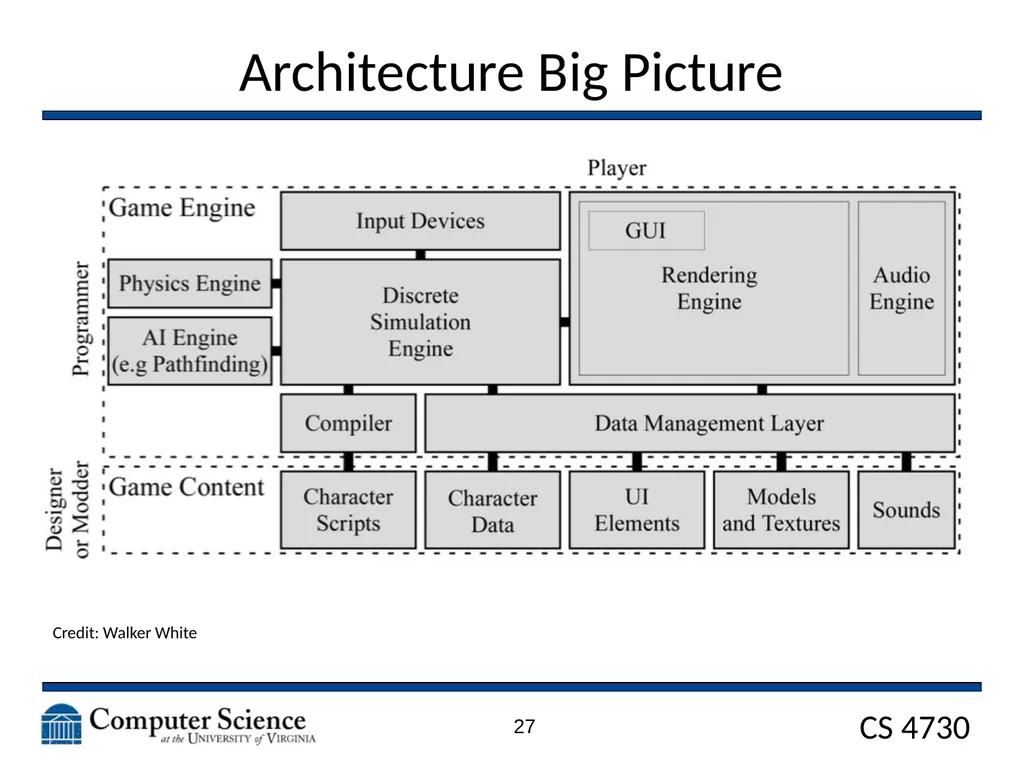
Architecture Big Picture Credit: Walker White 27<br>
28
SDL2 28<br>
29
SDL2 SDL is a simple media library that allows drawing images to screen, and other simple graphics based tasks.
These slides serve as a quick introduction to the library
i.e., the SDL code that is provided in the starter pack for the class. 29<br>
These slides serve as a quick introduction to the library
i.e., the SDL code that is provided in the starter pack for the class. 29<br>
30
SDL needs to be initialized
Then, you can create a window and get a pointer to a renderer.
The renderer object is like a canvas, you draw on it to make sprites appear on the screen. SDL2 30<br>
Then, you can create a window and get a pointer to a renderer.
The renderer object is like a canvas, you draw on it to make sprites appear on the screen. SDL2 30<br>
31
SDL has events. These events let you know when important things happen (A key goes down or up, or the window is closed). SDL2 31<br>
32
This is how you load textures. You should only do this ONCE per Sprite. Do NOT do this every single frame.
Second method shows creating a colored rectangle (no image) SDL2 32<br>
Second method shows creating a colored rectangle (no image) SDL2 32<br>
33
Below is an example of drawing a texture to the renderer.
Dstrect is where on the screen the image will be drawn. SDL2 33<br>
Dstrect is where on the screen the image will be drawn. SDL2 33<br>