Intro to MIS - MGS351 Computer Hardware Chapter 2 Overview Overview and Form Factors Binary and Digital Communications Hardware CPU, Memory, Storage Devices, Input Devices, Output Devices Computers Computers??? Computer Form Factors If we
"Intro to MIS - MGS351 Computer Hardware Chapter 2" is the property of its rightful owner. Permission is granted to
download and print the materials on this website for personal, non-commercial use only, and to display it
on your personal computer provided you do not modify the materials and that you retain all copyright
notices contained in the materials. By downloading content from our website, you accept the terms of this
agreement.
Presentation Transcript
01
Intro to MIS - MGS351 Computer Hardware
Chapter 2<br>
02
Overview Overview and Form Factors
Binary and Digital Communications
Hardware
CPU, Memory, Storage Devices, Input Devices, Output Devices<br>
03
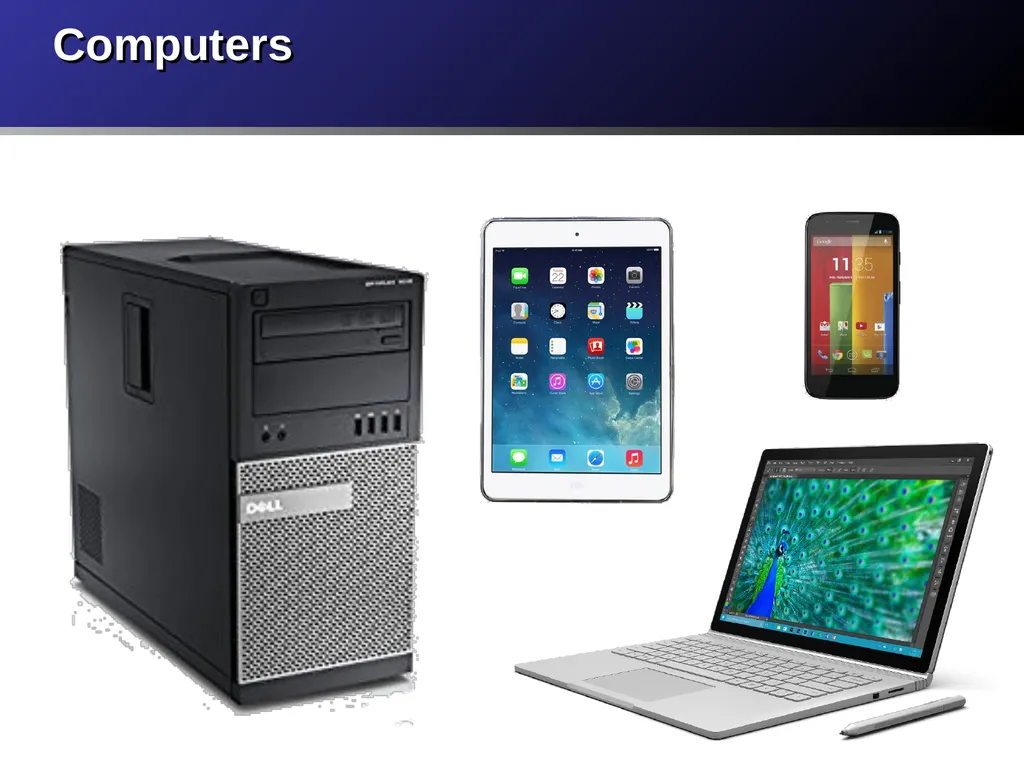
Computers<br>
04
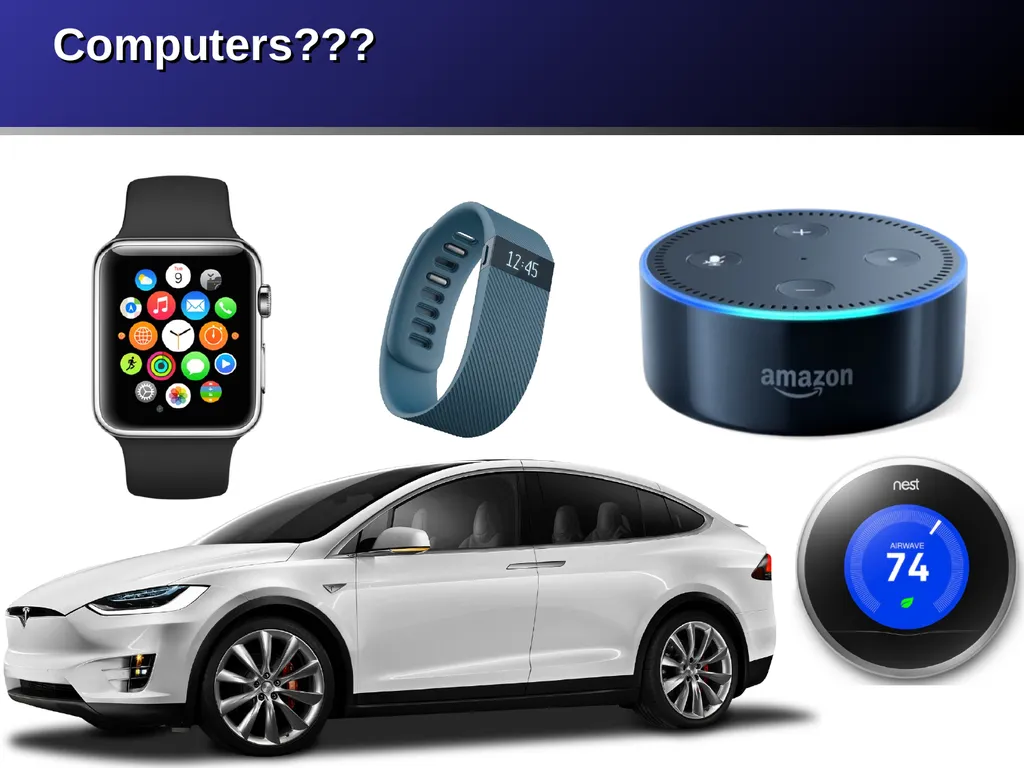
Computers???<br>
05
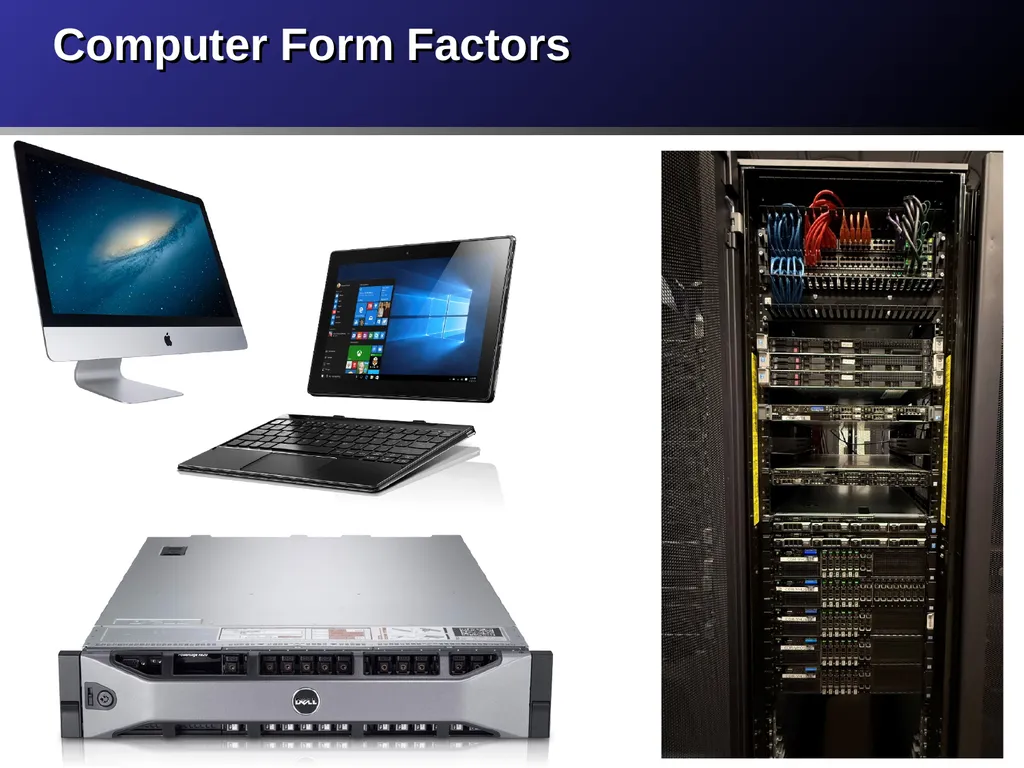
Computer Form Factors<br>
06
“If we can build something that adds, we’re well on our way to building something that uses addition to also subtract, multiply, divide, calculate mortgage payments, guide rockets to Mars, play chess and foul up our phone bills.”
- Charles Petzold, CODE p131 Essence of a Computer<br>
07
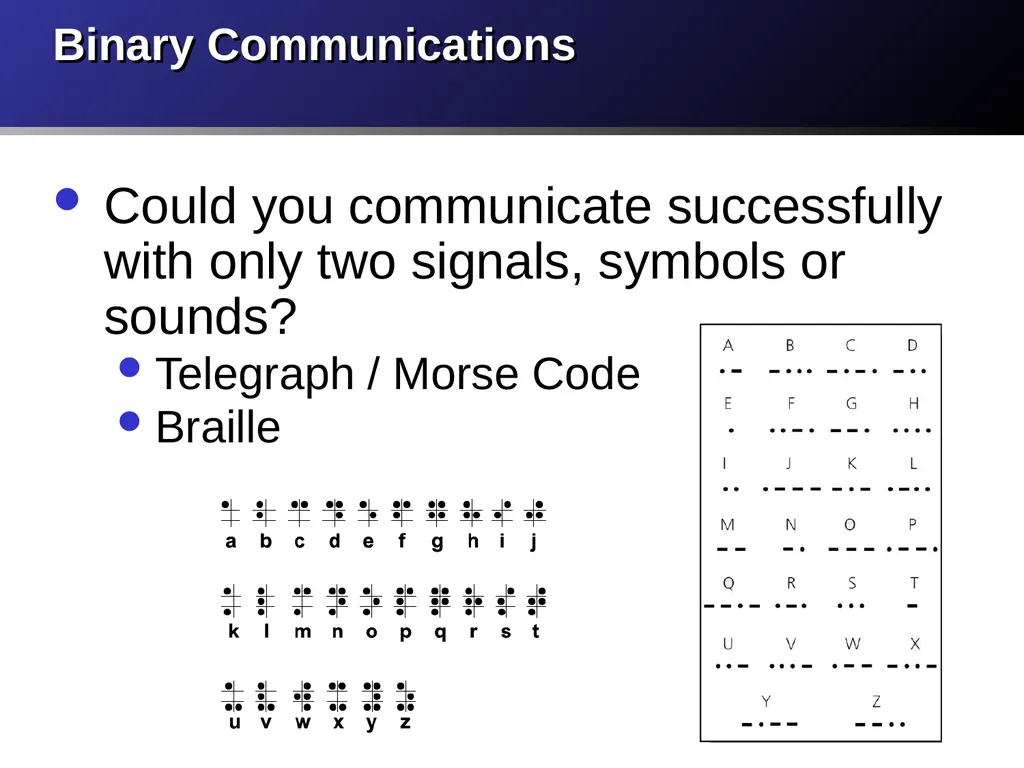
Binary Communications Could you communicate successfully with only two signals, symbols or sounds?
Telegraph / Morse Code
Braille<br>
08
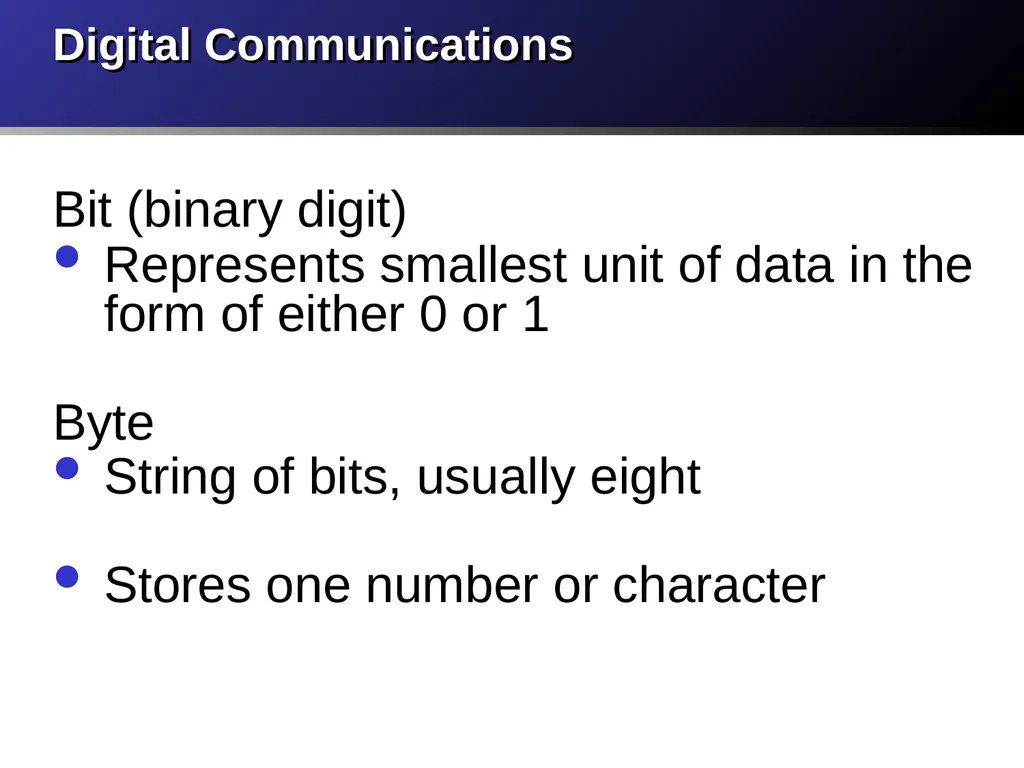
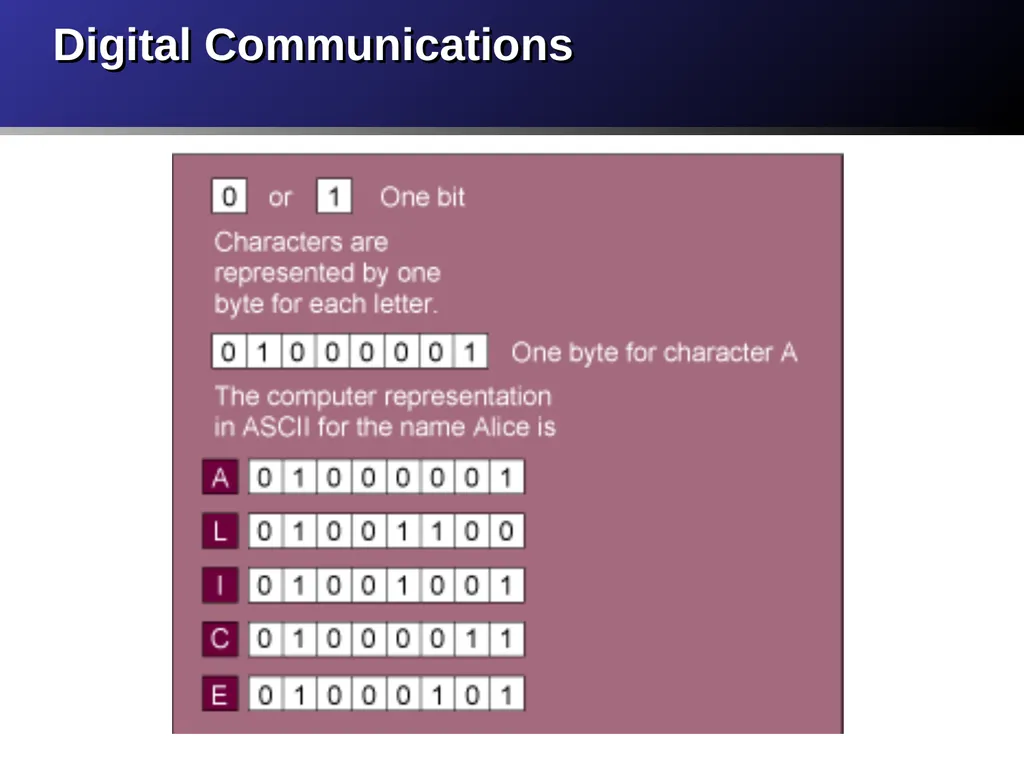
Digital Communications Bit (binary digit)
Represents smallest unit of data in the form of either 0 or 1
Byte
String of bits, usually eight
Stores one number or character<br>
09
Digital Communications<br>
10
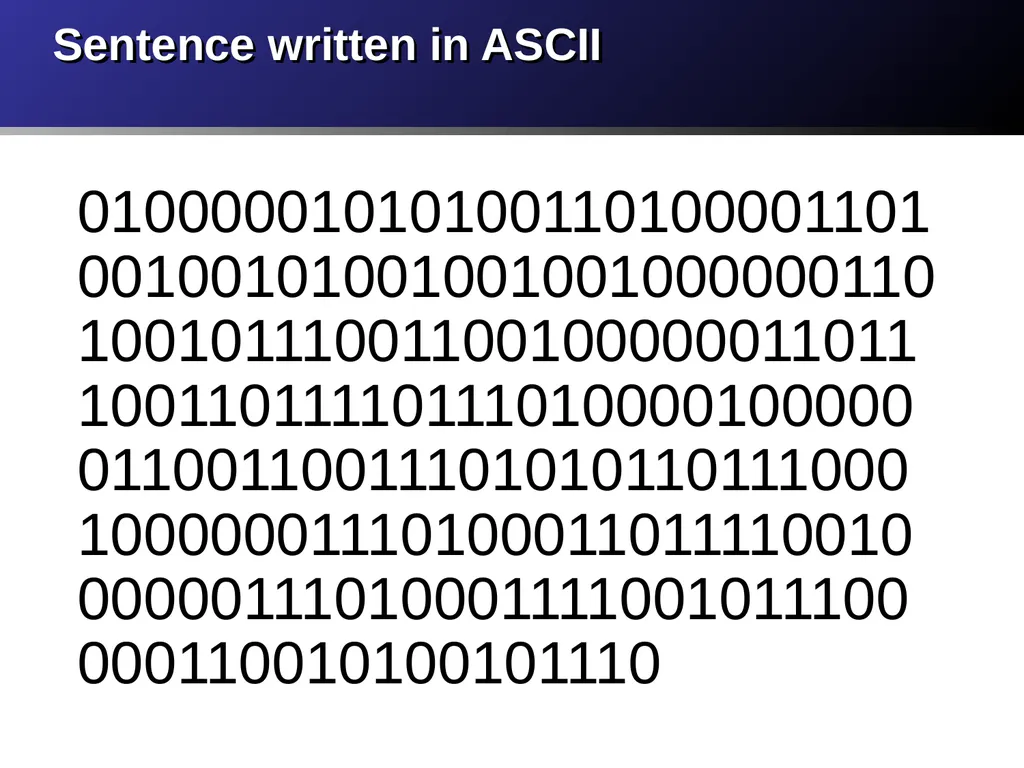
Sentence written in ASCII 01000001010100110100001101001001010010010010000001101001011100110010000001101110011011110111010000100000011001100111010101101110001000000111010001101111001000000111010001111001011100000110010100101110<br>
11
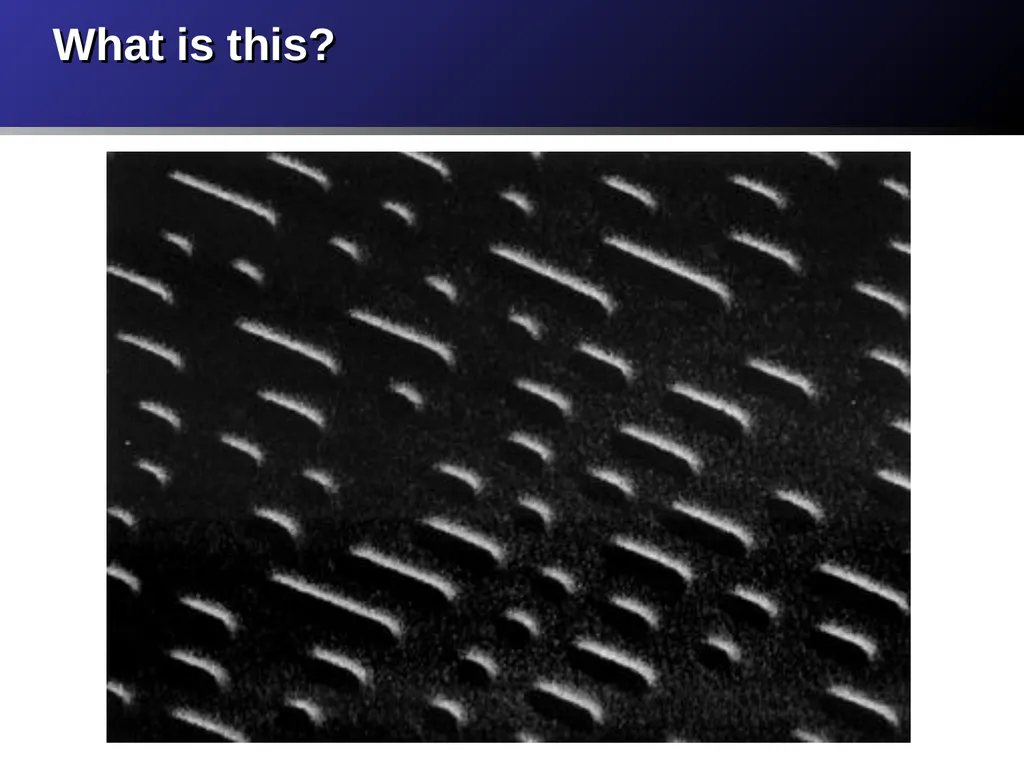
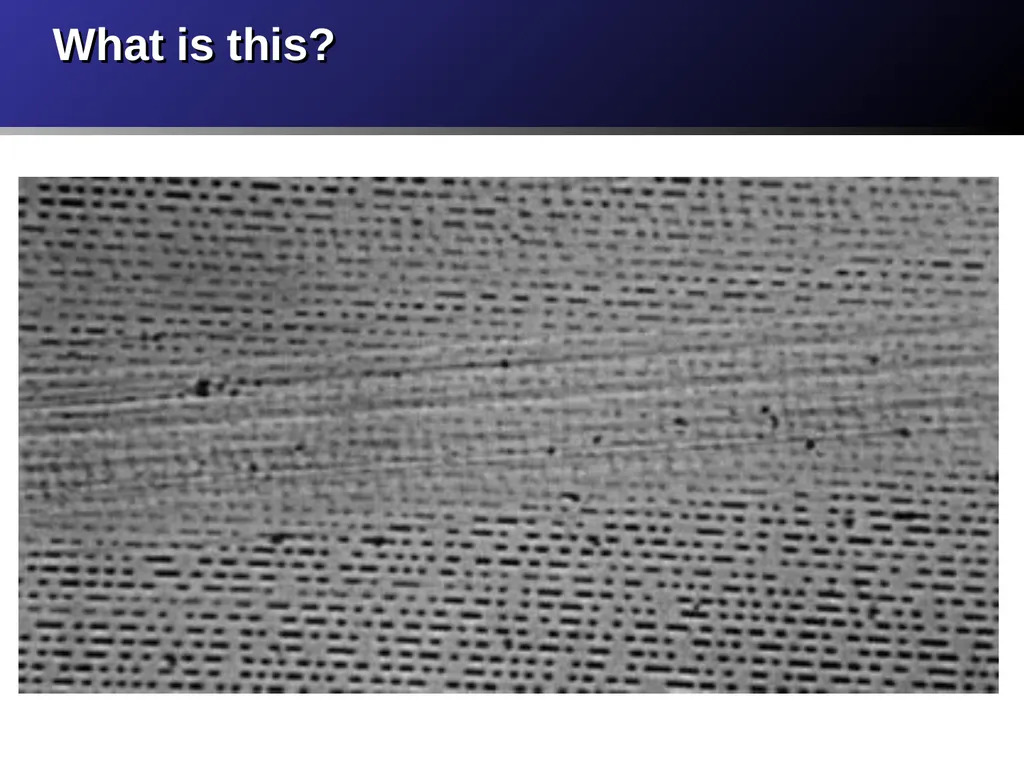
What is this?<br>
12
What is this?<br>
13
Hardware The physical electronic components and peripherals of a computer that do the “work” of computing.
CPU, Memory (RAM), Storage, Input Devices, Output Devices<br>
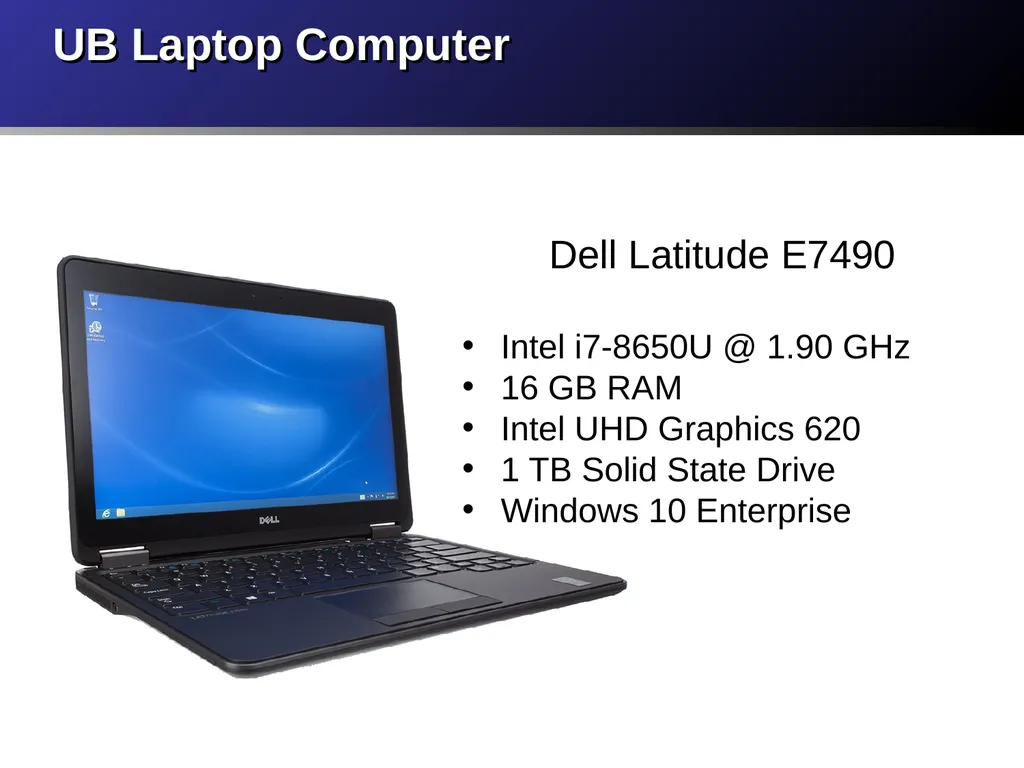
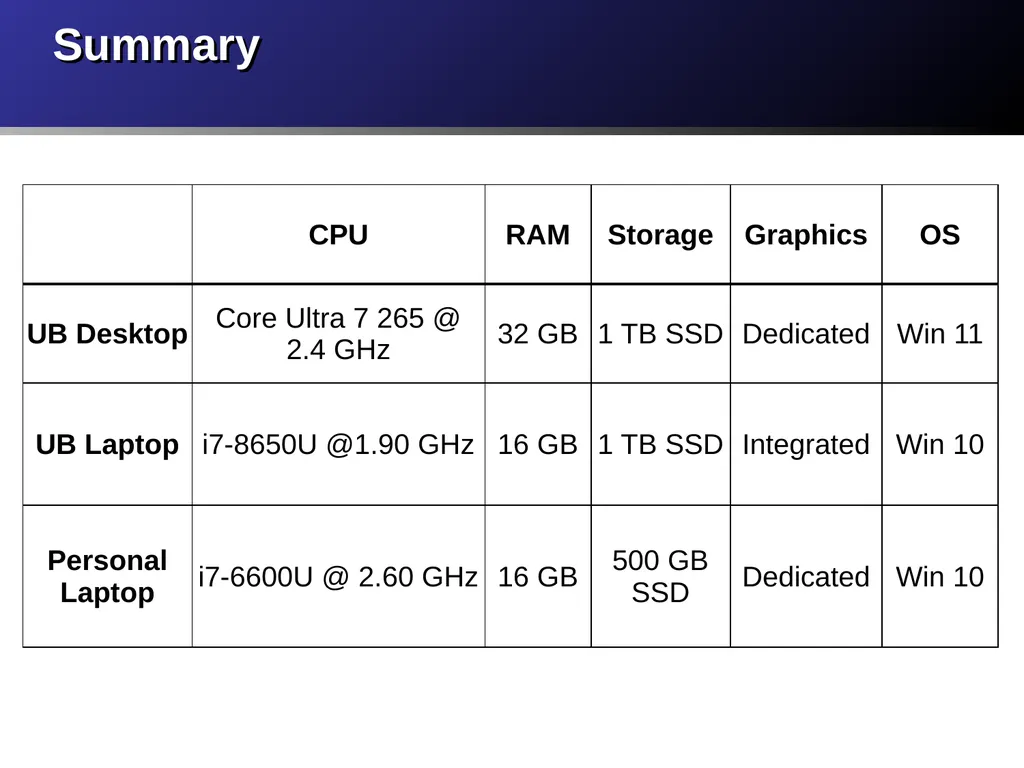
Intel i7-8650U @ 1.90 GHz
16 GB RAM
Intel UHD Graphics 620
1 TB Solid State Drive
Windows 10 Enterprise<br>
16
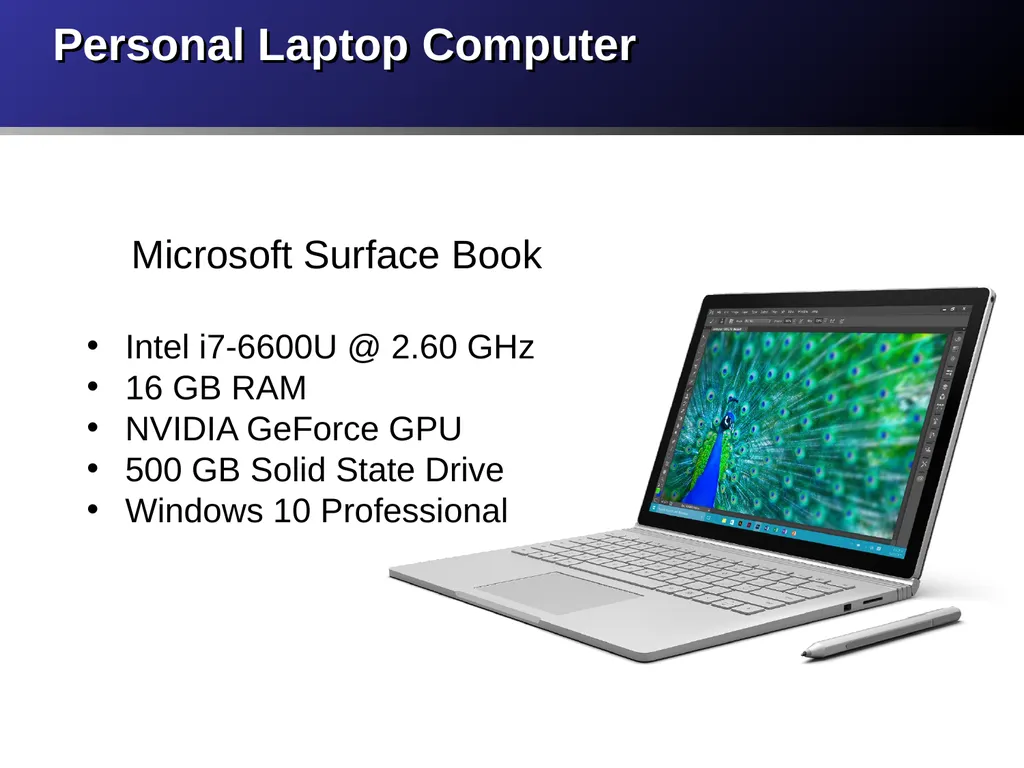
Personal Laptop Computer Microsoft Surface Book
Intel i7-6600U @ 2.60 GHz
16 GB RAM
NVIDIA GeForce GPU
500 GB Solid State Drive
Windows 10 Professional<br>
17
Summary<br>
18
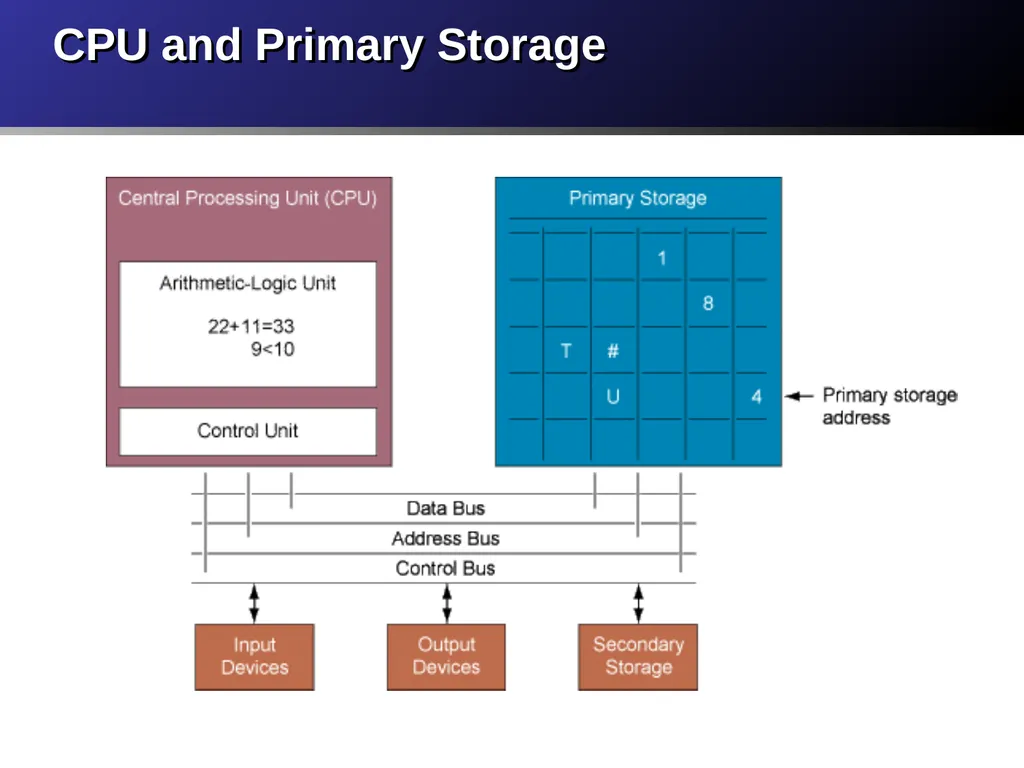
CPU (processor) Interprets and carries out basic instructions that operate a computer. Controls other parts of the computer system.
Gigahertz and Multicore
Moore’s Law<br>
19
Memory (Primary Storage) Temporarily stores software program(s) being executed, data used by the programs and other instructions.
RAM - Random Access Memory
ROM - Read Only Memory
Volatile versus non-volatile<br>
20
CPU and Primary Storage<br>
21
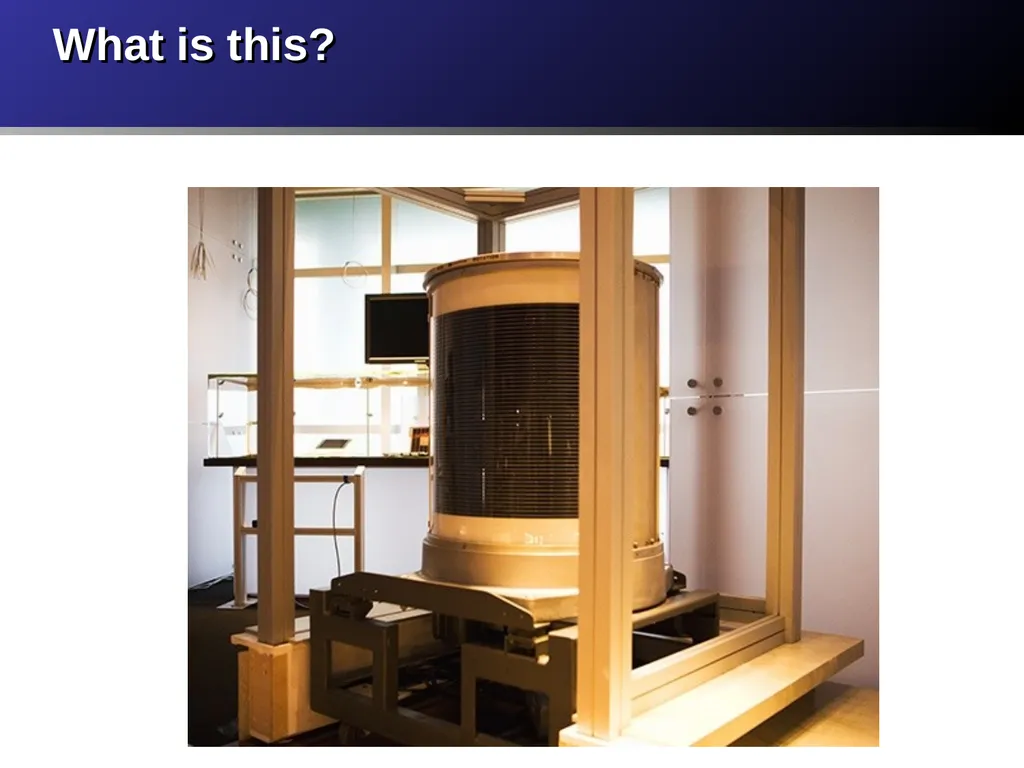
What is this?<br>
22
Storage Devices (Secondary Storage) Sequential access
Magnetic tape: Inexpensive, older secondary-storage medium
Direct access
Optical disks: CD-ROM, DVD
Magnetic disk: Floppy disk, Hard disk
Solid state drive<br>
23
Input Devices Keyboard and Mouse
Touch Screen
Image and Biometric Scanner
Optical Character Recognition (OCR)
Magnetic Ink Character Recognition (MICR)
Bar Code Scanner
Pen Based Input
Audio Input
Virtual Reality<br>
Quote “We should be impressed by technology, but we shouldn’t be distracted by it or fooled into thinking that technology, unto itself, is the solution to anything.”