
Microsoft Word Ar. Manish Kumar Introduction

Microsoft Word Ar. Manish Kumar Introduction
1 / 1
Microsoft Word Ar. Manish Kumar Introduction - slide 1 of 20 Microsoft Word Ar. Manish Kumar Introduction - slide 2 of 20 Microsoft Word Ar. Manish Kumar Introduction - slide 3 of 20 Microsoft Word Ar. Manish Kumar Introduction - slide 4 of 20 Microsoft Word Ar. Manish Kumar Introduction - slide 5 of 20 Microsoft Word Ar. Manish Kumar Introduction - slide 6 of 20 Microsoft Word Ar. Manish Kumar Introduction - slide 7 of 20 Microsoft Word Ar. Manish Kumar Introduction - slide 8 of 20 Microsoft Word Ar. Manish Kumar Introduction - slide 9 of 20 Microsoft Word Ar. Manish Kumar Introduction - slide 10 of 20 Microsoft Word Ar. Manish Kumar Introduction - slide 11 of 20 Microsoft Word Ar. Manish Kumar Introduction - slide 12 of 20 Microsoft Word Ar. Manish Kumar Introduction - slide 13 of 20 Microsoft Word Ar. Manish Kumar Introduction - slide 14 of 20 Microsoft Word Ar. Manish Kumar Introduction - slide 15 of 20 Microsoft Word Ar. Manish Kumar Introduction - slide 16 of 20 Microsoft Word Ar. Manish Kumar Introduction - slide 17 of 20 Microsoft Word Ar. Manish Kumar Introduction - slide 18 of 20 Microsoft Word Ar. Manish Kumar Introduction - slide 19 of 20 Microsoft Word Ar. Manish Kumar Introduction - slide 20 of 20
Microsoft Word Ar. Manish Kumar Introduction Scroll bar Document window Microsoft Word (often called Word) is a graphical word processing program that users can type with. It is made by the computer company Microsoft. The purpose of the MS

Related Topics

Download this presentation From Below

"Microsoft Word Ar. Manish Kumar Introduction" is the property of its rightful owner. Permission is granted to download and print the materials on this website for personal, non-commercial use only, and to display it on your personal computer provided you do not modify the materials and that you retain all copyright notices contained in the materials. By downloading content from our website, you accept the terms of this agreement.

Presentation Transcript

01
Microsoft Word Ar. Manish Kumar<br>
02
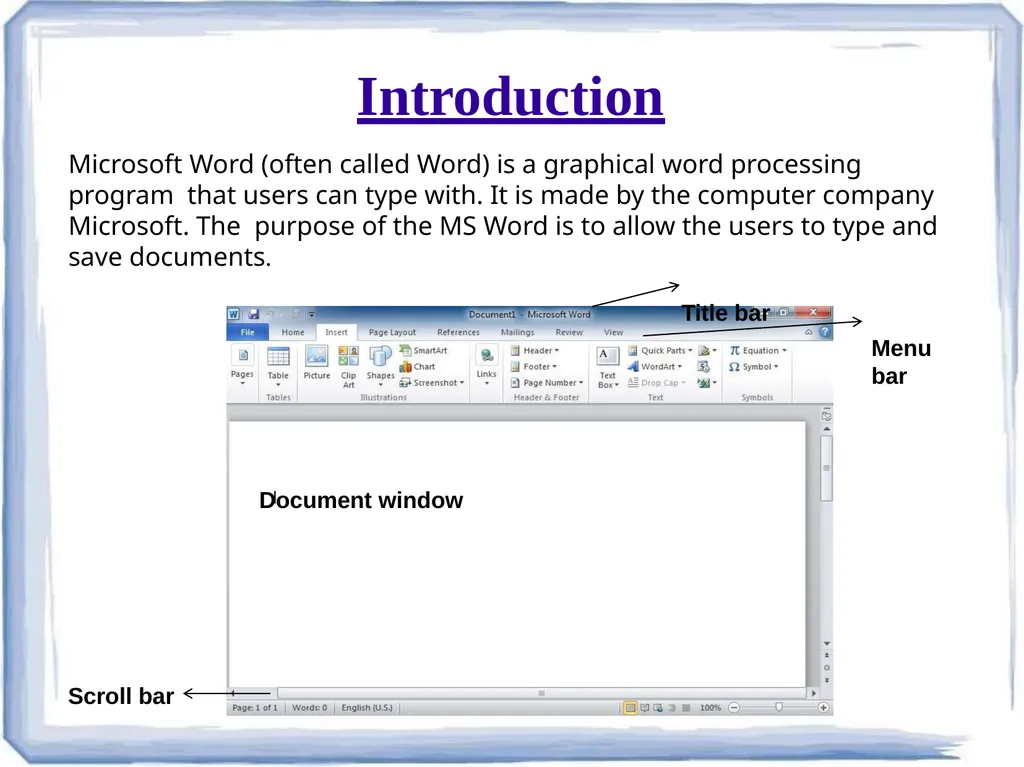
Introduction Scroll bar Document window Microsoft Word (often called Word) is a graphical word processing program that users can type with. It is made by the computer company Microsoft. The purpose of the MS Word is to allow the users to type and save documents.
Title bar
Menu bar<br>
03
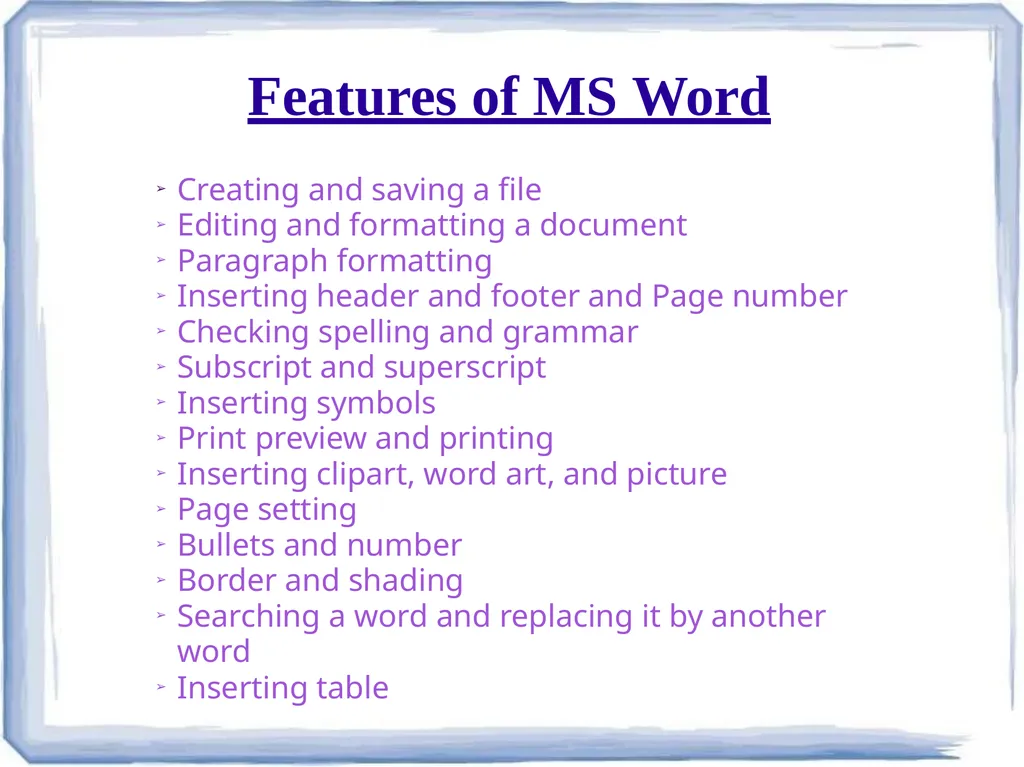
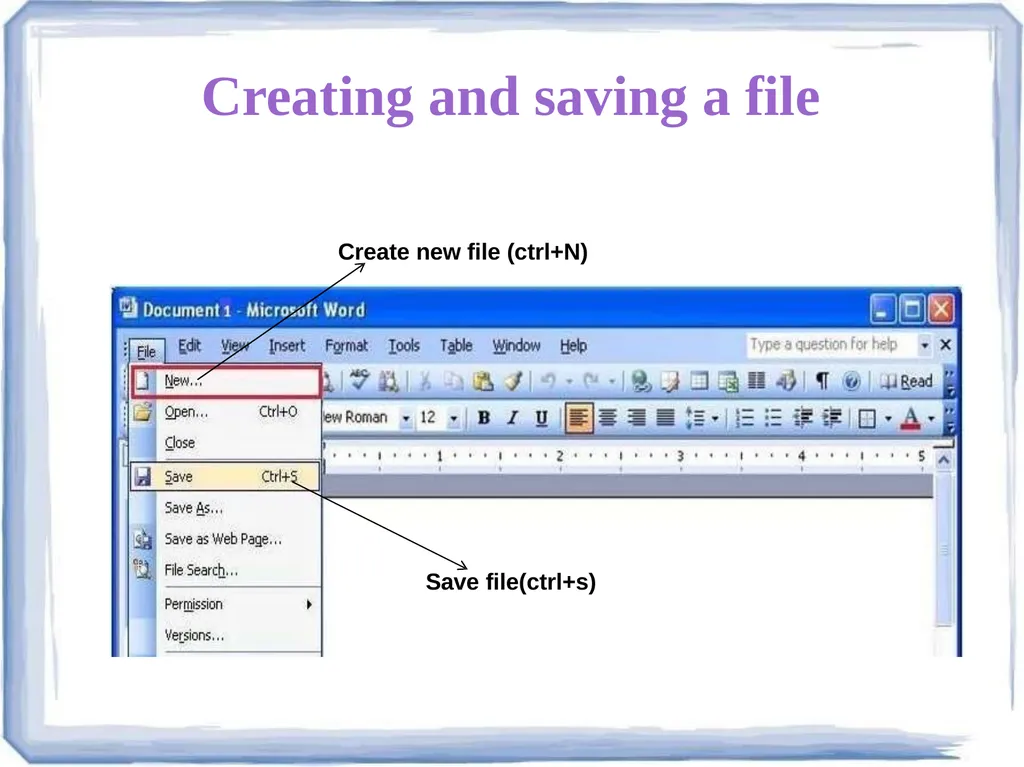
Features of MS Word Creating and saving a file
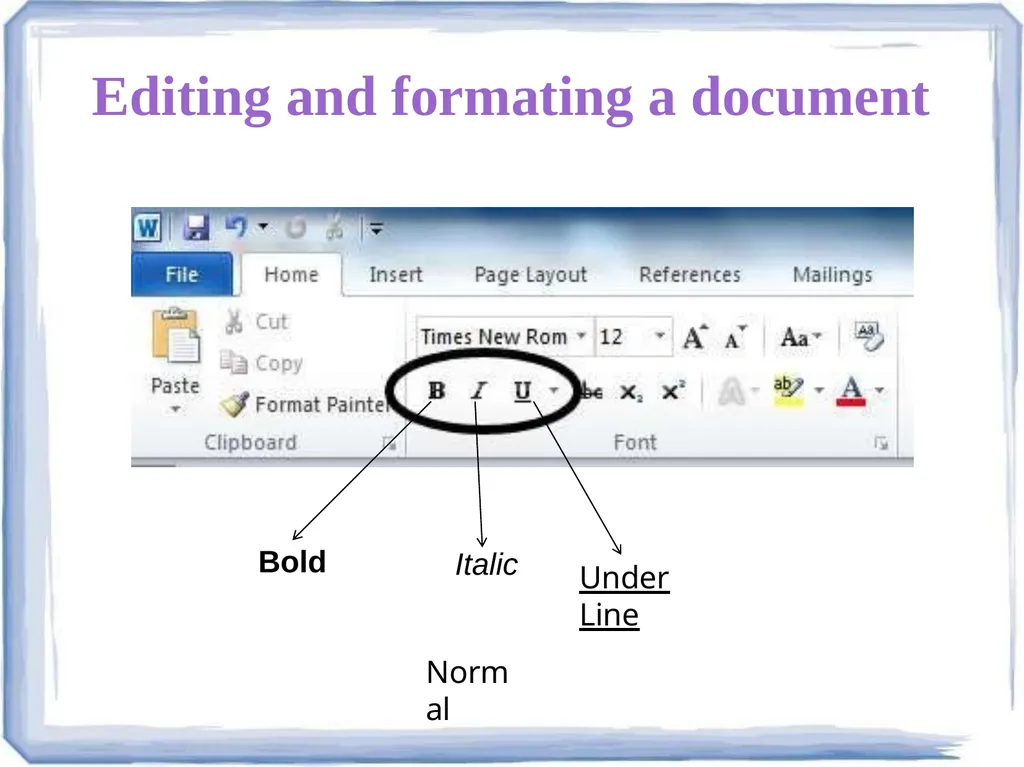
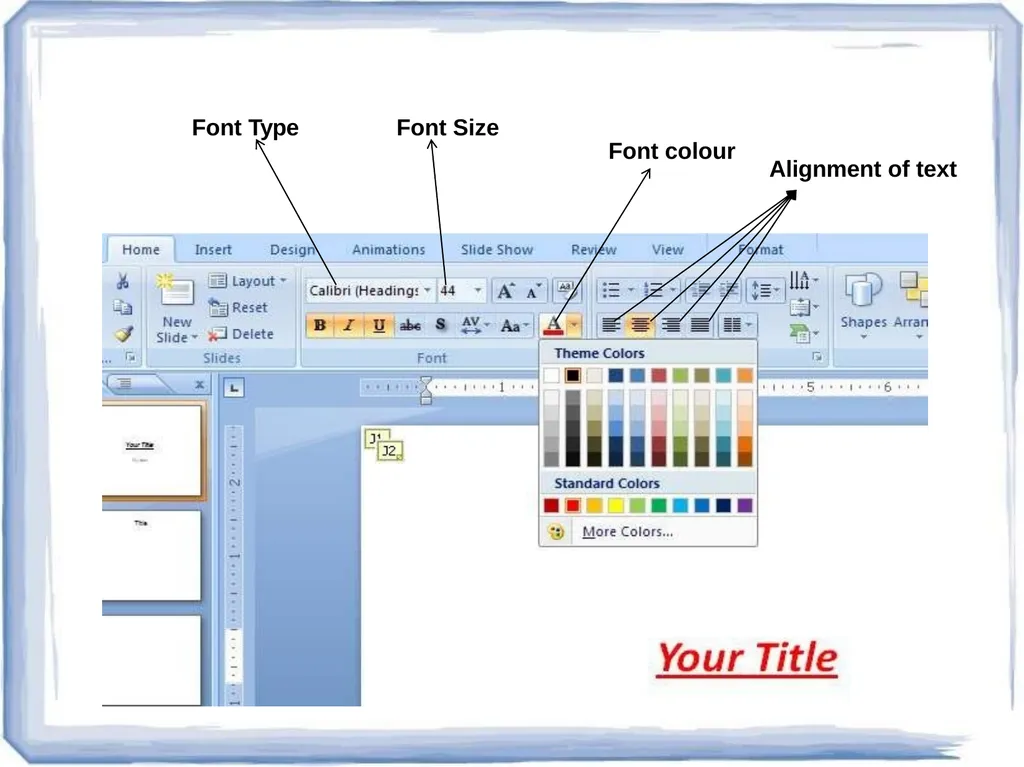
Editing and formatting a document
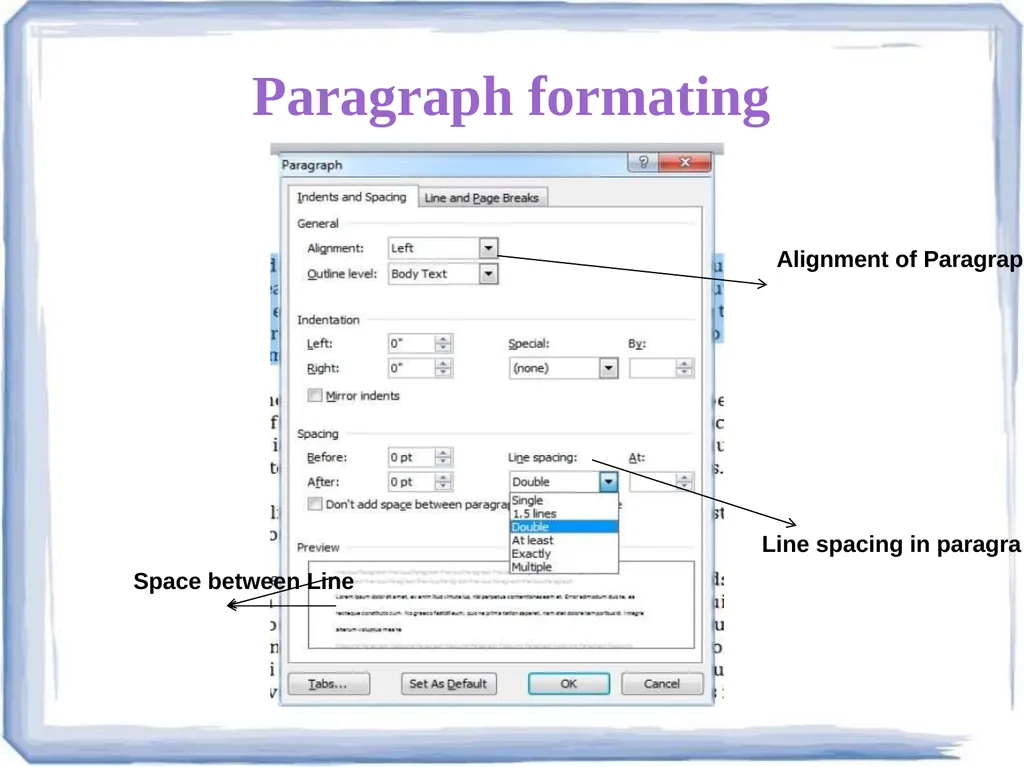
Paragraph formatting
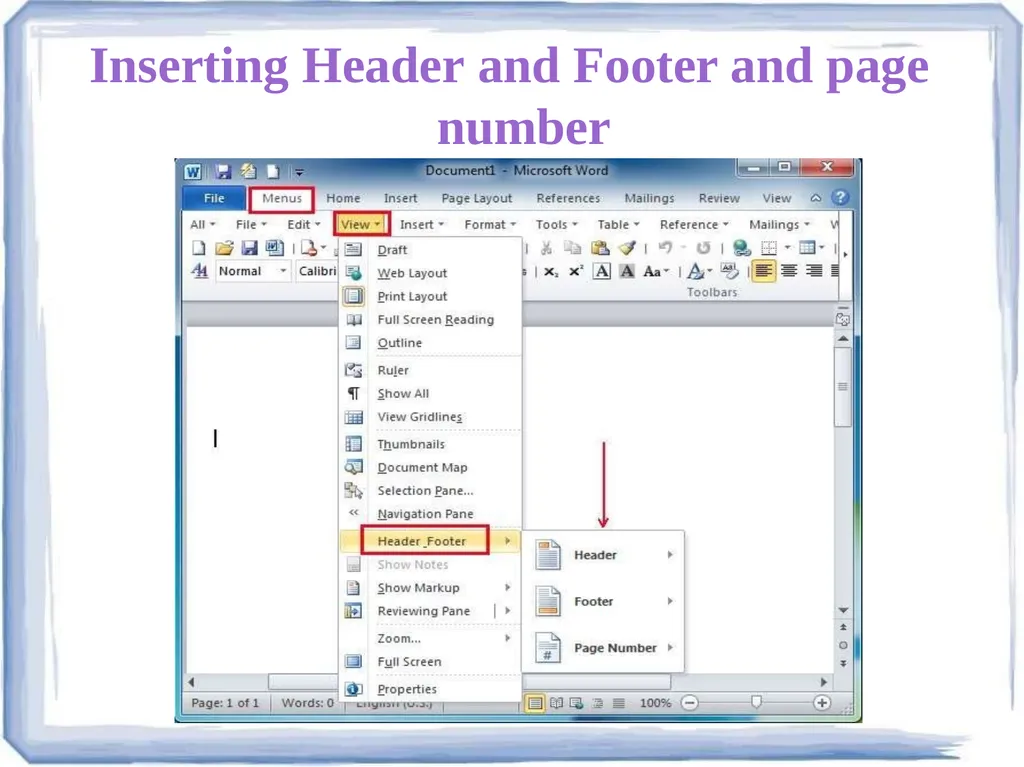
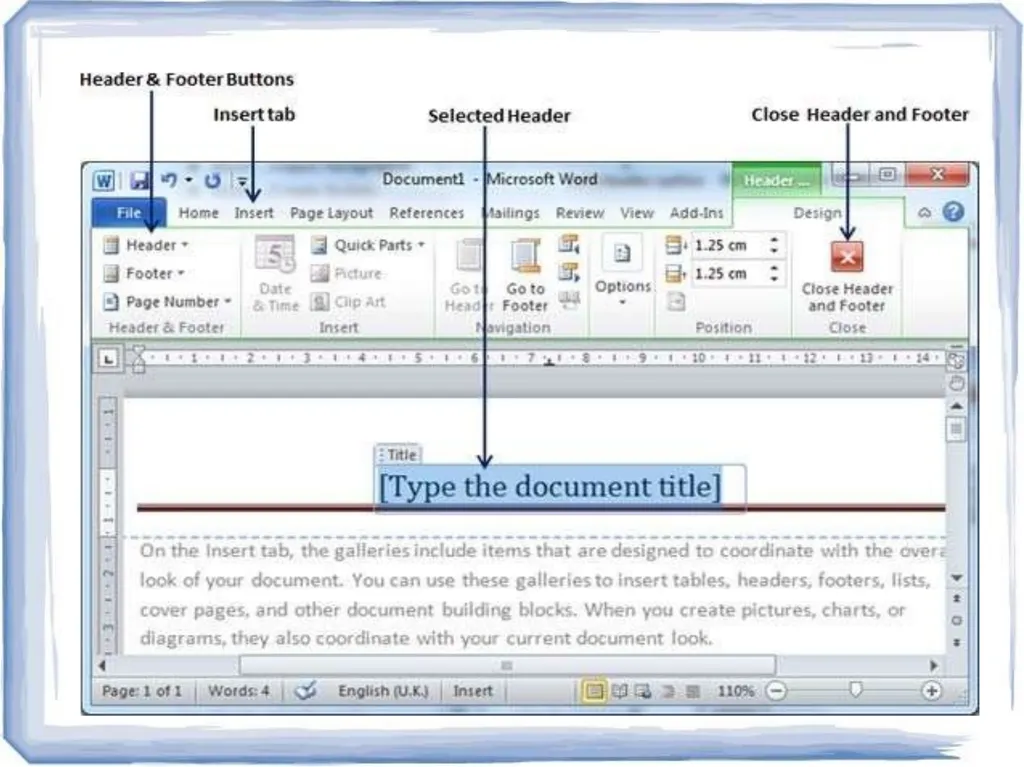
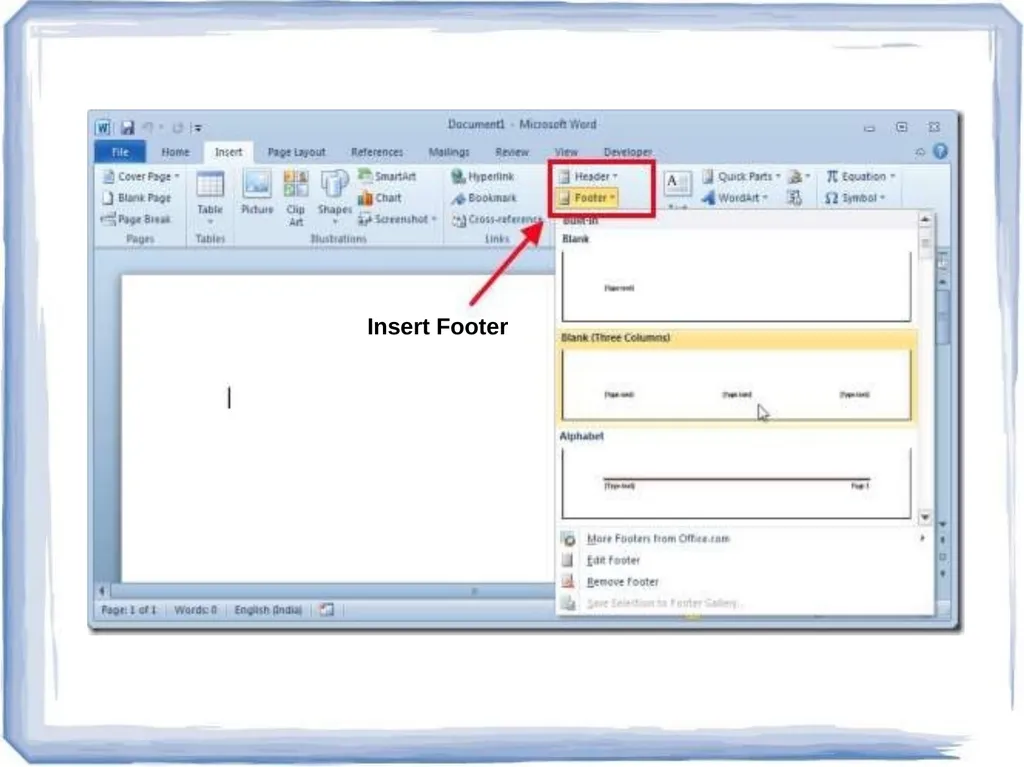
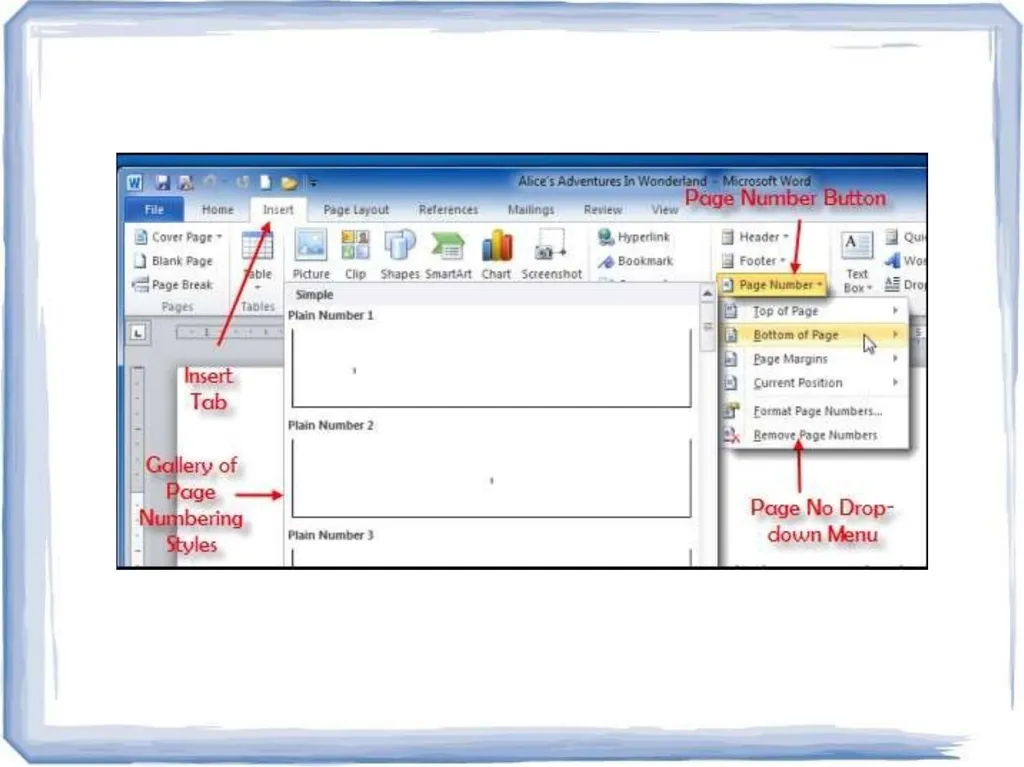
Inserting header and footer and Page number
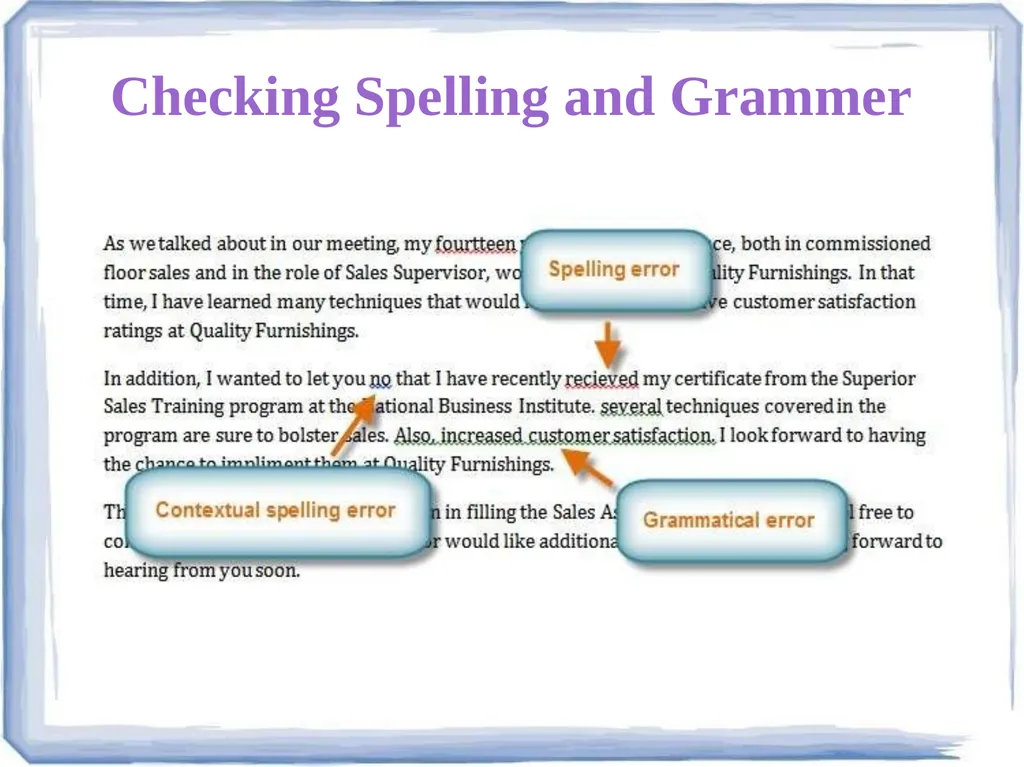
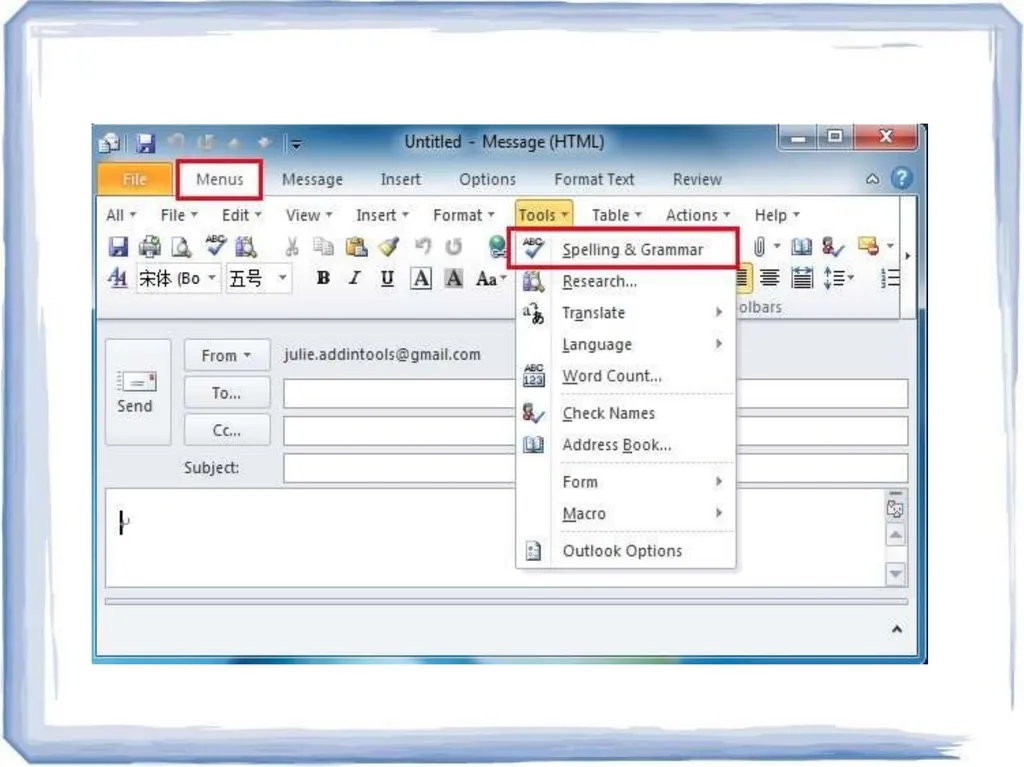
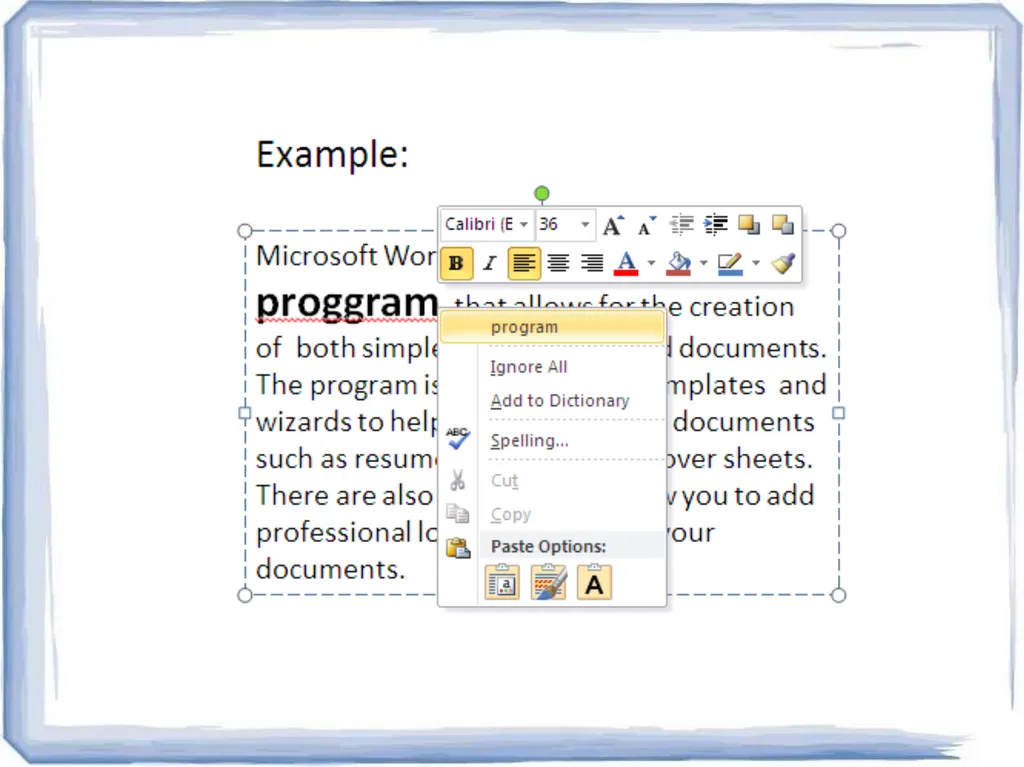
Checking spelling and grammar
Subscript and superscript
Inserting symbols
Print preview and printing
Inserting clipart, word art, and picture
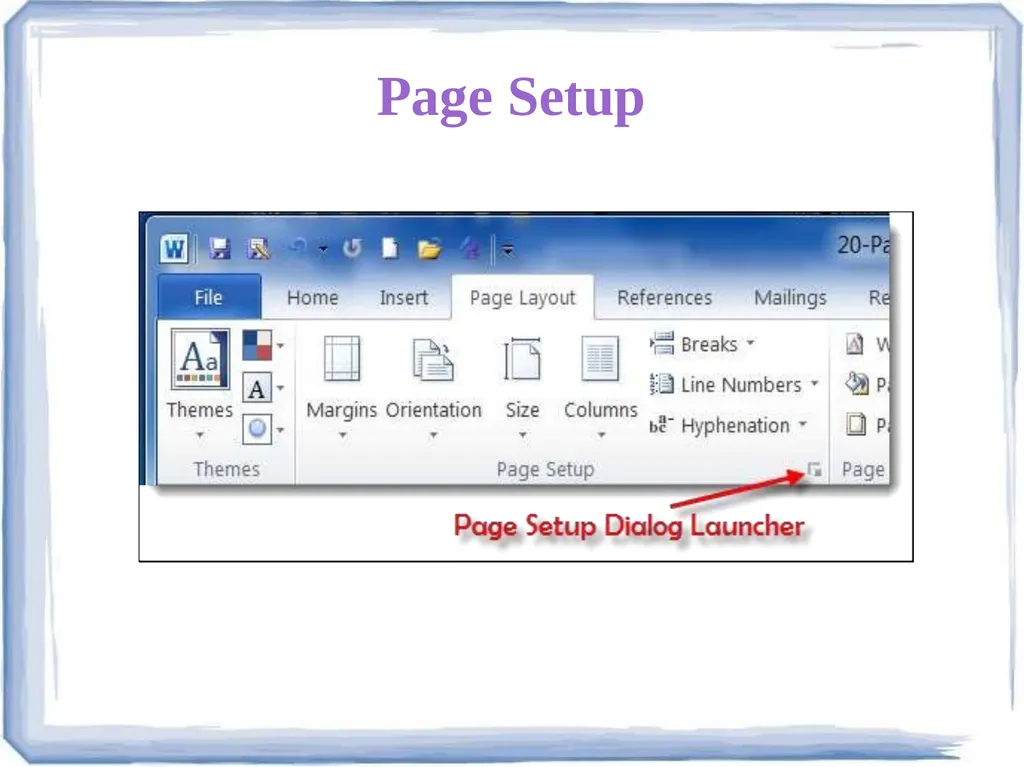
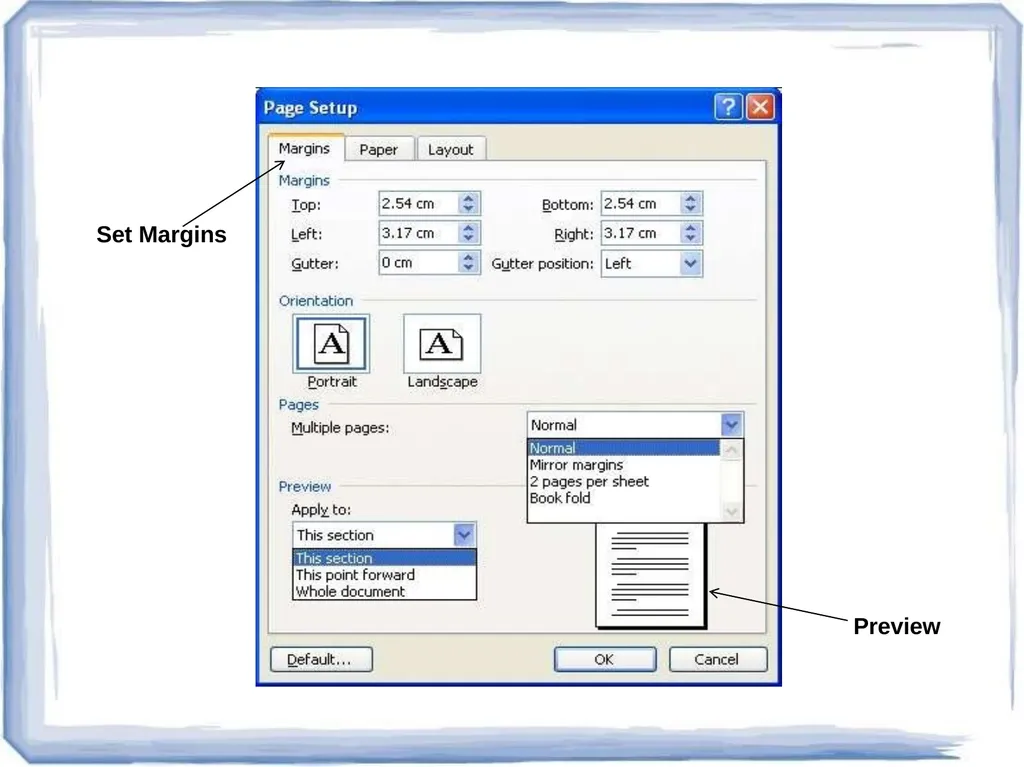
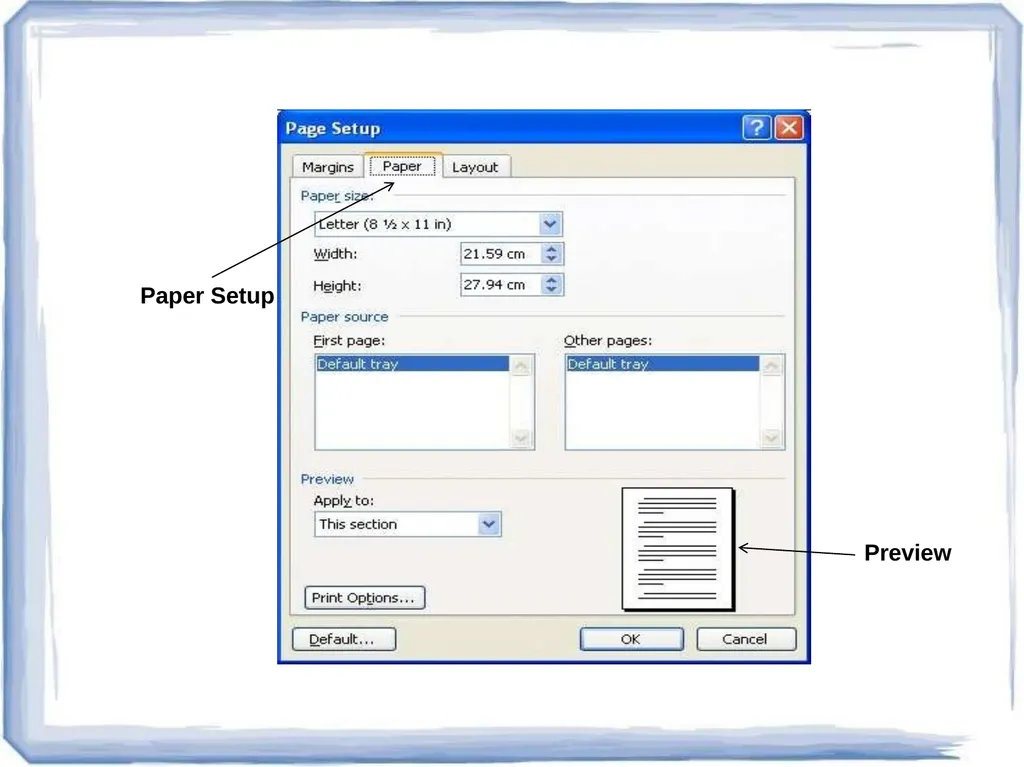
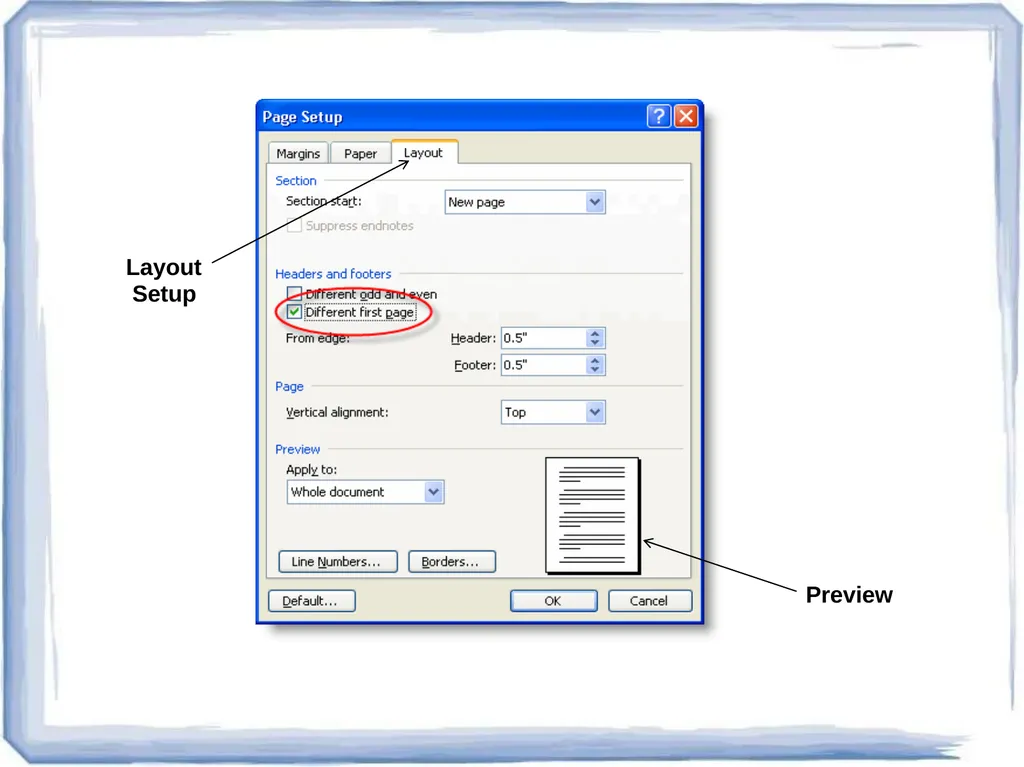
Page setting
Bullets and number
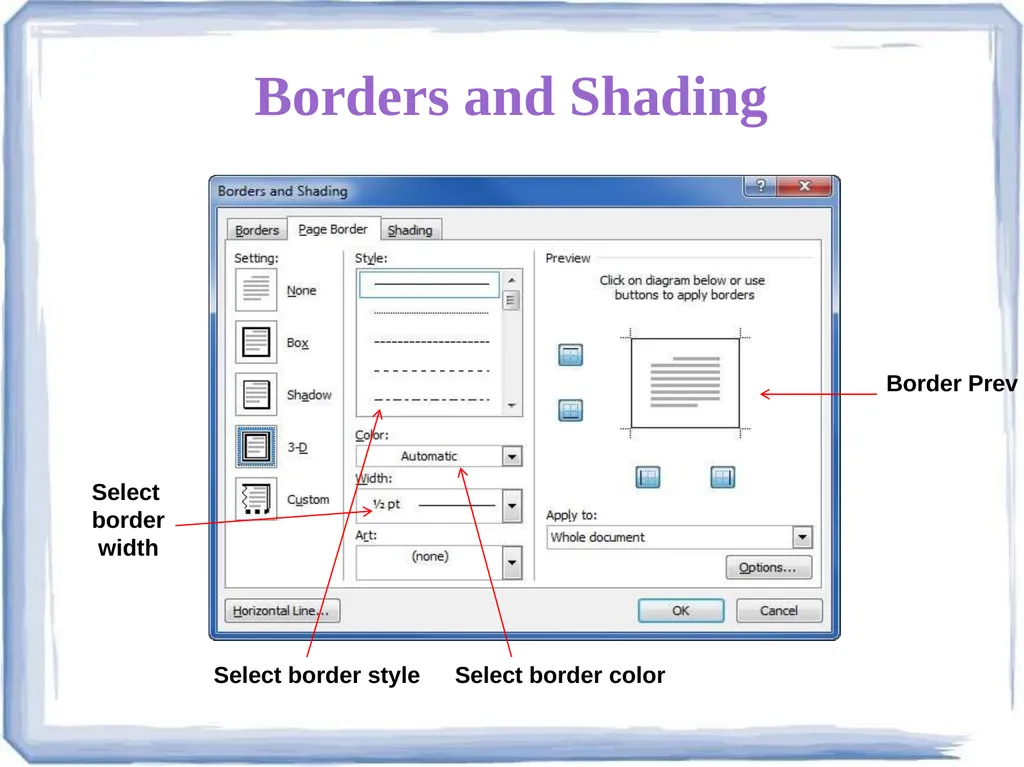
Border and shading
Searching a word and replacing it by another word
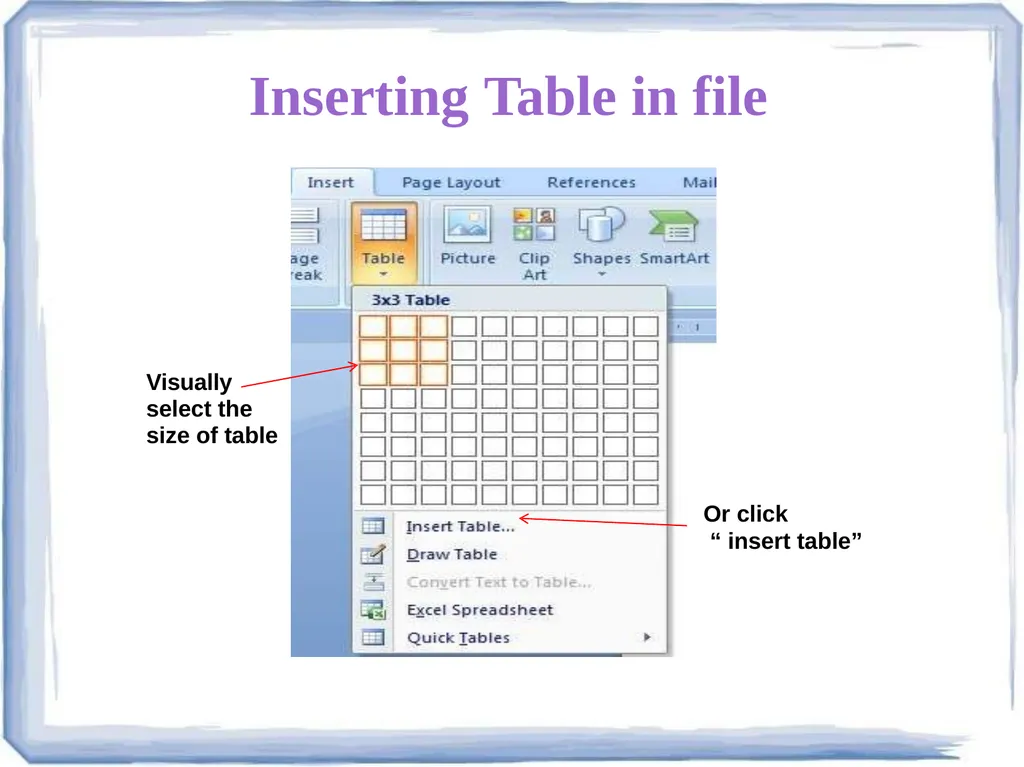
Inserting table<br>