
Practice Data Transfer in Windows 10 Welcome to

Practice Data Transfer in Windows 10 Welcome to

1 / 1
Practice Data Transfer in Windows 10 Welcome to - slide 1 of 7 Practice Data Transfer in Windows 10 Welcome to - slide 2 of 7 Practice Data Transfer in Windows 10 Welcome to - slide 3 of 7 Practice Data Transfer in Windows 10 Welcome to - slide 4 of 7 Practice Data Transfer in Windows 10 Welcome to - slide 5 of 7 Practice Data Transfer in Windows 10 Welcome to - slide 6 of 7 Practice Data Transfer in Windows 10 Welcome to - slide 7 of 7


Practice Data Transfer in Windows 10 Welcome to our computer literacy activity! Today, well learn how to create folders and organize data. This will help us develop our organizational skills and understand basic computer operations. Well

Related Topics

Download this presentation From Below

"Practice Data Transfer in Windows 10 Welcome to" is the property of its rightful owner. Permission is granted to download and print the materials on this website for personal, non-commercial use only, and to display it on your personal computer provided you do not modify the materials and that you retain all copyright notices contained in the materials. By downloading content from our website, you accept the terms of this agreement.

Presentation Transcript

01
Practice Data Transfer in Windows 10<br>
02
Welcome to our computer literacy activity! Today, we'll learn how to create folders and organize data. This will help us develop our organizational skills and understand basic computer operations. We'll be working with the Animal Data dataset to sort animal images into the right environmental folders. Learning Digital Organization with Animal Data 2<br>
03
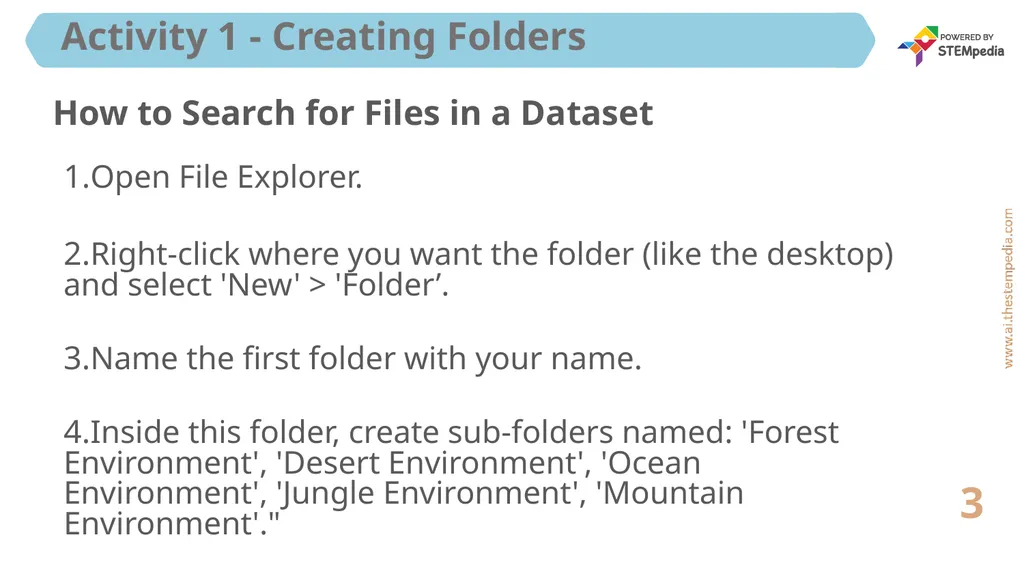
Activity 1 - Creating Folders 3 How to Search for Files in a Dataset Open File Explorer.
Right-click where you want the folder (like the desktop) and select 'New' > 'Folder’.
Name the first folder with your name.
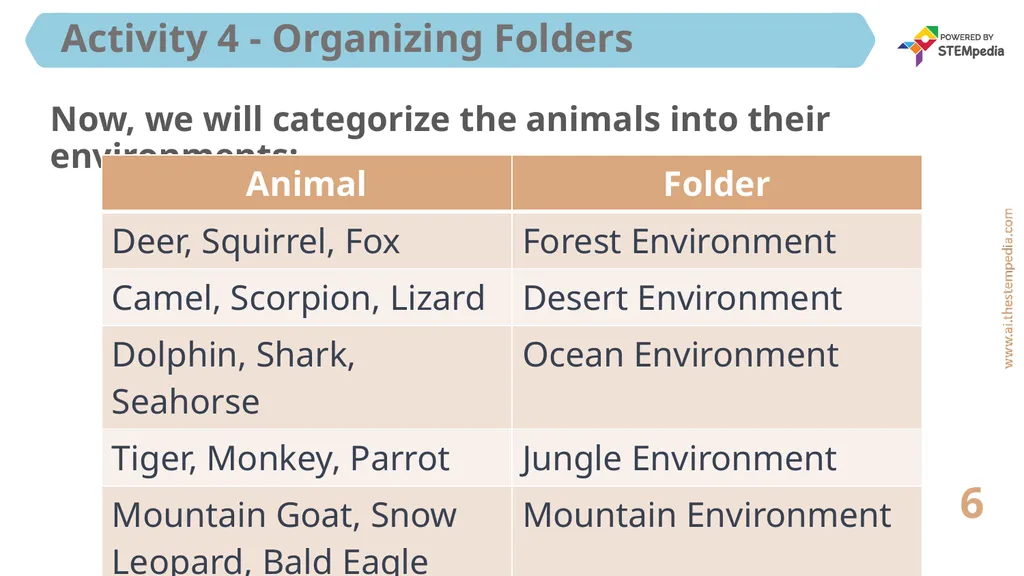
Inside this folder, create sub-folders named: 'Forest Environment', 'Desert Environment', 'Ocean Environment', 'Jungle Environment', 'Mountain Environment'."<br>