
Presenting Your Research Planning Accept that it


Description: Presenting Your Research Planning Accept that it will be exciting and nerve-wracking Mistakes will be made Computers will crash Know your audience What to cover Breadth and depth From larger picture to specificity and back to larger What to
Related Topics
Download Presentation
"Presenting Your Research Planning Accept that it" is the property of its rightful owner. Permission is granted to download and print the materials on this website for personal, non-commercial use only, and to display it on your personal computer provided you do not modify the materials and that you retain all copyright notices contained in the materials. By downloading content from our website, you accept the terms of this agreement.
Presentation Transcript
slide1. Presenting Your Research<br>
slide2. Planning Accept that it will be exciting and nerve-wracking
Mistakes will be made
Computers will crash
Know your audience
What to cover
Breadth and depth
From larger picture to specificity and back to larger
What to say vs what to show
Plan your presentation BEFORE you create your slides!<br>
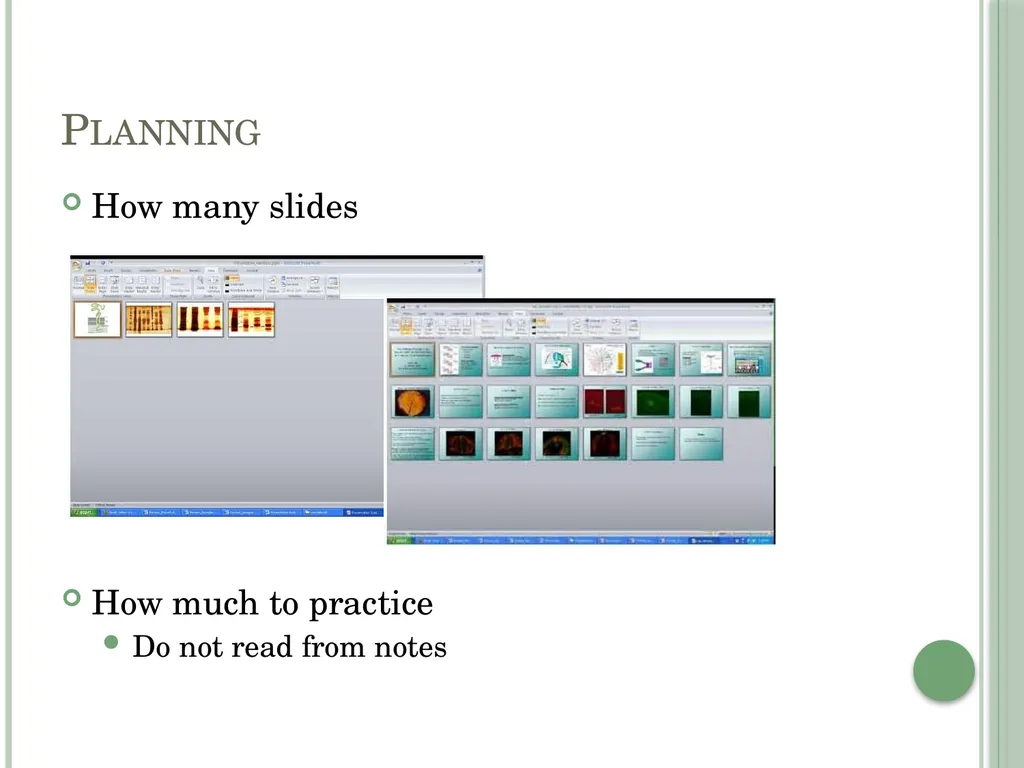
slide3. Planning How many slides
How much to practice
Do not read from notes<br>
slide4. Power Point Creation Supplements/complements your verbal presentation
As little text as possible
Think about colors, background, font size
Check spelling, grammar, layout
Always acknowledge your support (financial and otherwise)<br>
slide5. Presentation Introduction
From a title slide (or two)
You
Your lab
Acknowledge anyone in the room
Background on your mentor’s/lab’s work
Overall focus
Cool things they do
What is the larger relevancy
Tie-in to what you worked on<br>
slide6. Presentation Content
What will engage the audience
What will tell your story
What worked and what didn’t; it’s science, something always “fails”
Do we need all your methods or just some
Will we better understand a point with words, a graphic, or both
Stories, anecdotes, and examples
Transitions from slide to slide<br>
slide7. Presentation Images/Figures
Illustrate and complement
Explain charts and figures before you discuss them
Axes
Colors
Comparisons
Captions need to be readable<br>
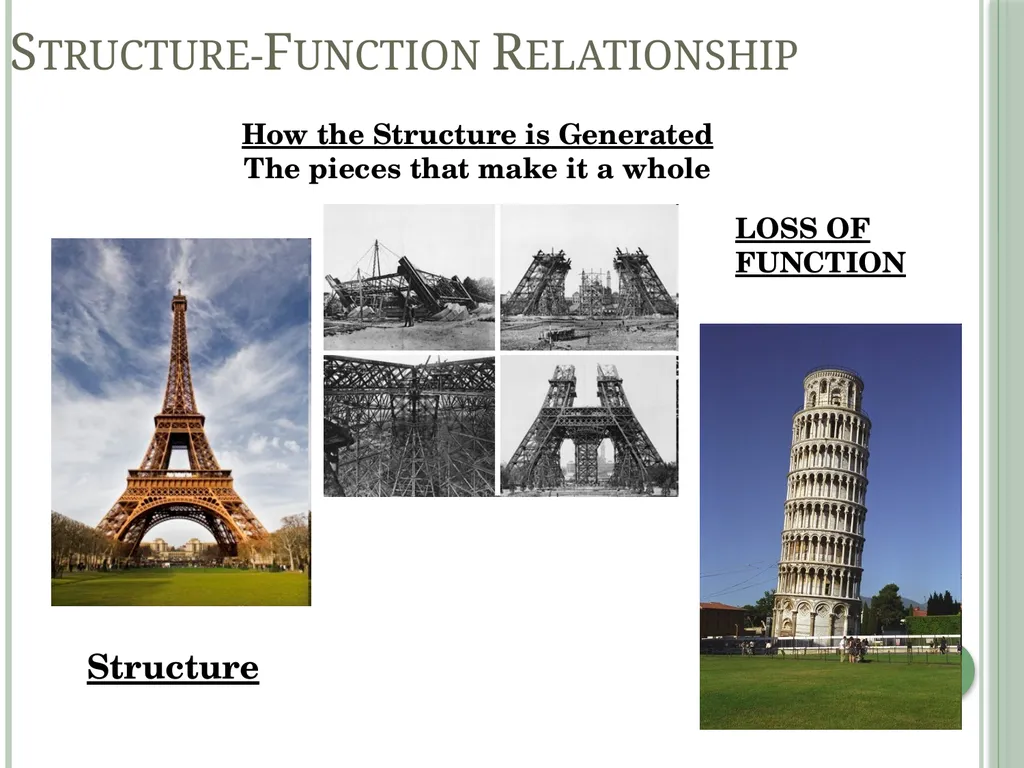
slide8. Structure-Function Relationship Structure How the Structure is Generated
The pieces that make it a whole LOSS OF FUNCTION<br>
slide9. Presentation Wrap up
Tell us again
In a different way
With conclusion and future plans
Acknowledgments
Questions<br>
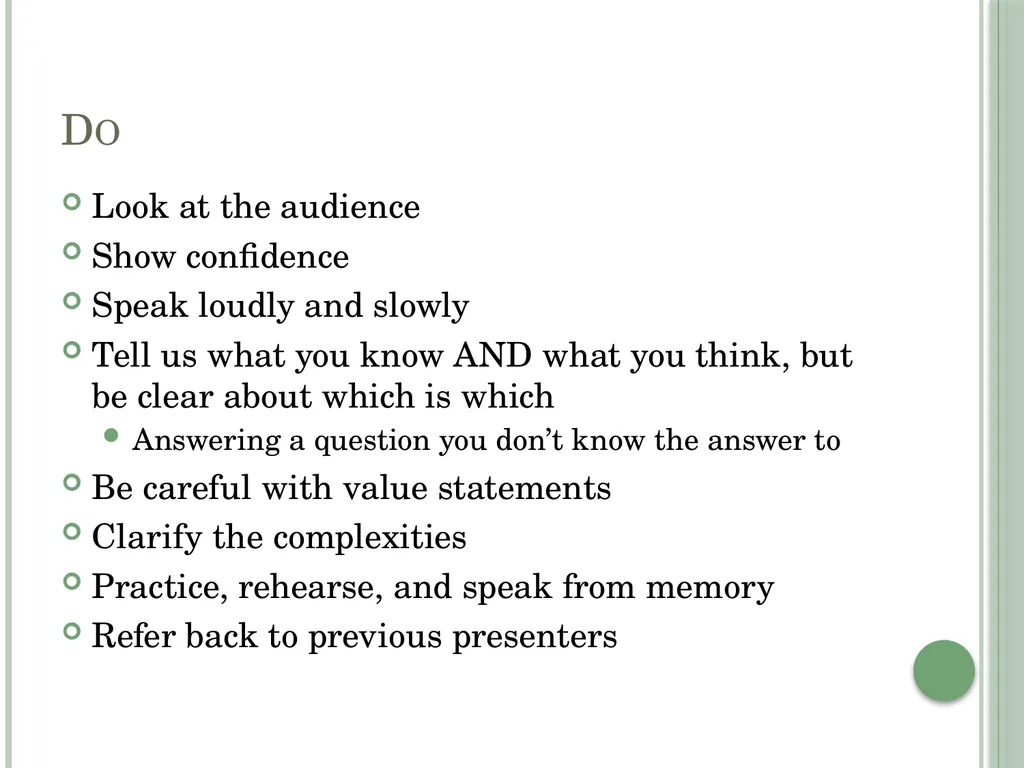
slide10. Do Look at the audience
Show confidence
Speak loudly and slowly
Tell us what you know AND what you think, but be clear about which is which
Answering a question you don’t know the answer to
Be careful with value statements
Clarify the complexities
Practice, rehearse, and speak from memory
Refer back to previous presenters<br>
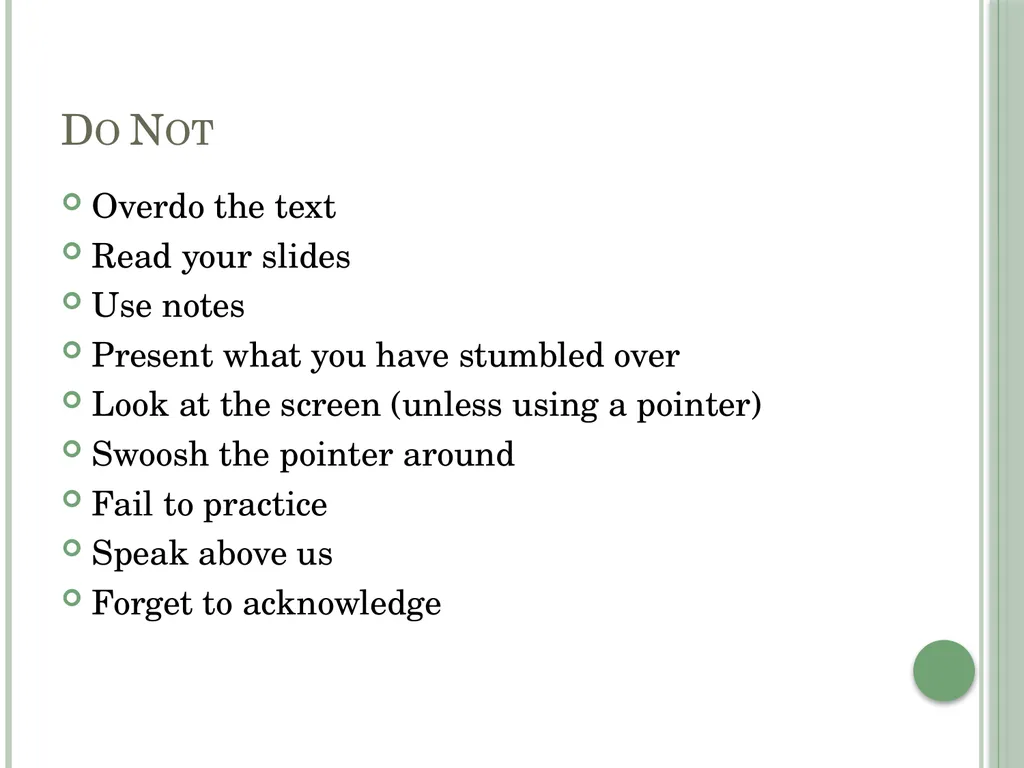
slide11. Do Not Overdo the text
Read your slides
Use notes
Present what you have stumbled over
Look at the screen (unless using a pointer)
Swoosh the pointer around
Fail to practice
Speak above us
Forget to acknowledge<br>
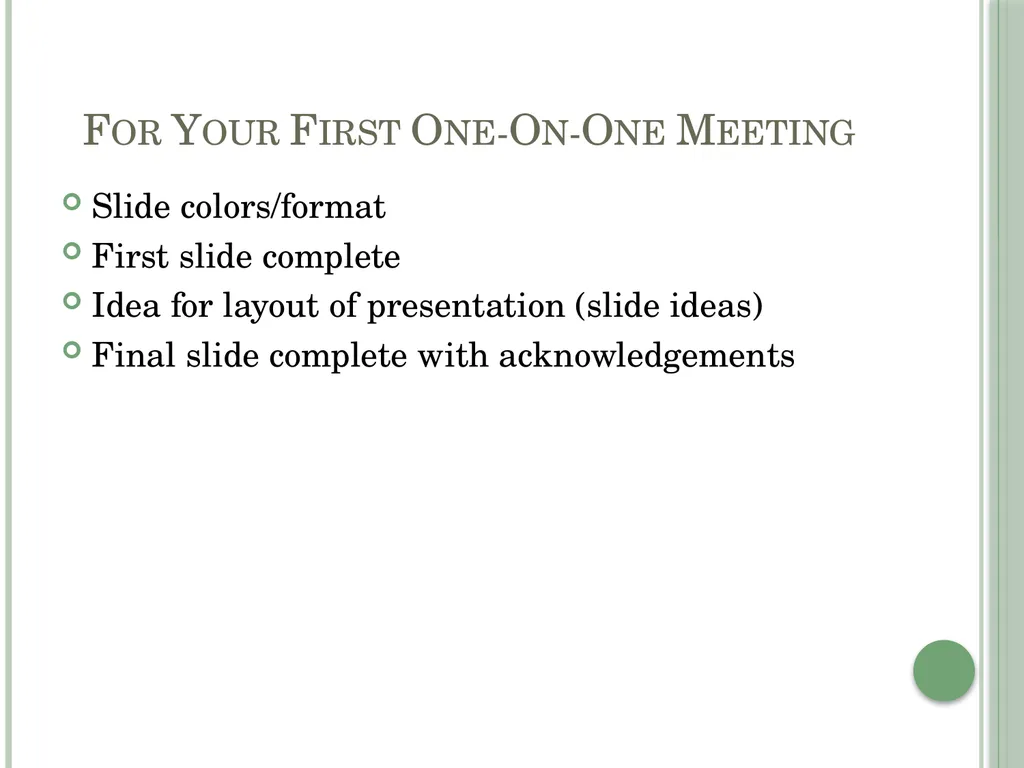
slide12. For Your First One-On-One Meeting Slide colors/format
First slide complete
Idea for layout of presentation (slide ideas)
Final slide complete with acknowledgements<br>
slide2. Planning Accept that it will be exciting and nerve-wracking
Mistakes will be made
Computers will crash
Know your audience
What to cover
Breadth and depth
From larger picture to specificity and back to larger
What to say vs what to show
Plan your presentation BEFORE you create your slides!<br>
slide3. Planning How many slides
How much to practice
Do not read from notes<br>
slide4. Power Point Creation Supplements/complements your verbal presentation
As little text as possible
Think about colors, background, font size
Check spelling, grammar, layout
Always acknowledge your support (financial and otherwise)<br>
slide5. Presentation Introduction
From a title slide (or two)
You
Your lab
Acknowledge anyone in the room
Background on your mentor’s/lab’s work
Overall focus
Cool things they do
What is the larger relevancy
Tie-in to what you worked on<br>
slide6. Presentation Content
What will engage the audience
What will tell your story
What worked and what didn’t; it’s science, something always “fails”
Do we need all your methods or just some
Will we better understand a point with words, a graphic, or both
Stories, anecdotes, and examples
Transitions from slide to slide<br>
slide7. Presentation Images/Figures
Illustrate and complement
Explain charts and figures before you discuss them
Axes
Colors
Comparisons
Captions need to be readable<br>
slide8. Structure-Function Relationship Structure How the Structure is Generated
The pieces that make it a whole LOSS OF FUNCTION<br>
slide9. Presentation Wrap up
Tell us again
In a different way
With conclusion and future plans
Acknowledgments
Questions<br>
slide10. Do Look at the audience
Show confidence
Speak loudly and slowly
Tell us what you know AND what you think, but be clear about which is which
Answering a question you don’t know the answer to
Be careful with value statements
Clarify the complexities
Practice, rehearse, and speak from memory
Refer back to previous presenters<br>
slide11. Do Not Overdo the text
Read your slides
Use notes
Present what you have stumbled over
Look at the screen (unless using a pointer)
Swoosh the pointer around
Fail to practice
Speak above us
Forget to acknowledge<br>
slide12. For Your First One-On-One Meeting Slide colors/format
First slide complete
Idea for layout of presentation (slide ideas)
Final slide complete with acknowledgements<br>