Unit- 5 5.1 Multimedia and Internet 5.1.1 . Client
Description: Unit- 5 5.1 Multimedia and Internet 5.1.1 . Client server Technology Two or more computers connected to each other make a network or client and server technology 5.1.2 . Communication protocols TCP IP: is the protocol used for
Related Topics
Download Presentation
"Unit- 5 5.1 Multimedia and Internet 5.1.1 . Client" is the property of its rightful owner. Permission is granted to download and print the materials on this website for personal, non-commercial use only, and to display it on your personal computer provided you do not modify the materials and that you retain all copyright notices contained in the materials. By downloading content from our website, you accept the terms of this agreement.
Presentation Transcript
slide1. Unit- 5 5.1 Multimedia and Internet<br>
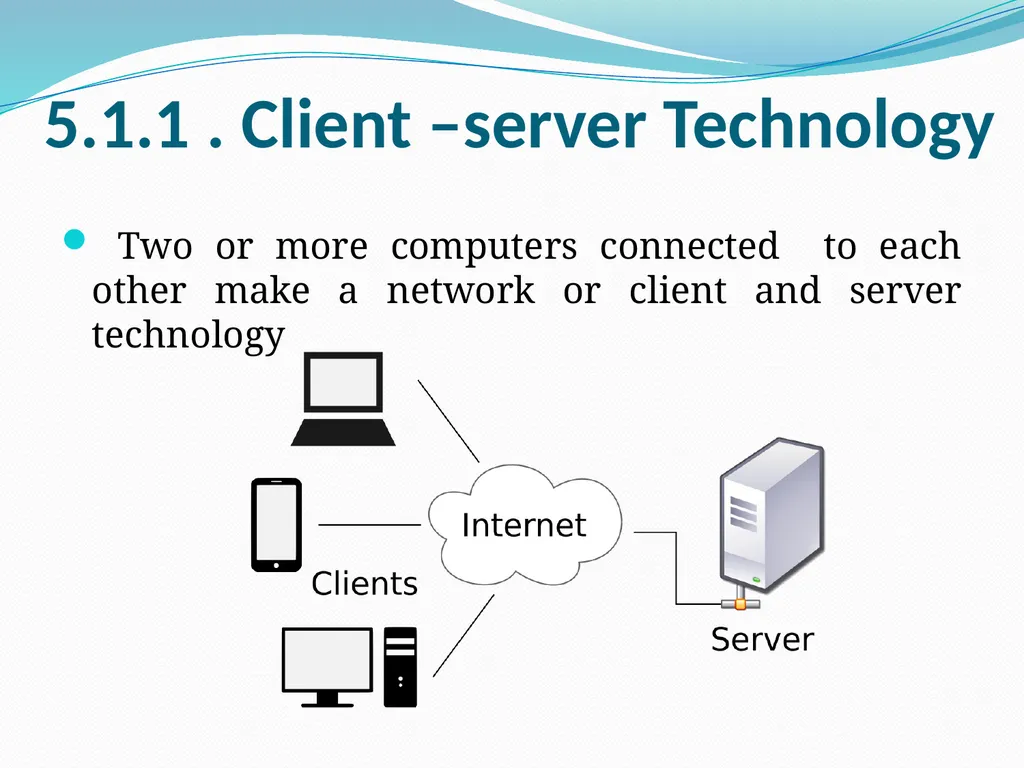
slide2. 5.1.1 . Client –server Technology Two or more computers connected to each other make a network or client and server technology<br>
slide5. 5.1.2 . Communication protocols TCP / IP: is the protocol used for communication on the internet
TCP Transmission Control Protocol
IP Internet Protocol
Http: Hyper text transfer protocol -- > to access websites
https: secured http
In 1983 Domain Name System (DNS) was established to assign names and addresses to computers which were linked to the internet.
Ex: www. yahoo.com
www. google.com
https: www. exim. co .tz<br>
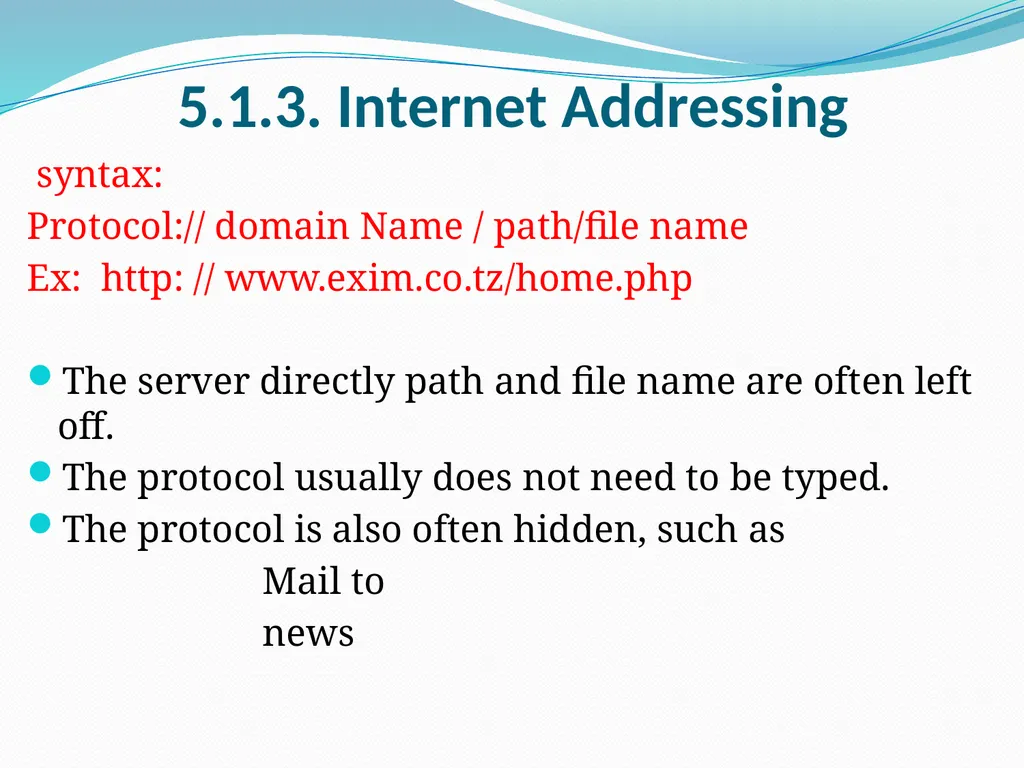
slide6. 5.1.3. Internet Addressing syntax:
Protocol:// domain Name / path/file name
Ex: http: // www.exim.co.tz/home.php
The server directly path and file name are often left off.
The protocol usually does not need to be typed.
The protocol is also often hidden, such as
Mail to
news<br>
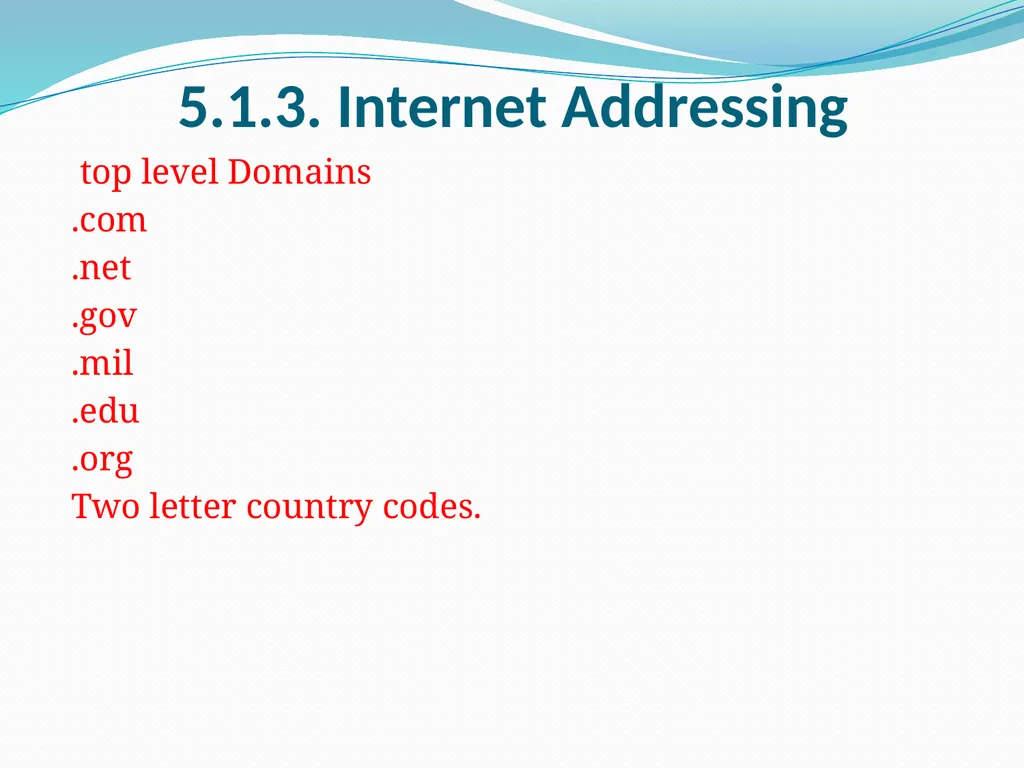
slide7. 5.1.3. Internet Addressing top level Domains
.com
.net
.gov
.mil
.edu
.org
Two letter country codes.<br>
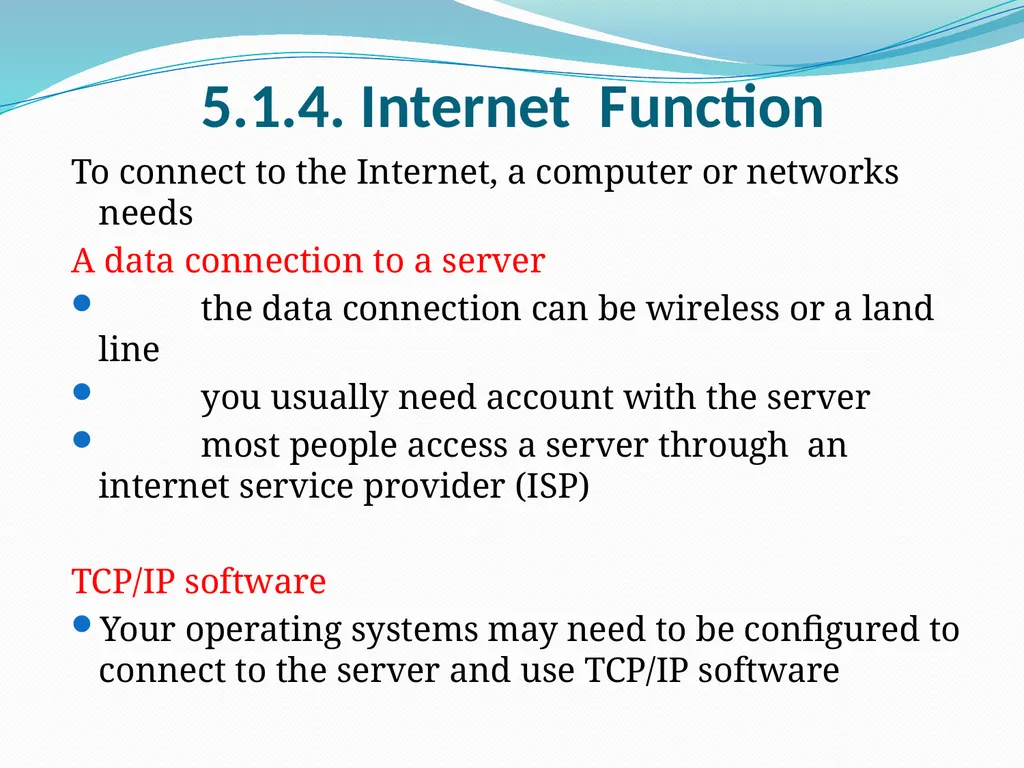
slide8. 5.1.4. Internet Function To connect to the Internet, a computer or networks needs
A data connection to a server
the data connection can be wireless or a land line
you usually need account with the server
most people access a server through an internet service provider (ISP)
TCP/IP software
Your operating systems may need to be configured to connect to the server and use TCP/IP software<br>
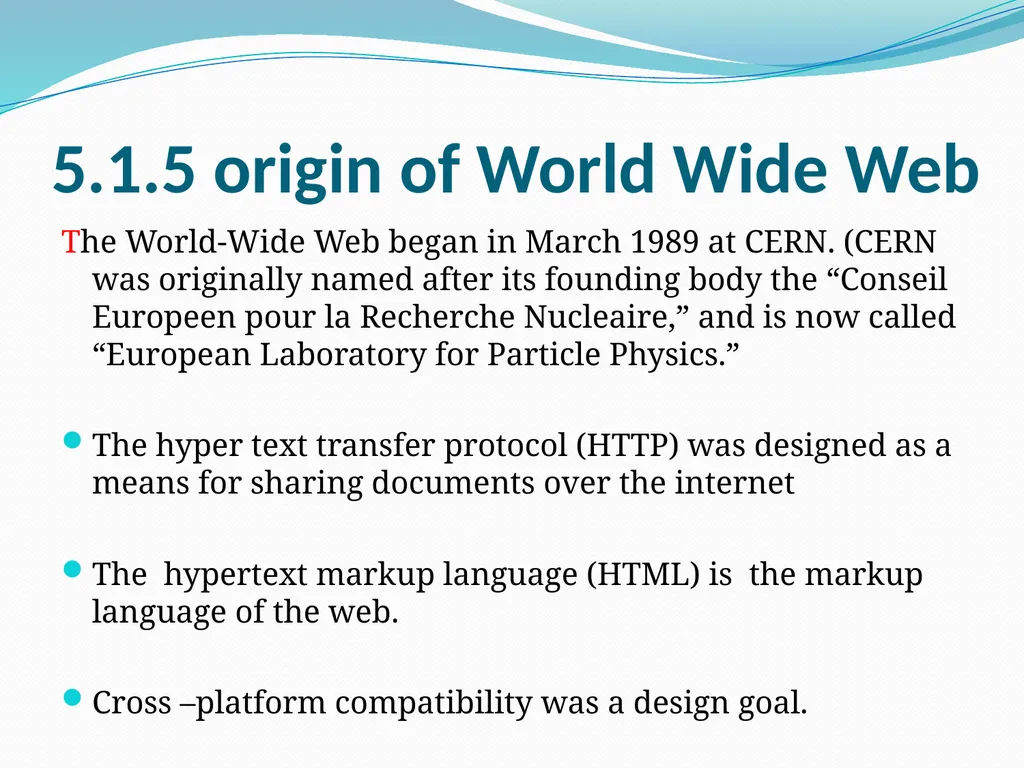
slide9. 5.1.5 origin of World Wide Web The World-Wide Web began in March 1989 at CERN. (CERN was originally named after its founding body the “Conseil Europeen pour la Recherche Nucleaire,” and is now called “European Laboratory for Particle Physics.”
The hyper text transfer protocol (HTTP) was designed as a means for sharing documents over the internet
The hypertext markup language (HTML) is the markup language of the web.
Cross –platform compatibility was a design goal.<br>
slide10. 5.1.6 HTML and Web Authoring Web authoring is the practice of creating web documents using modern web authoring software and tools.
Web authoring software is a type of desktop publishing tool that allows users to navigate the tricky environment of HTML and web coding by offering a different kind of graphical user interface.<br>
slide11. HTML stands for Hypertext Markup Language, and it is the most widely used language to write Web Pages.
Hypertext refers to the way in which Web pages (HTML documents) are linked together. Thus, the link available on a webpage is called Hypertext.
As its name suggests, HTML is a Markup Language which means you use HTML to simply "mark-up" a text document with tags that tell a Web browser how to structure it to display.
Originally, HTML was developed with the intent of defining the structure of documents like headings, paragraphs, lists, and so forth to facilitate the sharing of scientific information between researchers.
Now, HTML is being widely used to format web pages with the help of different tags available in HTML language. 5.1.1.7. Brief Overview of HTML<br>
slide12. Web browser is a software applications for retrieving, presenting, and traversing information resources on the WWW.
Web browsers are :
Internet explorer
Netscape navigator
Opera
Mozilla firefox
Google chrome 5.1.1.8 . Web Page Browsers<br>
slide13. web browsers have increasingly grown to support plug-in technologies such FLASH and Java
Web Browsers often vary from th HTML standards
Support for features such as cascading style sheets (CSS) 5.1.1.9. Web Page development<br>
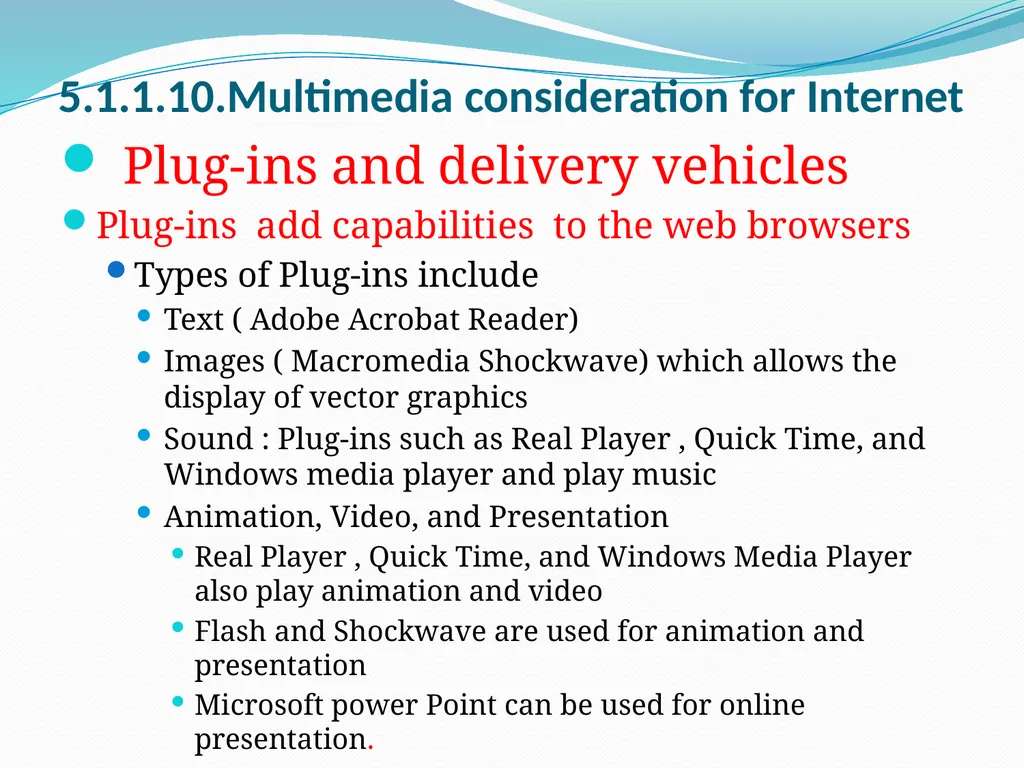
slide14. Plug-ins and delivery vehicles
Plug-ins add capabilities to the web browsers
Types of Plug-ins include
Text ( Adobe Acrobat Reader)
Images ( Macromedia Shockwave) which allows the display of vector graphics
Sound : Plug-ins such as Real Player , Quick Time, and Windows media player and play music
Animation, Video, and Presentation
Real Player , Quick Time, and Windows Media Player also play animation and video
Flash and Shockwave are used for animation and presentation
Microsoft power Point can be used for online presentation. 5.1.1.10.Multimedia consideration for Internet<br>
slide15. vaughn’s Bandwidth Rule
Bandwidth = satisfaction
File size
Satisfaction with the inter is a function of connection speed and the size of the elements accessed 5.1.1.11.Bandwith Consideration<br>
slide16. Programming technologies can be used for online content delivery, such as
Common Gateway Interface (CGI ) programming
PERL
JAVA
Java Script
PHP 5.1.1.12. Design Consideration for web pages<br>
slide17. Unit- 5 5.2 Multimedia development Team<br>
slide18. 5.2.1 . Multimedia development Team 1. Production Manager
2.Multimedia designer
3. Multimedia Writer
4. Video specialist
5. Audio specialist
6. Graphics Artist
7.Editor
8.Programmer<br>
slide19. 5.2.1.1 . Production Manager The role of production Manager is to coordinate and facilitate the production of the multimedia project
Characteristic of good production manager
Able to coordinate and facilitate the production
Possess the knowledge of the basic principles of multimedia authoring
Skilled proposal writer
Good negotiator
Conversant with relevant legal issue
Good communication skill
Budget management skill
Experience in human resources and overall business management<br>
slide20. 5.2.1.2. Multimedia Designer Graphics designers, illustrators, animators, and image processing specialists who deals with visuals.
Instructional designers, who make sure that the subject matter is presented clearly for the target audience.<br>
slide21. 5.2.1.3. Multimedia writer creating characters, actions, point of view and interactivity.
Writing proposal and test screens
Scripting voice – over and actors narrations.<br>
slide22. 5.2.1.4. video specialist a video specialist needs to be understand:
The delivery of the video files on CD, DVD, web
How to shoot quality video .
How to transfer video footage in to computer
How to edit the footage down to a final product using digital non linear editing system.<br>
slide23. 5.2.1.5. Audio specialist a audio specialist needs to be responsible
Locating and selecting suitable music talent
Scheduling recording sessions
Digitizing and editing recorded materials into computer files.<br>
slide24. 5.2.1.6. Graphic Artist The computer graphics artist is responsible for the graphic elements of the program such as backgrounds, button, photo collages, and the manipulation editing pictures, 3-D objects, logos, animation, and etc.<br>
slide25. 5.2.1.7 Editor the content of the multimedia production, like a book or film needs to flow in a logical fashion and text must be structure and grammatically correct
The editor is responsible for making linear fashion of video and audios<br>
slide26. 5.2.1.8. Programmer Integrates all the multimedia elements into a project using authoring software
Writes codes for displaying multimedia elements, and to control various peripherals devices.
Manages timings, transitions, and record keeping.<br>
slide27. 5.3 . Multimedia Development Process<br>
slide28. 5.3.1. Multimedia Development Issues Concept validity
Is this an ideal that will sell? Important for commercial product
Technology dependence
advance technology
Availability of content
can we fill the disk with relevant and useful content?
Tool selection
need to pick the best tool for the production<br>
slide29. 5.3.1. Multimedia Development Issues (cont..) Authoring
To simplify the production process
Testing
Should be scheduled with in the product development cycle
Delivery and product support
Maintenance
Updated may be because – performance , improvement, error correction or new content availability<br>
slide30. 5.3.2. Multimedia Project MM project depend on three comp0nent
Producer – the creator of the product
Consumer – the sponsor
Product – including content, function and technology<br>
slide31. 5.3.3. Structured Multimedia Development Planning
Requirements & Architecture
Navigation structure
Storyboarding
Content production
Authoring
Prototyping
Evaluation
Deployment
maintenance<br>
slide32. 5.3.4. costing of a MM Project Content cost
Labor cost
Equipment cost
Talent and production cost
Facility and location cost
Marketing and production cost
Maintenance and support cost
Labor and content cost tend to be higher single cost items<br>
slide33. Thank you for your
attention<br>
slide2. 5.1.1 . Client –server Technology Two or more computers connected to each other make a network or client and server technology<br>
slide5. 5.1.2 . Communication protocols TCP / IP: is the protocol used for communication on the internet
TCP Transmission Control Protocol
IP Internet Protocol
Http: Hyper text transfer protocol -- > to access websites
https: secured http
In 1983 Domain Name System (DNS) was established to assign names and addresses to computers which were linked to the internet.
Ex: www. yahoo.com
www. google.com
https: www. exim. co .tz<br>
slide6. 5.1.3. Internet Addressing syntax:
Protocol:// domain Name / path/file name
Ex: http: // www.exim.co.tz/home.php
The server directly path and file name are often left off.
The protocol usually does not need to be typed.
The protocol is also often hidden, such as
Mail to
news<br>
slide7. 5.1.3. Internet Addressing top level Domains
.com
.net
.gov
.mil
.edu
.org
Two letter country codes.<br>
slide8. 5.1.4. Internet Function To connect to the Internet, a computer or networks needs
A data connection to a server
the data connection can be wireless or a land line
you usually need account with the server
most people access a server through an internet service provider (ISP)
TCP/IP software
Your operating systems may need to be configured to connect to the server and use TCP/IP software<br>
slide9. 5.1.5 origin of World Wide Web The World-Wide Web began in March 1989 at CERN. (CERN was originally named after its founding body the “Conseil Europeen pour la Recherche Nucleaire,” and is now called “European Laboratory for Particle Physics.”
The hyper text transfer protocol (HTTP) was designed as a means for sharing documents over the internet
The hypertext markup language (HTML) is the markup language of the web.
Cross –platform compatibility was a design goal.<br>
slide10. 5.1.6 HTML and Web Authoring Web authoring is the practice of creating web documents using modern web authoring software and tools.
Web authoring software is a type of desktop publishing tool that allows users to navigate the tricky environment of HTML and web coding by offering a different kind of graphical user interface.<br>
slide11. HTML stands for Hypertext Markup Language, and it is the most widely used language to write Web Pages.
Hypertext refers to the way in which Web pages (HTML documents) are linked together. Thus, the link available on a webpage is called Hypertext.
As its name suggests, HTML is a Markup Language which means you use HTML to simply "mark-up" a text document with tags that tell a Web browser how to structure it to display.
Originally, HTML was developed with the intent of defining the structure of documents like headings, paragraphs, lists, and so forth to facilitate the sharing of scientific information between researchers.
Now, HTML is being widely used to format web pages with the help of different tags available in HTML language. 5.1.1.7. Brief Overview of HTML<br>
slide12. Web browser is a software applications for retrieving, presenting, and traversing information resources on the WWW.
Web browsers are :
Internet explorer
Netscape navigator
Opera
Mozilla firefox
Google chrome 5.1.1.8 . Web Page Browsers<br>
slide13. web browsers have increasingly grown to support plug-in technologies such FLASH and Java
Web Browsers often vary from th HTML standards
Support for features such as cascading style sheets (CSS) 5.1.1.9. Web Page development<br>
slide14. Plug-ins and delivery vehicles
Plug-ins add capabilities to the web browsers
Types of Plug-ins include
Text ( Adobe Acrobat Reader)
Images ( Macromedia Shockwave) which allows the display of vector graphics
Sound : Plug-ins such as Real Player , Quick Time, and Windows media player and play music
Animation, Video, and Presentation
Real Player , Quick Time, and Windows Media Player also play animation and video
Flash and Shockwave are used for animation and presentation
Microsoft power Point can be used for online presentation. 5.1.1.10.Multimedia consideration for Internet<br>
slide15. vaughn’s Bandwidth Rule
Bandwidth = satisfaction
File size
Satisfaction with the inter is a function of connection speed and the size of the elements accessed 5.1.1.11.Bandwith Consideration<br>
slide16. Programming technologies can be used for online content delivery, such as
Common Gateway Interface (CGI ) programming
PERL
JAVA
Java Script
PHP 5.1.1.12. Design Consideration for web pages<br>
slide17. Unit- 5 5.2 Multimedia development Team<br>
slide18. 5.2.1 . Multimedia development Team 1. Production Manager
2.Multimedia designer
3. Multimedia Writer
4. Video specialist
5. Audio specialist
6. Graphics Artist
7.Editor
8.Programmer<br>
slide19. 5.2.1.1 . Production Manager The role of production Manager is to coordinate and facilitate the production of the multimedia project
Characteristic of good production manager
Able to coordinate and facilitate the production
Possess the knowledge of the basic principles of multimedia authoring
Skilled proposal writer
Good negotiator
Conversant with relevant legal issue
Good communication skill
Budget management skill
Experience in human resources and overall business management<br>
slide20. 5.2.1.2. Multimedia Designer Graphics designers, illustrators, animators, and image processing specialists who deals with visuals.
Instructional designers, who make sure that the subject matter is presented clearly for the target audience.<br>
slide21. 5.2.1.3. Multimedia writer creating characters, actions, point of view and interactivity.
Writing proposal and test screens
Scripting voice – over and actors narrations.<br>
slide22. 5.2.1.4. video specialist a video specialist needs to be understand:
The delivery of the video files on CD, DVD, web
How to shoot quality video .
How to transfer video footage in to computer
How to edit the footage down to a final product using digital non linear editing system.<br>
slide23. 5.2.1.5. Audio specialist a audio specialist needs to be responsible
Locating and selecting suitable music talent
Scheduling recording sessions
Digitizing and editing recorded materials into computer files.<br>
slide24. 5.2.1.6. Graphic Artist The computer graphics artist is responsible for the graphic elements of the program such as backgrounds, button, photo collages, and the manipulation editing pictures, 3-D objects, logos, animation, and etc.<br>
slide25. 5.2.1.7 Editor the content of the multimedia production, like a book or film needs to flow in a logical fashion and text must be structure and grammatically correct
The editor is responsible for making linear fashion of video and audios<br>
slide26. 5.2.1.8. Programmer Integrates all the multimedia elements into a project using authoring software
Writes codes for displaying multimedia elements, and to control various peripherals devices.
Manages timings, transitions, and record keeping.<br>
slide27. 5.3 . Multimedia Development Process<br>
slide28. 5.3.1. Multimedia Development Issues Concept validity
Is this an ideal that will sell? Important for commercial product
Technology dependence
advance technology
Availability of content
can we fill the disk with relevant and useful content?
Tool selection
need to pick the best tool for the production<br>
slide29. 5.3.1. Multimedia Development Issues (cont..) Authoring
To simplify the production process
Testing
Should be scheduled with in the product development cycle
Delivery and product support
Maintenance
Updated may be because – performance , improvement, error correction or new content availability<br>
slide30. 5.3.2. Multimedia Project MM project depend on three comp0nent
Producer – the creator of the product
Consumer – the sponsor
Product – including content, function and technology<br>
slide31. 5.3.3. Structured Multimedia Development Planning
Requirements & Architecture
Navigation structure
Storyboarding
Content production
Authoring
Prototyping
Evaluation
Deployment
maintenance<br>
slide32. 5.3.4. costing of a MM Project Content cost
Labor cost
Equipment cost
Talent and production cost
Facility and location cost
Marketing and production cost
Maintenance and support cost
Labor and content cost tend to be higher single cost items<br>
slide33. Thank you for your
attention<br>