Year End Journal Entries Presentation to the
Description: Year End Journal Entries Presentation to the Finance Support Working Group February 16th, 2023 Agenda 2 1. Year End Journal Entries 2. Process for Submission of Year End Journal Entries 3. Key Dates Year End Journal Entries what are they
Related Topics
Download Presentation
"Year End Journal Entries Presentation to the" is the property of its rightful owner. Permission is granted to download and print the materials on this website for personal, non-commercial use only, and to display it on your personal computer provided you do not modify the materials and that you retain all copyright notices contained in the materials. By downloading content from our website, you accept the terms of this agreement.
Presentation Transcript
slide1. Year End Journal Entries Presentation to the Finance Support Working Group February 16th, 2023<br>
slide2. Agenda 2 1. Year End Journal Entries
2. Process for Submission of Year End Journal Entries
3. Key Dates<br>
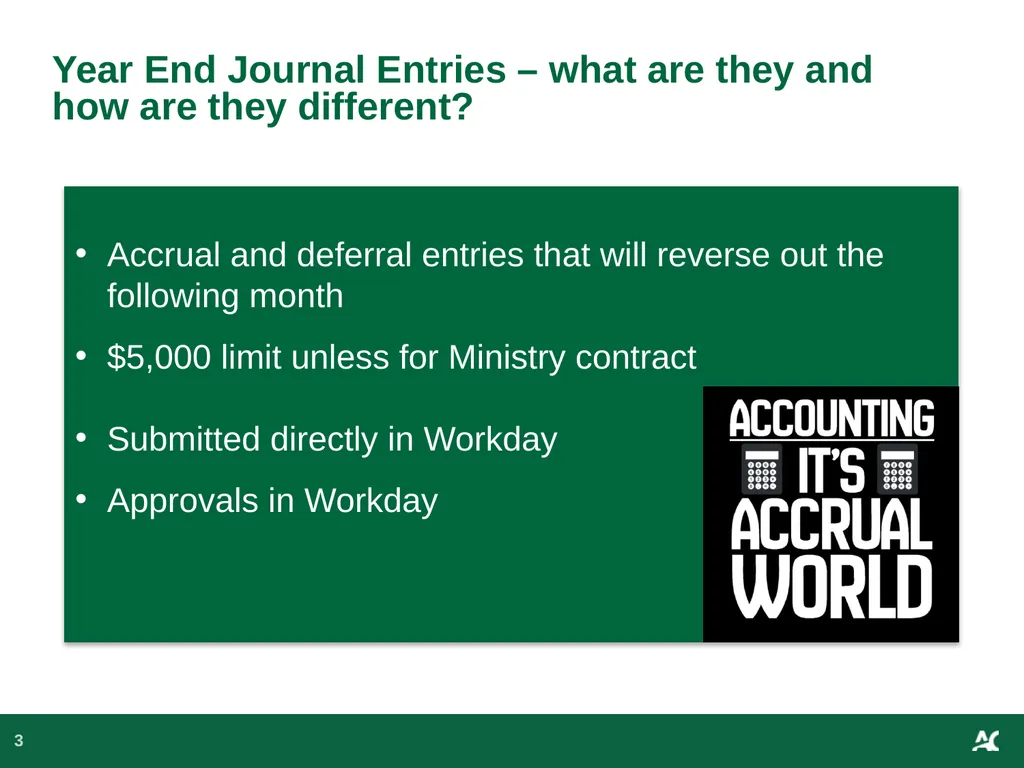
slide3. Year End Journal Entries – what are they and how are they different? 3 Accrual and deferral entries that will reverse out the following month
$5,000 limit unless for Ministry contract
Submitted directly in Workday
Approvals in Workday<br>
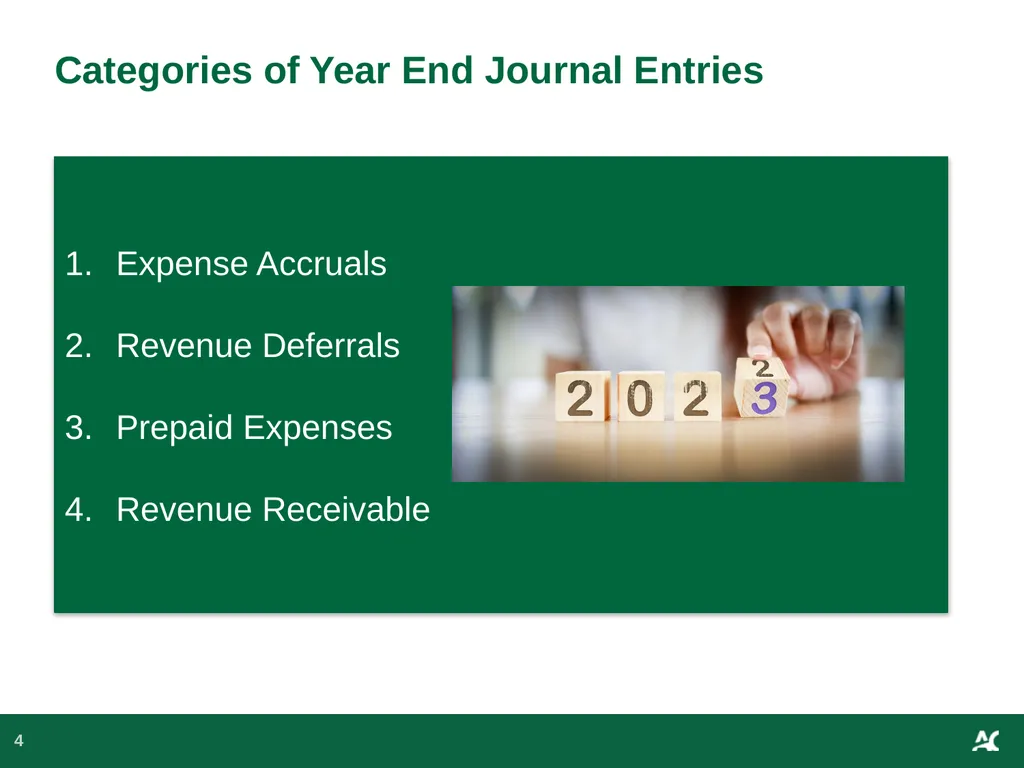
slide4. 4 Categories of Year End Journal Entries Expense Accruals
Revenue Deferrals
Prepaid Expenses
Revenue Receivable<br>
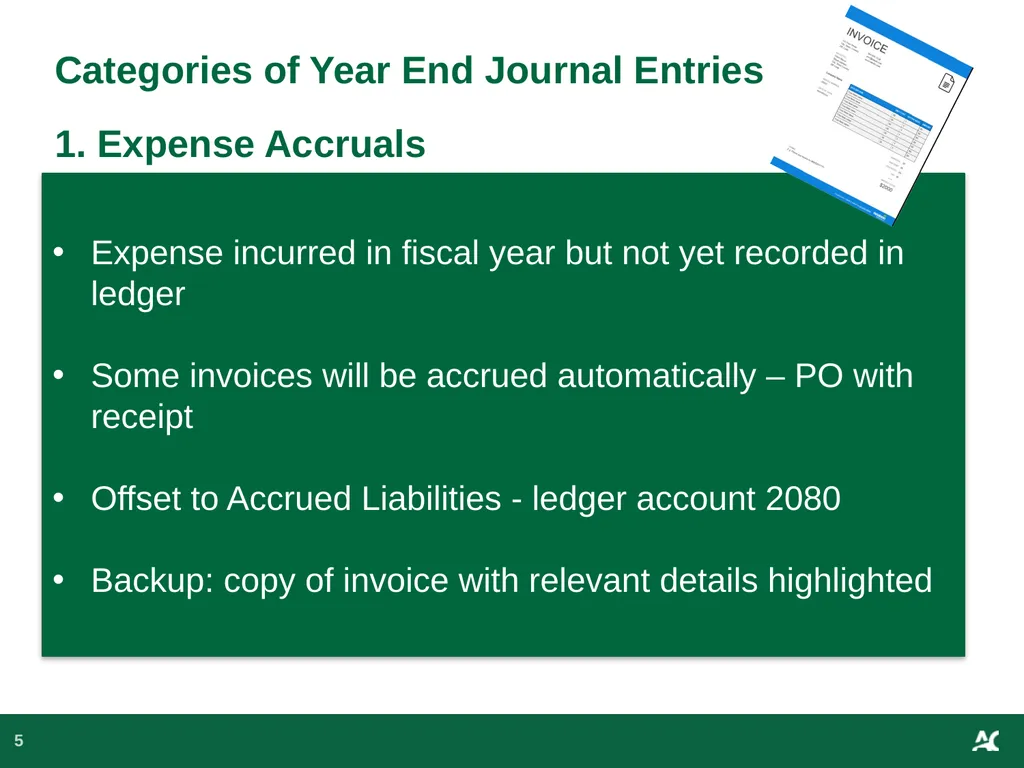
slide5. 5 Categories of Year End Journal Entries 1. Expense Accruals Expense incurred in fiscal year but not yet recorded in ledger
Some invoices will be accrued automatically – PO with receipt
Offset to Accrued Liabilities - ledger account 2080
Backup: copy of invoice with relevant details highlighted<br>
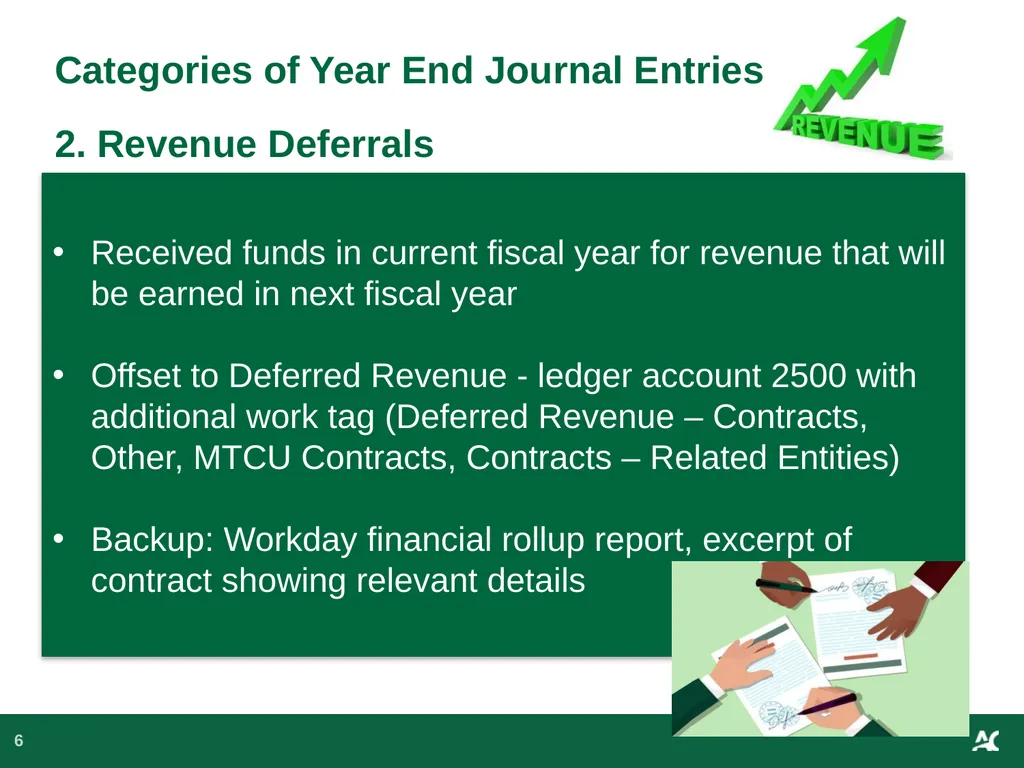
slide6. 6 Categories of Year End Journal Entries2. Revenue Deferrals Received funds in current fiscal year for revenue that will be earned in next fiscal year
Offset to Deferred Revenue - ledger account 2500 with additional work tag (Deferred Revenue – Contracts, Other, MTCU Contracts, Contracts – Related Entities)
Backup: Workday financial rollup report, excerpt of contract showing relevant details<br>
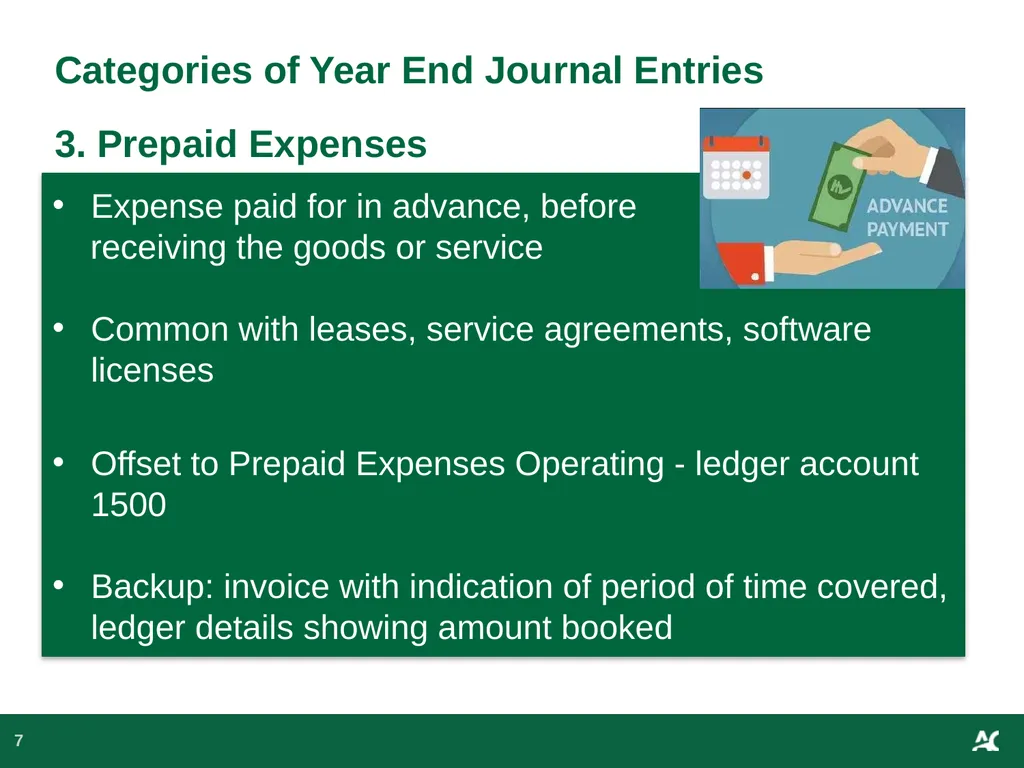
slide7. 7 Categories of Year End Journal Entries 3. Prepaid Expenses Expense paid for in advance, before
receiving the goods or service
Common with leases, service agreements, software licenses
Offset to Prepaid Expenses Operating - ledger account 1500
Backup: invoice with indication of period of time covered, ledger details showing amount booked<br>
slide8. 8 Categories of Year End Journal Entries 4. Revenue Receivable Revenue earned in current fiscal year but
funds not received by year end
Offset to AR MTCU - ledger account 1230 or Other Accounts Receivable – ledger account 1370
Backup: Workday financial rollup report showing expenses incurred, excerpt from contract indicating amount of funding to be received in current fiscal year<br>
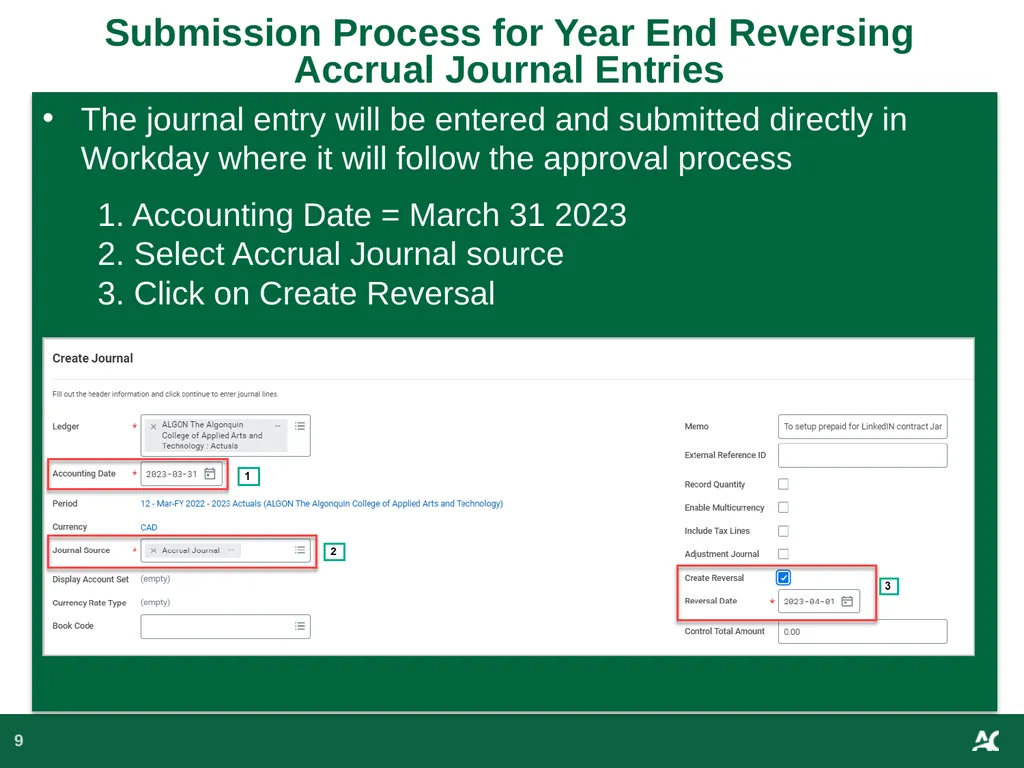
slide9. Submission Process for Year End Reversing Accrual Journal Entries 9 The journal entry will be entered and submitted directly in Workday where it will follow the approval process
1. Accounting Date = March 31 2023
2. Select Accrual Journal source
3. Click on Create Reversal<br>
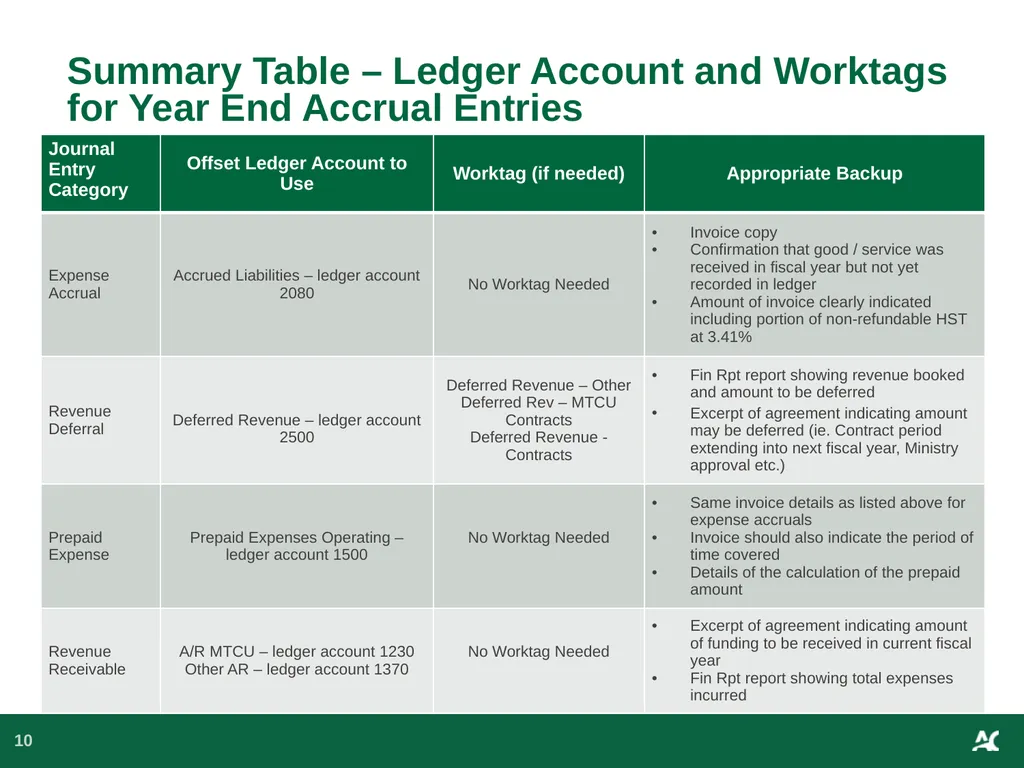
slide10. Summary Table – Ledger Account and Worktags for Year End Accrual Entries 10<br>
slide11. Key Dates 11 Tuesday April 4, 2023 – Final day to
submit invoices to Accounts Payable
Monday April 10, 2023 - Accounts Receivable
and Accounts Payable Closing
Tuesday April 11, 2023 – Goods Received Not
Invoiced Accrual booked
Wednesday April 12, 2023 – Review of
revenue and expenses to ensure completeness
Friday April 14, 2023 – Final day to submit and approve 2022-23 fiscal year end journal entries to Financial Services<br>

slide12. 12 Resources Journal Entry Backup Checklist
Journal Entry Backup Checklist.pdf
Link to Year End Schedules and Deadlines:
2022-23 Year-End Processing and Purchasing Due Dates
2022-2023 Year-End Schedule for Business Administrators<br>
slide13. Want More Details 13 Come join us for an additional year-end training session!
What: Walk-thru of how to enter accrual journals in Workday and details of what appropriate backup is required.
When: Wednesday March 1st, 2023 from 10am to 11am
Where: Online via Zoom and through the Employee Learning Centre
Register here: Financial Services Year-End Accrual Journal Training<br>
slide14. Thank you.<br>
slide2. Agenda 2 1. Year End Journal Entries
2. Process for Submission of Year End Journal Entries
3. Key Dates<br>
slide3. Year End Journal Entries – what are they and how are they different? 3 Accrual and deferral entries that will reverse out the following month
$5,000 limit unless for Ministry contract
Submitted directly in Workday
Approvals in Workday<br>
slide4. 4 Categories of Year End Journal Entries Expense Accruals
Revenue Deferrals
Prepaid Expenses
Revenue Receivable<br>
slide5. 5 Categories of Year End Journal Entries 1. Expense Accruals Expense incurred in fiscal year but not yet recorded in ledger
Some invoices will be accrued automatically – PO with receipt
Offset to Accrued Liabilities - ledger account 2080
Backup: copy of invoice with relevant details highlighted<br>
slide6. 6 Categories of Year End Journal Entries2. Revenue Deferrals Received funds in current fiscal year for revenue that will be earned in next fiscal year
Offset to Deferred Revenue - ledger account 2500 with additional work tag (Deferred Revenue – Contracts, Other, MTCU Contracts, Contracts – Related Entities)
Backup: Workday financial rollup report, excerpt of contract showing relevant details<br>
slide7. 7 Categories of Year End Journal Entries 3. Prepaid Expenses Expense paid for in advance, before
receiving the goods or service
Common with leases, service agreements, software licenses
Offset to Prepaid Expenses Operating - ledger account 1500
Backup: invoice with indication of period of time covered, ledger details showing amount booked<br>
slide8. 8 Categories of Year End Journal Entries 4. Revenue Receivable Revenue earned in current fiscal year but
funds not received by year end
Offset to AR MTCU - ledger account 1230 or Other Accounts Receivable – ledger account 1370
Backup: Workday financial rollup report showing expenses incurred, excerpt from contract indicating amount of funding to be received in current fiscal year<br>
slide9. Submission Process for Year End Reversing Accrual Journal Entries 9 The journal entry will be entered and submitted directly in Workday where it will follow the approval process
1. Accounting Date = March 31 2023
2. Select Accrual Journal source
3. Click on Create Reversal<br>
slide10. Summary Table – Ledger Account and Worktags for Year End Accrual Entries 10<br>
slide11. Key Dates 11 Tuesday April 4, 2023 – Final day to
submit invoices to Accounts Payable
Monday April 10, 2023 - Accounts Receivable
and Accounts Payable Closing
Tuesday April 11, 2023 – Goods Received Not
Invoiced Accrual booked
Wednesday April 12, 2023 – Review of
revenue and expenses to ensure completeness
Friday April 14, 2023 – Final day to submit and approve 2022-23 fiscal year end journal entries to Financial Services<br>

slide12. 12 Resources Journal Entry Backup Checklist
Journal Entry Backup Checklist.pdf
Link to Year End Schedules and Deadlines:
2022-23 Year-End Processing and Purchasing Due Dates
2022-2023 Year-End Schedule for Business Administrators<br>
slide13. Want More Details 13 Come join us for an additional year-end training session!
What: Walk-thru of how to enter accrual journals in Workday and details of what appropriate backup is required.
When: Wednesday March 1st, 2023 from 10am to 11am
Where: Online via Zoom and through the Employee Learning Centre
Register here: Financial Services Year-End Accrual Journal Training<br>
slide14. Thank you.<br>