StudyMafia.Org Submitted To: Submitted By: Studymafia.org Studymafia.org Virus and Antivirus Table Contents Virus What does a computer virus do? How does a computer get a virus? Symptoms of computer virus Examples of a computer virus
"StudyMafia.Org Submitted To: Submitted By:" is the property of its rightful owner. Permission is granted to
download and print the materials on this website for personal, non-commercial use only, and to display it
on your personal computer provided you do not modify the materials and that you retain all copyright
notices contained in the materials. By downloading content from our website, you accept the terms of this
agreement.
Presentation Transcript
01
StudyMafia.Org Submitted To: Submitted By:
Studymafia.org Studymafia.org Virus and
Antivirus<br>
02
Table Contents Virus
What does a computer virus do?
How does a computer get a virus?
Symptoms of computer virus
Examples of a computer virus
Computer Virus Protection
Antivirus
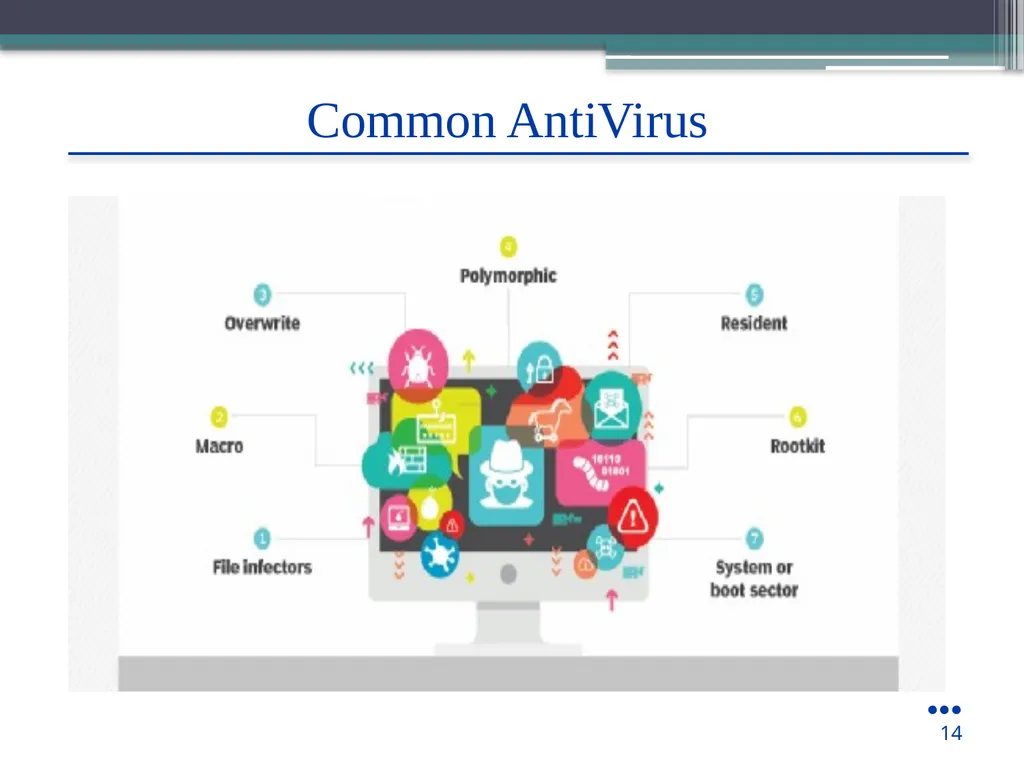
Common AntiVirus
How AntiVirus Works?
Conclusion 2<br>
03
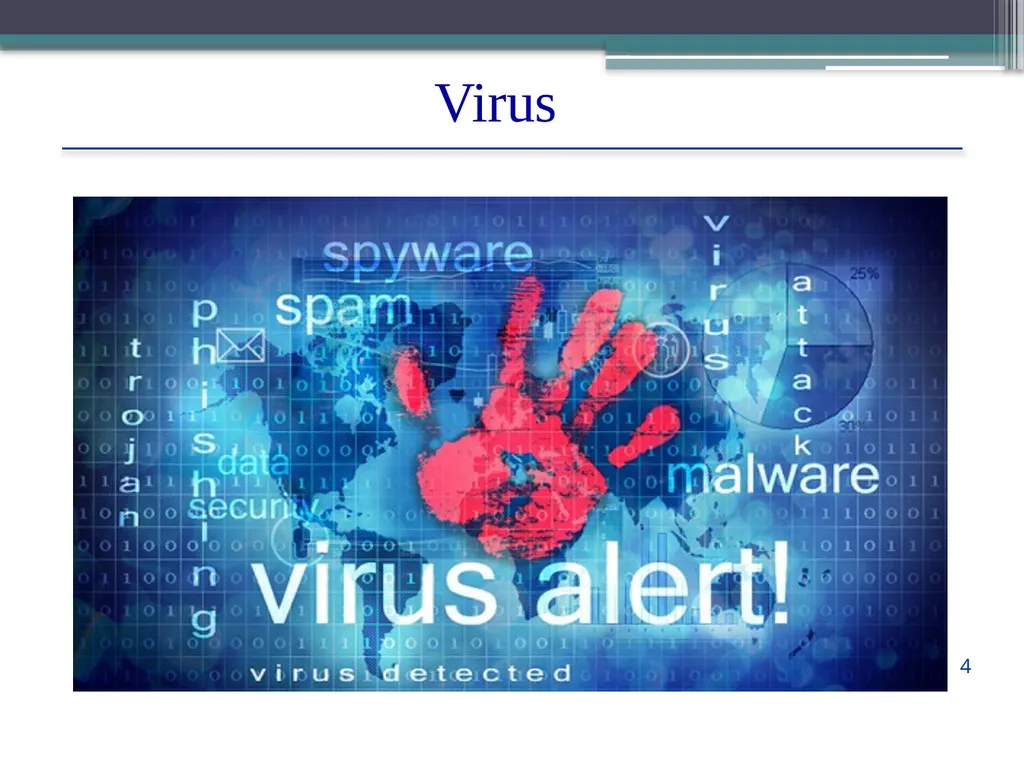
Virus A computer virus is a program which can harm our device and files and infect them for no further use. When a virus program is executed, it replicates itself by modifying other computer programs and instead enters its own coding. This code infects a file or program and if it spreads massively, it may ultimately result in crashing of the device.
Across the world, Computer viruses are a great issue of concern as they can cause billions of dollars’ worth harm to the economy each year. 3<br>
04
Virus 4<br>
05
Some computer viruses are programmed to harm your computer by damaging programs, deleting files, or reformatting the hard drive. Others simply replicate themselves or flood a network with traffic, making it impossible to perform any internet activity.
Even less harmful computer viruses can significantly disrupt your system’s performance, sapping computer memory and causing frequent computer crashes. ●●●
5 What does a computer virus do?<br>
06
In 2013, the botnet virus Gameover ZueS was discovered to use peer-to-peer downloading sites to distribute ransomware and commit banking fraud.
While tens of thousands of computer viruses still roam the internet, they have diversified their methods and are now joined by a number of malware variants like worms, Trojans, and ransomware. 6 What does a computer virus do?<br>
07
Sharing music, files, or photos with other users
Visiting an infected website
Opening spam email or an email attachment
Downloading free games, toolbars, media players and other system utilities
Installing mainstream software applications without thoroughly reading license agreements 7 How does a computer get a virus?<br>
08
Symptoms of a computer virus Slow computer performance
Erratic computer behavior
Unexplained data loss
Frequent computer crashes 8<br>
09
Examples of computer viruses Worms - A worm is a type of virus that, unlike traditional viruses, usually does not require the action of a user to spread from device to device.
Trojans - As in the myth, a Trojan is a virus that hides within a legitimate-seeming program to spread itself across networks or devices.
Ransomware - Ransomware is a type of malware that encrypts a user’s files and demands a ransom for its return. Ransomware can be, but isn’t necessarily, spread through computer viruses. ●●●
9<br>
10
Computer virus protection Use antivirus protection and a firewall
Get antispyware software
Always keep your antivirus protection and antispyware software up-to-date
Update your operating system regularly
Increase your browser security settings ●●●
10<br>
11
Computer virus protection Avoid questionable Websites
Only download software from sites you trust.
Carefully evaluate free software and file-sharing applications before downloading them.
Don't open messages from unknown senders
Immediately delete messages you suspect to be spam 11<br>
12
AntiVirus An anti-virus is a software which comprises programs or set of programs which can detect and remove all the harmful and malicious software from your device.
This anti-virus software is designed in a manner that they can search through the files in a computer and determine the files which are heavy or mildly infected by a virus. 12<br>
How does an Anti-Virus works? Once the file is quarantined, the application can attempt to repair it, delete it, or prompt you for a decision on what to do about the file infected.
This approach helps protect against unidentified or encrypted viruses and can alert you to suspicious behavior happening on your computer.
This interesting is an area where anti-spyware/anti-adware and anti-virus software often notice the same kinds of activities, because they are typical for adware and spyware as well as malware 15<br>
16
Conclusion Computer virus is a software program written with malicious intentions. There are number of computer viruses that can impede the functioning of your computer system.
They are replicated by themselves. Viruses are so dangerous and malicious that they can be automatically copied and pasted from memory to memory over and over; the transmitting power is too much quick from network to network that can simply hang smoothly running 16<br>