04
Unit 6 Objectives Give two advantages and disadvantages of using flip charts, overhead transparencies, slides and other visual aids with training presentations. cont’d. PPT 6-3 more…<br>
05
Unit 6 Objectives Prepare Powerpoint presentation and flip charts and use effectively in a training presentation. cont’d. PPT 6-4<br>
06
Keep your transparencies / slides simple One concept or idea.
Minimum of words.
Simple graphics. PPT 6-5<br>
07
Use clear text and short statements Letters of 1/4“ / .65cm / 18 pts or larger.
Simple style of letters.
Use upper and lower case.
No more than 10 lines. PPT 6-6<br>
08
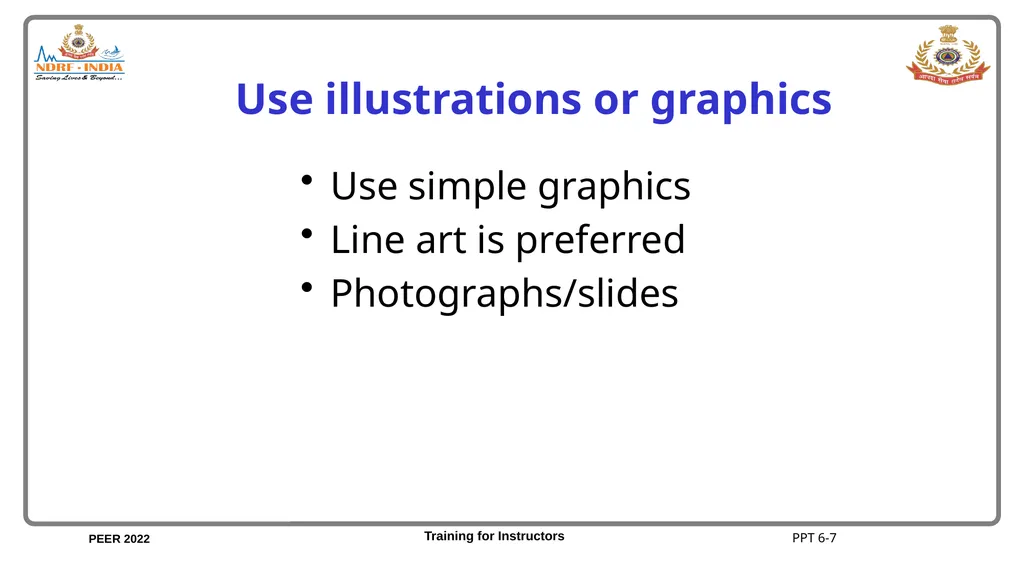
Use illustrations or graphics Use simple graphics
Line art is preferred
Photographs/slides PPT 6-7<br>
09
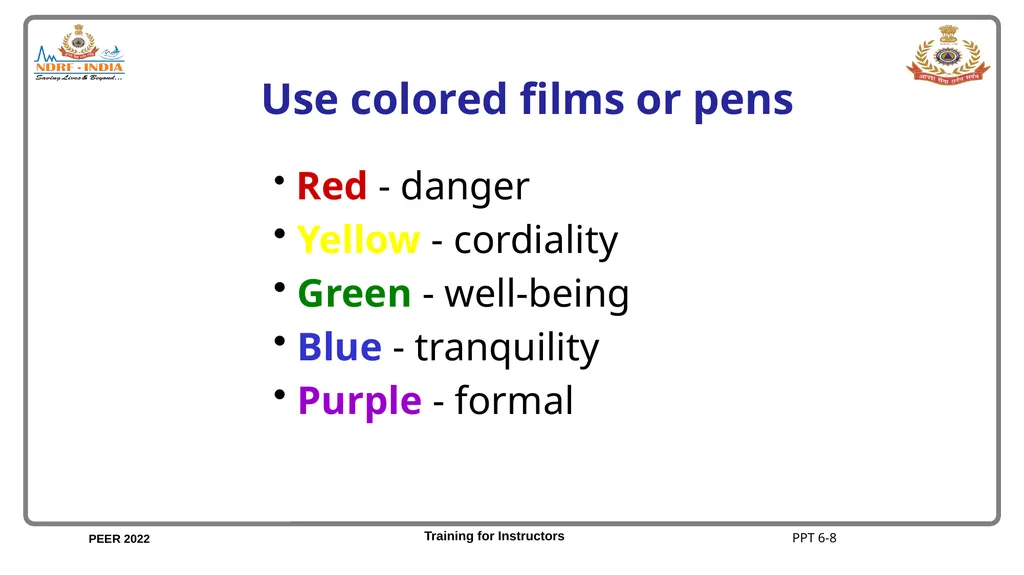
Use colored films or pens Red - danger
Yellow - cordiality
Green - well-being
Blue - tranquility
Purple - formal PPT 6-8<br>
11
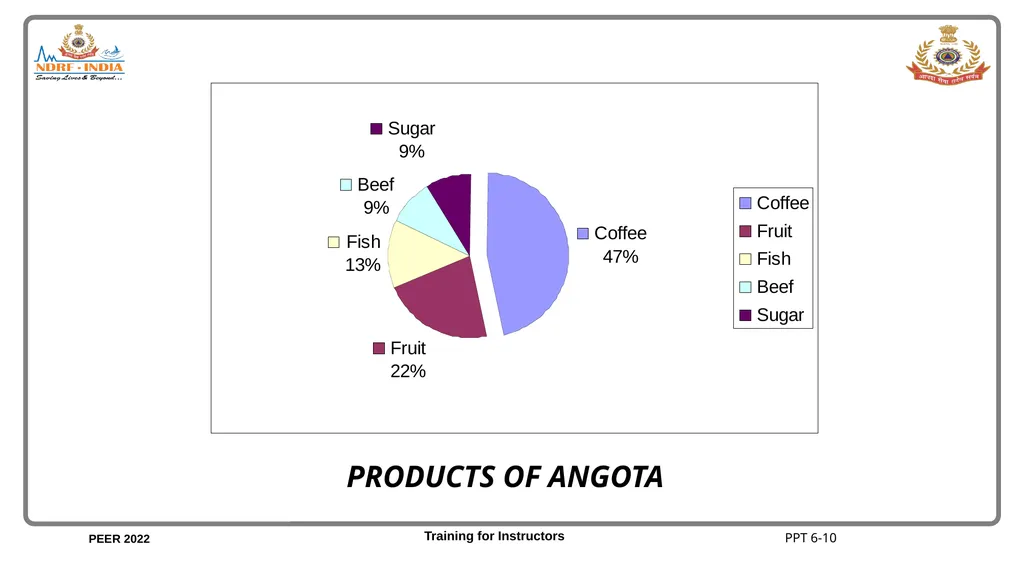
PRODUCTS OF ANGOTA PPT 6-10<br>
15
Guidelines on how to make computer-based presentations PPT 6-14<br>
16
Points Font
Line
Color
Background
Templates PPT 6-15<br>
17
Fonts Header
Calibri or Arial Black
Body text
Arial PPT 6-16<br>
18
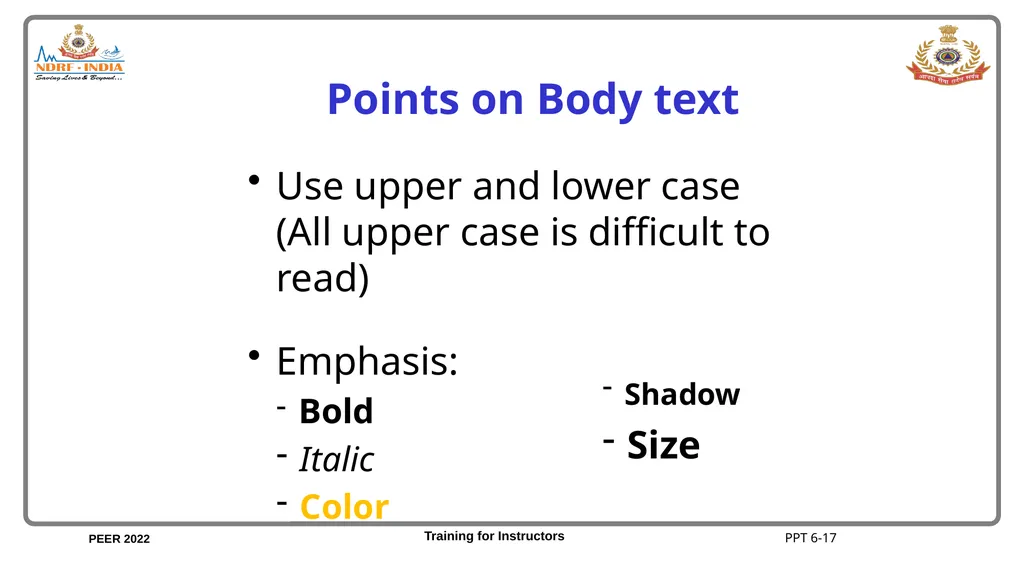
Points on Body text Use upper and lower case (All upper case is difficult to read)
Emphasis:
Bold
Italic
Color Shadow
Size PPT 6-17<br>
19
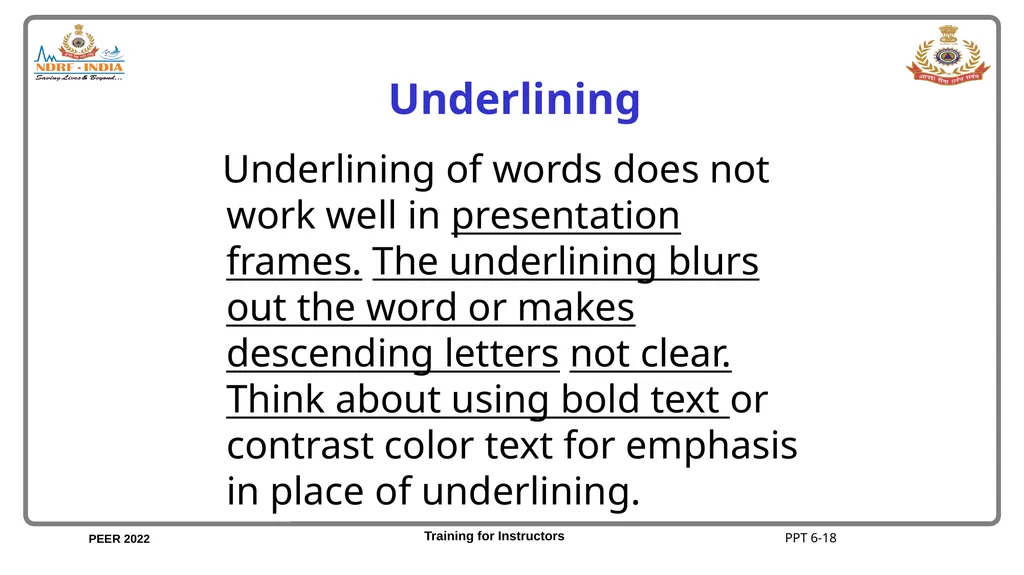
Underlining Underlining of words does not work well in presentation frames. The underlining blurs out the word or makes descending letters not clear. Think about using bold text or contrast color text for emphasis in place of underlining. PPT 6-18<br>
20
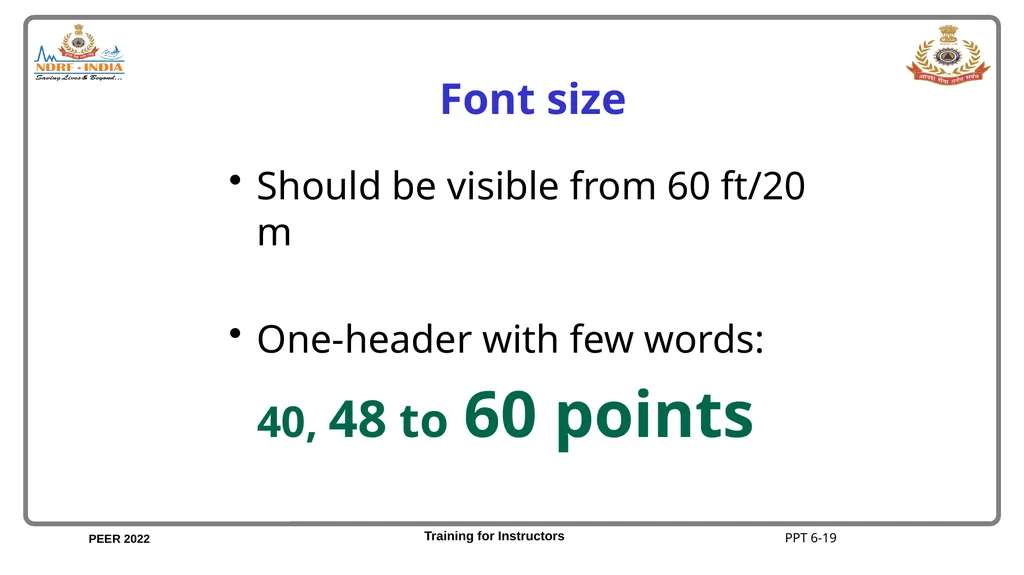
Font size Should be visible from 60 ft/20 m
One-header with few words:
40, 48 to 60 points PPT 6-19<br>
21
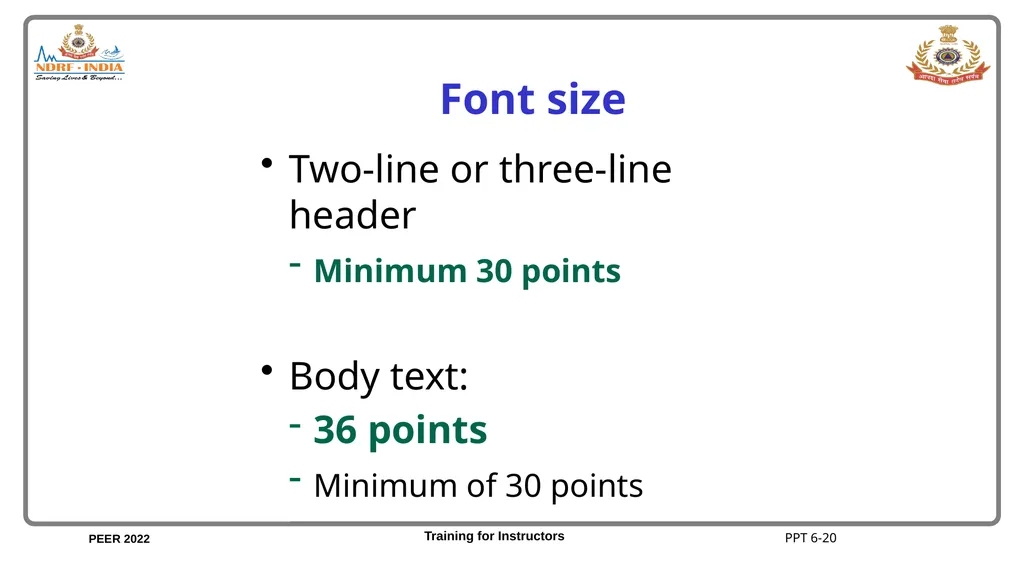
Font size Two-line or three-line header
Minimum 30 points
Body text:
36 points
Minimum of 30 points PPT 6-20<br>
22
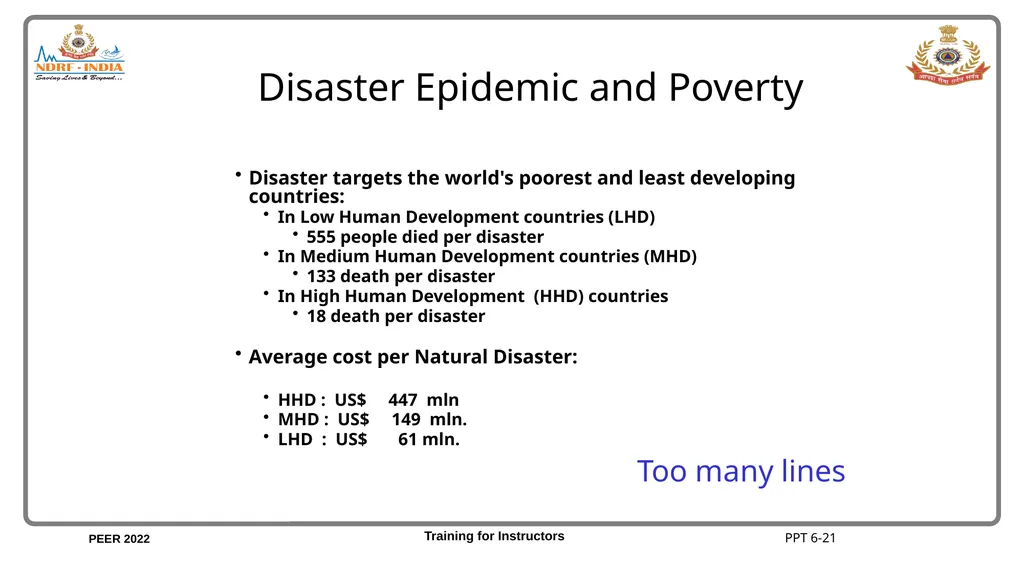
Disaster Epidemic and Poverty Disaster targets the world's poorest and least developing countries:
In Low Human Development countries (LHD)
555 people died per disaster
In Medium Human Development countries (MHD)
133 death per disaster
In High Human Development (HHD) countries
18 death per disaster
Average cost per Natural Disaster:
HHD : US$ 447 mln
MHD : US$ 149 mln.
LHD : US$ 61 mln. Too many lines PPT 6-21<br>
23
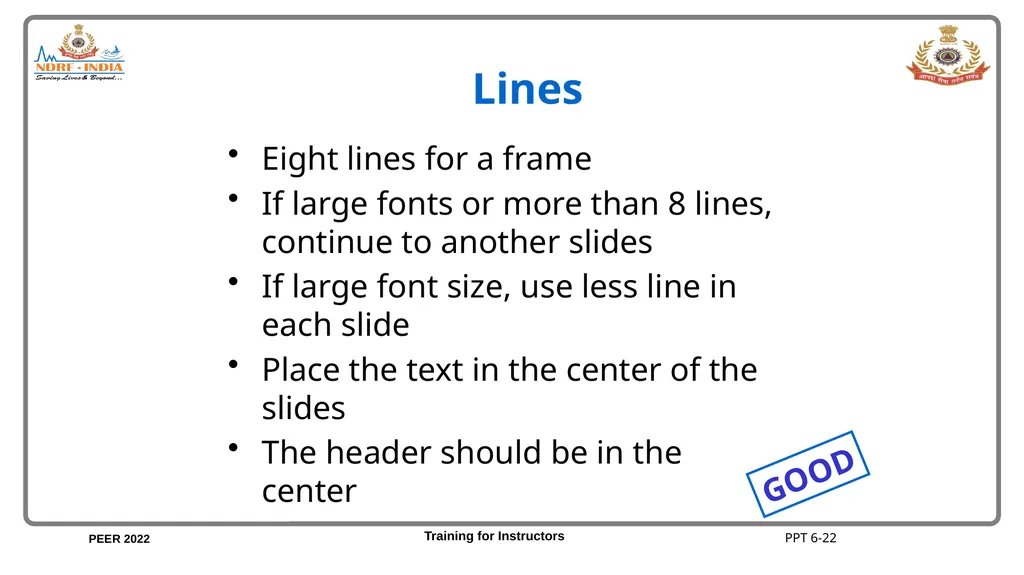
Lines Eight lines for a frame
If large fonts or more than 8 lines, continue to another slides
If large font size, use less line in each slide
Place the text in the center of the slides
The header should be in the center GOOD PPT 6-22<br>
24
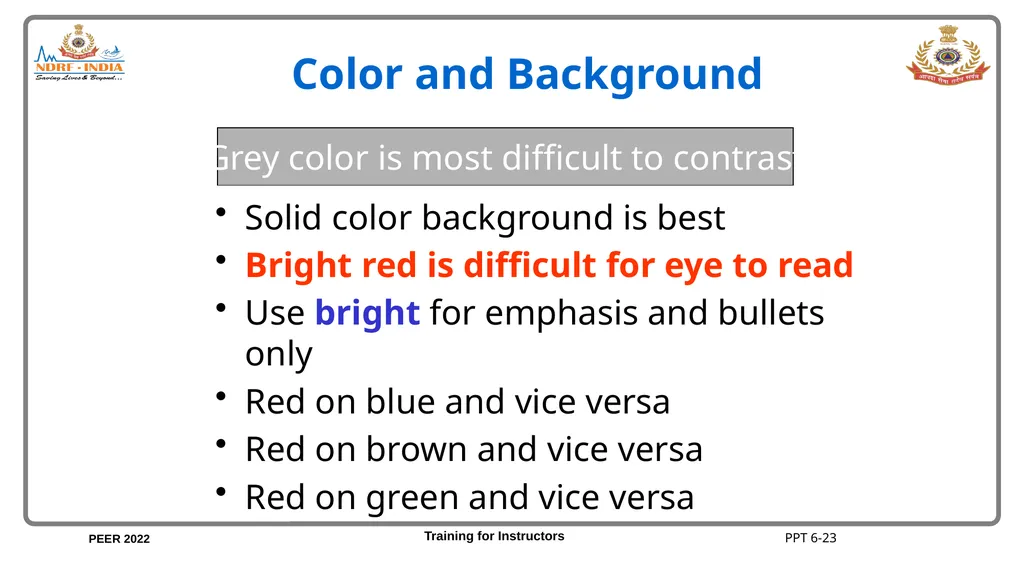
Color and Background Solid color background is best
Bright red is difficult for eye to read
Use bright for emphasis and bullets only
Red on blue and vice versa
Red on brown and vice versa
Red on green and vice versa Grey color is most difficult to contrast PPT 6-23<br>
25
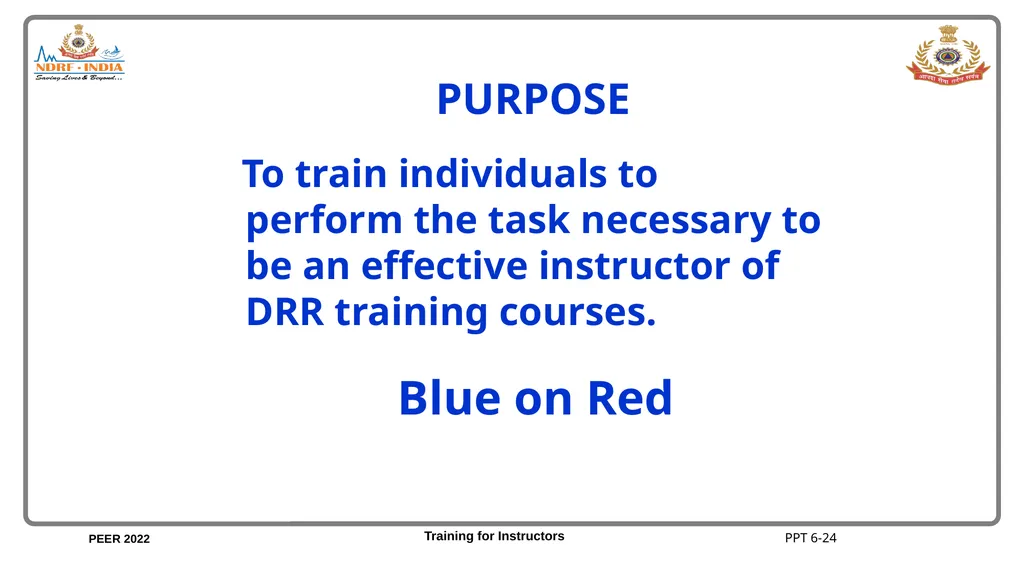
PURPOSE To train individuals to perform the task necessary to be an effective instructor of DRR training courses. Blue on Red Requires improvement PPT 6-24<br>
26
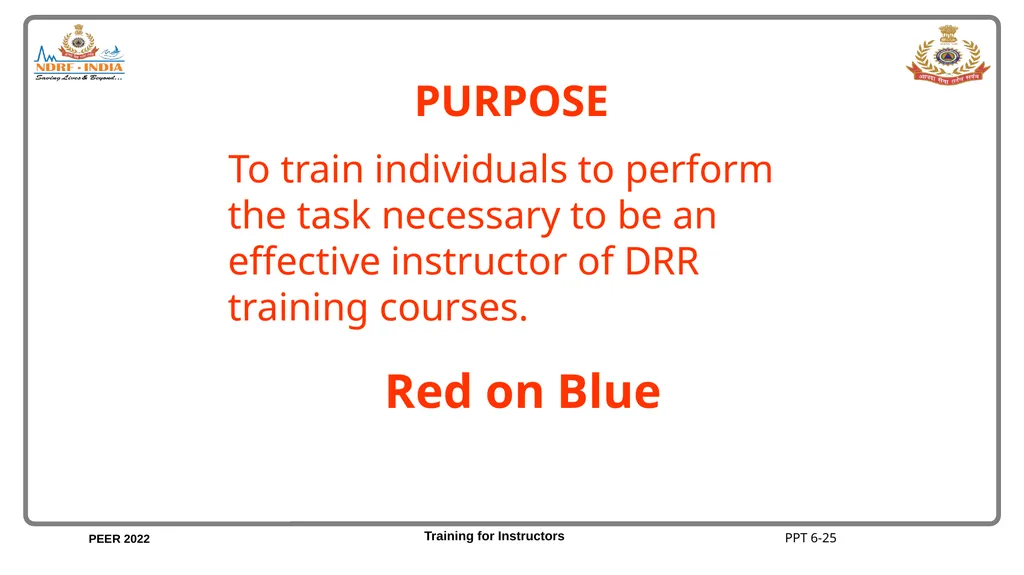
PURPOSE To train individuals to perform the task necessary to be an effective instructor of DRR training courses. Red on Blue Requires improvement PPT 6-25<br>
27
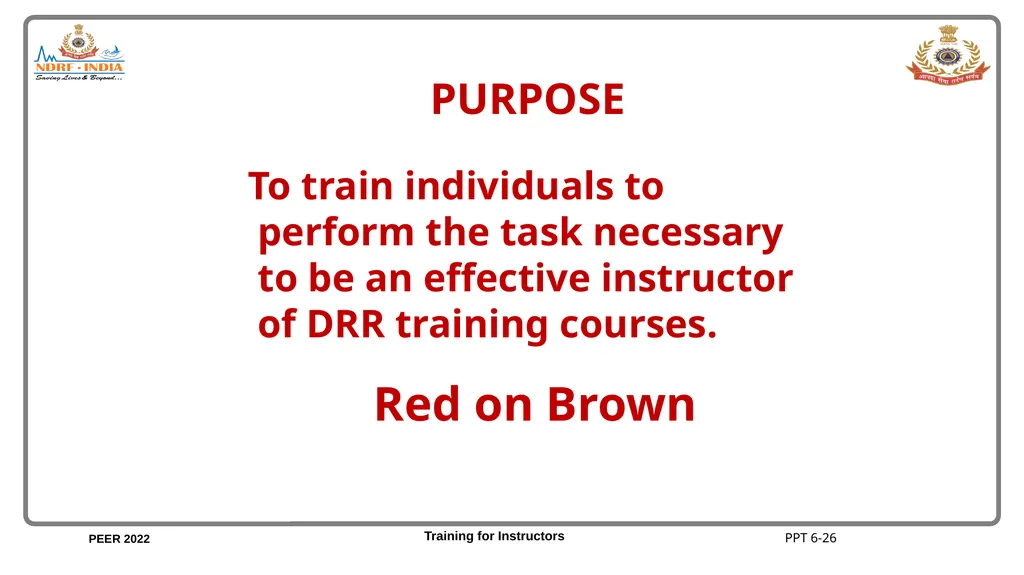
To train individuals to perform the task necessary to be an effective instructor of DRR training courses. PURPOSE Red on Brown Requires improvement PPT 6-26<br>
28
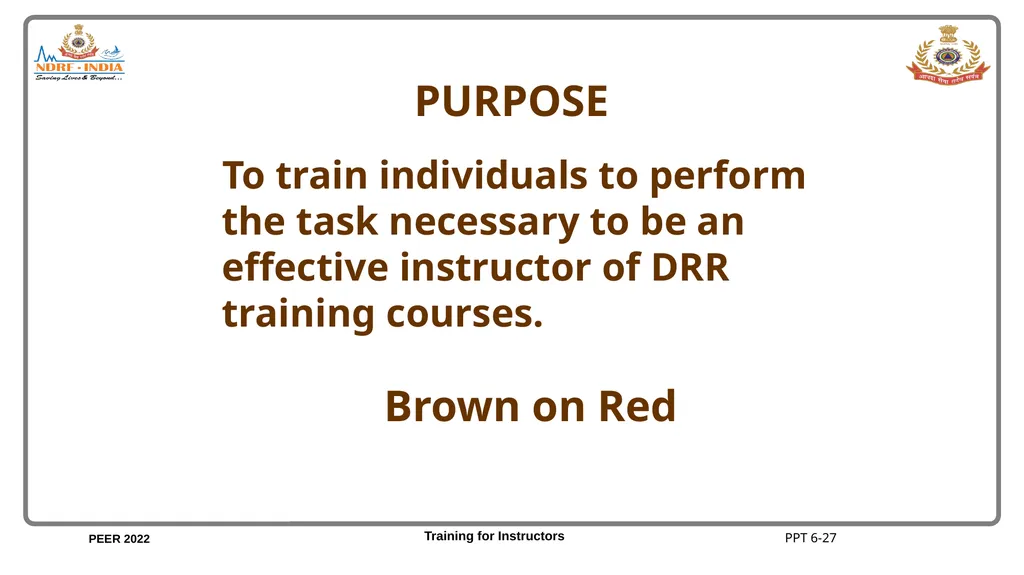
PURPOSE To train individuals to perform the task necessary to be an effective instructor of DRR training courses. Brown on Red Requires improvement PPT 6-27<br>
29
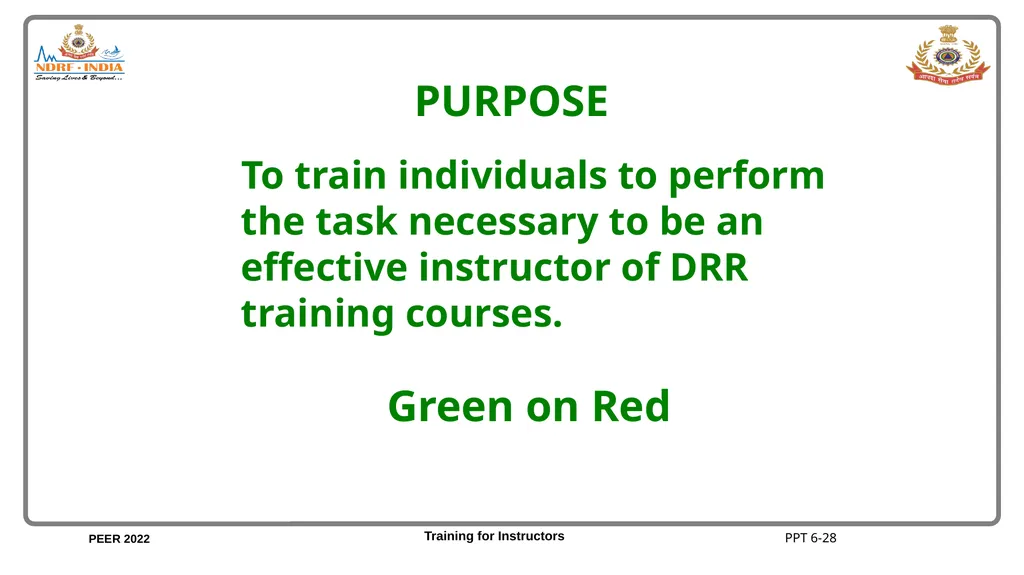
PURPOSE To train individuals to perform the task necessary to be an effective instructor of DRR training courses. Green on Red Requires improvement PPT 6-28<br>
30
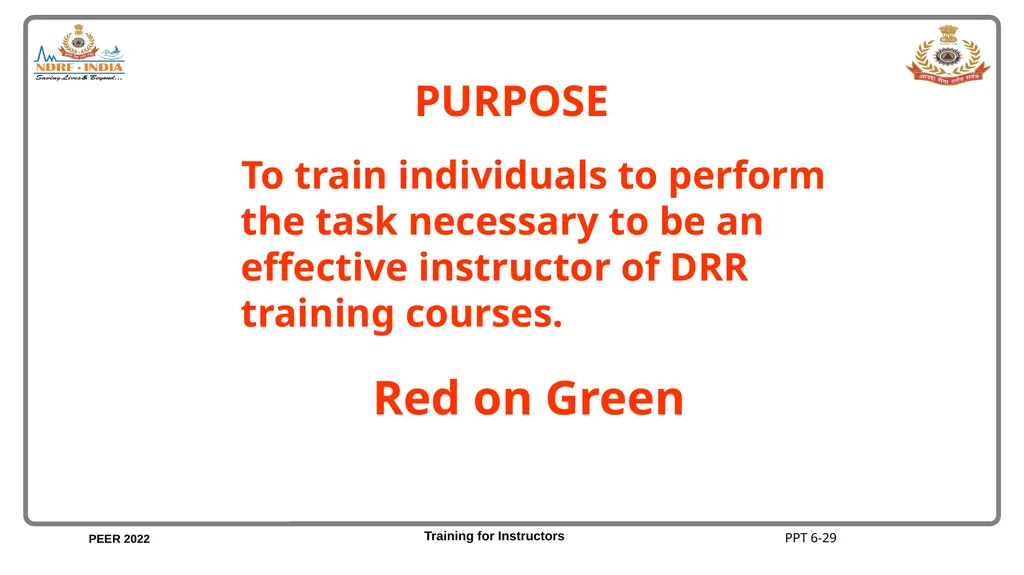
PURPOSE To train individuals to perform the task necessary to be an effective instructor of DRR training courses. Red on Green Requires improvement PPT 6-29<br>
31
PURPOSE To train individuals to perform the task necessary to be an effective instructor of DRR training courses. White on dark background GOOD Training for Instructors PPT 6-30<br>
32
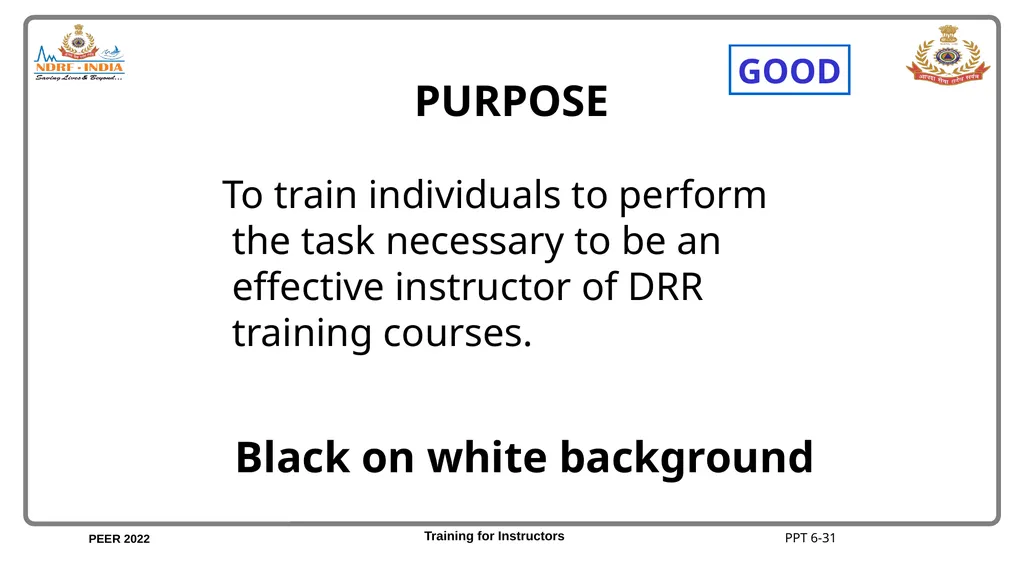
PURPOSE To train individuals to perform the task necessary to be an effective instructor of DRR training courses. Black on white background GOOD PPT 6-31<br>
33
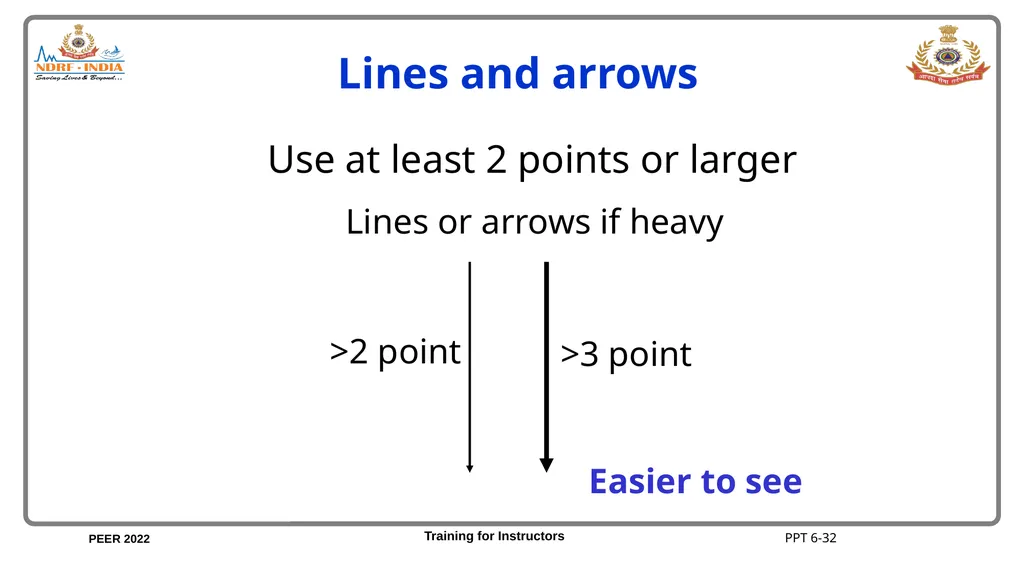
Lines and arrows Lines or arrows if heavy >2 point >3 point Use at least 2 points or larger Easier to see PPT 6-32<br>
34
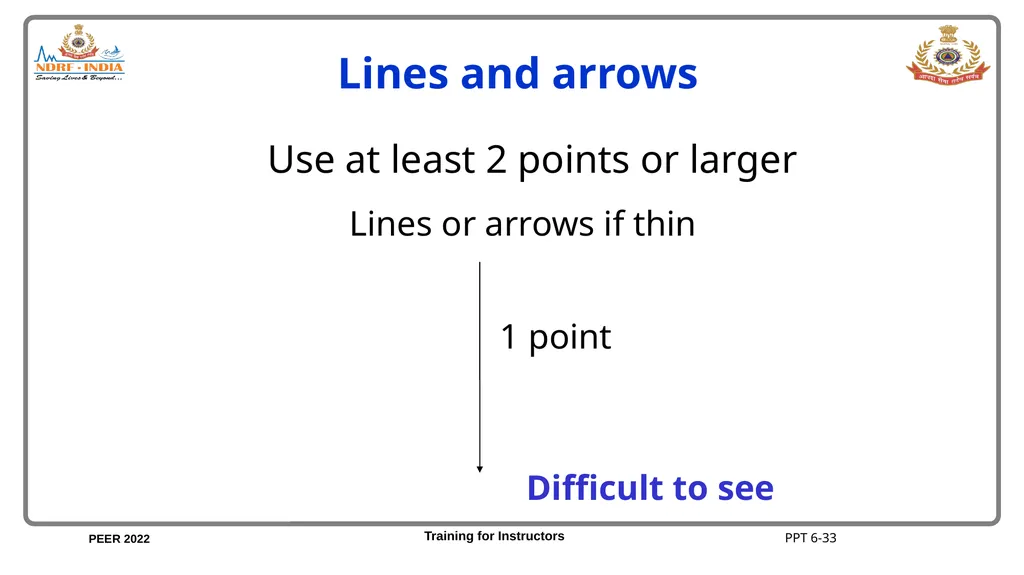
Lines or arrows if thin 1 point Lines and arrows Use at least 2 points or larger Difficult to see PPT 6-33<br>
35
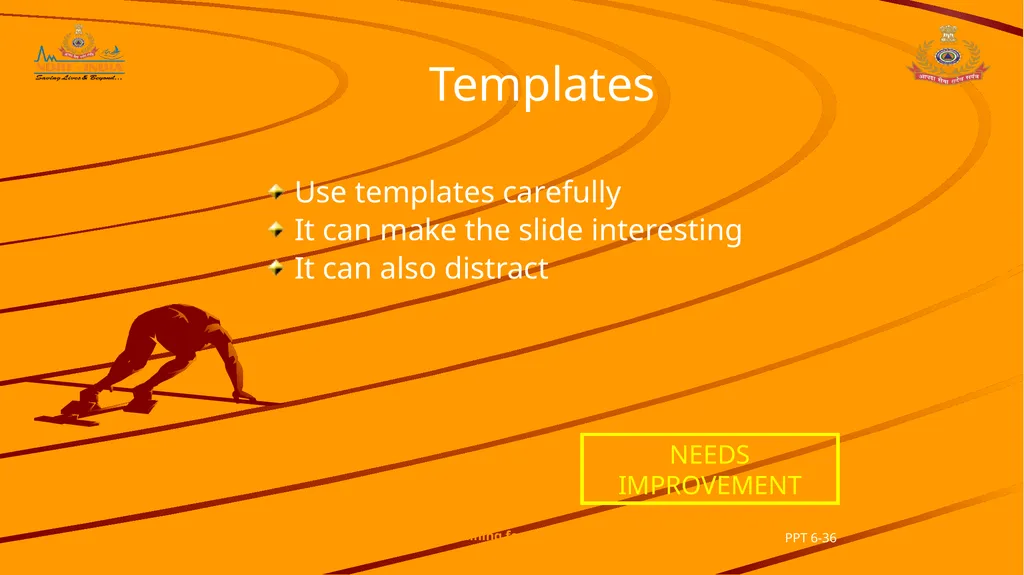
Templates Use templates carefully
It can make the slide interesting
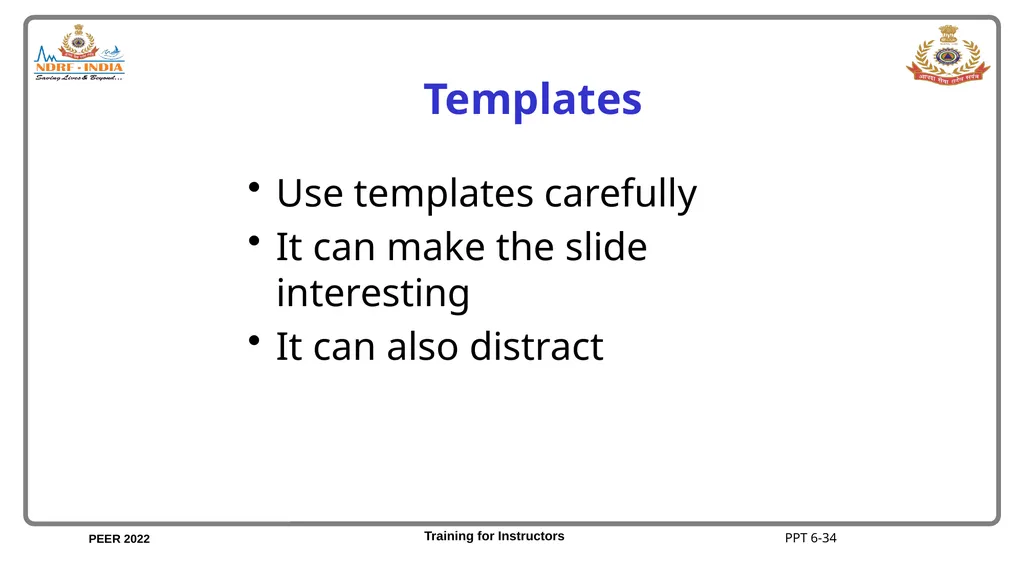
It can also distract PPT 6-34<br>
36
Templates Use templates carefully
It can make the slide interesting
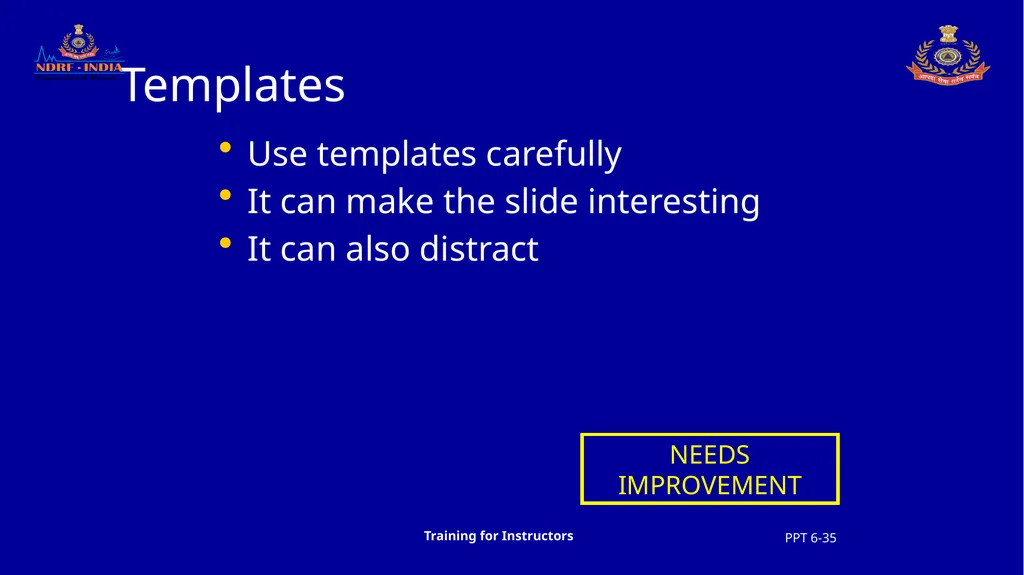
It can also distract NEEDS IMPROVEMENT PPT 6-35 Training for Instructors<br>
37
Templates Use templates carefully
It can make the slide interesting
It can also distract NEEDS IMPROVEMENT PPT 6-36 Training for Instructors<br>
38
Can help
Can distract
Spoil presentation
Practice makes perfect Animations Can help
Can distract
Spoil presentation
Practice makes perfect Can help
Can distract
Spoil presentation
Practice makes perfect Can help
Can distract
Spoil presentation
Practice makes perfect PPT 6-37<br>
39
Remember Murphy’s Law So Practice, it will make you perfect PPT 6-38<br>
40
Unit 6 Objectives Upon completion of this unit, you will be able to do the following:
Discuss the use of visual aids in training.
Describe the characteristics of a good training visual aid. PPT 6-39 more…<br>
41
Unit 6 Objectives Describe the steps in the process of preparing visual aids.
Discuss the use of the guidelines in the construction of visual aids. cont’d. PPT 6-40 more…<br>
42
Unit 6 Objectives Give two advantages and disadvantages of using flip charts, overhead transparencies, slides and other visual aids with training presentations. cont’d. PPT 6-41 more…<br>
43
Unit 6 Objectives Prepare Powerpoint presentation and flip charts and use effectively in a training presentation. cont’d. PPT 6-42<br>