Understanding Memory Hierarchy By: Tabish Saleem Date:13112024 What is Memory Hierarchy? Memory Hierarchy refers to the structure of different types of memory in a computer system arranged in levels based on Speed ,Cost and Size. Common
"Understanding Memory Hierarchy By: Tabish Saleem" is the property of its rightful owner. Permission is granted to
download and print the materials on this website for personal, non-commercial use only, and to display it
on your personal computer provided you do not modify the materials and that you retain all copyright
notices contained in the materials. By downloading content from our website, you accept the terms of this
agreement.
What is Memory Hierarchy? Memory Hierarchy refers to the structure of different types of memory in a computer system arranged in levels based on Speed ,Cost and Size.
Common levels: Registers, Cache, Main memory(RAM) and Secondary Storage(Hard disk, SSD).<br>
03
Levels of Memory Hierarchy Registers:
Fastest and Smallest form of Memory.
Located inside the CPU.
Stores temporarily Data, Variables and
results of calculation.
Cache Memory:
Cache memory is used to store frequently accessed data to reduce the time the CPU takes to fetch data from the slower RAM.<br>
04
Levels of Memory Hierarchy Main memory(RAM):
Larger than Cache memory.
Volatile: Data is lost when the system is powered off.
Temporarily stores Data and Programmes that are currently in use.
Secondary storage:
Non-volatile storage(Data is retained even when the computer is turned off).
Examples: HDD, SSD.
Slower compared to primary memory, but much larger in capacity.
Tertiary and offline storage:
Optical media (CDs, DVDs), magnetic types, or cloud storage.
Used for backup.
Slowest, with much larger capacities.<br>
05
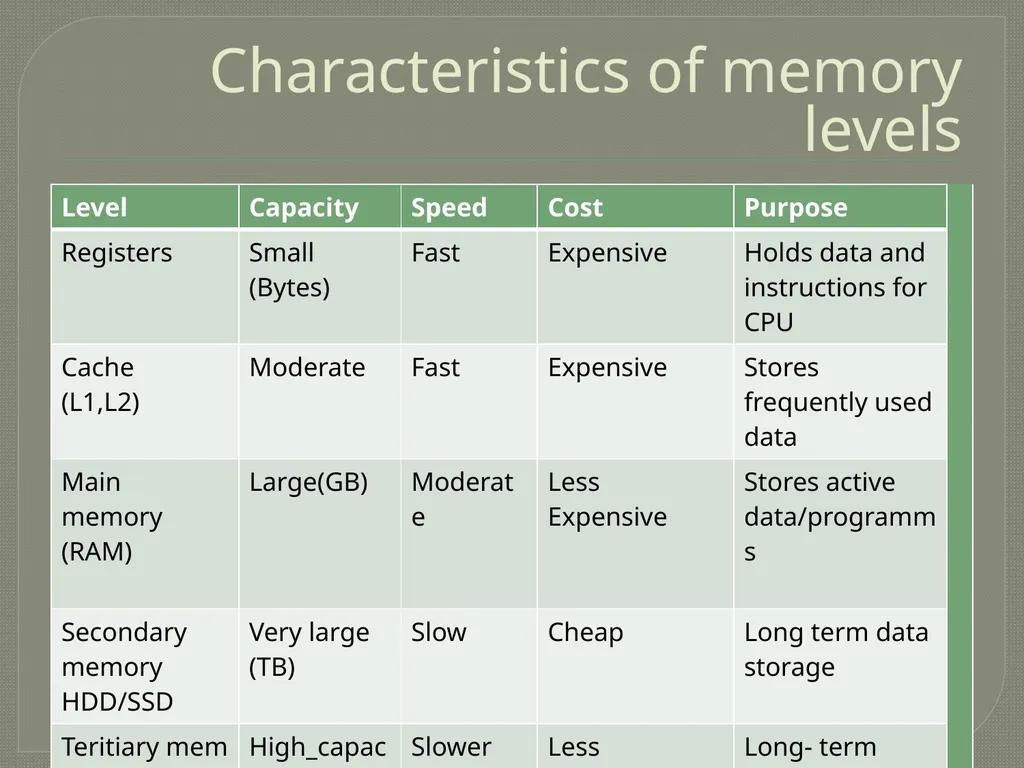
Characteristics of memory levels<br>
06
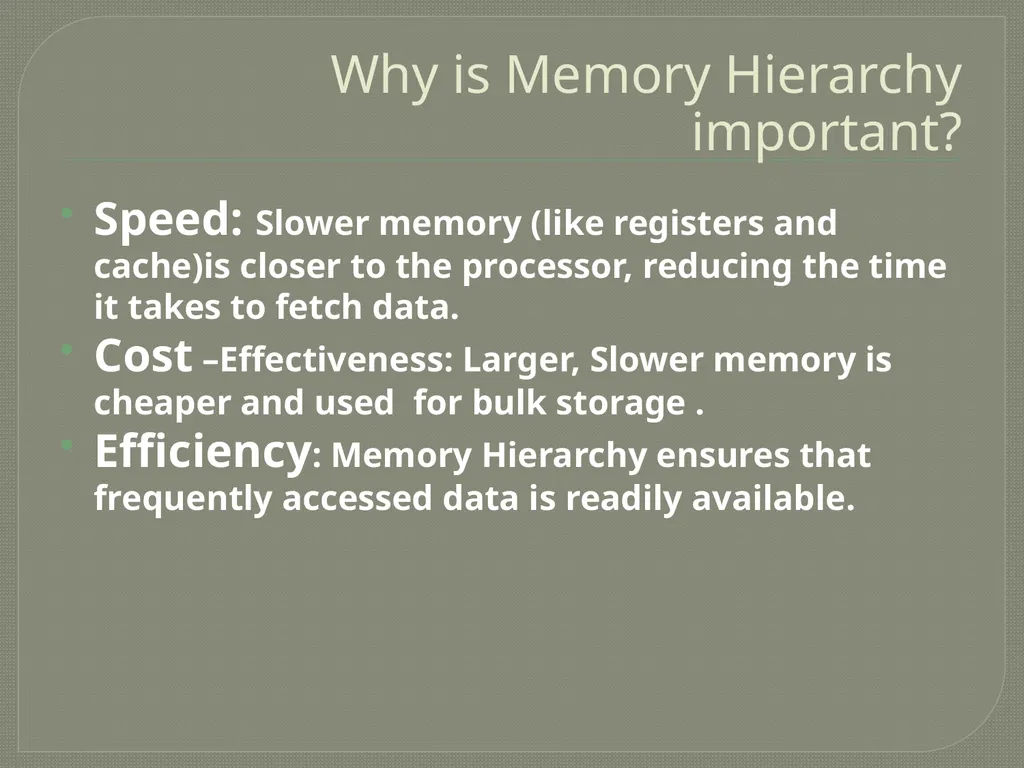
Why is Memory Hierarchy important? Speed: Slower memory (like registers and cache)is closer to the processor, reducing the time it takes to fetch data.
Cost –Effectiveness: Larger, Slower memory is cheaper and used for bulk storage .
Efficiency: Memory Hierarchy ensures that frequently accessed data is readily available.<br>
07
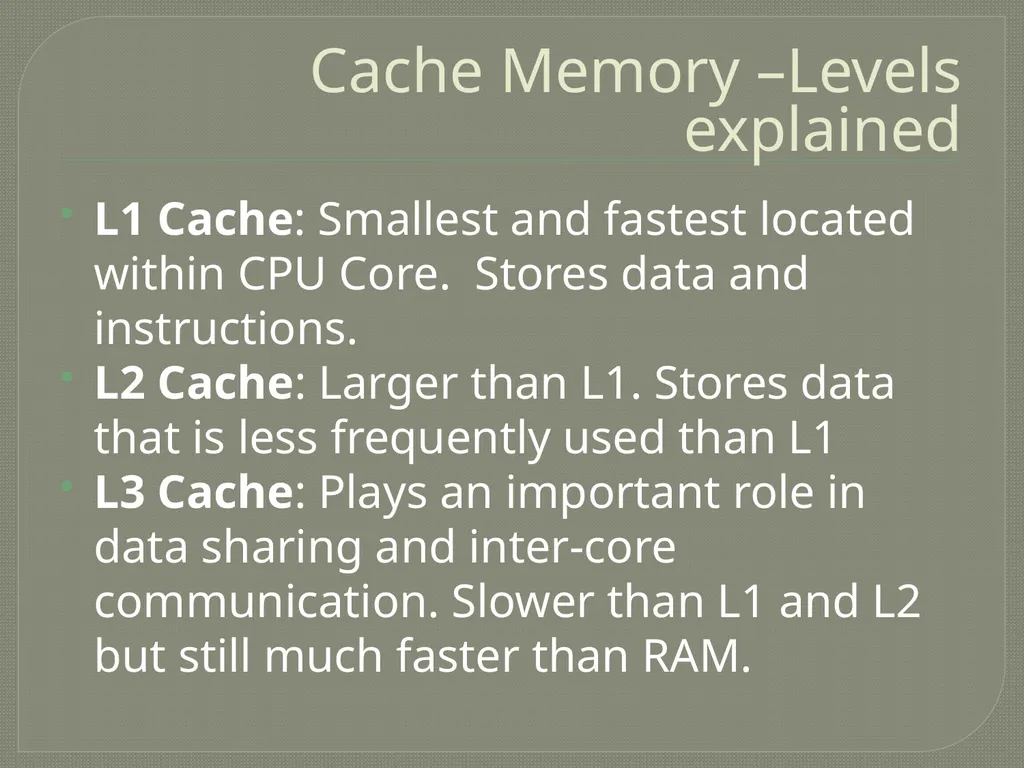
Cache Memory –Levels explained L1 Cache: Smallest and fastest located within CPU Core. Stores data and instructions.
L2 Cache: Larger than L1. Stores data that is less frequently used than L1
L3 Cache: Plays an important role in data sharing and inter-core communication. Slower than L1 and L2 but still much faster than RAM.<br>
08
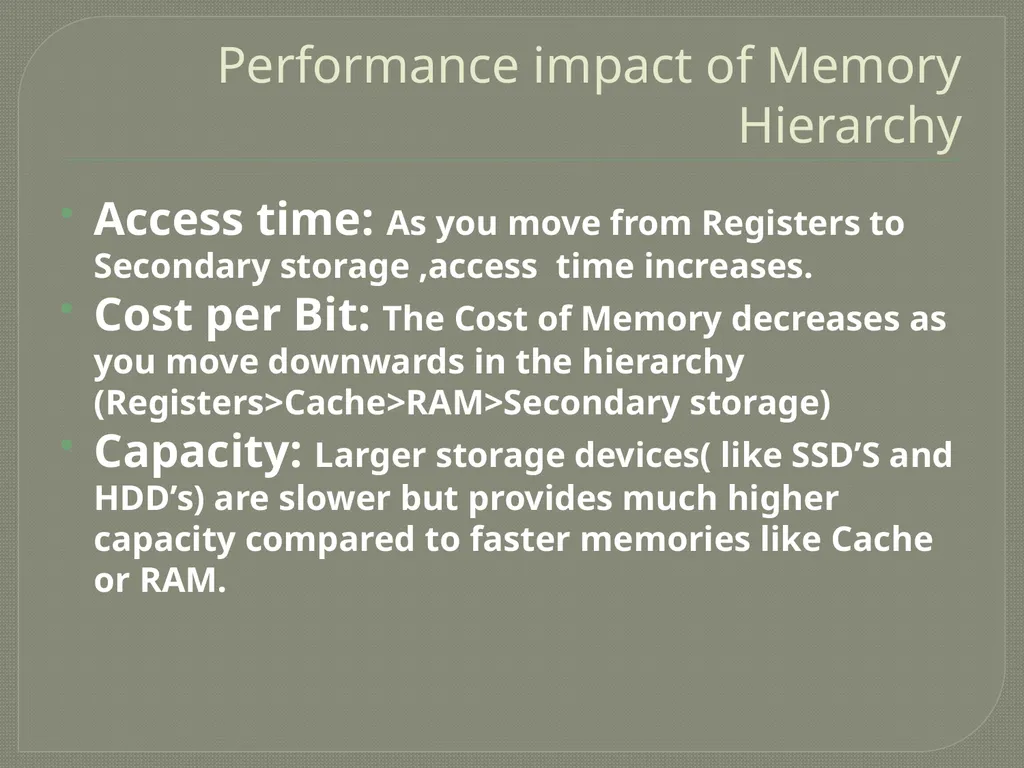
Performance impact of Memory Hierarchy Access time: As you move from Registers to Secondary storage ,access time increases.
Cost per Bit: The Cost of Memory decreases as you move downwards in the hierarchy (Registers>Cache>RAM>Secondary storage)
Capacity: Larger storage devices( like SSD’S and HDD’s) are slower but provides much higher capacity compared to faster memories like Cache or RAM.<br>
09
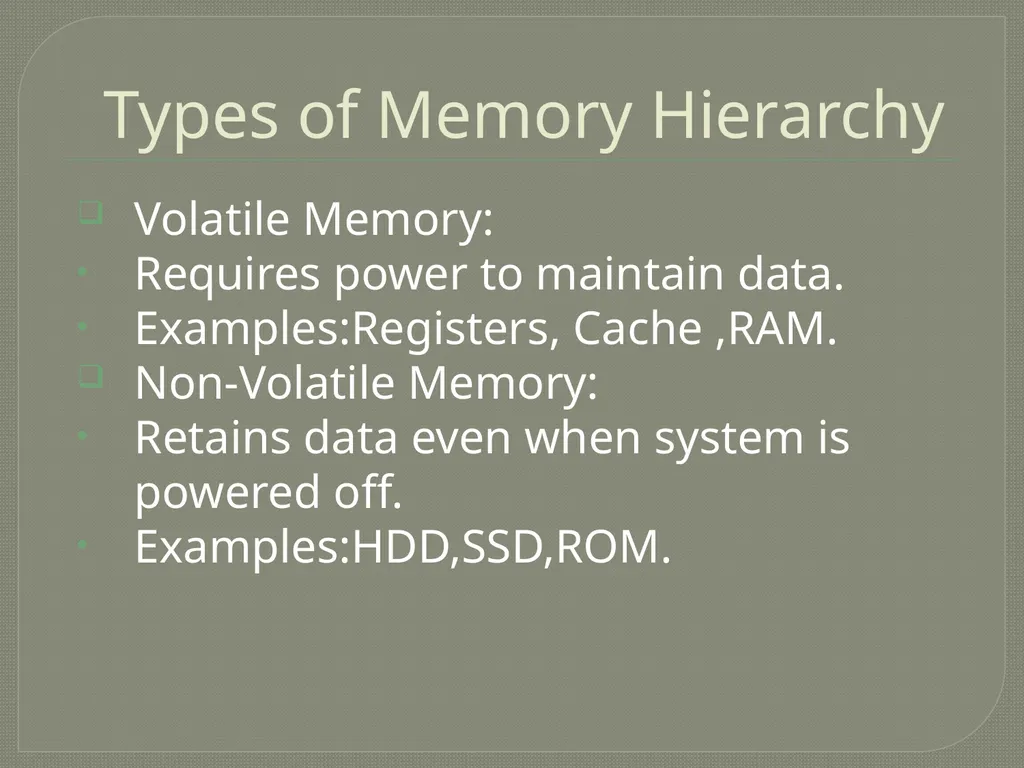
Types of Memory Hierarchy Volatile Memory:
Requires power to maintain data.
Examples:Registers, Cache ,RAM.
Non-Volatile Memory:
Retains data even when system is powered off.
Examples:HDD,SSD,ROM.<br>
10
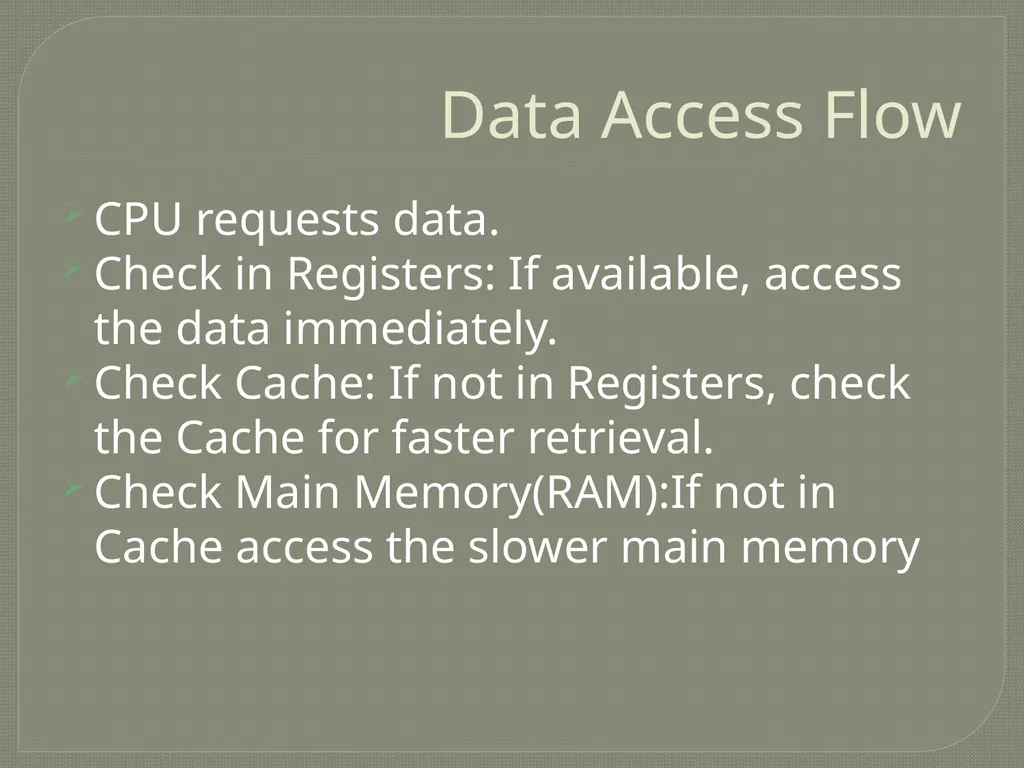
Data Access Flow CPU requests data.
Check in Registers: If available, access the data immediately.
Check Cache: If not in Registers, check the Cache for faster retrieval.
Check Main Memory(RAM):If not in Cache access the slower main memory<br>